Smart Telescopes
ZWO Seestar Smart Telescope Review: Dark-Sky Performance and City Testing
A hands-on look at the ZWO Seestar smart telescope, from light-polluted city sessions to a genuinely dark sky night in Nova Scotia.
Introduction
The ZWO Seestar is a smart telescope aimed at people who want astrophotography without the usual setup complexity. To see how it performs in the conditions that matter most, we tested it in two very different environments: a light-polluted city backyard and a genuinely dark sky site at Stargaze Nova Scotia, where the skies are pitch black.
The idea behind the Seestar is simple. You set it down, connect your phone, pick a target, and the telescope finds, centers, autofocuses, and live-stacks short exposures into a finished image. On paper it sounds almost too easy. In practice, it mostly delivers on that promise.
Using It from the City
Most Seestar owners use this telescope the way they would a visual telescope: a short session on one target, then move on. The built-in community feed makes this easy to see. Scroll through it and the majority of posted images have only a few minutes of exposure time, with anything approaching an hour being the exception rather than the rule.
Despite the light pollution, the city results were genuinely impressive. Highlights from a single backyard setup include a 31-minute exposure of the Horsehead Nebula, a 35-minute shot of the Elephant Trunk Nebula, a 47-minute exposure of galaxy M33, and a 31-minute capture of the Andromeda Galaxy with its satellite galaxy M110. Shorter targets worked well too: a 4-minute Crescent Nebula, a 2-minute Dumbbell Nebula (M27), and a 1-minute exposure of globular cluster M13.
Some city images showed a gradient, caused either by a nearby street light or by light pollution from the brighter, downtown-facing part of the sky. That is an environmental limitation rather than a flaw in the telescope itself.
Solar System Targets
The Moon is a clear strength. The Seestar produces excellent live video views where you can zoom in and out, and you can capture photos, video, or even a time-lapse. Planets are possible as well, though they appear quite small in this telescope. Jupiter, for example, shows up but with limited detail.
If your main interest is planetary imaging, this is not the tool for it. If you want impressive live lunar viewing and easy deep-sky captures, the balance works in its favor.
How the Imaging Works
The Seestar works by taking 10-second exposures and live stacking them, applying calibration frames along the way. In practice, nebulosity was visible in the very first stacked frame, which is a satisfying moment for anyone new to astrophotography.
The workflow is guided from start to finish. Select a target on the map, and the telescope takes a plate-solving image to identify where it is pointing, slews to the object, announces that the object is centered, and then runs autofocus. After focusing, stars sharpen noticeably on screen. A built-in filter can be enabled for nebulae, and a dew heater can be turned on for humid or frosty nights.
Dark-Sky Testing at Stargaze Nova Scotia
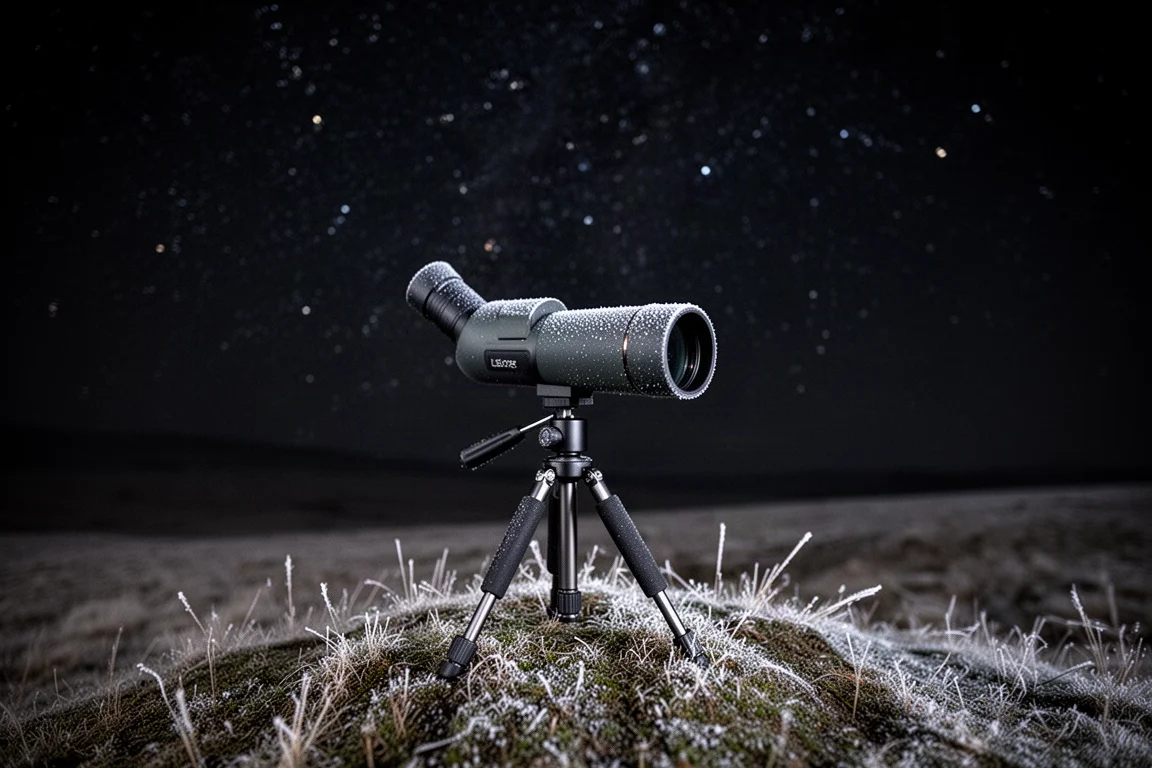
To put the Seestar under real dark-sky conditions, we took it to Stargaze Nova Scotia, a site with pitch-black skies. Setup could hardly be simpler: the tripod is very small, extends fully in moments, and the telescope just needs to be placed on the ground and powered on with a press and hold. The app searches, connects, and you are ready to go.
The first dark-sky target was the Pac-Man Nebula, chosen because it had also been shot from the city for comparison. The telescope leveled itself using an on-screen diagram, identified the sky, centered the target, and began stacking. After about half an hour on target, 11 minutes of total exposure had been gathered. That was slightly less time-efficient than the city session, likely because the telescope was not perfectly level on the uneven ground, which caused a few frames to be discarded due to star trails.
One interesting quirk of the alt-azimuth mount: because it is not equatorial, the position of the nebula in the frame changes depending on the time of night and the target’s location in the sky.
The second target was the Orion Nebula, the most popular target of the winter sky. There is enough magnification that the entire Orion Nebula does not fit in the frame, so you choose which portion to capture. The first live-stacked result appeared quickly and looked striking even in the early frames.
Practical Notes from the Field
Conditions that night were well below 0 degrees C, and frost began covering the telescope. The dew heater can be enabled, but it requires waiting for the telescope to finish slewing first. Small details matter in real-world sessions, and the hand controller proved very sensitive when nudging the target into position, which is worth knowing before your first cold night out.
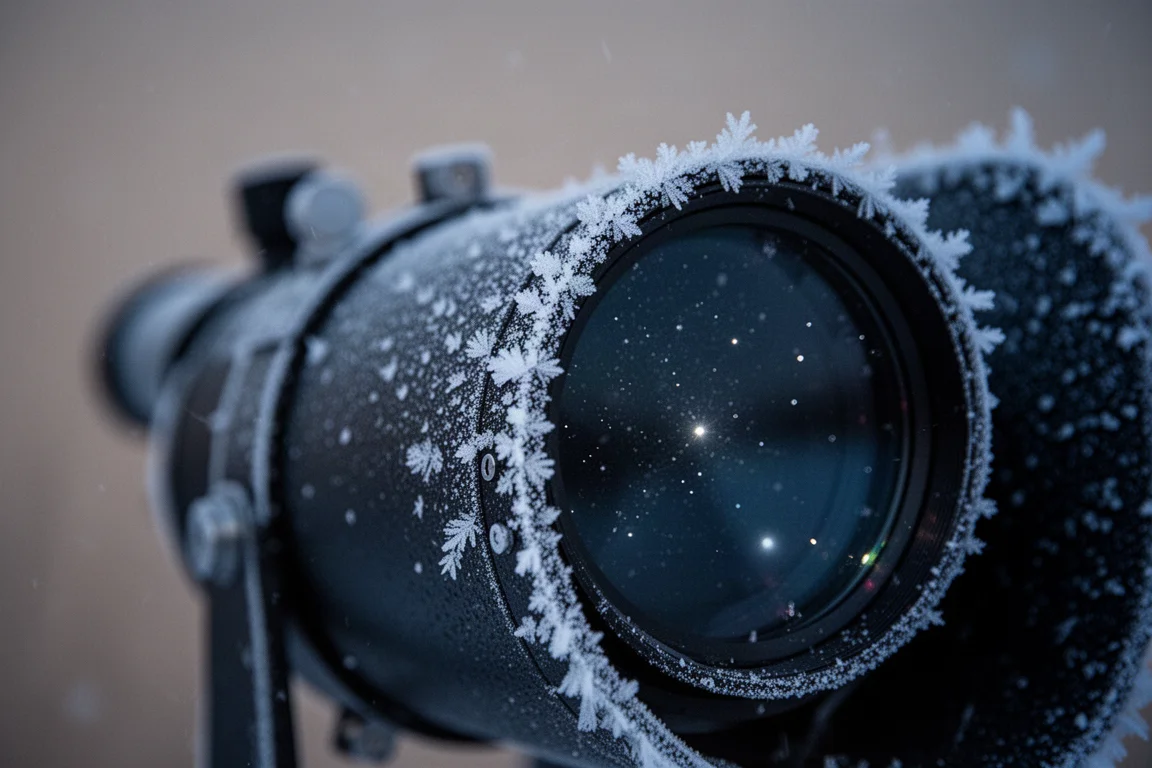
Despite the cold, the core experience held up: drop the Seestar on the ground, connect, and start taking stacked images with almost no setup. That simplicity is the product’s defining strength.
Who This Product Is For
The Seestar suits beginners, casual stargazers, and anyone who wants astrophotography results without mounts, guide scopes, or laptop-based workflows. It is equally at home on a city deck or a dark sky hillside, and the community feed shows exactly how most people use it: short sessions on bright, popular targets.
Buying Advice
If you want a low-friction way to capture deep-sky objects, the Moon, and even planets at a basic level, the Seestar is an easy recommendation. Just set expectations for planets, accept some frame loss on uneven ground, and be prepared for dew and frost management in cold weather.
Conclusion
The ZWO Seestar makes astrophotography approachable without stripping away the magic. From city balconies to pitch-black Nova Scotia skies, it found targets, focused, and stacked images with minimal effort, delivering genuinely impressive results in both environments. For anyone curious about astrophotography but intimidated by traditional gear, it is a compelling entry point.
Product link
View more details for ZWO Seestar
This product is mentioned in the review. Check the specifications, options, and compatibility before buying.
View more details for ZWO SeestarFurther reading
Related Reviews
Smart Telescopes
Vaonis Vespera 3 Review: A Premium Smart Telescope With Excellent Optics
A detailed look at the Vaonis Vespera 3 smart telescope, covering its standout hardware, impressive multi-night observations, and the software trade-offs to weigh before buying.
Smart Telescopes
Best Smart Telescopes Compared: Seestar S50 Pro, S50, S30 Pro, S30, and Dwarf Mini
Five of the most popular smart telescopes tested side by side in the desert: what they share, how they differ, and which one suits your budget and targets.
Smart Telescopes
Best Smart Telescopes: Four Scopes That Make Astrophotography Easy
Four smart telescopes that put detailed, color-rich night sky photos within reach of complete beginners, from ultra-portable to full home observatory.