Smart Telescopes
ZWO Seestar S30 Review: A Compact Smart Telescope for Deep Sky Imaging
A small, fully automated smart telescope with a 30mm triplet refractor, three built-in filters, mosaic mode, and solar, lunar, and daytime tracking modes, all controlled from your phone.
Introduction
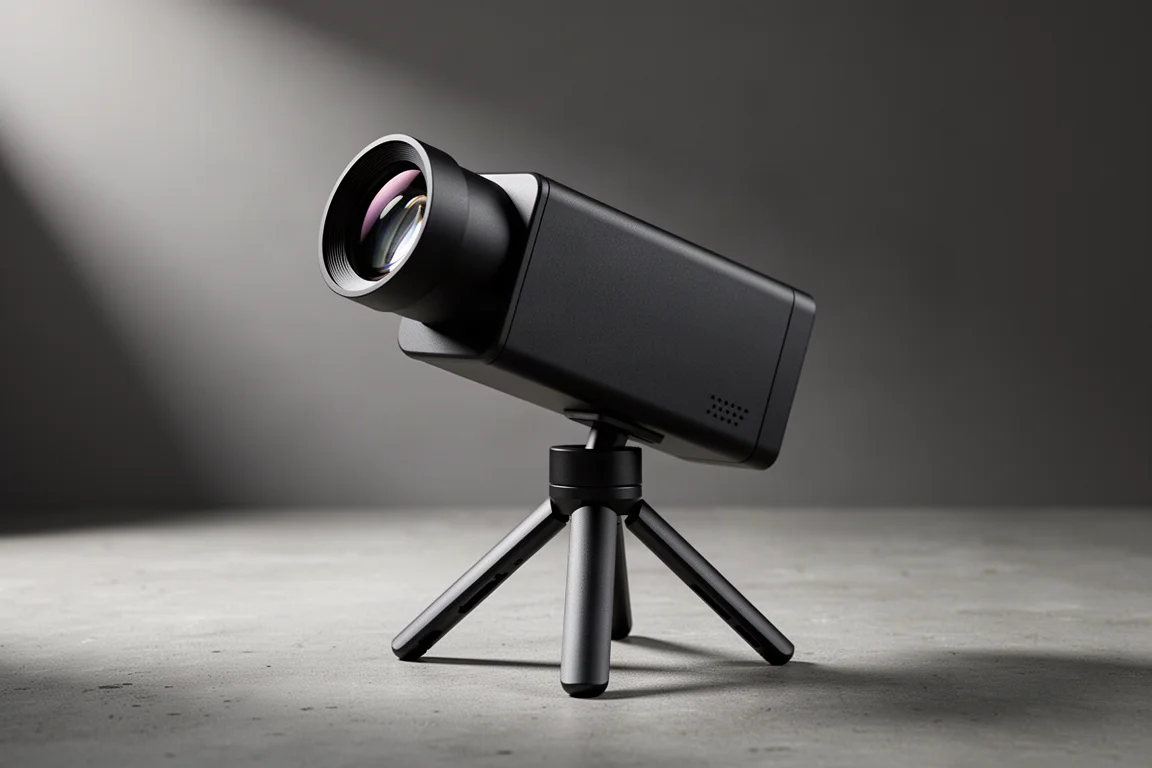
The ZWO Seestar S30 packs a genuinely capable astrophotography setup into a body just over 8 inches tall and weighing just over 3.5 lbs. It is a fully automated smart telescope built around a 30mm aperture triplet refractor with a 150mm focal length, and it captures images with a highly sensitive Sony sensor. Everything is controlled from your smartphone or tablet, which makes it an appealing entry point for anyone who wants beautiful deep sky, solar, and lunar photos without juggling mounts, cables, and complicated accessories.
The box includes the Seestar S30 itself, a tripod, a USB-C charging cable, a solar filter, and a basic manual. Retail units also come with a soft case from ZWO. In the box you get everything needed to start imaging on your first night out.
Who This Product Is For
The Seestar S30 is aimed at beginners and casual astrophotographers who want strong results with minimal setup. Its main purpose is photographing galaxies, nebulae, and star clusters, but it also handles the moon and sun well and includes daytime object tracking for scenery use. If you want a single portable device that finds, tracks, and stacks images automatically, this fits that brief well.
It is also well suited to campers and travelers. The whole rig is light, self-contained, and battery powered, so a dark sky campsite becomes an imaging session with very little effort.
Setup and Everyday Use
Setup consists of just two steps: attach and level the tripod, then connect the telescope to the app. Thread the tripod into the bottom of the Seestar, extend it, and place it on flat ground. While perfectly level ground is not required, we found that leveling gives better stacking results and therefore better images. The leveling assistant in the advanced settings menu helps you get as close to level as possible.
For the easiest leveling, especially on uneven ground while camping, a dedicated leveler accessory for Seestar smart telescopes is a worthwhile addition. Once powered on, you open the app, follow the in-app instructions to connect, extend the arm, and you are ready to choose an imaging mode. There are no complicated parts, no attachments, and no cables.
Deep Sky Imaging Mode
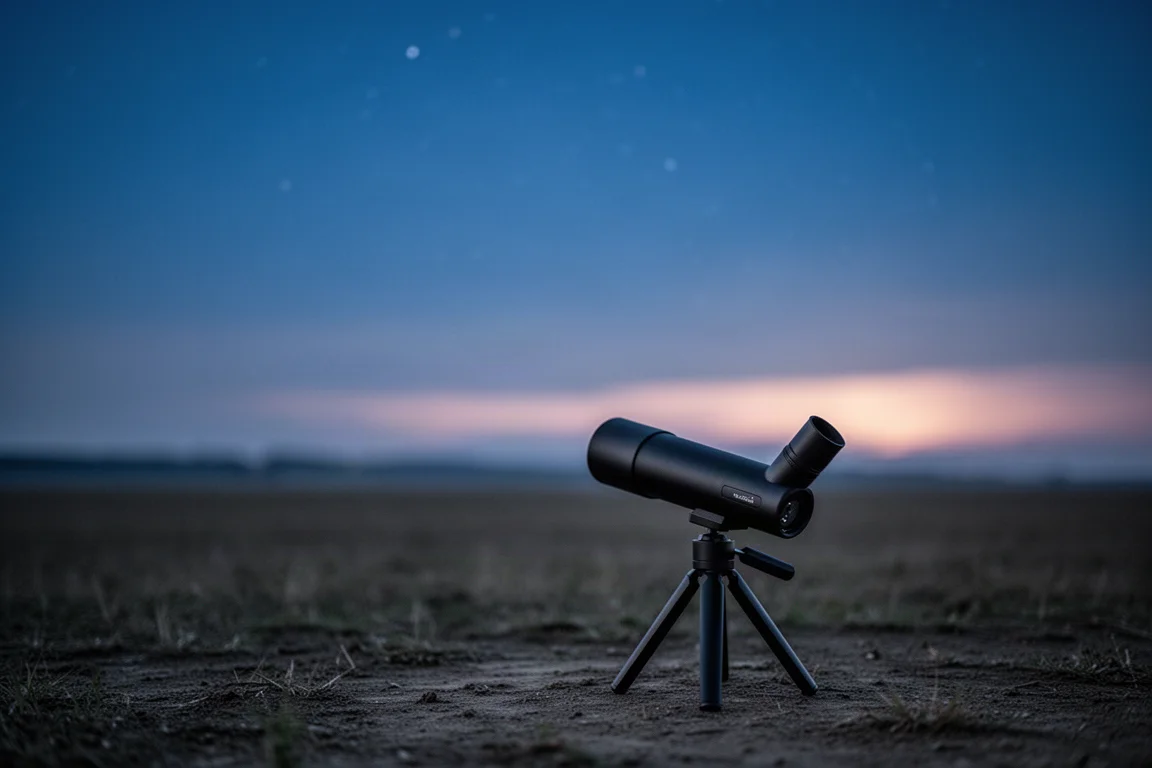
Deep sky imaging is the heart of the S30. From the deep sky mode you can explore the built-in sky atlas, a planetarium-style browser that lets you select any deep sky object to photograph. If you would rather not browse, the “Tonight’s Best” section lists the most popular deep sky objects visible from your location.
Once you select a target, the Seestar uses its fully automatic go-to capability to locate it immediately, start tracking, and show a live view. A filter icon in the top right lets you enable the dual narrowband filter; otherwise the telescope defaults to the general skyglow filter. In front of the Sony sensor you can choose between three filters: a dark filter for dark frames, a light pollution (skyglow) filter that works well for star clusters and galaxies, and a dual narrowband filter that excels on emission nebulae such as the Pacman, Heart and Soul, and Rosette nebulae.
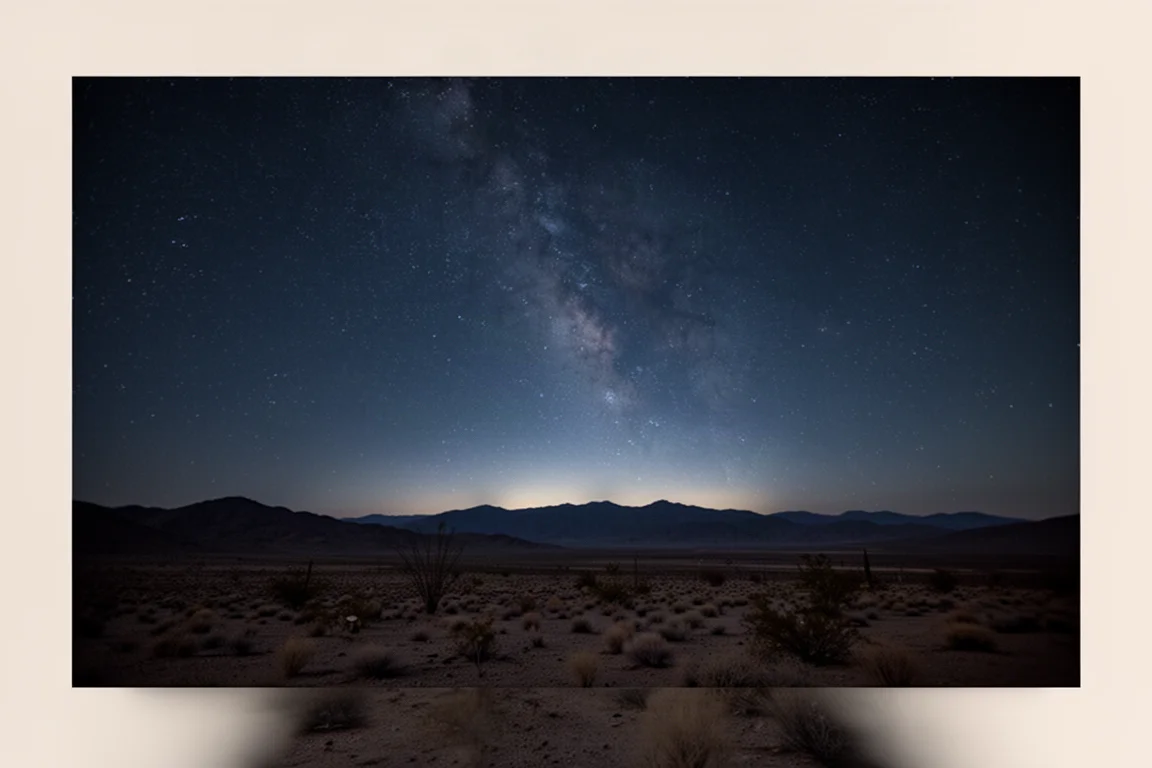
Experienced astrophotographers testing the S30 under dark skies in Arizona were able to collect data that post-processed beautifully in Photoshop with additional plugins, and the results showed real potential from such a compact instrument.
Mosaic Mode
The integrated mosaic tool lets you create high-resolution mosaics of any deep sky object you choose. After selecting deep sky imaging mode and then the mosaic function, a slider lets you set several different fields of view, letting you frame targets far wider than the native field of the 30mm refractor.
Once framed, the Seestar goes to the target, tracks, and begins compiling the many individual frames needed to complete the mosaic. You can watch in real time as the image becomes brighter, more colorful, and more detailed. Compared with standard deep sky mode, the finished mosaic is dramatically wider and larger, which is especially useful for large nebulae and star fields.
Solar System Mode
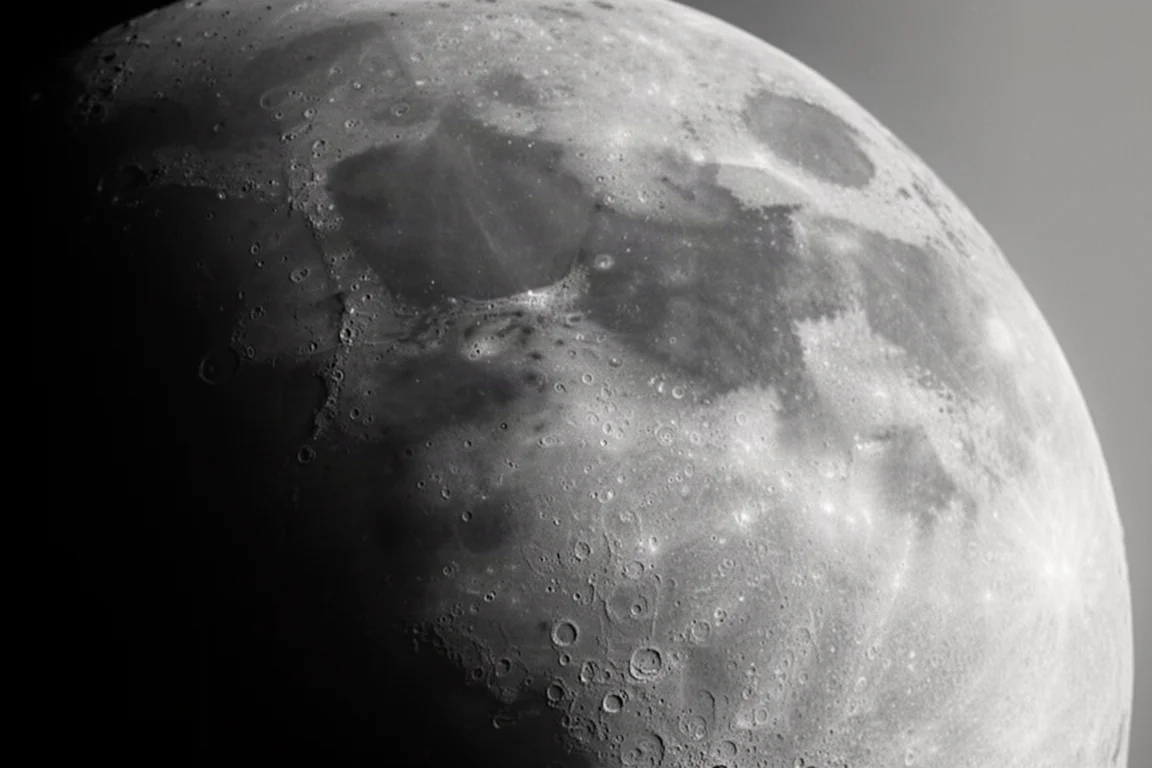
Through our experience with the Seestar S30, it is very clear that this telescope is not designed for planetary photography. However, for photographing the moon and the sun, it is very capable. In lunar mode you can reveal craters on the surface in fine detail, and with the included magnetic solar filter you can observe sunspots on the solar surface safely.
In solar system mode, simply select the sun and follow the in-app instructions to install the solar filter and locate the sun. If the Seestar struggles to find the sun on its own, use the wide-field lens to center it with the joystick in fast or slow mode, then switch to the main imaging camera where the sun should be perfectly centered. From there you can autofocus, capture photos and video, or run a solar timelapse. Lunar mode works much the same way without the filter: photograph the surface, create a stackable .avi file for a more detailed view, or record a timelapse.
Scenery Mode and Object Tracking
Scenery mode gives the S30 a second life as a daytime imaging device. The wide-field lens is great for landscape photos, while the main imaging camera handles close-up shots of wildlife such as birds or flowers.
The standout feature here is object tracking. Select the tracking feature in scenery mode, draw a square over your subject, and the Seestar will automatically recognize the moving subject and follow it as it moves across the field of view. That makes photographing or filming moving subjects far easier than with a conventional setup.
Post-Processing Your Images
If you prefer to keep editing simple, the Seestar app includes built-in tools. The AI Denoise function noticeably reduces noise in stacked images, and sliders for contrast, saturation, and brightness give you ample control over the creative process without leaving the app.
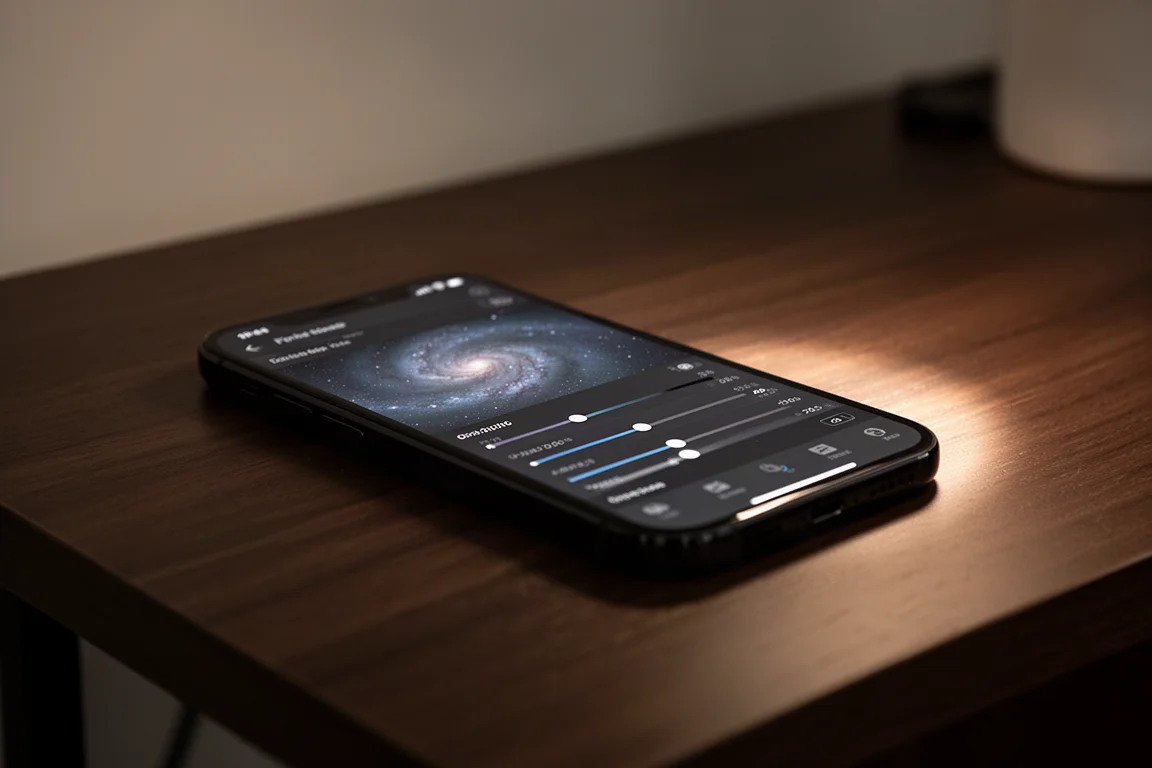
For those who want the absolute most from their images, you can download them directly from the Seestar S30 to a laptop and post-process in third-party software such as Photoshop. With extra plugins, deep sky data from the S30 can be pushed considerably further than the in-app tools allow.
Buying Advice
The Seestar S30 makes sense if you want automated deep sky imaging, solid solar and lunar capability, and useful daytime features in one portable package. Keep in mind its limits: this is not a planetary photography instrument. If your main interest is galaxies, nebulae, and star clusters with minimal fuss, it is an easy recommendation, and a leveling accessory is worth adding if you plan to image away from flat ground.
Conclusion
The ZWO Seestar S30 is a small but incredibly powerful smart telescope that is genuinely changing how people photograph the night sky. With automated go-to, three onboard filters, mosaic mode, solar and lunar imaging, and daytime object tracking, all driven from a phone, it delivers impressive results for its size and simplicity. For beginners and casual astrophotographers, it removes nearly every barrier between wanting a night sky photo and actually getting one.
Product link
View more details for ZWO Seestar S30
This product is mentioned in the review. Check the specifications, options, and compatibility before buying.
View more details for ZWO Seestar S30Further reading
Related Reviews
Smart Telescopes
Vaonis Vespera 3 Review: A Premium Smart Telescope With Excellent Optics
A detailed look at the Vaonis Vespera 3 smart telescope, covering its standout hardware, impressive multi-night observations, and the software trade-offs to weigh before buying.
Smart Telescopes
Best Smart Telescopes Compared: Seestar S50 Pro, S50, S30 Pro, S30, and Dwarf Mini
Five of the most popular smart telescopes tested side by side in the desert: what they share, how they differ, and which one suits your budget and targets.
Smart Telescopes
Best Smart Telescopes: Four Scopes That Make Astrophotography Easy
Four smart telescopes that put detailed, color-rich night sky photos within reach of complete beginners, from ultra-portable to full home observatory.