Astrophotography
ZWO Camera Angle Adjuster (CAA) Review: Precise Electronic Framing for Astrophotography
An electronic rotator that frames deep sky targets with 0.02-degree precision and slots neatly into a ZWO imaging train.
Introduction
Framing a deep sky target is one of those tasks that sounds trivial until you have done it by hand at 2 a.m. Loosening the imaging train, nudging the camera a few degrees, re-tightening, and hoping the framing sticks is slow and frustrating, especially across multi-night projects. The ZWO Camera Angle Adjuster, or CAA, exists to remove that step entirely by rotating your camera electronically to any orientation you want.
After looking at how it is built, how it installs, and how it behaves in a real imaging session, it is easy to see why it has quickly become a fixture in modern ZWO-based rigs.
What the ZWO CAA Is
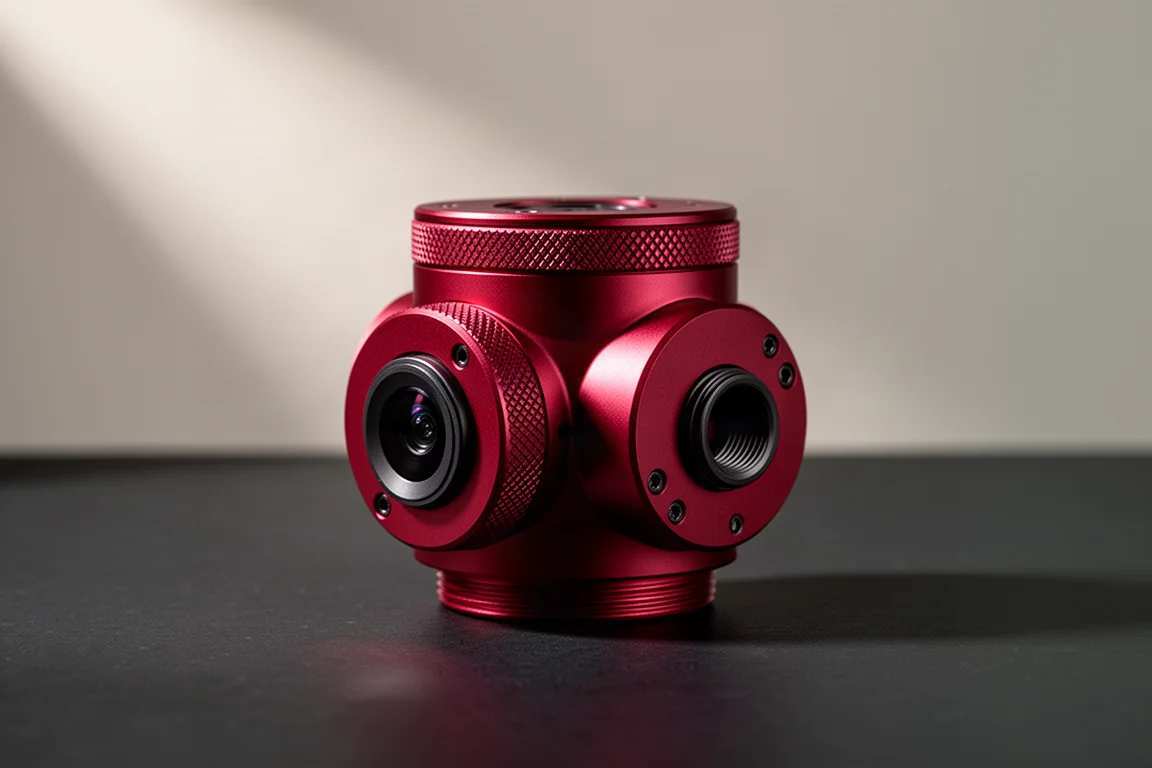
The CAA is an electronic rotator that lets you frame deep sky targets with precision. For anyone imaging large celestial objects like M31, or working across multiple nights on the same target, the ability to rotate the imaging train to any orientation is a genuine time-saver. Rather than physically unscrewing and re-securing your camera, you dial in the framing from your control software.
Build quality follows the familiar ZWO formula: nicely machined with the signature red anodized finish, durable and sleek in equal measure. It slots into the imaging train as a drop-in component rather than an add-on that complicates the stack.
Specifications and Rotation Precision
The numbers are where the CAA earns its precision claim. It rotates at 7.5 degrees per second with a minimum step size of just 0.02 degrees, which means the smallest adjustments are possible and your framing can be dialed in exactly where you want it. On the telescope side it uses 54mm threads, and an included M54 to M48 adapter lets you adapt to M48 threads when needed.
Payload capacity is about 4 kg, roughly 8.8 to 9 lbs, which covers a wide variety of setups. The cameras ZWO designed it around, including the 2600 duo cameras, the 2600 MC Air, and the 6200, all sit comfortably within that limit.
Connectivity includes a USB-C port for computer control plus a hand controller port, giving you flexibility in how you actually drive the device.
Back Focus and Installation
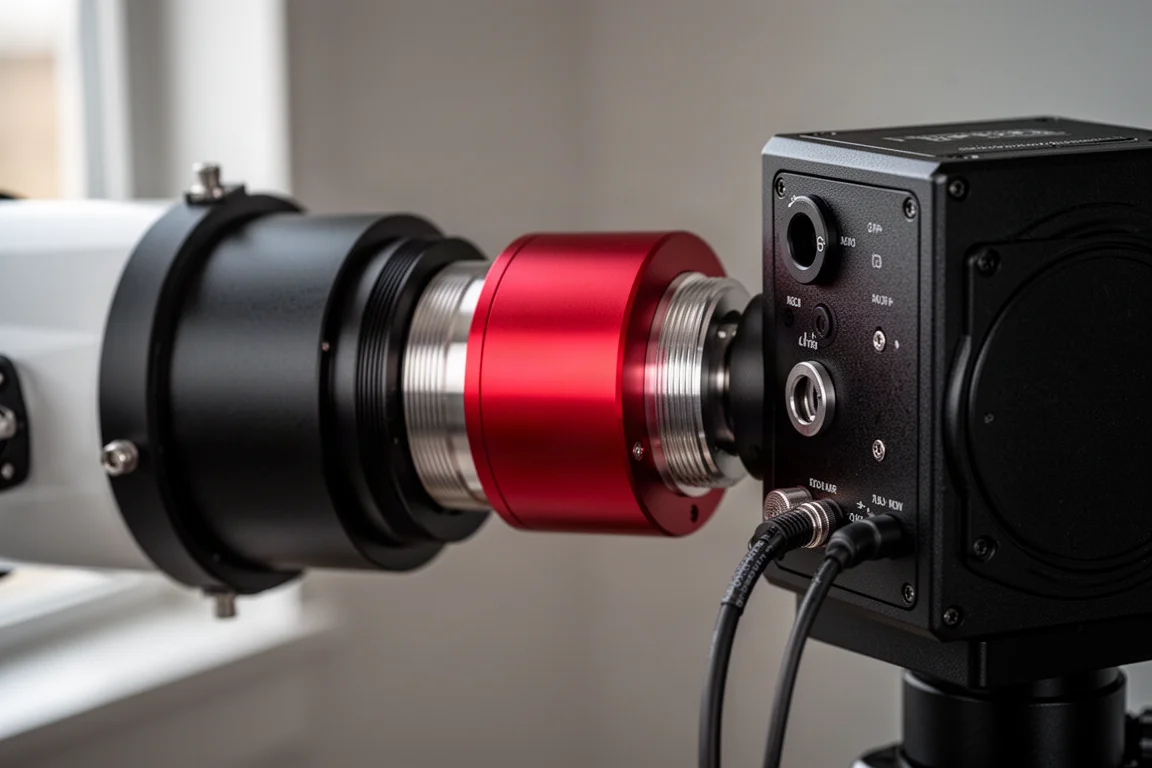
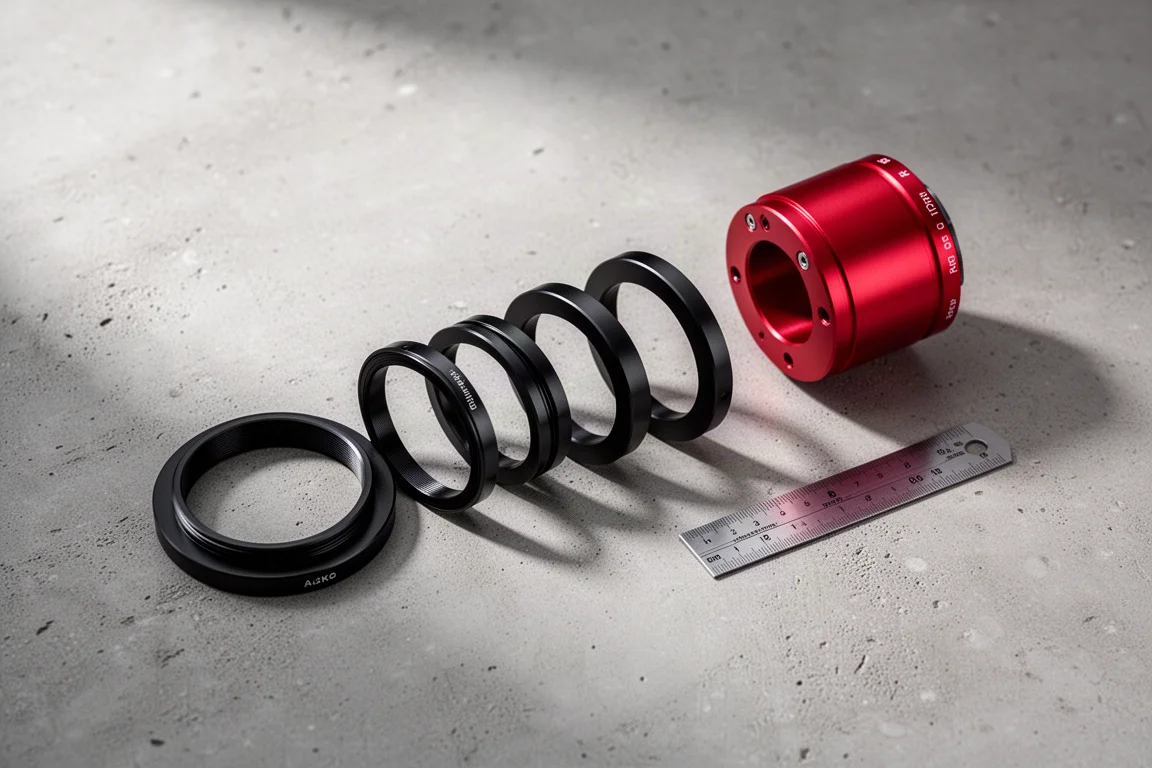
At just 16.5mm thick, the CAA is designed to replace the standard 16.5mm adapter used in most imaging setups. That is a clever bit of design: swap your existing spacer for the CAA and you are still on track for the standard 55mm of back focus that most corrective optics require.
In a test setup built around the Apertura 90 APO with its dedicated 0.8x reducer, an Optolong L-Para filter, and the ZWO 2600 MC Air on an AM5 mount, the CAA threaded directly onto the back of the reducer. The arrows on the bottom of the unit indicate correct orientation, and the usual 16.5mm adapter is simply removed to make room. The remaining adapter stack plus the CAA’s 16.5mm length plus the camera’s sensor inset adds up to the standard 55mm.
Things to Consider Before Buying
The main planning question is how the CAA coexists with other accessories in your imaging train. If you want to combine it with an off-axis guider and a filter wheel, you may need a telescope that does not use corrective optics, such as an SCT or an RC. Triplet refractors and non-Petzval refractors can be a problem, because most corrective optics require 55mm of back focus while both the OAG and the CAA sit at 16.5mm of spacing, so you may have to choose which one occupies that slot.
If you shoot a widefield refractor, an off-axis guider is generally unnecessary anyway, so the CAA should fit fine on its own. And if you use one of the duo cameras like the 2600 MC Air, which has an integrated off-axis guider and guide camera built into the camera body, the OAG problem becomes a non-issue entirely. If your setup is more complex, check compatibility with your specific camera and accessory combination before buying.
Control and App Integration
Connecting the CAA to the ASI Air or the MC Air is straightforward: select the CAA icon at the top of the app, choose CAA from the drop-down menu, and connect. As with other ZWO accessories, the process is intuitive. One setting worth noting: if your guide camera rotates with the rotator, enable guide calibration rotation so that calibration data follows the camera when you reframe mid-session.
Once connected, you can scroll to the bottom of the device page and rotate manually in any orientation, which is a useful way to check for cable snags before they happen in the dark. Cable management deserves a quick check on any rotating component, and the CAA makes that easy to verify in advance.
Framing Under the Night Sky
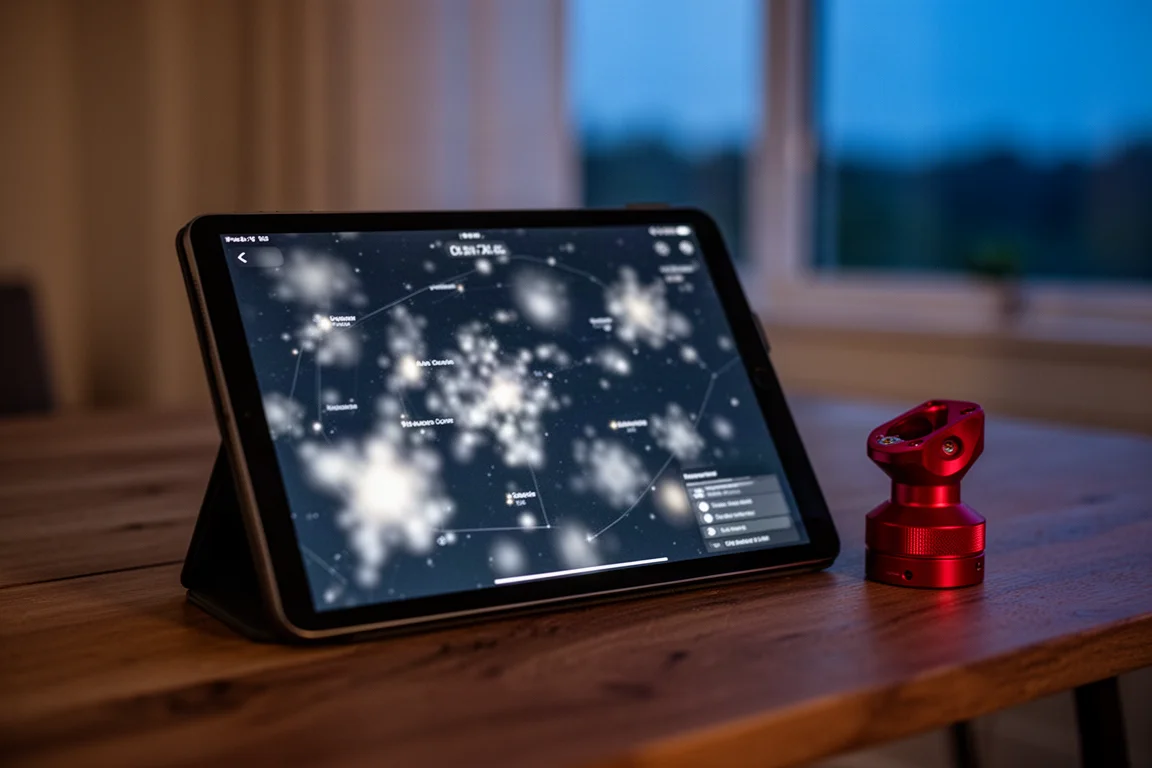
In the field, the workflow is simple. Once the mount is polar aligned and everything is prepped, you set the desired rotation in the sky atlas to frame your target in your preferred orientation. After selecting the target, a manual slider adjusts the framing exactly how you want it, then the go-to command slews the mount to the target and rotates automatically to match your desired frame.
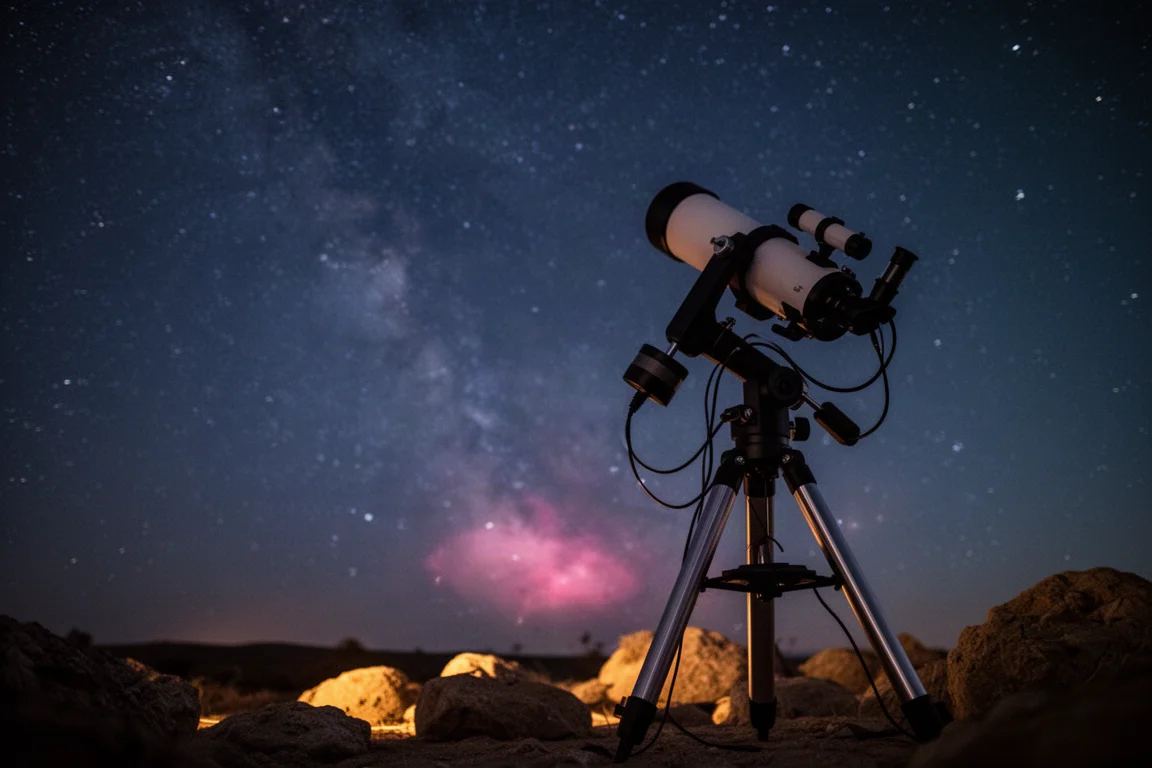
That last part is the real payoff: slew, rotate, done. Changing targets in the middle of the night no longer means touching the imaging train. On a test night shooting the Rosette Nebula, the framing adjustment happened entirely in software while the rig stayed locked on target.
Buying Advice
The CAA makes the most sense for astrophotographers who image large targets, run multi-night projects where consistent framing matters, or simply want to stop fiddling with their imaging train under the stars. If your rig is a ZWO camera on a reducer or a straightforward refractor setup, it is nearly a drop-in upgrade. If your imaging train already includes an off-axis guider plus corrective optics, do the back-focus math first, or consider a duo camera with integrated guiding to sidestep the issue.
Conclusion
Precision, simplicity, and seamless integration with the ZWO camera ecosystem make the Camera Angle Adjuster a compelling addition to any serious astrophotography toolkit. Whether your goal is capturing large nebulae or simply getting consistent framing from night to night, the CAA handles the rotation work so you can focus on collecting light.
Product link
View more details for ZWO Camera Angle Adjuster (CAA)
This product is mentioned in the review. Check the specifications, options, and compatibility before buying.
View more details for ZWO Camera Angle Adjuster (CAA)Further reading
Related Reviews
Astrophotography
ASKAR FRA400C Review: A Versatile 400mm Refractor for Astrophotography and More
The ASKAR FRA400C is a compact 72mm refractor that balances reach, versatility, and portability for astrophotographers and visual observers.
Astrophotography
Askar SQA106 Review: A Premium 106mm Astrograph With Exceptional Optics
The Askar SQA106 is a premium 106mm quintuplet astrograph with impressive sharpness across full-frame sensors, though its price and weight demand careful consideration.
Astrophotography
Astro Imaging Gear 2026: Eight New Products Worth Watching
A look at the most interesting new astrophotography and astronomy products announced this year, from fast telescopes to smart cameras and wireless accessories.