Astrophotography
ZWO ASIAIR Mini vs ASIAIR Plus: Which Smart Astrophotography Controller Fits Your Setup?
The ASIAIR Mini trades some capability for a smaller, lighter, cheaper package. We break down what it gives up compared to the ASIAIR Plus and who each one actually suits.
Introduction
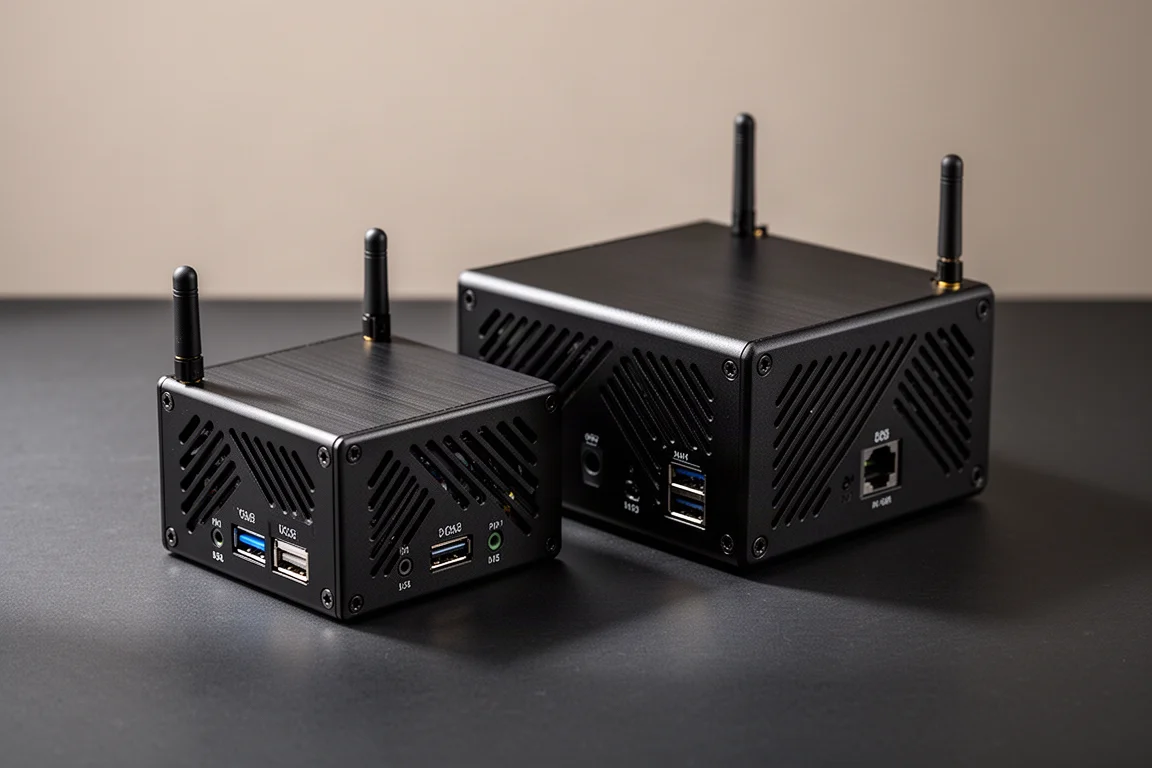
ZWO’s ASIAIR line has become one of the most recognizable names in astrophotography control. The ASIAIR Mini is the newest entry, but it is not a straightforward replacement for anything that came before. Instead of pushing performance forward the way previous generations did, it targets a lower price point and a smaller form factor, and it gives up some functionality along the way.
That raises a fair question: is the Mini the right ASIAIR for you, or does the ASIAIR Plus still make more sense? This comparison walks through what each box does, where the Mini compromises, and which types of setups each one is actually built for.
What the ASIAIR System Actually Is
For anyone new to the ecosystem, the ASIAIR products are mini PCs with additions that make them suitable for astronomy. They include 12-volt DC output ports so you can run cooled cameras and other kit that draws from 12-volt DC power, and they run their own operating system that generates a Wi-Fi hotspot. You connect with a smartphone or tablet and remotely control your whole rig: mount, camera, guide camera, filter wheel, electronic focuser, and so on.
The Mini sits alongside the ASIAIR Plus, which in turn succeeded the discontinued ASIAIR Pro, the model that introduced the red anodized aluminum case design that has become emblematic of the lineup. Where the Plus improved on the Pro’s performance and connectivity, the Mini is best understood as an expansion of the existing Plus line rather than a generational step.
What the ASIAIR Mini Does Better
The Mini’s advantages come down to two things. First, it comes in at a lower price point than the ASIAIR Plus. Second, and most importantly, it is smaller. According to ZWO, it is 21 percent lighter and 42 percent smaller than the Plus, which is a meaningful difference if you are building a travel-friendly or ultra-portable rig.
Those savings come from somewhere, though. Everything ZWO trimmed to hit that price and size shows up in the compromises below, so it is worth understanding both sides before deciding.
What the ASIAIR Mini Gives Up
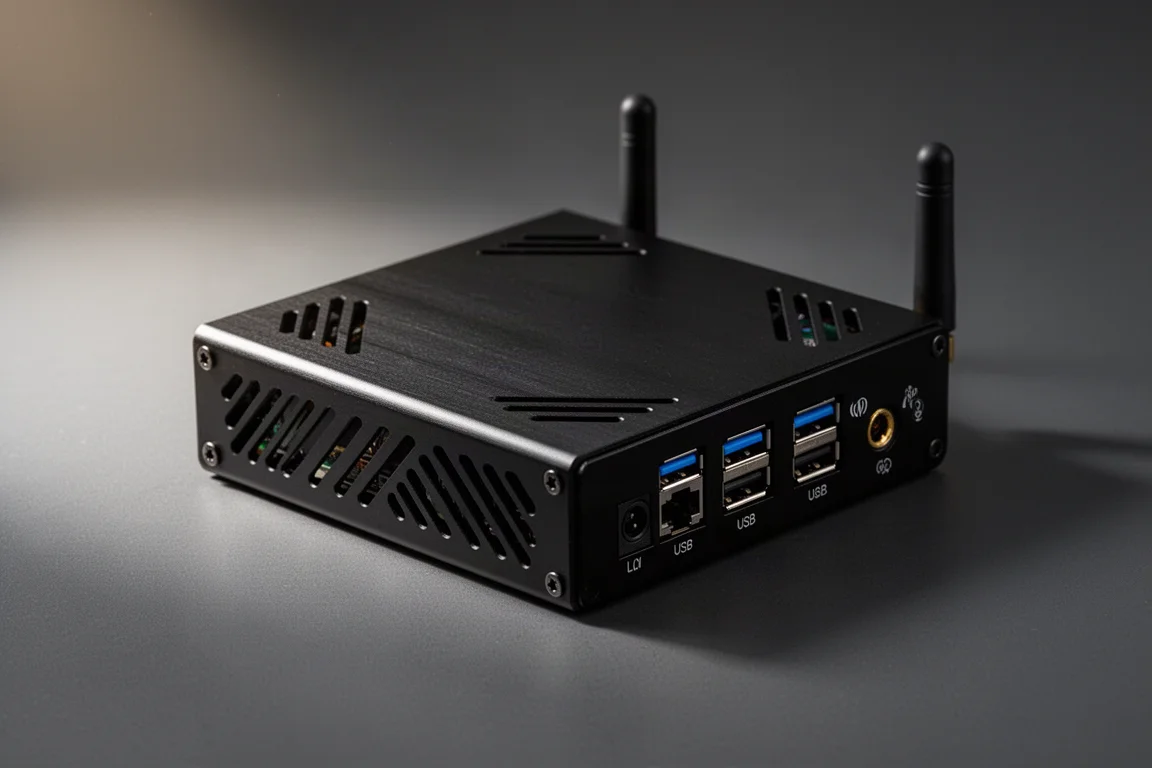
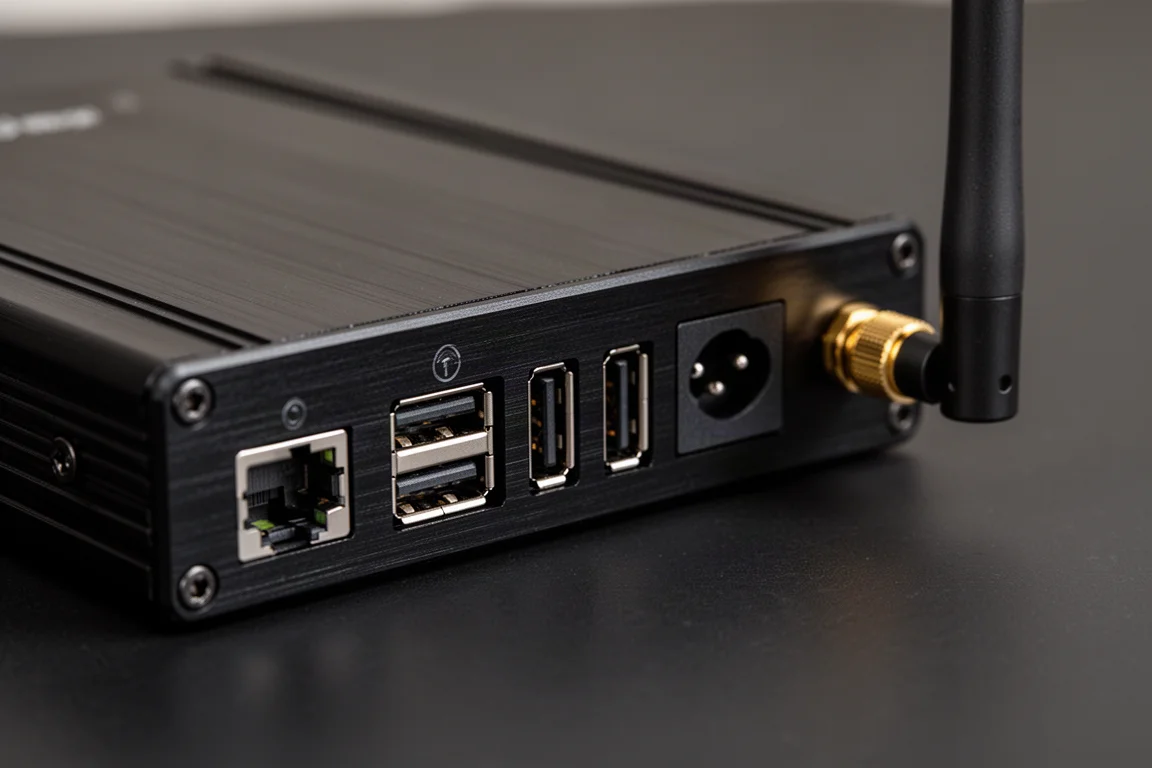
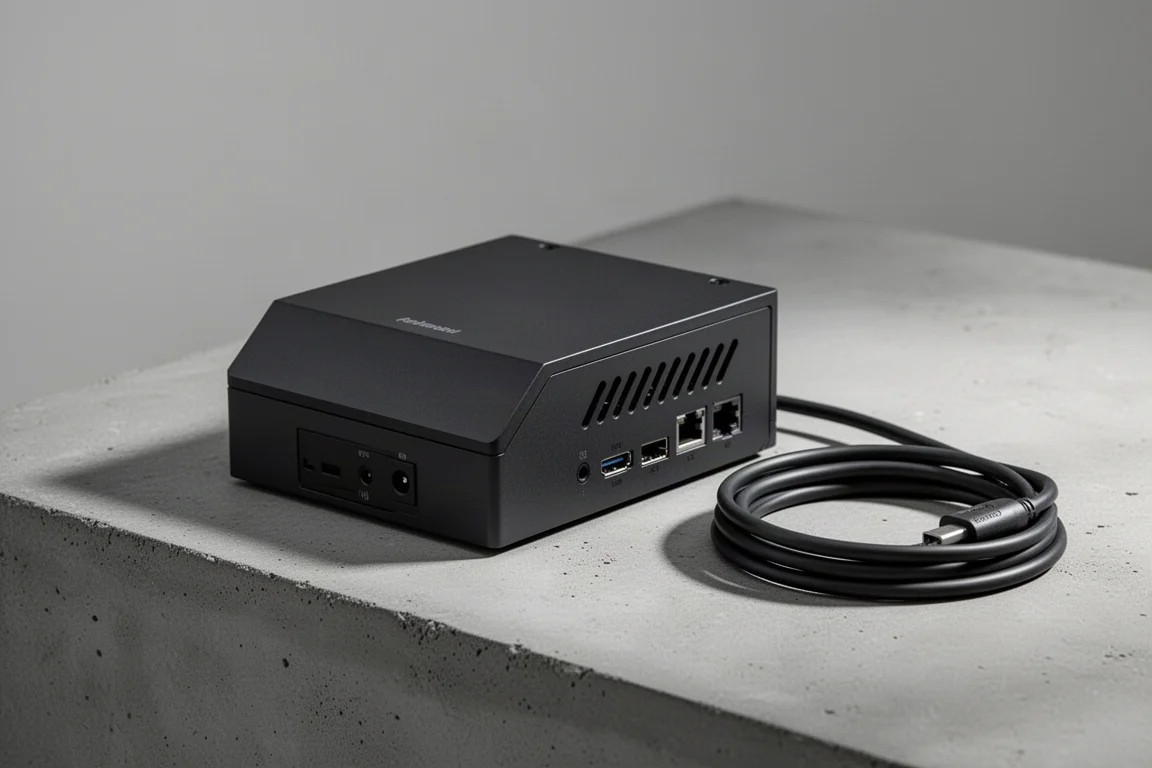
Some of the trims are relatively minor. The Mini drops the micro SD card slot that the Plus has for offloading files. There is no physical on/off button, so if you leave it connected to your setup you have to switch off the power supply or disconnect it entirely, though a physical hard reset button is present. You also cannot monitor the output voltage from its four 12-volt DC out ports, and there is no wired LAN port, so the extended range from the antenna is your only networking option. The Plus can be hardwired into your network if needed.
The bigger adjustments matter more. The Mini has no USB 3.0 ports at all; all four ports are USB 2.0. If you use a camera that benefits from a full USB 3.0 connection, you will be bottlenecked to USB 2.0 speeds here.
The other significant limitation is live stacking. Cameras over 26 megapixels cannot use live stack mode on the ASIAIR Mini. For anyone shooting with higher-resolution cameras, that alone can rule it out.
Who the ASIAIR Mini Is For
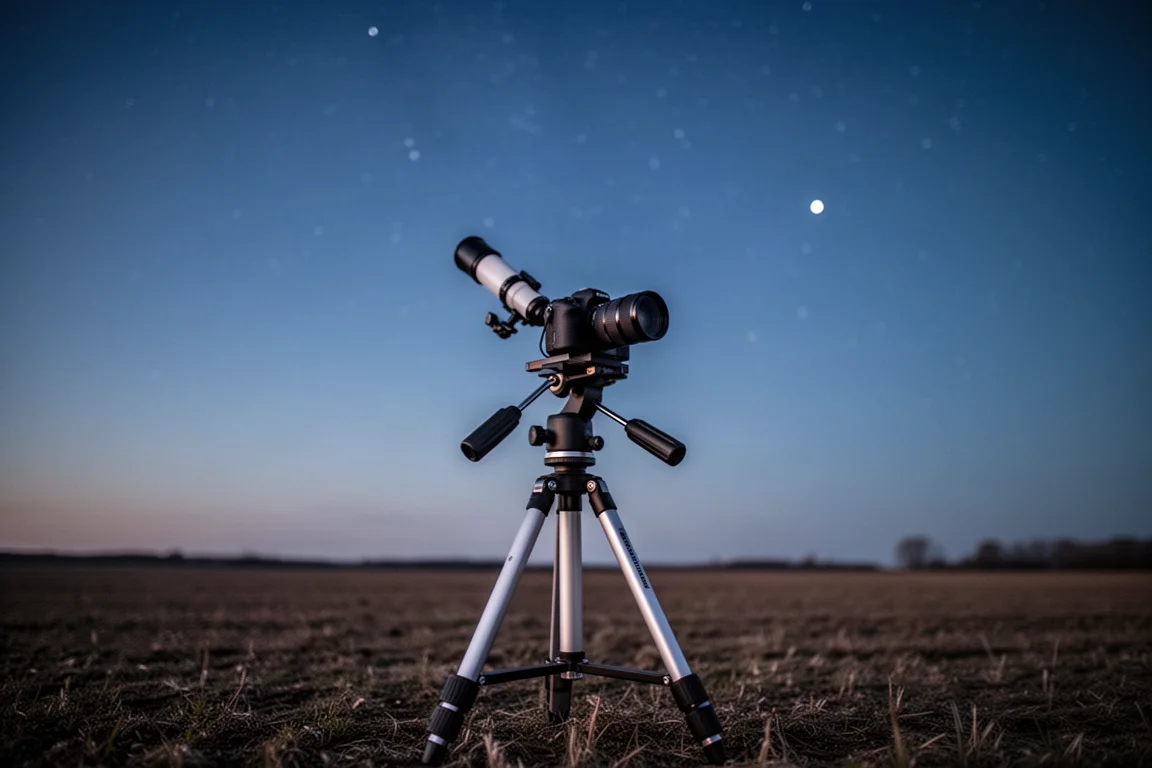
The Mini does one thing well: it provides a good amount of power in a small, compact form factor. That makes it best paired with an ultra-portable setup. A typical example is a Sky-Watcher GTi with a DSLR doing wide-field astrophotography, where you want to add a separate guide scope or a bit more power and capability on top of what the go-to mount offers on its own.
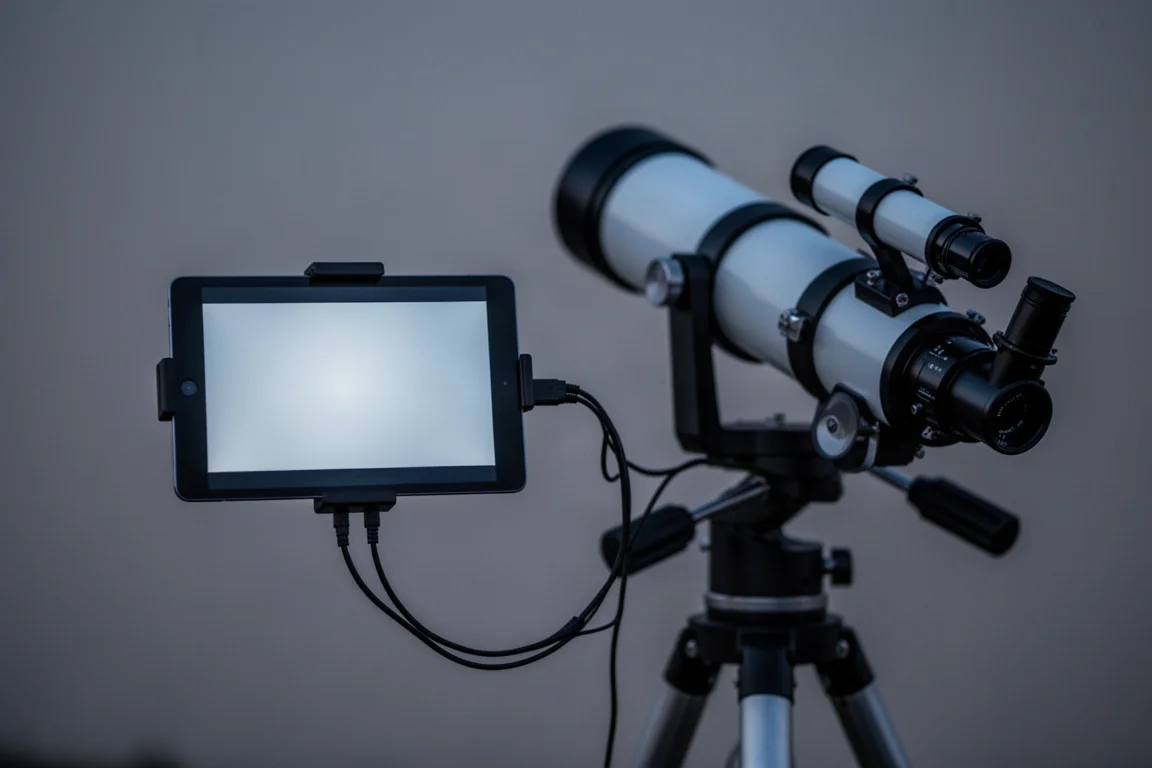
Outside that use case, it is harder to argue for. The ASIAIR system is a great way to add remote capability to a setup you already have, one you are building, or one you are just getting started with, but it limits you to ZWO cameras, focusers, and filter wheels, plus the imaging, guiding, and planetarium software built into the ASIAIR operating system. Many people genuinely like that software, but the Mini stacks extra concessions on top of an already somewhat limited ecosystem.
View more details for ZWO ASIAIR Mini
Who Should Stick with the ASIAIR Plus
When you are working within a system that is inherently a bit limited for most people, picking the version that lets you move the most within that system is the better call. The ASIAIR Plus keeps USB 3.0, the LAN port, voltage monitoring, the SD card slot, and a power button, and it supports live stacking with cameras beyond the Mini’s 26-megapixel ceiling.
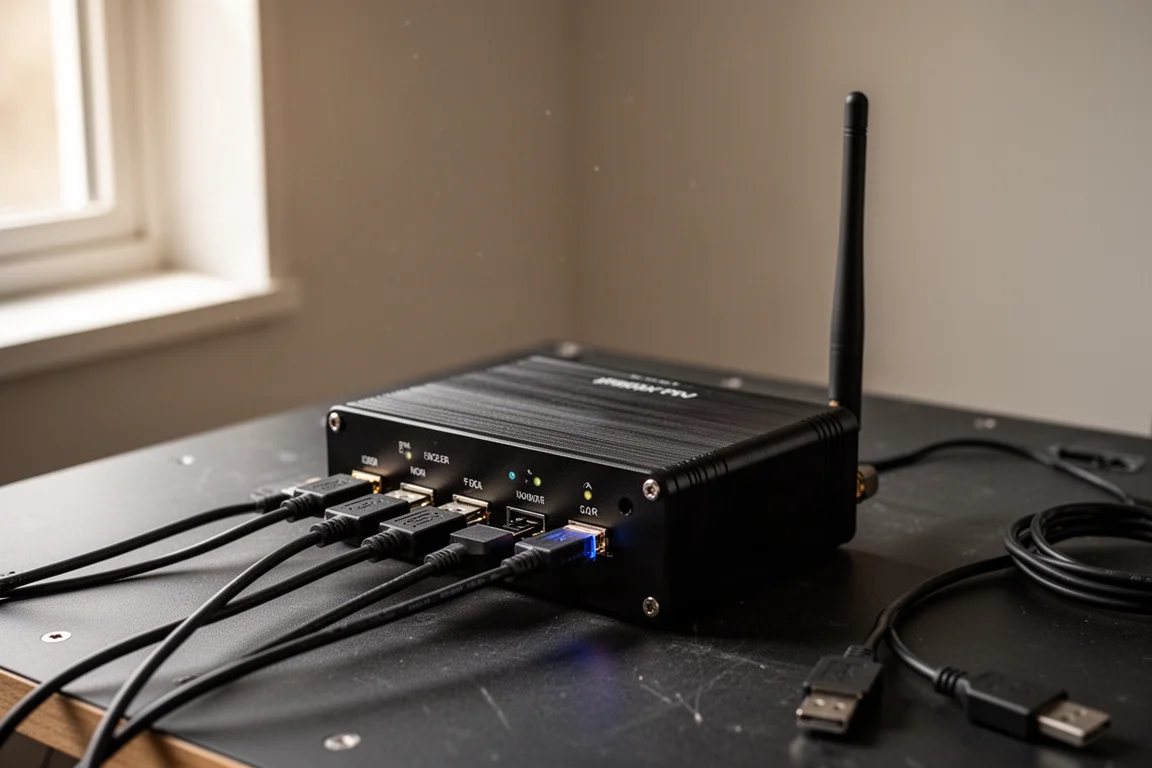
For beginners moving away from a laptop, for anyone with a dedicated astrophotography rig looking to expand, or for those aiming at a more professional setup, the Plus is the safer, more flexible choice.
Buying Advice
If your goal is a genuinely portable rig, something like a small star tracker mount with a DSLR and a guide scope, the ASIAIR Mini’s smaller size, lighter weight, and lower price make it a sensible pick. Just be sure your camera is within the live stacking limit and that USB 2.0 speeds are acceptable for your shooting style.
If you want headroom, more cameras to choose from for live stacking, faster USB, or wired networking, the ASIAIR Plus remains the better all-around option and the one most people will be happier with long term.
Conclusion
The ASIAIR Mini is not a replacement for the Plus; it is a deliberately trimmed companion for a specific kind of setup. It will serve ultra-portable builders really well, but for most people, especially anyone moving toward a more serious rig, the ASIAIR Plus is still the smarter buy.
Further reading
Related Reviews
Astrophotography
ASKAR FRA400C Review: A Versatile 400mm Refractor for Astrophotography and More
The ASKAR FRA400C is a compact 72mm refractor that balances reach, versatility, and portability for astrophotographers and visual observers.
Astrophotography
Askar SQA106 Review: A Premium 106mm Astrograph With Exceptional Optics
The Askar SQA106 is a premium 106mm quintuplet astrograph with impressive sharpness across full-frame sensors, though its price and weight demand careful consideration.
Astrophotography
Astro Imaging Gear 2026: Eight New Products Worth Watching
A look at the most interesting new astrophotography and astronomy products announced this year, from fast telescopes to smart cameras and wireless accessories.