Astrophotography
ZWO ASI Air Plus Review: A Set-It-and-Forget-It Astrophotography Controller
A wireless astrophotography controller that runs your camera, mount, guiding, and power from one app, with a few compatibility limits to know first.
Introduction
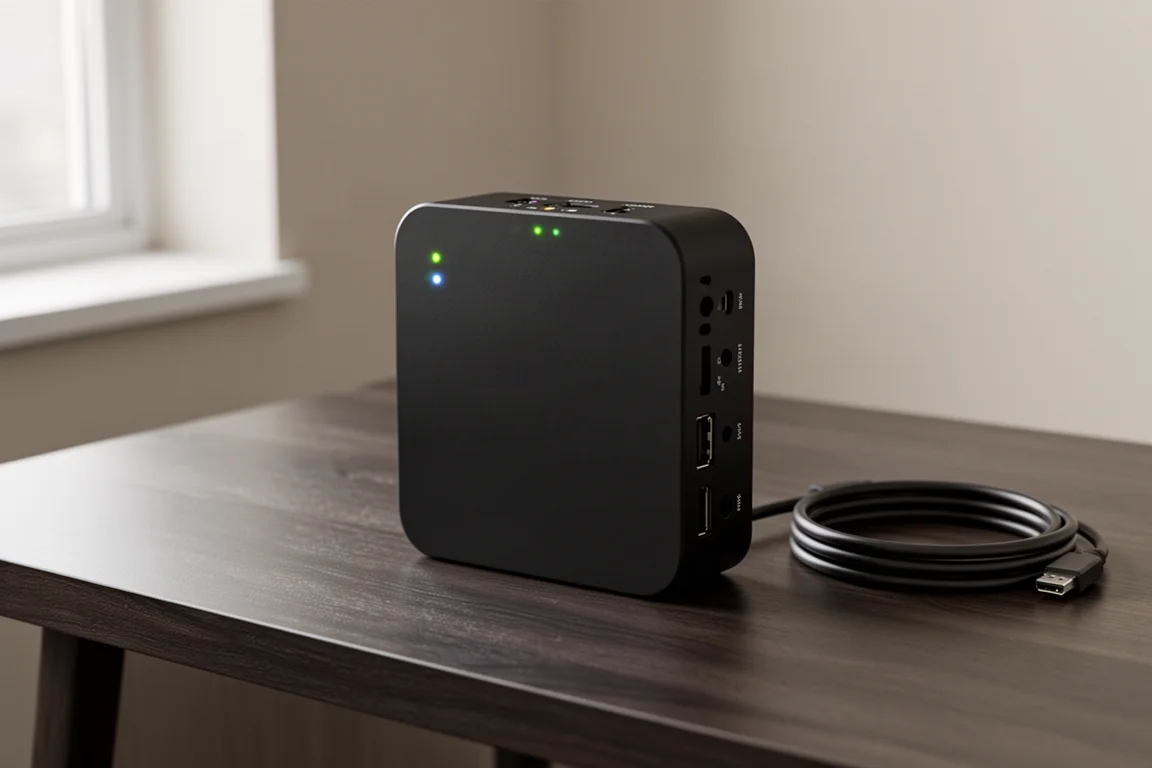
If you have ever imaged with a laptop, you know the headaches: a tangled mess of cables, out-of-date drivers, multiple power supplies, or the dreaded Windows update. A fun night under the stars can turn into hours of troubleshooting surprisingly fast. The ZWO ASI Air Plus is designed to solve all of that in one small wireless controller.
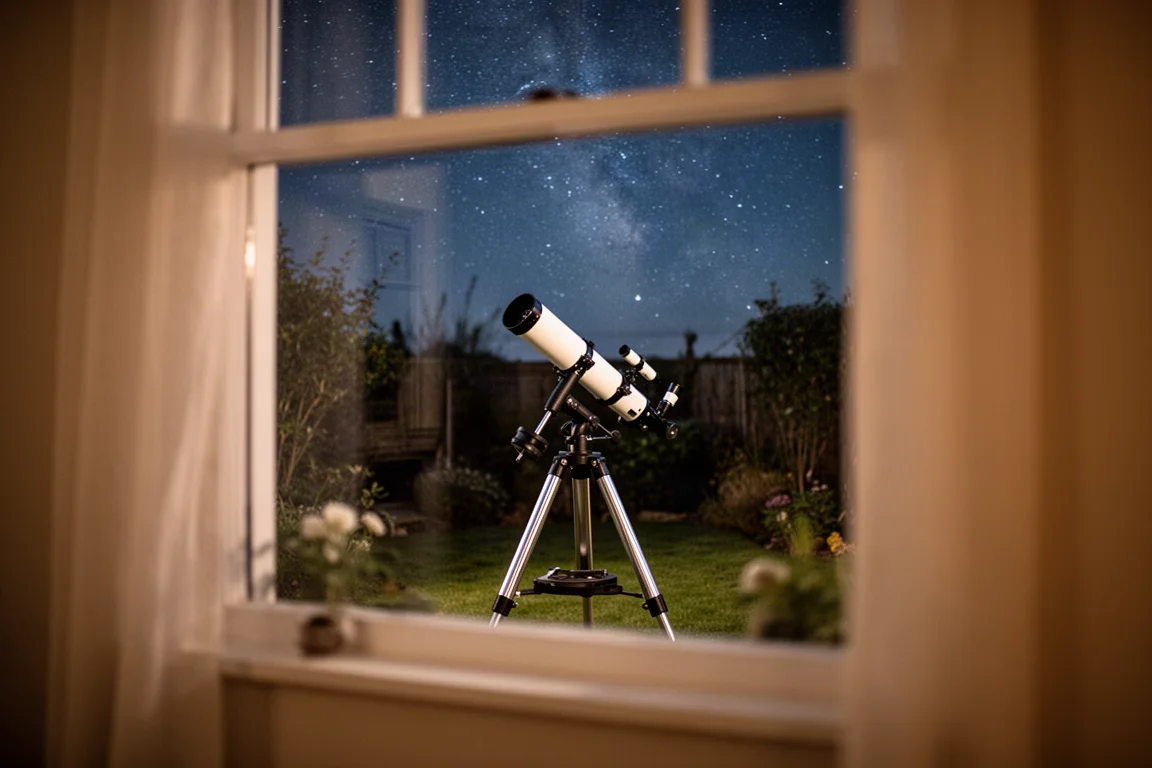
The idea is simple. Instead of hauling a laptop to the eyepiece, the ASI Air Plus lets you run your entire imaging rig from your phone or tablet through a single easy-to-use app. It is a set-it-and-forget-it solution that controls your whole telescope setup without the usual friction.
Who This Product Is For
The ASI Air Plus suits anyone who wants deep-sky imaging to feel less like IT support and more like stargazing. It replaces the laptop-and-cables workflow with one compact box that sits on the mount, distributing power and controlling connected gear wirelessly.

If your current sessions involve juggling drivers, USB hubs, and power bricks, this controller directly addresses those pain points.
What It Controls
The ASI Air Plus can control your camera, mount, guiding, filter wheel, auto focus, and camera rotator. It also distributes power to all of these accessories through its dedicated DC power ports, so almost everything runs from one place.
On the connectivity side, you get four USB ports and four DC power ports on the unit. That means you can power and control all of your gear from a single box instead of running cables all over the mount. The unit connects wirelessly to your phone or tablet, and it can also join a Wi-Fi network for indoor control, plus it has a built-in Ethernet port for a hardwired option.
Main Strengths
Two features stand out. First, polar alignment: the app walks you through it step by step, and within a few minutes you are dialed in and ready to image. Second, plate solving is just as simple. Using the Sky Atlas, you tap your target and the ASI Air centers it automatically.

You can even use plate solving on previously captured images, and the ASI Air will slew the mount back to the same spot. That is genuinely handy for multi-night sessions on the same target.
For capturing images, you pick your target, exposure time, and frame count, then let it run while you enjoy the night. Guiding is also made simple compared to other software, which matters a lot for sharper long-exposure images.
Guiding, Storage, and Advanced Modes
The ASI Air Plus includes 256 GB of internal storage, giving you plenty of space for images across multiple sessions. Beyond basic capture, there are advanced modes such as Plan and Auto Run that let you schedule sequences of images, even spread over multiple nights.

You can also sequence mosaics, which is genuinely difficult to do without dedicated software. For anyone moving beyond single-night single-target imaging, these features give the controller serious staying power.
Things to Consider Before Buying
Here is the one thing to be upfront about: the ASI Air is only compatible with other ZWO gear, with a few exceptions. It works with almost any go-to equatorial mount, but you will need ZWO cameras for imaging or guiding. Auto focusing requires the ZWO EAF, and camera rotation requires the ZWO CAA.
For many people this is not a deal breaker, since ZWO makes excellent cameras and accessories, but check your existing gear before buying. Also note that the default Wi-Fi range is limited in practice, so many users add an external router or use the built-in Ethernet port. And do not forget a power supply such as the ZWO AC power adapter, which is sold separately.
Buying Advice
If your rig is mostly ZWO-based and you want to image from your phone or even from inside the house, the ASI Air Plus is an easy recommendation. It removes the classic laptop hassles, simplifies guiding, and automates the fiddly parts of a session like polar alignment and target centering.
If you own cameras or focusers from other brands, weigh the compatibility limits carefully before committing.
Conclusion
The ZWO ASI Air Plus turns a fussy, cable-heavy imaging setup into a streamlined wireless workflow. With guided capture, plate solving, 256 GB of storage, and multi-night automation, it is an excellent set-it-and-forget-it controller for ZWO-based rigs. Clear skies.
Product link
View more details for ZWO ASI Air Plus
This product is mentioned in the review. Check the specifications, options, and compatibility before buying.
View more details for ZWO ASI Air PlusFurther reading
Related Reviews
Astrophotography
ASKAR FRA400C Review: A Versatile 400mm Refractor for Astrophotography and More
The ASKAR FRA400C is a compact 72mm refractor that balances reach, versatility, and portability for astrophotographers and visual observers.
Astrophotography
Askar SQA106 Review: A Premium 106mm Astrograph With Exceptional Optics
The Askar SQA106 is a premium 106mm quintuplet astrograph with impressive sharpness across full-frame sensors, though its price and weight demand careful consideration.
Astrophotography
Astro Imaging Gear 2026: Eight New Products Worth Watching
A look at the most interesting new astrophotography and astronomy products announced this year, from fast telescopes to smart cameras and wireless accessories.