Satellite Communicators
ZOLEO Satellite Communicator Review: What Happens When You Press SOS
A practical look at how SOS works on the ZOLEO satellite communicator, what progressive SOS adds, and how to prepare before you rely on it.
Introduction
Buying a satellite communicator can feel like the whole of your safety planning is handled. It is more useful to think of these devices as one tool inside a wider risk management plan.
A risk management plan is the preparation you do before a trip. It means anticipating what a route and its conditions might throw at you, from freezing overnight temperatures to exposed, sun-baked terrain, and deciding in advance how you would handle those situations. Much of it comes down to good decision making that keeps small problems from turning into emergencies.
Freak accidents still happen. A fall that hurts a wrist, a slip into cold water, an unexpected overnight temperature drop, heat exposure on a day hotter than forecast. Those events sit outside your control, which is exactly why a plan should include how you would respond to them.
This is where a satellite communicator fits. It lets you reach emergency services when there is no cell coverage, so an evacuation can begin and you can reach definitive care. The ZOLEO satellite communicator is a clear, approachable option, and its SOS behaviour is worth understanding long before you ever need it.
Who This Product Is For
The ZOLEO satellite communicator suits people who travel beyond reliable cell coverage and want a straightforward way to call for help and to send messages by satellite. That includes hikers, backpackers, paddlers, and riders on remote routes where a phone alone will not reach anyone.
It is not a replacement for preparation. The device is built to communicate, and the quality of the outcome still depends on the decisions you made before the trip and the information you can pass along during an incident.
If you already carry a plan for weather, water, terrain, and turnaround times, a communicator like this adds a communication layer that covers the gap cell towers leave. For travellers who want one device that handles both routine check-ins and emergency escalation, the appeal is the simplicity. You carry it, you keep it charged, and you know the steps before you need them.
How SOS Works Without a Phone
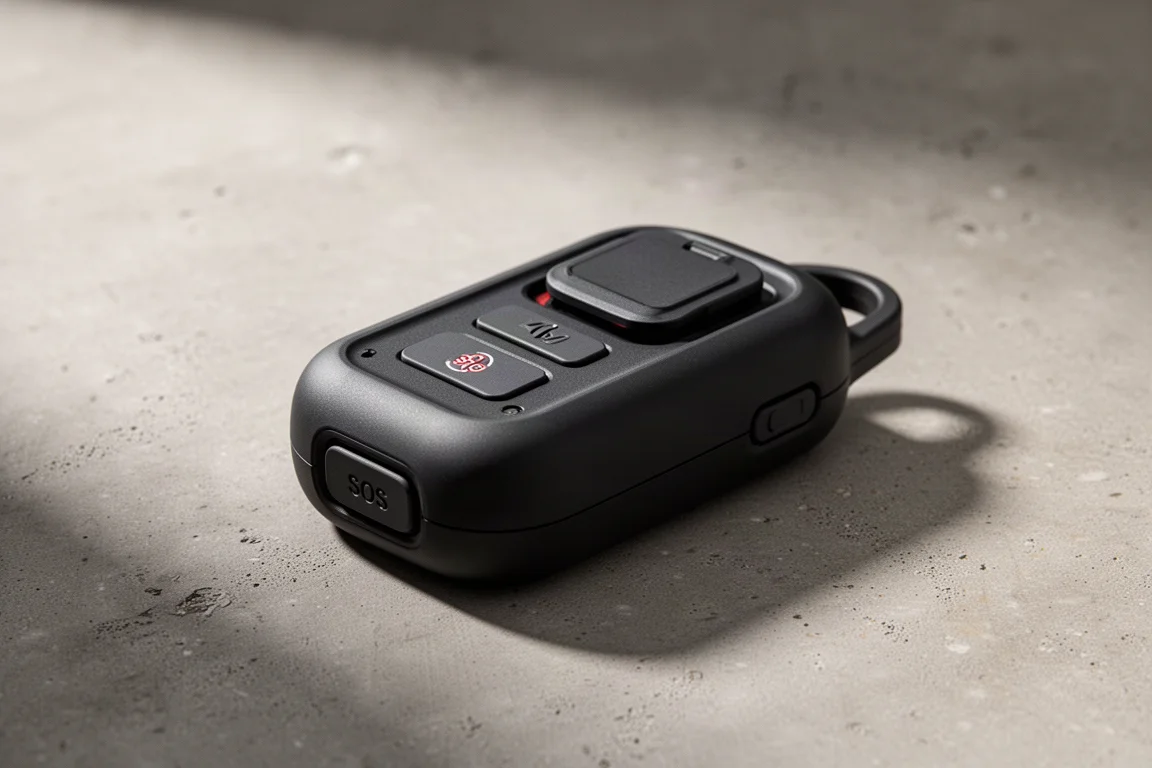
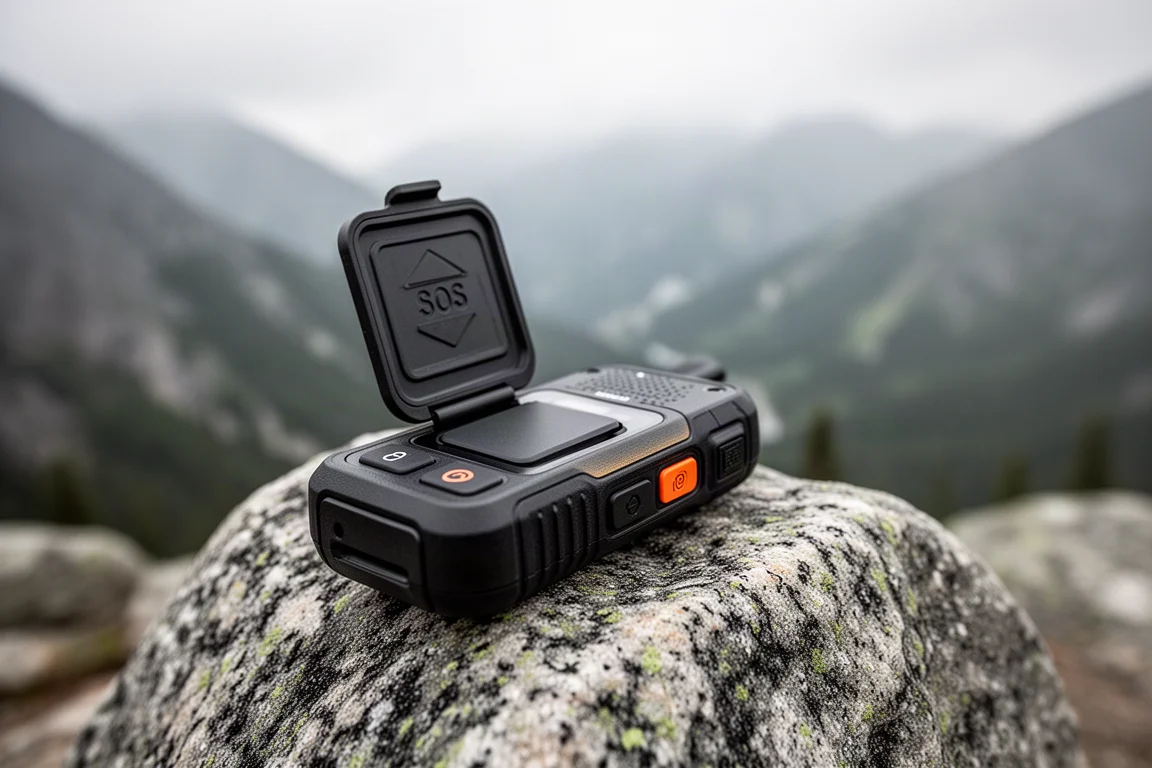
If you are carrying the device on its own, without a phone paired over Bluetooth, activation is deliberately simple. Open the SOS door, then press and hold the SOS button for three seconds.
The device responds with a sequence of lights and tones to confirm that SOS has been activated and that it is contacting the emergency response coordination partner. That partner then calls out search and rescue to come to your location.
Your GPS coordinates are shared as part of the activation, so responders have a starting point for the search. If the situation resolves and you no longer need help, open the SOS door again and hold the button for five seconds. That runs the cancellation process and tells the coordination partner that search and rescue is no longer required.
These instructions are printed on the back of the device, which is a sensible place for them. In a high-stress moment, having the steps physically on the hardware removes the need to recall them from memory.
Progressive SOS With the Phone App
When your phone is connected to the ZOLEO device over Bluetooth, a recent update opens up what is called progressive SOS. Instead of a one-way alarm, you get a conversation.
From the phone you can initiate SOS and send your location. The progressive SOS screen supports back-and-forth texting with the emergency response coordination partner. You can pass along updates about what is happening, and those updates reach the search and rescue operation.
In the other direction, the coordination partner can tell you things such as an estimated time of arrival and how responders intend to reach you, whether that is on foot, by ATV, or by helicopter. The more accurate the information you provide through the chat, the better that response can be shaped.
The practical benefit is that a rescue becomes a two-way process rather than a blind signal. That matters when conditions change, when your position shifts, or when the scale of an incident is not obvious from a single alert.
What Happens After You Activate SOS
Once SOS is active, the device keeps working. It sends an updated location every six minutes while it remains in the SOS function. That cadence is useful if you or your group needs to move, whether to shelter, to reach a clearer position, or to meet responders. Rather than being pinned to the coordinates captured at activation, the search and rescue operation sees where you are now.
Your ZOLEO account also lets you set up SOS contacts, the people you want notified when you activate SOS. The emergency response coordination partner calls those contacts to let them know an SOS has been triggered, that search and rescue is on the way, and that updates will follow as they become available.
While SOS is running, the device is busy. It is transmitting locations and checking for incoming messages on a regular basis so that anything sent by the coordination partner reaches you. That constant activity draws on the battery of both the device and the connected phone.
Things to Consider Before Buying
Activating SOS is not a casual action, and it is worth thinking about what it feels like to be in a situation that warrants it. Emergencies are high stress, with a lot happening and many decisions to make at once. Understanding that in advance helps you act deliberately rather than freeze.
The device assumes you know the steps. Three seconds to activate, five seconds to cancel, and the door on the unit that covers the button. If you have not read through the instructions, the printed reminder on the back of the device is your fallback.
Because the process involves an emergency response coordination partner, it is worth learning how that works where you travel. A test SOS activation, arranged the way your provider supports it, is the most useful way to see the flow from start to finish. It shows you what the lights and tones mean, what the app screen looks like, and how the conversation with the coordinator unfolds. It also builds confidence that the system behaves the way the documentation says it will.
Finally, remember that this is one part of a plan. It handles communication when cell service is gone. It does not handle weather judgment, route choice, or the decision to turn around.
Battery Planning for an Active SOS
Battery is the quiet failure point of any satellite communicator, and it becomes more important once SOS is active. The device is sending locations and polling for messages, and the phone it is paired with is working hard too.
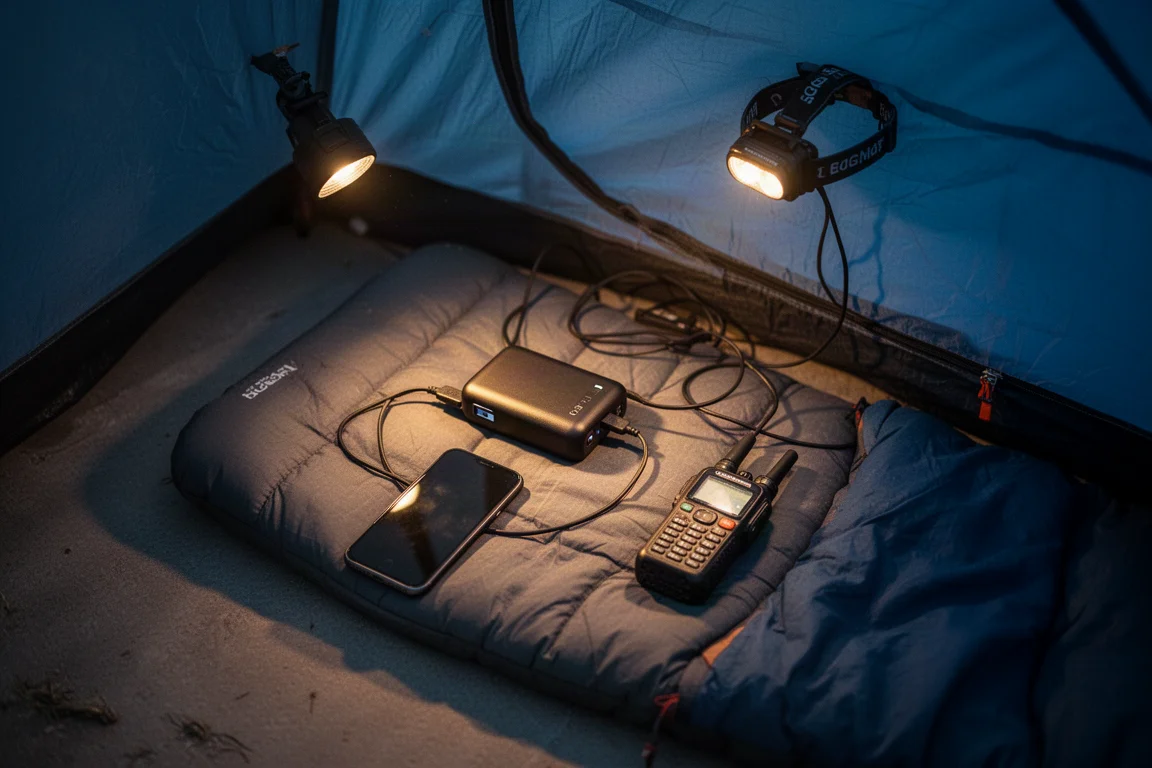
Carrying a battery bank of at least 10,000 mAh is a reasonable baseline. It gives you enough capacity to keep the communicator topped up and to keep your phone alive, which matters because the phone is the screen for progressive SOS.
The worst outcome is a device that activated SOS successfully and then went dark, cutting off the two-way communication that keeps responders informed. Keeping both devices charged is part of using the tool properly, not an optional extra.
Buying Advice
If you are considering the ZOLEO satellite communicator, spend time with the manufacturer’s materials first. Read how the device functions, how activation and cancellation work, and what the intended use cases are. That knowledge is what lets you make good decisions in the field and get the most out of the investment. Set up your SOS contacts in your account before your first trip, arrange a test activation through the emergency response coordination partner available in your region, and pack a battery bank with at least 10,000 mAh of capacity.
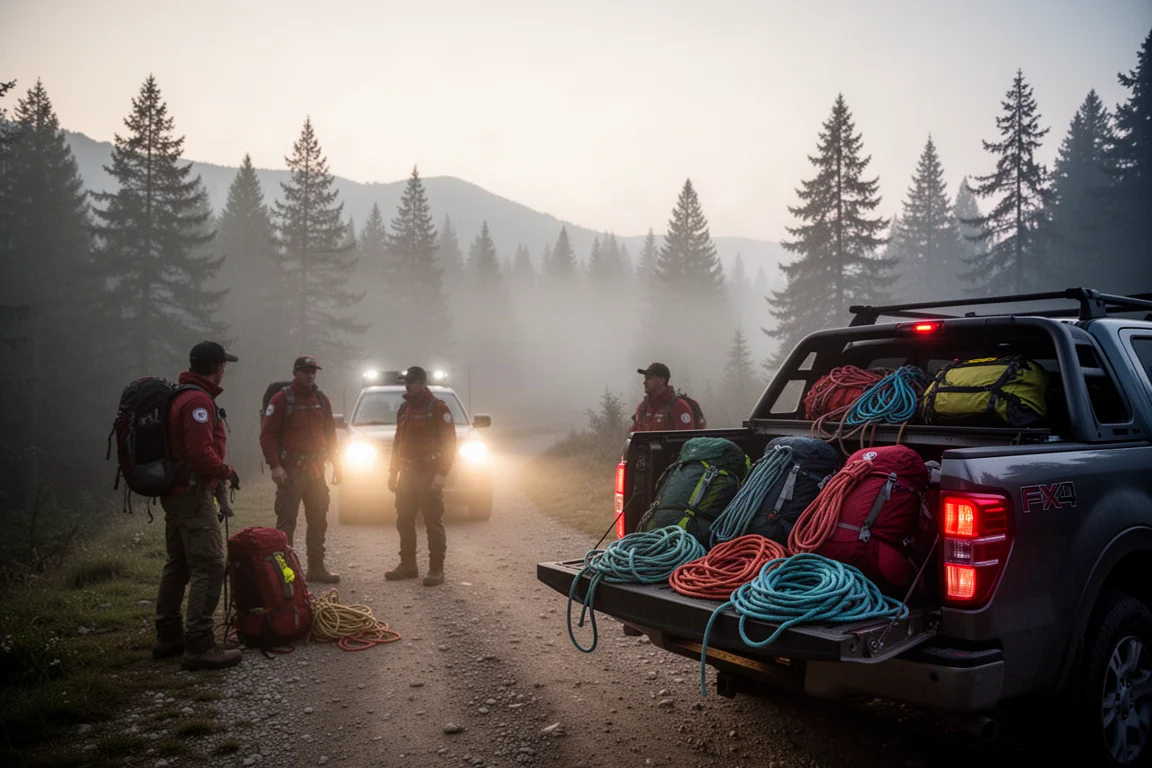
For travellers who want satellite messaging and a clear SOS workflow, the ZOLEO is a strong option. Progressive SOS turns an alert into a conversation, and the six-minute location updates keep responders oriented as a situation develops. The functionality is genuinely well thought out, and it earns a recommendation for anyone who spends time beyond cell coverage.
Conclusion
A satellite communicator answers one specific question: how do you reach help when there is no cell service. The ZOLEO handles that question well, with a simple three-second activation, a clear cancellation path, and progressive SOS that adds real two-way communication during a rescue.
Use it as part of a risk management plan rather than the whole of one. Prepare for the conditions you expect, decide in advance how you would respond to the ones you do not, learn the device before you need it, and keep it charged. Do those things and the ZOLEO becomes a dependable piece of kit rather than a purchase you hope you never have to test.
Product link
View more details for ZOLEO Satellite Communicator
This product is mentioned in the review. Check the specifications, options, and compatibility before buying.
View more details for ZOLEO Satellite CommunicatorFurther reading
Related Reviews
Satellite Communicators
Garmin inReach Messenger vs inReach Mini 2: Which Satellite Communicator Belongs in Your Pack
A practical comparison of two compact Garmin satellite communicators, covering navigation, screen size, battery life, reverse charging and price.
Satellite Communicators
Garmin inReach Messenger vs Zoleo: Which Satellite Communicator Is Right for You?
A practical comparison of two satellite communicators, covering price, battery life, messaging, apps, satellite coverage, and standalone SOS use.
Satellite Communicators
Garmin inReach Mini 2 vs inReach Mini: Is the Newer Satellite Communicator Worth It?
A practical comparison of the Garmin inReach Mini 2 and the original inReach Mini, covering battery life, USB-C charging, navigation, app support, and upgrade advice.