Satellite Communicators
Zoleo 1500 Review: A Modest Update to a Phone-Dependent Satellite Messenger
The Zoleo 1500 adds USB-C, Bluetooth 5.2 and tactile buttons, but messaging still depends on your phone. Here is who should buy it and who should wait.
Introduction
Zoleo’s first new device in six years is a careful update rather than a reinvention. The Zoleo 1500 keeps the familiar puck-shaped satellite messenger and the same core idea: pair it with your phone, and use it to send and receive messages over satellite when cell coverage disappears.
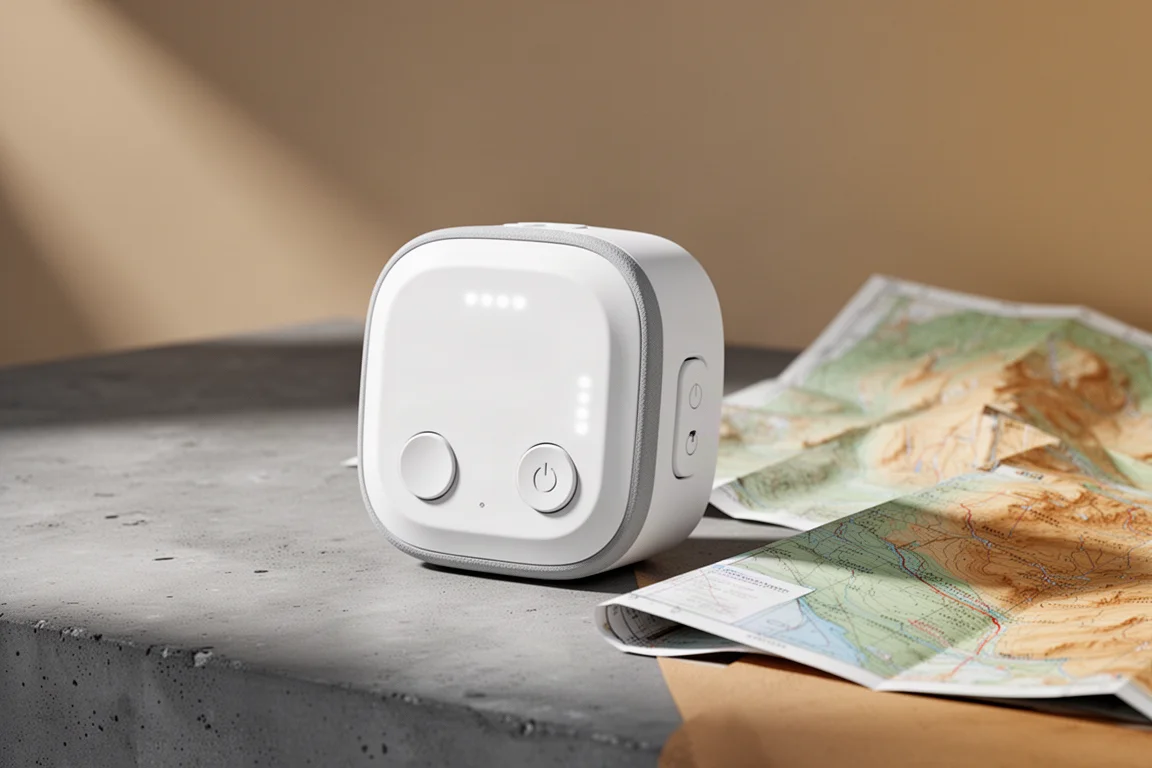
What is genuinely new is practical hardware. The 1500 swaps micro USB for USB-C, moves Bluetooth from 4.1 to 5.2 for a little more range and stability, adds a tactile click to the power and SOS buttons to match the check-in button, and switches to a safety white housing that is easier to find in a pack or on the ground after dark.

If you were hoping for a screen, built-in navigation or a completely different approach to off-grid communication, this is not that device. The 1500 is best understood as the original Zoleo brought up to date so it stays relevant. The parts people depend on most still work well, and the hardware changes make the unit easier to live with day to day.
Who the Zoleo 1500 Is For
The Zoleo formula suits people who move in and out of cell service and want one simple place for messages: thru-hikers, overlanders, and sailors who want a dedicated communications device on board. It is not a device for someone who wants a standalone communicator that works entirely on its own.
Its strongest argument is convenience for the people on the other end. A Zoleo gets its own phone number and email address, so family and friends can text it directly by SMS without installing anything. Messages are delivered automatically over satellite or cellular depending on what connection is available, and the device checks for new messages on its own instead of requiring a manual satellite connection each time. If you are a Zoleo user, you can simply hand people two phone numbers or add both to a contact card.
Main Strengths
Automatic background checking is the feature that separates this from phone-based satellite messaging. There is no manual connect step, and you can specify how often the device connects if you want to trade responsiveness for battery life. A message that someone sends to your Zoleo number finds its way to you without you doing anything.
The check-in button sends your location to a predefined contact with one press, and the device gives a clear audible beep when a message goes out or arrives. LEDs on the body indicate status, and the manual explains what each pattern means. Position attachment works quickly: any message can carry a latitude and longitude that the recipient clicks to view on a map.

Offline maps in the app add another practical layer. If two people in a group both download them, each can see where the other is on a map, which is useful for Zoleo-to-Zoleo satellite communication on shared routes.
What Changed From the Original Zoleo
The update list is short: USB-C charging, Bluetooth 5.2, tactile power and SOS buttons, and the safety white finish. Nothing about the messaging model, the app dependency or the feature set has changed.
That makes the upgrade decision straightforward. If you specifically want USB-C charging, this is the model to buy. If you already own the original and it is still working well for you, there is no compelling reason to replace it based on these changes alone. The earlier micro-USB version remains a functional device for the same core job.
Messaging, Location Sharing, and Tracking
Beyond attaching a position to individual messages, there is a subscription add-on called Location Share Plus that drops a breadcrumb track automatically, similar to what other satellite messengers offer. You can customize the interval to save or burn battery depending on the trip.
Tracking lives on the Zoleo online dashboard. It shows on a global map where your device has sent a message from or tracked from, and you can break the history down by day. The useful part is that you can share a link to that map with someone at home, so even without breadcrumb tracking, a family member can see where you have been checking in. Tracking is included with the regular Zoleo subscription at no extra cost.
Battery Life in Practice
Zoleo advertises more than 200 hours of battery life, and the claim holds up reasonably well in practice. In comparable use, the new device runs for roughly 190 hours. Location sharing is what pulls that number down: with Location Share Plus running every hour, expect closer to 140 hours, and at a 12-minute interval it drops to about 80 hours.
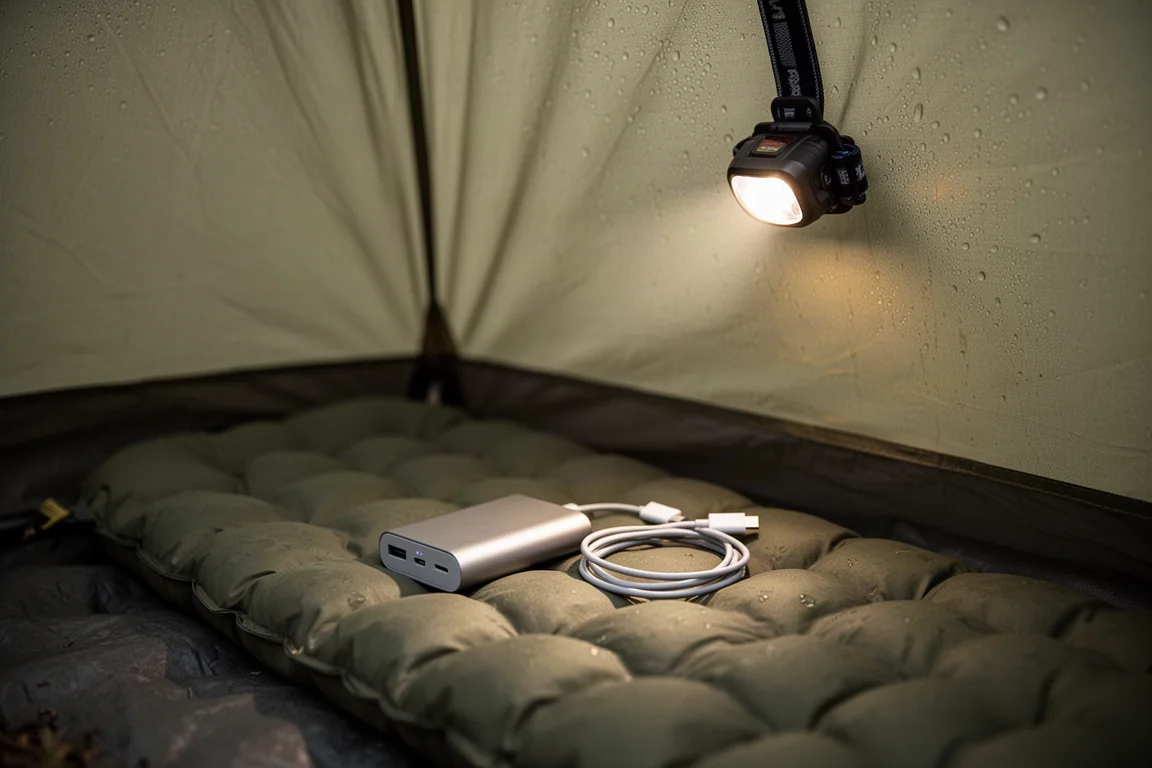
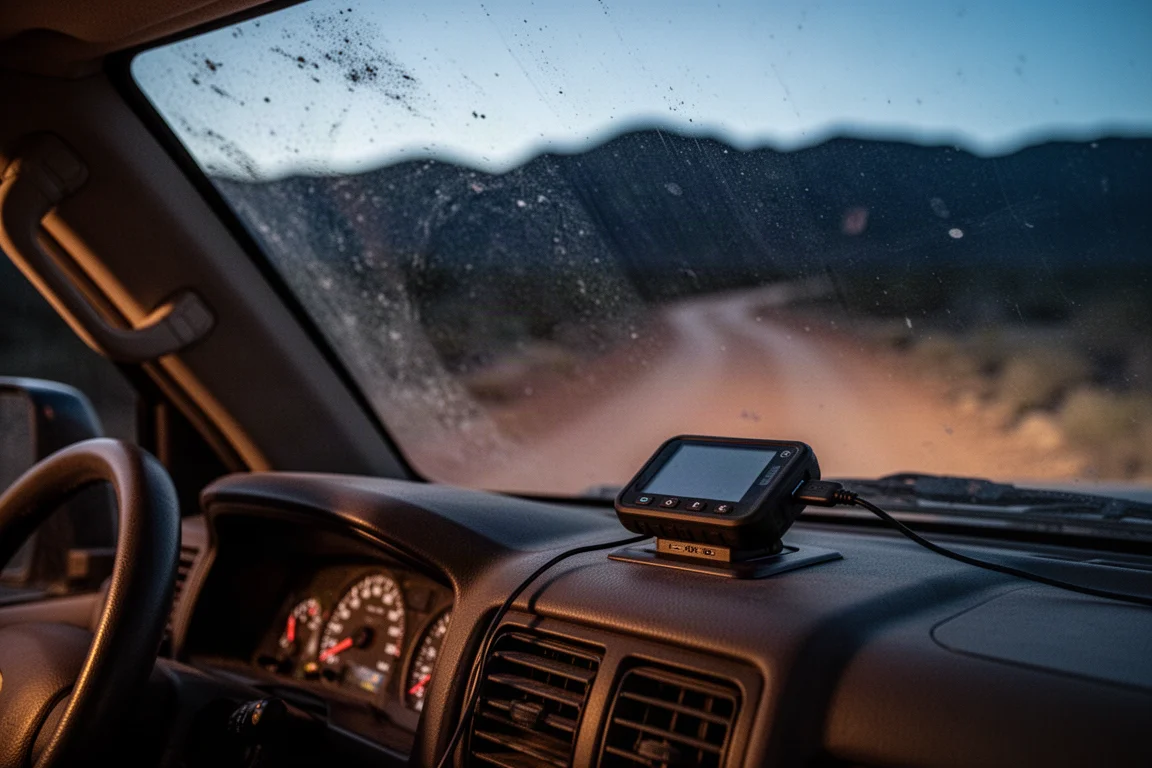
Charging is quick over USB-C, and the device also works while plugged into USB power, so it can run from a vehicle outlet on a long drive. Carrying a small power bank covers multi-day trips without much weight penalty.
Subscription Plans and Running Costs
A plan is required to use the Zoleo, including for SOS, which will not function without an active subscription. There is a three-month minimum term to start, an activation fee, and a fee if you want to pause or suspend the service for a month.
Two main plans are offered, with roughly 80 messages as the breakpoint. If you expect to send 81 or more messages, the higher tier makes more sense; below that, the lower tier is the better fit. The larger plan suits overlanders exchanging messages constantly, or sailors who want a dedicated communications device on board. Plan details and fees change from time to time, so confirm current pricing before committing.
Things to Consider Before Buying
The real weakness of any Zoleo device is total dependence on your phone and the app for two-way communication. On the hardware itself there is an SOS button and a check-in button, plus status LEDs and audible tones, and that is the extent of it. If your phone is dead, lost or damaged, the Zoleo becomes a one-way device. You can trigger an emergency, but you cannot explain a situation, ask a question or coordinate a simpler form of help. In the outdoors, phones run out of power long before a trip ends.
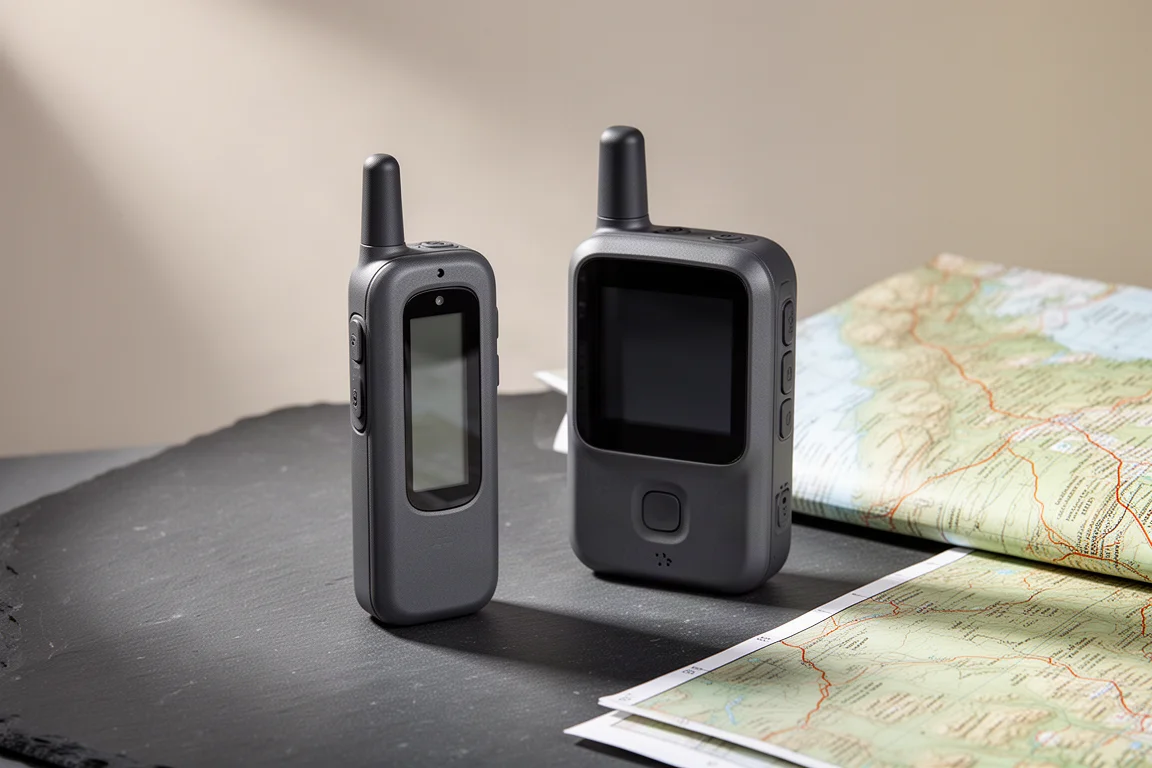
That is the main trade-off against alternatives such as the Garmin inReach Messenger, which uses the same Iridium network and a similar puck design for phone pairing. The Messenger carries a higher list price, though it is often discounted to roughly the same cost as the Zoleo. It has an enclosed battery with longer endurance, a small screen that allows two-way messaging if your phone is dead, limited navigation including position and track-back, and connections to more positioning systems. What the Zoleo counters with is fast, reliable position acquisition with no noticeable lag and the simpler phone-number approach to staying in touch.
Buying Advice
Buy the Zoleo 1500 if messaging convenience is your priority: you want a dedicated number and email address, automatic background delivery, and plans that fit how you actually communicate. Thru-hikers, overlanders and boat-based users who want messages in one place without fuss are the natural audience, and the people sending those messages benefit too, since they can just send an SMS.
Skip it if you need the device to stand on its own when your phone fails, or if you want navigation and track-back built into the hardware. In that case a communicator with a screen is the more sensible purchase. If USB-C is the only feature pulling you toward the 1500 and you already own the original, keeping the older unit is reasonable, and the previous micro-USB model is often available for around $150.
For anyone buying their first satellite messenger, decide on the phone-dependency question before anything else. Everything else about the Zoleo 1500 is well executed; that single design choice determines whether it fits your trips.
Conclusion
The Zoleo 1500 is a better device than the original in the ways that matter for daily use: modern charging, improved Bluetooth, buttons you can feel with gloves on, and a housing you can actually find. It is also a missed opportunity for anyone hoping for a screen, navigation or a new direction.
As a communications tool it remains excellent for people who carry a charged phone and want simple, automatic messaging over satellite. As a standalone safety device it has a clear ceiling. Buy it for what it does well, and go in knowing exactly what it leaves to your phone.
Product link
View more details for Zoleo 1500
This product is mentioned in the review. Check the specifications, options, and compatibility before buying.
View more details for Zoleo 1500Further reading
Related Reviews
Satellite Communicators
Garmin inReach Messenger vs inReach Mini 2: Which Satellite Communicator Belongs in Your Pack
A practical comparison of two compact Garmin satellite communicators, covering navigation, screen size, battery life, reverse charging and price.
Satellite Communicators
Garmin inReach Messenger vs Zoleo: Which Satellite Communicator Is Right for You?
A practical comparison of two satellite communicators, covering price, battery life, messaging, apps, satellite coverage, and standalone SOS use.
Satellite Communicators
Garmin inReach Mini 2 vs inReach Mini: Is the Newer Satellite Communicator Worth It?
A practical comparison of the Garmin inReach Mini 2 and the original inReach Mini, covering battery life, USB-C charging, navigation, app support, and upgrade advice.