Camera Gimbals
Zhiyun Smooth X Essential Combo Review: A Light, Affordable First Gimbal
A practical look at the Zhiyun Smooth X Essential Combo, a two-axis phone gimbal for steadier walking footage, subject tracking, and panning time-lapses.
Introduction
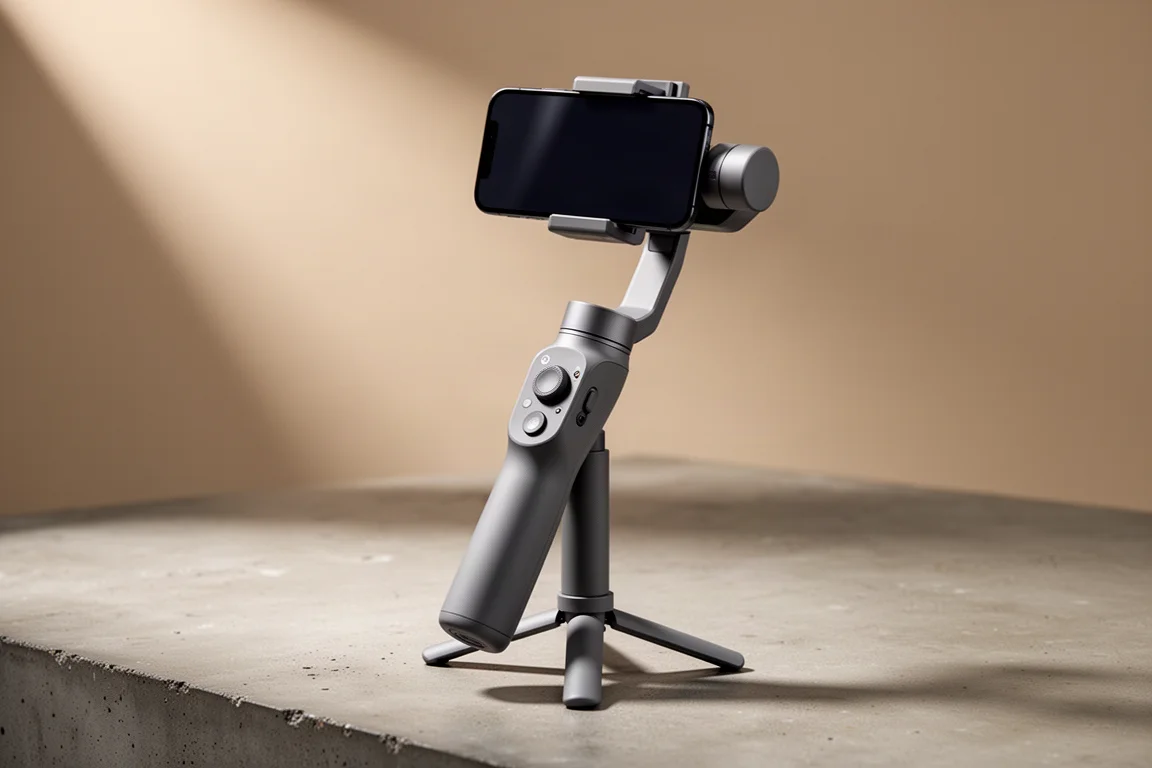
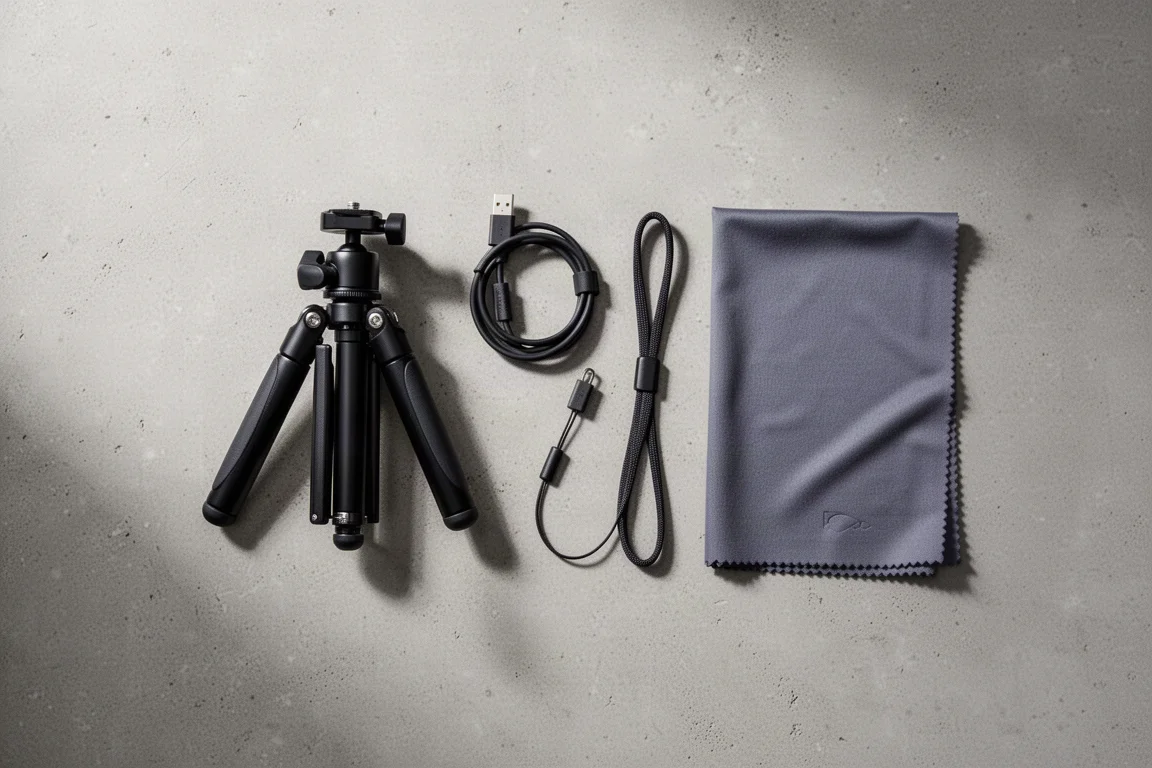
The Zhiyun Smooth X Essential Combo is a two-axis handheld gimbal built for phone-based video. It is aimed at people who want smoother walking footage, steady selfie shots, and simple subject tracking without carrying a large stabiliser or spending a lot of money. The combo kit adds a small tripod stand and a USB charging cable, and the gimbal pairs with the ZY Cami app for activation and camera control.
The stabiliser works with a phone clamped into its spring-loaded mount. Once the phone is balanced, the head holds it level as you move, and the handle provides physical controls for recording, zooming, and panning.
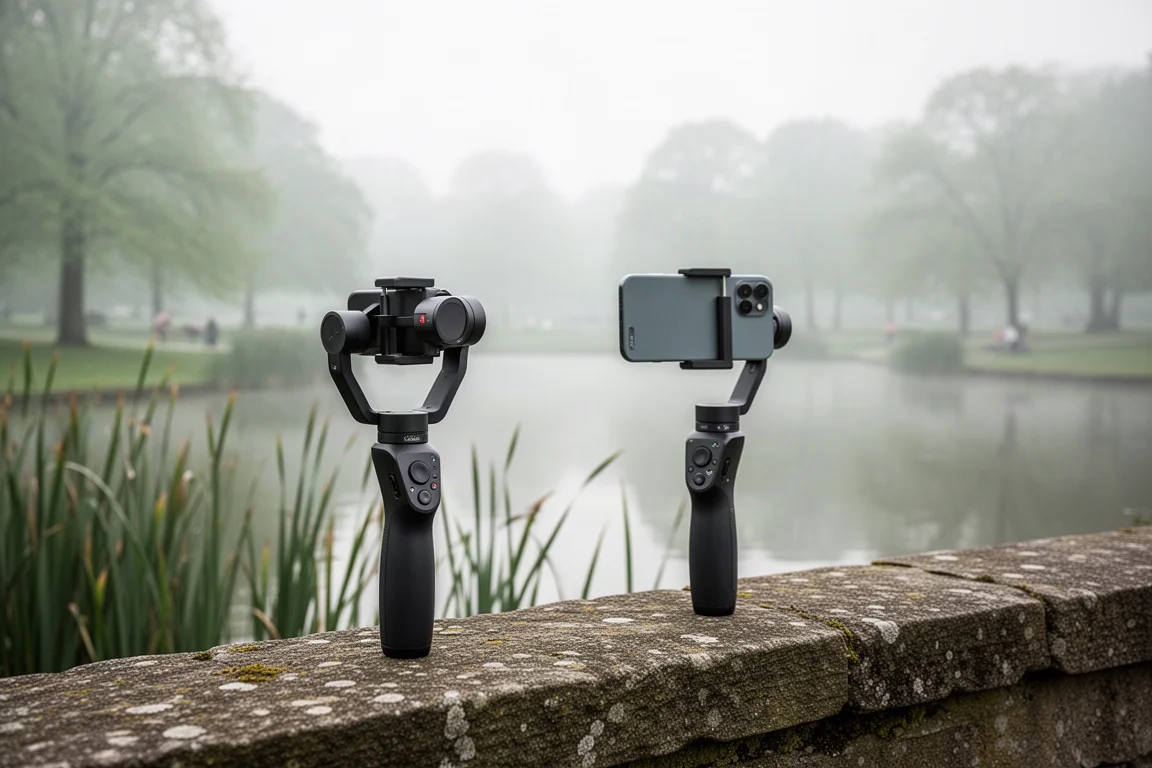
For anyone taking a first step into gimbal shooting, the appeal is straightforward: the glide quality is good, the device is light, and the price stays low compared with more advanced stabilisers.
Who This Product Is For
This is a starter gimbal rather than a specialist tool. It suits vloggers filming themselves while walking, travellers who want steadier handheld clips, and anyone curious about motion time-lapses who does not want to invest in a heavier three-axis rig.
It is less suited to shooters who need full manual control, tilt movement, or the ability to use every lens on their phone through a companion app. Those requirements point toward a more advanced model.
Main Strengths
Three features stand out in everyday use. First, the head keeps the phone level while you walk, so side-to-side body movement does not translate into a rolling, unstable picture. Second, subject tracking follows you as you move, producing a smooth gliding shot when you want to step through a scene without holding the phone yourself. Third, the gimbal supports motion time-lapses with a panning path: you set a start position and an end position, and the head sweeps between them while the camera records.
The handle adds practical controls on top of the app. There is a button for starting and stopping recording, a zoom control on the side, and a small joystick for revolving the head or panning left and right. Because the gimbal can also work independently of the app, you can trigger recording from the handle while using your phone’s own camera interface.

The overall glide quality is the strongest argument for the product. Walking footage comes out noticeably steadier, and the tracking and time-lapse modes add creative options that a plain selfie stick cannot offer.
Setup and App Experience
Setup takes a few steps. The mount has to be unlocked, then rotated so the phone sits the right way, with a small marking on top showing which direction the camera should face. After clamping the phone, you slide it until the head balances and stops rocking.
Powering on means holding the power button, opening the companion app, and connecting the two. The app requires activation, which is done by scanning a code, and the first session included a software update. From there, the app handles camera mode and the various shooting features.
The main limitation here is lens access. The app uses only the middle camera on the phone, so a wide-angle lens is not available through the app. That is not a dealbreaker, because the gimbal can be used independently: choose the wide-angle camera in your phone’s own camera app, then use the handle button to start and stop recording and the joystick to steer the head.
Stabilisation, Tracking, and Time-Lapse
In practice, the stabilisation is what sells the product. Walking with the gimbal in selfie mode keeps the frame level even when the body sways from side to side, and the same steadiness carries into ordinary walking shots.
Tracking works by finding the subject and following them as they move, which produces a continuous, gliding shot. It is a genuinely useful mode for filming yourself in a garden, on a path, or anywhere you would otherwise need a second person to hold the camera.

Motion time-lapse is the most interesting creative feature. You set a starting point, trace the path you want the head to travel, mark the end position, and let it run. The head returns to the start and sweeps across the scene while the camera captures the interval frames, which makes it easy to record moving clouds over a wide view. Because the gimbal has two axes rather than three, there is no tilt movement, so a shot cannot begin aimed at the sky and then pan down. That missing axis is part of why the unit stays light and inexpensive.
For the most stable time-lapse results, a sturdier tripod than the bundled stand is worth using. A rigid, adjustable tripod lets you level the gimbal precisely before starting a long capture.
Things to Consider Before Buying
The two-axis design means no tilt control, which limits certain camera moves. The app reaches only one camera lens on the phone. Documentation for the shooting modes is thin, so expect to spend a little time finding third-party walkthroughs that explain what each mode does. The app also bundles extras such as filters that many users will simply ignore. Finally, the included tripod is compact and best treated as a convenience rather than a foundation for long time-lapses.
Buying Advice
Buy this gimbal if you want steadier phone video, reliable subject tracking, and sweeping time-lapses at a low entry price. It is a strong first stabiliser: light enough to carry, simple enough to learn, and capable of glide quality that noticeably improves handheld footage.
Look at a more advanced gimbal if you need tilt movement, full access to every camera lens through an app, or a heavier payload. For a first gimbal or a lightweight travel companion, this combo covers the essentials well.
Conclusion
The Zhiyun Smooth X Essential Combo earns its place as an affordable entry into gimbal shooting. Level-headed stabilisation, subject tracking, and panning time-lapses are the highlights, while the two-axis design and limited app camera access define what it cannot do. For beginners and casual vloggers, those trade-offs are reasonable.
Product link
View more details for Zhiyun Smooth X Essential Combo
This product is mentioned in the review. Check the specifications, options, and compatibility before buying.
View more details for Zhiyun Smooth X Essential ComboFurther reading
Related Reviews

Backpacking Gear
Building a 10 lb Base Weight: An Ultralight Backpacking Gear List
A practical walkthrough of the ultralight pieces behind a 10 lb base weight, from a 765 g pack and a roomy one-person tent to a full camp chair and a dependable water filter.

Road Bikes
10 New Road Bikes Worth Watching: Aero, Titanium, Steel and Endurance Standouts
A practical roundup of 10 new road bikes, from aero flagships chasing single-watt gains to titanium, steel and endurance platforms built for real roads.
Bikepacking Gear
11 Bikepacking Essentials for Long-Distance Cycling
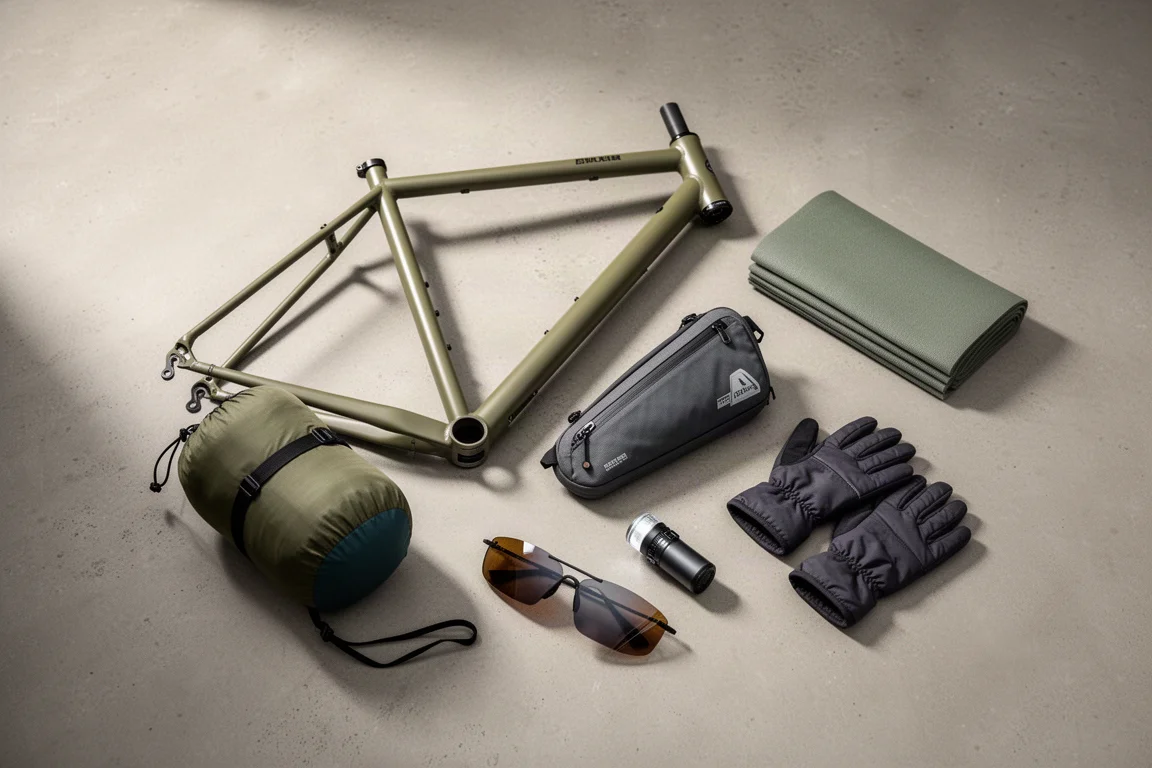
Eleven bikepacking essentials for long-distance cycling, from a steel gravel frame and a two-person tent to helmet lights, packable gloves, and a frame bag that puts weight in the right place.