Laser Cutting & Welding
xTool MetalFab: Common Questions Answered Before You Buy
A practical look at the xTool MetalFab laser cutting and welding system, covering cutting detail, software ease, welding performance, and real-world trade-offs.
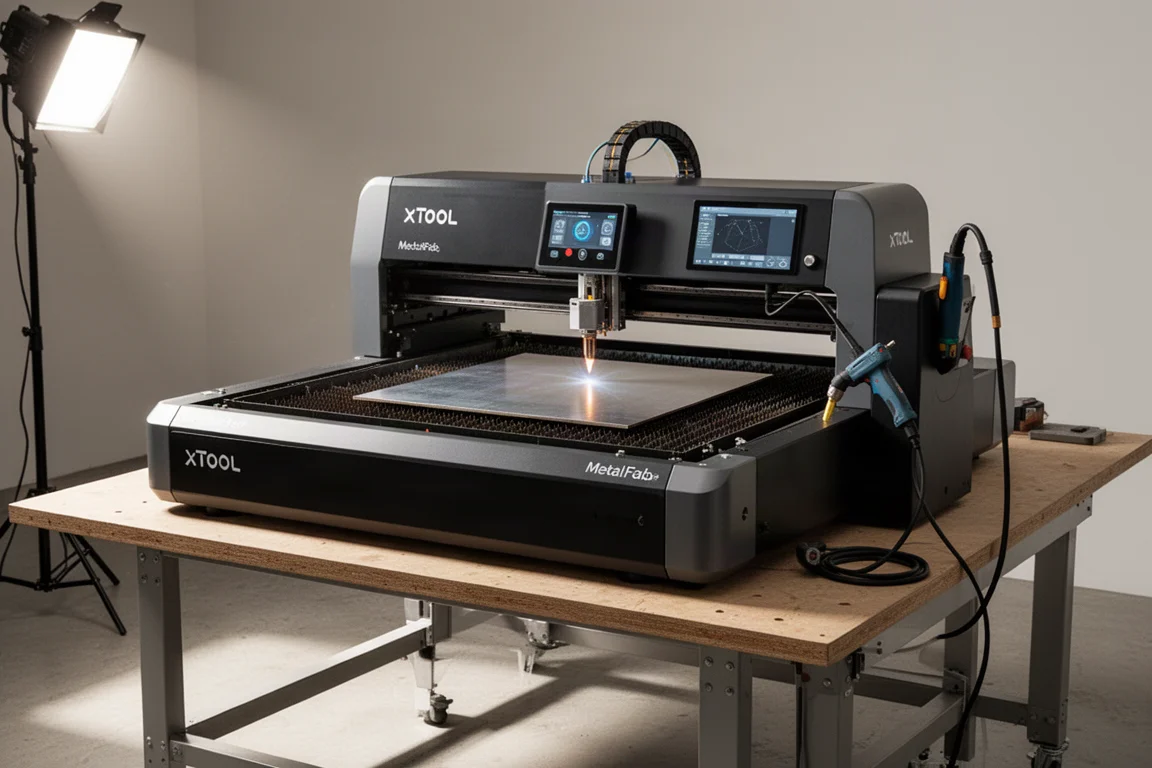
Introduction
The xTool MetalFab is a laser cutting and welding system that promises to bring both CNC cutting and handheld welding into a single machine. It has generated a lot of questions from people who are curious about its real capabilities, its software, and whether it can replace traditional welding equipment. This article answers the most common questions about cutting detail, welding performance, consumables, and how the system fits into a workshop or small business.
How Fine Can the Laser Cut?
The cutting detail is one of the strongest aspects of the system. Test cuts on a variety of materials showed that features as small as 0.020 inches in diameter can be cut cleanly. Round and square test features were cut on 1/8 inch thick aluminum, 0.030 inch thick aluminum, 16 gauge stainless steel, 14 gauge mild steel, and even 1/4 inch thick mild steel. Measurements came in within about 0.003 inches per side, and that was without any curve offset tuning.
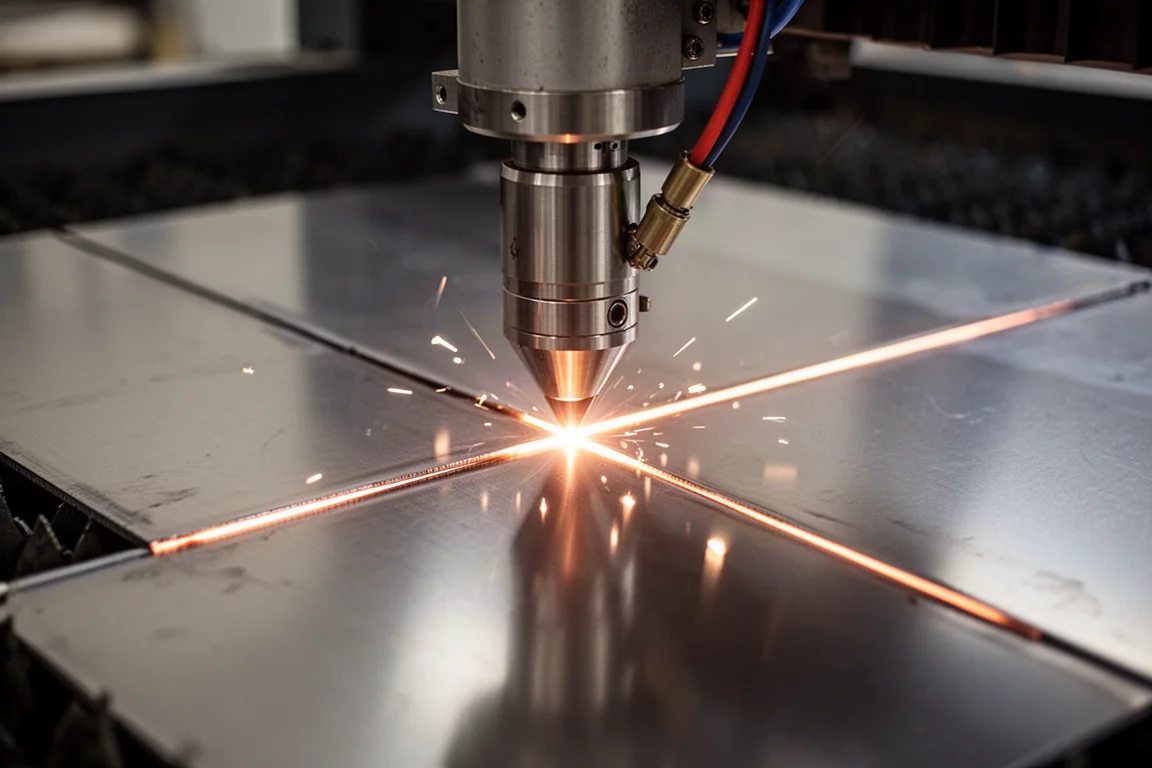
The system handled thin materials like 0.030 inch aluminum with ease, which makes it a good fit for electronics enclosures and similar precision work. On thicker steel, the detail remained impressive even when cutting with compressed air instead of the recommended oxygen. Some dross appeared on the thicker steel when using compressed air, but the dimensions and detail stayed accurate. Titanium also cut with excellent detail, though air cutting is not recommended for that material.
Engraving and Marking Capabilities
The MetalFab can also engrave and mark materials. A test engraving of a logo took about three minutes to complete with factory settings. The result was clean and usable, though the process is slower than a galvo laser. Users who want finer engraving detail can dial back the power and increase the line density to improve the finish further.
The Compressed Air System
The optional compressed air system includes a four-cylinder pump that delivers 12 CFM, which is substantial for a unit this size. It runs on 240 volts and does not store much air in the tank because it can pump enough to keep up with the laser. The refrigerated air dryer has three stages of filtration. The whole setup is designed to be compact for users with limited space. It is a bit loud when running, but it is a solid option for those who do not already have a compressed air system.
Understanding the Cutting Nozzles
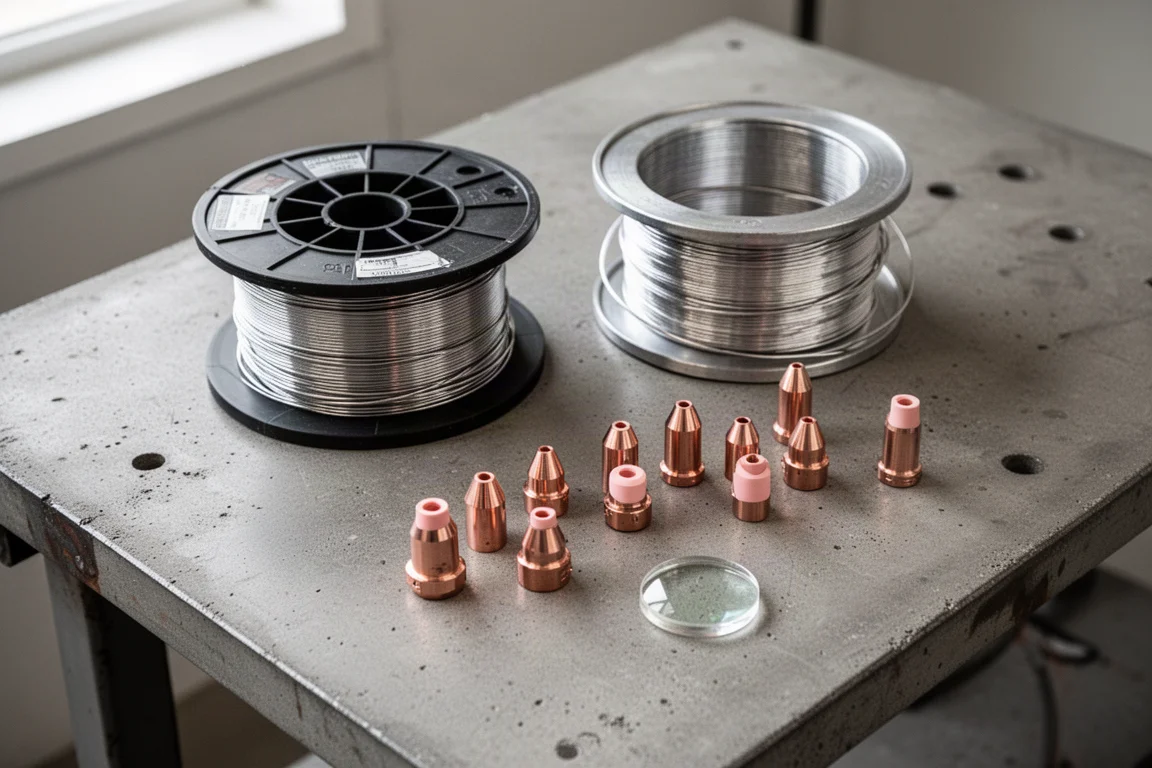
There are three main nozzles for the cutting feature. The standard nozzle shoots a jet of air directly at the workpiece and is recommended for higher pressures than the compressed air system provides. The gas saver nozzle has a ceramic insert that drags along the material, forcing more air down through the cut and allowing lower air pressures. The double nozzle sends a jet of gas down through the center and is designed for oxygen cutting on steel.
While xTool recommends oxygen for cutting steel that is not super thin, compressed air works surprisingly well. Test cuts with both nozzles using compressed air produced clean results with only a little dross or burr on the outside edge. For thicker material or faster cutting, oxygen provides a benefit, but either approach is viable depending on the job.
Software and Workflow
The software is one of the strongest points of the system. Users can load a drawing or create one directly in the software, select the material, and see an image of the actual material to position the part. Auto-nesting features work well in many cases. The workflow is far simpler than traditional CNC plasma table setups. CAD drawings in DXF format can be imported directly, and they come in to scale as long as they are saved in millimeters.
Welding Performance in Practice
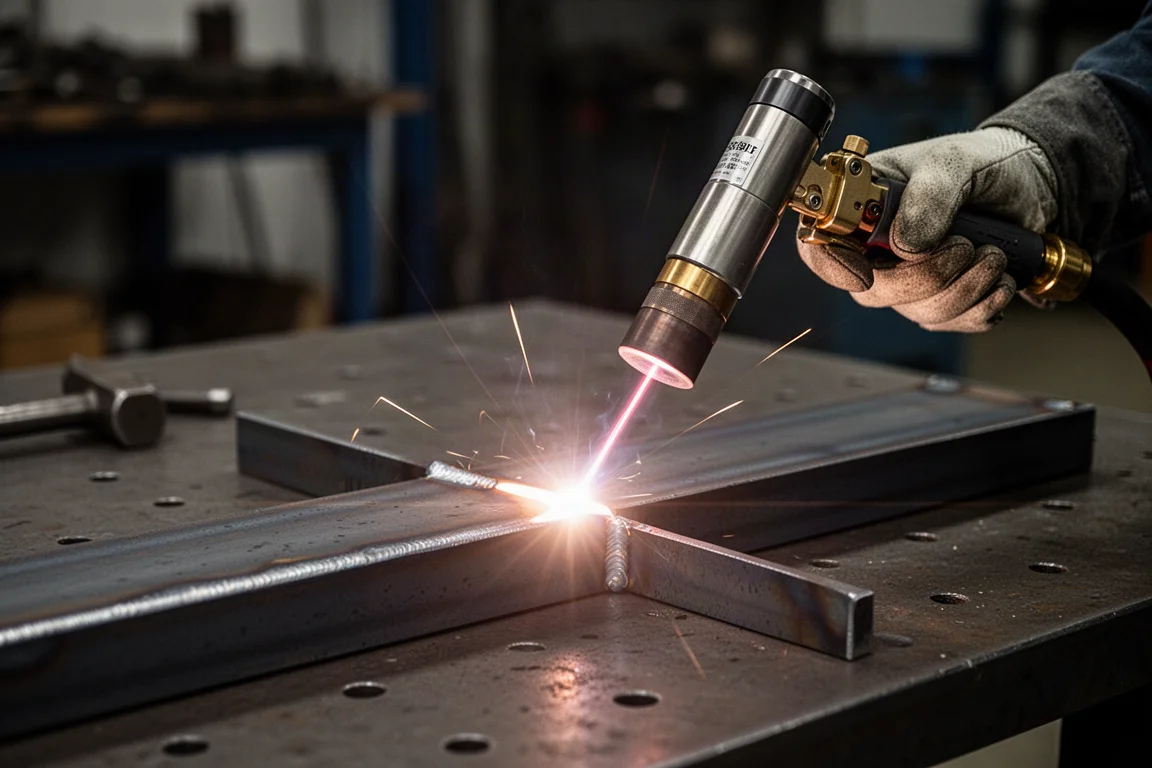
The handheld welding mode handles a range of tasks, but it has clear strengths and limitations. Cleaning mill scale is easy, and the cleaning tip can ride along the edge of material for joint prep before a larger weld. Welding with compressed air is possible and ran more smoothly than expected, though the resulting weld is not optimal and argon is strongly recommended for proper shielding.
Filling a gap is difficult because the operator does not have the same level of puddle control as with a TIG welder. On 16 gauge sheet metal with a 1/8 inch gap, it can work but requires patience. Fillet welds are easier than groove welds because the wire has a place to sit. Adding a slight chamfer to the material gives the wire a guide and improves penetration. Welding over rust is not recommended, though the high energy of the laser does blast away some contamination. The system has a small clip that acts as a safety device so the gun senses when it is touching the workpiece, but there is no traditional ground clamp because there is no electrical arc.
Weld Settings and Wire Selection
The weld settings are organized in layers. Standard mode lets users pick material, thickness, and wire, then start welding. Advanced settings allow changes to power, scan width, frequency, and wire feed speed. A professional mode exposes all settings for users who want full control. The standard presets work well for most jobs.
Aluminum wire feeding depends heavily on the alloy and size. Soft 0.035 inch 4043 wire can buckle and bird’s nest if everything is not aligned perfectly. Stiffer 0.047 inch 5356 wire feeds much more reliably and is a better size for building up fillet welds. Steel wire at 0.045 inch and stainless steel wire around 0.040 inch also work well.
Consumables and Maintenance
Laser welding produces fumes similar to arc welding, especially with aluminum, so proper ventilation and a respirator are necessary. The main consumables are shielding gas and wire. Gas usage is generally lower than TIG because travel speed is faster, and wire usage is lower than MIG because smaller fillet welds are possible. The primary machine consumable is the protective lens inside the gun. With proper technique, the lens lasts a long time, but shooting directly into aluminum at low power can damage it quickly.
Is It a Good Fit for a Small Business?
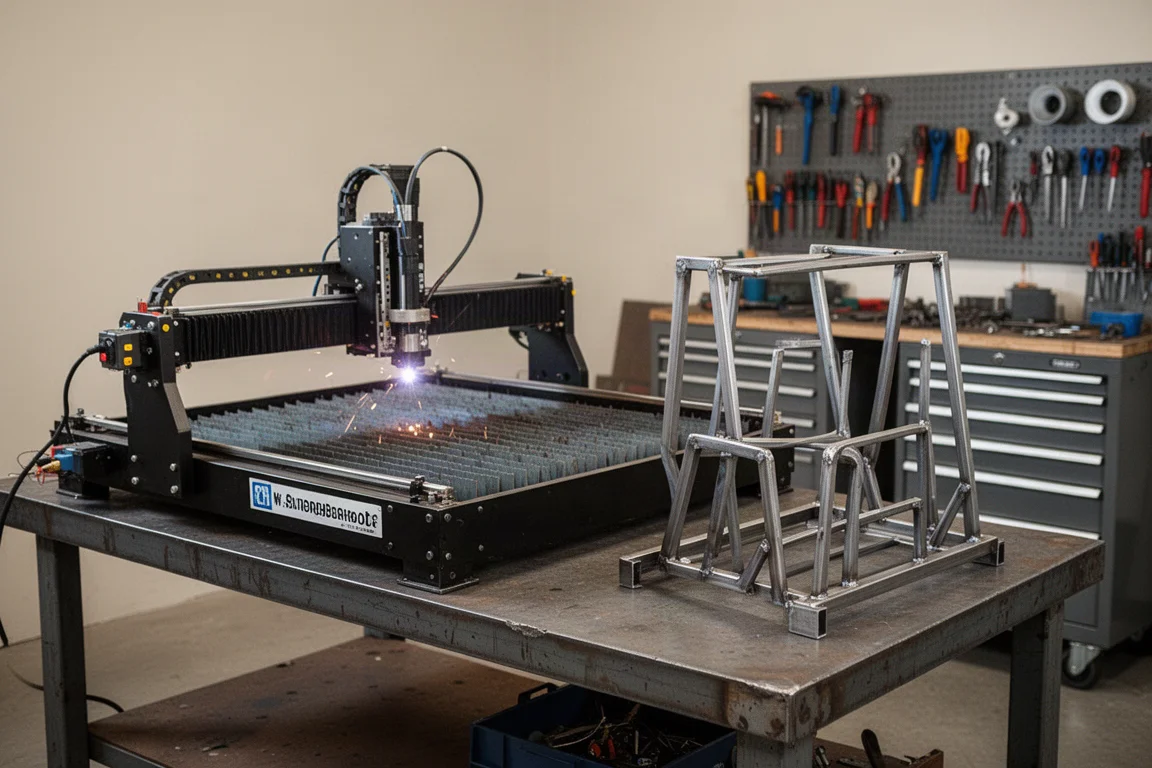
For a small business, the MetalFab provides about 90% of the capability needed to produce sellable products. Items like a grinder rack can be made quickly and repeatedly. However, having the equipment alone does not guarantee sales. Understanding the customer, the need being met, and how to deliver value are essential. The system also makes sense for existing businesses like auto repair shops or facilities maintenance, where custom metal parts can be produced on demand without disrupting production.
Buying Advice
The xTool MetalFab is a capable system for cutting flat sheet pieces and welding them together. It excels at fine cutting detail, has approachable software, and offers a well-integrated user experience. It is not a rebranded generic laser; the system design, software, documentation, and support network add real value. The main trade-offs are the difficulty of filling gaps, the slow deposition rate for multi-pass welds, and the need for proper safety precautions. For users whose projects fit laser cutting and welding, it is a strong all-in-one option.
Conclusion
The xTool MetalFab answers a lot of questions with solid performance. Fine cutting detail is excellent across a range of materials, the software is genuinely easy to use, and the welding mode handles common tasks well. It is not a replacement for every welding process, but for cutting flat sheet and welding it together, it is a practical and capable choice. Consider your project types, workspace, and safety setup before committing, and the system can be a valuable addition to a workshop or small business.
Product link
View more details for xTool MetalFab
This product is mentioned in the review. Check the specifications, options, and compatibility before buying.
View more details for xTool MetalFabFurther reading
Related Reviews
Welding Safety
Handheld Laser Welding Safety: Managing the Real Hazards
A practical look at the hazards of handheld laser welding and the layered controls that keep the work safe.
Engraving Materials
Rowmark LaserMax Review: A Versatile Engraving Material Worth Testing
A practical look at Rowmark LaserMax sheets from Johnson Plastics Plus, covering tri-layer, reverse, and specialty finishes for engraving projects.
Fabrication Tools
X-Tool Metal Fab Review: A Practical Look at Cutting and Welding in One System
A hands-on look at the X-Tool Metal Fab fiber laser, covering real cutting and welding performance on 1/4 inch steel.