Music Streamers
WiiM Pro and WiiM Mini: Two Affordable Streamers for Real Hi-Fi Systems
Two compact network streamers that bring AirPlay, Bluetooth, and a full-featured control app to an existing stereo, with the WiiM Pro adding inputs, outputs, and preamp-style volume control.
Introduction
Adding streaming to a proper two-channel system used to cost as much as the amplifier itself. The WiiM Pro and the WiiM Mini sit at the opposite end of that scale, and both do the job that matters: they take music from a phone, a laptop, or a streaming service and hand it to the rest of the system without fuss.
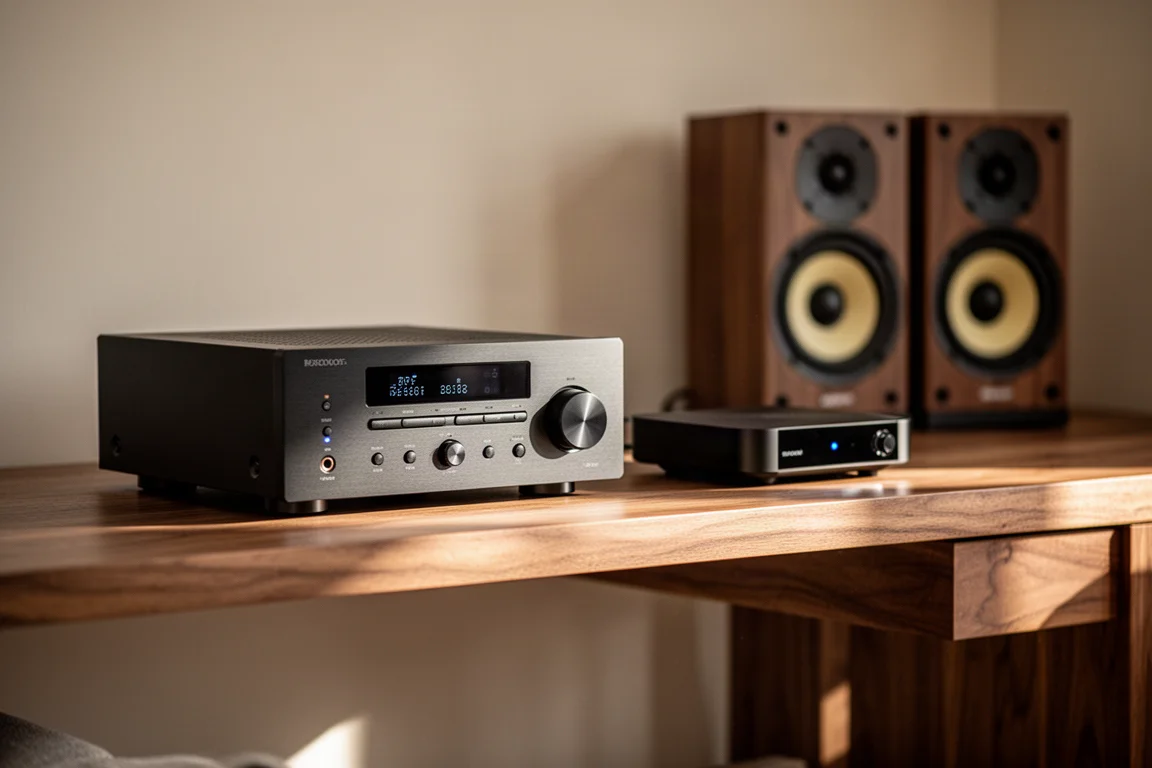
Both devices run the same control app, both support AirPlay and Bluetooth, and both are small enough to sit quietly behind a stack of gear. The difference comes down to what you want to plug in. The WiiM Mini is the simplest possible entry point, while the WiiM Pro adds a full set of physical connections and can act as a volume-controlling preamp for a television, a turntable with its own phono stage, or a power amplifier.
This guide covers what each one does well, where the compromises sit, and which type of system each one suits.
What to Look For in an Affordable Streamer
A streamer is mostly software. The hardware matters for connections and for how the box fits into a rack, but the daily experience comes down to the app: how quickly it finds your network, how cleanly it switches between sources, and whether it can hold a queue together without gaps between tracks.
The second thing to check is output flexibility. A fixed-level output lets you hand volume control to an integrated amplifier, while a variable output lets the streamer drive a power amplifier directly. Having both options in the same box is unusual at this price.
Third, look at the inputs. A streamer that only accepts network audio is a one-trick device. One that accepts an optical cable from a television or an analogue feed from a turntable becomes the switching hub for a small system.
WiiM Pro: The Full-Featured Option
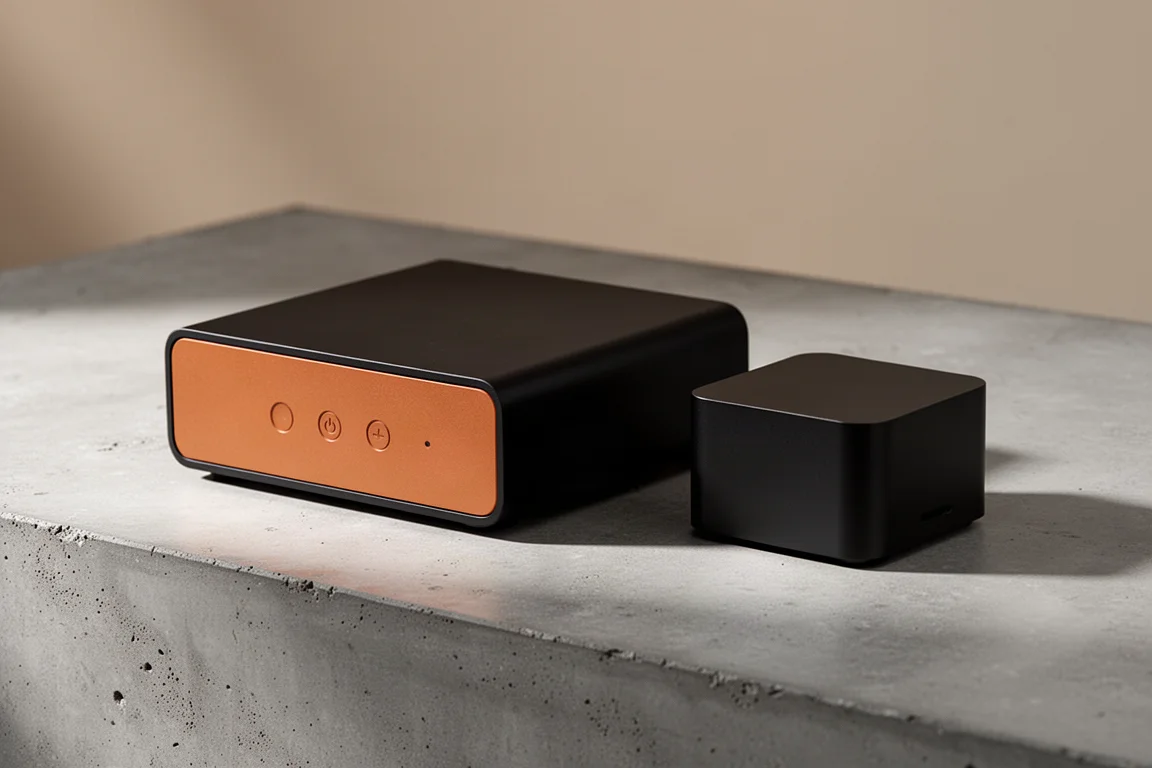
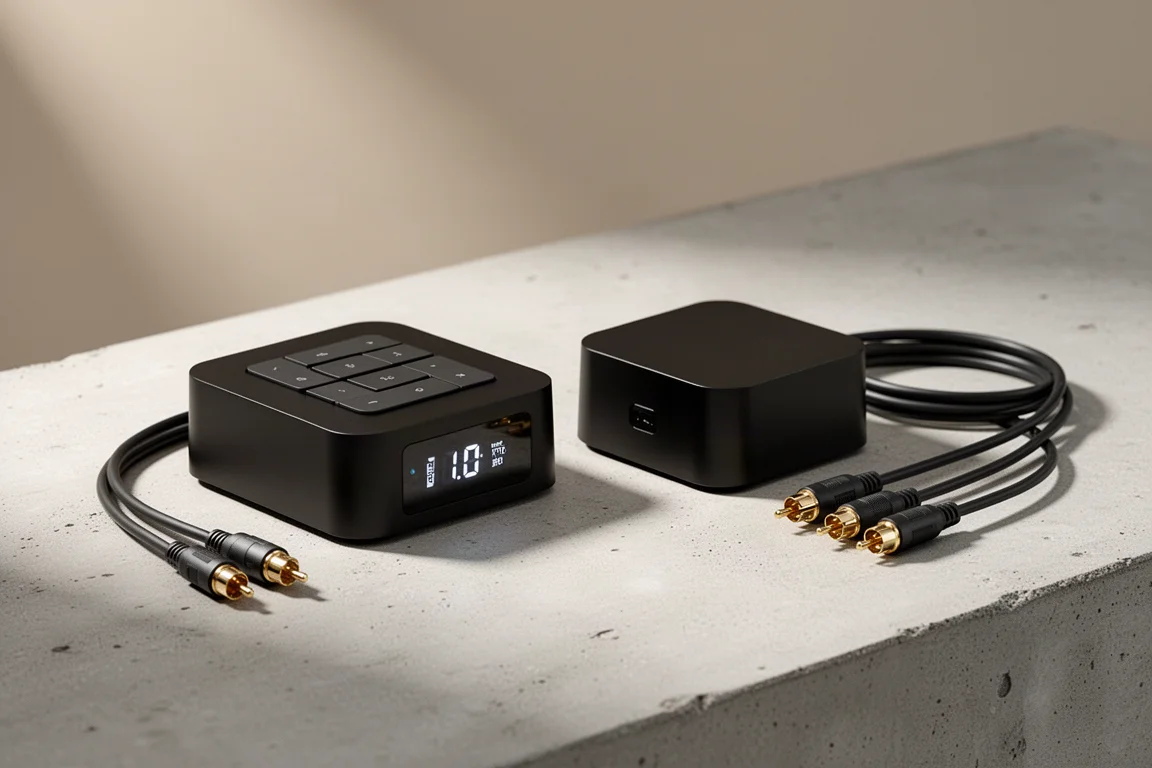
The WiiM Pro is the larger of the two, with a chassis that echoes the proportions of a compact desktop computer rather than a typical audio brick. The front panel carries volume up, volume down, and play controls, plus a status light that flashes yellow while it joins a network and settles to a steady white once connected. The front finish is a warm orange-brown that stands out against the usual row of black boxes.
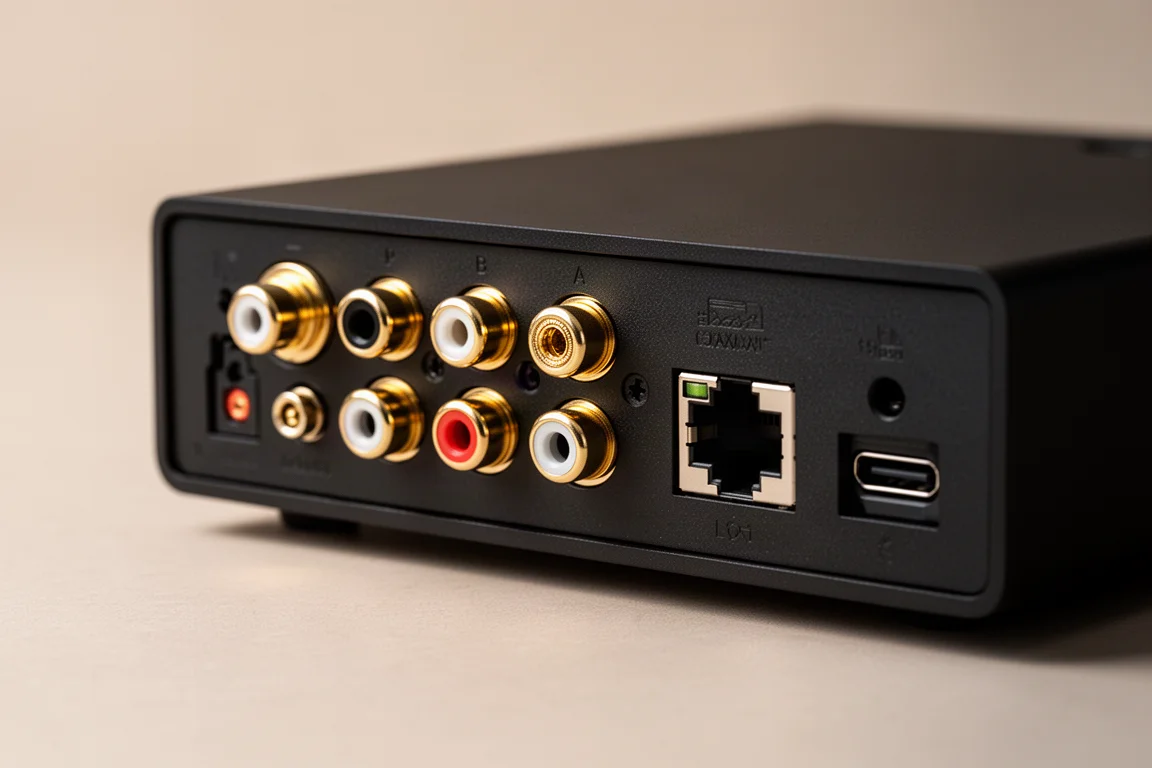
Around the back, the Pro covers almost everything a small system needs: one full-size RCA input, one optical input, one optical output, one coaxial output, a trigger output for switching on a connected amplifier, a wired network port, and a USB-C power input rated at 5 volts and 2 amps. There is also a small microphone for voice commands, and support for Chromecast and Alexa alongside AirPlay and Bluetooth.
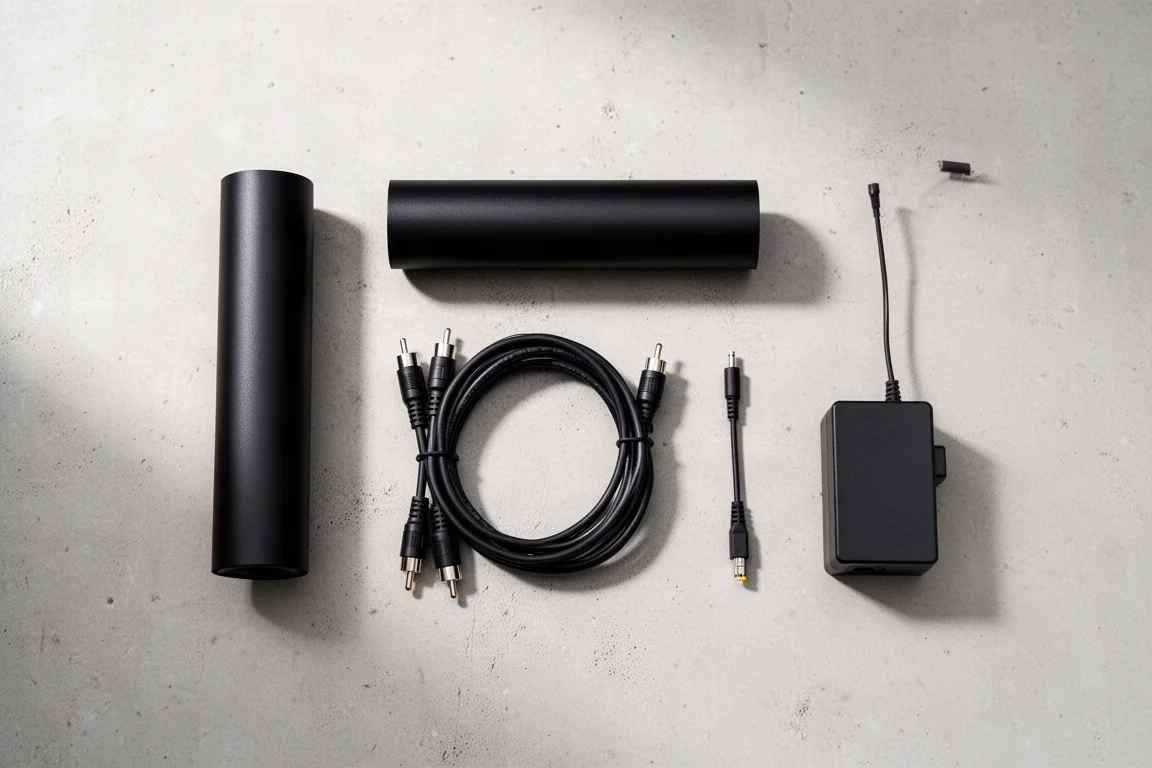
The included accessories are more generous than the price suggests: an optical cable, a pair of RCA cables, a USB-C to USB-A cable, and the correct 5 volt, 2 amp power supply. That last item matters, because the Pro will not run properly from a generic 1 amp phone charger.
Inside the app, the Pro exposes a 10-band equaliser with preset curves for flat, acoustic, bass boost, bass reduction, and treble boost, plus the option to build and save a custom curve. Audio settings cover the output voltage on the RCA sockets, a fixed 2 volt mode for use with an external preamp or integrated amplifier, and separate output resolution settings for the optical and coaxial outputs. The Pro can output up to 24-bit/192kHz, and MQA decoding is available as a beta feature.
Because it can control volume and switch between inputs, the Pro can sit at the centre of a simple system. A television can feed it over optical, a turntable with its own phono stage can feed it over RCA, and the streamer can pass everything on to a pair of active speakers or a power amplifier. Sources are selected in the app rather than from a remote, which keeps the hardware clean.
Pricing has landed in the region of $160 to $180, with the exact retail figure and wider availability still settling at the time of writing.
WiiM Mini: The Low-Cost Entry Point
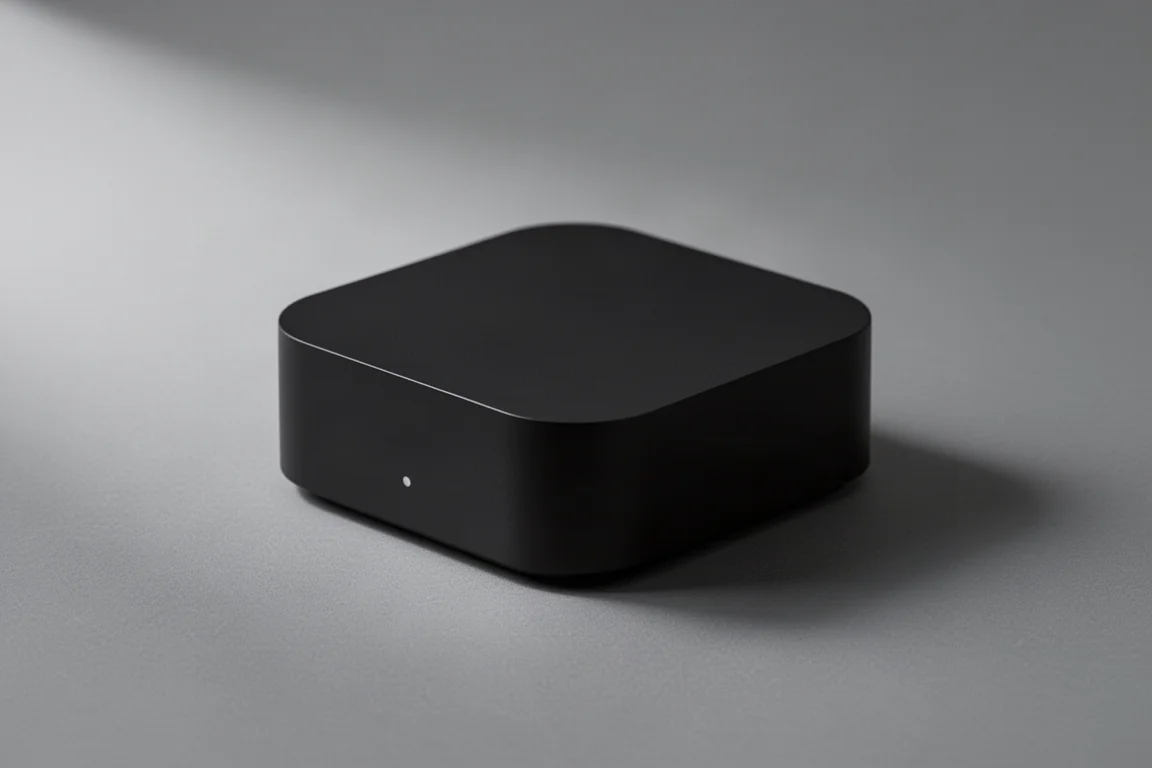
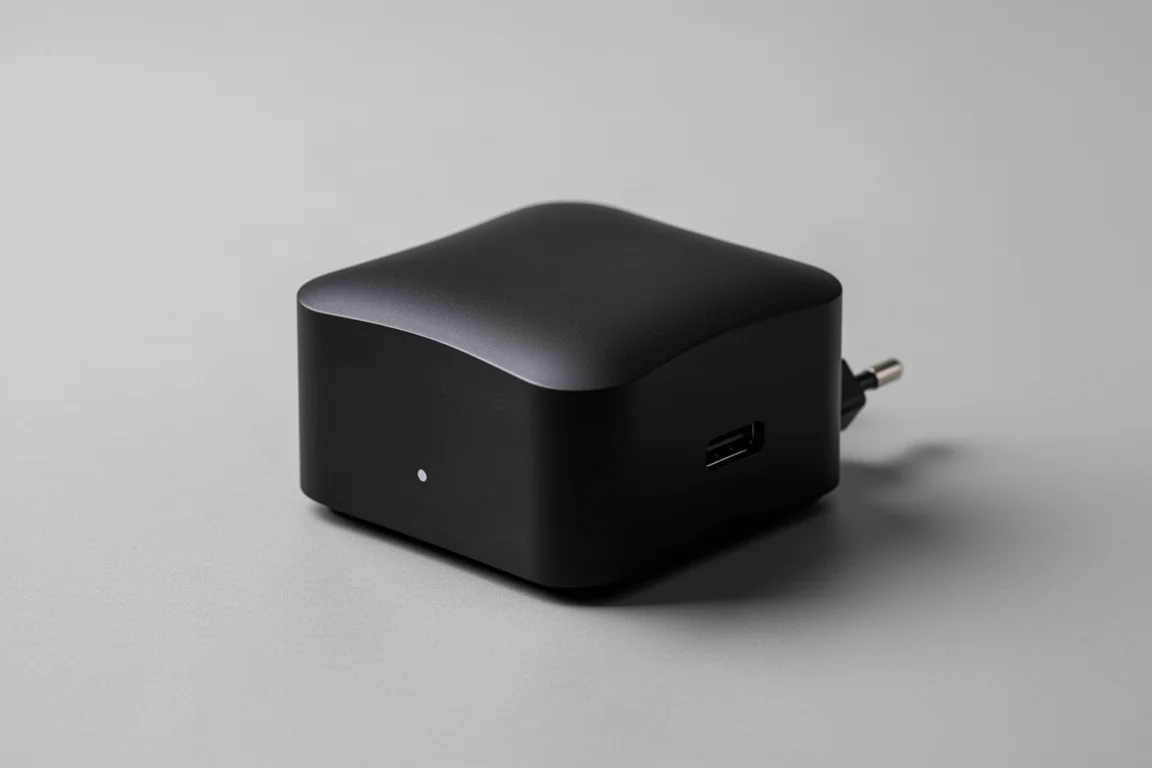
The WiiM Mini is the smallest and cheapest way into the same software platform. It has been available at around $80, which makes it one of the better value pieces in budget hi-fi. It supports Bluetooth and AirPlay, runs the full streaming app, and can be set up in minutes.
What it does not have is a set of physical connections. There is no optical input, no analogue input, no coaxial output, and no trigger output, so it cannot act as a hub for a television or a turntable. It also ships without a power supply, which is a reasonable omission at the price but worth planning for.
Build quality is a step below the more expensive options, and the housing does not pretend otherwise. For a device that usually sits out of sight and is never touched, that trade-off is easy to accept. The reward is the same app experience, the same streaming platform support, and the same gapless playback as the larger model.
For anyone who simply wants to add streaming to an existing amplifier with a spare line input, the Mini covers the essentials for very little money.
Setup and Everyday Use
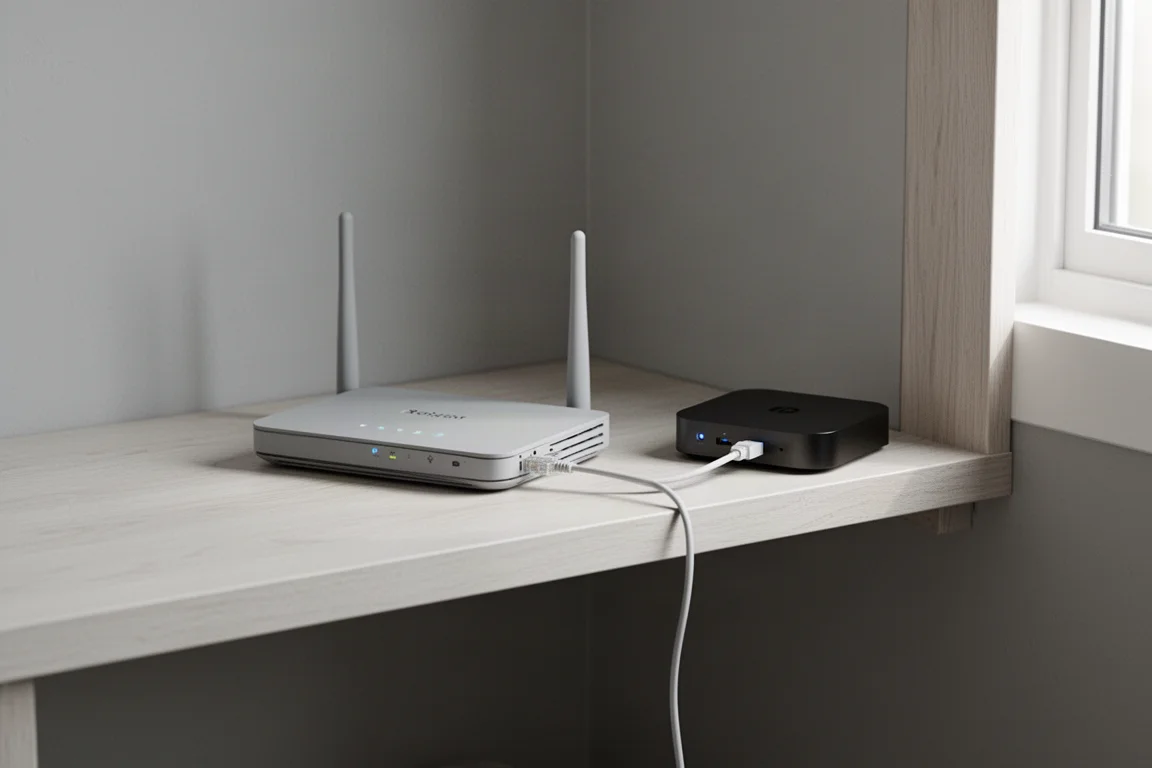
Setting up either device starts with the app. Power the unit, open the app, and it usually offers to pair the new device immediately. Firmware updates follow, then a login for whichever music service you use. If a network storage drive is on the same network, the app picks it up without extra configuration.
Keeping the app updated is worth the two minutes it takes. Older versions have been known to leave features such as the optical output unresponsive until the app is brought up to date, and support can only help once the current build is installed.
Day to day, both devices behave like appliances rather than computers. You pick a source, pick a service, and press play. The queue holds together without gaps, volume can be handled in the app or on the front panel, and the status light tells you what the box is doing without needing a screen.
Sound Quality and System Integration
Both streamers are transparent links in the chain rather than tone-shaping components. The audible differences between them come from how you connect them, not from the streaming engine itself. A fixed 2 volt output into a good integrated amplifier gives the cleanest result on the Pro, while the variable output is handy when driving active speakers or a power amplifier directly.
The Pro’s extra outputs are what make it flexible. Optical and coaxial outputs let you feed an outboard DAC if you already own one, and the trigger output can switch a power amplifier on and off with the streamer. The Mini, by contrast, is best treated as a single-purpose network bridge.
Weight is one small point to note on the Pro. The chassis is light for its size, so a stiff cable run can move it around on a shelf. A small weight or a bit of care with cable routing solves it.
Buying Advice
Choose the WiiM Pro if you want one box to handle network streaming, a television feed, and an analogue source, or if you plan to drive a power amplifier directly and want volume control in the streamer. The extra connections, the included power supply, and the preamp-style output control justify the step up in price.
Choose the WiiM Mini if your amplifier already has a spare line input and you only need a clean, reliable way to get streaming into it. At around $80 it is one of the cheapest routes to AirPlay, Bluetooth, and a full streaming app in a proper hi-fi system.
Either way, budget for a stable network connection. A wired link to the router is the most reliable option on the Pro, and both devices benefit from being on the same network as your phone and any storage drive holding your music library.
Conclusion
The WiiM Pro and the WiiM Mini share the same software foundation, and that foundation is the reason both are worth considering. The app is quick, streaming platform support is broad, and the setup process is short enough for anyone to manage.
The choice between them is about connections, not sound. If your system needs source switching, a preamp-style output, or a wired network link, the Pro is the one to buy. If you simply need to add streaming to an amplifier that is already set up, the Mini does the job for a fraction of the money.
Further reading
Related Reviews
Music Streamers
Arylic S10 Plus vs WiiM Mini: Two Affordable Music Streamers Compared
A practical comparison of the Arylic S10 Plus and the WiiM Mini, covering connections, apps, tone controls, and how each internal DAC actually sounds.
Music Streamers
Auralic Aries G1.1 Review: A Streaming Transport That Lifts a Resolving System
A close look at the Auralic Aries G1.1 streaming transport, covering its twin-transformer power supply, Tesla G2 processing, Lightning DS app and the systems where it genuinely pays off.
Music Streamers
Bluesound Nano Review: A Compact Streamer That Keeps Things Simple
The Bluesound Nano is a stripped-down network streamer at $299, with a solid chassis, quick setup, and a clean, punchy sound. Here is what to know before buying.