Music Streamers
Bluesound Nano Review: A Compact Streamer That Keeps Things Simple
The Bluesound Nano is a stripped-down network streamer at $299, with a solid chassis, quick setup, and a clean, punchy sound. Here is what to know before buying.
Introduction
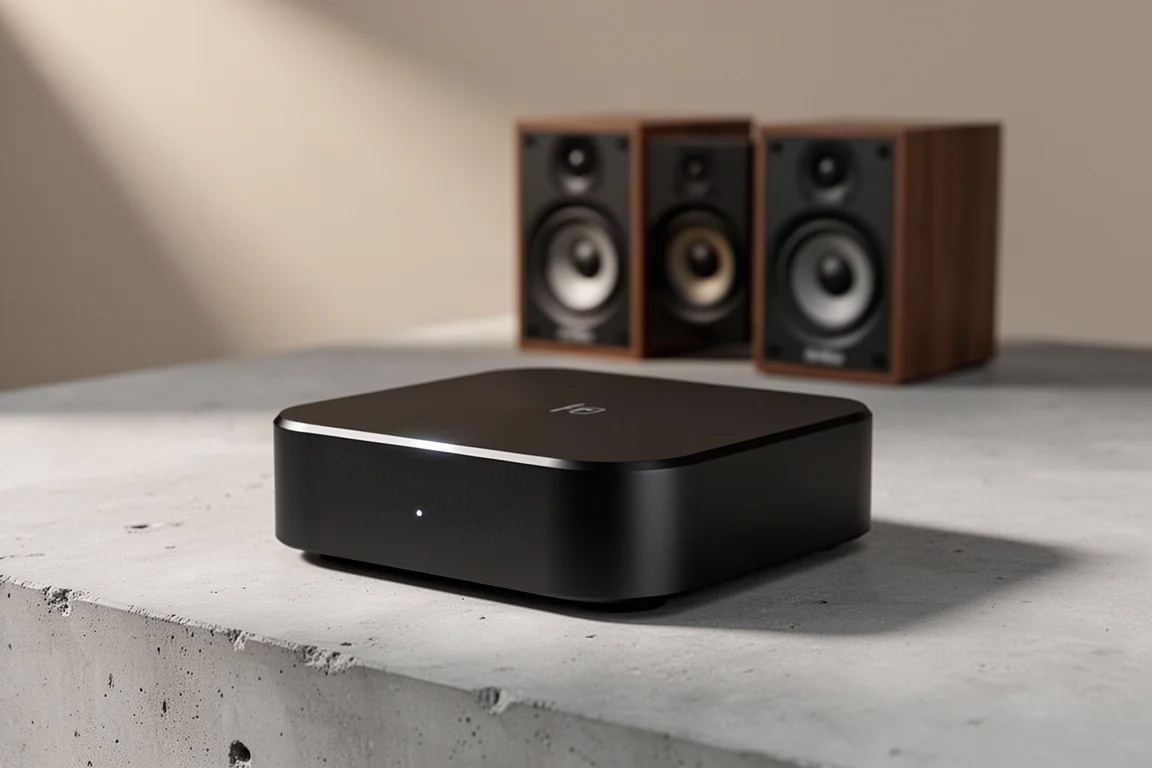
Bluesound has spent years building a reputation for streamers that deliver a lot for the money, and the Nano is the most affordable way into that family so far. At $299 it sits close to the price of the most popular budget streamers on the market, but it arrives with a simpler promise: connect it to your network, point it at your music, and let your amplifier do the rest. It lands alongside a wider refresh of the Bluesound line-up, which now includes a model with a display.
The Nano is a deliberately stripped-down design. There is no screen, no subwoofer output and no analog input. What you get instead is a compact, well-finished network player that concentrates on the parts most listeners actually use.
Who the Bluesound Nano Is For
The clearest case for the Nano is an existing Bluesound household. If the app is already installed, adding the Nano is a short process: open the app, add a device, approve access to the Wi-Fi network, and it appears alongside everything else. From there it can be driven by Tidal Connect, Spotify Connect, or the Bluesound app itself, which supports a wide range of streaming services once your credentials are entered.
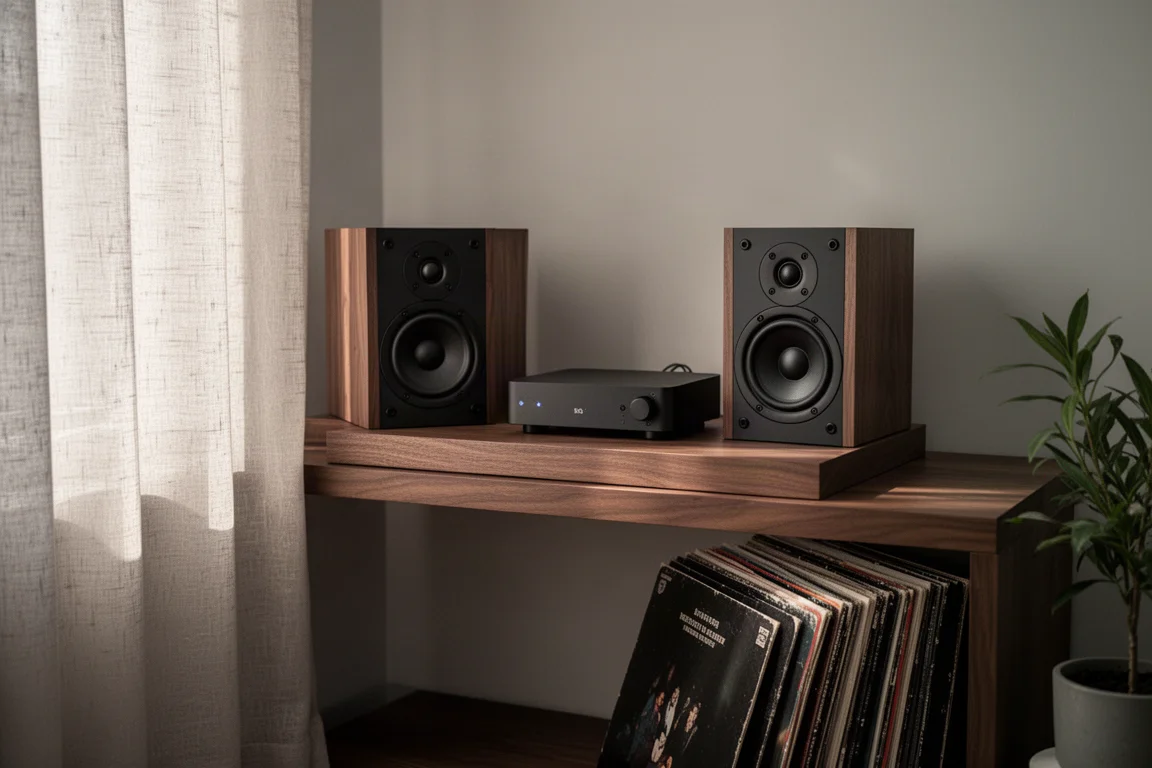
It also works well as a first step into a dedicated streaming setup. Because the Nano is output only, it slots into a system that already has an amplifier or powered speakers, and it does not ask you to rethink the rest of your chain.
The trade-off is that this is a streamer for people who mainly want to play music. Listeners who need analog inputs, a subwoofer output or an HDMI connection will find more of what they want elsewhere in the market, and often for less money.
Main Strengths
Sound Quality
The Nano’s DAC stage is built around a Sabre 9039 Q2M chip, and in direct listening it proved more capable than its price and size suggest. Set against the WiiM Ultra and its Sabre 9038, the Nano came across as punchier and cleaner. The Ultra had a touch more air around instruments, but its midrange felt more covered in comparison, and a run through Elton John’s “Rocket Man” made the difference easy to hear. The same listening sessions also favoured the Nano next to the WiiM Pro and WiiM Pro Plus.
The Nano held up against the original Bluesound Node as well, a considerably more expensive unit. If you already use an external DAC, the internal conversion matters less, since the Nano and its rivals all offer digital outputs. Even so, the Nano’s own analog output is good enough that many listeners will not feel the need to add anything.
What stands out is not a single dramatic quality but the combination: a clean, energetic presentation that stays composed rather than leaning on warmth or extra brightness to sound impressive.
Build and Setup
The Nano is roughly the same footprint as a WiiM Pro, but it weighs noticeably more and feels denser and more solid in the hand. Bluesound has kept the front panel minimal: power, track forward and track backward are handled by touch-sensitive controls with small LEDs to confirm input.
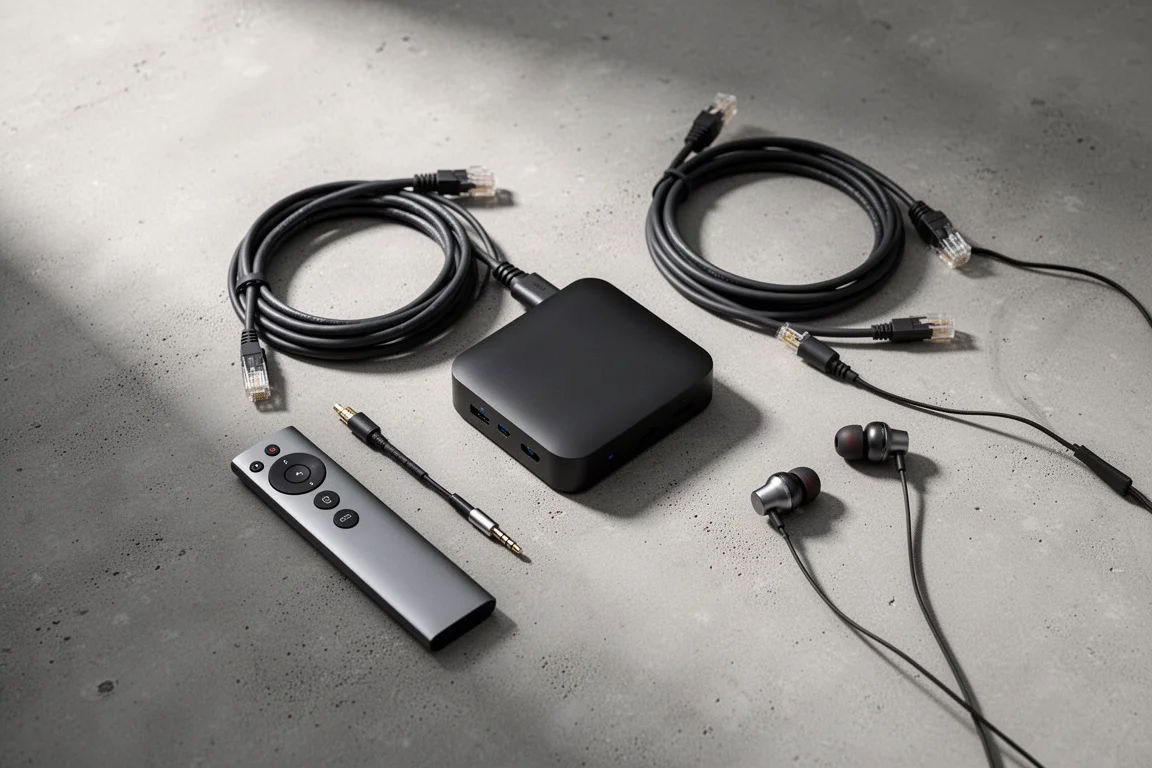
Around the back you get RCA outputs, coaxial and optical digital outputs, a hardwired ethernet port, a USB connection for a thumb drive, and both trigger in and trigger out. That is a sensible set of connections for a streamer at this price.
Power comes from an external 5V brick rather than an internal supply. That detail matters more than it first appears. Because the Nano runs on 5V, an external linear power supply can be connected directly at the back, with no need to open the case or modify anything inside, which is the route owners of earlier Bluesound models have had to take. It is worth checking how any such change affects your warranty before you commit.
App, Controls, and Streaming Support
The Bluesound app covers the practical extras well. There are tone controls, a mono mode, per-track gain levelling so a quiet track does not disappear after a loud one, and fade in and fade out options. Mono mode is genuinely useful: send one speaker to the left channel and one to the right, then use the balance control to compare them on the same material.
Apple Music is not supported here, though it is also absent from the WiiM alternatives, so the practical difference between the two families is smaller than it sounds.
One limitation is worth stating plainly: because there is no subwoofer output, the Nano does not offer the bass management features found on Bluesound’s larger Node models. If you run a subwoofer and want the app to handle crossover duties, this is not the streamer for that job.
Things to Consider Before Buying
The Nano is output only. There is no optical input and no analog input, so devices such as a CD player or a turntable cannot be routed through it. If you want one box to switch between sources, look elsewhere.
Feature depth is the other consideration. The WiiM Ultra offers bass management, a subwoofer output and an HDMI input, while the WiiM Pro and WiiM Pro Plus come in at roughly $150 and $170 to $200 respectively, well below the Nano. Those products give you more functionality for less money, and the Nano’s counterargument is build quality and sound rather than a longer feature list.
The app ecosystem is a commitment as well. Bluesound’s software is the control surface for everything the Nano does, so it is worth being comfortable with that before buying.
Buying Advice
If you already own Bluesound equipment, the Nano is close to an automatic recommendation. It integrates with the app you already use, it is the cheapest way to add another zone, and it sounds better than the older Node despite costing less.
If you are new to streaming and your priority is simply playing music well, the Nano still makes sense. Setup is quick, the chassis feels like a more expensive product, and the sound is clean and punchy rather than thin.

If your priority is features, the calculus changes. A subwoofer output, bass management and an HDMI input are meaningful conveniences, and the WiiM range offers them for less. Buy the Nano for its build, its simplicity and its sound. Choose a more feature-heavy streamer if you need the extra connectivity. Neither choice is wrong; they simply serve different systems.
Conclusion
The Bluesound Nano is a focused product that fills a real gap. At $299 it gives Bluesound a genuinely affordable streamer, and it does so without feeling cheap. Its limitations are clear and easy to identify in advance: no analog input, no subwoofer output, no HDMI, and fewer software features than the competition.
For listeners who want a compact, solidly built streamer that plays music with energy and clarity, those omissions are unlikely to matter. For anyone who needs the extra connectivity, the alternatives are worth a look. Either way, the Nano is a well-judged addition to a crowded category.
Product link
View more details for Bluesound Nano
This product is mentioned in the review. Check the specifications, options, and compatibility before buying.
View more details for Bluesound NanoFurther reading
Related Reviews
Music Streamers
Arylic S10 Plus vs WiiM Mini: Two Affordable Music Streamers Compared
A practical comparison of the Arylic S10 Plus and the WiiM Mini, covering connections, apps, tone controls, and how each internal DAC actually sounds.
Music Streamers
Auralic Aries G1.1 Review: A Streaming Transport That Lifts a Resolving System
A close look at the Auralic Aries G1.1 streaming transport, covering its twin-transformer power supply, Tesla G2 processing, Lightning DS app and the systems where it genuinely pays off.
Music Streamers
Bluesound Node Icon Review: A Flagship Streamer With Dual DACs and Balanced Outputs
A close look at the Bluesound Node Icon, a sub-$1,000 music streamer with dual ESS Saber DACs, a fully balanced output path, HDMI eARC, and a full-size headphone jack on each side.