Bike Computers
Wahoo Elemnt Bolt 3 vs Roam 3 vs Elemnt Ace: Which Bike Computer Fits Your Riding?
Wahoo's third-generation bike computers share the same software foundation but differ in size, weight, touchscreen, speaker, and a unique wind sensor. Here is how to choose.
Introduction
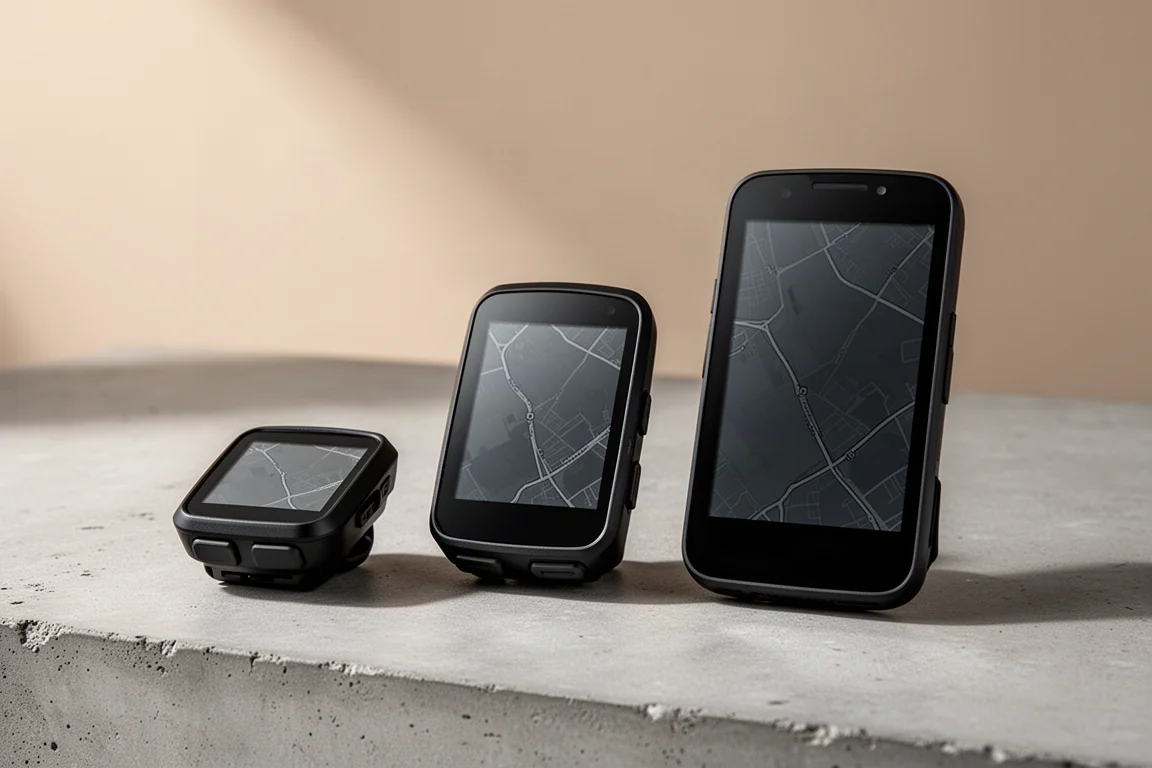
Wahoo’s third generation of bike computers is a bigger step than the last one. Where the second-generation Bolt and Roam were minor refreshes, this lineup brings substantial hardware and software changes across the board. The range now spans three models: the compact Elemnt Bolt 3, the mid-size Elemnt Roam 3, and the very large Elemnt Ace.
All three share the same base software platform and most of the same features, so hardware is what really separates them: size, weight, touchscreen, speaker, and battery life. That hardware, in turn, creates some meaningful software differences too. Here is how the three stack up.
Pricing: Rising With Screen Size
Pricing climbs in step with size. The Bolt 3 sits at $329, the Roam 3 at $449, and the Elemnt Ace at $599. Those are the current US prices listed on Wahoo’s website at the time of writing, though availability can always shift.
Size and Weight: The First Decision
The Bolt 3 is the smallest and lightest of the three, built for anyone who wants to keep weight down on the bar. The Roam 3 sits in a comfortable middle ground, while the Elemnt Ace dwarfs both and is genuinely one of the largest bike computers on the market.
Weight matters more than you might expect here. The Ace comes in at nearly double the weight of the Roam 3, which is worth factoring in if that big display is tempting. The Bolt 3 is the pick for minimal weight, but realistically the Roam 3 does not weigh much more than the Bolt.

Displays: Brighter, Higher Contrast, With a Caveat
The Ace carries a 3.8-inch display, roughly the size of a small smartphone and one of the largest bike computer displays available. Data pages show stats large and clear, and the biggest benefit shows up on maps, where plenty of information fits on screen at once.
All three units use the same display technology: high-resolution memory pixel panels capable of showing up to 16 million colors, which they take full advantage of with maps. Compared with the previous generation, these displays offer more contrast, a brighter backlight, and no bluish hue on the start screen.
One trade-off deserves attention: an anti-glare coating sits over the display. It reduces glare in strong sun and performs well in direct sunlight and in darkness with the backlight on, but in cloudy or overcast conditions it can make the screen look slightly hazy and tougher to read.
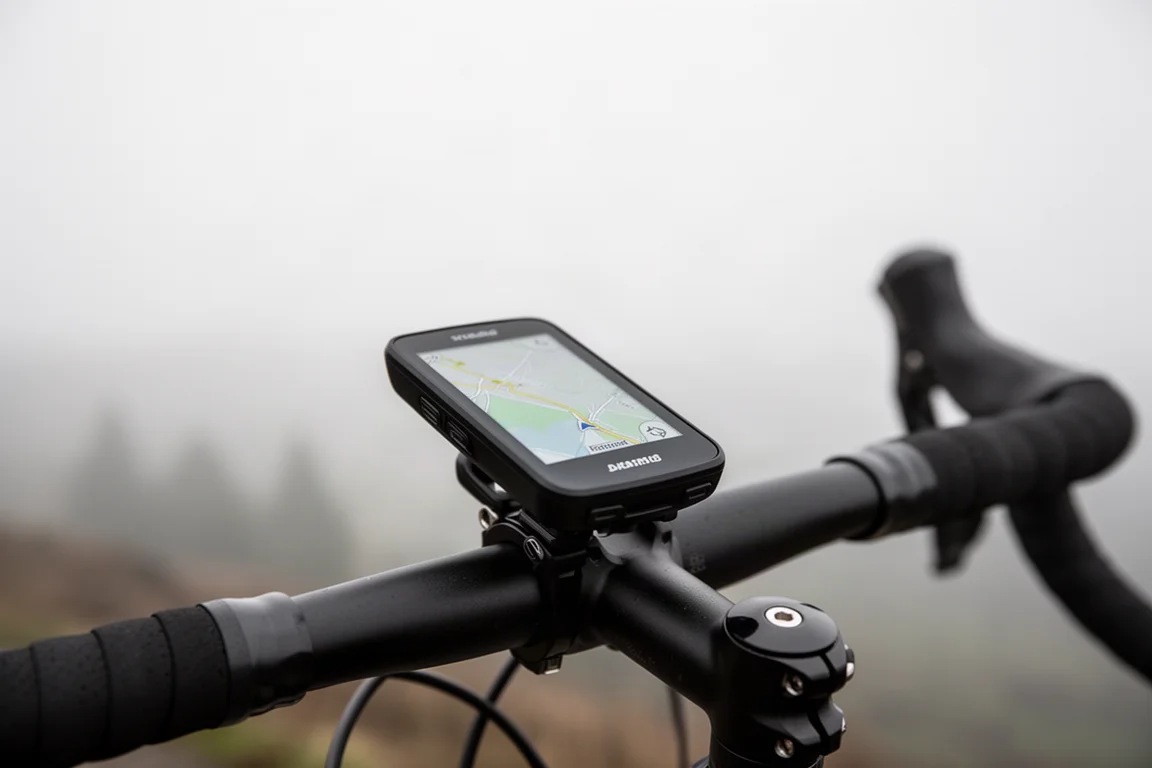
Where the Ace’s screen shines is road and gravel riding. For mountain biking, its sheer size makes it more exposed to damage on an out-front mount and awkward if mounted directly on the bars. In fact, Wahoo does not include handlebar puck mounts with the Ace the way it does with the Roam and Bolt, so the Roam 3 and Bolt 3 are the more versatile choices for mixed riding.
Controls: Buttons Everywhere, Touchscreens on Two
All three use a six-button layout, but the Ace and Roam 3 add a touchscreen while the Bolt 3 does without. The touchscreen helps everywhere: navigating menus, swiping through data pages mid-ride, and especially panning and zooming on the map page.
Importantly, nearly everything the touchscreen does can also be done with buttons, so gloved hands or sweaty fingers are never a dead end.
One small hardware note: the side buttons on the Ace feel slightly squishy and less positive than the crisp, clicky buttons on the Roam 3 and Bolt 3. The front buttons are clicky on all three.
Audible Alerts and the Digital Bell
The Ace and Roam 3 also include a full speaker, which unlocks two things the Bolt 3 cannot do. First, audible alerts: spoken turn-by-turn navigation prompts mean less time staring at the screen, which is genuinely useful on unfamiliar roads. Second, a digital bell: double-tap the screen and it rings, and it is surprisingly loud. A $10 to $15 physical bell does the same job, but having it built into the computer is one of those features that is hard to appreciate until you use it.

One current limitation: the bell cannot be mapped to a shifting button on accessories like a Shimano Di2 or Blip-style remote. That would take it from really good to really great, and it is the most obvious feature request for a future update.
The Ace’s Wind Sensor: Novel, Not Essential
The most unique feature in the lineup lives on the Ace. A wind sensor on the front of the unit measures wind speed, and the device displays both GPS ground speed and wind speed side by side. Going into a headwind, wind speed reads higher than ground speed; with a tailwind, it reads lower; in still air, the two roughly match.
It is a feature no other consumer bike computer maker offers, and genuinely novel. Right now, though, the two metrics largely confirm what you can already feel, and the sensor does not yet deliver truly actionable data. It is not a must-have.
Battery Life: Bigger Body, Longer Claims
Battery claims scale with size: up to 30 hours on the Ace, up to 25 on the Roam 3, and up to 20 on the Bolt 3. Wahoo’s claimed figures tend to run optimistic compared with real-world results, so plan on less than the headline numbers in practice.
Software: Shared Platform, Different Layouts
Startup time is similar across all three, and a touch slow compared with expectations, though the ride-ready screen that follows makes up for it. It surfaces everything you need before rolling out: start your ride with the center button, plus quick access to routes and structured workouts.
The status bar shows time of day, phone and Wi-Fi connectivity, GPS status, and battery level on all three, with the Ace adding a temperature readout. The Ace and Roam also show a GPS fix banner, while the Bolt shows a location icon instead.
The biggest ride-ready screen difference is sensor management: the Ace and Roam show connected sensor status and let you add sensors right on that first screen, while the smaller Bolt display does not have room. Bolt owners get there by pressing the page button twice instead. The Bolt compensates by surfacing Strava segment options on its first screen.
Data Pages and Ride Profiles
Once riding, data pages behave as Wahoo users expect: page through with the right-hand button, or swipe on the Ace and Roam. Up and down buttons zoom in and out of data fields on all three.
Field capacity differs slightly. The Ace and Roam support up to 11 data fields, the Bolt 3 up to nine. The only extra data field available is airspeed on the Ace, tied to its wind sensor.
Ride profiles sync across all your Wahoo devices, so a gravel profile carries its pages, fields, and layouts everywhere. One gap: even with touchscreens, the Ace and Roam do not allow long-press editing of data fields on the fly; that still requires the companion phone app.
Maps and Navigation
Map control is where the touchscreen earns its keep. All three zoom via buttons, but the Ace and Roam add pinch-to-zoom and panning after unlocking map touch with the on-screen lock icon. Pinch-to-zoom is easier on the Ace simply because the screen is larger.
Notably, the Bolt 3 currently has no panning at all, even though the previous generation Bolt and Roam gained button-based panning through a software update. Wahoo’s position is that improved location sharing from Google Maps and Apple Maps in the companion app covers the need, with button panning a possibility if requested. Location sharing is handy but requires a cell connection, so the missing panning on the Bolt 3 remains a real gap.
Route handling also differs: the Ace and Roam include a search function with an on-screen keyboard, which the Bolt lacks for obvious size reasons. Map layers are otherwise the same across the three, with one exception: the Ace adds a wind layer. The Bolt also gets a button toggle for switching between a two-mile elevation view and the full ride elevation graph, while the Ace and Roam use a simple tap on the graph instead.
Settings and Sound
Settings are nearly identical across the three, with layout differences on the Bolt driven by its smaller, non-touch display. All share the same backlight settings, though the Ace and Roam use a toggle bar while the Bolt uses a separate menu. Display modes offer dark and light themes, with an additional touchscreen lock option on the Ace and Roam.
On sound, all three beep, but the Bolt’s simple beeper is quieter, while the Ace and Roam use full speakers with spoken alerts and volume controls.
Mounts: Shared Hardware and an All-Metal Option
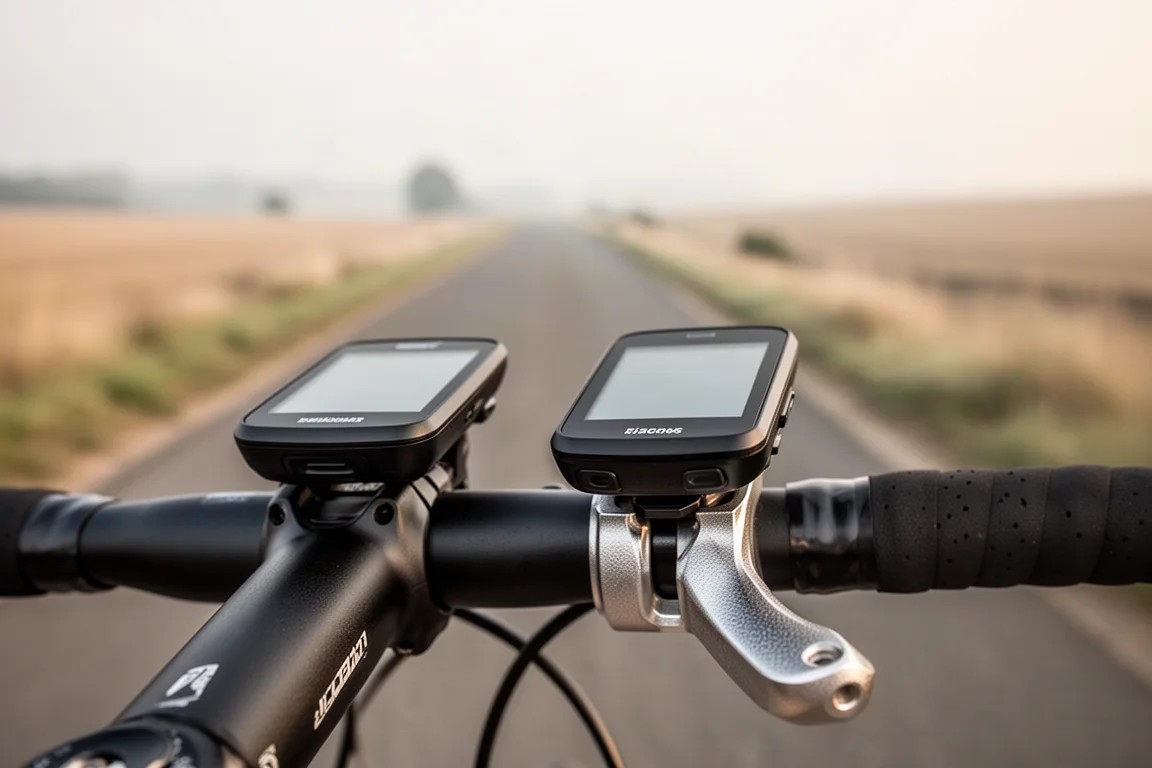
The Roam 3 and Bolt 3 share the same plastic mount, which creates a beautifully integrated look on the Bolt and a slightly less form-fitting fit on the Roam. Both are fully interchangeable between the two computers.
The Ace gets an all-metal mount instead, which makes sense given its heavier weight. It is a beefy unit with no realistic breakage concerns, and while the smaller units can physically fit on it, the reverse pairing is best avoided.
Which One Should You Buy?
Size is the decision that drives everything else. If you want the largest screen possible, the Ace is the answer, as long as your riding leans road and gravel rather than mountain biking. If minimal weight is the priority, the Bolt 3 is the natural fit. For most riders, though, the Roam 3 is the best of both worlds: a size that suits road, gravel, and mountain riding alike, plus nearly everything the Ace offers, including the touchscreen and speaker.
The Ace’s sole exclusive, the wind sensor, is novel but not yet clearly essential. For all-around versatility across the third-generation lineup, the Roam 3 is the standout.
Conclusion
Wahoo’s third generation is a genuine overhaul rather than a mild refresh. All three models share the same refined software and improved displays, so the choice comes down to how much screen you want on your bar: the featherweight Bolt 3, the do-everything Roam 3, or the sprawling Elemnt Ace with its wind sensor and enormous 3.8-inch display.
Product link
View more details for Wahoo Elemnt Bolt 3
This product is mentioned in the review. Check the specifications, options, and compatibility before buying.
View more details for Wahoo Elemnt Bolt 3Further reading
Related Reviews
Bike Computers
Best Bike Computers 2026: Wahoo ELEMNT ACE, Garmin Edge 1050 and Two Value Alternatives
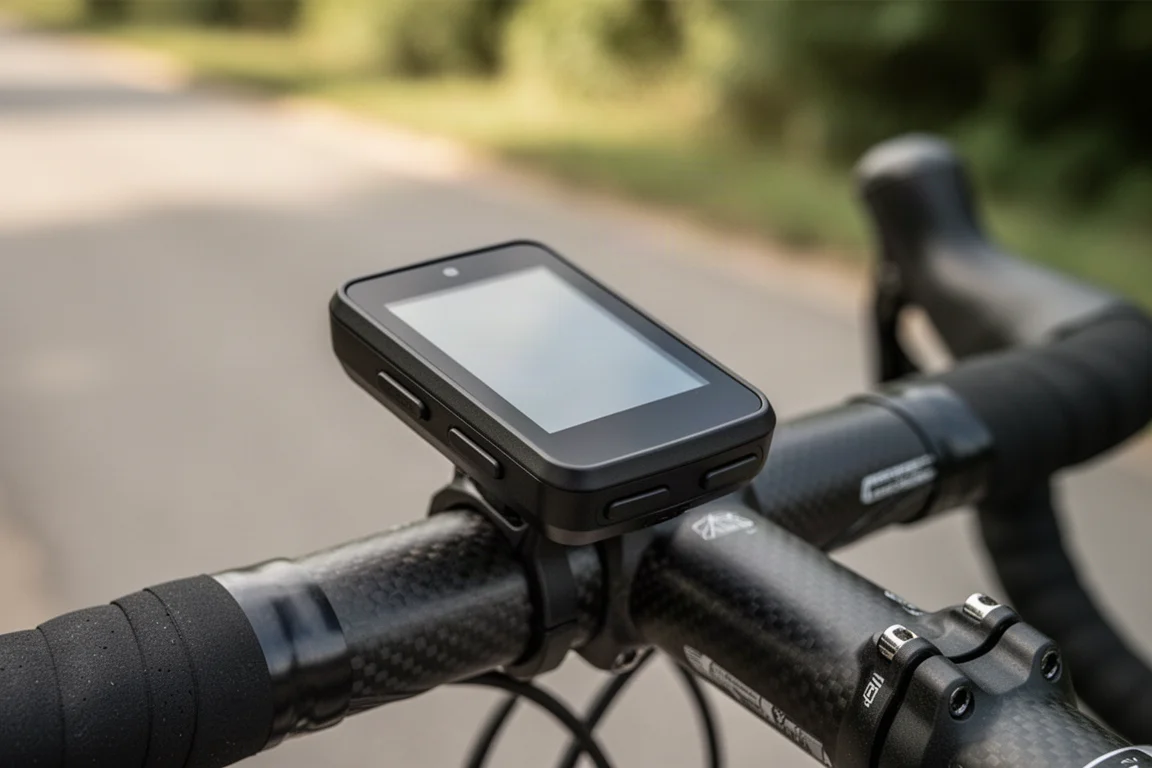
A practical comparison of the Wahoo ELEMNT ACE and Garmin Edge 1050, plus two cheaper computers that cover the essentials for far less.
Bike Computers
Bryton Rider 650 Review: High-Performance GPS Without the Premium Price
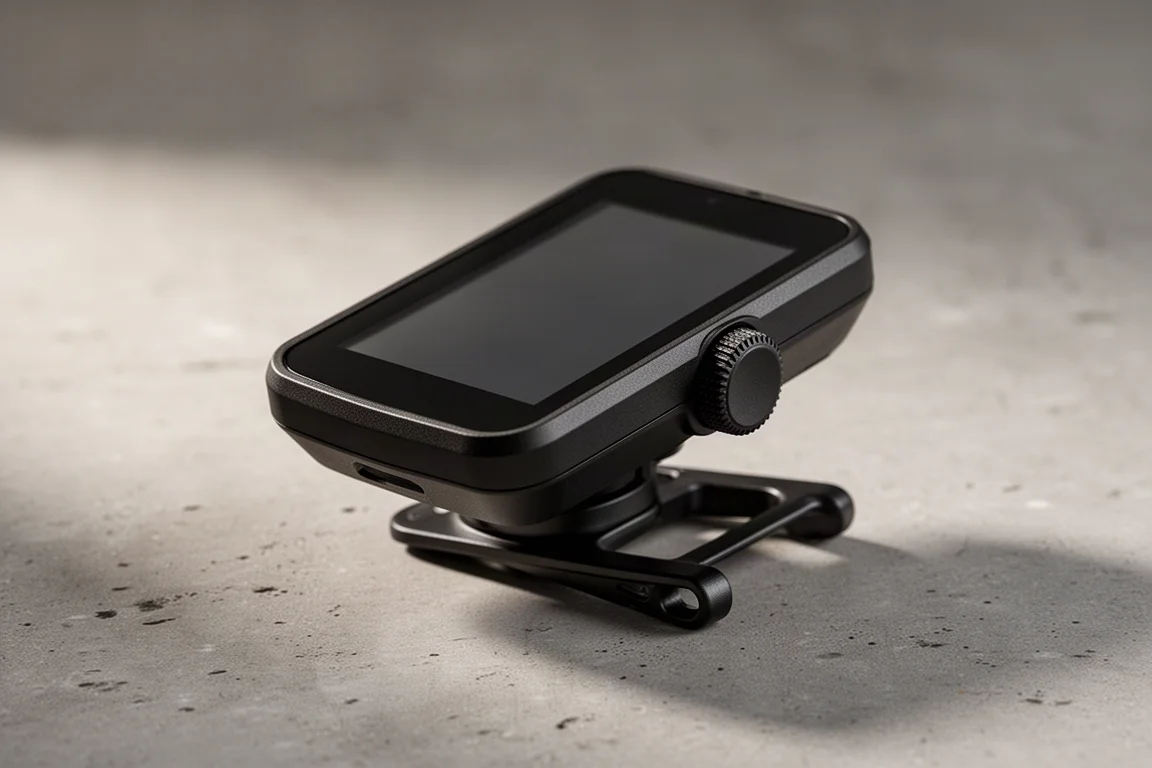
A full-featured touchscreen GPS bike computer at a fraction of the cost of its premium rivals, with a few quirks worth knowing before you buy.
Bike Computers
Coros Dura Review: A 120-Hour Battery Claim and a Serious Value Pitch
The Coros Dura pairs a claimed 120-hour runtime with a $250 price. Here is what stands out, what to weigh, and who it suits.