Audio Interfaces
USB vs Thunderbolt Audio Interfaces: Why Two RME USB Models Still Make Sense
Bandwidth is rarely the limiting factor in modern audio work. Here is how USB and Thunderbolt really compare, plus two RME USB interfaces that put the difference in perspective.
Introduction
Thunderbolt carries far more bandwidth than USB, and it is easy to assume that more bandwidth automatically delivers lower latency and better performance. For audio work, that assumption does not hold up. The amount of data an audio stream actually occupies is surprisingly small, and the factors that shape real-world latency sit mostly outside the cable standard.
This guide walks through how USB and Thunderbolt compare on bandwidth, why latency is decided elsewhere, and what compatibility and reliability look like in practice across Mac and Windows machines. It closes with two RME USB interfaces that illustrate the point: the Fireface UCX II and the Babyface Pro FS.
Why Bandwidth Is Rarely the Bottleneck
The bandwidth gap between the two standards is real. USB 2.0 provides 480 megabits per second, USB 3.0 provides 5 gigabits per second, USB 3.1 provides 10 gigabits per second, and USB 4 provides 20 gigabits per second. Thunderbolt 1 provides 10 gigabits per second, Thunderbolt 2 provides 20 gigabits per second, and Thunderbolt 3 provides 40 gigabits per second. Thunderbolt 3 and Thunderbolt 4 offer the same bandwidth, with Thunderbolt 4 adding extra capabilities on top.
Audio, however, asks for very little of it. The bandwidth an audio stream needs can be estimated with a simple formula: sample rate multiplied by bit depth multiplied by channel count. A 24-bit 44.1 kHz stereo file needs roughly 2 megabits per second. Raising the sample rate to 192 kHz still calls for only about 9 megabits per second. Against a 480 megabit per second USB 2.0 connection, that works out to roughly 240 stereo channels at 44.1 kHz, or 53 stereo channels at 192 kHz.
Small interfaces sit far below even those figures. A 2x2 interface such as the Focusrite Scarlett 2i2 needs around 4 megabits per second for 24-bit 48 kHz audio across its two inputs and two outputs. Even the 40-channel RME Fireface UCX II requires only about 46 megabits per second at maximum capacity, assuming a 48 kHz sample rate and a 24-bit depth. Non-audio control data adds to the total, but the headroom remains wide.
Driver efficiency is what determines how many channels a connection can genuinely carry. RME builds custom drivers that support up to 140 channels over USB 2.0. Its larger UFX+ interface was designed with USB 3.0 and Thunderbolt specifically to reach a 188-channel input and output count.
How Latency Actually Works
A common misconception is that greater bandwidth means data travels faster. In practice the data moves at the same speed regardless of the connection, and a wider connection simply fits more channels into the same window. The usual analogy is two highways with identical speed limits, one with more lanes than the other. More lanes move more cars per hour, but every car still travels at the same limit.
For channel counts that fall within a given connection’s limits, whether USB 2.0, USB 3.0, or Thunderbolt, the latency a user experiences depends on more than the connection type. Computer processing speed plays a large role, and the audio driver plays an equal or greater one. Most modern interface drivers deliver an acceptable level of latency for recording and monitoring through a DAW, though efficiency varies considerably between them.
Latency becomes a real constraint when a signal has to be processed while it is being monitored in real time, such as hearing reverb on a vocal while singing. Routing the signal out to a DAW plugin and back depends on CPU speed and driver quality, because lower round trip latency leaves more room for processing before the delay becomes distracting. An alternative found on some interfaces is to process the signal inside the interface itself with a built-in processor, splitting the input into a recorded path and a monitored path. RME offers similar functionality, allowing monitoring through EQs, compressors, and effects separate from DAW plugins, which keeps latency to a minimum while keeping the performer comfortable.
Compatibility and Reliability in Practice
USB is an open standard that has been around for a long time, while Thunderbolt is a proprietary standard, which implies an added cost to implement. Both have reached a maturity that suggests they will remain in use for the foreseeable future, but USB is currently the more widely supported of the two.
New Macs and MacBooks support Thunderbolt across the board, but the connection is less common on Windows computers. USB 2.0, by contrast, is supported by essentially any Mac or Windows machine on the market, and USB 3.0 is also very common. In everyday use, USB also tends to be more reliable. A Thunderbolt interface may set up easily on a MacBook while still causing problems on a PC, particularly in programs outside the DAW such as video conferencing and streaming tools.
USB interfaces sidestep much of that friction. An RME interface can be connected to virtually any machine, drivers installed, and it will work consistently. Many can also be set up to run in class compliant mode with no drivers required at all, which makes them easy to move between studios, laptops, and borrowed systems.
RME Fireface UCX II: 40 Channels Over USB 2.0
The Fireface UCX II is a 40-channel USB 2.0 audio interface, and it is the clearest illustration of how little bandwidth serious audio work actually consumes. At full capacity, running a 48 kHz sample rate at 24-bit depth, it needs around 46 megabits per second. That sits comfortably inside what USB 2.0 provides, and RME’s driver design supports up to 140 channels over the same connection.
For anyone whose channel count fits inside those limits, the interface removes the usual argument for paying more for a faster connection.
RME Babyface Pro FS: A Compact Professional Option
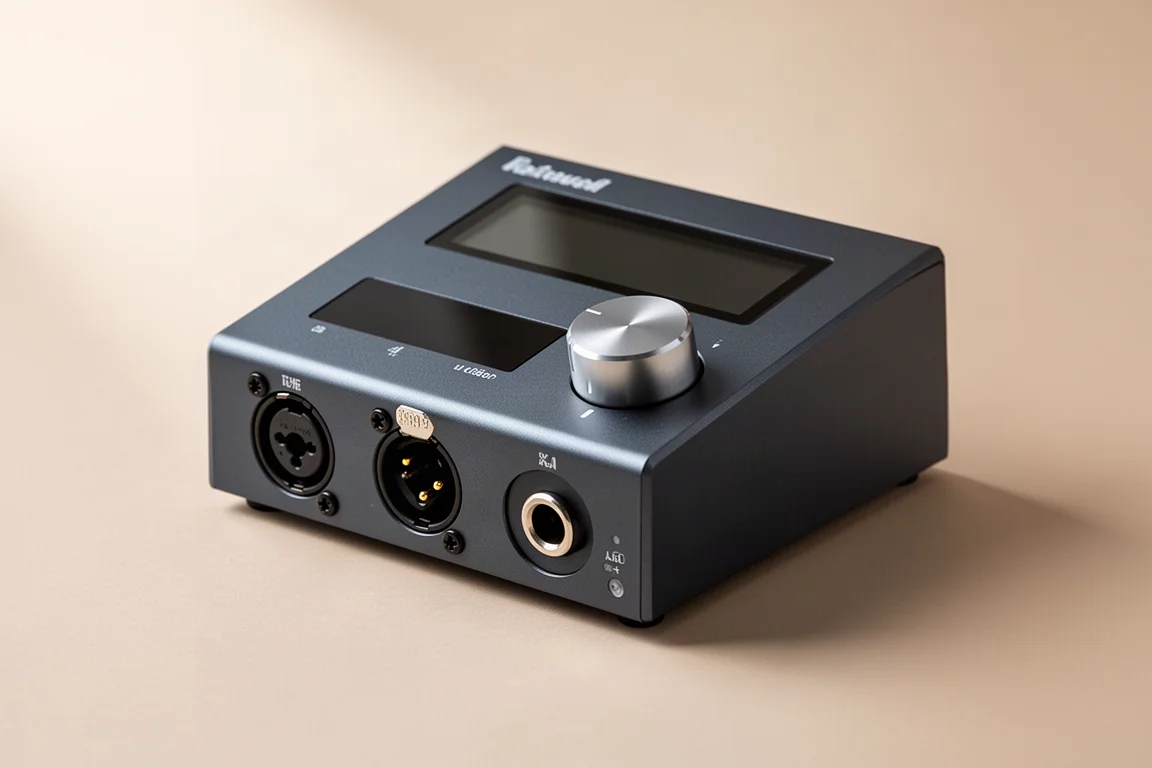
The Babyface Pro FS is the second RME interface worth considering for a USB-based setup, and it shares the driver performance and reliability that define the range. It is a professional-grade option for engineers and producers who want the same confidence in cross-platform operation without moving to a larger desktop unit.

What makes both interfaces compelling is the combination of driver efficiency and predictable behaviour on any machine. That combination is what shapes day-to-day studio work far more than the theoretical ceiling of the port.
What to Look For in a USB Interface
Four things matter more than the connection standard printed on the box.
Driver efficiency comes first. It determines how many channels a connection can realistically carry and how low round trip latency can go before real-time processing becomes difficult. Channel count is the second: an interface only benefits from a faster connection when its channel demands exceed what USB 2.0 can deliver. Monitoring workflow is the third, since built-in DSP for EQ, compression, and effects can keep latency low without leaning on the computer’s CPU. Cross-platform support is the fourth, and class compliant operation is a useful bonus for anyone who moves between systems.
Which Interface Fits Your Setup
The choice between these two RME models comes down to scale rather than connection type. The Fireface UCX II suits setups that need a high channel count in a single unit while staying on USB 2.0. The Babyface Pro FS suits producers and engineers who want a compact professional interface with the same driver performance and the same reliability across Mac and Windows machines.

Either way, the practical recommendation is to match the interface to the work: count the channels you genuinely need, check how you monitor during recording, and confirm that the drivers are efficient on the platform you use. Bandwidth is rarely the deciding factor.
Conclusion
USB 2.0 offers 480 megabits per second, and audio streams consume a small fraction of it. Latency is governed by computer processing power, monitoring method, and driver efficiency rather than the cable standard. USB is an open, broadly supported, and dependable option on both Mac and Windows, and both the RME Fireface UCX II and the RME Babyface Pro FS show how far that foundation can be pushed for professional work.
Further reading
Related Reviews
Audio Interfaces
Audient EVO and iD Range Guide: Eight Audio Interfaces Explained
A practical walkthrough of eight Audient interfaces, from the compact EVO 4 to the expandable iD44, and how to match one to the way you record.
Audio Interfaces
How Many Mic Inputs Do You Need? An Audio Interface Buying Guide
Microphone input count is the decision that shapes every audio interface purchase. A practical guide to choosing an interface you will not outgrow.
Audio Interfaces
Best Audio Interfaces Under $200: Nine Practical Picks for Home Recording
Nine audio interfaces under $200 grouped by microphone input count, from single-input models for solo work to eight-input setups for tracking a full band.