Audio Interfaces
Audient EVO and iD Range Guide: Eight Audio Interfaces Explained
A practical walkthrough of eight Audient interfaces, from the compact EVO 4 to the expandable iD44, and how to match one to the way you record.
Introduction
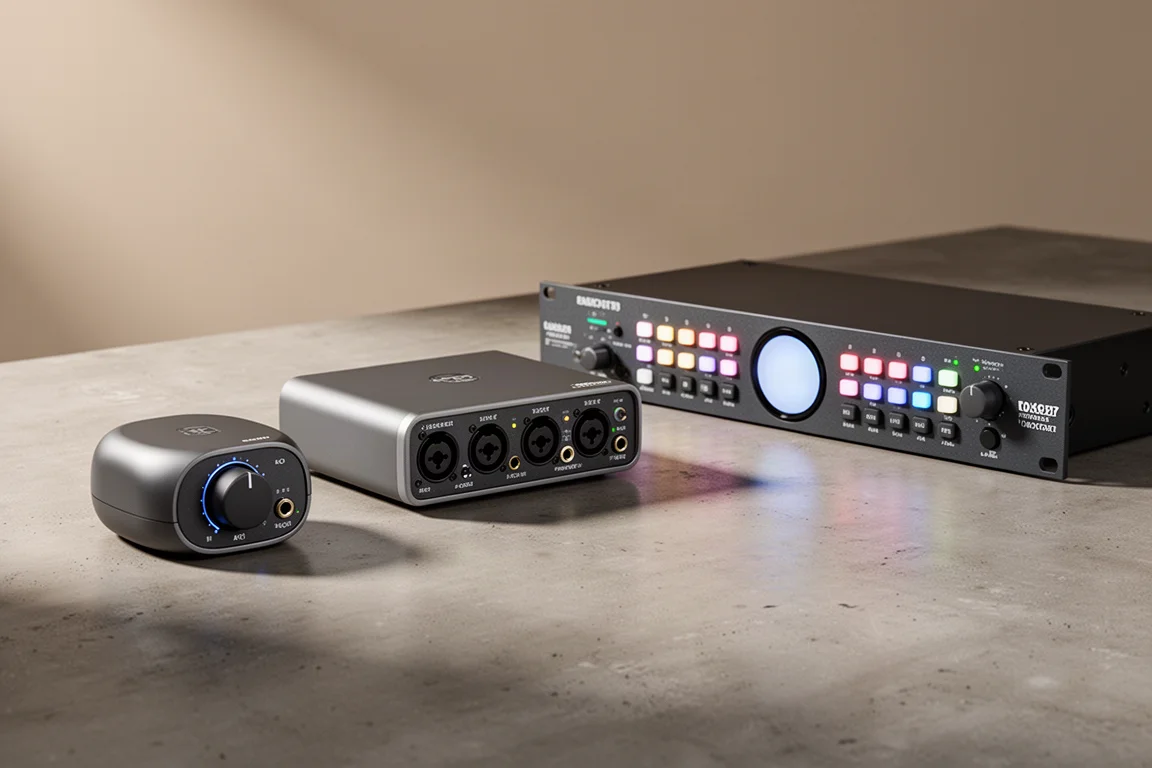
Audient builds two distinct families of audio interface, and the difference between them matters more than the price tags. The EVO line is built around getting a clean recording started quickly, with a feature called Smart Gain that sets input levels for you. The iD line takes the preamp design Audient developed for its recording consoles and packages it into desktop interfaces with deeper monitoring and routing control.
Between the two families there are eight models worth knowing about, and together they cover a genuinely wide range: a two-input desktop box for a solo guitarist at one end, and a bus-powered interface that can expand to 20 inputs and 24 outputs at the other. The sections below go through each one in turn, with the practical details that usually decide the purchase.
How to Choose an Audient Interface
Three questions tend to settle it.
How many channels do you actually record at once? A singer-songwriter tracking one part at a time needs two inputs. A drummer who wants a full kit captured in a single take needs eight or more. A four-piece band tracking live needs something in between.
Do you want the interface to set your levels? Smart Gain appears across the EVO range. You arm it, select the channels, and play the loudest part of the performance. The interface reads the peaks and troughs of the incoming signal and sets gain automatically, in roughly 14 to 20 seconds, aiming for around -12 dB so nothing clips or distorts.
Will the studio grow? ADAT optical expansion is the most economical way to add channels later without replacing the interface you already own, and it is the main reason to look beyond a basic two-input box.
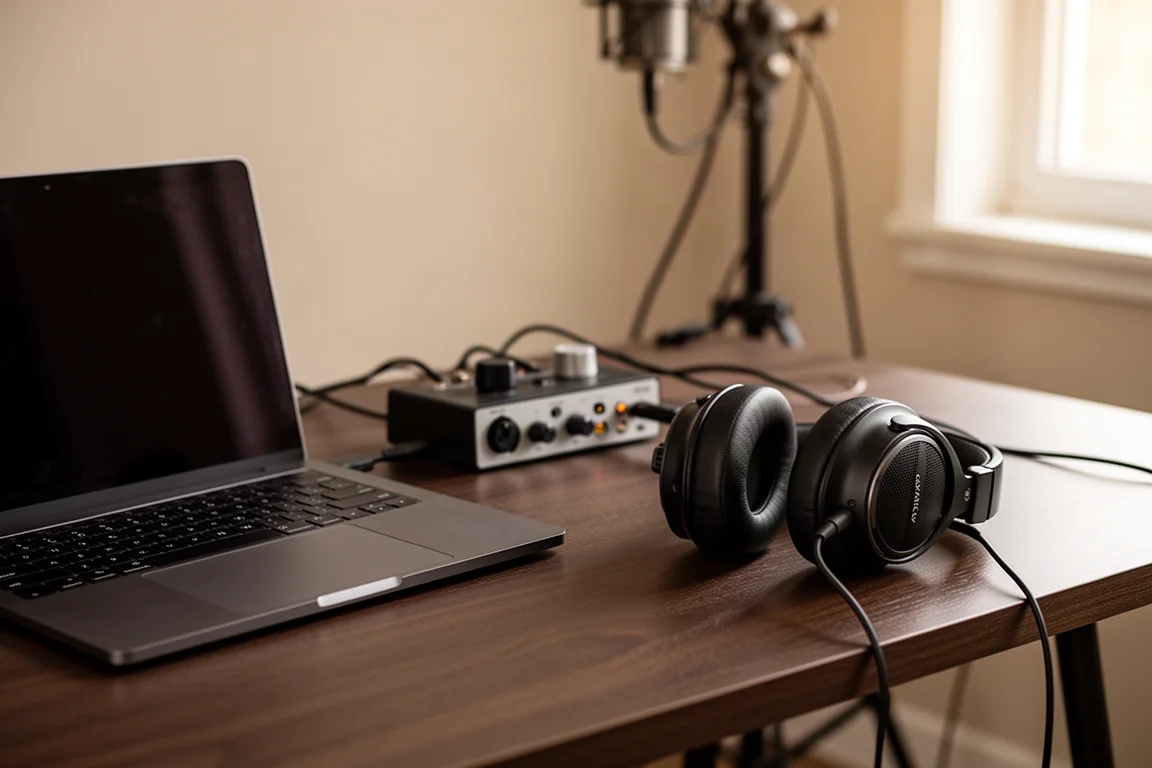
Preamp design is the other half of the decision. The iD range draws its preamps from Audient’s console work, and the same preamp circuit runs across the whole line, so the character stays consistent whether you buy the smallest or the largest model.
Audient EVO 16: A 24-In, 24-Out Recording Hub
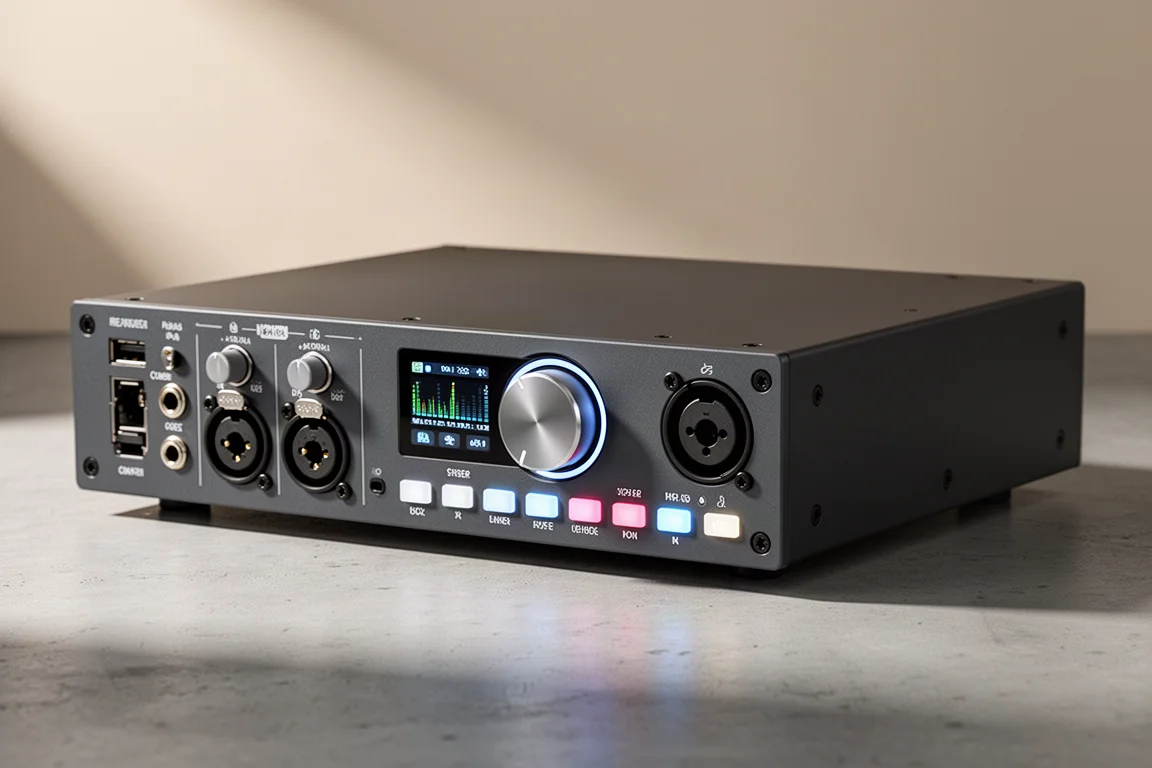
The EVO 16 is the centre of the EVO range: a 24-in, 24-out USB interface with eight onboard preamps. Six of those inputs sit on the back and two on the front, and the front pair can be switched from mic or line to instrument input with a single button.
Its headline feature is Smart Gain, which sets gain automatically across whichever channels you select, targeting roughly -12 dB. For drummers and guitarists, who cannot easily adjust a knob mid-take, that removes a whole round of trial and error.
The Motion UI display is the second differentiator. A high-resolution LED screen gives visual feedback for whatever button you touch, showing the gain value, the input number, and the label you assigned to that channel in the EVO software. Long-pressing a channel mutes it, and the mute state stays visible as you move around the panel. Holding down two channels stereo-links them with matched gain, which is useful for overhead pairs. All eight channels carry 48V phantom power, so ribbon and condenser microphones can be used anywhere in the setup.
A configurable function button handles monitoring duties: all speakers, dim, talkback, or mono. Headphone outputs are independent, with their own level and mute control. Two optical ADAT inputs and two outputs let the unit expand, and rack ears are available separately rather than bundled, since plenty of home studios have nowhere to mount them. The unit itself is roughly laptop-sized.
Audient EVO SP8: Eight Extra Preamps Over ADAT
The EVO SP8 is an eight-channel microphone preamp designed to add inputs to an existing ADAT-equipped setup. It carries the same Smart Gain behaviour as the rest of the EVO family, which matters most when it is paired with an EVO 16.
Connected over ADAT, the two units can be gain-staged together in a single pass: hold Smart Gain on the EVO 16 and all 16 channels are selected, analysed, and set. The visual feedback is genuinely useful for troubleshooting. Channels that are set correctly show green, channels with a problem show red, and deselected channels show grey. If fifteen channels are green and one is red, the likely culprit is a cable or a microphone rather than anything in the recording chain.
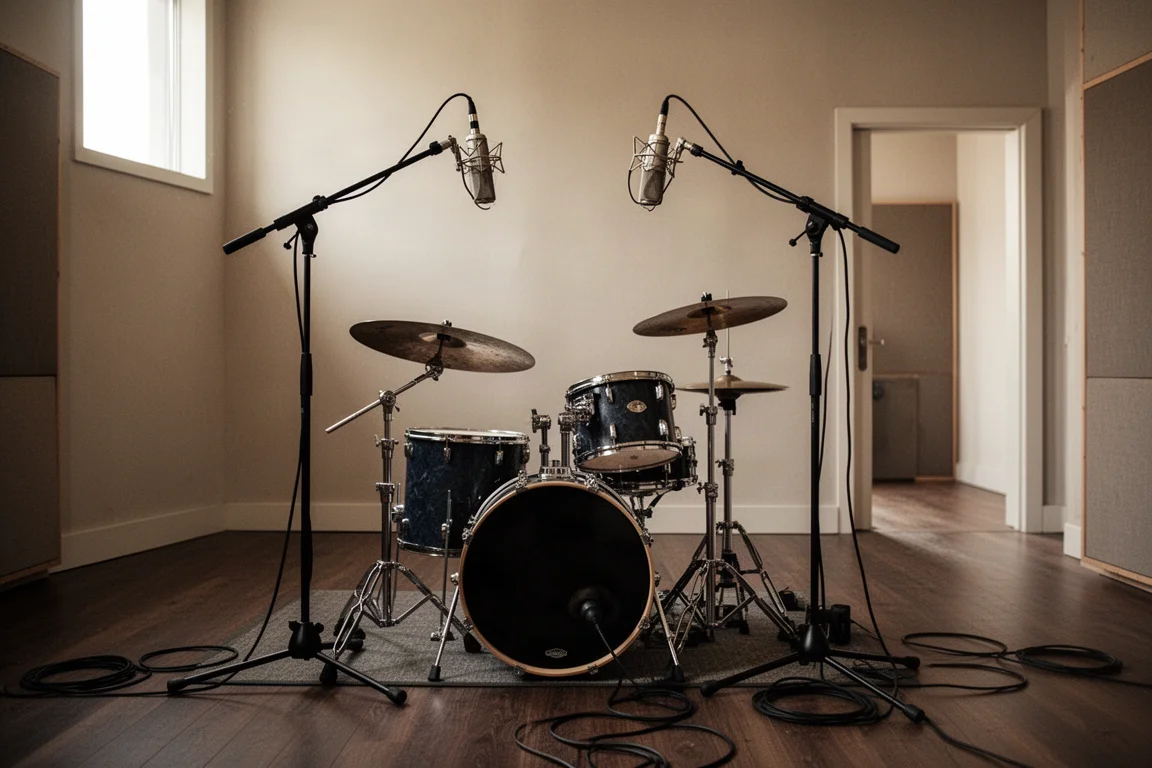
Two SP8 units alongside one EVO 16 give 24 tracks, enough for a full band or a small orchestra recording everything together. Rack ears are not included here either, for the same reason: not every studio has somewhere to mount them.
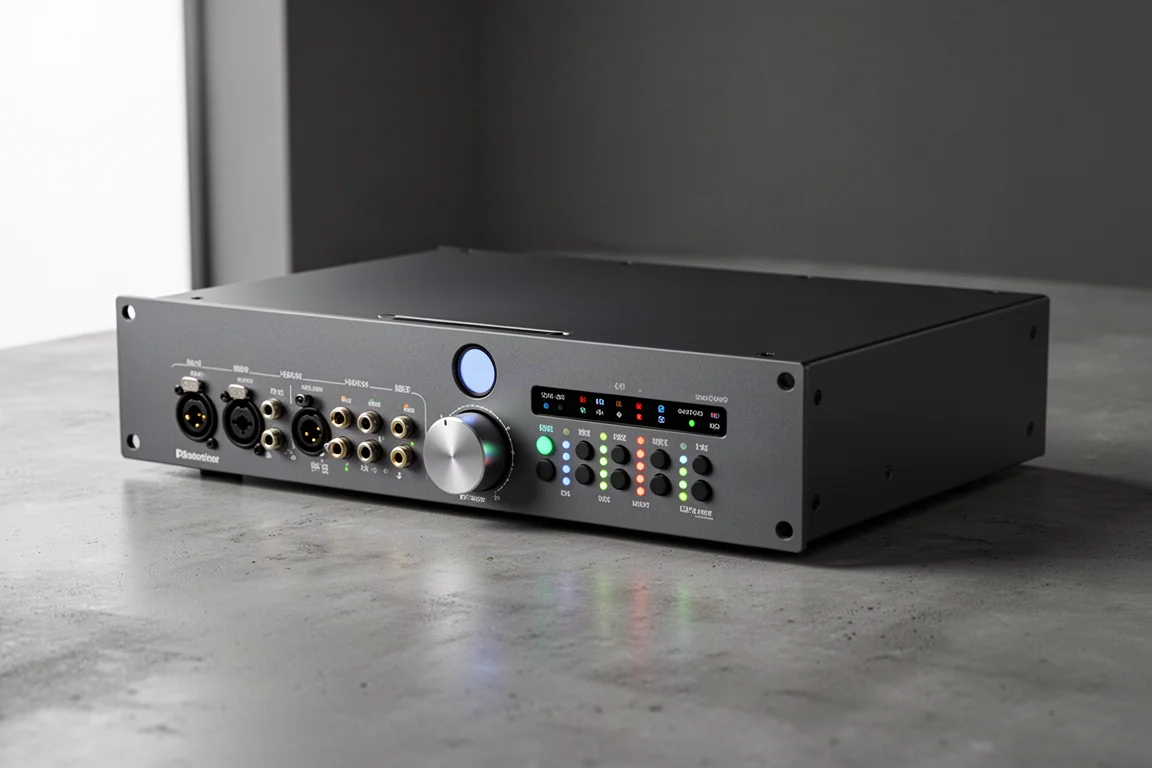
Audient EVO 4: Two In, Two Out With Smart Gain
The EVO 4 is the smallest interface in the range: two inputs, two outputs, and the same Smart Gain feature found on the larger models. A JFET instrument input on the front gives guitars and basses a warmer, more harmonically rich character than a plain line input.
On the back there are two monitor outputs. The unit is USB bus-powered, so no separate power supply is needed, and it is light enough to carry in a bag. It runs on Mac, Windows, and iOS, which makes it a sensible option for recording into a phone when a clean, professional-sounding voice track matters. Headphone level is adjustable from the front panel, and 48V phantom power is available on both channels.
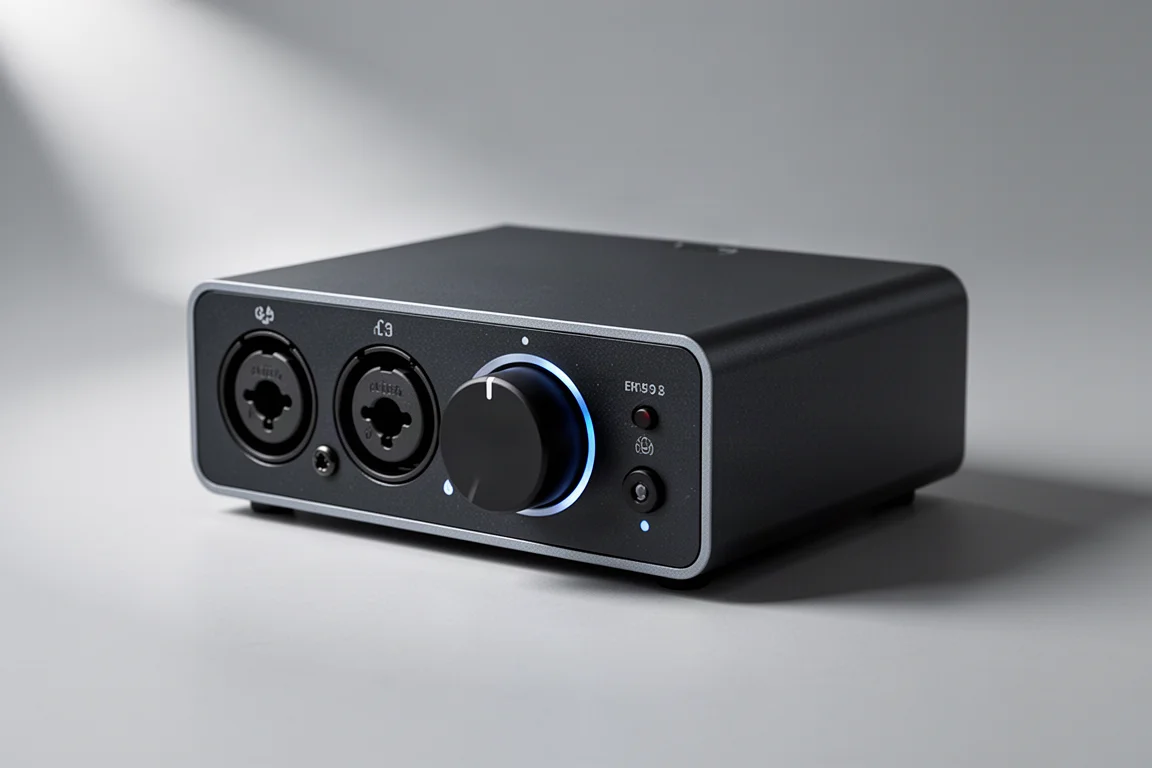
Audient EVO 8: Four Channels for Small Ensembles
The EVO 8 doubles the channel count of the EVO 4: four inputs, four outputs, with Smart Gain working across all four channels and 48V phantom power available on each one.
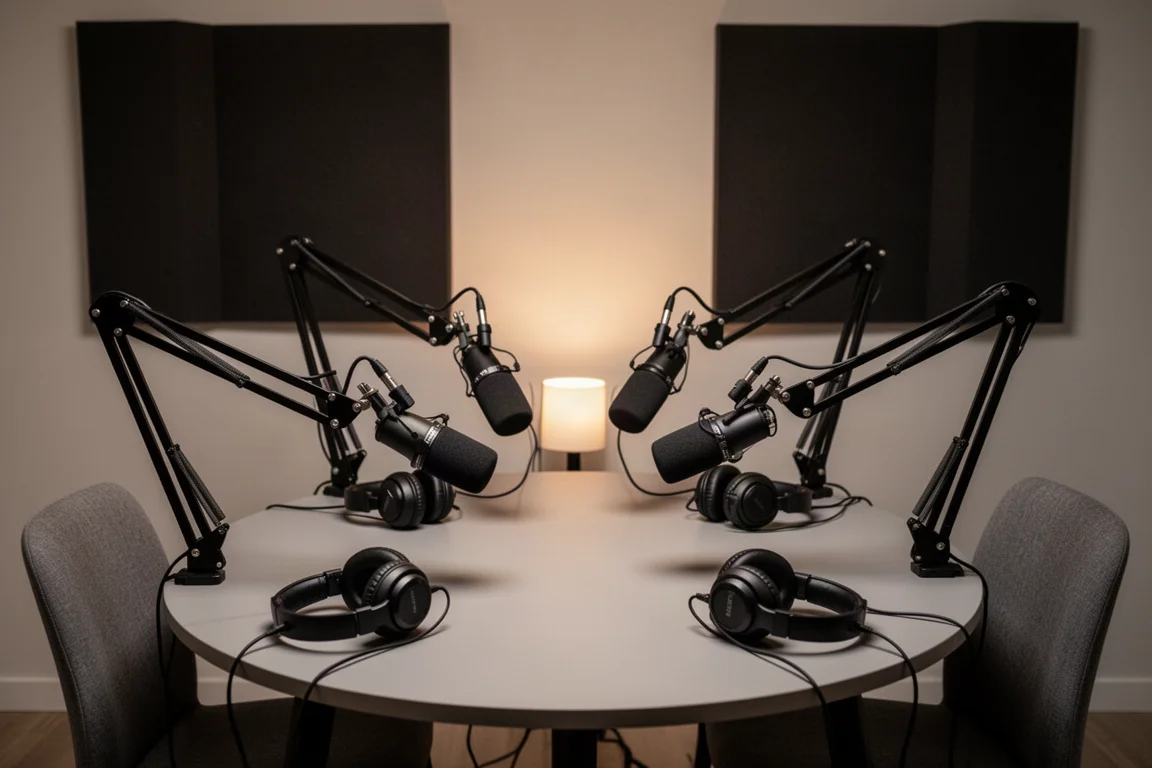
That combination suits a specific set of jobs: four microphones on a small drum kit, a four-person podcast recorded in one room, or a band tracking a rhythm section live. Setting four channels of gain by hand takes time and patience, and having the interface do it in well under twenty seconds keeps a session moving while the performance is still fresh.
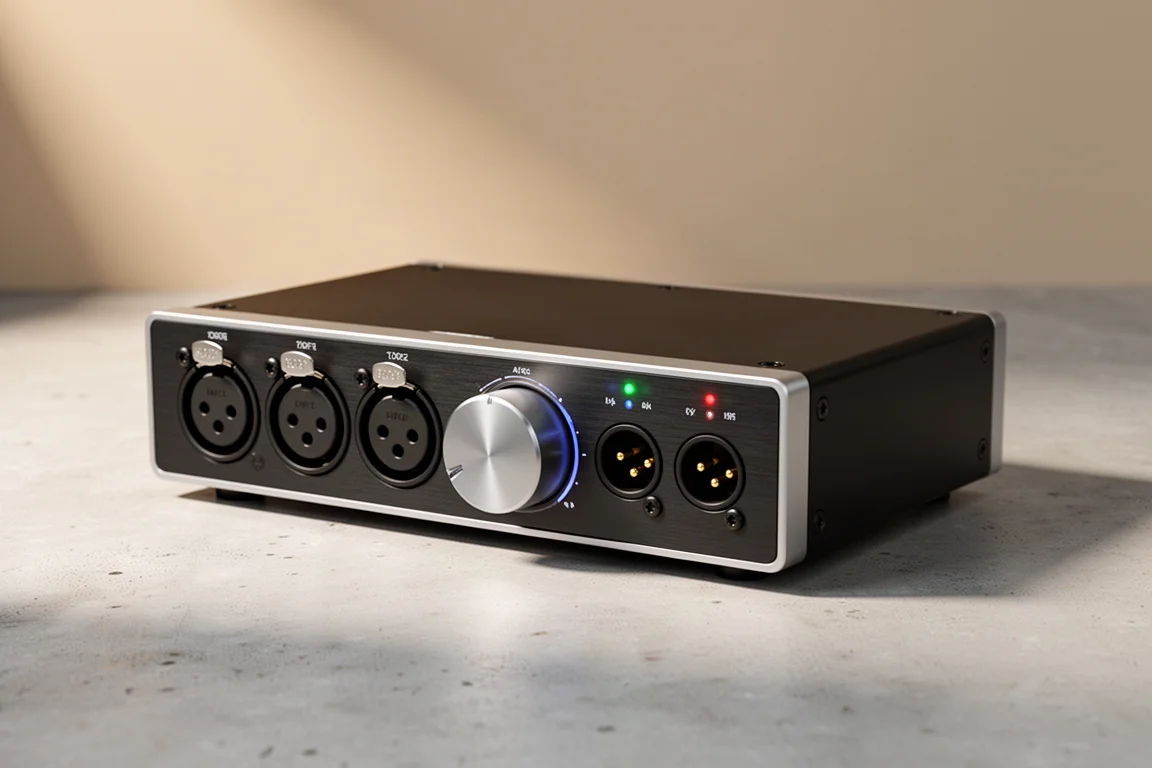
Audient iD4: The Entry Point to Console-Derived Preamps
The iD range is where Audient’s console heritage becomes the selling point. The preamps in these interfaces come from the same design work used in the company’s recording consoles, and the same circuit runs across the entire line, from the smallest model upward.
The iD4 is the two-in, two-out entry point. If the preamp is good enough for a console, the reasoning goes, a two-input interface built around it will deliver a dependable sound every time without paying for inputs you will never use. The iD4 has been recognised with a NAMM TEC Award for its microphone preamps, which is a useful signal for anyone weighing up the more affordable end of the market.
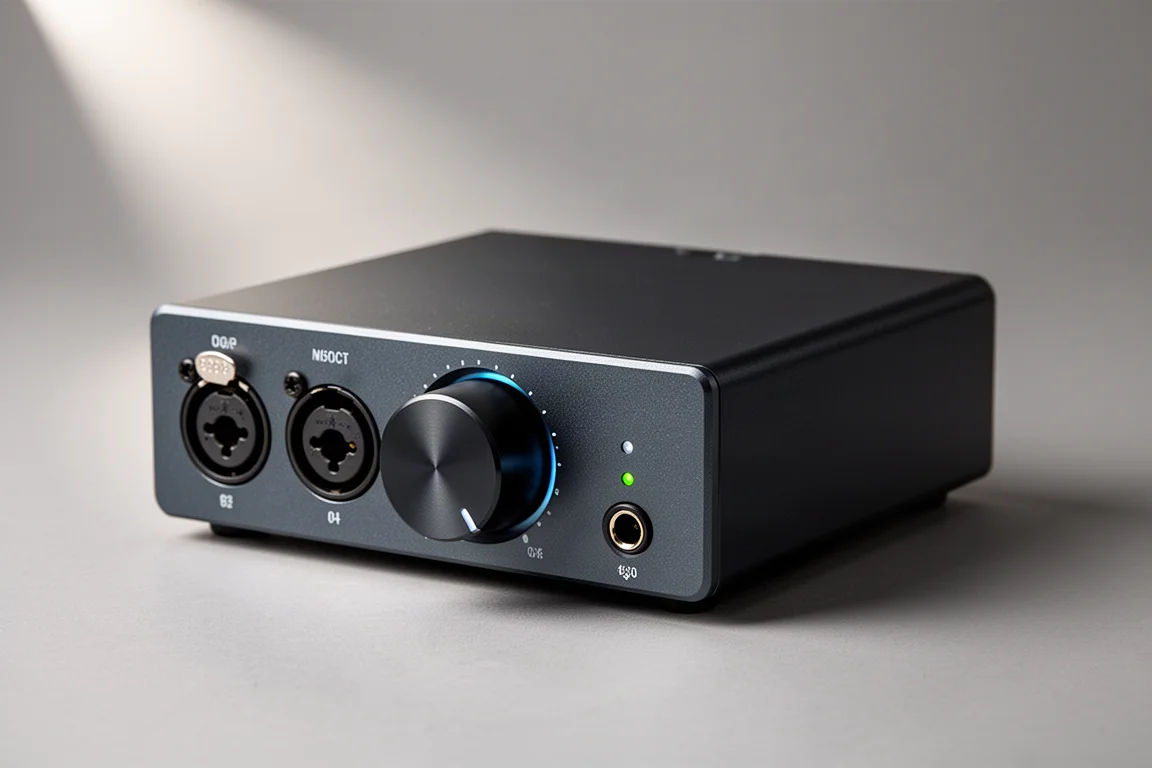
Audient iD14: ADAT Expansion and Dual Headphones
The iD14 takes the iD4’s foundation and adds room to grow. It has two preamps on the back, each with 48V phantom power, and an ADAT input that can bring in eight extra channels, taking the interface to 10 inputs and 6 outputs. That is enough to add a drum kit’s worth of microphones later without replacing the interface.
It also has dual headphone outputs sharing the same mix, which is practical for two people tracking together or for a producer and performer working in the same room. Both the iD4 and the iD14 are bus-powered. The Mark II version of the iD14 added a second set of monitor outputs, so a growing studio can run two pairs of speakers.
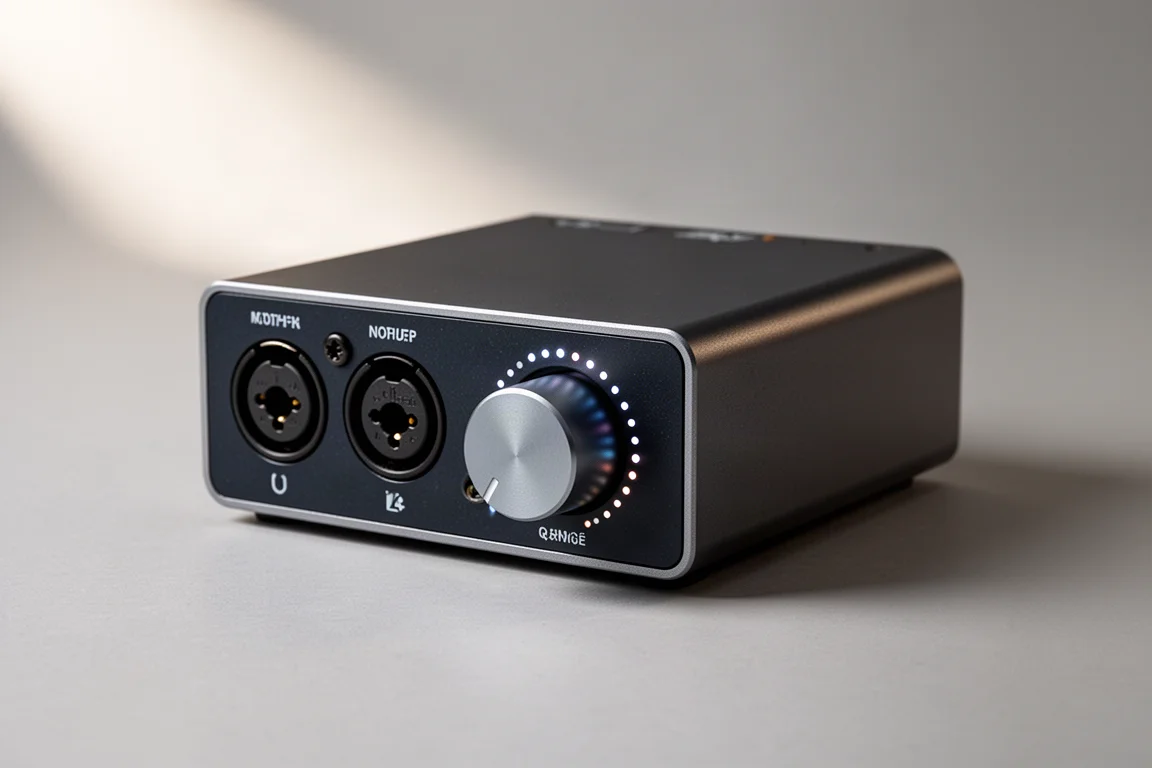
Audient iD24: Compact Control With ScrollControl
The iD24 is a recent addition to the iD line and the successor to the long-running iD22. It keeps the family’s metallic chassis and high build quality in a more compact form factor, but the front panel is where the workflow changes.
Function buttons for mono, all speakers, and talkback can be assigned to the F1 keys, and dedicated dim and cut buttons sit alongside them. ScrollControl lets you hover the cursor over a parameter in your software and adjust it with the interface’s scroll wheel, which gives a more natural feel when blending or automating a mix than dragging a mouse. On the back there are ADAT input and output, two send and return pairs for integrating hardware effects, two preamps, and a word clock output. It is bus-powered as well.
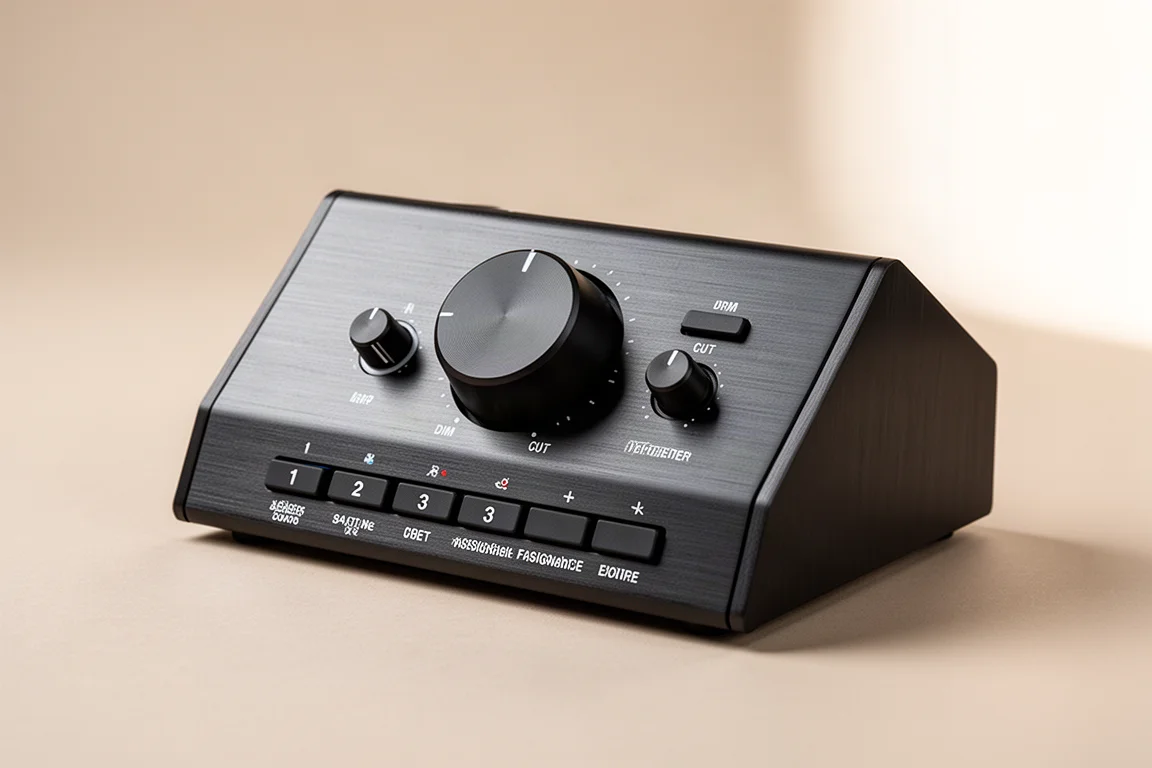
Audient iD44: The Full-Size Flagship
The iD44 is the largest interface in the iD range and the one that covers the widest set of studio tasks. It has dedicated talkback, and its function settings are configured in the Audient software that ships with the unit, so the controls stay tangible and hands-on rather than buried in menus.
Two JFET instrument inputs on the front handle guitars and basses directly. There is an additional headphone output compared with the smaller models, an extra instrument input, and dual optical ADAT ports that allow expansion up to 20 inputs and 24 outputs. Two send and return pairs make it straightforward to bring outboard gear into a mix. Its microphone preamps were named as a finalist for a NAMM TEC Award, which puts it in the same conversation as the smaller models in the line, since the preamp design is shared.
Buying Advice
The choice usually comes down to channel count and how you record.
If you track one part at a time, the EVO 4 or the iD4 covers it, and the iD4’s console-derived preamp is the reason to spend more there. If you record four sources at once, whether that is a podcast panel or a small kit, the EVO 8 is the direct answer. If you capture a full band in one take and want the interface to handle levels for you, the EVO 16 is the natural centrepiece, with the EVO SP8 available later when eight channels stop being enough.
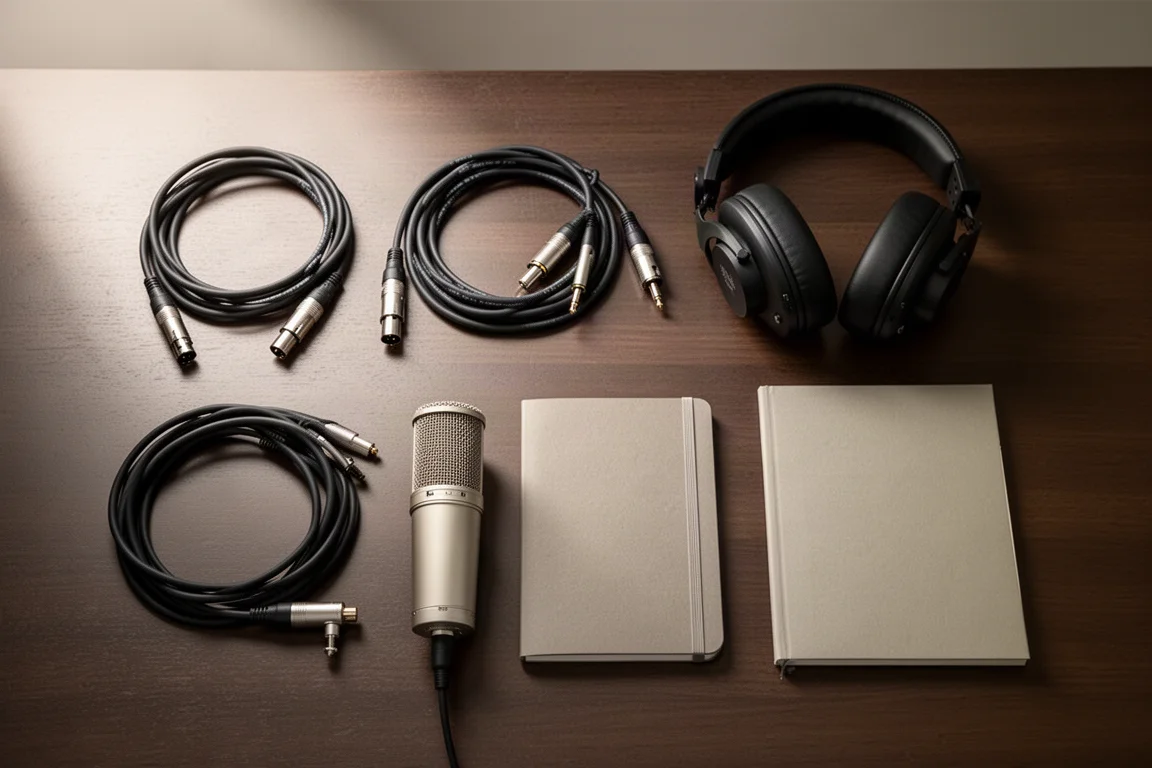
For studios that expect to grow, ADAT expansion changes the maths. The iD14 and the iD24 both accept eight extra channels over ADAT, and the iD44 goes further with dual optical ports. Buying a smaller interface now and adding a preamp later is a perfectly reasonable route, and it keeps the preamp character consistent across the whole setup.
Conclusion
Audient’s range is unusually coherent: the same preamp philosophy runs through every model, and the differences come down to channel count, monitoring features, and how much expansion you want available. Smart Gain makes the EVO models fast to work with, particularly for drummers and guitarists who cannot reach a knob mid-performance. The iD models trade some of that automation for console-derived preamps and deeper control over monitoring and routing. Match the channel count to the way you actually record, and the rest of the decision tends to fall into place.
Further reading
Related Reviews
Audio Interfaces
How Many Mic Inputs Do You Need? An Audio Interface Buying Guide
Microphone input count is the decision that shapes every audio interface purchase. A practical guide to choosing an interface you will not outgrow.
Audio Interfaces
Best Audio Interfaces Under $200: Nine Practical Picks for Home Recording
Nine audio interfaces under $200 grouped by microphone input count, from single-input models for solo work to eight-input setups for tracking a full band.
Audio Interfaces
Budget vs Professional Audio Interfaces: Which One Do You Actually Need?
A practical comparison of budget and professional audio interfaces, covering input count, preamp gain, latency, metering, and included software.