Audio Interfaces
Best Audio Interfaces Under $200: Nine Practical Picks for Home Recording
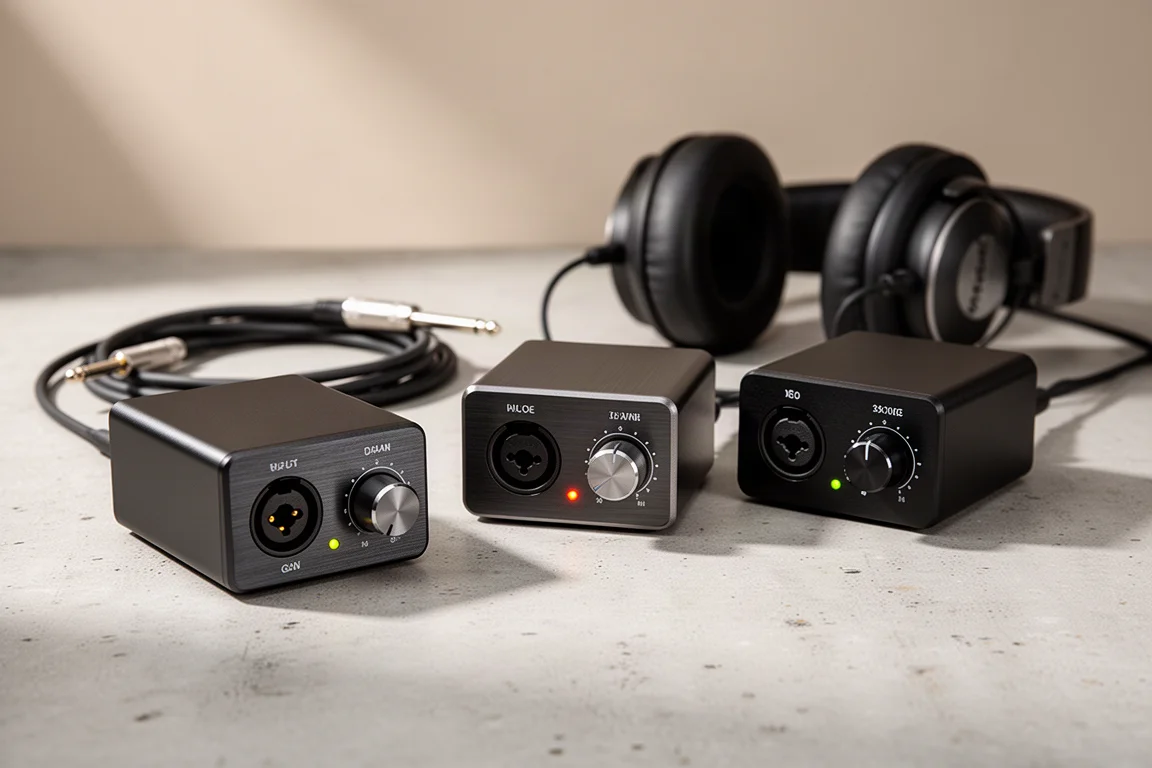
Nine audio interfaces under $200 grouped by microphone input count, from single-input models for solo work to eight-input setups for tracking a full band.
Introduction
Choosing an audio interface for a home studio usually comes down to one question: how many microphones do you need to record at the same time? Almost everything else, from the number of knobs to the metering and the extra outputs, follows from that decision. The nine interfaces below are grouped along exactly that line, starting with models that record one microphone at a time, moving through interfaces with two microphone preamps, and finishing with units built for tracking a full band.
How to Choose an Audio Interface Under $200
Start by counting microphone preamps rather than total inputs. Every interface in this guide includes a headphone jack and line outputs on the back for connecting studio monitors, and all of them support direct monitoring, which lets you hear the input signal in real time with no audible delay while recording. They also support loopback, a feature that routes audio playing on your computer back into your recording software as an input. That matters for screen recordings and livestreams, where you need the sound from your machine to arrive on a track.
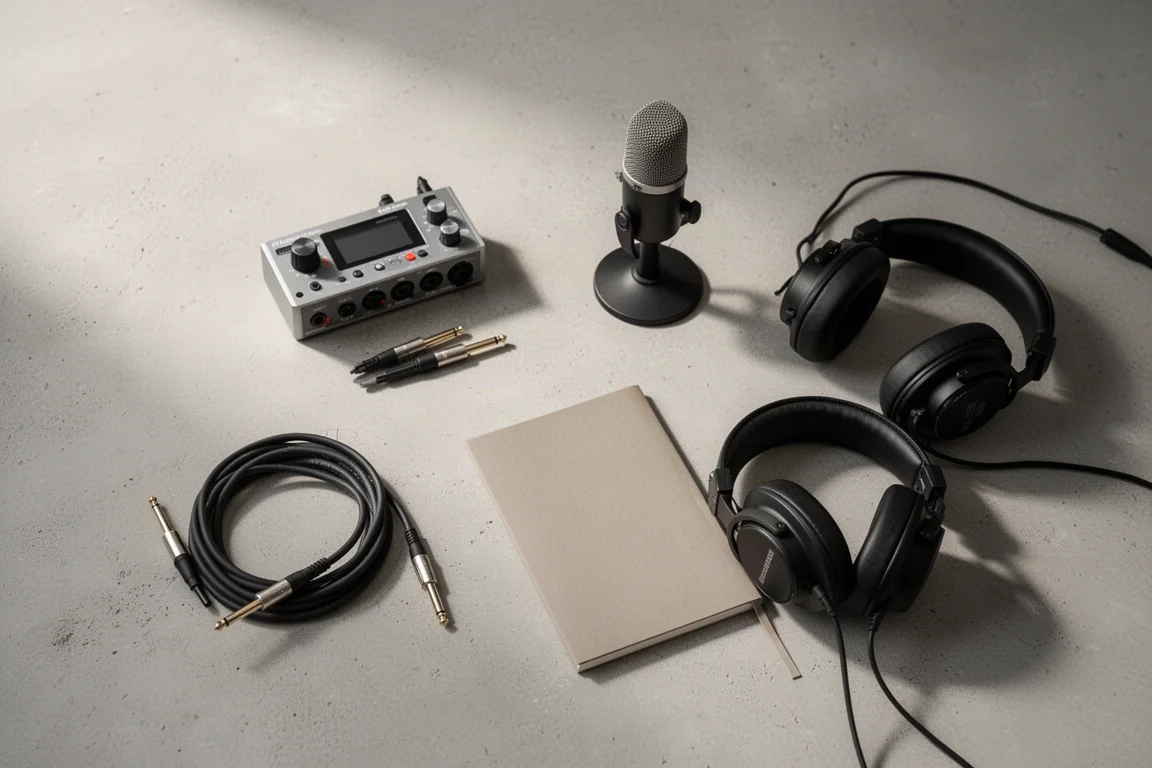
A common beginner mistake is assuming that a second, instrument-level input can accept a microphone. It cannot. A microphone needs a preamp, and a quarter-inch instrument input does not provide one, so an interface with a single preamp will only ever record one microphone at a time. If there is any chance you will want two microphones simultaneously, choose an interface with two microphone preamps from the start.
Loopback is implemented differently across this group. Every interface here lets you select loopback as an input, but only the MOTU and Audient models include a software mixer that determines exactly what is sent to that loopback channel. On the others, the loopback signal is whatever is sent to the analog outputs. For content creation, the mixer approach offers noticeably more flexibility.
Best Single-Input Interfaces
These three interfaces record one microphone at a time. Each has a headphone jack and two line-level outputs on the back for studio monitors. They are the right starting point for a solo performer, a livestreamer, or a songwriter who records one part at a time.
Universal Audio Volt 1
The Volt 1 has a single input on the front, which can be used either for a microphone or for an instrument connected with an instrument cable. It cannot record both at once, so a guitar part and a vocal take have to be captured one after the other. In exchange, it is a compact, focused option for livestreamers and solo musicians who are confident they only need one input at a time. It also includes MIDI input and output, and a vintage preamp emulation mode that adds harmonic richness to the recorded signal.
Focusrite Scarlett Solo
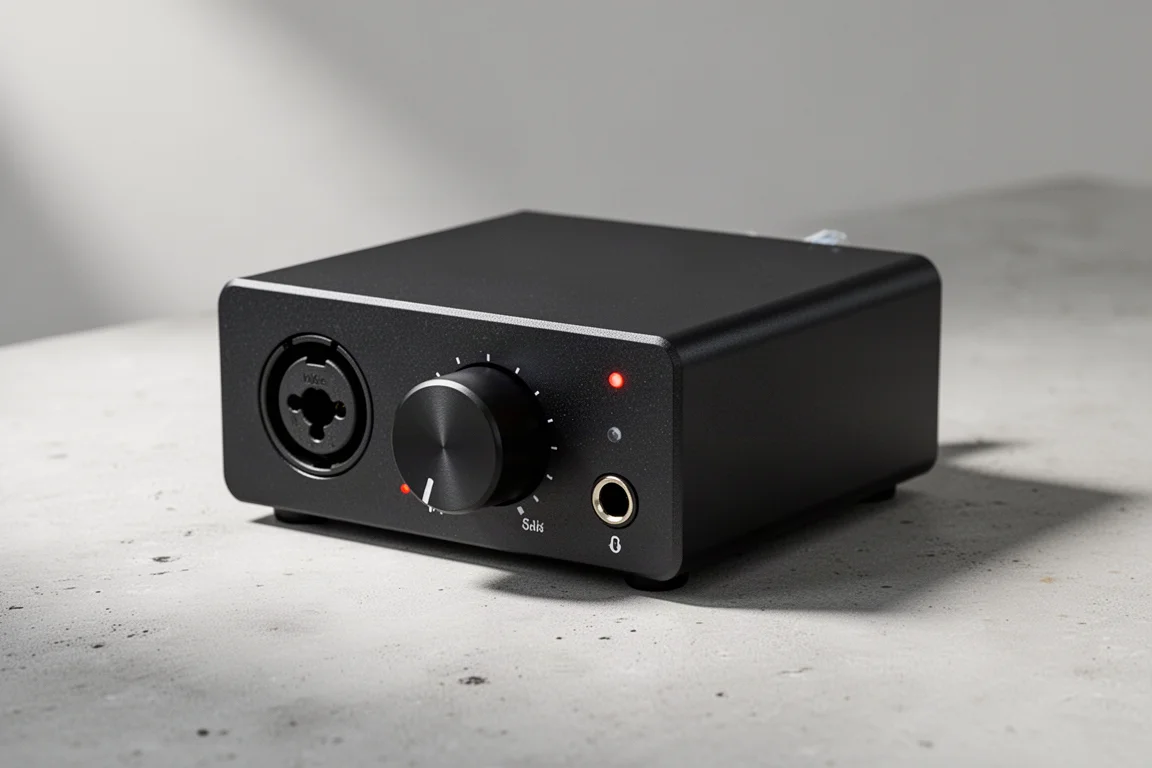
The Scarlett Solo separates its microphone and instrument inputs, which means an electric guitar and a vocal microphone can be recorded at the same time and kept on separate tracks in your recording software. It is the more affordable of the two interfaces in this group that offer that flexibility. The Scarlett range also includes two features that help during a take: a button that sets the input gain level for you once you start playing, and clip protection that lowers the preamp level if the signal overloads. That will not prevent the first clip, but it will keep the same take from clipping twice.
Like the other Scarlett models in this lineup, the Solo includes a vintage preamp emulation mode for extra harmonic character. It covers the essentials without fuss: direct monitoring, loopback, a headphone output for tracking, and two line outputs on the back for studio monitors.
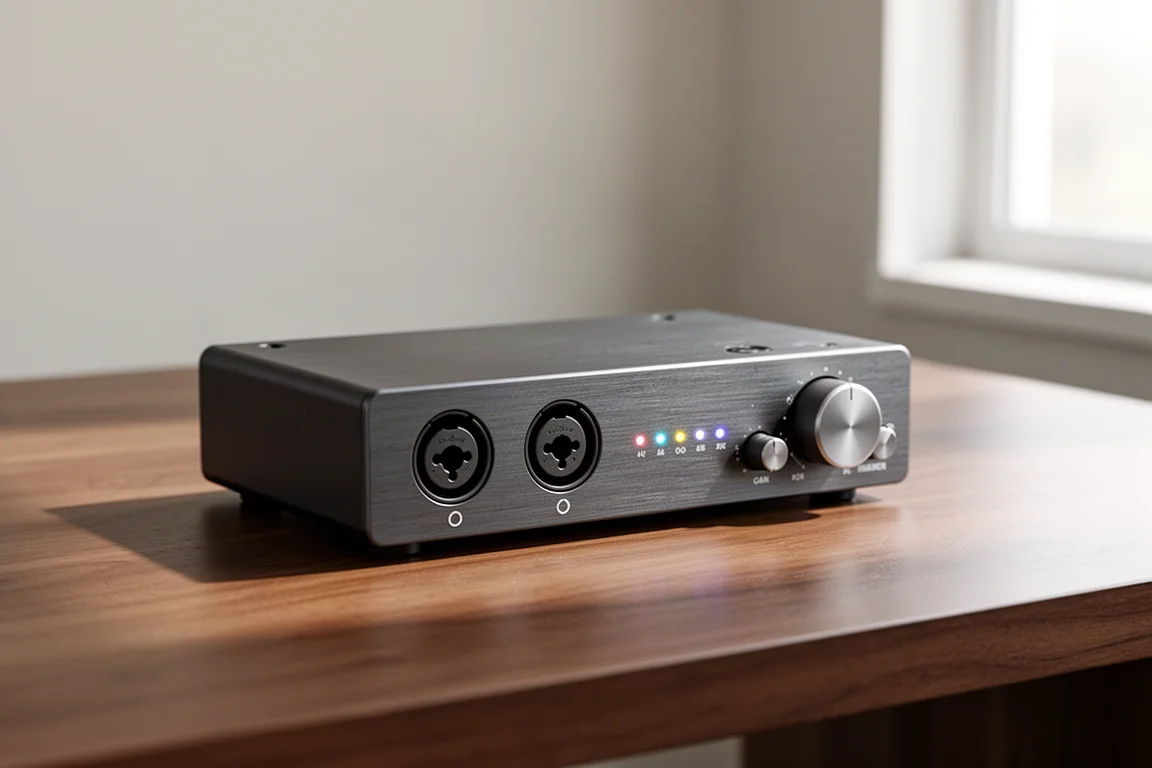
Audient iD4
The iD4 also offers separate microphone and instrument inputs, so a voice and a guitar can be tracked at the same time. It costs considerably more than the Scarlett Solo, and the reason is component quality: a higher-grade microphone preamp and a stronger headphone amplifier. Professional-sounding music is achievable with either interface, but for anyone who wants to invest a little more in overall sound quality and headphone monitoring, the iD4 is the step up in this group.
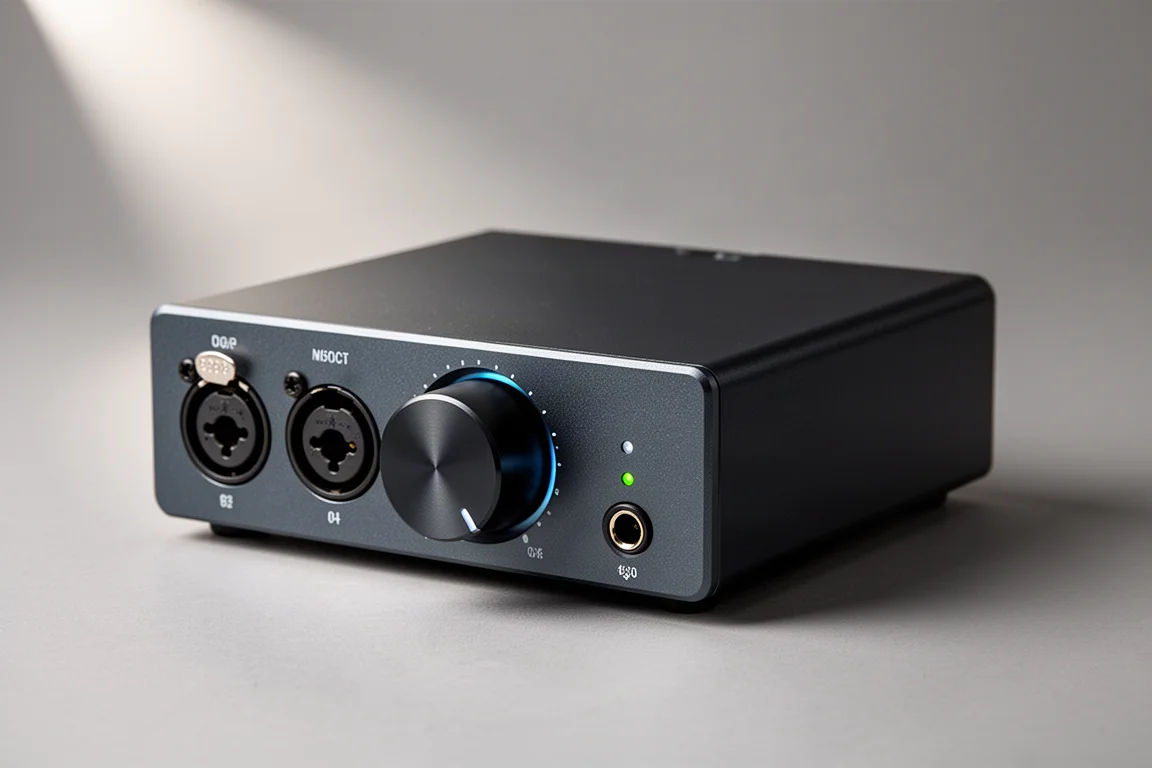
Best Two-Input Interfaces
For most people recording their own music at home, an interface with two microphone preamps is the sweet spot. Each of the four models below has two inputs that can accept either a microphone or an instrument, plus a headphone jack and outputs on the back for studio monitors. All of them can record two microphones at once, which is the practical minimum for capturing a singer and a guitarist together or a stereo pair.
Universal Audio Volt 2
The Volt 2 gives you two combination inputs with physical gain knobs, so levels can be adjusted by feel rather than through menus. It includes MIDI input and output for outboard gear, and the same vintage preamp emulation mode found across the Volt line, which adds harmonic richness to the signal. For a two-microphone setup with a familiar, tactile control layout, it is a straightforward choice.
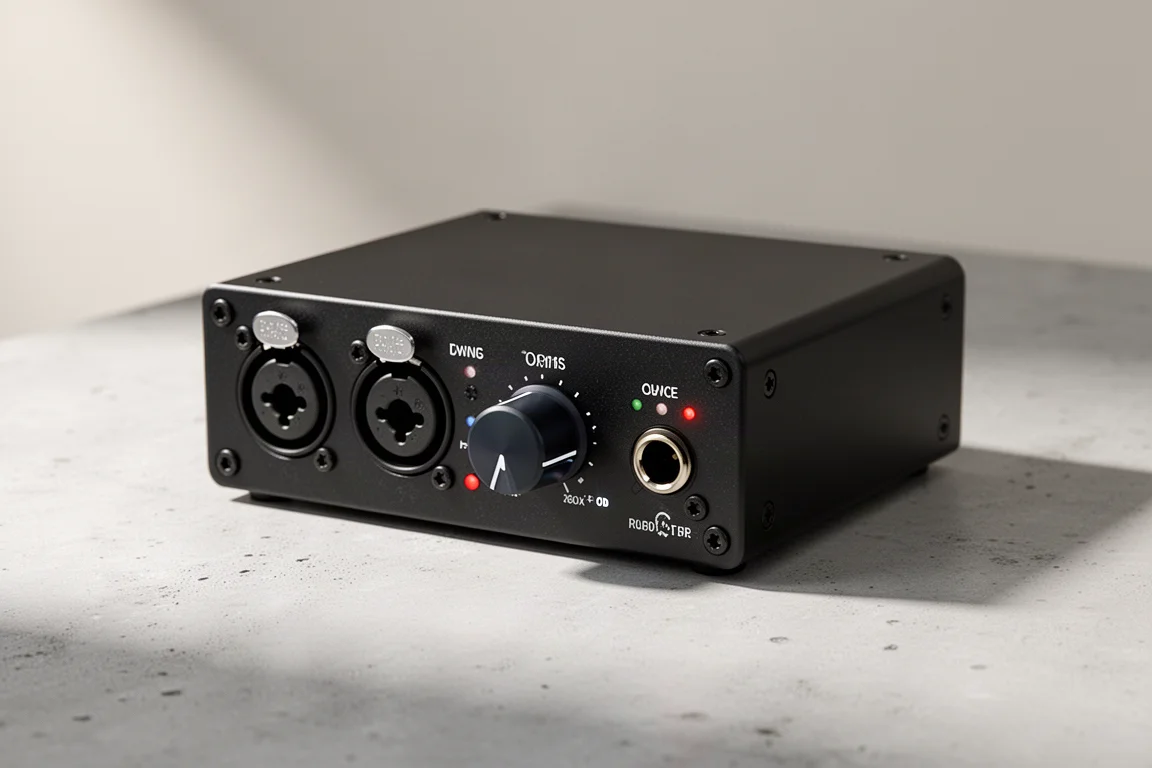
Focusrite Scarlett 2i2 (4th Generation)
The Scarlett 2i2 pairs two microphone preamps with physical gain knobs, automatic gain setting, and clip protection that pulls the preamp level down if a take overloads. It also includes the vintage preamp emulation mode shared with the Volt interfaces. For anyone who needs two microphone inputs, it is a top choice in this group and the model most likely to suit a first serious home setup.
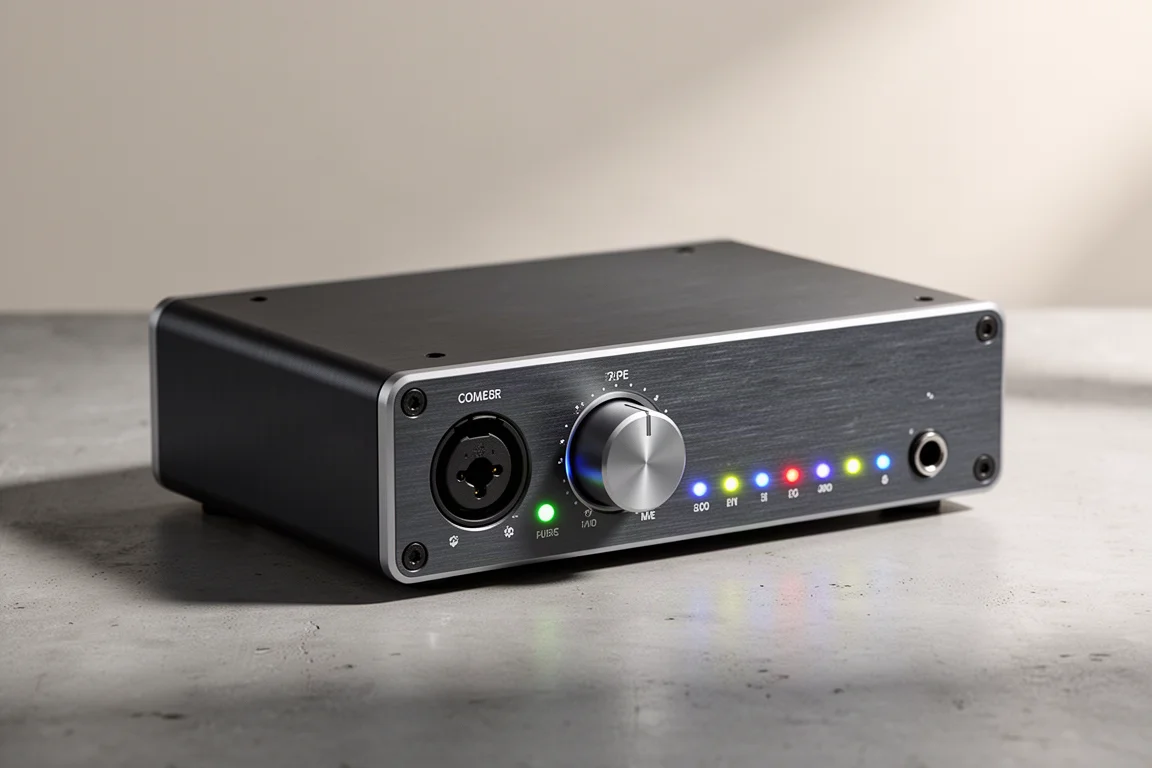
MOTU M2
The M2 covers the same two-input ground as the Scarlett 2i2 and the Volt 2, with physical gain knobs and MIDI input and output. Its standout feature is metering: the front-panel meters are noticeably more informative than the input meters on any other interface in this lineup. It also includes a software mixer for loopback routing, so you can decide precisely what is sent back into your recording software, which is genuinely useful for streaming and screen capture.
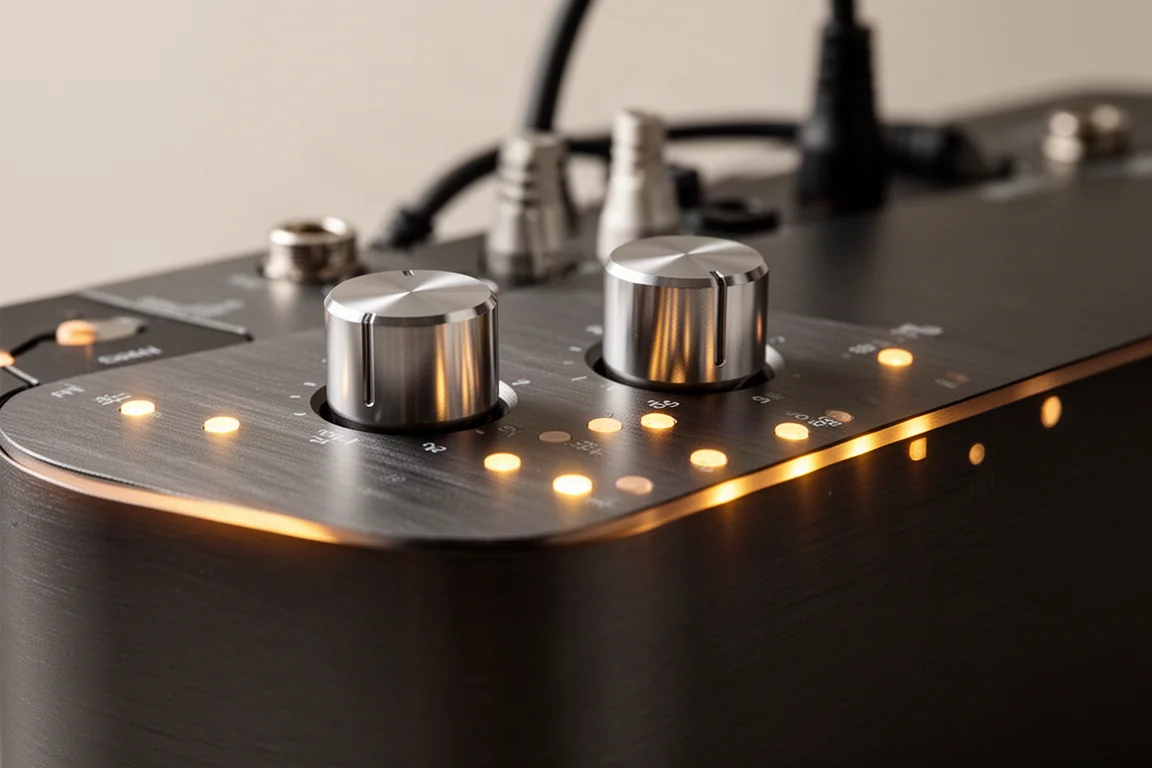
Where it differs from the Scarlett 2i2 is the feature mix. The M2 leans on metering, MIDI, and loopback flexibility rather than automatic gain setting and clip protection, so the better pick depends on which of those matters more in the way you work.
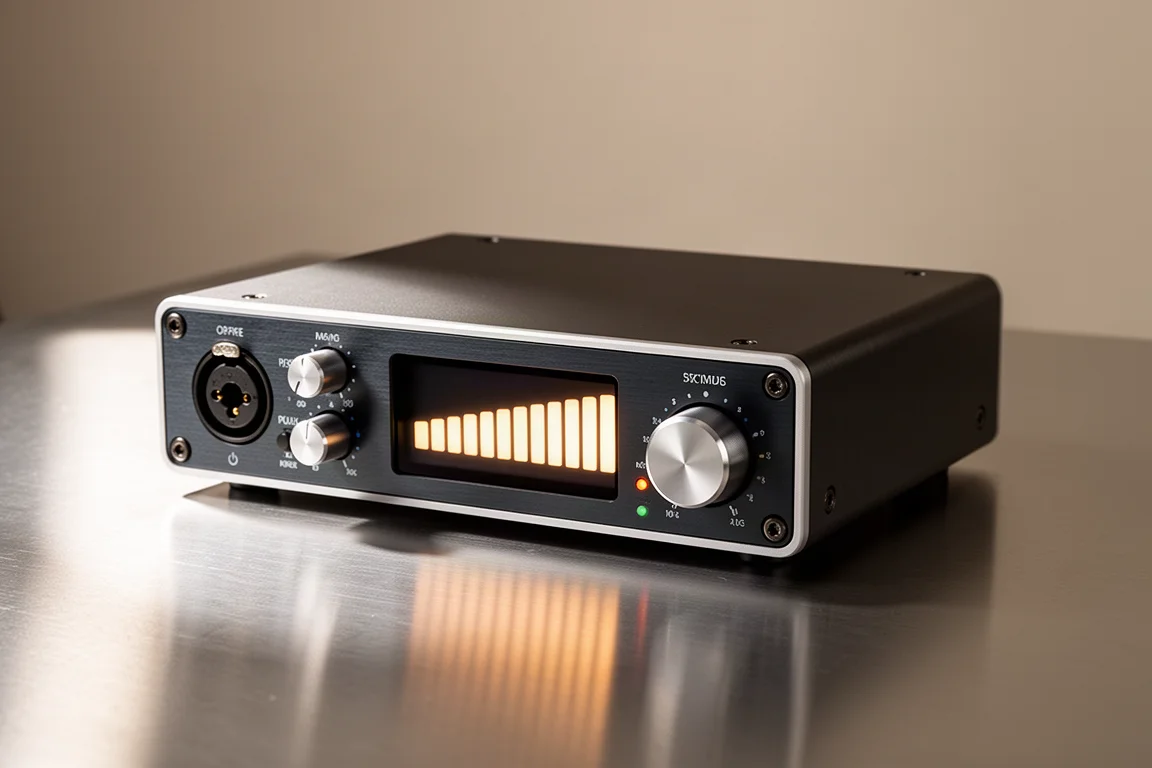
Audient evo 4
The evo 4 is the value option in this group. It has two inputs that accept either a microphone or an instrument, plus the automatic gain-setting feature shared with the rest of the evo line, which sets the preamp level for you after you play. It costs considerably less than the Volt 2, the Scarlett 2i2, and the M2, and it uses button-based level control rather than physical gain knobs. It also includes a software mixer for loopback, matching the MOTU and the other Audient models.
Interfaces With More Than Two Inputs
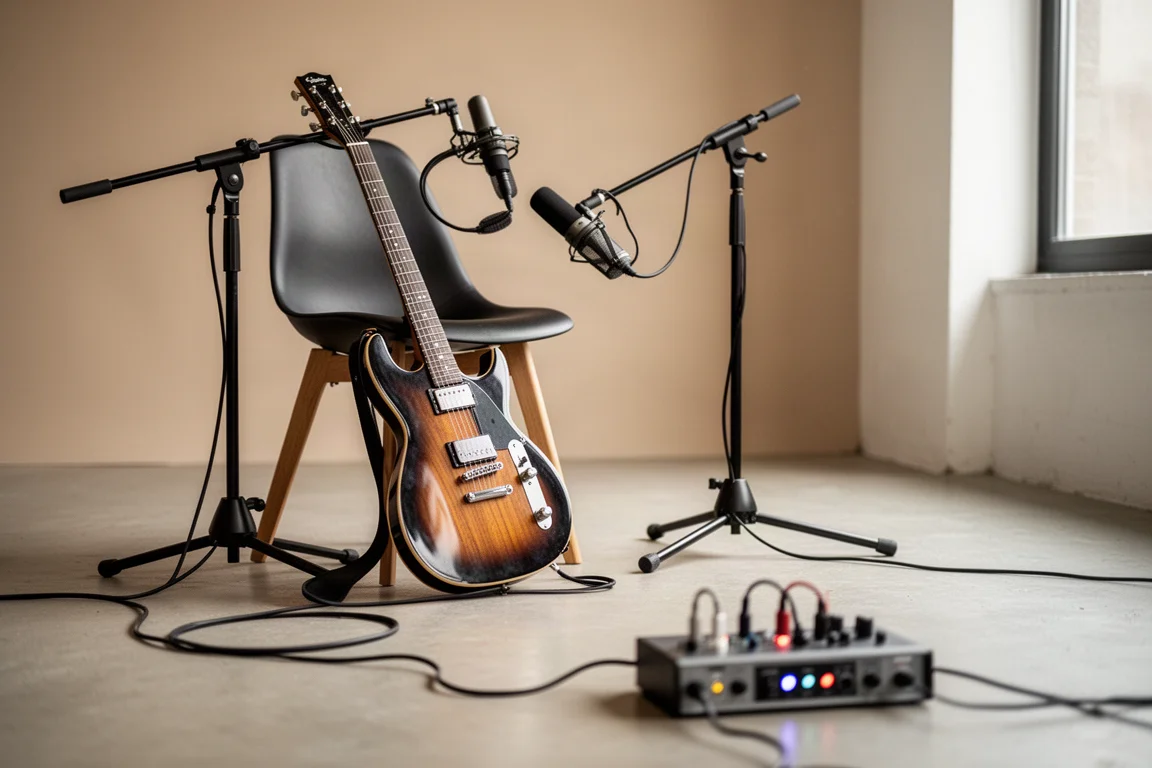
If you plan to record a full band at the same time, two microphone preamps will not be enough. Tracking drums, bass, guitar, and vocals together requires enough inputs to keep each source on its own track during the mixing phase, rather than bouncing the whole performance down to a stereo pair.
Audient evo 8
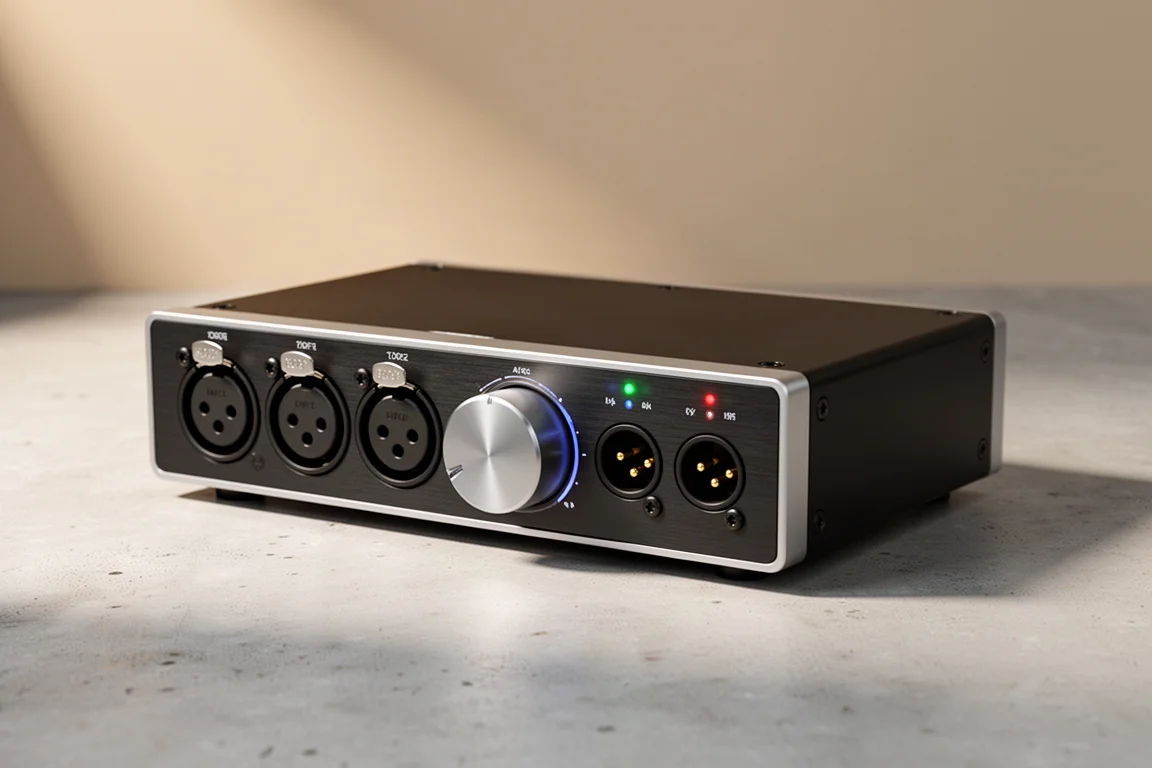
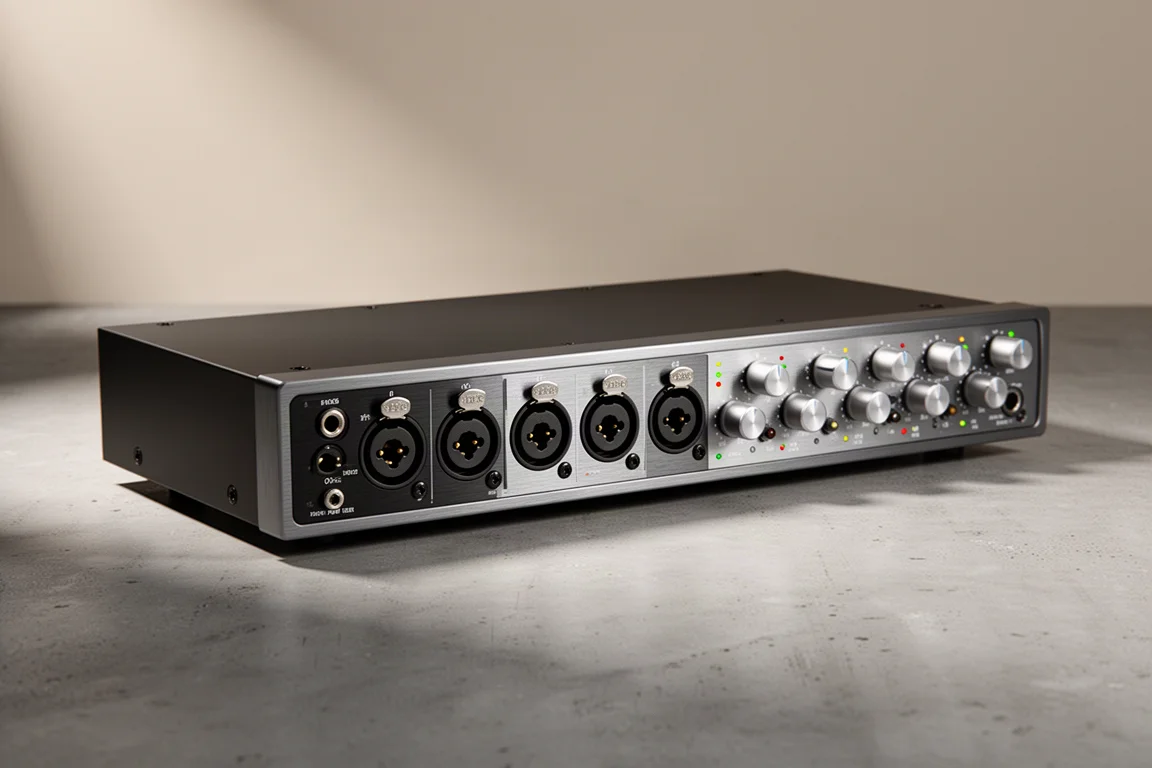
The evo 8 offers four microphone inputs, which is the lowest count worth considering if you are recording a live band. It sits just above the $200 mark, but only by a small margin. It also adds two headphone outputs, so two performers can each have their own mix, and two extra line outputs on the back. That additional connectivity becomes useful when you start bringing more gear into the setup or recording several performers at once. If you work alone inside your recording software, those extras are unlikely to change your workflow.
Behringer UMC1820
For larger sessions, an eight-input interface such as the UMC1820 gives you room to keep a full drum kit and the rest of the band on separate tracks. It is the option to look at when four microphone inputs already feel tight and you expect the setup to grow.
Buying Advice
If you only ever record one source at a time, the single-input group is enough. The choice between the Volt 1 and the Scarlett Solo comes down to whether you want a separate instrument input so you can capture guitar and voice together. If you do, the Scarlett Solo is the more affordable route and the iD4 is the quality-focused one, with a better preamp and headphone amplifier.
For the widest range of home recording situations, two microphone preamps are the safer investment, and the Scarlett 2i2 and the M2 are the two strongest options here. Choose the Scarlett 2i2 if automatic gain setting and clip protection appeal to you; choose the M2 if MIDI, better metering, and a more flexible loopback mixer matter more. The evo 4 covers similar ground for considerably less money if button-based control does not bother you.
If a live band is in your future, plan for at least four microphone inputs with the evo 8, or step up to eight inputs with the UMC1820. Either way, the extra inputs are what keep each performance on its own track instead of forcing compromises later in the mix.
Conclusion
Any of these interfaces can produce professional-sounding recordings. The meaningful differences lie in input count, control layout, metering, and the extra features each model brings. Match the number of microphone preamps to the way you actually record, and the rest of the decision becomes much simpler.
Further reading
Related Reviews
Audio Interfaces
Audient EVO and iD Range Guide: Eight Audio Interfaces Explained
A practical walkthrough of eight Audient interfaces, from the compact EVO 4 to the expandable iD44, and how to match one to the way you record.
Audio Interfaces
How Many Mic Inputs Do You Need? An Audio Interface Buying Guide
Microphone input count is the decision that shapes every audio interface purchase. A practical guide to choosing an interface you will not outgrow.
Audio Interfaces
Budget vs Professional Audio Interfaces: Which One Do You Actually Need?
A practical comparison of budget and professional audio interfaces, covering input count, preamp gain, latency, metering, and included software.