Audio Interfaces
How Many Mic Inputs Do You Need? An Audio Interface Buying Guide
Microphone input count is the decision that shapes every audio interface purchase. A practical guide to choosing an interface you will not outgrow.
Introduction
Choosing an audio interface usually starts with the wrong question. New recordists tend to ask how many inputs they need for the music they are making today, then discover a few months later that the answer has changed. The most common regret is running out of microphone inputs.
The distinction that matters is not how many connectors sit on the front panel, but how many of them can accept a microphone at the same time.
The Mistake Most Beginners Make
A typical first interface pairs one microphone input with one instrument input. That combination covers a surprising amount of ground: a vocal microphone on the mic input, and an electric guitar plugged straight into the instrument input. For a solo songwriter working one part at a time, it can feel like everything that will ever be needed.
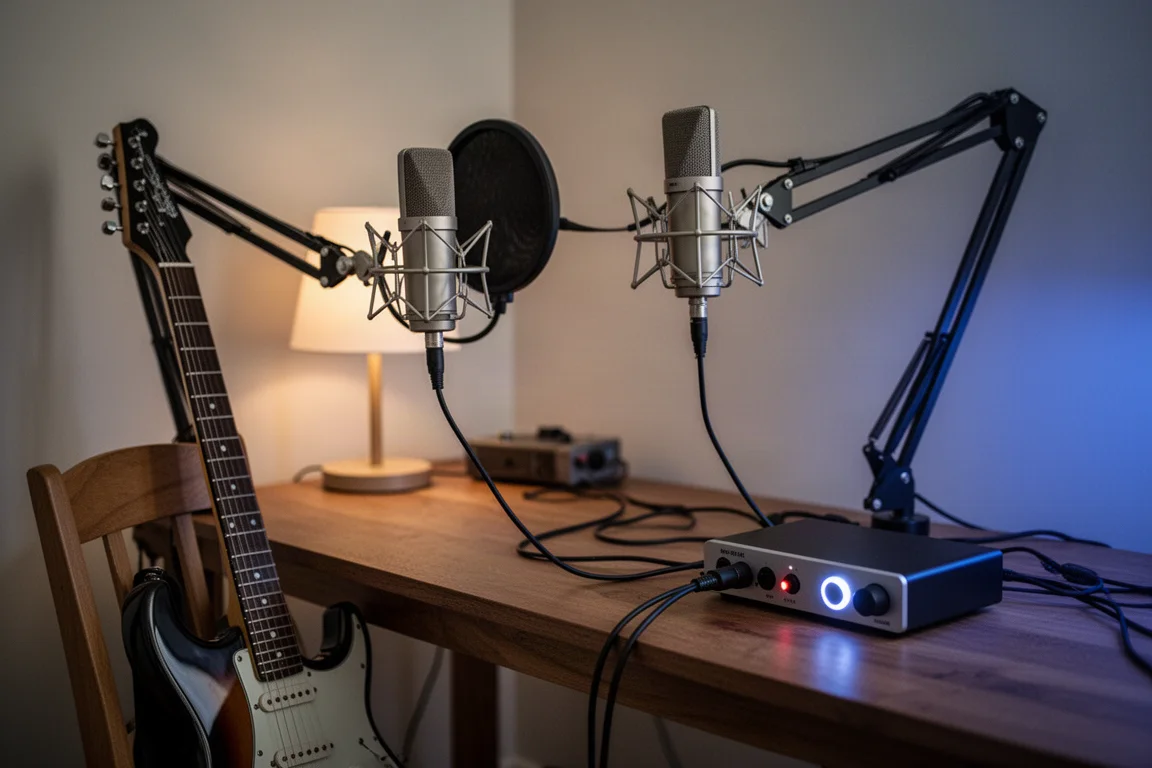
The limitation appears the first time two microphones are needed at once. Recording a voice and an acoustic guitar together requires two mic inputs. So does capturing a stereo pair, or tracking a singer alongside a second instrument.
Adapters look like an easy workaround, but they are not. An instrument input is typically a high-impedance input designed for instrument-level signals such as the output of an electric guitar pickup. A microphone produces a mic-level signal, which is far weaker and needs a low-impedance input with additional amplification before it can be recorded properly. That amplification is exactly what the preamp gain control on a microphone input provides.
Reading the specifications carefully is worth the effort. Microphone inputs are usually XLR or combo connectors. A quarter-inch line input, where it appears, is intended to receive line-level audio from another piece of equipment rather than a microphone.
How Many Microphone Inputs Do You Actually Need?
Count the largest number of microphones you will want running at the same time, not the number of instruments in the room.
A solo performer who records one part at a time can work with a single mic input. Anyone who wants to capture a voice and an acoustic guitar together, or a stereo pair, needs two. A podcaster needs one microphone input per person. A band tracking a drum kit needs considerably more, because a workable drum sound alone can call for a kick drum mic, a snare mic and two overhead mics for stereo, before bass guitar and vocals are added.
That is why a full band recording setup is usually described as needing at least eight microphone inputs. Deciding that number early tells you how much budget is left over for preamp quality and extra features, rather than the other way around.
Two Mic Inputs: The Safe Starting Point
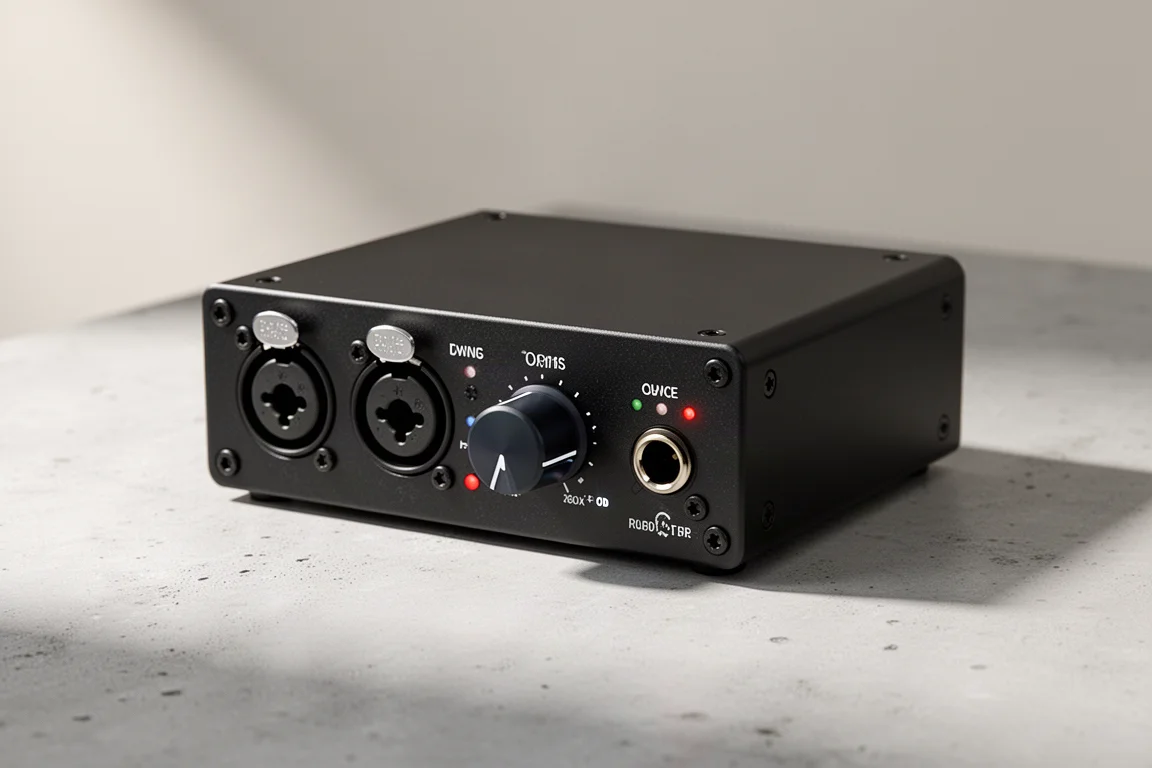
For a solo musician, two microphone inputs is a comfortable place to start. It removes the single biggest constraint of a one-input design without pushing the budget into band-recording territory.
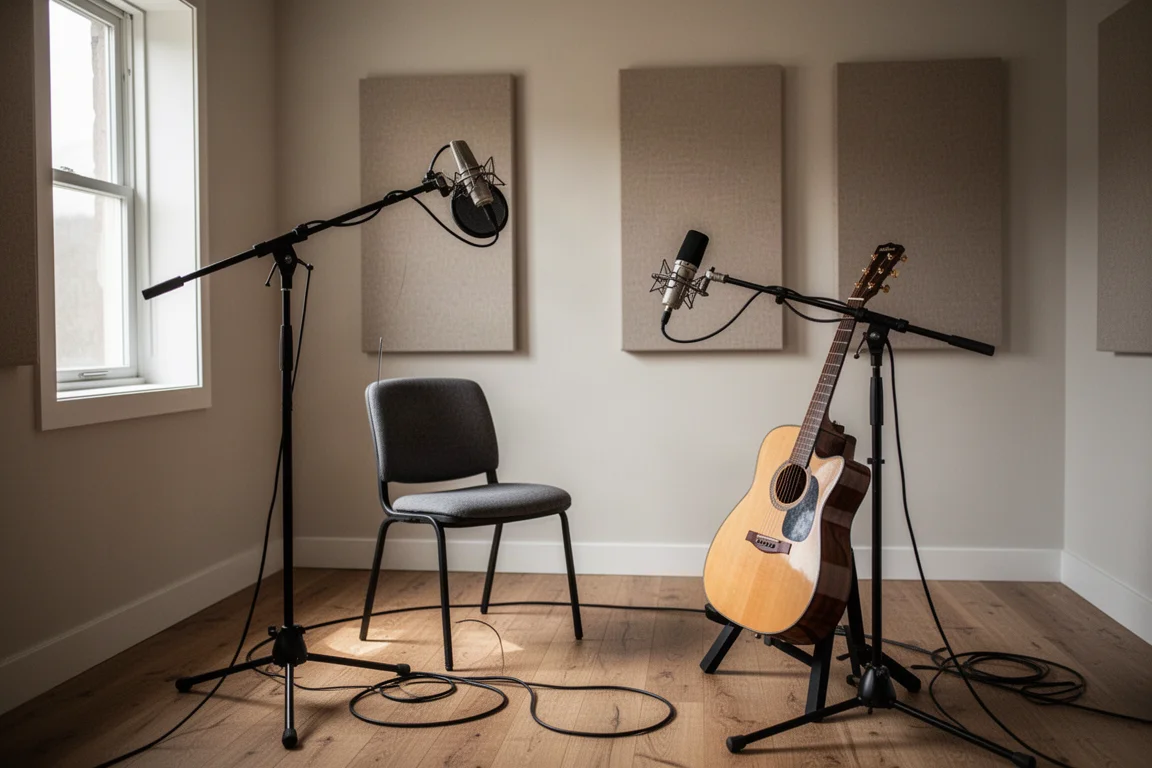
The two interfaces below take exactly that approach, and both are a sensible step up from a single-input starter box.
Focusrite Scarlett 2i2
The Scarlett 2i2 is a reference point for a two-input desktop interface. Two microphone inputs mean a voice and an acoustic guitar, or a stereo pair, can be captured in one pass rather than two.
For a solo musician, that is often the difference between a session that flows and one that stops every time a second microphone is needed.
Universal Audio Volt 2
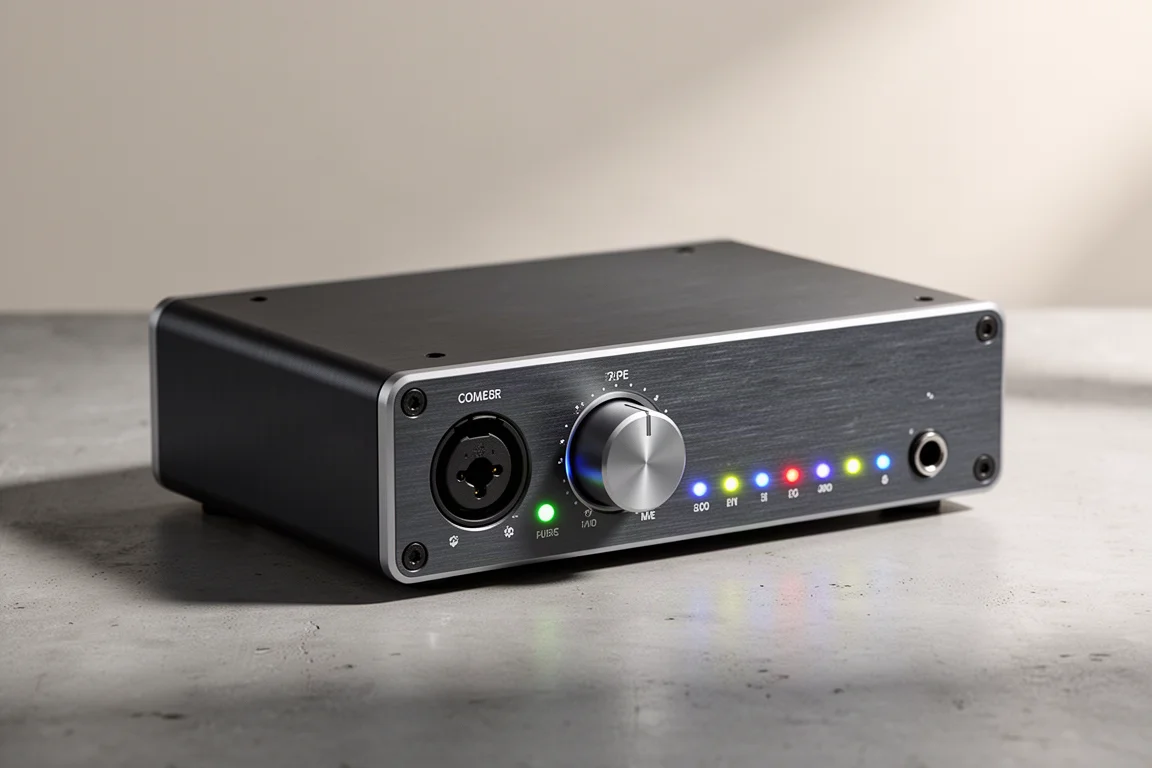
The Volt 2 follows the same two-mic-input formula, which makes it a direct alternative for anyone who wants that second input without moving up to a rack-sized unit.
Two mic inputs is a good place to start for a solo musician, and it is also enough for a two-person podcast where each host has a microphone.
Eight Mic Inputs and Up: Recording a Full Band
Recording a drum kit one drum at a time is impractical, and capturing a kit with a single microphone makes it very difficult to achieve the sound a band is after. This is where an interface with more inputs earns its price.
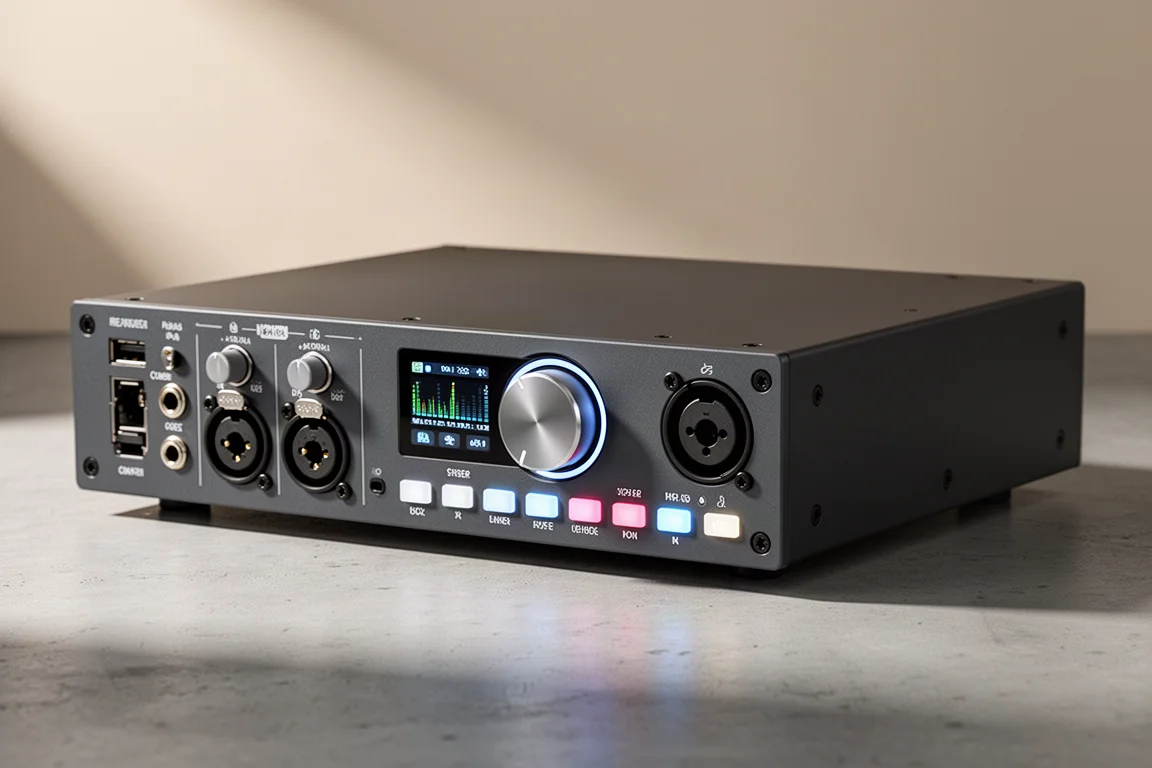
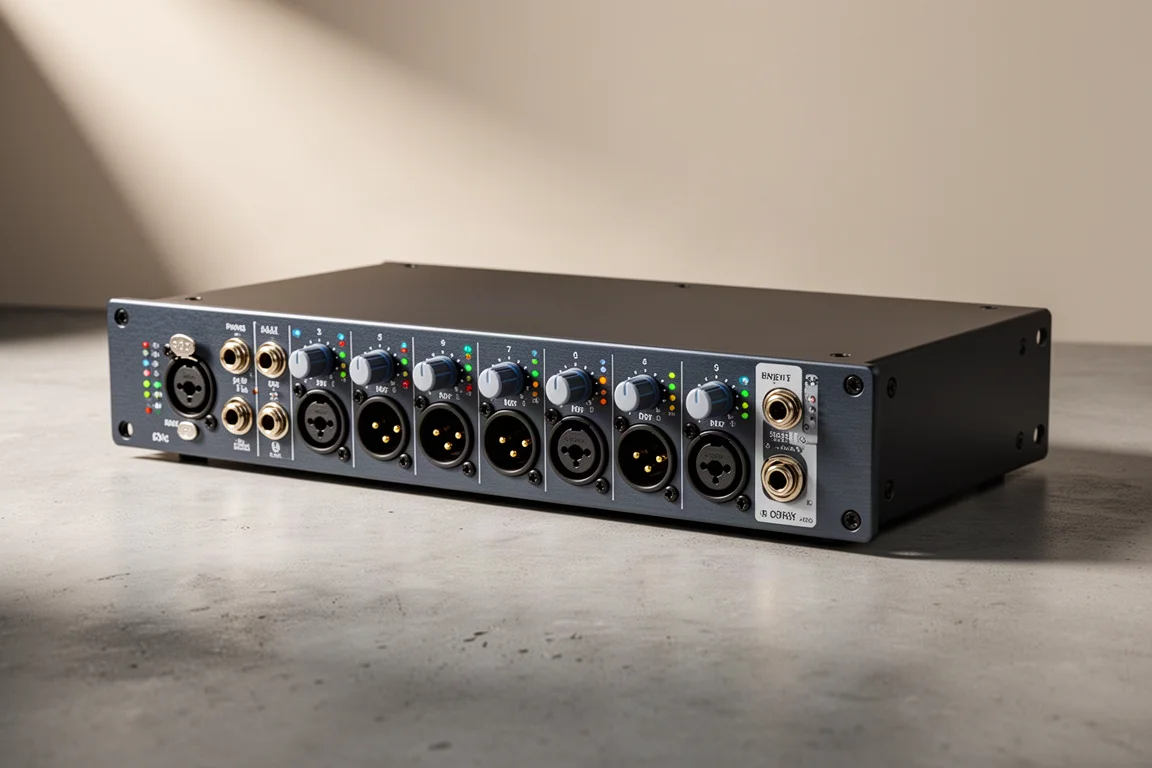
With at least eight microphone inputs, a typical session can cover a kick drum mic, a snare mic, two overhead mics for stereo, bass guitar and two vocal mics. Both of the interfaces below can also be expanded further over ADAT, which is covered in the next section.
Audient EVO 16
The EVO 16 provides eight built-in microphone inputs, and it goes further than most by offering two ADAT inputs. That means the eight built-in inputs can be joined by two eight-channel ADAT preamps, for a total of 24 microphone inputs recording simultaneously.
For a band that expects to grow, that headroom is the difference between replacing the interface later and simply adding to it.
Focusrite Scarlett 18i20
The Scarlett 18i20 also provides eight microphone inputs and can be expanded over ADAT. It is a practical choice for a band that needs to track drums and then keep using the same interface for vocals and overdubs.
It is also worth noting that an interface in this class does not stop being useful when it is replaced. It can be kept in service as an eight-channel microphone preamp with ADAT connections.
Expanding Later With an ADAT Input
An ADAT input is the most practical way to future-proof an interface. Rather than buying more inputs than you need today, you can start with a smaller interface and add eight microphone inputs later.
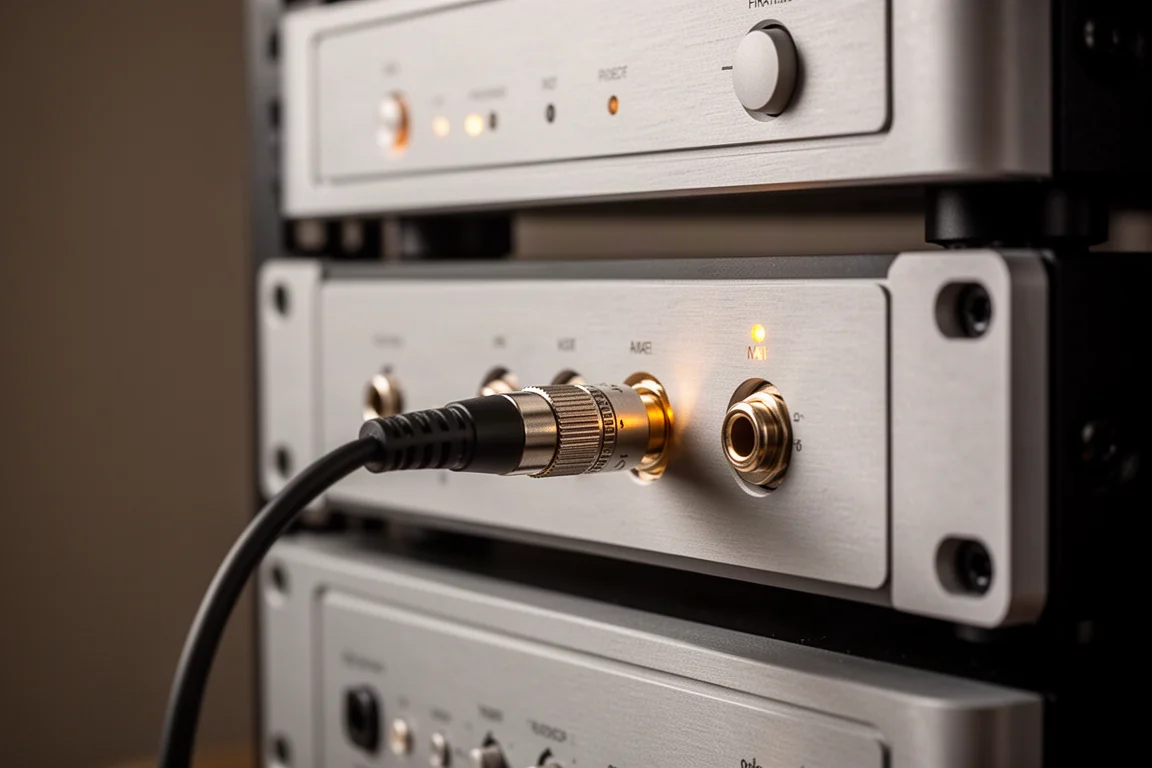
The expansion is simple in principle: a single optical cable runs from the ADAT output of an external microphone preamp to the ADAT input of the interface. The preamps below are the kind of gear that connects this way.
Audient iD14
The iD14 combines two built-in microphone inputs with one ADAT input for future expansion. Starting with two mic inputs now and adding an external preamp later keeps the initial cost down without closing the door on a larger setup.
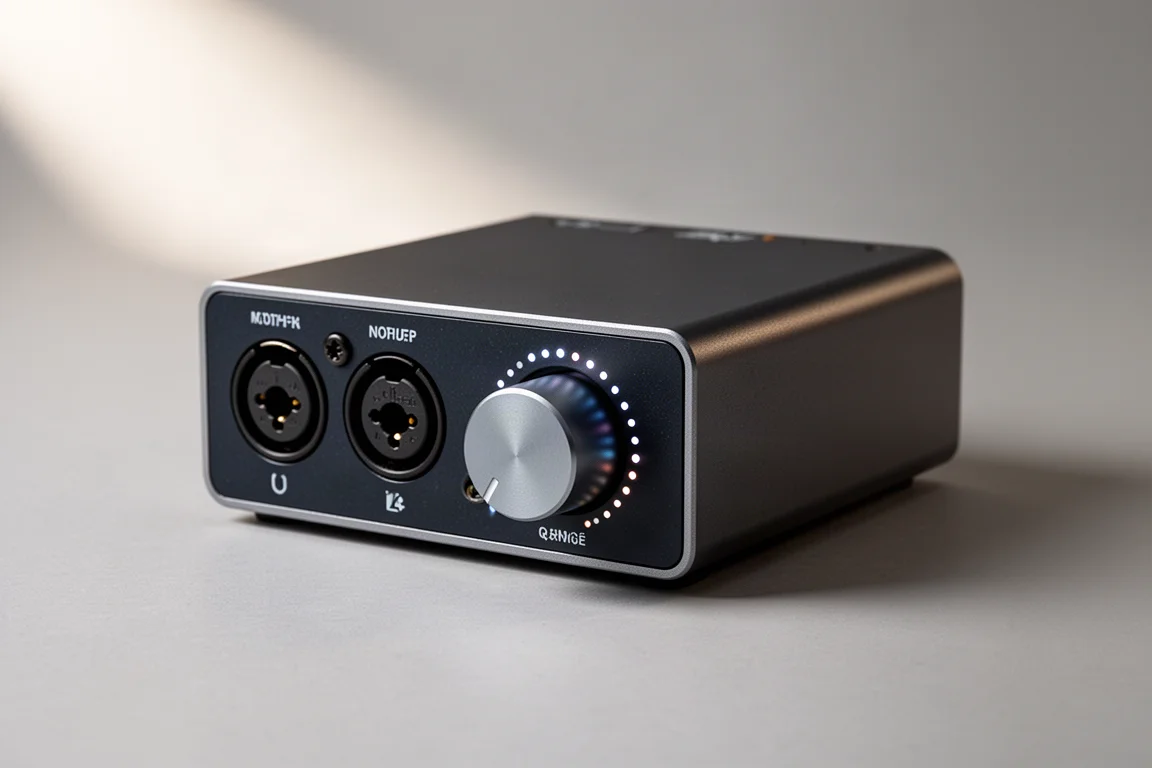
Audient SP8
The SP8 is the kind of external preamp that plugs into that ADAT input, adding eight microphone inputs to a system over one optical cable.
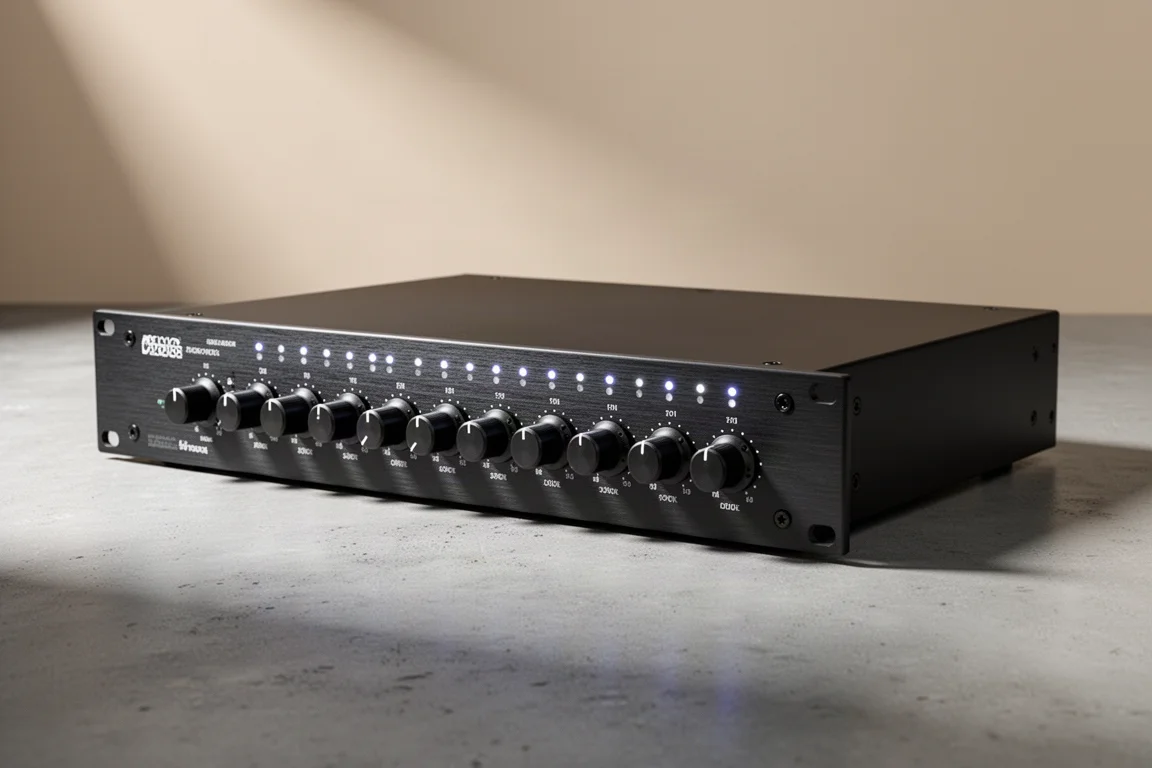
Focusrite Scarlett OctoPre
The Scarlett OctoPre serves the same purpose, providing eight microphone preamps with ADAT outputs that connect to an interface’s ADAT input.
When One Mic Input Is Enough
Not every recordist needs two microphone inputs, and it is worth being honest about it. If you record one part at a time, a single-input interface is smaller, cheaper and simpler.
Focusrite Scarlett Solo
The Scarlett Solo offers one microphone input and one instrument input. That is enough for recording a vocal and then overdubbing an electric guitar, as long as the two are never needed at the same time.
If there is any chance that two microphones will be needed simultaneously, though, an interface with two mic inputs is the safer purchase.
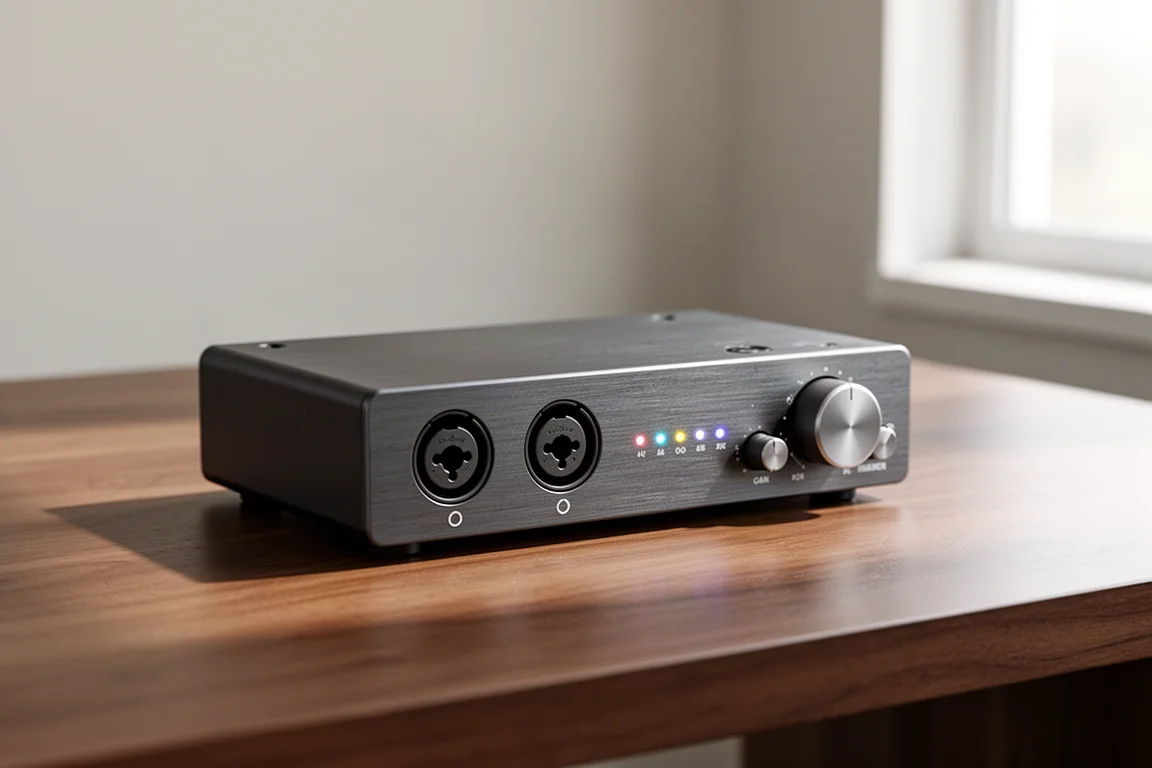
Audient iD4
The iD4 takes the same one-mic-input, one-instrument-input approach. It is a reasonable choice for a songwriter who genuinely records one track at a time.
The same caveat applies: a single microphone input rules out capturing a voice and an acoustic guitar together.
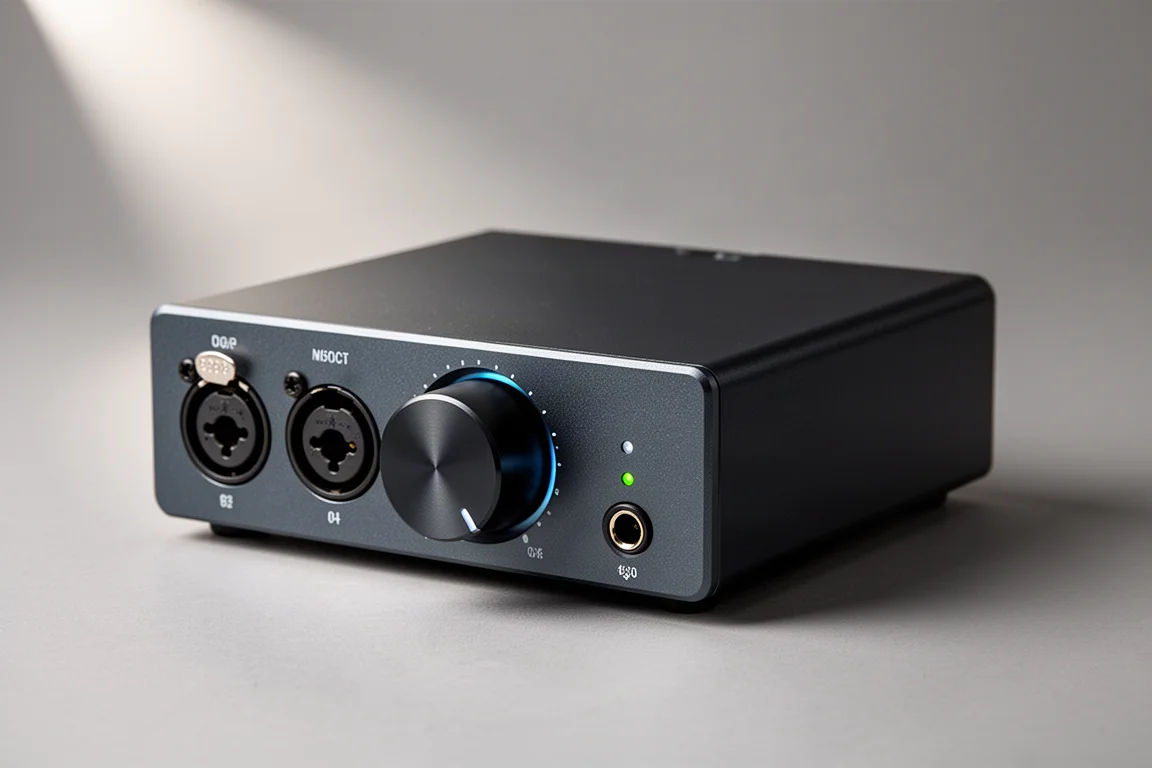
A Cautionary Example: The M-Audio FastTrack USB
The FastTrack USB illustrates why the input count deserves so much attention. It pairs one microphone input with one instrument input, which was enough for recording guitar tracks into a desktop computer at the time.
The trouble arrived later, when two microphones were needed at once for a voice and an acoustic guitar. With only one microphone input, only one microphone could be recorded at a time, and the instrument input could not be pressed into service as a second mic input because of the impedance and signal-level differences described earlier.
That is the whole argument for choosing the input count first.
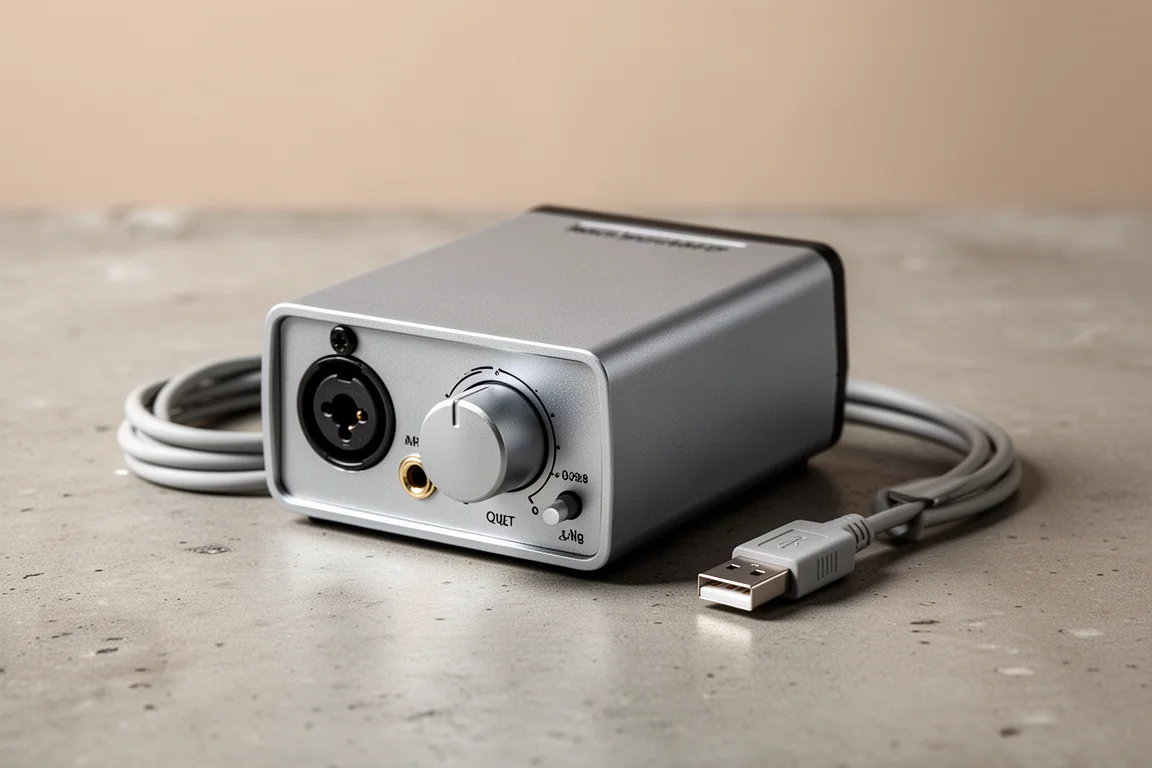
Getting More Mileage From an Older Interface
An interface that has been replaced does not have to become dead weight. If it has ADAT connections, it can be reused as an external microphone preamp for a newer main interface.
RME Babyface Pro FS
The Babyface Pro FS is the kind of compact main interface that sits at the centre of a larger setup. When more microphone inputs are needed, a second, ADAT-equipped unit can be brought in to supply them, so the main interface keeps its role and the extra channels arrive over a single optical connection.
For anyone who already owns a multi-input interface with ADAT connections, this is the cheapest route to more microphone inputs.
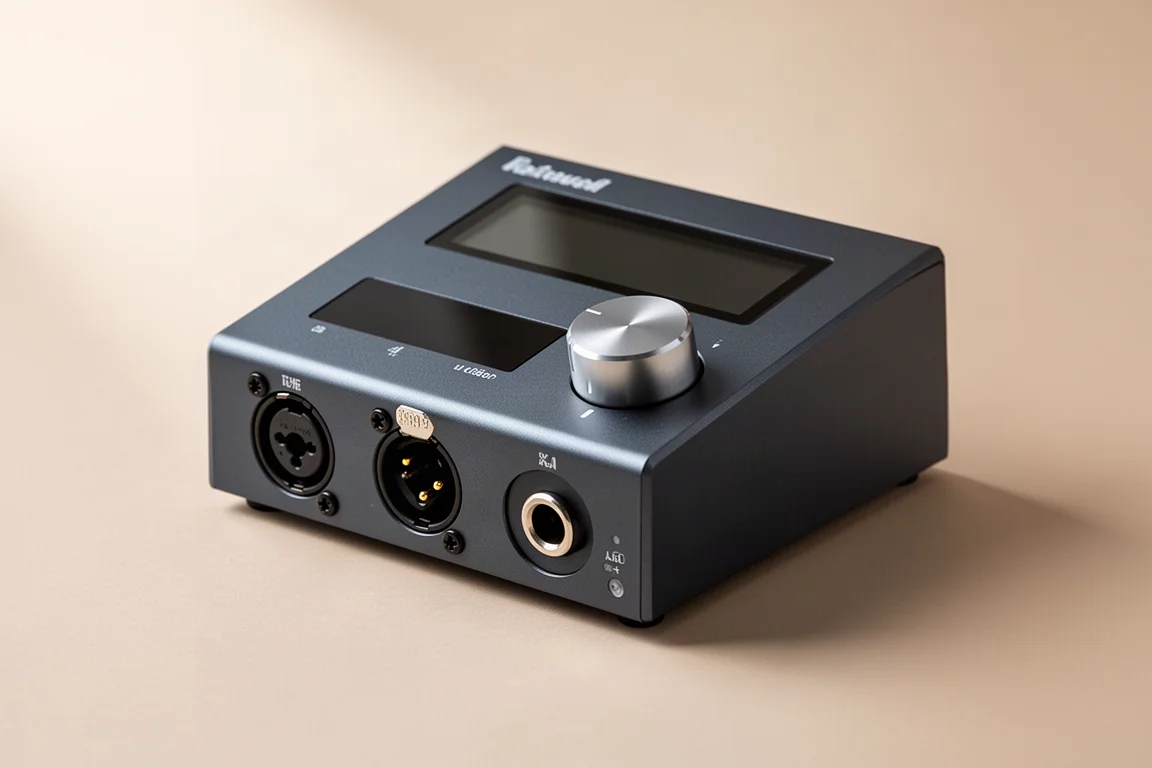
Buying Advice
Start by deciding the number of microphone inputs you need, then spend what is left on everything else. Input count is the one specification that cannot be worked around later without buying new hardware.
Two microphone inputs is the sensible floor for most solo recordists. If a drum kit or a full band is on the horizon, plan for at least eight, and check whether the interface offers an ADAT input so the system can grow without being replaced.
Interfaces with more inputs do tend to cost more, which is why it pays to be realistic about the largest session you expect to record rather than the smallest one.
Conclusion
The most common mistake when buying an audio interface is counting inputs without checking how many of them accept a microphone. A microphone input and an instrument input look similar on a spec sheet but behave very differently, and adapters will not bridge the gap.
Match the microphone input count to the biggest session you realistically expect to record, favour an ADAT input if you might expand later, and the interface will stay useful long after the first project is finished.
Further reading
Related Reviews
Audio Interfaces
Audient EVO and iD Range Guide: Eight Audio Interfaces Explained
A practical walkthrough of eight Audient interfaces, from the compact EVO 4 to the expandable iD44, and how to match one to the way you record.
Audio Interfaces
Best Audio Interfaces Under $200: Nine Practical Picks for Home Recording
Nine audio interfaces under $200 grouped by microphone input count, from single-input models for solo work to eight-input setups for tracking a full band.
Audio Interfaces
Budget vs Professional Audio Interfaces: Which One Do You Actually Need?
A practical comparison of budget and professional audio interfaces, covering input count, preamp gain, latency, metering, and included software.