Audio Interfaces
Universal Audio Volt Interfaces Compared: Which Model Fits Your Studio?
A practical walkthrough of the seven Universal Audio Volt USB-C interfaces, from the single-input Volt 1 to the four-preamp Volt 476P, covering shared features, the analog 76 compressor, and which model suits which recording setup.
Introduction
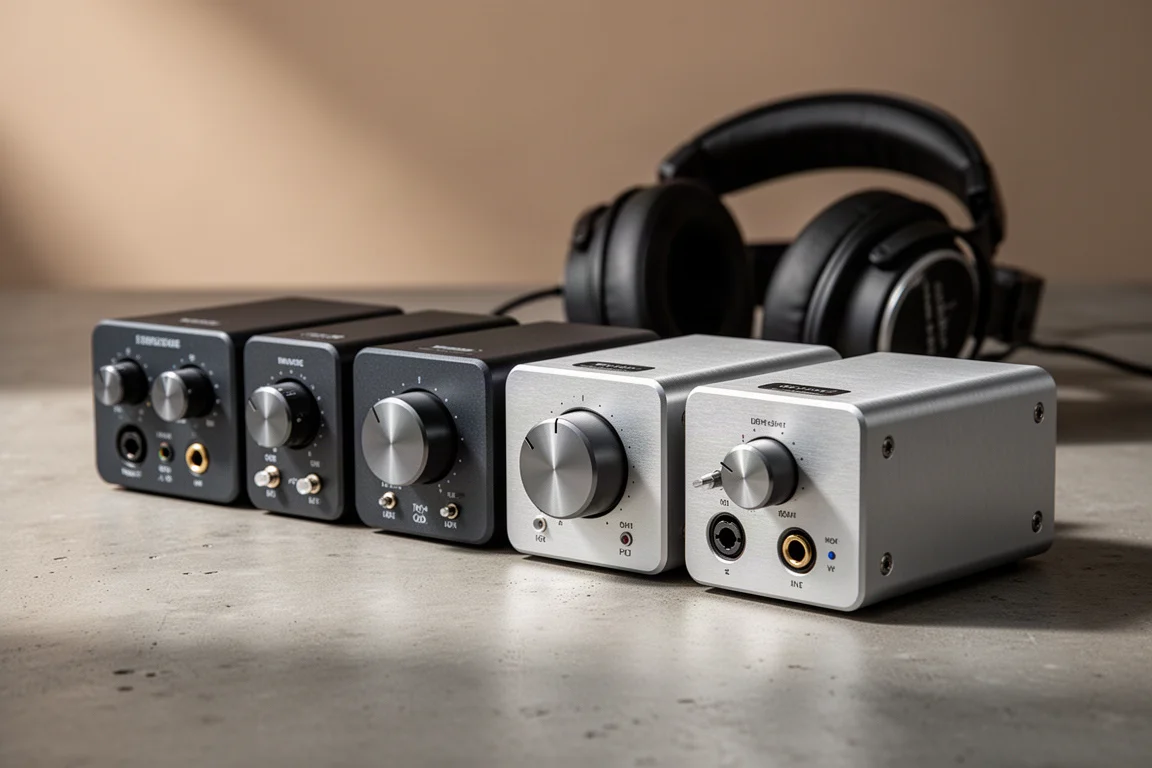
The Universal Audio Volt range covers seven USB-C audio interfaces, and choosing between them comes down to a handful of practical questions: how many inputs you need, whether you want analog compression built into the hardware, and how much routing flexibility your studio demands.
The range divides into two groups. The base models, Volt 1, Volt 2, and Volt 4, concentrate on the essentials and represent strong value. The 76 models, Volt 176, Volt 276, Volt 476, and Volt 476P, add an onboard analog compressor circuit modeled on the Universal Audio 1176 limiting amplifier, along with better input and output metering.
This guide covers what every model shares, what separates the two groups, and which interface suits which kind of recording setup.
What Every Volt Interface Shares
Every interface in the range connects to a Mac, PC, iPad, or iPhone over USB-C. On a Mac or PC it draws power from the computer, so no separate power supply is required. Connecting to a mobile device such as an iPad or an iPhone does require a power adapter.
Each model includes MIDI input and output for a device such as a keyboard controller, and each offers direct monitoring that bypasses the DAW for the headphone mix. In large sessions where processing adds latency, that lets you monitor the input straight through the interface instead. Separate volume knobs for studio monitors and headphones appear across the whole range.
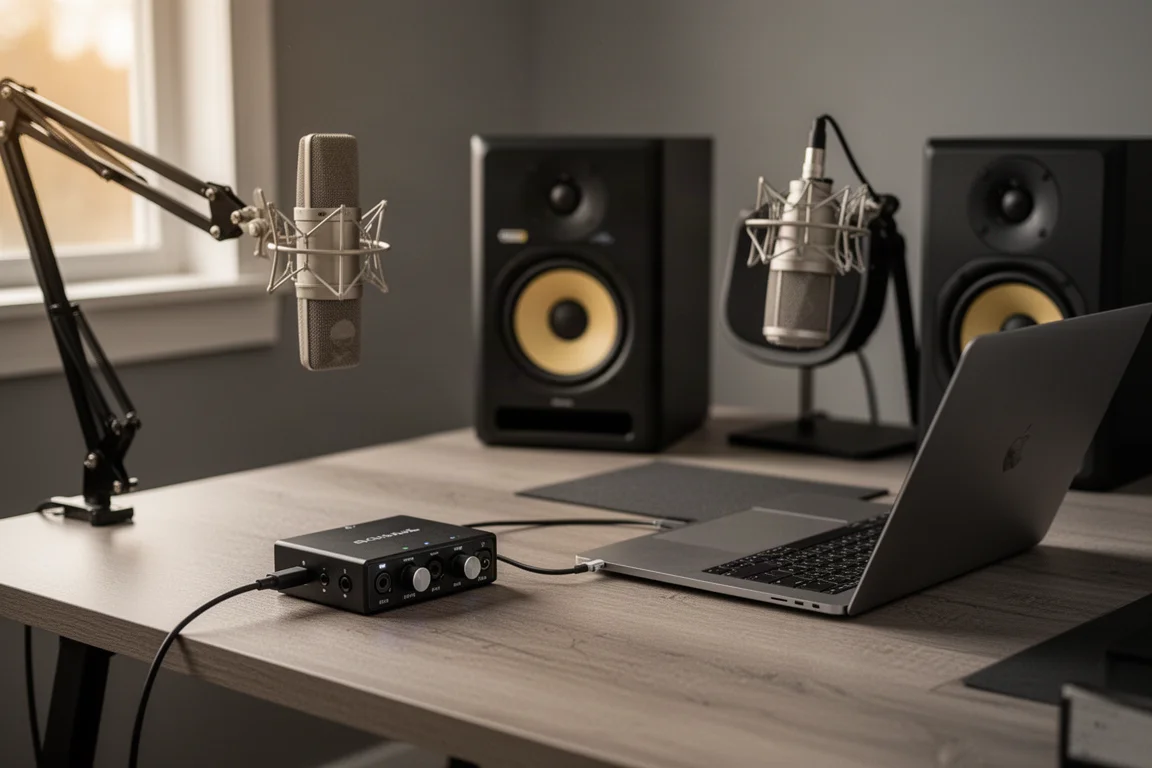
Every microphone input also carries a vintage mode switch that models the sound of the Universal Audio 610 tube preamp. With the switch off, the signal stays clean and neutral. With it engaged, the sound becomes richer and fuller. That switch is present on all seven models.
Universal Audio Volt 1
Volt 1 is a one-in, two-out interface. The single front input has a built-in preamp for a microphone, an instrument, or a line-level device. The two line outputs on the back feed a pair of powered studio monitors, and a headphone output sits on the front panel.
Universal Audio Volt 2
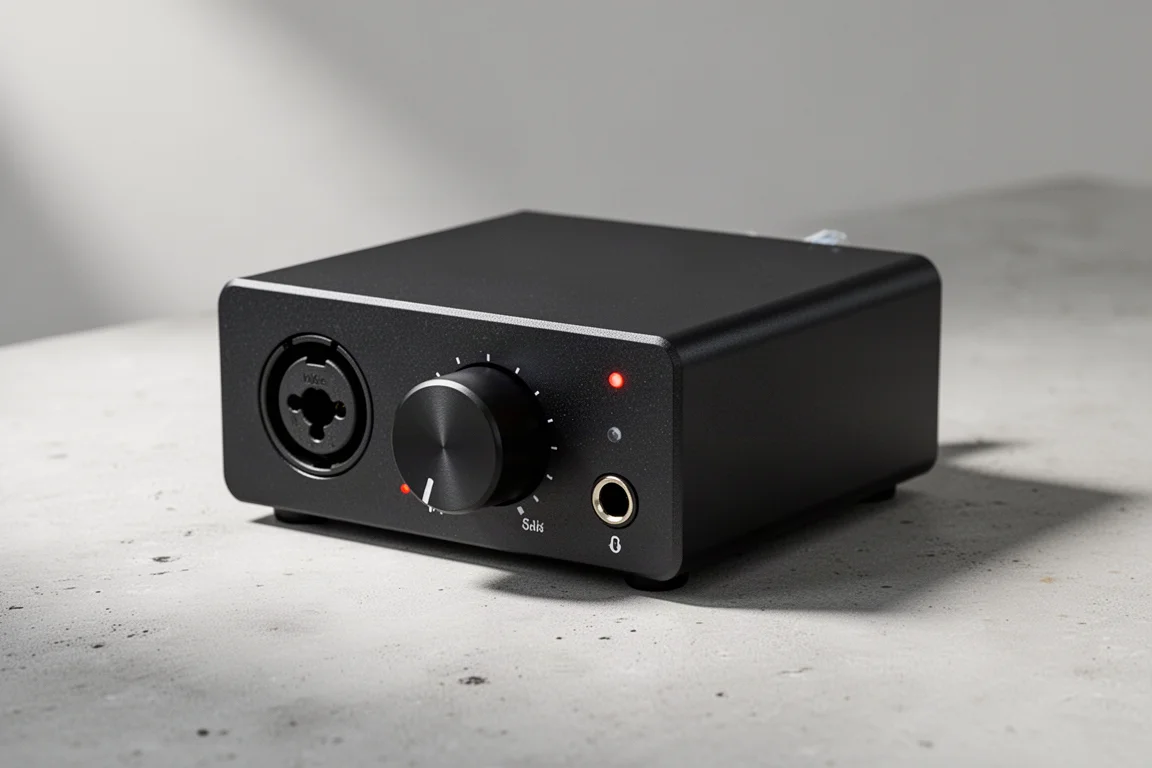
Volt 2 is a two-in, two-out interface. Both inputs carry built-in preamps for microphone, instrument, or line-level sources, with two line outputs on the back for studio monitors and a headphone output on the front.

That second preamp is the meaningful step up from the Volt 1. It makes the interface suitable for a singer-songwriter recording guitar and vocals together, for stereo recordings, or for interviewing a guest, and it leaves room to add a second microphone later.
Universal Audio Volt 4
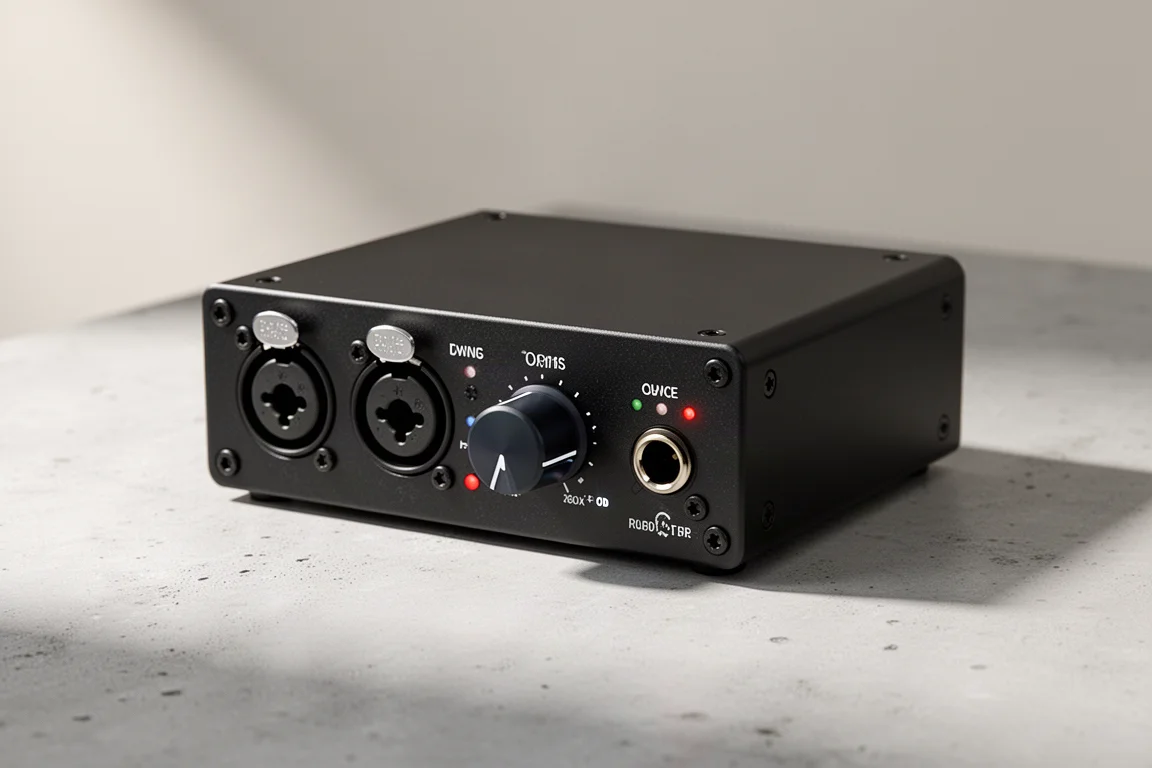
Volt 4 is a four-in, four-out interface. The two front inputs have built-in preamps for microphones, instruments, and line-level sources, while the two additional inputs on the back accept line-level sources only. It adds extra outputs beyond the pair found on the smaller models, and the monitor output is switchable between the available options.
Universal Audio Volt 176
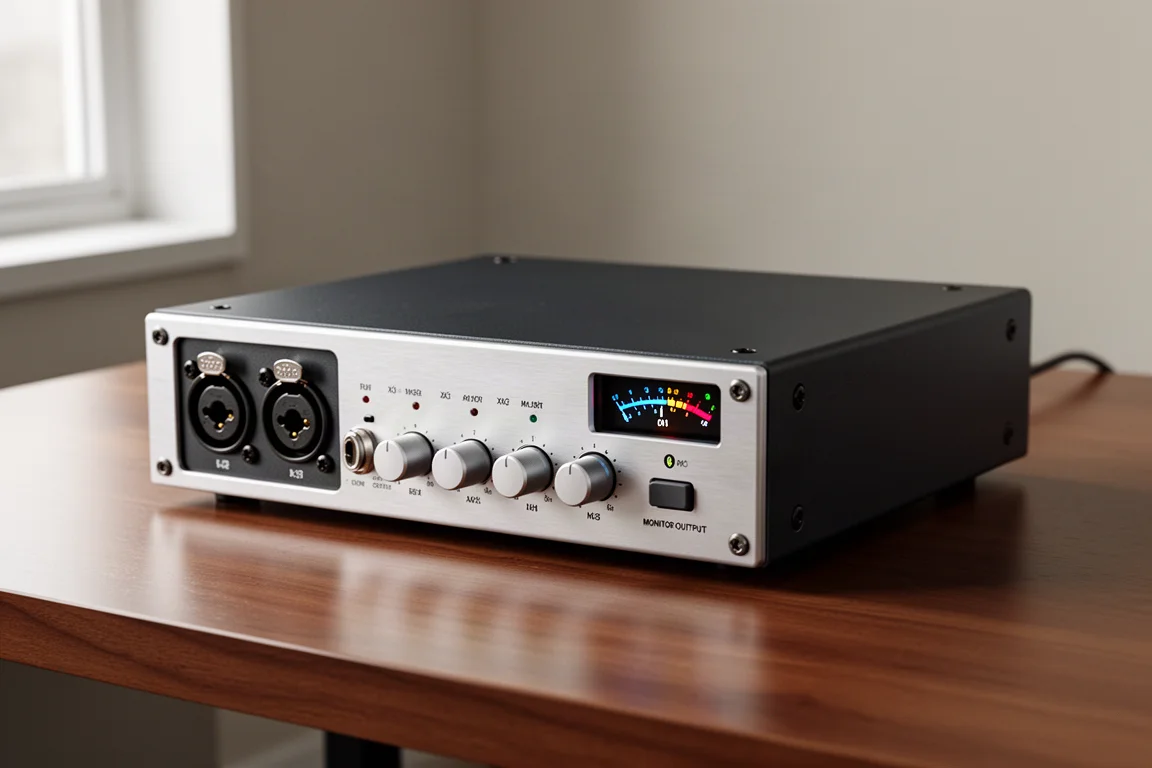
Volt 176 is a one-in, two-out interface with the same front preamp, two rear line outputs, and front headphone output as the Volt 1, plus an onboard 76 compressor circuit and improved input and output metering.
The 76 compressor is an analog circuit that emulates the Universal Audio 1176 limiting amplifier, and it works on the signal from the microphone preamp before that signal is converted to digital. Because the compression happens in the analog domain, it cannot be undone afterwards. The trade-off is that you can begin shaping the tone of a signal from the very start, catching fast transients that might otherwise clip a fixed-point recording.
Universal Audio Volt 276
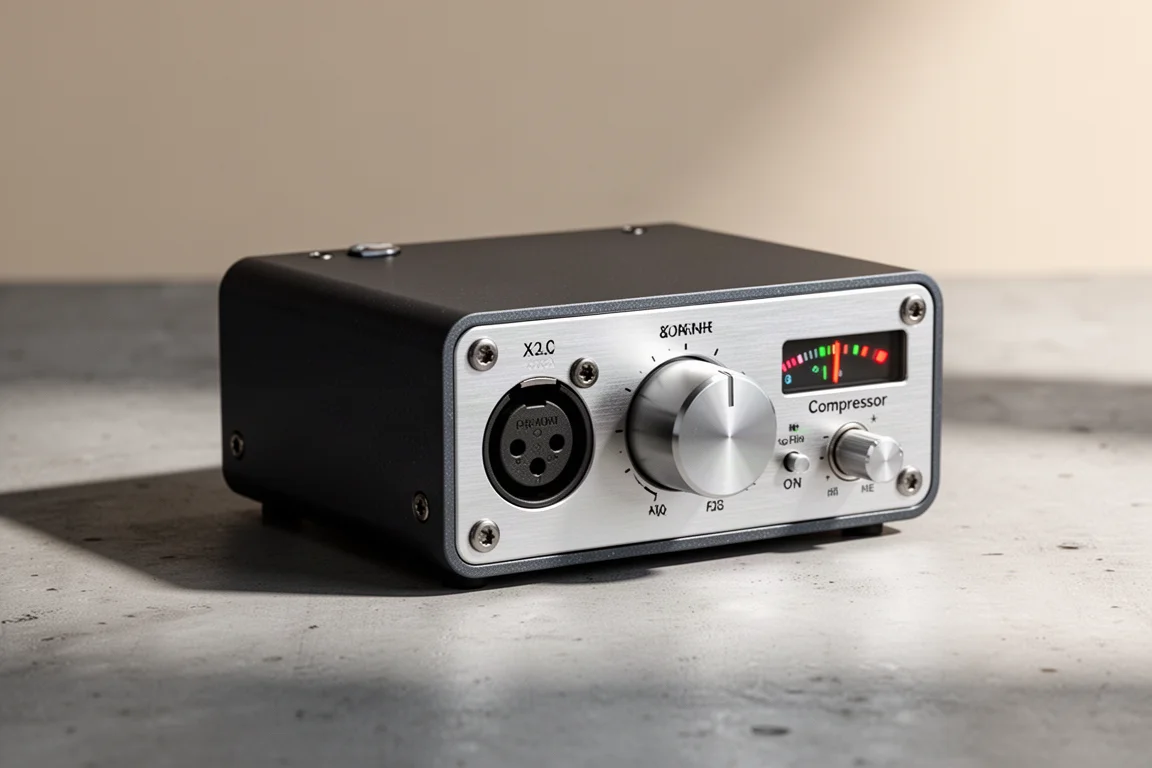
Volt 276 pairs the two-in, two-out layout of the Volt 2 with the same onboard 76 compressor circuit. Both front inputs have preamps for microphone, instrument, and line-level sources, and the back panel carries two line outputs for studio monitors alongside a headphone output on the front.
The compressor is genuinely useful on vocals, guitars, drums, and other instruments. It reduces the difference between the quiet and loud parts of a performance and then lifts the overall level, producing a louder, more controlled signal without any additional software. That makes it a practical shortcut for musicians, live-streamers, and podcasters who want a more polished sound quickly.
Universal Audio Volt 476
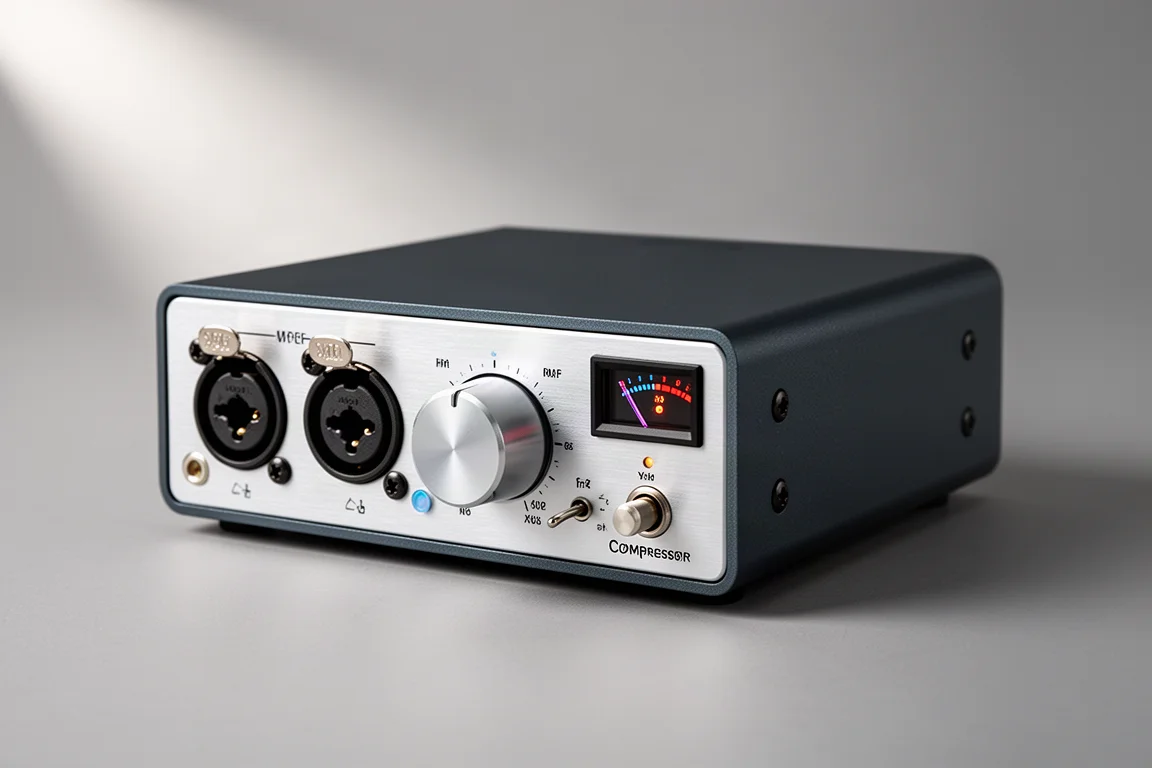
Volt 476 is a four-in, four-out interface built around the Volt 4 layout, with two preamp-equipped front inputs, two line-level inputs on the back, extra outputs, a switchable monitor output, and the 76 compressor circuit on board.
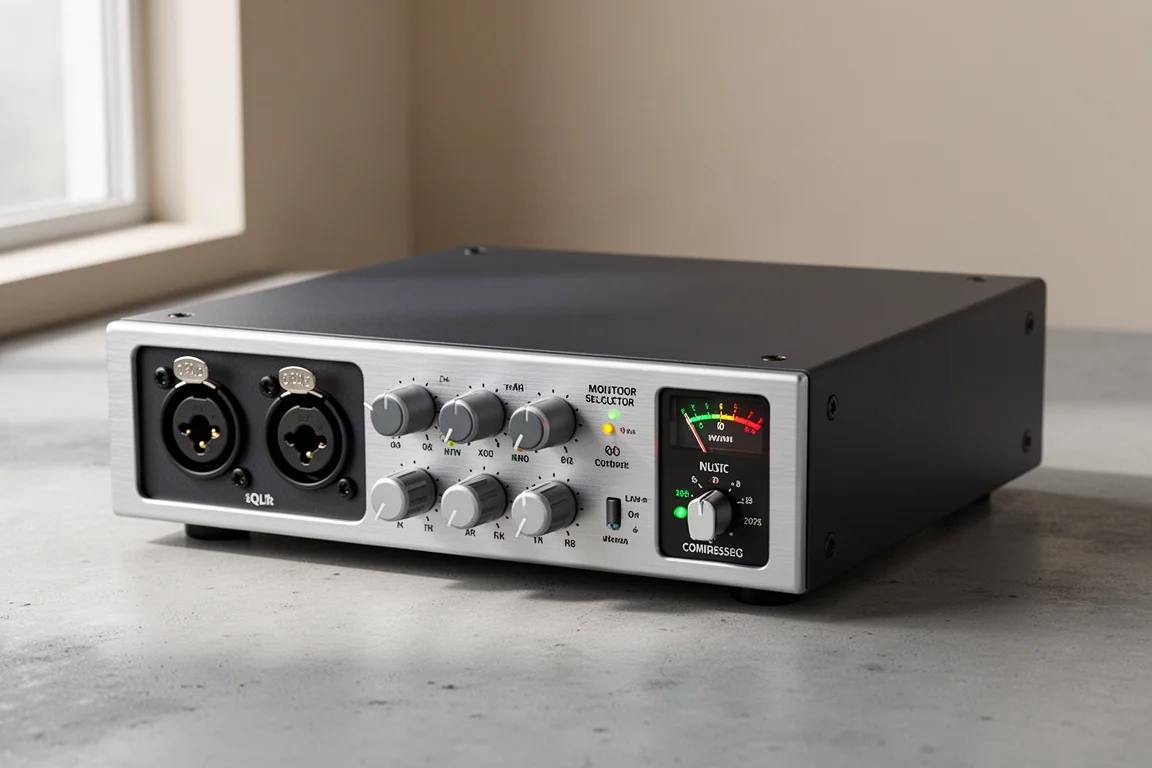
Universal Audio Volt 476P
Volt 476P is also a four-in, four-out interface, but all four front inputs have built-in preamps, so up to four microphones, instruments, or line-level sources can be recorded at once. The back panel provides six line-level outputs, the monitor output is switchable, and the interface carries two headphone outputs.
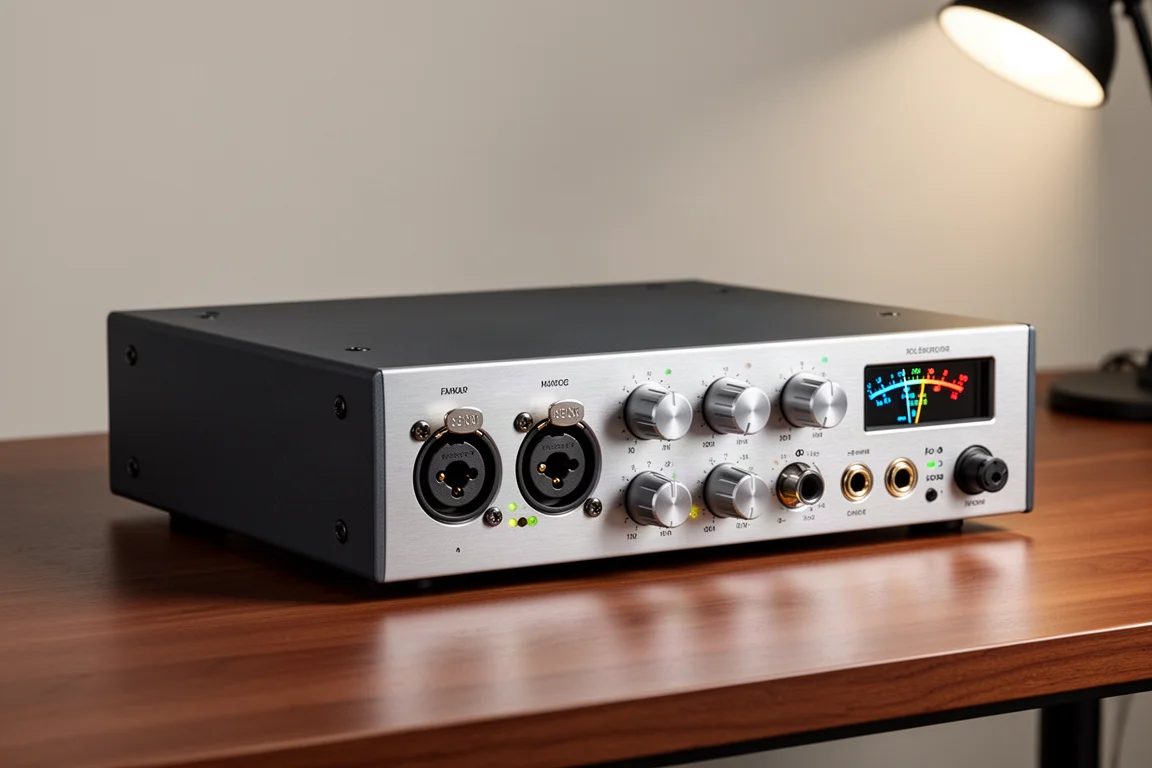
Which Volt Interface Should You Choose?
If you are starting out and want something straightforward, the Volt 1, Volt 2, and Volt 4 offer the best value in the range. Their preamps are more powerful than some competing designs, which means you can reach a good recording level with even a low-sensitivity microphone such as the Shure SM7B, without adding an inline preamp booster. The headphone amplifier is capable as well, with more than enough level for 250-ohm headphones.
The Volt 1 and Volt 176 only make sense if you are certain a single microphone input will always be enough, which suits a solo creator or podcaster. Extra mic inputs earn their place when you record a singer-songwriter playing guitar and singing at the same time, capture stereo sources, or interview a guest, and most people find they want more inputs later even if they do not need them at the start.
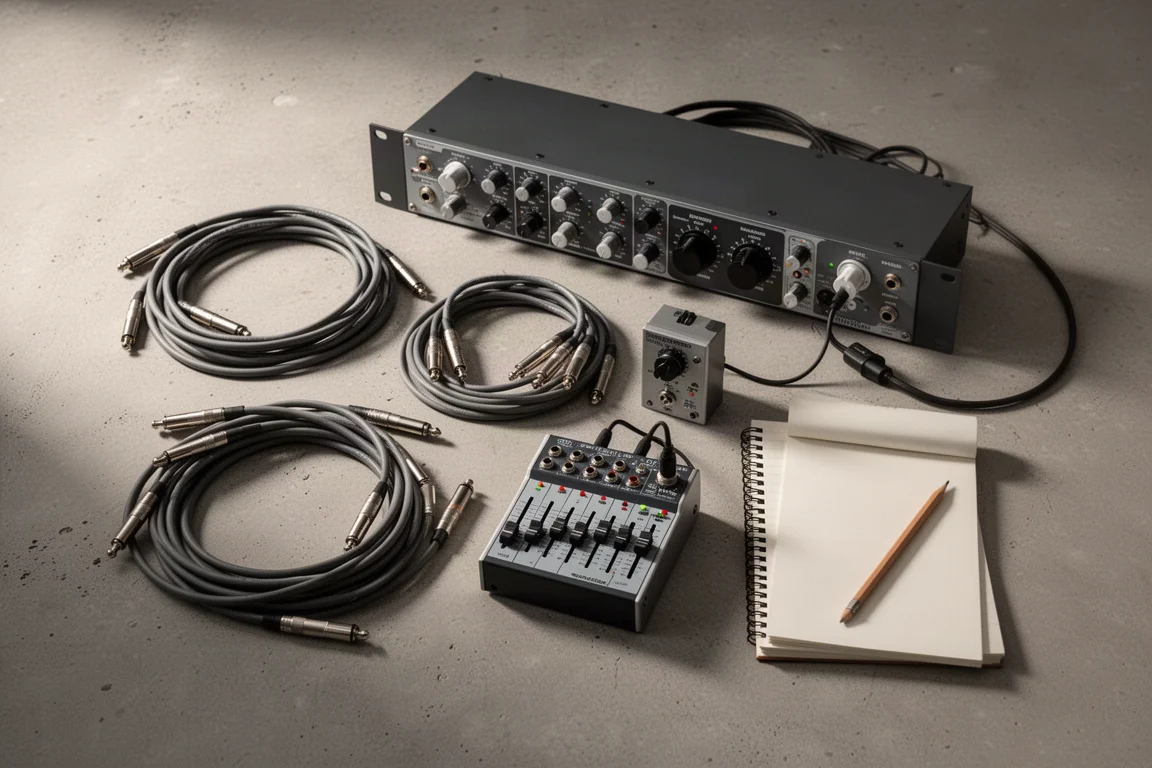
For more advanced mixing with outboard gear and mixers, the Volt 4, Volt 476, or Volt 476P provide the inputs and outputs you need. You could, for example, send a signal out to an outboard compressor and bring the processed signal back into your session on a spare input.
The 76 compressor on the Volt 176, 276, 476, and 476P is a handy tool for streamlining a live-stream setup or for setting yourself up well in the mixing phase. You can dial in the sound and maximize the level of a voice or instrument without extra software, and the 76 models also give you better input and output meters than the base models.
The second headphone amplifier on the Volt 476P may look like a small detail, but it helps when collaborating with others. You could set up separate headphone mixes through an external amplifier using the additional outputs on the Volt 476, but having that second output built into the interface is more convenient.
Conclusion
The right Volt interface is the one that matches how you actually record. A single-input model keeps a solo setup simple, a two-input model covers guitar and voice or a second microphone, and a four-input model opens the door to outboard routing and multi-source sessions. If analog compression and stronger metering matter to you, the 76 models deliver both from the moment you press record.
Further reading
Related Reviews
Audio Interfaces
Audient EVO and iD Range Guide: Eight Audio Interfaces Explained
A practical walkthrough of eight Audient interfaces, from the compact EVO 4 to the expandable iD44, and how to match one to the way you record.
Audio Interfaces
How Many Mic Inputs Do You Need? An Audio Interface Buying Guide
Microphone input count is the decision that shapes every audio interface purchase. A practical guide to choosing an interface you will not outgrow.
Audio Interfaces
Best Audio Interfaces Under $200: Nine Practical Picks for Home Recording
Nine audio interfaces under $200 grouped by microphone input count, from single-input models for solo work to eight-input setups for tracking a full band.