Astrophotography
TubeTech StellaVita Review: An Open Alternative to the ASIair for Astrophotography
A hands-on look at the TubeTech StellaVita control box, how it compares to the ASIair, and where it still feels like a work in progress.
Introduction
Wireless control boxes have quietly become the default way to run a deep sky imaging rig, and for years one option dominated that space. The TubeTech StellaVita is a newer challenger that takes a deliberately different approach: it aims to support a wide range of cameras and accessories rather than locking you into a single brand. After spending several nights running a full rig through it, here is an honest look at what works, what does not, and who this device actually makes sense for.
What the StellaVita Actually Does
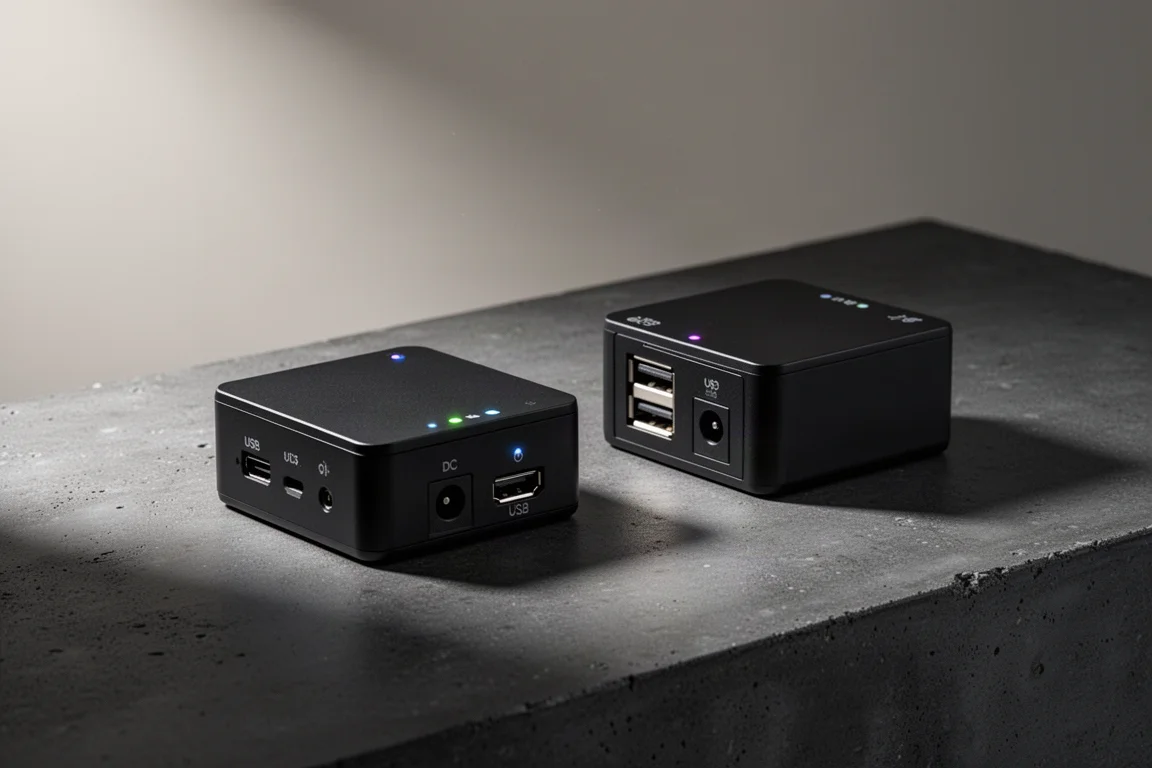
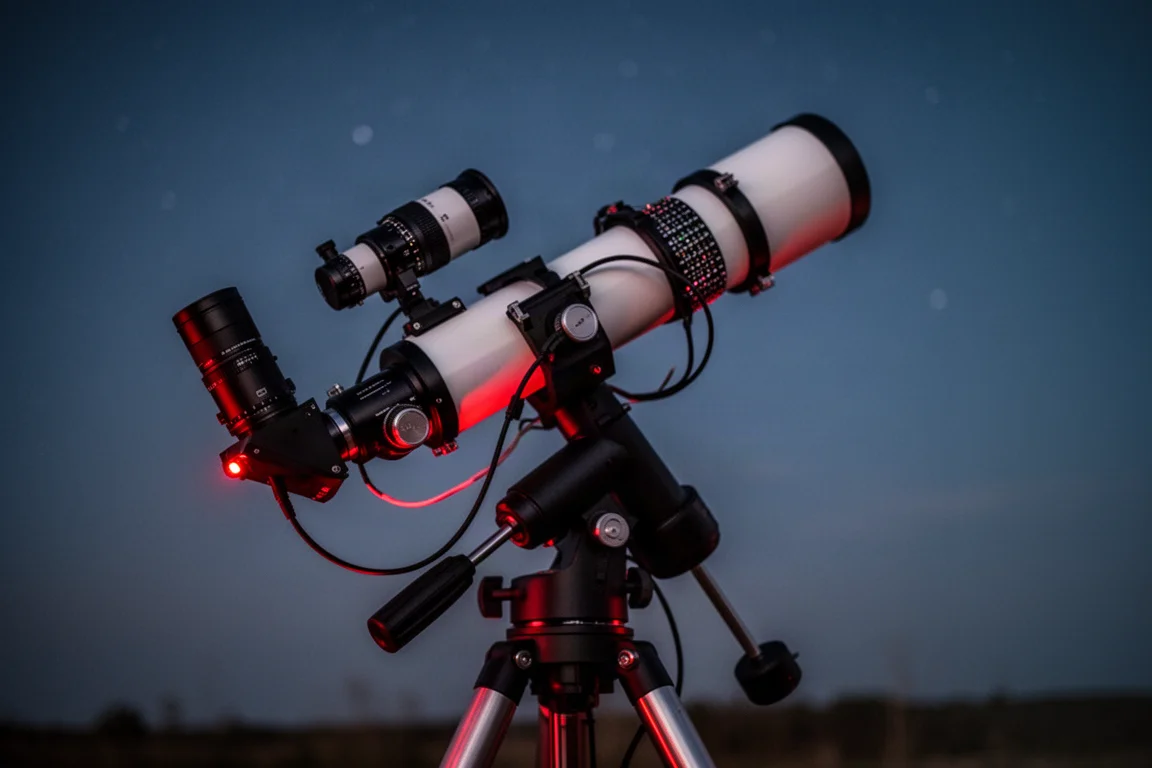
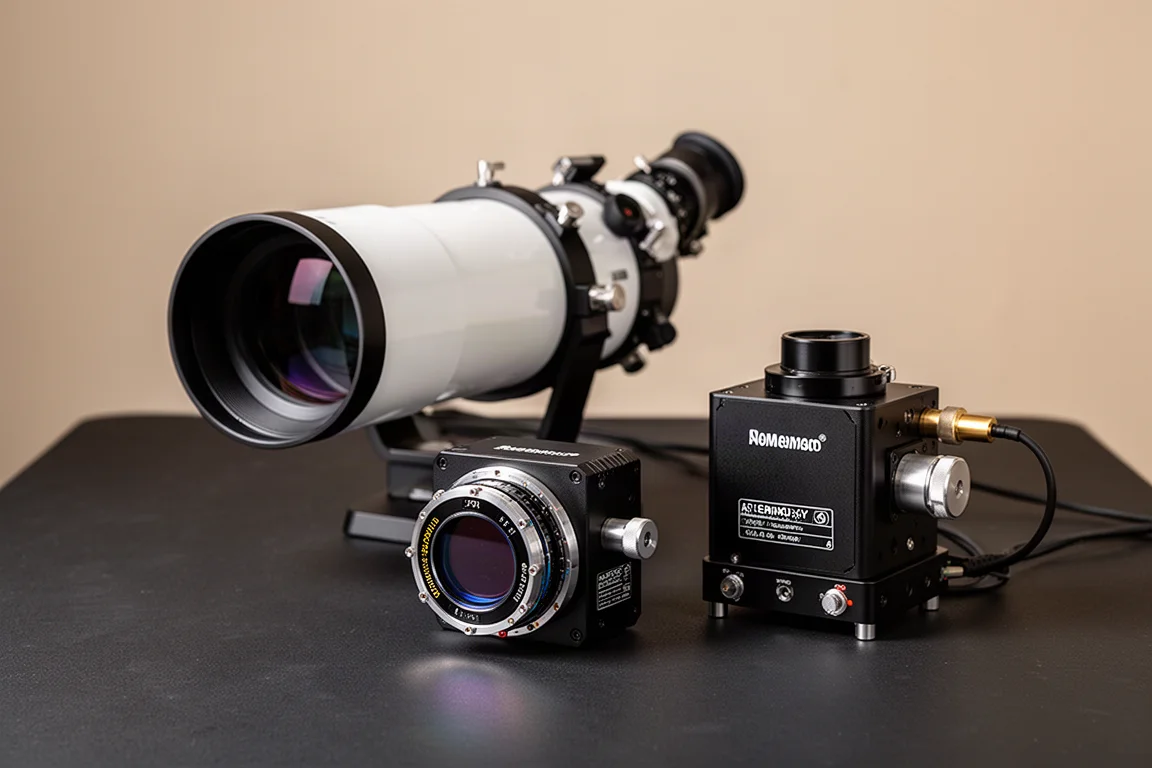
The StellaVita is the brain of your astrophotography setup. Instead of plugging everything into a laptop, you connect your main camera, guide camera, mount, electronic focuser, filter wheel, and any accessories that need 12V power directly to the box. It then creates its own Wi-Fi network, and you control the entire imaging session wirelessly from a phone or tablet, ideally from inside the house.
The big difference from other controllers is openness. TubeTech designed it to work with a much wider range of gear, including ZWO, QHY, and Player One cameras, plus a wide variety of mounts, focusers, and filter wheels. For anyone whose rig is assembled from multiple brands, that is a genuinely appealing idea: one clean mobile workflow for all of it.
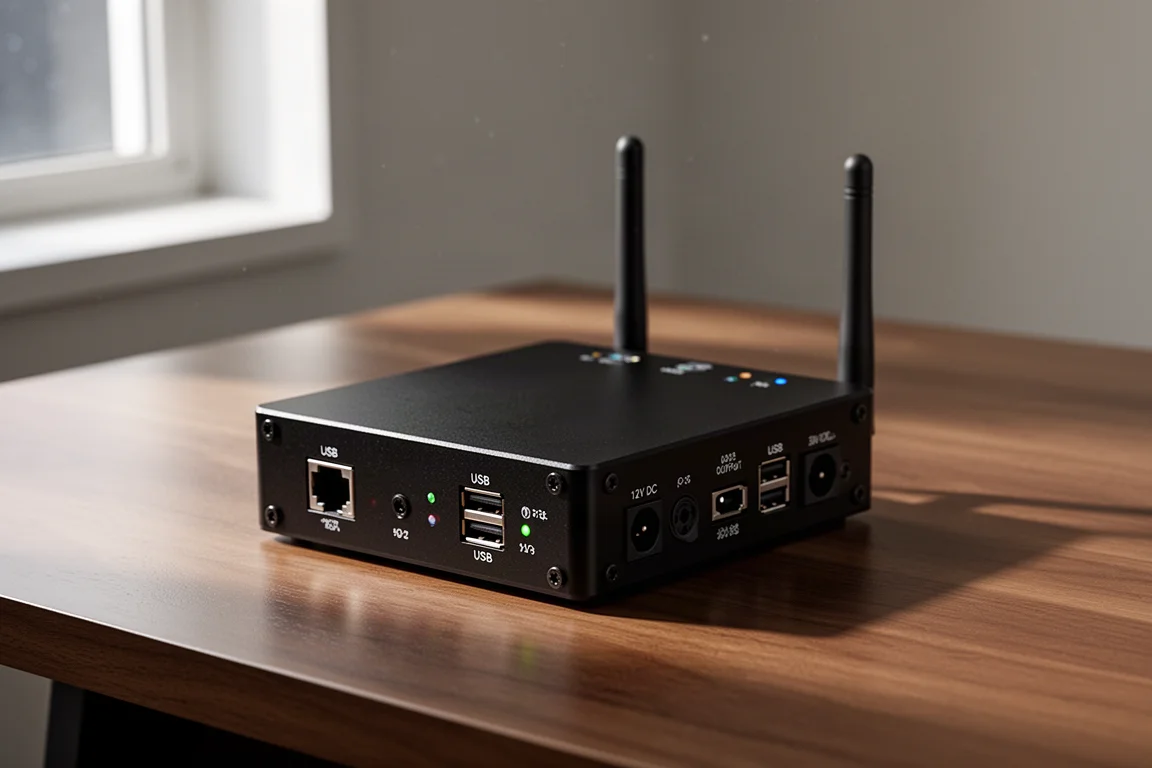
The hardware side also helps with cable management. USB ports handle the cameras and accessories, while 12V DC outputs power the rest of the rig, so you can route power through the controller instead of running a separate cable to every device. Once you get used to a central hub like this, it is hard to go back.
The App and Wireless Workflow
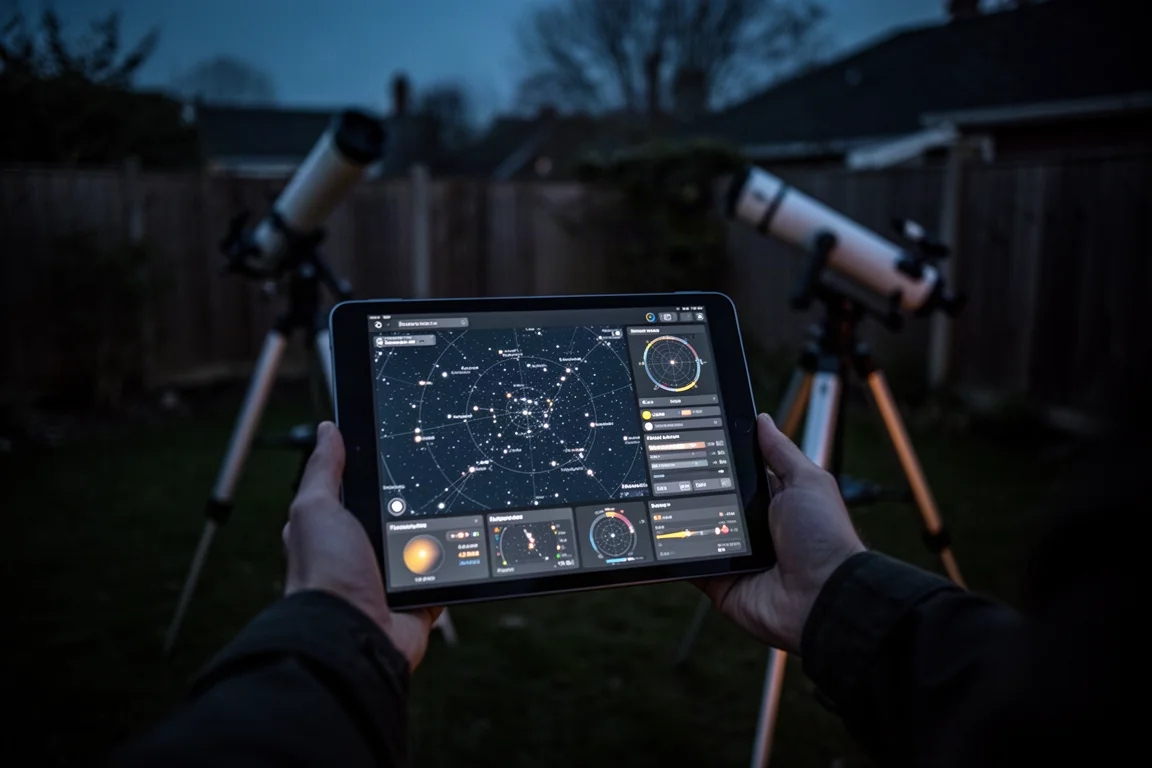
The app looks better than ever and, for the most part, the dashboard is hard to fault. It is very similar in layout to the ASIair, though it takes some time to get used to. From a single screen you can see connected devices, adjust camera settings, control the mount, start guiding, run autofocus, plate solve the sky, and build an imaging sequence, with all the key information visible at a glance.
One practical tip: use the external Wi-Fi dongle in wireless bridge mode to connect to your home network, which works like station mode on the ASIair. Without it, Wi-Fi range is limited, at roughly the same usable distance as the ASIair, losing signal about 20 feet from the rig.
The star map and plate solving workflow, used to frame deep sky targets based on your camera and telescope combination, worked smoothly throughout testing. One early hiccup came from using incorrect GPS coordinates, which produced a horizonless sky pointing somewhere near the Tarantula Nebula, so make sure your coordinates are right and the landscape horizon is turned on.
If you are new to wireless controllers, the number of settings can feel overwhelming. Practice at home during a full moon rather than wasting a perfect new moon night, because the first night or two will be a learning experience.
Mount, Camera, and Guiding Performance
The mount is the foundation of any imaging session, and here the StellaVita impressed. Used with a Sky-Watcher HEQ5R Pro, it performed flawlessly from the very first night: plate solving, polar alignment, tracking, and guiding were all excellent. An unattended meridian flip has not yet been tested, but nothing so far has given reason to worry about it.
Camera control was straightforward, though it is worth noting the test camera was the TubeTech ATR 2600M, which is the best-case scenario for compatibility. Gain settings, cooling, and binning all behaved normally. With other brands of cameras, some users have reported odd gain controls and general bugs, and while updates will likely solve these, it is something to keep in mind with a broad-support device. Small quirks included not being able to see the current camera temperature without an extra tap, and accidentally changing the gain by swiping while scrolling the screen.
Guiding is handled directly in the app, and there were no issues using TubeTech’s little 662M guide camera. Focus, calibration, dither settings, and multi-star guiding all felt familiar, and tracking and guiding were spot on with this lightweight setup on a robust equatorial mount. For monochrome imaging, the StellaVita also controls a filter wheel, so you can build sequences that automatically step through LRGB or narrowband filters like hydrogen alpha through the night, which would be tedious to do manually.

Where It Stumbles: Autofocus and Quirks
Autofocus is where the most trouble appeared, and it was frustrating across several test nights. Using the TubeTech AAF autofocuser, the install was painless, the connection was smooth, and manual control from the autofocus tab was responsive. The problems showed up in automated plans run overnight: finding the initial focus point took too long, wasting precious clear-sky time, and during a test on the Pinwheel Galaxy it failed to focus the green filter while correctly handling blue. That single failure cost a full color M101 image.
There are also plenty of small interface quirks to learn, the kind of thing you end up looking up. Deleting a capture plan, for example, requires a swipe left followed by the delete button. None of it is fatal, but it adds friction in the first weeks.
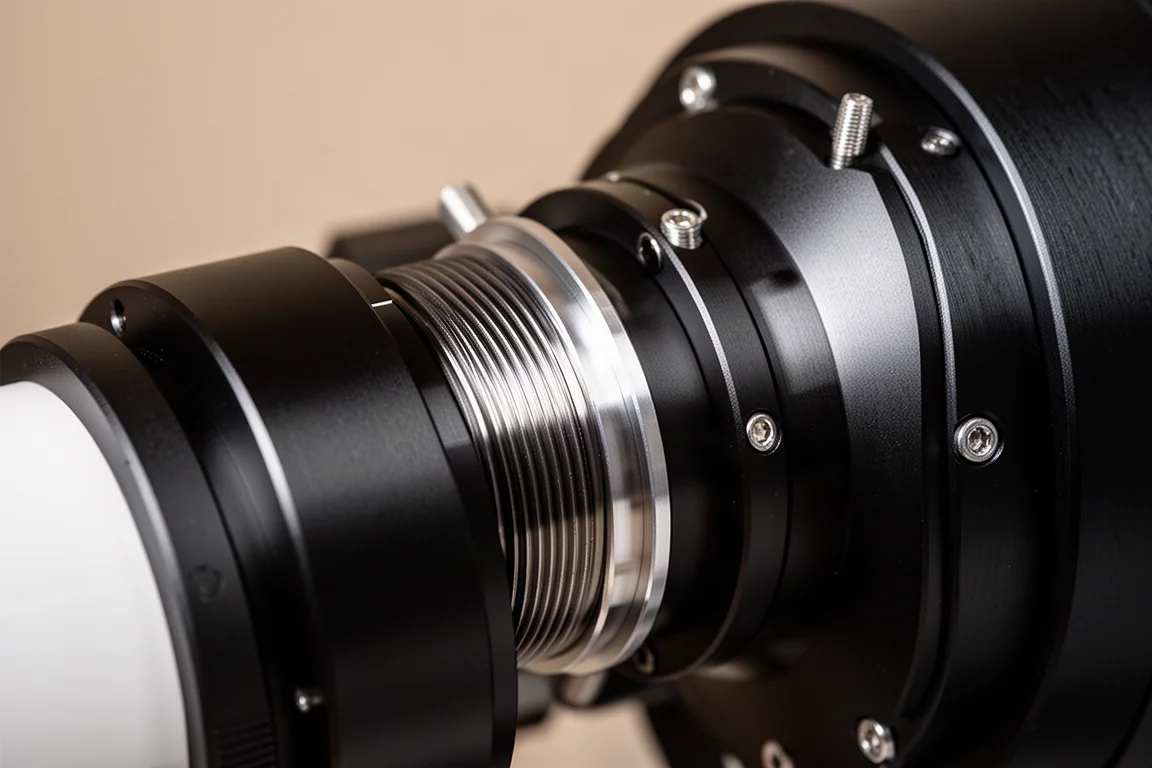
It is worth separating the controller from the rest of the rig here. Some early data issues, including soft star edges on one side of the field, turned out to be a back-spacing and tilt problem caused by using the wrong adapter, shooting at roughly 60mm of spacing where the system needs 55mm. After switching to the proper M42 adapter and tightening the connection, the spacing was corrected. That is standard new-rig troubleshooting, not a StellaVita fault, but it shows how many variables stack up in a fresh setup.
Storage: A Small but Annoying Trade-off
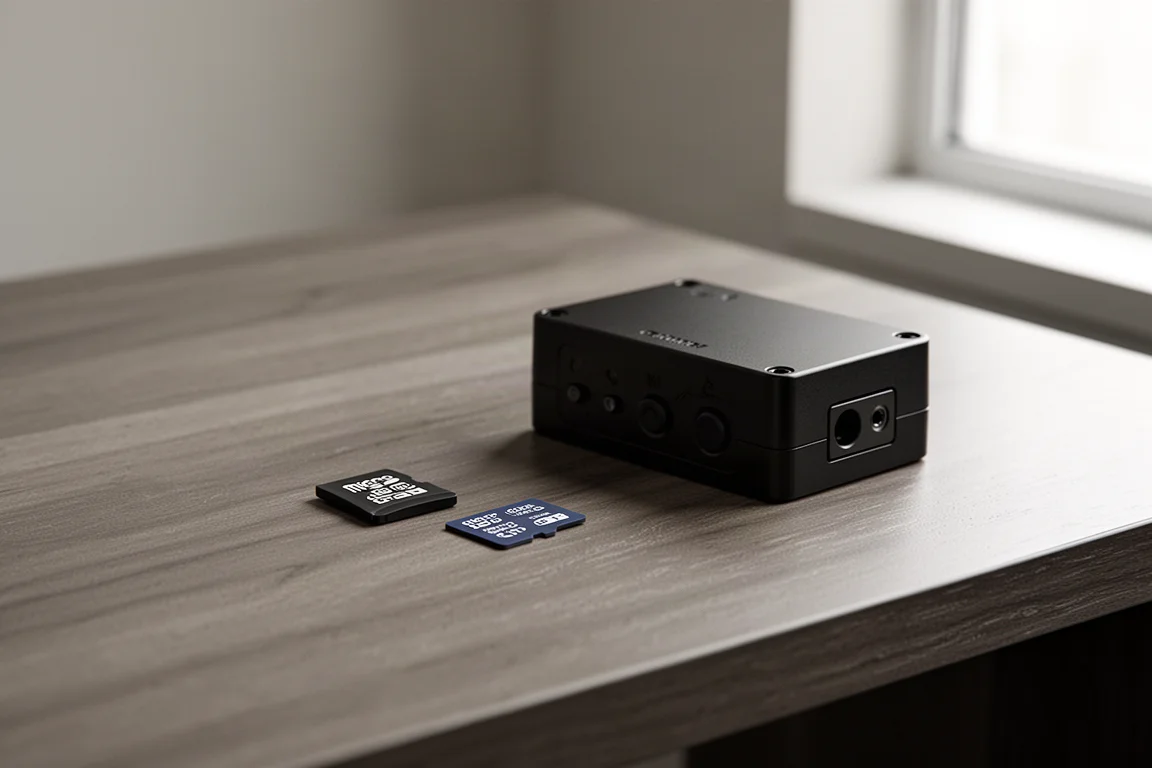
Storage handling is a genuine drawback. Unlike the ASIair, you cannot use a USB thumb drive for image storage. The StellaVita uses an SD card instead, which is fine in itself, but by default the device stores images internally, and you have to remember to change the storage location.
Retrieving images stored internally is also awkward: you cannot connect the device with a USB cable, so you must connect to its Wi-Fi to transfer files, which means losing internet access on that device while the transfer runs. If the StellaVita stays fastened to a rig left outside, pulling the SD card is the easier option. Just do not forget to set the storage location on the first nights.
Who Should Buy Which
If you are currently running a mix of hardware brands, especially a non-ZWO camera, and you want an ASIair-like experience, the StellaVita makes a lot of sense. The testing experience with a nearly all-TubeTech system, aside from a Sky-Watcher mount, went smoothly overall, with some quirks along the way. The device still feels like a bit of a work in progress, but the direction is promising, and TubeTech appears to be fully committed to it.
The ASIair, meanwhile, remains the familiar, polished option that many astrophotographers already know, with conveniences like USB thumb drive storage that the StellaVita does not match. If your entire camera and accessory stack is already within one ecosystem, there is less reason to switch. The real winner here is choice: more competition in this category is good for the backyard astrophotography community, and more variation in equipment profiles is a healthy thing.
Conclusion
The StellaVita is an ambitious, open control box that delivers a genuinely good ASIair-style workflow across multiple brands, with excellent mount control, guiding, and plate solving already working well. Autofocus automation, camera compatibility with non-TubeTech gear, and storage handling need refinement, so buy it with the expectation of a few quirks in the early going. For mixed-brand rigs, it is currently the most compelling reason to look beyond the ASIair.
Further reading
Related Reviews
Astrophotography
ASKAR FRA400C Review: A Versatile 400mm Refractor for Astrophotography and More
The ASKAR FRA400C is a compact 72mm refractor that balances reach, versatility, and portability for astrophotographers and visual observers.
Astrophotography
Askar SQA106 Review: A Premium 106mm Astrograph With Exceptional Optics
The Askar SQA106 is a premium 106mm quintuplet astrograph with impressive sharpness across full-frame sensors, though its price and weight demand careful consideration.
Astrophotography
Astro Imaging Gear 2026: Eight New Products Worth Watching
A look at the most interesting new astrophotography and astronomy products announced this year, from fast telescopes to smart cameras and wireless accessories.