Photo Editing Software
Topaz Photo AI for Solar Astrophotography: A Practical Review
How Topaz Photo AI performs as a denoise and sharpening plugin for solar images, from hydrogen-alpha sunspots to prominence shots and photosphere detail.
Introduction
Solar astrophotography lives and dies by noise. Even after careful processing, hydrogen-alpha images of the sun often retain a grainy texture that hides fine detail in plasma flows, spicules, and sunspot cores. This review looks at how Topaz Photo AI handles that problem, based on real-world use as a plugin alongside Affinity Photo or Photoshop.
The short version: it has revolutionized solar imaging results. Some denoising packages are free, and many are competent, but this is one worth paying for if the sun is your primary target.
Why Solar Imaging Needs Strong Denoising
Take a high-resolution image of a sunspot region shot in hydrogen-alpha with a solar telescope. Even when the raw capture has been processed as far as the photographer wants to take it, the plasma areas remain grainy and the sunspot core loses clarity. That is exactly where an AI denoise pass earns its keep.
Zooming to between 250% and 400% magnification makes the difference obvious: the grainy original on one side, smooth plasma areas and a beautifully resolved umbra on the other. The improvement is dramatic, not subtle.
Working With Autopilot and Custom Presets
Photo AI runs as a plugin from within Affinity Photo or Photoshop, which keeps the workflow simple: process, then export straight back into the host editor. The built-in Autopilot often produces a solid result on its own, automatically choosing settings such as a moderate denoise strength paired with a light minor denoise pass.
Autopilot is not bad at all, but personal presets do better for astrophotography. Setting up saved combinations, for example a denoise of 35 with sharpening of 5, or a stronger denoise of 50 with sharpening of 25, makes it possible to match the correction to the type of image without guessing each time.
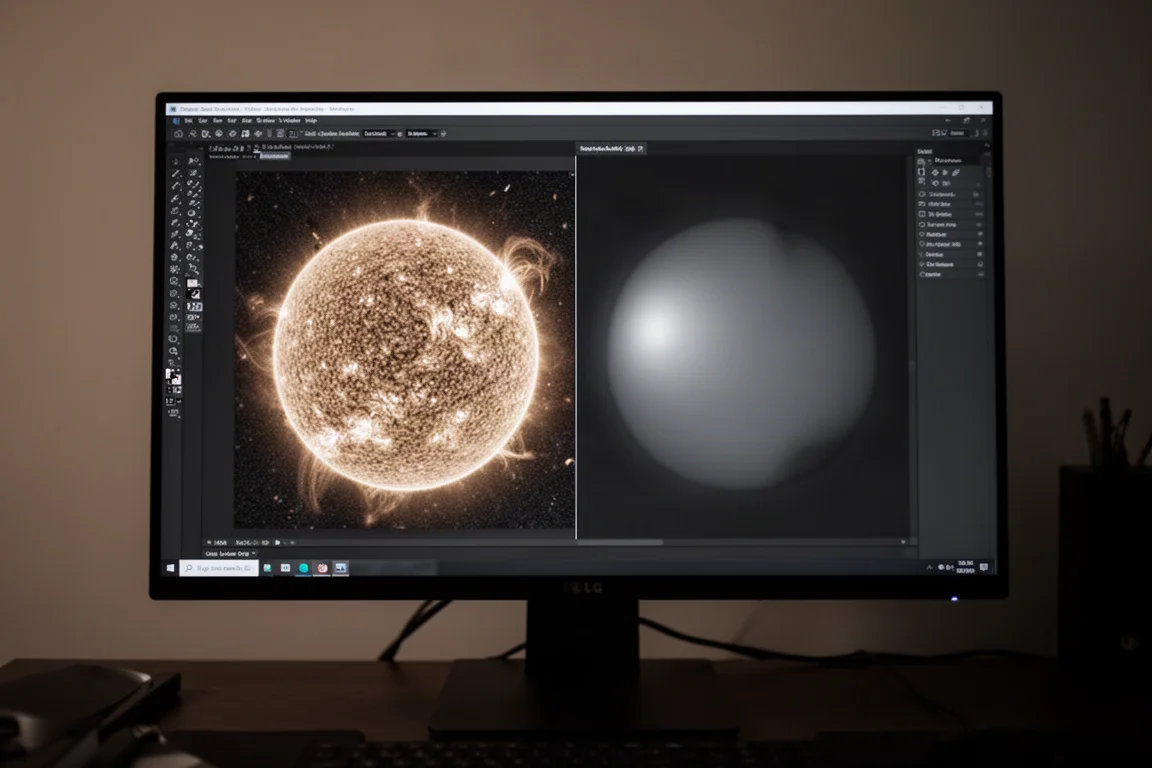
One caution applies. Pushing denoise strength very high can introduce small artifacts, and dialling back to something like 30 with light sharpening often fixes them while preserving the detail along the solar limb. The before-and-after side-by-side view makes these comparisons easy to judge, and zoom control lets you inspect exactly the region that matters.
Photosphere Images: Sharpening Over Denoising
White-light photosphere images behave differently. Here, the goal is revealing granulation and the structure of the umbra and penumbra, so heavy denoising is counterproductive. A dedicated photosphere preset with only a light denoise of 5 and a strong sharpening of 50 brings out far more granulation detail and definition in the sunspot structure.
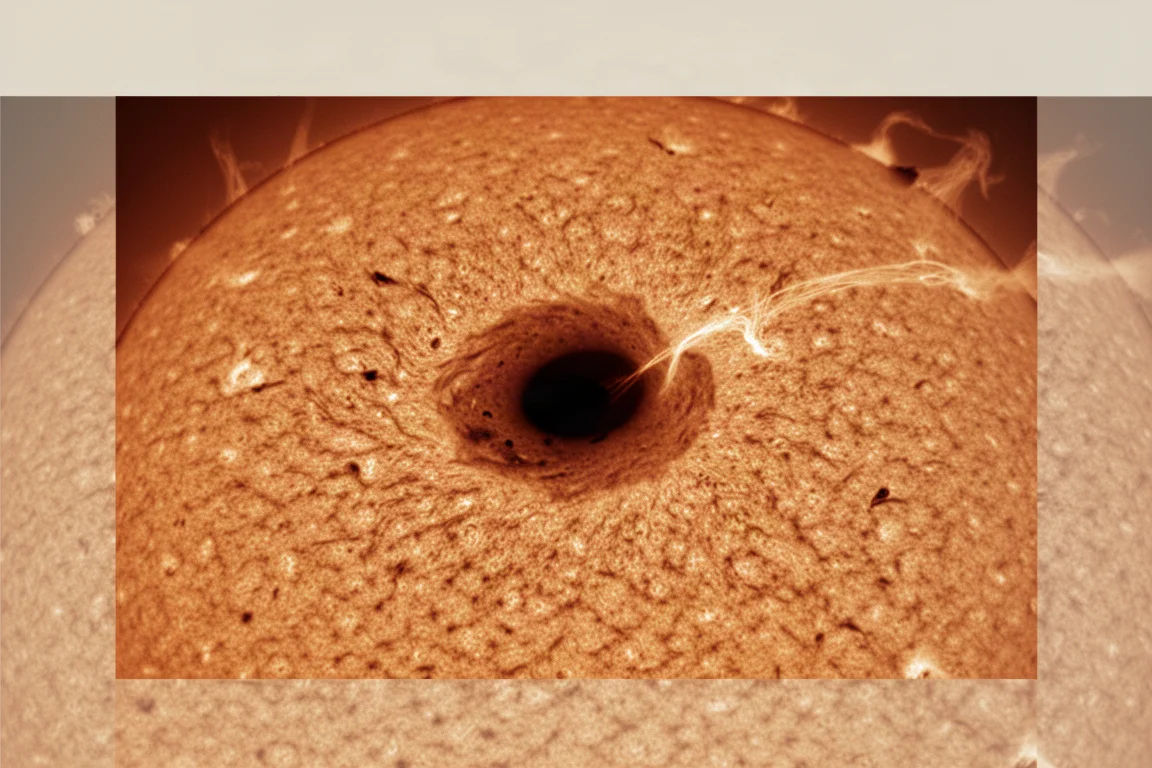
Autopilot tends to over-sharpen this type of image, which is another argument for keeping a preset tuned to the target. On a striking shot of a plasma light bridge arching across a sunspot umbra, the preset produced a result good enough to stand on its own.
Prominence images along the limb also benefit strongly. A feathery prominence arc processed with a moderate denoise and light sharpening setting shows cleaner edges, and the noise outside the limb simply disappears, leaving the spicules crisp against a clean background. Even an unusual arcing prominence with a crown-like shape processed well, gaining noticeably from the combined denoise and upscale pass.
Beyond the Sun: Deep Space Objects
The same strengths carry over to deep space work. Nebulae and faint targets benefit from the same controlled noise reduction, and the upscale capability adds resolution without the mushy look that simple resizing produces. While Photo AI includes plenty of features aimed at general photography, such as face detection, the core denoise, sharpen, and upscale engines are what matter most for astronomy use.
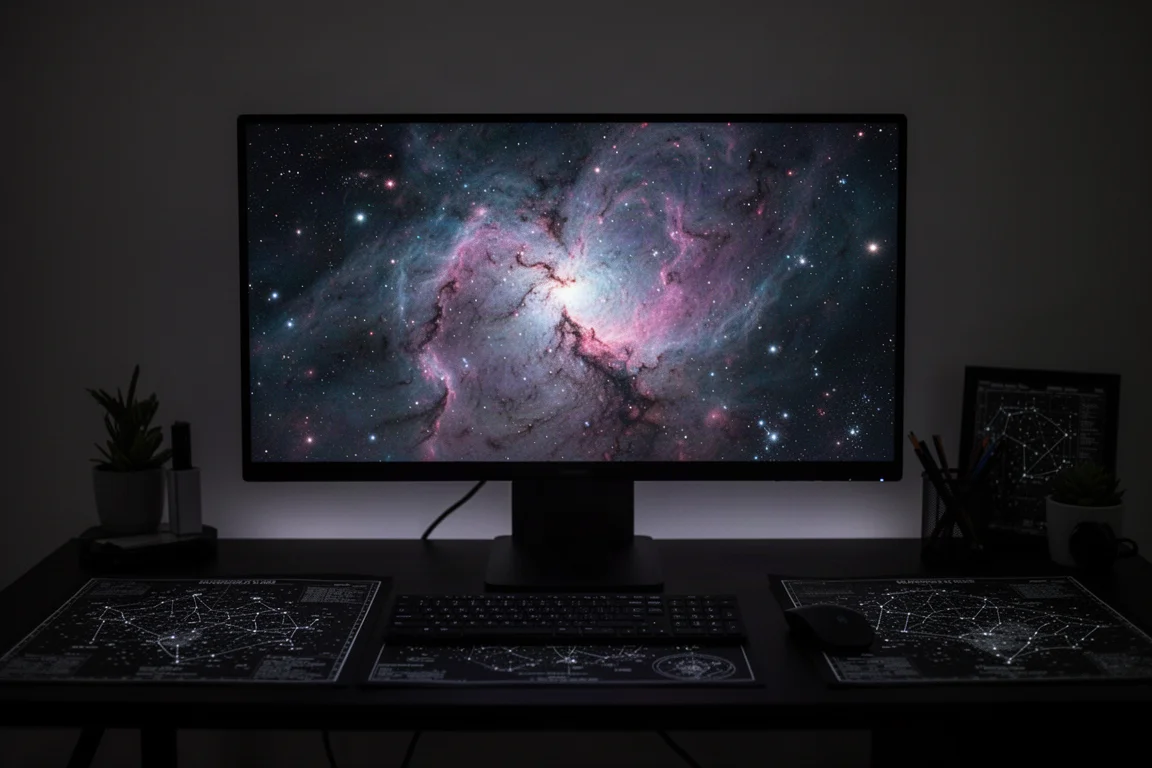
The interface stays out of the way either way: run Autopilot, or pick a preset, review at high zoom, and export back to the host application with the finished file saved.
Buying Advice
Topaz Photo AI makes sense for anyone processing solar or astrophotography images regularly, especially if Affinity Photo or Photoshop is already part of the workflow. The plugin integration removes friction, and saved presets turn a judgement-heavy task into a repeatable one. For photographers shooting a mix of hydrogen-alpha, photosphere, and deep space targets, building a small preset library is the single biggest productivity gain.
Conclusion
For solar imaging in particular, Topaz Photo AI delivers results that justify the purchase: smoother plasma detail, cleaner limb areas, sharper sunspot cores, and usable upscaling. Autopilot provides a good default, but custom presets unlock the best of what the software can do. If noisy astro images have been holding back your final results, this is a tool worth serious consideration.
Product link
View more details for Topaz Photo AI
This product is mentioned in the review. Check the specifications, options, and compatibility before buying.
View more details for Topaz Photo AIFurther reading
Related Reviews
Astrophotography
ASKAR FRA400C Review: A Versatile 400mm Refractor for Astrophotography and More
The ASKAR FRA400C is a compact 72mm refractor that balances reach, versatility, and portability for astrophotographers and visual observers.
Astrophotography
Askar SQA106 Review: A Premium 106mm Astrograph With Exceptional Optics
The Askar SQA106 is a premium 106mm quintuplet astrograph with impressive sharpness across full-frame sensors, though its price and weight demand careful consideration.
Astrophotography
Astro Imaging Gear 2026: Eight New Products Worth Watching
A look at the most interesting new astrophotography and astronomy products announced this year, from fast telescopes to smart cameras and wireless accessories.