Astrophotography
Top Tech Stella Vita Review: A Major Software Upgrade for Multi-Brand Astrophotography
The Top Tech Stella Vita gets a completely overhauled app with a new interface, an atlas, and better equipment support. Here is how it performs after several nights of imaging.
Introduction
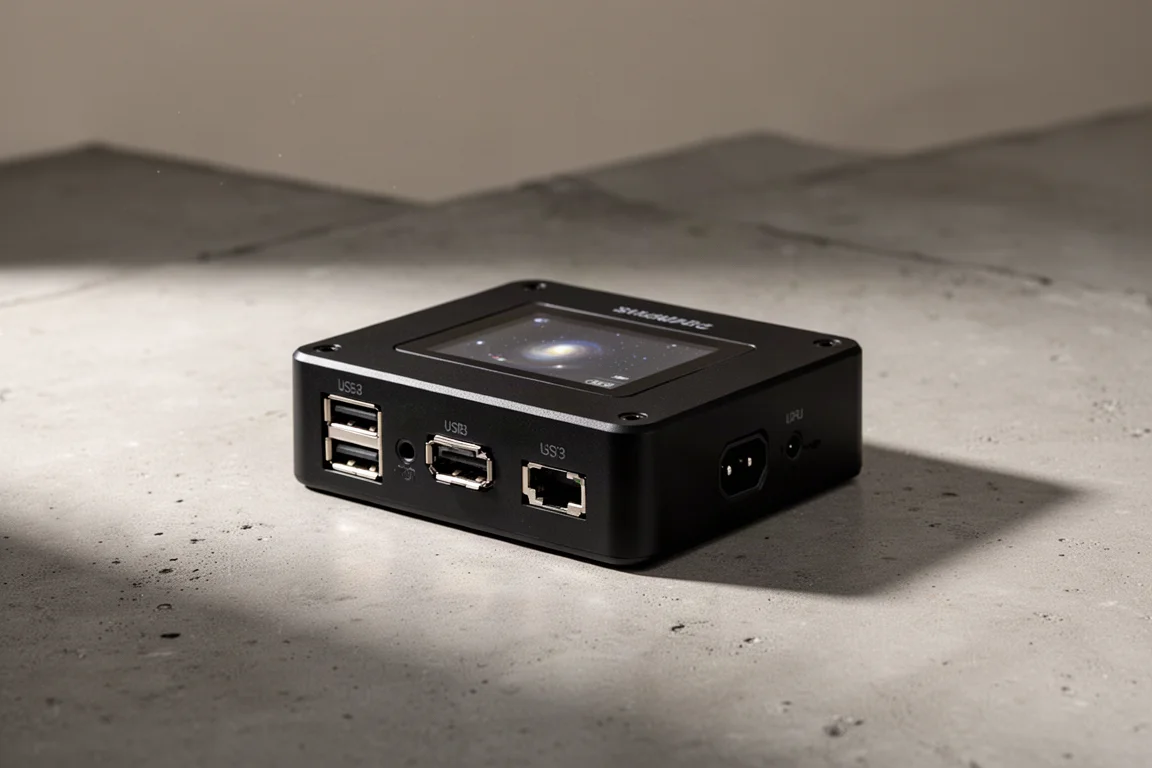
The Top Tech Stella Vita is a compact control center for astrophotography setups. It is designed to work with equipment from multiple manufacturers, which sets it apart from more closed ecosystems. The hardware itself has been available for a while, but the new Stella 2.0 app represents a major step forward in both interface design and feature set.
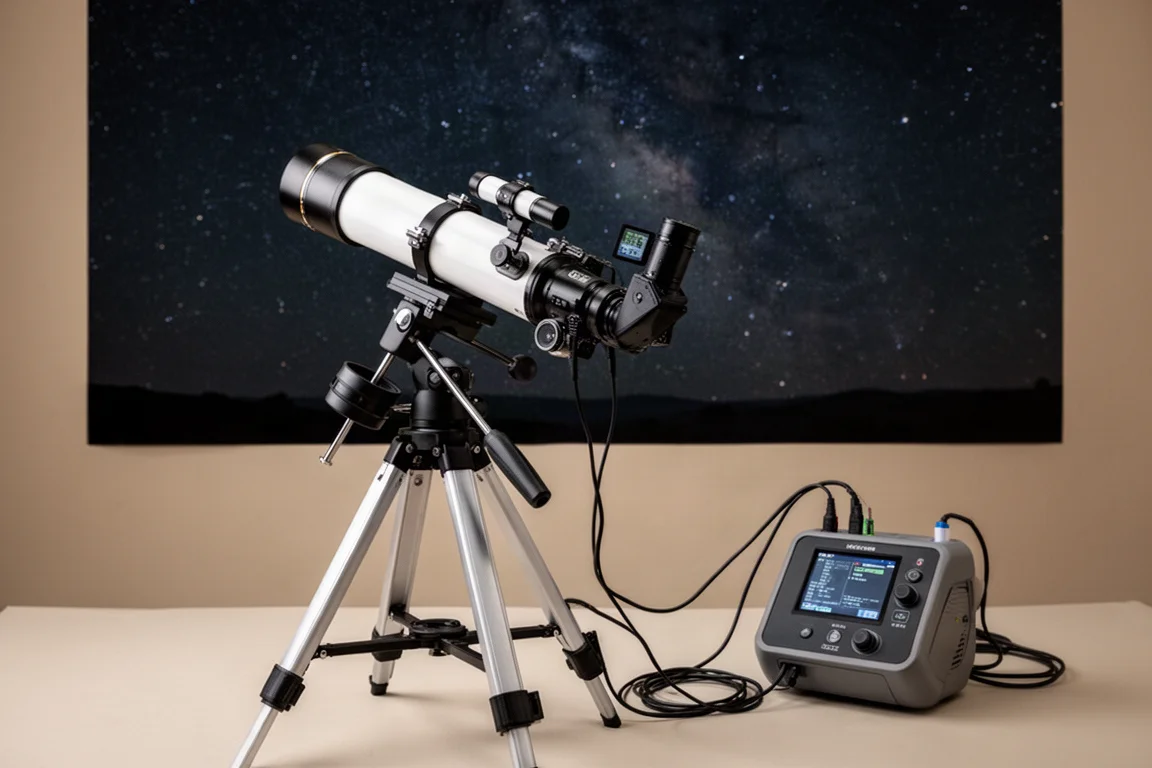
This review covers the overhauled software, how it handles equipment connection, the new atlas and framing tools, and how the whole system performs during a real imaging session.
Who This Product Is For
The Stella Vita is aimed at astrophotographers who want a dedicated control hub without being locked into a single brand’s ecosystem. It supports cameras, focusers, mounts, and other accessories from various manufacturers, making it a flexible option for mixed setups.
It is particularly relevant if you already own equipment that is not compatible with the leading all-in-one controllers. The ability to connect cheaper cameras and focusers from other brands can offset the initial cost of the hub itself.
If you are starting from scratch and plan to buy everything from one brand, a more integrated system might be simpler. But if you value choice and want to mix components, the Stella Vita is worth serious consideration.
A Fresh Interface and Easier Equipment Control
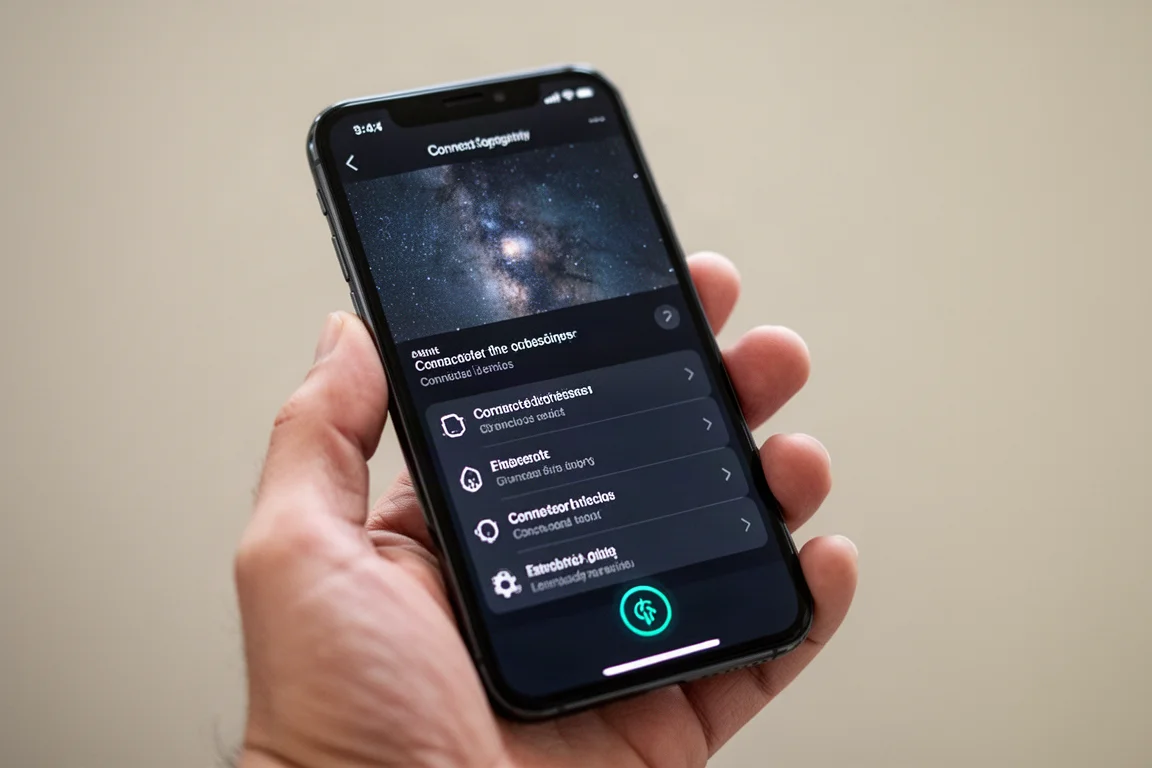
The most obvious change in the Stella 2.0 app is the interface. The layout has been redesigned, and the connection process is now more straightforward. You can select your mount, cameras, focuser, and filter wheel from a list, and the app auto-detects connected cameras.
One notable addition is the ability to define a manual filter wheel. This lets you tag your exposures and flats with filter names, which is very useful when stacking in post-processing software. The app can match lights of one filter to the corresponding flats of the same filter automatically.
The equipment settings panel is also improved. You can access gain, exposure time, cooling, and anti-dew controls directly from a side panel. Separate gain and exposure settings for plate solving and focusing are available, and you can even set different values depending on the filter in use.
The New Atlas and Framing Tools
The new atlas is a significant upgrade. It includes a searchable star library with Messier objects and other targets. You can select a target, adjust the framing rectangle, and add it directly to a capture sequence.
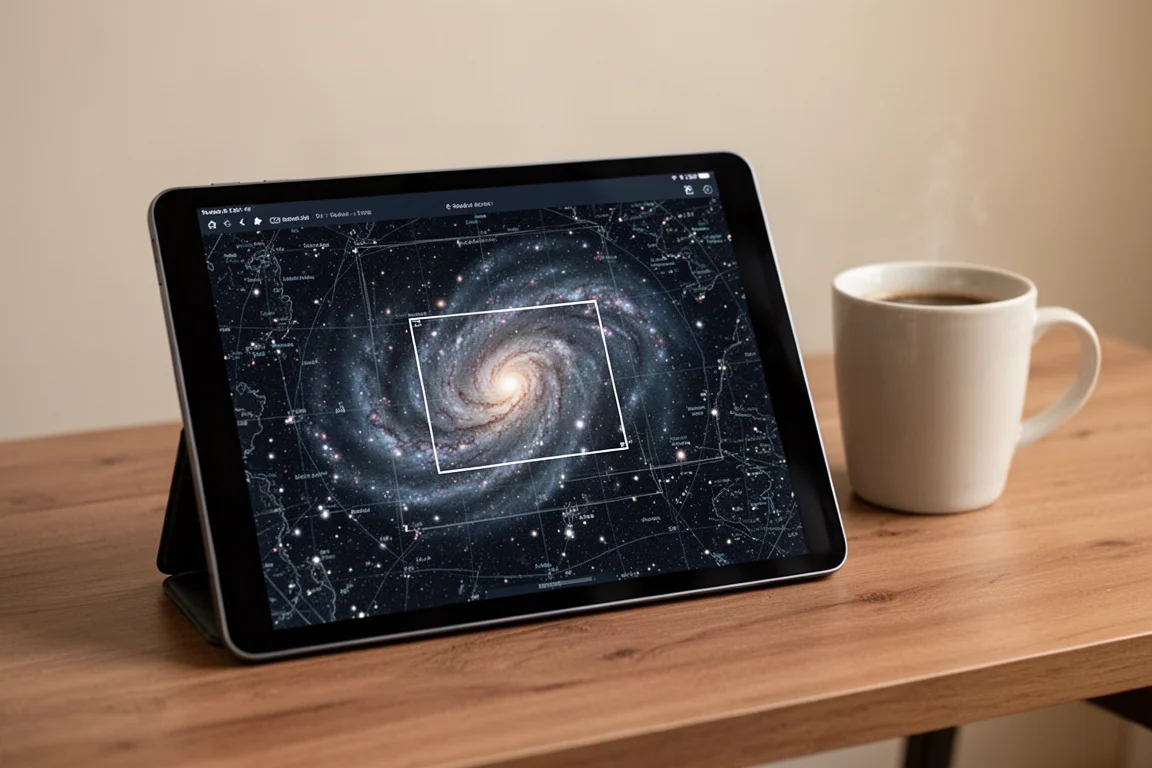
When you slew to a target and center it, the app corrects the orientation of the field of view rectangle to match your actual camera angle. This works well and brings the experience close to what the leading competitor offers.
The atlas also supports a “slew to” and “slew to and center” option, giving you control over whether the mount should automatically center a target after slewing. This is handy when you are testing during the day or want to avoid unnecessary movements.
Capture Planning and Sequence Management
The plan section lets you build a full capture sequence. You can add light, flat, dark, and bias frames, set exposure times and gain, and choose the filter for each step. You can also set a start time and end time for the session, park the mount upon finish, turn off cooling, and shut down the hub when done.
Autofocus options are more flexible now. You can enable autofocus on start, set an autofocus interval, and choose to stop guiding during autofocus when using an off-axis guider. These are practical additions that make unattended sessions more reliable.
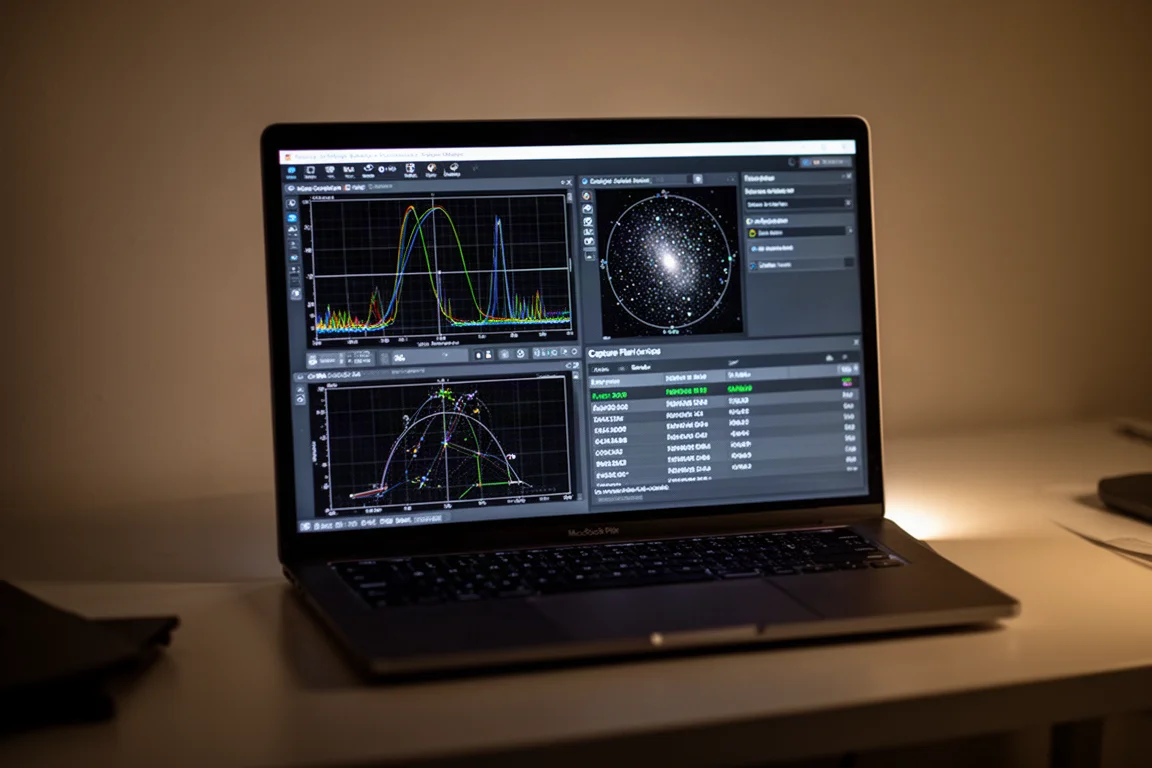
One missing feature is a visual autofocus curve during plan execution. When you run autofocus manually, you get a curve, but during a plan, the app only shows numeric values. This makes it harder to monitor focus quality in real time.
Real-World Imaging Session
During a recorded imaging night, the Stella Vita handled the full workflow without issues. Autofocus completed successfully, polar alignment was smooth and accurate, and the mount slewed and centered targets correctly.
Guiding worked well after a quick recalibration. The guide graph, star profile, and scatter diagram are all available, and you can zoom into the guide image, which is a useful feature for achieving sharp focus on a guide scope.
The app also allows you to add star signal-to-noise ratio and star mass to the guide graph, which helps you monitor guiding quality over time. The scatter diagram shows most points within one arcsecond, even in windy conditions.
One area for improvement is a pre-plan checklist. In the recorded session, the camera cooling was accidentally left off, resulting in noisy images. A warning or automatic cooling on connection would help prevent this kind of human error.
Buying Advice
The Stella Vita is priced around $340. The main competitor, which offers a few extra features like variable voltage power management and stronger Wi-Fi, is available for around $300. However, that competitor only works with its own brand of cameras and accessories.
If you already own or plan to buy equipment from other manufacturers, the Stella Vita can save you money overall. Cheaper cameras with the same sensors and cheaper focusers from other brands are not compatible with the leading closed system. The price difference between the two hubs can quickly be recovered by choosing more affordable components.
The Wi-Fi connection is still not as strong as the main competitor’s, though it seems improved with the latest software. From a PC, the connection was fast and reliable, even from two floors away. Smartphone performance was slower, but still usable.
Conclusion
The Stella 2.0 app is a major improvement over the previous version. The interface is cleaner, the atlas and framing tools work well, and the capture planning is flexible. Equipment support across multiple brands remains the biggest selling point.
There are still some nitpicks, like the lack of a focus curve during plan execution and the absence of a pre-plan checklist. But overall, the Stella Vita is now a much more compelling option for astrophotographers who want freedom in choosing their gear.
Product link
View more details for Top Tech Stella Vita
This product is mentioned in the review. Check the specifications, options, and compatibility before buying.
View more details for Top Tech Stella VitaFurther reading
Related Reviews
Astrophotography
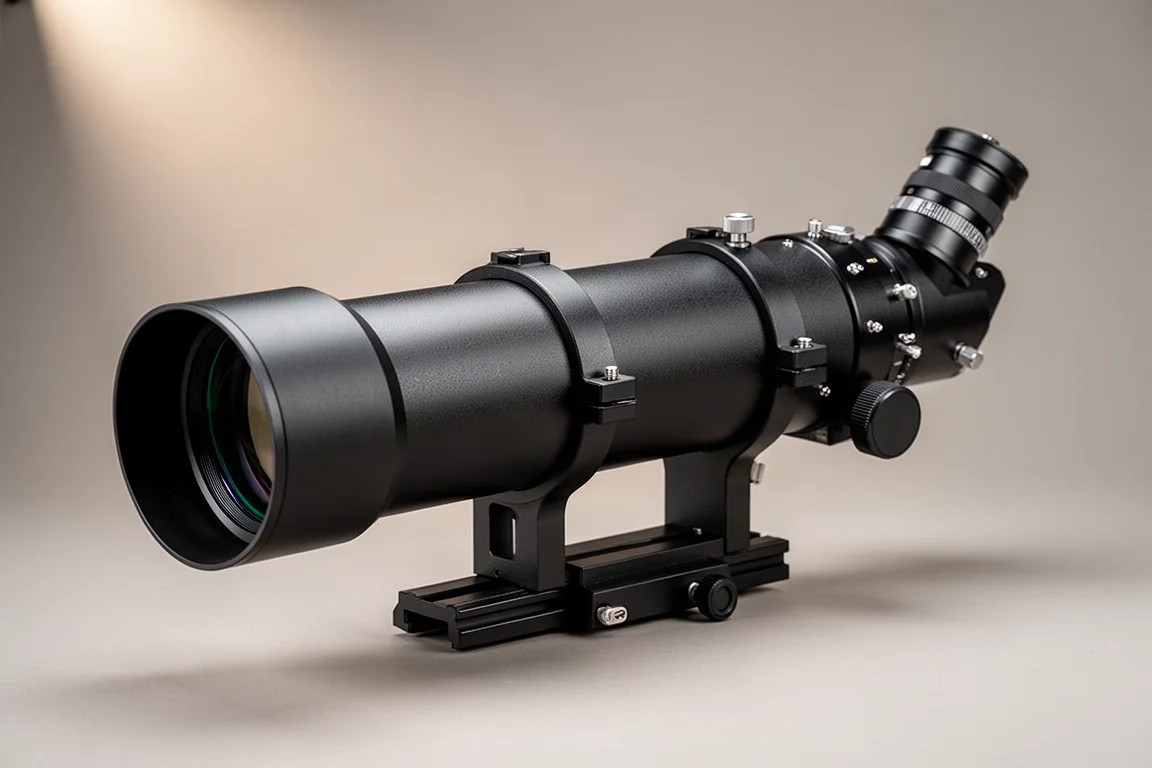
ASKAR FRA400C Review: A Versatile 400mm Refractor for Astrophotography and More
The ASKAR FRA400C is a compact 72mm refractor that balances reach, versatility, and portability for astrophotographers and visual observers.
Astrophotography
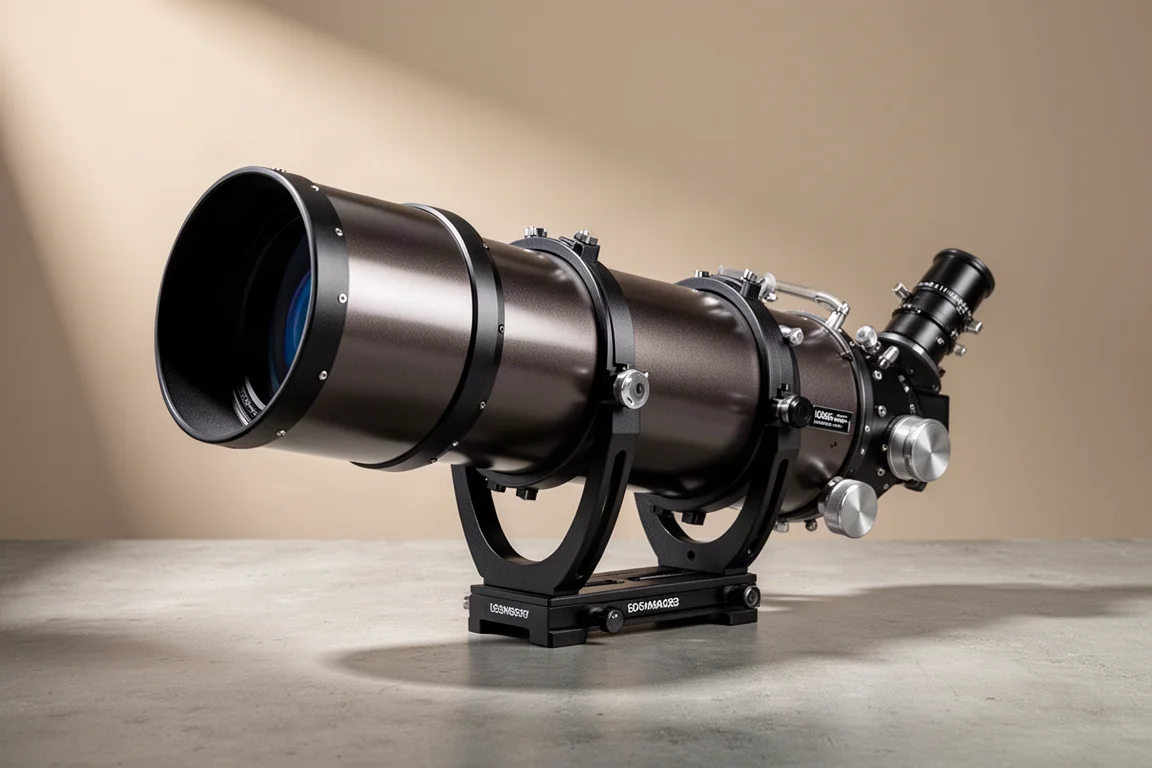
Askar SQA106 Review: A Premium 106mm Astrograph With Exceptional Optics
The Askar SQA106 is a premium 106mm quintuplet astrograph with impressive sharpness across full-frame sensors, though its price and weight demand careful consideration.
Astrophotography
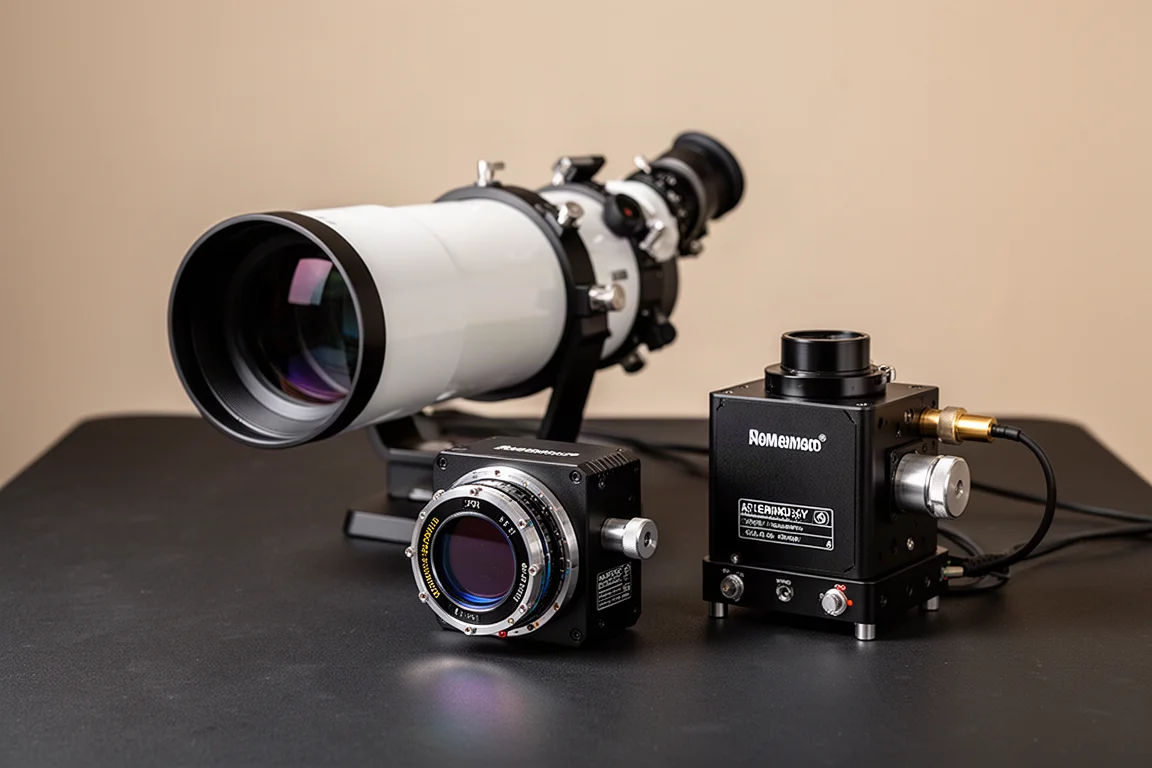
Astro Imaging Gear 2026: Eight New Products Worth Watching
A look at the most interesting new astrophotography and astronomy products announced this year, from fast telescopes to smart cameras and wireless accessories.