Music Streaming
Tidal vs Amazon Music: Which Lossless Streaming Service Fits Your System?
A practical comparison of Tidal and Amazon Music covering pricing, lossless tiers, DAC handling, streamer integration, and the listener each service suits best.
Introduction
Music streaming is now the default way most listeners build a library, and the two names that come up most often in hi-fi conversations are Tidal and Amazon Music. Both now offer lossless audio, both have family plans, and both have changed shape considerably over the past few years.
The differences that actually matter are practical rather than philosophical. How does each service handle your DAC? How well does it work with a dedicated streamer? Do the recommendations stay interesting after a few months? And what do you pay every month for the privilege?
This comparison works through what each platform does well, where it falls short, and which type of listener is likely to be happier with each one.
What Both Services Offer Today
Start with the basics, because the two services have converged more than their reputations suggest.
Tidal now runs a free tier, a HiFi tier at $9.99 that includes lossless or CD-quality streaming, and a HiFi Plus tier that adds MQA along with a payment back to the artists you stream for roughly $10 more per month. There is also a family plan and a military and first responder discount. The service began in 2014 as a Norwegian company, was later bought by Jay-Z’s company, and has been relaunched several times with artists including Nicki Minaj, Madonna, Jack White, and Daft Punk involved along the way. MQA arrived in 2017.
Amazon Music keeps a free tier for Prime members, although that tier is limited in both bandwidth and catalog. The paid tier now includes lossless music after the older Amazon Music HD branding was folded into it, and the family plan covers five people for $14.99. Prime members pay roughly $7 to $8 for a single-device plan, and a device-only subscription for something like an Echo Link runs around $3.50 to $4.
Both libraries are large enough that catalog gaps are the exception rather than the rule. Both companies have also been criticised at various points for how they count subscribers, a habit that is not unique to either one.
Tidal: Where It Excels
Tidal’s strongest arguments are practical ones.
The recommendation engine and radio feature tend to surface music a listener has not already heard a hundred times, and the algorithm rolls naturally from one record into something adjacent when a queue runs dry. Playlist migration is another genuine convenience. Third-party transfer tools let you point a Spotify, Apple Music, or Amazon Music account at Tidal and pull playlists across in a few minutes rather than rebuilding them by hand.
Tidal Connect is arguably the most useful feature for anyone with a streamer. Instead of opening a separate manufacturer app, you control playback from the Tidal app on your phone or tablet and cast to any Tidal Connect device. It plays gaplessly, it is less buggy than many third-party streamer apps, and it is appearing on a growing number of devices, including Raspberry Pi streamers running Volumio Premium and the WiiM Mini.
Exclusive mode on the desktop is the other standout. It hands control of bit depth and sample rate to the DAC itself, so the hardware follows the track rather than sitting at a fixed rate. Tidal also integrates with Roon, which combines local files on a drive or NAS with Tidal and Qobuz in a single library. The family plan is fairly permissive about who counts as family, which makes it easier to share with people who do not live under the same roof.
Tidal: Trade-offs to Weigh
MQA remains the most divisive thing about Tidal. Some listeners see it as unnecessary processing and object to paying extra for a format they consider lossy, while others enjoy watching the indicator light change on their DAC. The good news is that MQA is no longer mandatory, because the HiFi tier delivers lossless without it.
Pricing is the second point of friction. The top tier at $19.99 is a lot to ask, even with the artist payout attached to it. For most listeners the $9.99 HiFi tier is the sensible choice, with the option of supporting an artist directly through a record, a shirt, or a concert ticket instead.
Tidal has also had its share of credibility questions. Claims of one million and then three million subscribers in 2015 and 2016 were later disputed by a Norwegian newspaper that cited internal documents suggesting 350,000 and 850,000 respectively. A reported streaming figure for an exclusive release also failed a basic arithmetic check against the subscriber base. None of this changes how the service sounds, but it is worth knowing.
Amazon Music: Where It Excels
Amazon Music has been the default for a lot of listeners for one simple reason: cost. For Prime members the paid tier is inexpensive, the device-only plan is cheaper still, and the family plan at $14.99 covers five people with lossless audio. The library is enormous, the catalog is broad, and the service works well with voice commands across the range of Amazon devices.
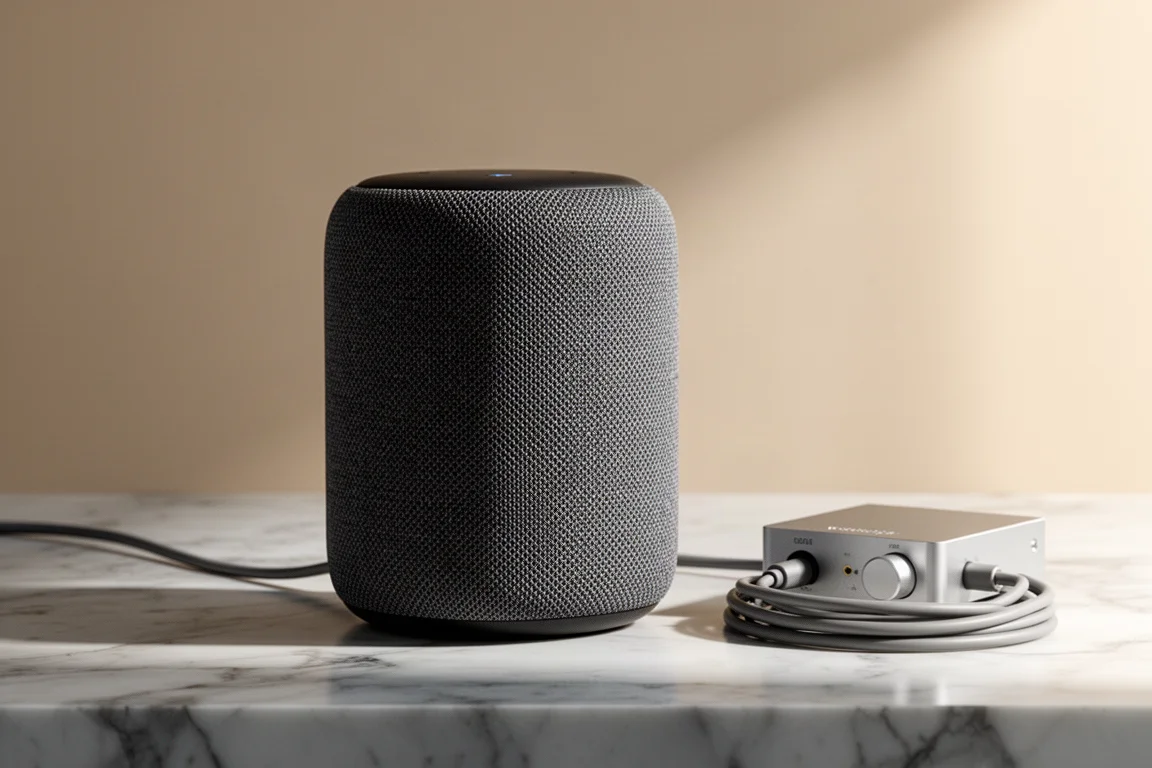
Integration with Amazon hardware is the smoothest path. If your system revolves around an Echo or an Echo Link, setup is simple and the experience stays consistent. BlueSound also plays Amazon Music gaplessly, which matters for anyone who listens to albums from start to finish.
For a listener who wants lossless streaming at the lowest monthly cost and has no interest in tinkering, Amazon Music is a straightforward answer.
Amazon Music: Trade-offs to Weigh
The biggest limitation is the lack of an exclusive mode. On desktop, the application does not change the bit depth and sample rate of your DAC. Move from a 24/192 track to a 16/44.1 track and the DAC stays where it was unless you change it manually in the operating system, which means desktop playback is not truly bit-perfect the way Tidal’s exclusive mode is. Full resolution does appear to pass through correctly on some paths, such as an iPhone with a camera adapter feeding a DAC, and on some streamers.
Amazon’s own high-resolution hardware has been a disappointment on this front. Devices built to play the service at full resolution have been limited to 16/44.1, and the digital output on some of them cannot pass full resolution at all. That is a strange gap for hardware sold as the natural home for the service.
Streamer integration is the other weak spot. The API is less open than Tidal’s, so the best experience stays inside Amazon’s own ecosystem. Where third-party streamers do support Amazon Music, track changes are noticeably slower than with Tidal, Spotify, Qobuz, or even a local NAS library, often taking around 50 percent longer. Performance drops further on Play-Fi and HEOS implementations.
Recommendations also lag. The “My Playlist” feature tends to repeat the same songs, and starting a radio station means drilling down to the track level and using the menu rather than simply letting playback continue. The radio itself is serviceable but less adventurous than Tidal’s.
Pricing and Value Compared
| Service | Free option | Lossless plan | Family plan |
|---|---|---|---|
| Tidal | Free tier | $9.99 HiFi, about $19.99 HiFi Plus with MQA | Available, with a military and first responder discount |
| Amazon Music | Prime tier, limited in bandwidth and catalog | Included in the paid tier, about $7 to $8 with Prime | $14.99 for five people |
A payout breakdown published in the hi-fi press placed Amazon Music at the top of the pile at one point, while Tidal now states that it pays artists more than any other service, with an extra payment routed to the artists you stream on the top tier. Treat both claims as claims, but the direction of travel is clear: competition on artist payouts is now part of the pitch.
Both services have also run introductory offers, with Tidal at two months for two dollars and Amazon Music at three months free at points. That makes testing both an inexpensive exercise.
Which Service Fits Your Setup
The choice usually comes down to how you listen rather than which catalog is larger.
Choose Tidal if your system includes a dedicated DAC, a streamer with Tidal Connect, or Roon. Exclusive mode, gapless casting, and more adventurous radio behaviour all pay off in a dedicated listening setup. The $9.99 HiFi tier gives you lossless without paying extra for MQA.
Choose Amazon Music if cost and simplicity matter most, if most of your listening happens through Amazon devices, or if you want lossless for five people at $14.99. It is also the easier recommendation for casual listening where bit-perfect desktop playback is not a priority.
For many listeners the practical answer is to run both during the trial periods, import the playlists you already have, and let the everyday experience decide.
Conclusion
Tidal and Amazon Music are closer in price than they once were, but they are built for different habits. Tidal rewards listeners with a dedicated DAC, a streamer that supports Tidal Connect, or a Roon library, and its HiFi tier at $9.99 keeps lossless within reach without forcing MQA on anyone. Amazon Music rewards listeners who value a low monthly cost, a huge catalog, and smooth operation inside Amazon’s own hardware, even though desktop playback is not bit-perfect and third-party streamer support is slower and less open.
If your priority is sound quality control and integration with serious hi-fi gear, Tidal is the more natural fit. If your priority is value, simplicity, and a family plan that covers five people with lossless audio, Amazon Music makes a strong case. Either way, the introductory offers make it easy to try both before committing.
Further reading
Related Reviews
Music Streaming
Apple Music vs Amazon Music Unlimited vs Tidal: Which Music Streaming Service Fits Your Setup
A practical comparison of Apple Music, Amazon Music Unlimited, and Tidal covering plan structures, discovery quality, spatial audio support, and hardware compatibility.
Music Streaming
Best Music Streaming Services 2026: Five Platforms Compared
A practical comparison of Qobuz, Tidal, Spotify, Amazon Music, and Apple Music, covering audio quality, discovery, apps, and value.
Music Streaming
Best Music Streaming Services Compared: Apple Music, Tidal, Qobuz, Spotify and SoundCloud
A practical comparison of five music streaming services across sound quality, network integration, interface and catalogue, so you can pick the one that fits the system you already own.