Music Streaming
Best Music Streaming Services 2026: Five Platforms Compared
A practical comparison of Qobuz, Tidal, Spotify, Amazon Music, and Apple Music, covering audio quality, discovery, apps, and value.
Introduction
Music streaming has never offered more choice, and that abundance is exactly what makes choosing harder than it used to be. Catalog size is no longer the deciding factor. The real differences now sit in sound quality, in how well an app helps you find something worth hearing, and in how cleanly a platform fits the devices you already own.
This guide compares five services: Qobuz, Tidal, Spotify, Amazon Music, and Apple Music. Each one has a distinct personality. One leans on album-first listening and editorial writing, another pairs hi-res audio with exclusive video, one is built around discovery and sharing, one bundles lossless audio with a membership you may already have, and one is at its best inside a single hardware ecosystem.
All five offer free trials, and most of them also offer web players or desktop apps alongside their phone apps, so it is realistic to try more than one before committing to a subscription.
How We Evaluated These Streaming Services
Library size used to be the headline number, and it still matters, but the gap has closed. Every service here advertises more than 100 million tracks, and Tidal states a catalog of over 110 million. If a favorite artist is missing from one platform, the odds are good that they are available on all of them, although a quick search in a trial account is the only way to be certain.
Audio quality is where these services genuinely separate. As of March 2025, every service except Spotify offers high-resolution streaming up to 24-bit/192 kHz. Spotify tops out at 320 kbps and does not carry Dolby Atmos tracks. Tidal, Amazon Music, and Apple Music all offer Dolby Atmos catalogs, while Qobuz does not. One practical detail applies across the board: on most platforms the highest resolution is not the default, so it has to be enabled in the app settings. Playback hardware matters just as much as the file itself, and revealing the detail inside a hi-res track takes a capable pair of headphones or speakers.
Connectivity shapes how a service fits into a home system. All five work with AirPlay. All of them except Amazon Music support Google Cast. Roon works only with Qobuz and Tidal. Qobuz, Tidal, and Spotify each offer a Connect feature that streams directly from your network to a device, and Qobuz Connect and Tidal Connect are the two routes to the highest possible quality when streaming to a separate player.
Discovery and curation are the final differentiator, and the hardest to judge from a specification sheet. Some services lean on human editors, others on recommendation engines, and the strongest ones combine both. The sections below cover what each platform does well and where it falls short.
Qobuz: Best for Album Listening and Editorial Depth
Qobuz is built for listeners who treat albums as complete works. The Studio plan runs $12.99 per month and includes FLAC files up to 24-bit/192 kHz, the full catalog of more than 100 million tracks, original editorial content, and offline listening. Annual, student, Duo, and family options are available as well.
The plan that sets Qobuz apart is Studio Sublime at $180 per year. It adds the ability to purchase and permanently own any high-resolution or CD-quality album in the catalog at a discount of up to 60 percent. If owning your files matters, no other service in this group offers anything comparable. Qobuz also tends to be strong on specialist genres such as jazz, classical, and fusion, and it stays on top of major new releases.
The main limitation is format support. As of March 2025 there are no Dolby Atmos or spatial audio tracks on Qobuz, which is a real consideration for anyone listening through an Atmos home theater, though it is irrelevant in a two-channel setup. The app itself is fast and pleasant to use, and it shows the current streaming resolution directly on the now playing screen. Collaborative playlists are easy to build, and most featured playlists come from human curators, covering hi-res new releases, artist-curated listen-with collections, label stories, moods, and hi-fi media partners. Editorial articles, exclusive interviews, and hi-fi news sit alongside the music, and the My Weekly Q playlist delivers an AI-assisted set of personal discoveries every Friday. Search results sort neatly into top results, artists, albums, and tracks, and when a selected track finishes, Qobuz continues with similar music rather than stopping.

Tidal: Best for Hi-Res and Exclusive Video
Tidal is artist-owned and directs part of each subscription toward rising artists. Individual, Duo, family, and student plans are available, and the tiers include a catalog of more than 110 million tracks in lossless and hi-res FLAC, Dolby Atmos, ad-free listening, offline downloads, personalized mixes, editorial playlists, and live sessions. DJs can add a $9 per month extension designed to integrate with common DJ hardware and software.
The platform moved away from MQA and now streams high-resolution FLAC up to 192 kHz, a more open and widely supported format. The app is easy to navigate, with unusually large artwork and text, and the homepage is dense with curated content spanning decades, recommended tracks, essentials, and popular artists. Browsing categories include Dolby Atmos, hi-res, rising artists, staff picks, and collaborations.
Beyond audio, Tidal carries a video section with music videos, films, documentaries, live concerts, artist interviews, and podcasts, many of them exclusive to subscribers. You can build a user profile, share playlists, and see what others have assembled. Sharing a track with someone who does not subscribe opens a browser page offering to open the same song in another service, which is a genuinely thoughtful touch. Human-curated playlists trace the careers of musicians and producers, and My Mix, My Daily Discovery, and Recommended New Tracks refresh on different schedules based on listening habits. Search sorts results into clear categories and playback continues into similar tracks after a selection ends. An AI playlist generator has been offered in beta, but access has been inconsistent, so it is not something to rely on yet.
Spotify: Best for Discovery and Social Features
Spotify’s strength is the social layer around the music. You can share what you are listening to in real time, build playlists with other people, follow friends to see what they are playing, and generally recreate the feeling of passing mixtapes around. The platform has also become a major home for podcasts, with a large library of exclusive and original shows alongside mainstream titles, plus a growing audiobook catalog.
Individual, Duo, family, and student plans are available, and there is an ad-supported free tier that remains one of the better free options for listeners who do not mind ads and want on-demand songs. The catalog exceeds 100 million tracks, and the curation tools are among the best anywhere. The Daylist playlist adapts to different parts of your day, the AI DJ in beta talks you through a personalized set, and Discover Weekly, Daily Mix, Release Radar, and the yearly Spotify Wrapped round out the lineup. Jam sessions let people nearby add songs to the queue, which works well at parties and on road trips, and a merch and live events section surfaces upcoming shows from artists you follow.
The trade-off is audio quality. Spotify does not offer hi-res streaming and is limited to 320 kbps as of March 2025, and it does not carry Dolby Atmos tracks. If discovery, sharing, and convenience matter more than file-level fidelity, that compromise is easy to accept. If you are chasing the last layer of detail in a recording, this is the one place Spotify cannot follow.
Amazon Music: Best Value for Lossless Streaming
Amazon Music makes the most sense if you already have an Amazon Prime membership. Prime members pay $10.99 per month for lossless audio streaming, and non-Prime members pay slightly more. Family and student plans are available as well. For a lossless tier, that pricing is hard to match.
The catalog covers more than 100 million tracks with ad-free listening and exclusive podcasts, and it supports high-resolution audio up to 24-bit/192 kHz alongside a large collection of Dolby Atmos tracks. The app makes format easy to read, showing whether a track is playing in Atmos, HD, or Ultra HD, and even displaying the exact output path. It also carries the largest audiobook catalog from Audible, with one free audiobook per month. Fan polls, trivia, and on-screen lyrics keep the app feeling lively while music plays.
Curation is broad. Playlists are sorted by genre, charts, moods, and activities, and the Maestro beta takes a written prompt, such as a dinner scene or a party theme, and builds a custom playlist around it. My Discovery Mix, My Year in Review, and My Soundtrack cover the personalized side, and Alexa can be enabled inside the app for hands-free search and playback control. The one connectivity gap is Google Cast, which Amazon Music does not support.
Apple Music: Best for the Apple Ecosystem
Apple Music pairs lossless streaming with a growing spatial audio catalog built on Dolby Atmos, across a library of more than 100 million songs. There is a one-month free trial, after which individual plans cost $10.99 per month, with family and student options available.
Exclusive content is a major part of the pitch. Early releases of new music, curated playlists from well-known artists, live performances, and Apple Music 1, a 24-hour live radio station with artist interviews and artist-hosted shows, all sit inside the same app. Thousands of spatial audio tracks and albums carry a badge that makes them easy to spot. Human-curated playlists appear based on listening habits, and search works both across the full catalog and within your own saved library. Natural-language prompts, such as asking for nostalgic songs from a particular decade, return a curated selection.
One behavior is worth knowing before you commit. After selecting a song from the top results of a search, Apple Music did not continue into similar tracks the way the other services do. Choosing the same song from an artist page does continue playback into more music, so the workaround is simple, but the difference stands out if you are used to it elsewhere. Apple Music also offers a feature similar to Spotify Jam that lets people nearby add to a shared playlist even without a subscription, and purchased music from iTunes remains accessible alongside streaming. Integration with iPhone, Mac, Apple Watch, HomePod, and CarPlay is the reason many listeners never consider anything else.
Buying Advice: Matching a Service to Your Setup
The right service depends less on which platform is objectively best and more on which one matches how you listen. Start with your playback hardware. If you run a two-channel hi-fi system, Qobuz and Tidal both stream directly to network players through their Connect features at the highest available resolution, and Qobuz adds the option to buy and own hi-res albums outright. If your system centers on an Atmos home theater, Tidal, Amazon Music, and Apple Music all carry Atmos catalogs, while Qobuz and Spotify do not.
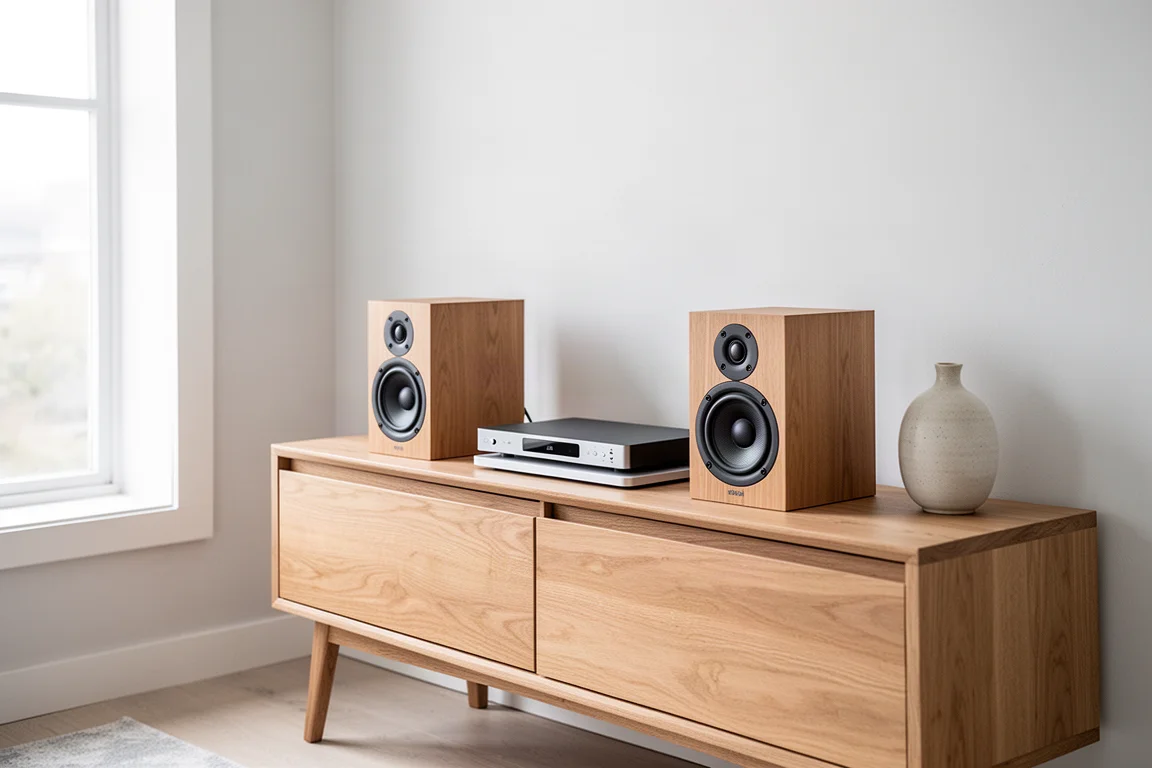
Next, consider how you find music. If you want algorithms and friends to drive your listening, Spotify remains the most flexible and social option, with podcast and audiobook libraries on top. If you prefer human editorial writing and album-first browsing, Qobuz is the stronger fit. Amazon Music is the value play for Prime members who want lossless audio, Atmos, and audiobooks in one place, and Apple Music is the natural default for anyone already living inside Apple hardware.
Practical details are worth checking before you pay. All five services offer free trials, and the highest audio resolution usually has to be switched on in settings rather than arriving by default. Your headphones or speakers will shape the result as much as the streaming tier does, so it is worth testing a service on the equipment and the devices you actually use.
Conclusion
All five of these services now offer catalogs above 100 million tracks, free trials, and apps that are far easier to live with than they were a few years ago. The meaningful differences come down to audio format support, the quality of discovery, and how well each platform connects to the rest of your system.
Qobuz suits album-focused listeners who want editorial depth and the option to own their hi-res files. Tidal combines hi-res FLAC, Dolby Atmos, and exclusive video. Spotify leads on discovery, sharing, podcasts, and convenience, at the cost of hi-res audio. Amazon Music is the best value route to lossless and Atmos for Prime members. Apple Music is the most cohesive choice for anyone already invested in Apple devices. Try the free trials, switch on the highest quality setting, and let your own setup decide.
Further reading
Related Reviews
Music Streaming
Apple Music vs Amazon Music Unlimited vs Tidal: Which Music Streaming Service Fits Your Setup
A practical comparison of Apple Music, Amazon Music Unlimited, and Tidal covering plan structures, discovery quality, spatial audio support, and hardware compatibility.
Music Streaming
Best Music Streaming Services Compared: Apple Music, Tidal, Qobuz, Spotify and SoundCloud
A practical comparison of five music streaming services across sound quality, network integration, interface and catalogue, so you can pick the one that fits the system you already own.
Music Streaming
Rune Arc Review: Your Music Library, Wherever You Are
Rune Arc brings a Rune Core library to iOS and Android, with streaming from Tidal and Qobuz, four quality settings, and offline downloads for the albums you already own.