Audio Interfaces
Thunderbolt vs USB Audio Interfaces: How to Pick the Right Connection
USB and Thunderbolt interfaces differ in speed, cost, and driver behaviour, but not in sound quality. Here is how to match the connection to your studio workflow.
Introduction
Choosing an audio interface often starts with the wrong question. The connection type, USB or Thunderbolt, rarely decides how good a recording sounds. It decides how the interface fits your computer, your budget, and the way you monitor while you record.
The speed differences are real. USB 2.0 runs at 480 megabits per second, USB 3.0 at 4.8 gigabits per second, and USB-C at 10 gigabits per second. Thunderbolt 2 carries 20 gigabits per second, while Thunderbolt 3 and Thunderbolt 4 both run at 40 gigabits per second. For audio work, Thunderbolt 3 and Thunderbolt 4 perform the same.
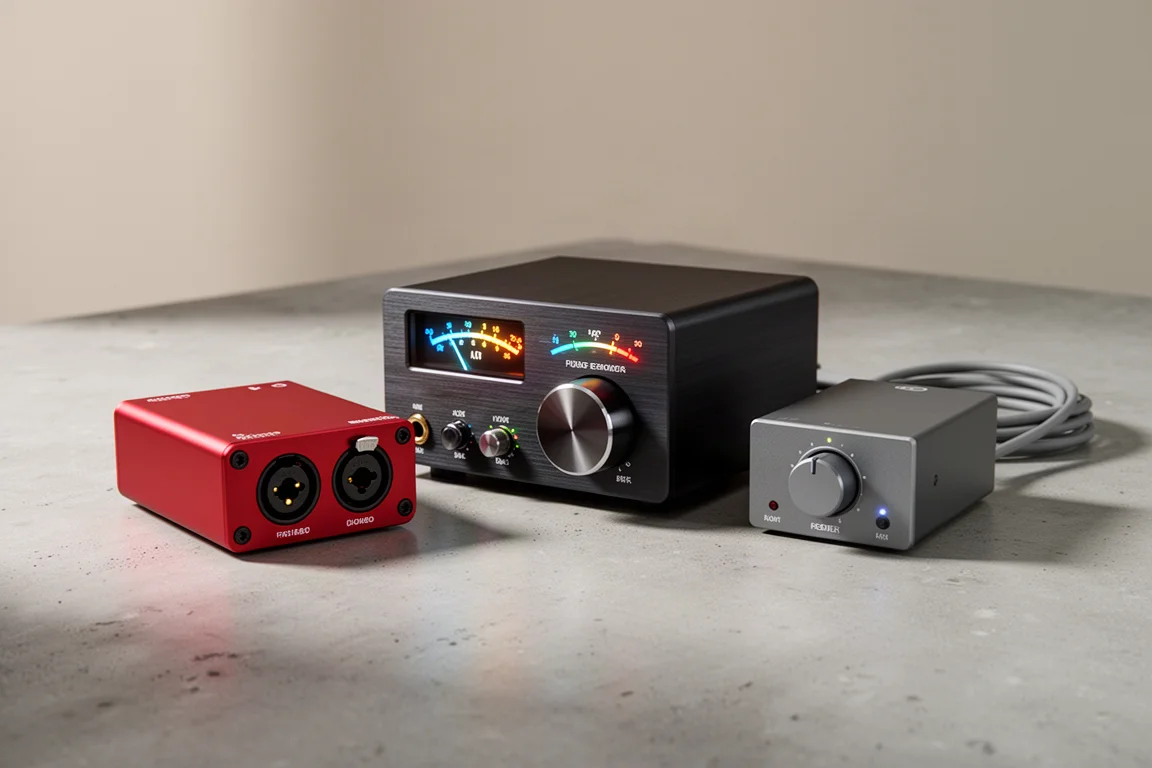
What actually separates these options shows up in three places: what your computer supports, how stable the drivers are, and whether you want DSP-based monitoring. Three interfaces illustrate those trade-offs clearly.
USB vs Thunderbolt: What the Specs Really Tell You
Connector shape is a poor guide. Thunderbolt 3 and 4 use the same physical connector as USB-C, but the cable tells a different story. A USB-C cable carries a small USB symbol, while a Thunderbolt cable carries a lightning bolt and is an active cable. A USB-C cable will typically work in a Thunderbolt port, but a Thunderbolt cable will not work in a USB-C-only port. Not every system board that claims USB-C over Thunderbolt support actually delivers it, so the specification sheet for the specific interface and the specific computer is the only reliable answer.
Cost follows the same split. USB is an IEEE standard produced at scale by many manufacturers, which makes it cheaper to build into a device and puts it on nearly everything. Thunderbolt is a proprietary Intel standard that requires licensing, and that pushes hardware prices up.
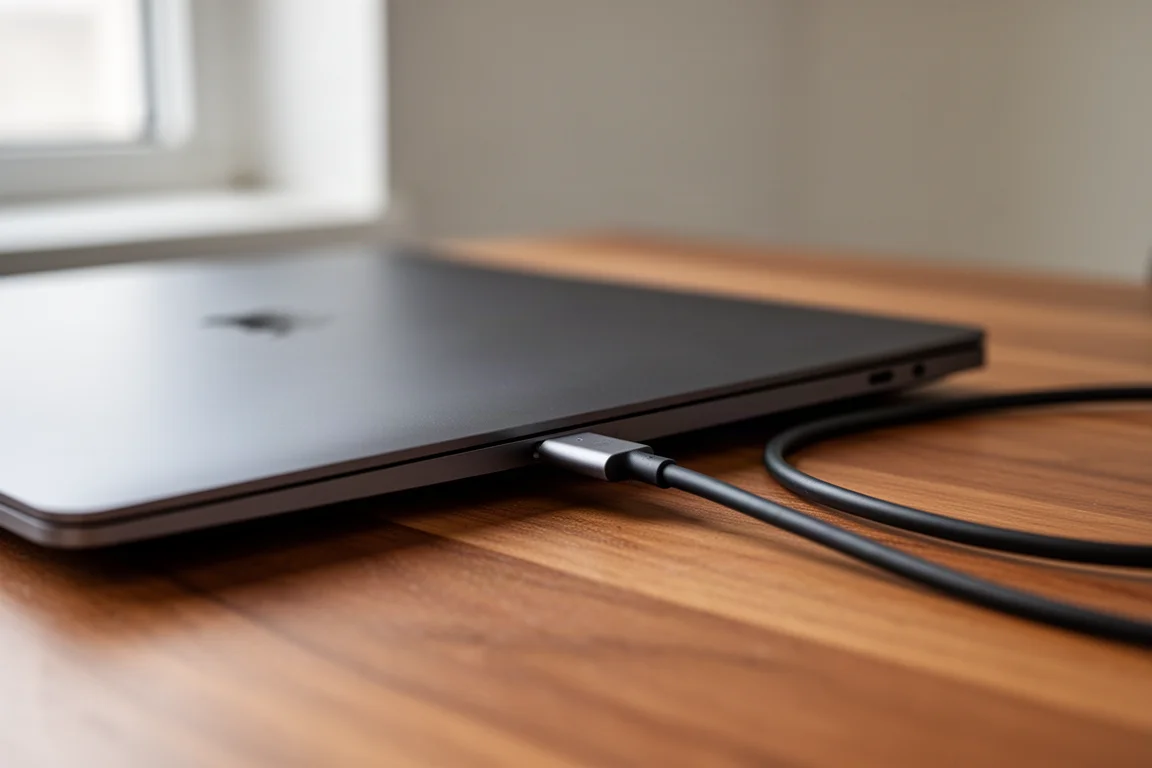
Hardware support matters just as much. USB is the most common connection on both Mac and PC. Thunderbolt was rare on PCs until roughly three years ago, and most computers that offer it ship Thunderbolt 3, with a small number of newer machines moving to Thunderbolt 4.
Driver Stability and Compatibility Across Platforms
USB has a reputation for being the more predictable of the two, and that reputation is mostly earned. Thunderbolt can be extremely stable on some hardware and noticeably flaky on other hardware. It is relatively new to the Windows world, and from a driver standpoint it is essentially absent on Linux. Adoption arrived far earlier on macOS.
The deciding factor in either case is the driver written by the manufacturer. A poorly written driver causes problems whether the connection is USB or Thunderbolt, though those problems tend to appear more often on the Thunderbolt side. If avoiding troubleshooting is a priority, a well-implemented USB 3.0 or USB-C interface is usually the smoother path.
Latency and DSP: The Decision That Comes First
Latency describes round-trip time. A microphone signal travels into the interface, into the computer, through processing, back out of the computer, through the interface, and out to speakers or headphones. With a non-DSP interface, that full trip has to happen before you hear anything, and adding reverb or delay for monitoring means running plugins in the DAW, which adds more delay. Some non-DSP interfaces include FPGA chips that provide basic reverb and delay for monitoring, which helps, though those are separate plugins from the ones you use in your DAW.
DSP interfaces from manufacturers such as Universal Audio, Avid, and Antelope Audio handle processing inside the interface instead of the computer. That enables near-zero latency monitoring, so you can perform while hearing the same style of processing you intend to use on the track. The trade-off is lock-in. Those plugins only run on that manufacturer’s DSP chips, so the interface is the entry point to the ecosystem rather than an optional purchase.
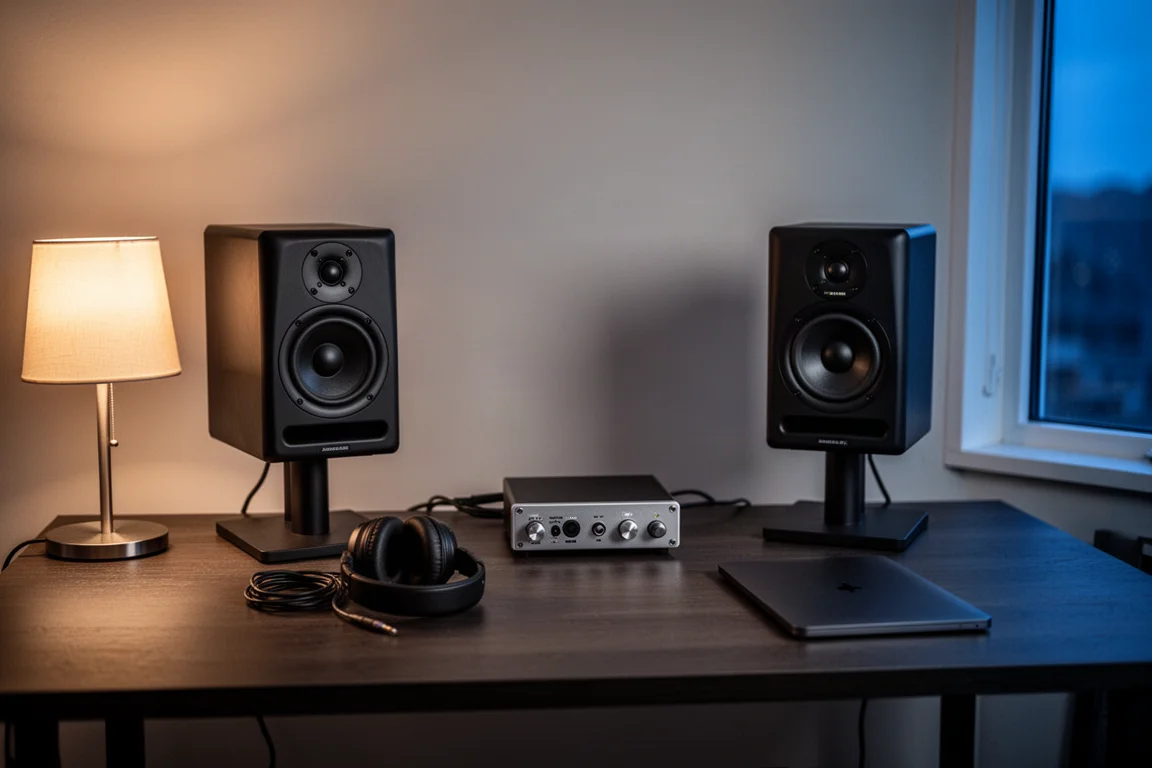
For perspective on the numbers, standing 10 feet from a guitar amplifier on stage means roughly 10 milliseconds of delay between the note leaving the speaker and reaching your ears. A good USB interface can manage 5 to 7 milliseconds of round-trip latency, which feels immediate to most players.
Best for Budget Home Studios: Focusrite Scarlett 2i2
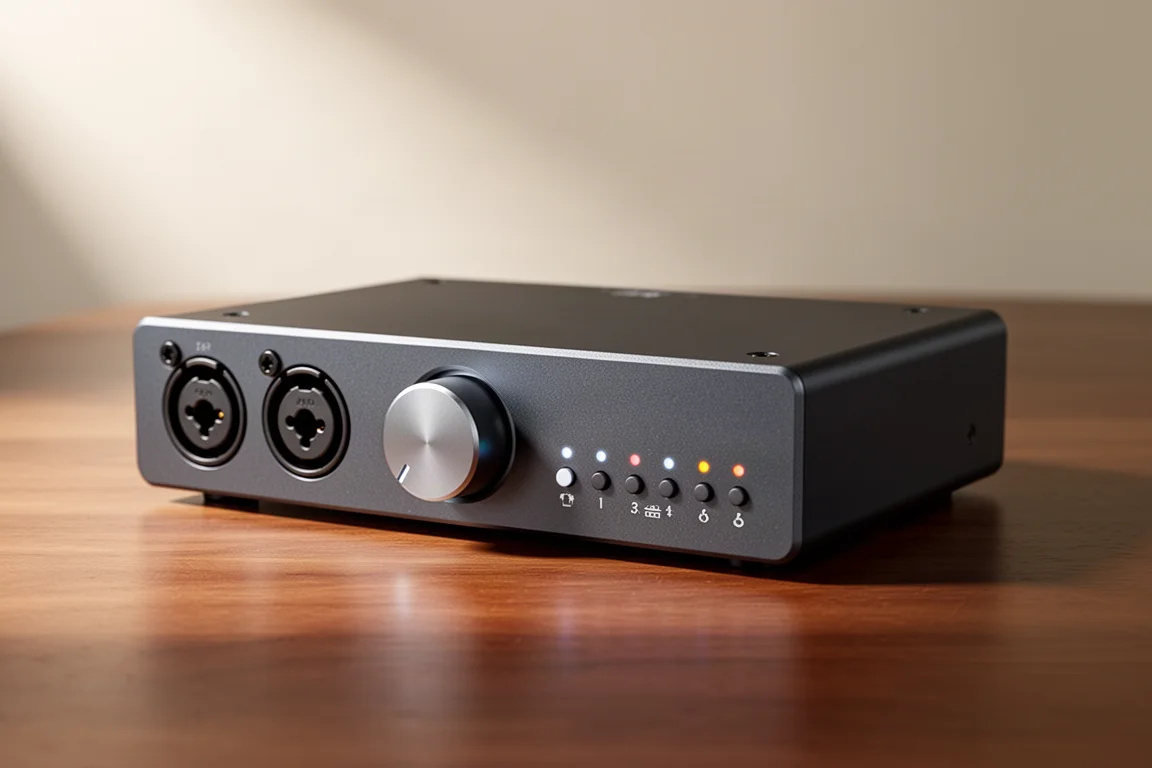
The Focusrite Scarlett 2i2 is a USB 2.0 interface priced at just under $200, and it represents the largest group of affordable interfaces. It is not built for DSP monitoring, so monitoring processing happens in the DAW, but it connects to virtually any Mac or PC without a compatibility question and keeps the entry cost low.
That makes it a sensible starting point for a first recording setup, a songwriter working with a couple of inputs, or anyone who wants to learn DAW workflow before investing in a premium signal chain. It is worth being clear about what the price buys. The preamps and converters are entry-level components rather than the higher-grade parts found in more expensive interfaces.
Best for Thunderbolt DSP Workflows: UAD Apollo
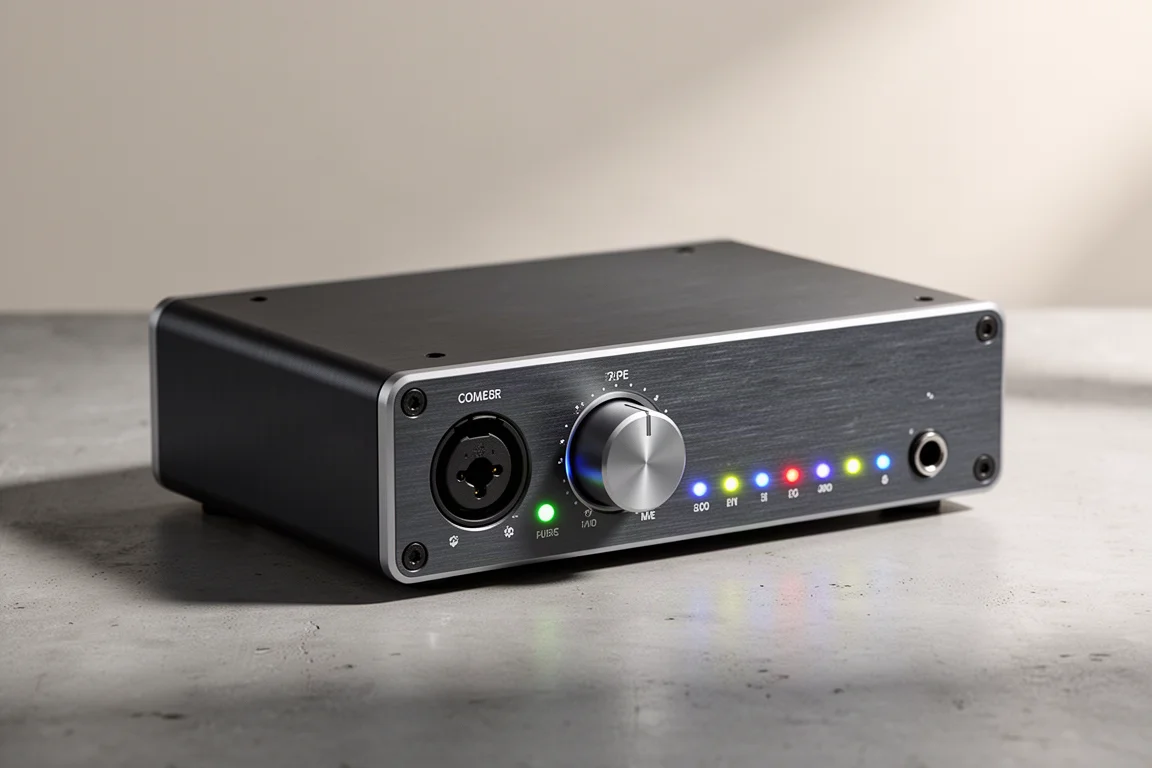
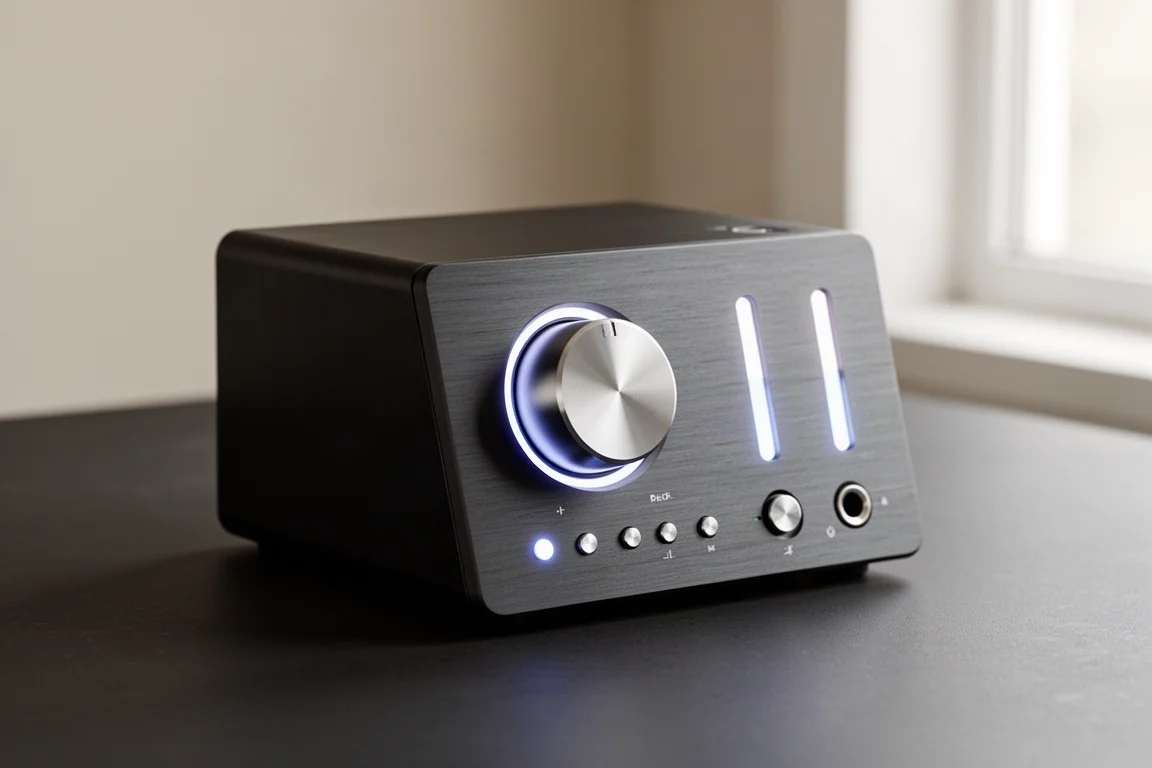
The UAD Apollo line is available in a Thunderbolt version, currently Thunderbolt 3. It sits in the DSP category, which means monitoring processing happens inside the interface rather than in the computer, giving near-zero latency while tracking. Universal Audio also has one of the largest plugin libraries among DSP manufacturers, and those plugins run on the interface’s DSP chips.
The catch is the same one that applies to any DSP platform. Those plugins only work with that manufacturer’s hardware, so the interface is the entry point to the ecosystem rather than an optional purchase. Thunderbolt also carries the usual caveats about driver behaviour on some systems, and the connection itself adds licensing costs to the hardware.
Anyone considering a Thunderbolt interface should also confirm that their machine genuinely has a Thunderbolt port, since that support arrived late and selectively on the PC side.
Best for Fast USB Performance: PreSonus Studio Series
The PreSonus Studio Series shows how much headroom USB offers. Earlier Studio Series units ran USB 3.0, which is fast in practice, and the current Studio models use USB-C. PreSonus sits in the non-DSP group, so monitoring processing runs in the DAW, with the latency that implies.
USB 3.0 and USB-C performance is excellent, and even USB 2.0 can reach very low latency when the driver is written well. That is the real lesson of this category. The connection version sets a ceiling, but the driver and the rest of the computer determine how close you get to it.
Practical Ways to Reduce Latency on Any Interface
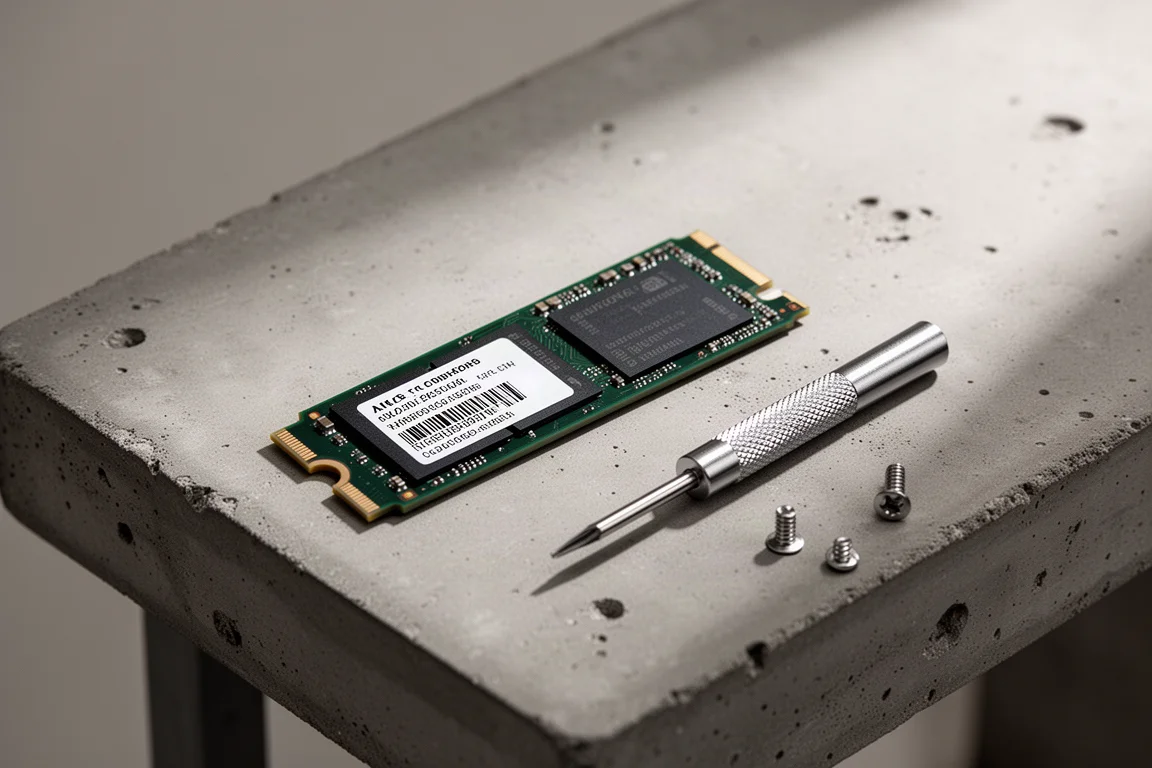
Latency problems are rarely the interface’s fault alone. Start with the computer. Processor, memory amount and speed, and drive speed all matter. A modern SSD or an M.2 drive running at PCIe bus speeds makes a meaningful difference compared with an older platter drive, and a nine-year-old machine will struggle to deliver low latency no matter how it is configured.
System settings are the next lever. Disabling power management on USB devices and USB root hubs in the device manager stops the machine from repeatedly checking whether hardware can be put to sleep. Setting the power plan to maximum performance on both macOS and Windows does much the same thing. Those two changes alone can make a large difference.
Inside the DAW, three habits help. Virtual instruments use only a single CPU core, following an old specification that has not changed, so freezing a virtual instrument once the sound is dialled in removes most of its CPU and memory load while still allowing changes later by unfreezing it. Buffer size should be low while recording to keep latency down, then raised to something like 512 or 1024 when mixing, where latency no longer matters. Finally, send delay and reverb to a bus instead of placing a separate instance on every track, so only one copy of the plugin runs.
Conclusion
The connection type does not change how an interface sounds. Sound quality comes from the preamps, the converters, the connectors, and the overall build. What USB and Thunderbolt change is cost, compatibility, driver behaviour, and whether the interface can run DSP-based monitoring.
A USB interface such as the Focusrite Scarlett 2i2 keeps things simple and affordable. A Thunderbolt DSP interface such as the UAD Apollo suits engineers who want to track through the processing they will mix with. The PreSonus Studio Series shows that USB, at 3.0 or USB-C speeds, is more than fast enough for most studios. Match the connection to your computer, your workflow, and your tolerance for troubleshooting, and the rest of the decision becomes much easier.
Further reading
Related Reviews
Audio Interfaces
Audient EVO and iD Range Guide: Eight Audio Interfaces Explained
A practical walkthrough of eight Audient interfaces, from the compact EVO 4 to the expandable iD44, and how to match one to the way you record.
Audio Interfaces
How Many Mic Inputs Do You Need? An Audio Interface Buying Guide
Microphone input count is the decision that shapes every audio interface purchase. A practical guide to choosing an interface you will not outgrow.
Audio Interfaces
Best Audio Interfaces Under $200: Nine Practical Picks for Home Recording
Nine audio interfaces under $200 grouped by microphone input count, from single-input models for solo work to eight-input setups for tracking a full band.