Astrophotography
SVBony SV241 Pro Review: A Budget Power Hub for Astrophotography
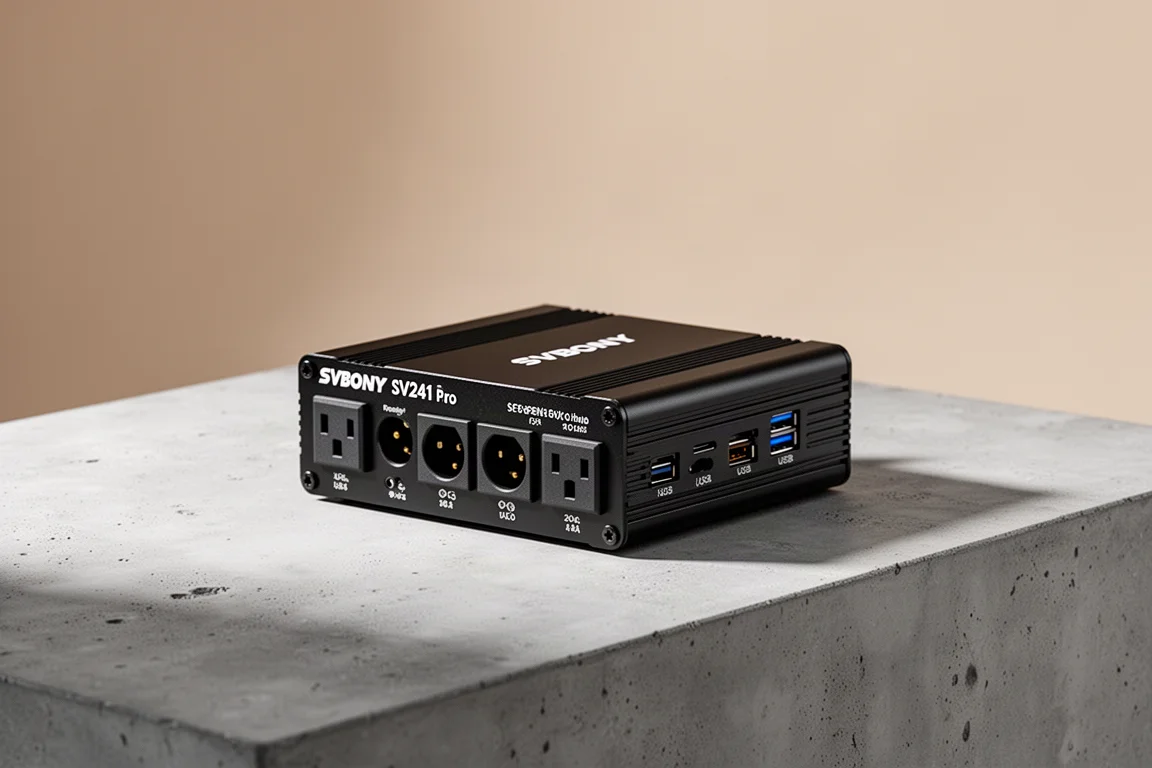
The SVBony SV241 Pro is an affordable, computer-controlled power hub that brings advanced dew heater management and USB switching to astrophotography setups.
Introduction
Astrophotography setups often need more than a single device can deliver. A mini PC handles the imaging software, but it usually cannot power a cooled camera, a mount, a focuser, and dew heaters at the same time. That is where a dedicated power hub becomes essential.
The SVBony SV241 Pro is a new power hub designed to fill that gap without the premium price of established alternatives. It offers multiple DC power outputs, USB switching, and computer-controlled dew heater management, all in a compact unit that mounts directly on a telescope.
Who This Power Hub Is For
This power hub suits astrophotographers who prefer building their own rig with a mini PC rather than using an all-in-one controller. If you already own a mini PC like the MeLE Quieter 4C, the SV241 Pro adds the power distribution that such a setup lacks.
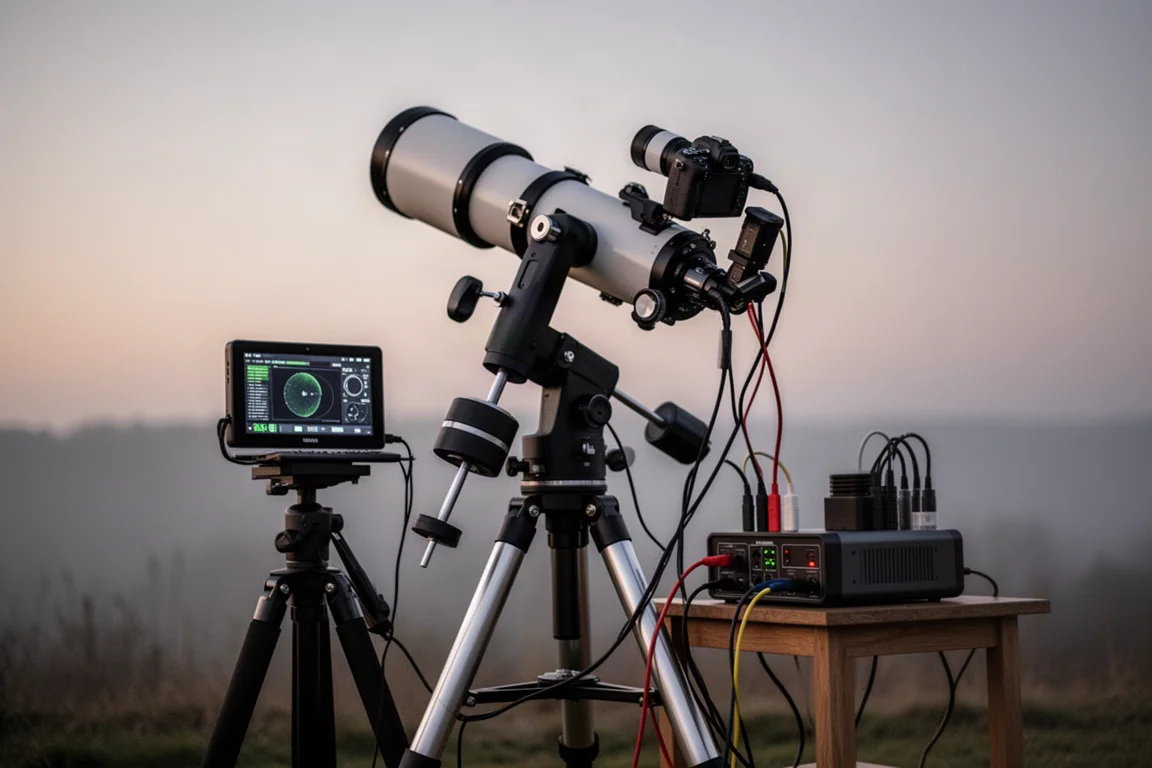
It is also a strong option for anyone who wants to control dew heaters automatically based on temperature and humidity readings, without paying for a more expensive power box from brands like Pegasus Astro or Wonder Astro.
Main Strengths
The SV241 Pro provides a generous set of outputs. It includes five 12V DC power outputs that can be switched on and off through software, plus one always-on port that is ideal for powering a mini PC. Two additional PWM ports handle dew heaters, with power output adjustable between 0 and 15V at 3 amps.
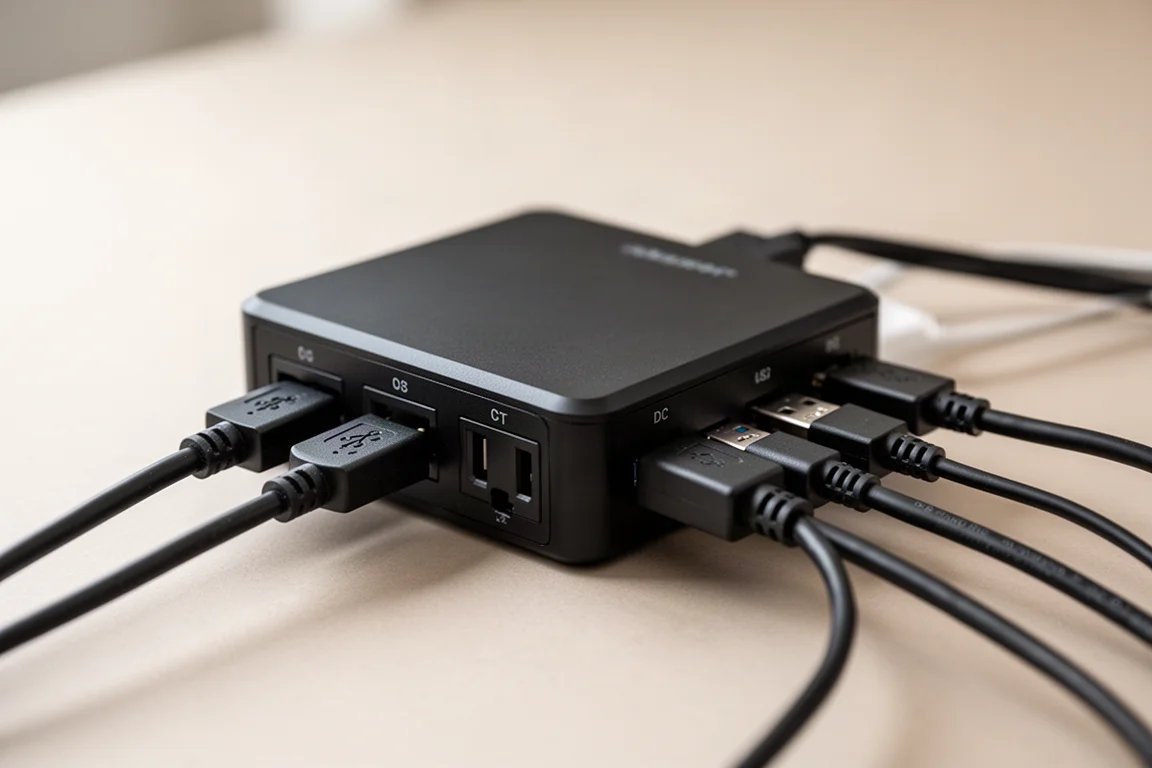
The USB hub is equally capable. It offers two USB 3 ports, three USB 2 ports, and one USB-C port. The USB outputs can be toggled in two groups, which is useful for resetting a camera or mount connection without physically unplugging anything.
The unit also includes a temperature and humidity sensor, allowing the power hub to manage dew heaters automatically based on ambient conditions. This is a feature typically found on much more expensive devices.
Software Control and Integration
The SV241 Pro can be controlled through SVBony’s Windows software or through NINA using an ASCOM driver. This means you can switch DC ports, toggle USB groups, and adjust dew heater output directly from your imaging session.
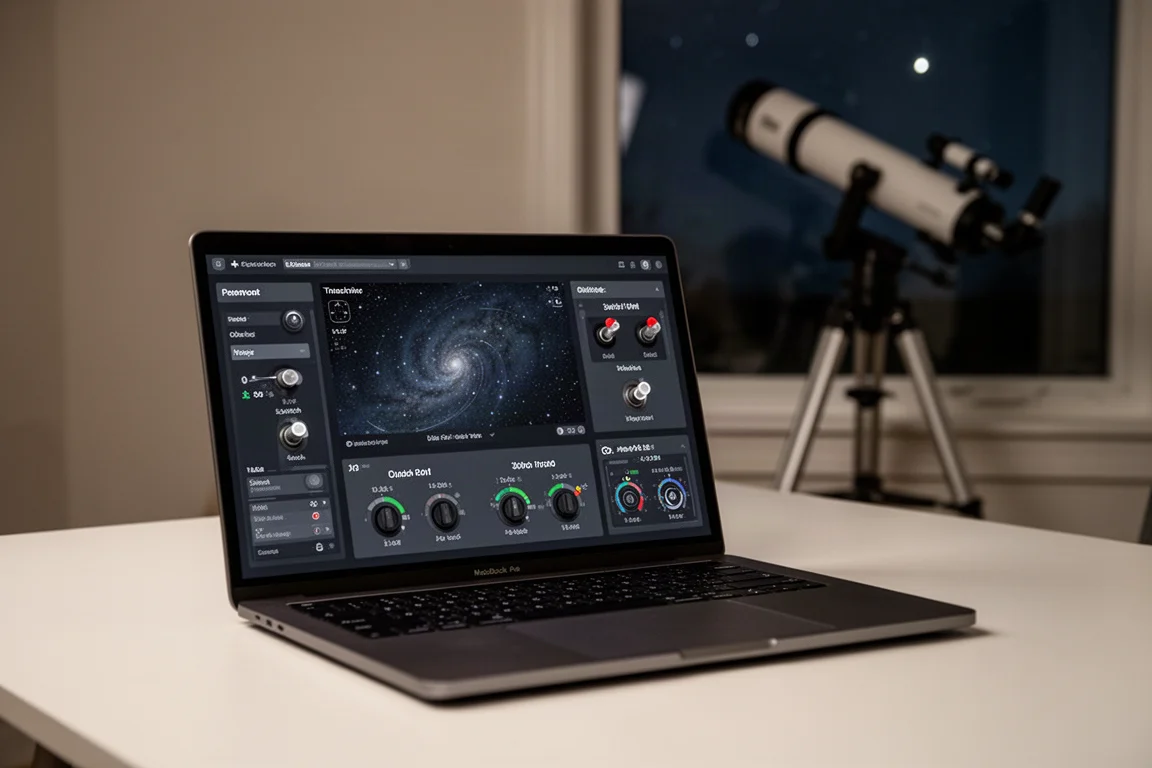
The ASCOM driver also enables control through the Touch and Stars mobile app, so you can manage the power hub from a smartphone while the imaging computer runs NINA. The interface displays ambient temperature and dew point, giving you a clear picture of the conditions.
One minor annoyance is that the software and drivers are not available as direct downloads. You need to enter your email on the SVBony product page, and the download link is sent to you. It is a small hurdle, but worth knowing before you start.
Things to Consider Before Buying
The SV241 Pro is not tiny. It is a substantial unit, though still light enough to mount on a telescope using the included adapter or the standard quarter-inch tripod screw. The included DC cables are on the shorter side, so you may want to have longer male-to-male cables on hand for a cleaner setup.
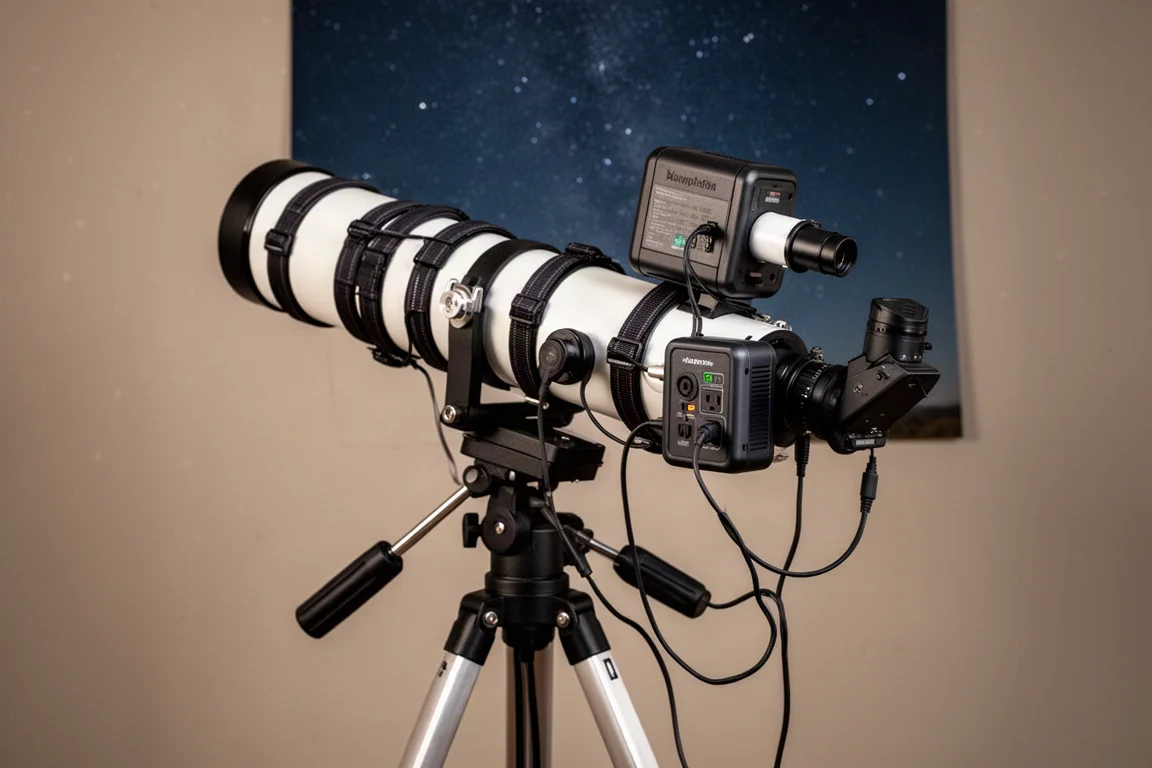
The power input uses a 5.5mm by 2.5mm barrel connector, which is a slightly different format than some users may be used to. The included cable with a 12V cigar plug adapter covers most needs, but check your existing power supply before relying on it.
Buying Advice
At a base price of $212, and often on sale for around $170, the SV241 Pro offers strong value. Comparable power hubs from Pegasus Astro or Wonder Astro typically cost over $300. If you are building an astrophotography rig around a mini PC and want full control over power distribution and dew heaters, this is a practical choice.
Conclusion
The SVBony SV241 Pro delivers the functionality of a premium power hub at a budget-friendly price. It combines multiple DC outputs, USB switching, and automatic dew heater management in a single unit that integrates cleanly with NINA and mobile apps. For amateur astrophotographers who want to keep their setup flexible and affordable, it is a compelling option.
Product link
View more details for SVBony SV241 Pro
This product is mentioned in the review. Check the specifications, options, and compatibility before buying.
View more details for SVBony SV241 ProFurther reading
Related Reviews
Astrophotography
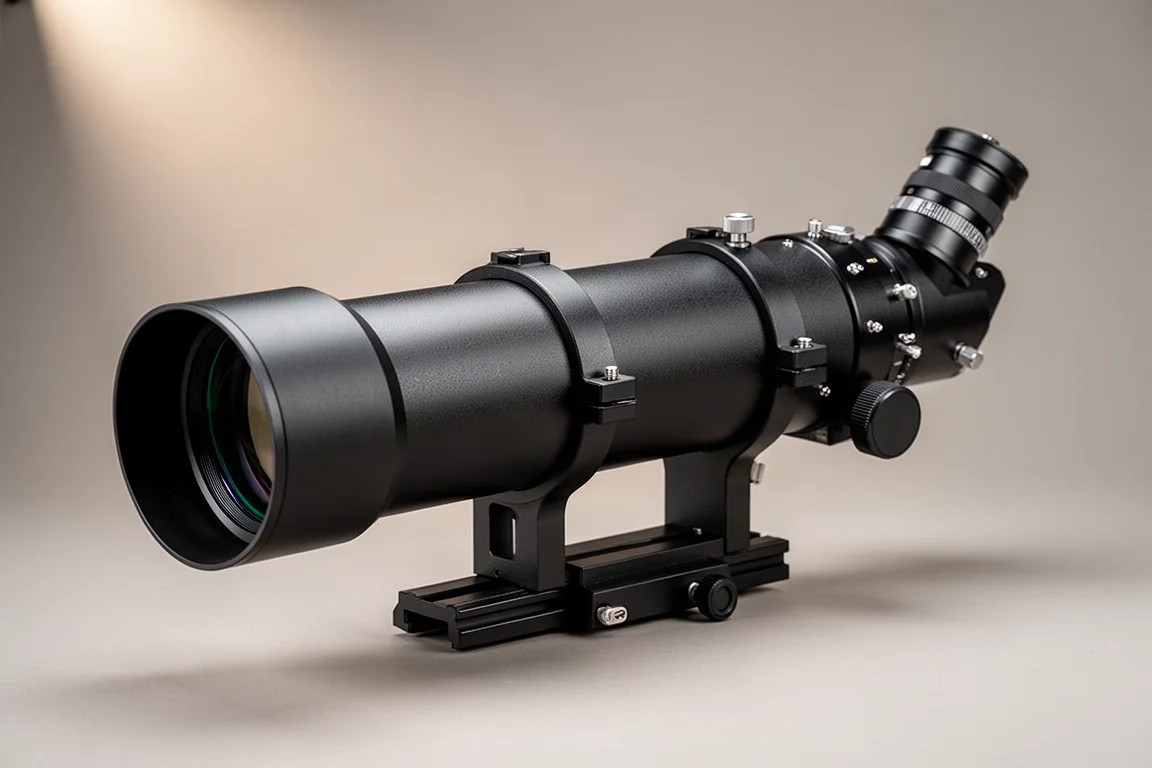
ASKAR FRA400C Review: A Versatile 400mm Refractor for Astrophotography and More
The ASKAR FRA400C is a compact 72mm refractor that balances reach, versatility, and portability for astrophotographers and visual observers.
Astrophotography
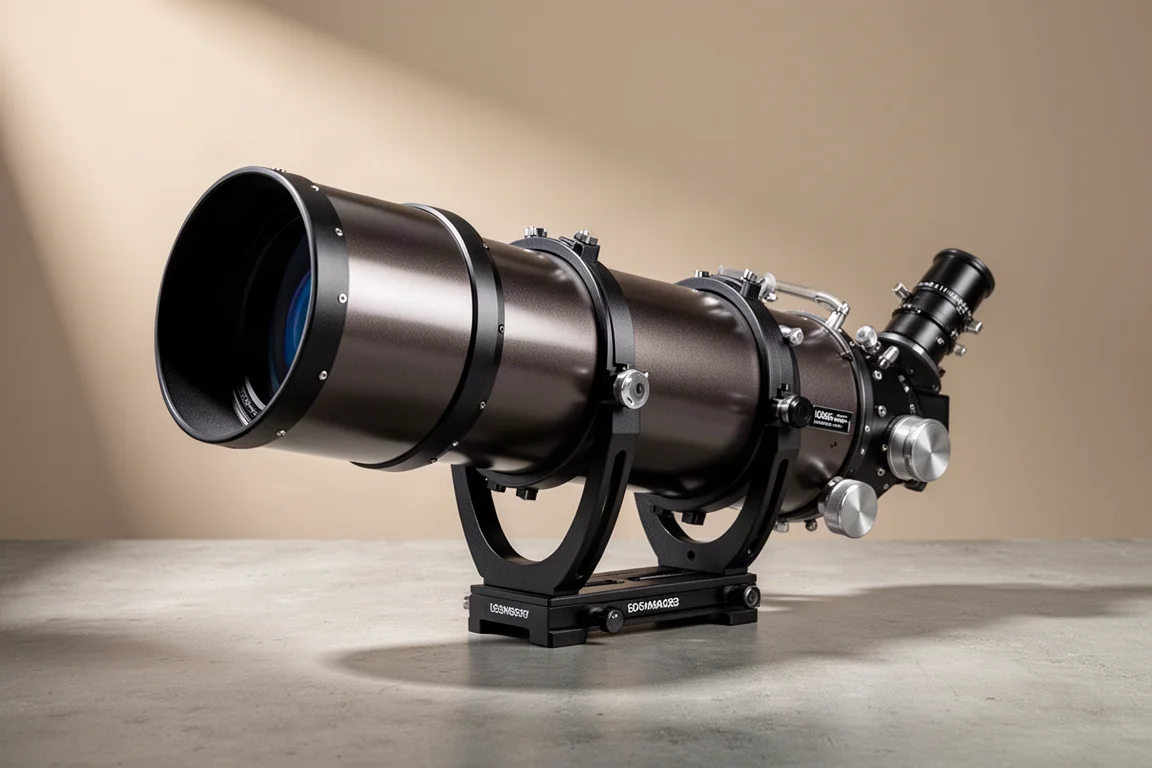
Askar SQA106 Review: A Premium 106mm Astrograph With Exceptional Optics
The Askar SQA106 is a premium 106mm quintuplet astrograph with impressive sharpness across full-frame sensors, though its price and weight demand careful consideration.
Astrophotography
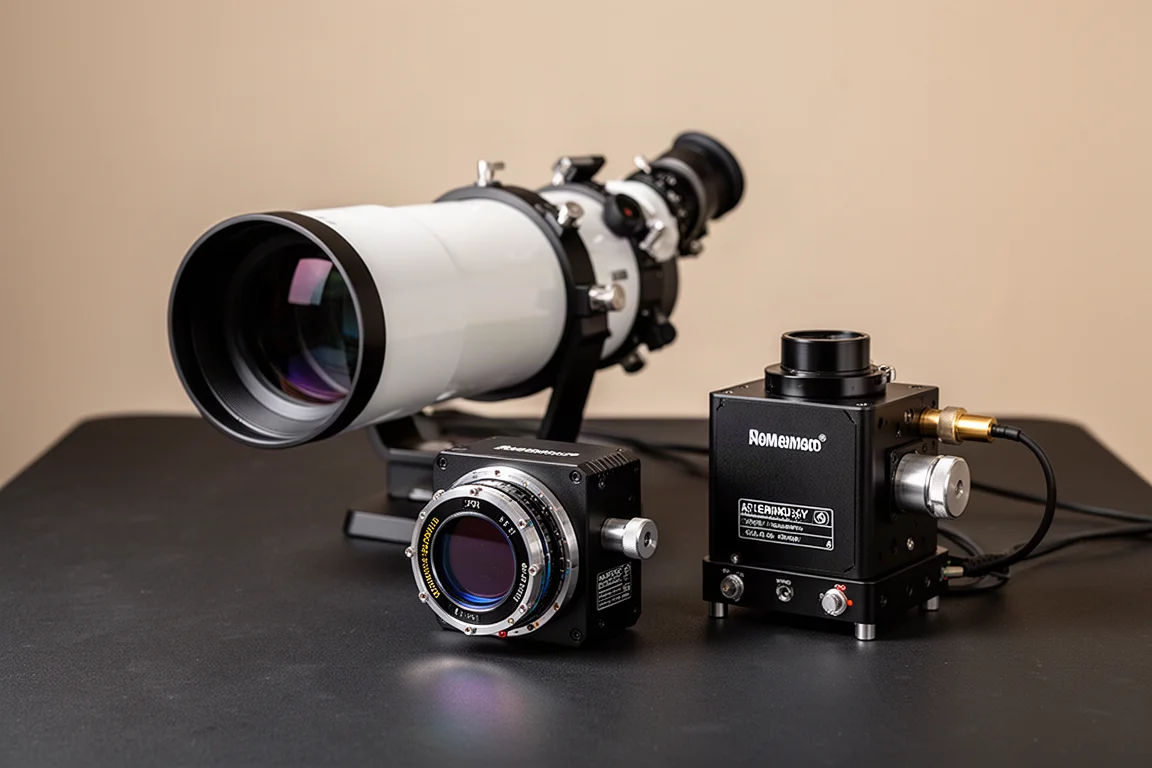
Astro Imaging Gear 2026: Eight New Products Worth Watching
A look at the most interesting new astrophotography and astronomy products announced this year, from fast telescopes to smart cameras and wireless accessories.