Home Theater Projector Screens
Choosing a Stewart Filmscreen Projector Screen: Four Options Worth Knowing
A practical guide to picking a Stewart Filmscreen projector screen, covering aspect ratio, screen gain, and four options: StudioTek 130 G4, FireHawk, WallScreen Deluxe, and Balón Edge.
Introduction
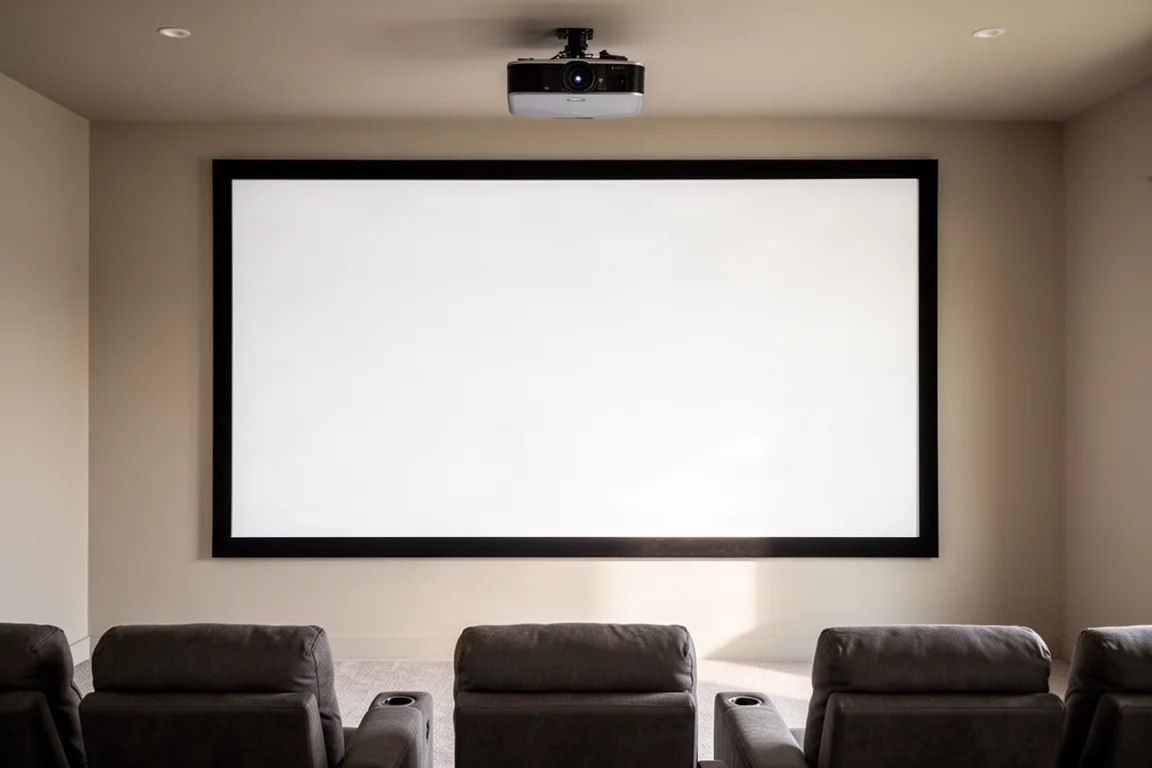
A projector screen is not a passive accessory. It is one of the most important components of a home theater or media room, and a well-matched screen will always outperform a bare wall. Walls are rarely flat enough, free of blemishes, or reflective in the right way, and the image suffers for it. A proper screen enhances resolution, color accuracy, brightness, and surface uniformity.
Stewart Filmscreen has been building screens for more than 70 years and is widely regarded as best in class, used by many of the top home theater designers. It is also the only screen company to have won an Academy Award for its screens, and it has won twice. Its customer list includes movie studios, content creators, movie houses, NASA, the Smithsonian, Dolby Labs, and Disney.
This guide covers the decisions that matter before you buy, then looks at four Stewart options: two screen materials and two frame styles.
Aspect Ratio and Room Dimensions Come First
Start with aspect ratio. If the room is primarily for movies, a 2.4 aspect ratio screen delivers a better movie-watching experience. If sports, news, and general television dominate, a 16:9 screen is the better choice.
Most rooms end up showing a mix of content, so room dimensions usually decide it. If the room is constrained in width but not in height, 16:9 lets you fit the biggest picture without sacrificing widescreen movies. If the room is constrained in height but not in width, 2.4 lets you fit the largest screen possible without compromising viewing angles from any row of seating.
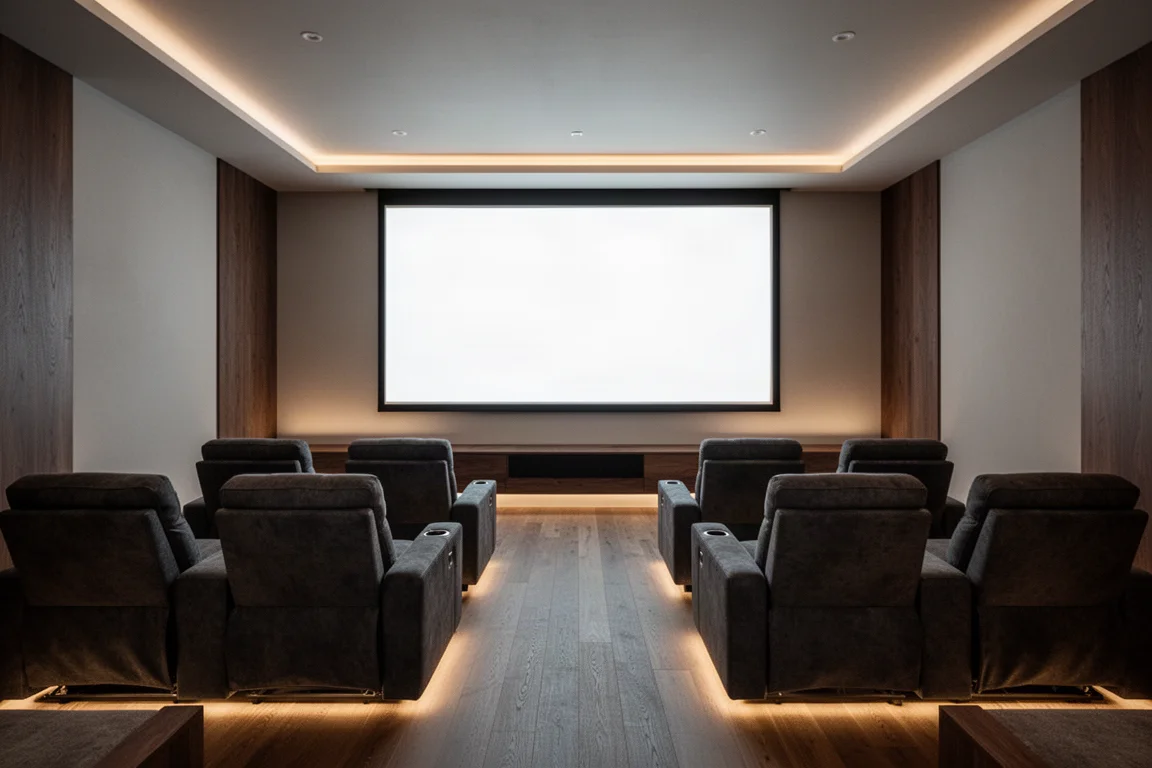
Getting this wrong is expensive, so it is worth checking screen size and aspect ratio against your actual seating positions before you order.
Screen Size, Seating, and Acoustically Transparent Options
If you want the room to feel like a cinema, bigger is usually better, but size has to be balanced against viewing angles from every row. Once size and aspect ratio are settled, decide whether you want an acoustically transparent screen.
In commercial cinemas, the main front speakers sit behind an acoustically transparent screen so the sound appears to come out of the picture itself. At home, in-wall or relatively thin speakers can go behind an acoustically transparent screen, or, with enough room depth, you can build a false wall and hide large speakers behind it.
There are two families of acoustically transparent material. Woven material looks similar to speaker grille cloth and lets you place speakers quite close to the screen, which suits in-wall designs. Perforated material uses tiny holes, producing a flatter screen surface that is often argued to give better color saturation and detail, but speakers typically need to sit about 8 to 12 inches in front of the screen, and perforated screens introduce some high-frequency roll-off, so room correction is worth planning for.
Either way, plan the space behind the screen. Dark acoustic panels on the back wall help, and with in-wall speakers you will usually remove the grilles and make sure everything behind the screen is perfectly black. An acoustically transparent screen requires more planning and generally costs more than the same size non-transparent screen, but the effect is worth it if the budget allows.
Screen Gain and Surface Color Explained
Screen material comes in white, gray, and even near-black surfaces, and each is described by a gain figure, usually somewhere between 0.8 and 2. Gain measures reflectivity: it is the ratio of light reflected from the screen compared with light reflected from a standard magnesium oxide board. A gain of 1.0 reflects the same amount as a white board, 1.5 reflects 50 percent more, and a gray screen rated 0.8 reflects 80 percent.
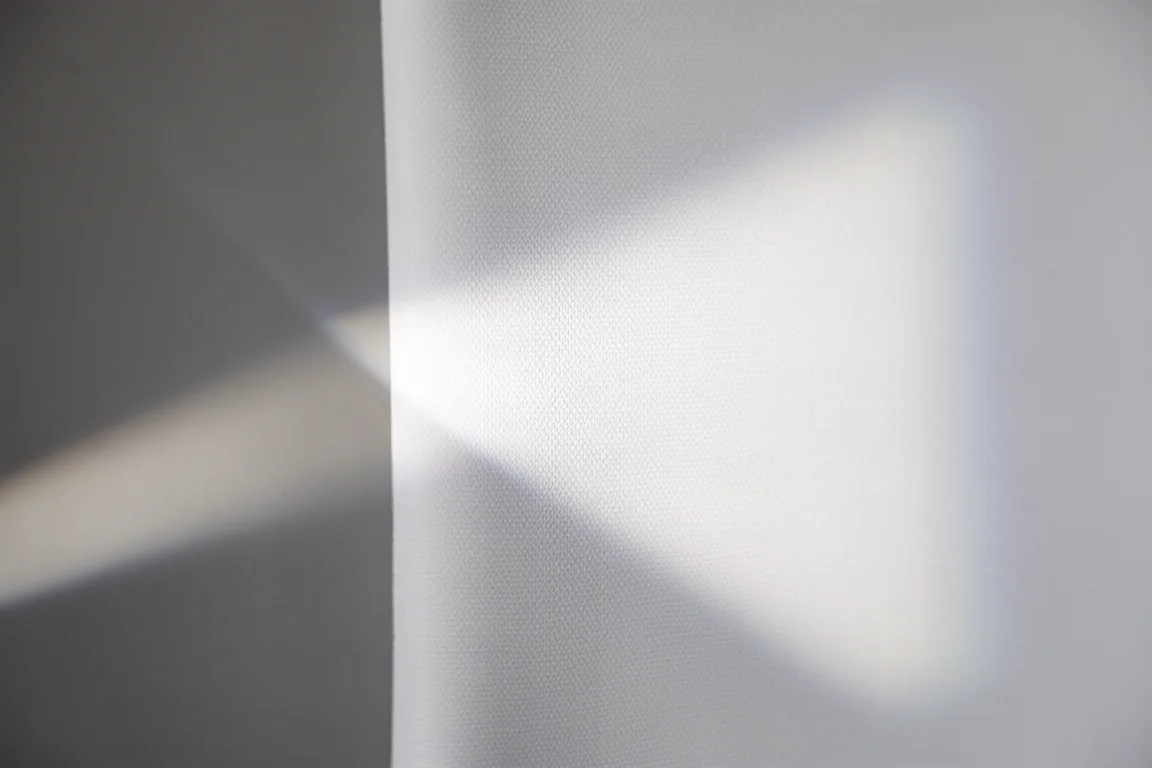
White screens generally run from about 1.0 to 1.4, with matte white around 1.0. White surfaces tend to give the most accurate picture reproduction and a very wide viewing angle, so the image holds up when you are not perfectly centered. A gain of 1.3 is a strong balance between brightness, coverage, and other performance trade-offs, while 1.0 is considered close to perfect for accuracy if your projector has enough output for the screen size.
Gray and near-black screens suit rooms where light cannot be fully controlled. They are not quite as color accurate as white, but in a bright, multi-use family or media room they hold up far better than a white surface.
Stewart offers more than 30 screen materials, made to order in its California factory using proprietary multi-layer formulations designed for a uniform, long-lasting picture.
Stewart Filmscreen StudioTek 130 G4: The Dark Room Standard
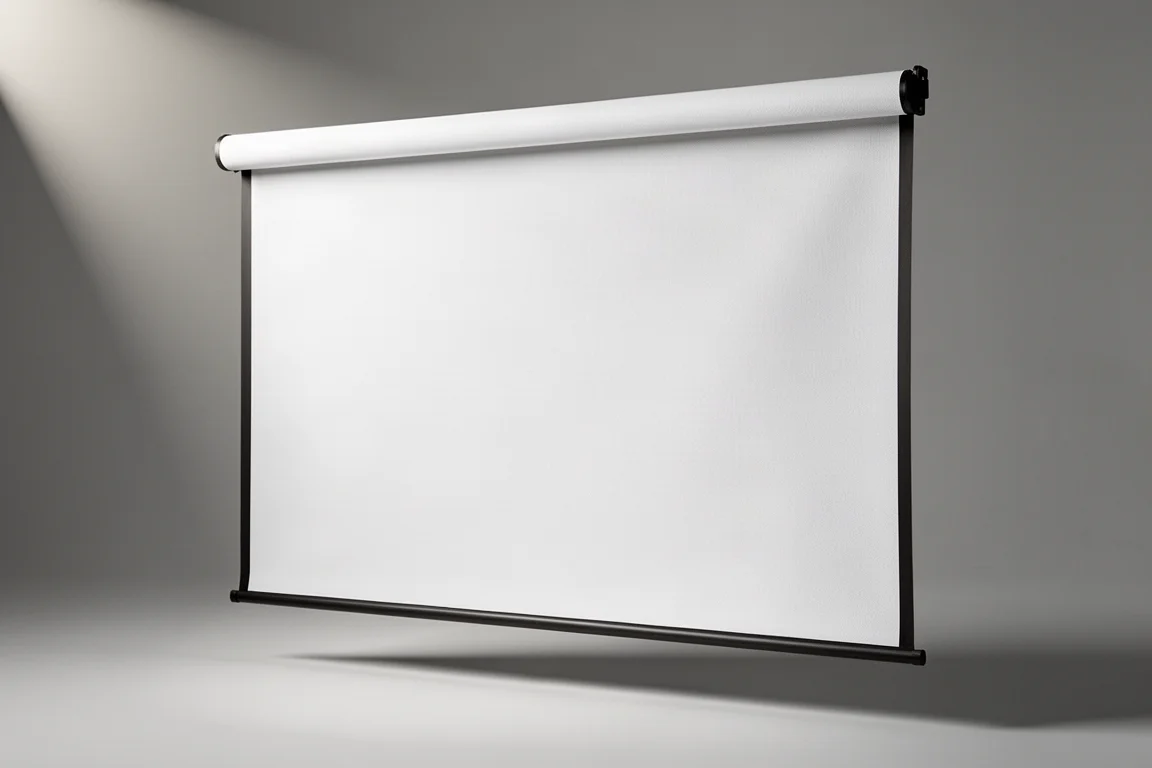
StudioTek 130 G4 is the material that fits most dedicated dark rooms. With good light control it makes HDR content look fantastic, and it is one of the two most popular materials in the quick ship program, so it can leave the factory within 24 business hours of an order. The catch is the room itself: this material depends on proper light control to perform at its best.
Stewart Filmscreen FireHawk: Built for Rooms With Ambient Light
If the room has a lot of ambient light, FireHawk is the better pick. It is designed to enhance black levels in a room with some light, which makes it a practical choice for living spaces that cannot be darkened completely. Like StudioTek 130 G4, it is part of the quick ship program.
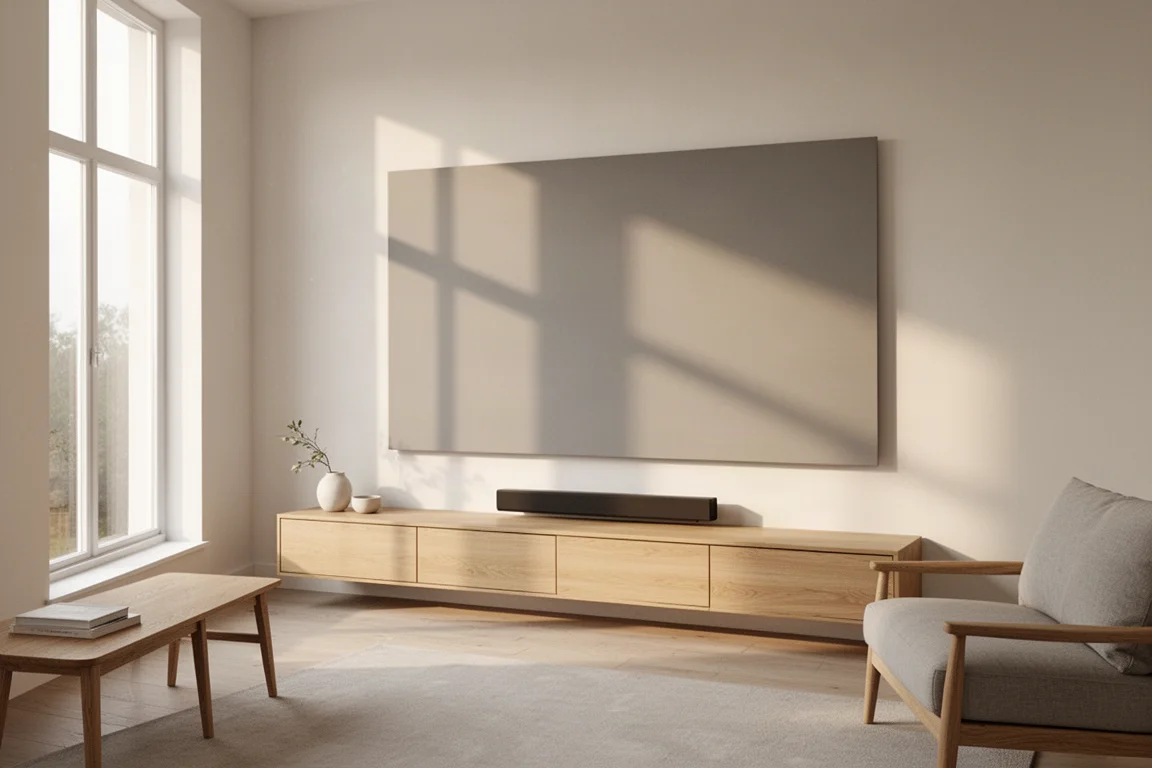
FireHawk sits in the high-contrast family, which means it trades a little color accuracy relative to a white screen in exchange for better performance in a bright room.
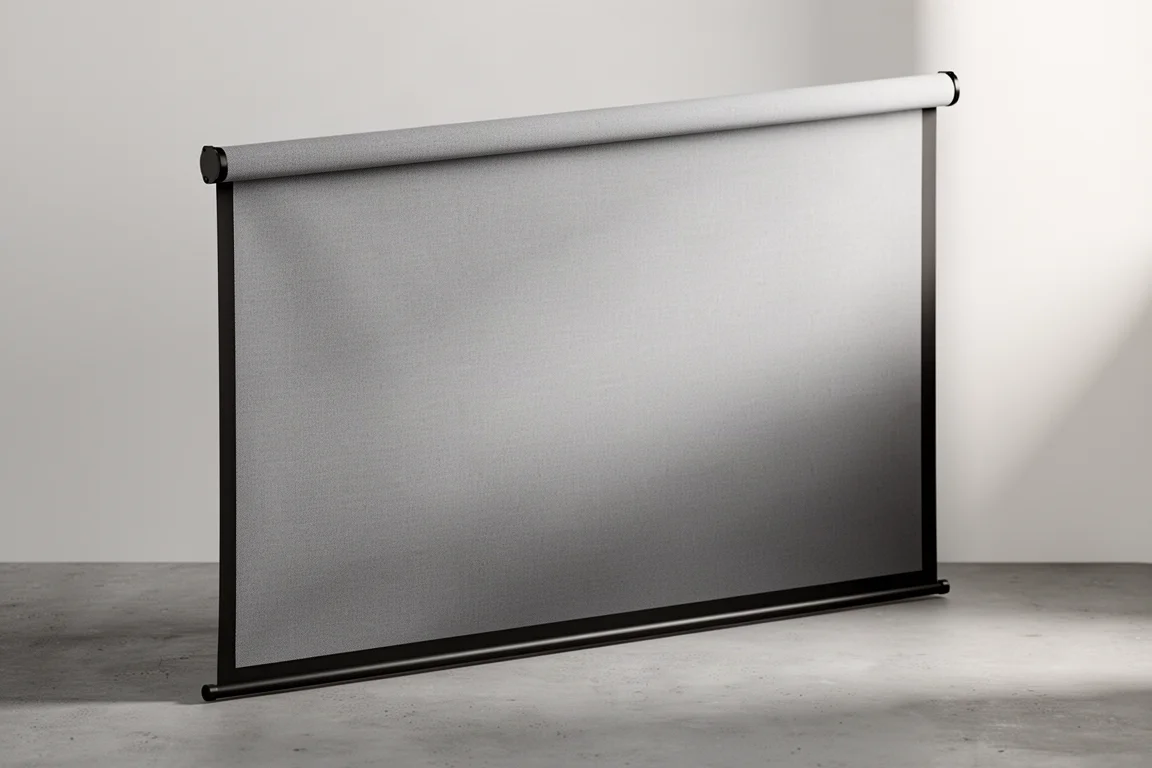
Stewart Filmscreen WallScreen Deluxe: A Wider Border That Helps Alignment
WallScreen Deluxe is a fixed, wall-mounted frame with a 3.25 inch border, finished in Stewart Velux, a light-rejecting material. Fixed frames are the best and least expensive mounting choice for a typical dedicated theater, and the black border makes the picture pop. The wider border also makes projector alignment noticeably easier, which matters if you are installing the screen and projector yourself.
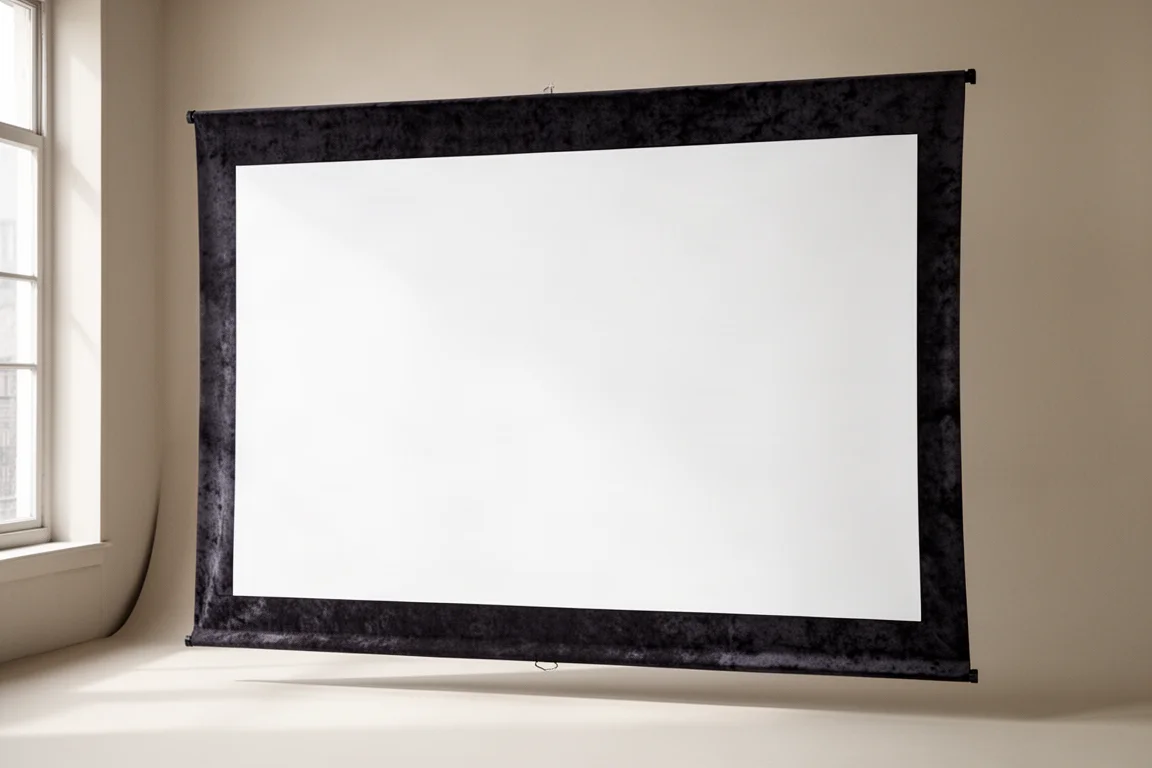
Stewart Filmscreen Balón Edge: A Minimal Border for a TV-Like Look
Balón Edge is the other frame option, with a half inch border that makes the screen read like an enormous television. It is also coated in Stewart Velux light-rejecting material. The near edge-less look is striking, but it demands precision when mounting the projector, since there is very little border to absorb alignment error.
Overall Buying Advice
Quick ship screens are offered in 16:9 at 110, 120, or 135 inches diagonal, and the program also includes an ultra short throw 16:9 120 inch option. Choosing between them comes down to material, frame, and size.
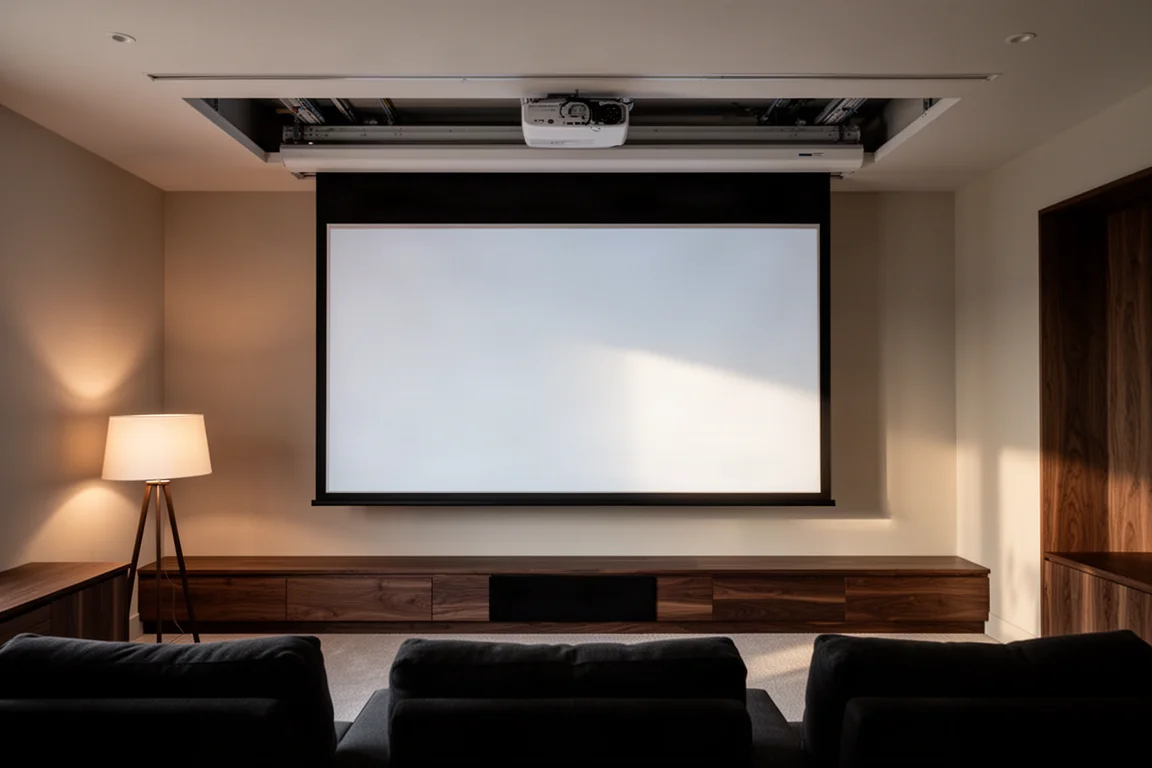
Custom Stewart screens take longer, sometimes up to 12 weeks, so plan ahead if your project has a deadline. The compensation is longevity and flexibility. Stewart screens are seamless all the way up to 40 by 90 feet, uniformity and color accuracy hold up across the whole surface and off axis, and you can upgrade the screen material later while keeping the frame. Stewart keeps a record of every serial number and how each screen was designed to mount, so a replacement can be reproduced accurately, which is especially valuable if the frame includes expensive masking.
Conclusion
A projector screen is the kind of purchase that outlasts projector technology, much like a good pair of speakers. If you have full light control, StudioTek 130 G4 is the natural starting point. If ambient light is part of the room, FireHawk handles it better. Then pick the frame: WallScreen Deluxe for easier alignment and a classic bordered look, or Balón Edge for a minimal, television-like finish.
Further reading
Related Reviews

Backpacking Gear
Building a 10 lb Base Weight: An Ultralight Backpacking Gear List
A practical walkthrough of the ultralight pieces behind a 10 lb base weight, from a 765 g pack and a roomy one-person tent to a full camp chair and a dependable water filter.

Road Bikes
10 New Road Bikes Worth Watching: Aero, Titanium, Steel and Endurance Standouts
A practical roundup of 10 new road bikes, from aero flagships chasing single-watt gains to titanium, steel and endurance platforms built for real roads.

Bikepacking Gear
11 Bikepacking Essentials for Long-Distance Cycling
Eleven bikepacking essentials for long-distance cycling, from a steel gravel frame and a two-person tent to helmet lights, packable gloves, and a frame bag that puts weight in the right place.