Astrophotography Software
Best Solar Eclipse Automation Software: 5 Options for Photographing Totality Hands-Free
Five dedicated eclipse automation tools compared, from free Mac apps to Windows powerhouses, so you can capture Bailey's beads and diamond ring without fumbling with settings.
Introduction
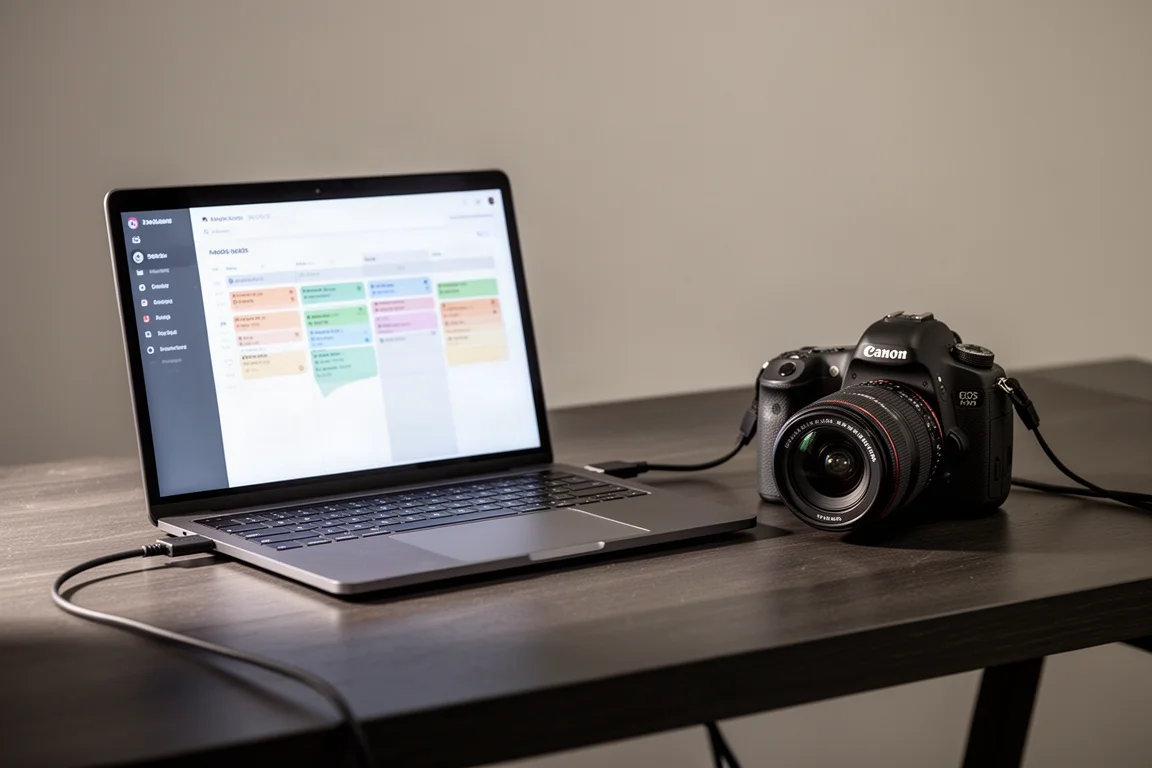
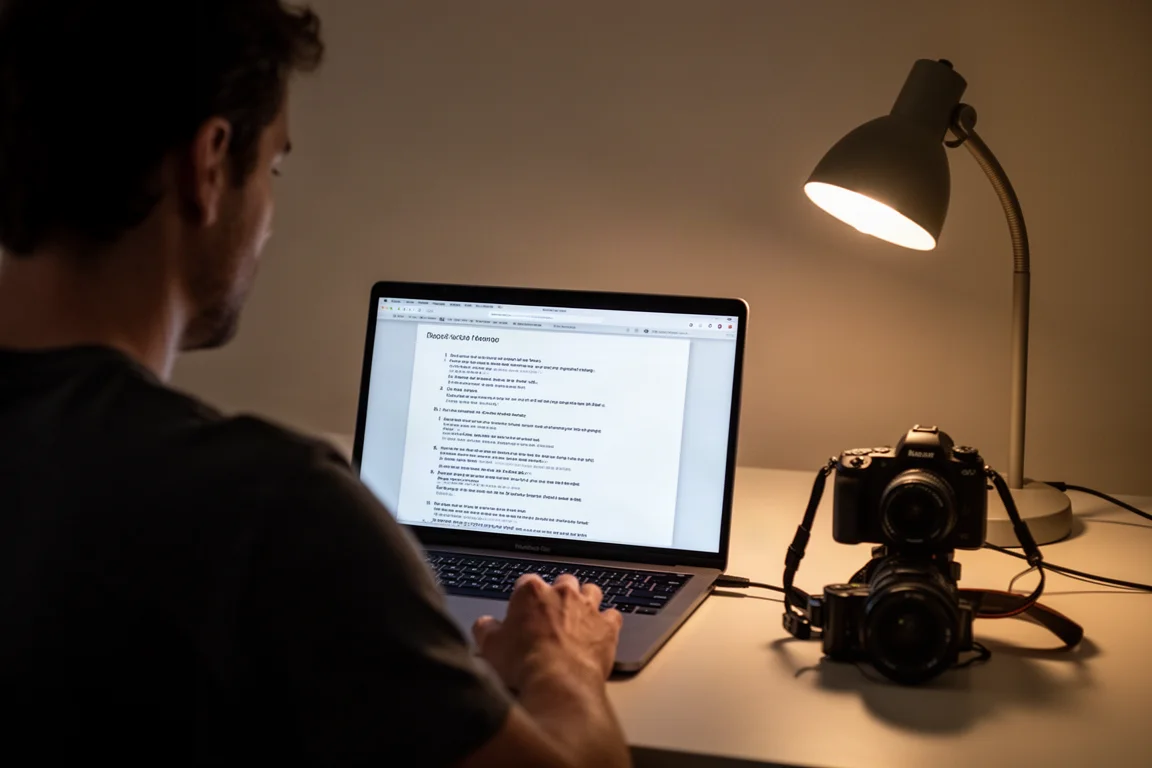
If you plan to photograph a total solar eclipse, automation software deserves serious consideration. The idea is simple: your camera connects over USB to a laptop or Android phone, and the software sends commands telling the camera when to shoot and which shutter speed to use, timed precisely to eclipse events like first contact, second contact, and third contact.
The advantages are twofold. First, it frees you to actually watch totality instead of fumbling with camera settings. Second, eclipse events such as the diamond ring and Bailey’s beads sequence around second and third contact happen very quickly, and automation helps you get the most shots out of those fleeting moments, which is exactly how compelling progressions of Bailey’s beads into the diamond ring get built.
The trade-off is complexity. A laptop adds gear to bring, extra power needs, and more chances for something to go wrong. Laptop batteries can drain unpredictably in heat, so a backup power solution with AC outlets is worth considering, and a blackout shroud or tent over your laptop makes the screen usable in daylight. Many of these tools also support a USB GPS receiver for accurate location and time data, though each program recommends different receivers, so check before buying. Most importantly: practice, practice, practice, and keep a simpler manual or intervalometer backup plan you have also rehearsed, in case the advanced setup fails on eclipse day.
Why Automate Your Eclipse Imaging
All of these programs work in a broadly similar way. They run a script timed to the standard eclipse events, then trigger captures for Bailey’s beads, diamond ring, earthshine, and inner and outer corona, each of which needs different shutter speeds. The tools covered here are projects verified as still under active development and able to trigger camera captures accurately using your location and time for the eclipse events.
A few universal tips apply regardless of which program you choose. Format your memory card before connecting the camera, since tethered shooting works faster with an empty card. Practice indoors on cloudy and rainy days as well as sunny ones, and when you do practice with the sun, always use an appropriate solar filter. If your camera falls behind the script during practice, reduce shot counts or adjust the burst interval until the timings line up.
Eclipse Orchestrator
Eclipse Orchestrator is a Windows option with a free basic version and a more advanced pro version that costs $109. It supports almost every Canon DSLR and many Nikon DSLRs, and there is a beta version that adds support for more Canon mirrorless cameras. One detail worth noting: like some other tools, the pro version reportedly has a blackout period about a week before the eclipse, so buy early if you want it.
Setup follows a familiar pattern: pick your camera in the hardware configuration, set aperture and mount details, choose the event, then run through the script wizard to define exposure limits, file type, and voice prompts. In testing, the free version confirmed compatibility with a Canon EOS Ra and fired the shutter reliably. The free tier limits which phenomena you can script, so serious users would likely want the pro version, but the paid features look worthwhile for a full automated run.
SET’n’C (Solar Eclipse Timer and Camera Controller)
SET’n’C is a free Windows program built around an exposure table concept. After setting your site coordinates and connecting your camera, you build tables for each phase: partial-phase shots at set intervals, a Bailey’s beads window that extends a configurable number of seconds around contact, and a totality loop that cycles shutter speeds from 1/1000th up to several seconds, repeatedly, as often as possible.
That looping structure is the interesting part. Rather than pre-programming exact exposures, SET’n’C can simply cycle through a range, which will probably work, though the guidance suggests it is better to determine the correct exposure for your filter and lens during practice and shoot at that speed deliberately. The defaults for Bailey’s beads lean conservative at 1/1000th, and shorter exposures like 1/8000th are generally favored for beads, so plan to customize. A test mode runs through the whole exposure table so you can verify the camera keeps up. In testing it connected fine to a Canon EOS Ra and executed a full run correctly.
Capture Eclipse
Capture Eclipse is a free Mac App Store app for newer versions of macOS, including M1, M2, and M3 Macs, and it supports many Canon DSLR and mirrorless bodies up through 2023-era cameras such as the R8 and R6 Mark II. There is one urgent caveat: the app becomes unavailable starting March 25, so if you want it, download it immediately. The reason is understandable, since developers do not want customers expecting last-minute technical support, but it means late deciders are out of luck.
The setup flow is polished. You select the eclipse and enter your site coordinates, choose camera options like mount type, aperture, solar filter type, and preferred and maximum ISO, then run a burst test that determines the fastest safe burst interval your camera can sustain. That burst speed matters because it dictates how many images you capture during the rapid Bailey’s beads and diamond ring sequences. Voice cues announce filter changes, a check-focus reminder is built in before totality, and a convenient detail is that the camera’s own screen stays live during tethering, so you can focus on the camera body rather than the laptop. In testing, one rehearsal came up slightly short on diamond ring shots before the Bailey’s beads burst, which is precisely the kind of thing repeated practice catches; reducing the diamond ring shot count and rerunning fixed it.
Solar Eclipse Maestro
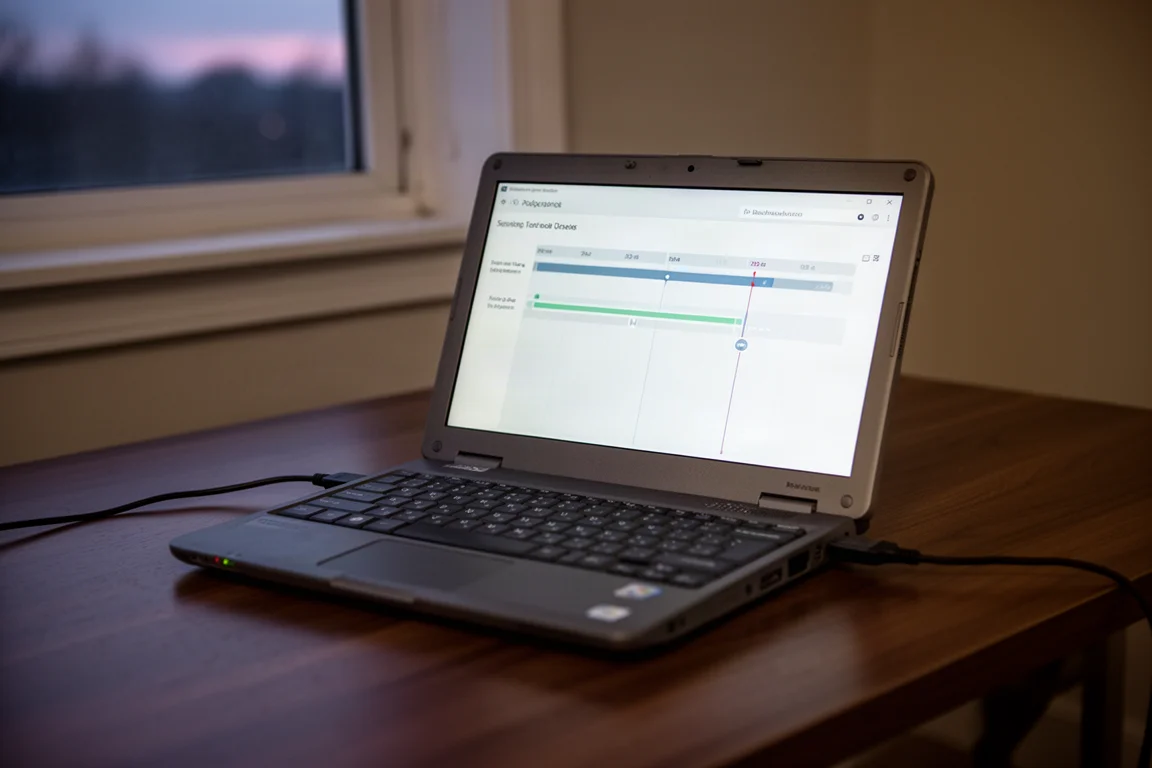
Solar Eclipse Maestro is free, though the creator suggests a donation if you use it, and it runs only on older versions of macOS up to Mojave. That means you need either an older Intel Mac or a virtualized Mojave installation. If you can get it running, it offers the widest camera support of the bunch: Canon and Nikon DSLRs, Sony DSLRs, some mirrorless bodies, many Fujifilm and Olympus digital cameras, and even SBIG CCD cameras.
The interface is busier than its Mac successor, with rich display options including Bailey’s beads simulation that are genuinely fun to explore. Setup runs through a configuration wizard where you pick the eclipse, set your location, and define shot counts for each phenomenon: uneclipsed sun, partial phases every 2% of magnitude by default, diamond ring, Bailey’s beads, chromosphere, and prominences. A “fill” option maximizes the number of different corona exposures captured within totality rather than just taking a fixed pair per phenomenon. One quirk: after generating a script it does not load automatically, so remember to load it manually. The script is a text file you can edit line by line if you really know what you are doing, though the wizard defaults exist for a reason.
Eclipse Droid
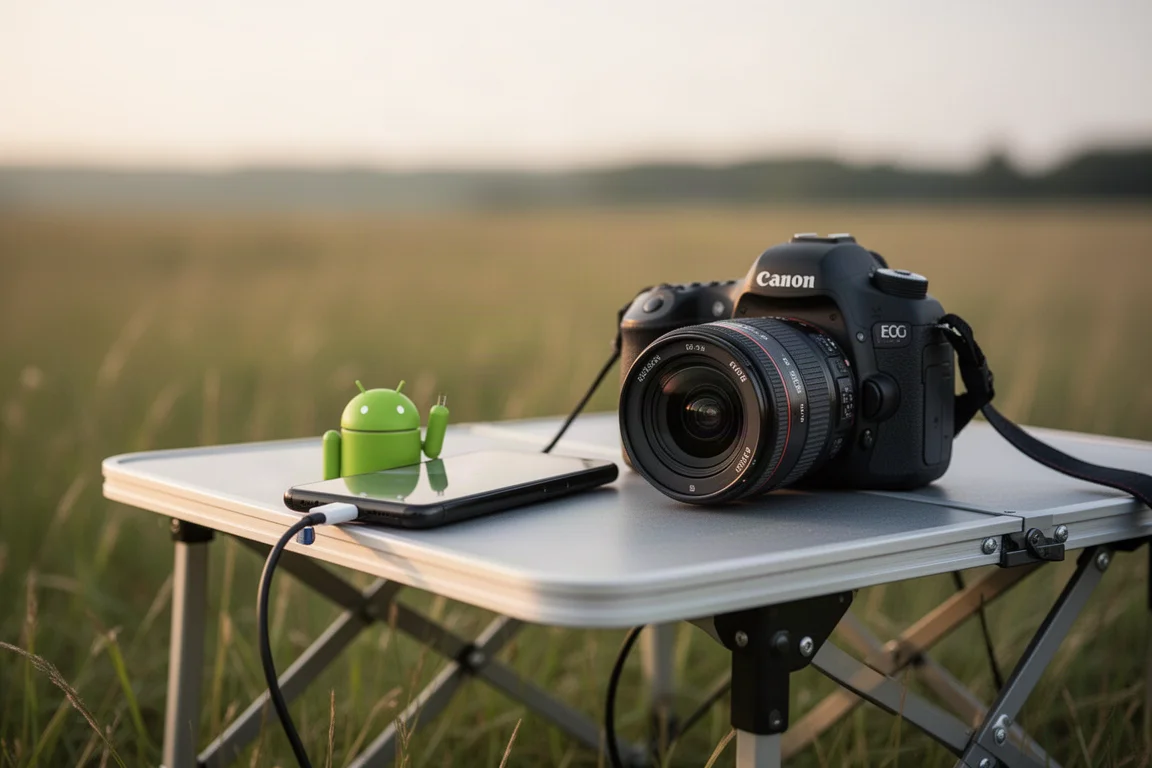
Eclipse Droid is the Android option, priced at $2.99 on the Google Play Store, and it works with several Canon and Nikon DSLRs. A free version also exists on the store, though the differences are unclear, and paying the small amount for the full feature set seems like the sensible route if you want to try it.
The app lets you pick your location on a map, tells you whether the eclipse is total from that position and how far away it is, and runs a countdown simulation leading up to second contact just like the desktop tools. You edit an actions list under settings to define which pictures to take, and the phone then triggers the camera over USB at the right moments. Testing could not confirm the full capture pipeline without the correct cable and camera combination, but the interface and simulation mode work as expected, and for photographers who would rather not haul a laptop, a phone-based solution is genuinely appealing.
Buying Advice
Start with compatibility, since it decides everything: Windows users have Eclipse Orchestrator and SET’n’C, modern Mac users have Capture Eclipse, older Macs have Solar Eclipse Maestro, and Android users have Eclipse Droid. Then match the software to your camera body, because support lists vary widely, with Solar Eclipse Maestro covering the broadest range and Capture Eclipse focused on recent Canon bodies.
Whatever you choose, rehearse repeatedly before eclipse day, including full runs from partial phases through totality, and confirm your script matches what the camera actually recorded. Use your fastest SD card, format it before you start, sort out backup power for your laptop, and keep a simpler practiced fallback plan ready in case the automated rig fails. The software only pays off if you have already worked the quirks out ahead of time.
Conclusion
Eclipse automation is not for everyone, but for photographers chasing rapid-fire sequences like Bailey’s beads and the diamond ring, it is the difference between hoping for the shot and reliably getting it. Pick the tool that fits your operating system and camera, download early where availability deadlines apply, and put in the practice sessions. Clear skies.
Further reading
Related Reviews
Astrophotography Software
AstroWizard vs Siril vs PixInsight: A Practical Comparison for 2026
We compare three astrophotography processing tools across real images, looking at ease of use, control, and final results.
Astrophotography Software
RC Astro Tools Standalone: Blur, Noise, and Star Exterminator Explained
RC Astro's Blur Exterminator, Noise Exterminator, and Star Exterminator are now available outside PixInsight, bringing advanced processing to free software like Siril.
Astrophotography Software
Affinity V3 for Astrophotography: A Free Photo Editor That Takes Deep Sky Processing Seriously
A hands-on look at the new free Affinity by Canva for deep sky astrophotography, including stacking, star removal, and noise reduction workflows.