Astrophotography Software
Affinity V3 for Astrophotography: A Free Photo Editor That Takes Deep Sky Processing Seriously
A hands-on look at the new free Affinity by Canva for deep sky astrophotography, including stacking, star removal, and noise reduction workflows.
Introduction
Affinity, now owned by Canva, recently made all of its applications completely free alongside a major update to version 3. That alone would be news for budget-conscious creators, but for astrophotographers there is a more interesting question: do the deep sky processing tools that made Affinity Photo popular still exist in the new unified app, and do they work well?
The short answer is yes, and in some ways the new version is easier to recommend than ever. The astrophotography stacker, background removal, nondestructive adjustment layers, and plugin support are all present. With the addition of free third-party macros, Affinity V3 covers nearly the full deep sky workflow, from raw light frames to a finished export, at no cost beyond optional plugins.
Who This Software Is For
Affinity by Canva for desktop runs on macOS and Windows. There is no Linux version, so Linux users will need to look at other free options. You do need to create a Canva account to download the app, but beyond that there is no paywall.
The new version consolidates what used to be separate products into a single application. For deep sky work, the module you want is now called Affinity Pixel, which is the successor to Affinity Photo. Make sure you switch to the Pixel workspace when you open the app.
This software makes the most sense for deep sky astrophotographers who shoot with dedicated astronomy cameras, whether one-shot color or mono, and who want a layer-based editor without an ongoing subscription. It is especially compelling for Photoshop users frustrated by rising monthly costs.
Main Strengths
The astrophotography stacker is the headline feature. Under File, New, Image Process, Astrophotography Stack, the interface changes entirely and lets you organize light, bias, dark, and flat frames, with support for multiple file groups for multi-night projects and seven common filter slots for mono shooting. One-shot color users can simply leave the filter field blank.
Sigma clipping is available for rejecting satellite trails and dithered hot pixels, the Bayer pattern can be inferred automatically, and a percentage-based best-frame selection lets you cull weaker lights. Stacking ran through calibration, registration, and integration of a test set of 20 three-minute subframes of the Orion Nebula taken with a ZWO ASI2600MC and an Askar 71F, and the stacked result showed clearly more detail than any single frame. One gripe: the process gives little feedback about what it is doing at any given moment.
Beyond stacking, the background removal tool under Pixel Filters takes a refreshingly simple approach. Instead of placing many samples, you use a single picker, click on a representative patch of empty sky, and the tool does a solid job of neutralizing the background. Just avoid sampling directly on the nebula, and keep the output black level reasonably high if you want to preserve faint dust for later processing.
Layer-based editing is where Affinity feels most familiar to Photoshop users. Adjustment layers remain fully editable at any point, and clipping an adjustment to a single layer works slightly differently: instead of alt-clicking between layers, you drag the adjustment layer onto the target layer and choose Place Inside. Once you know the trick, it is just as flexible.
Luminosity range masks are easy to build as well, which matters when you want to protect high-signal areas from aggressive noise reduction or restrict a curve to the darkest shadows.
Plugin and Macro Ecosystem
Two third-party additions elevate the whole workflow. First, James Ritson’s free astrophotography macros, installed through the Pixel library with a simple drag and drop, provide multiple stretch options beyond the built-in basic tone stretch, including arcsine, logarithmic, color-preserving, and neutral tone stretches. In testing, the arcsine stretch made a strong starting point, while the color-preserving stretch proved very contrasty even at reduced opacity. The macros are free, with an optional donation on the author’s site.
Second, Russell Croman’s RC Astro plugins integrate directly. Star Exterminator runs inside Affinity, splitting the image into starless and stars-only layers that can be blended with a screen mode and processed independently, which makes it easy to boost nebula saturation without oversaturating stars. Noise Exterminator, trained on astrophotography data, removed substantial color noise and high-frequency grain in shadow areas while leaving luminous detail intact, and a luminosity mask on top of the noise reduction layer offers further insurance.
If you skip the paid plugins, the free Starnet workflow still works by exporting a TIFF and reimporting the starless result.
Things to Consider Before Switching
The biggest trap is the default display transform. Even with the basic tone stretch turned off, the canvas does not look truly linear because of a view mode that previews how the image would appear as a JPEG. To see a genuinely linear view like you would in other astro software, go to Window, Pixel, 32-bit Preview and switch the display transform from ICC to unmanaged.
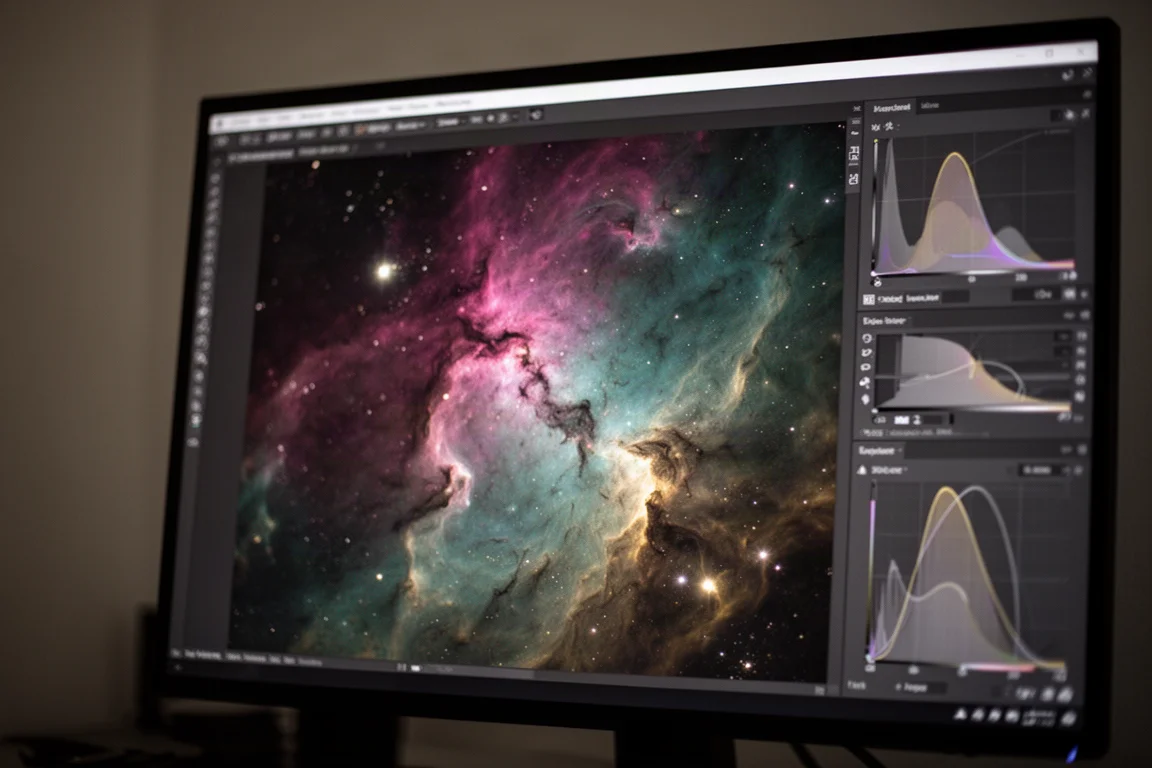
Here is the important part: the underlying data is still 32-bit linear either way. But if you continue processing in Affinity, turn the display transform back on, otherwise your finished export will look completely different from what you edited.
Export options are otherwise generous. Quick PNG and JPEG export buttons sit in the toolbar, and the full Export dialog adds TIFF and even PSD output, which is handy while transitioning from Photoshop. Saving in the native Affinity format preserves all layers for future edits.
Buying Advice
Affinity V3 is completely free. The James Ritson macros are free, with donations welcome. The only costs in this workflow are optional: Russell Croman’s Star Exterminator and Noise Exterminator plugins, which can be skipped in favor of the free Starnet round-trip if budget is tight.
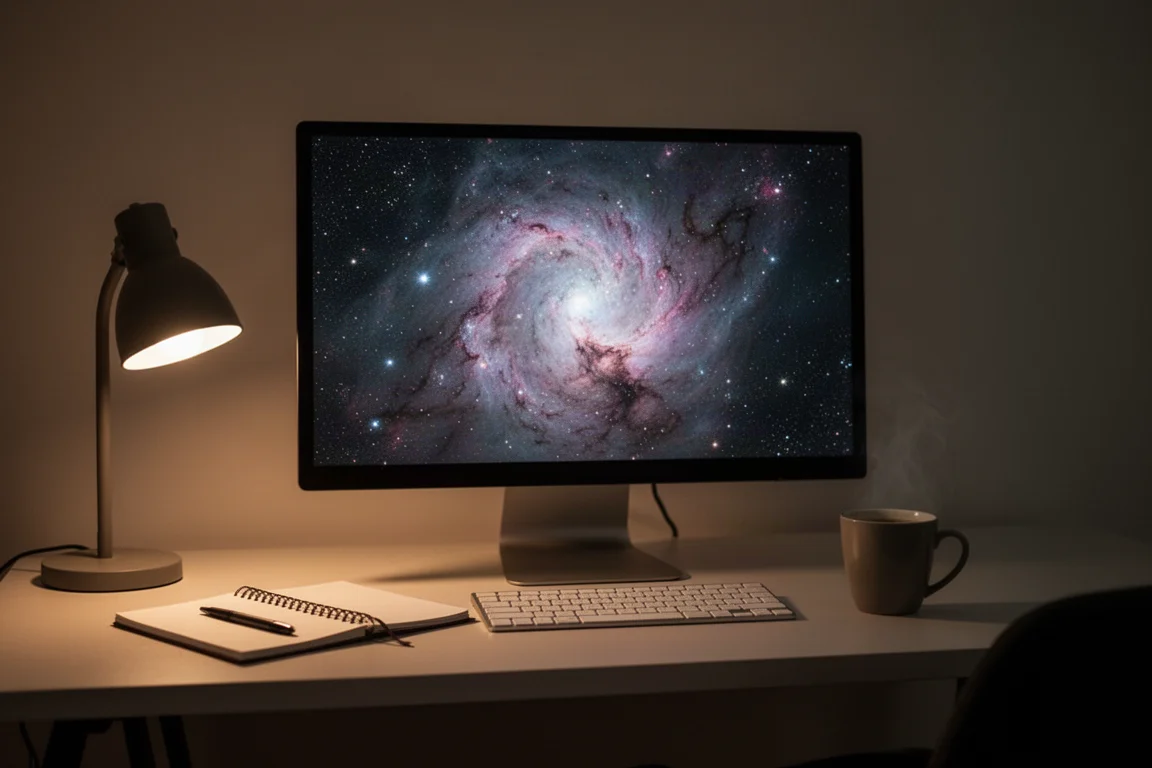
If you currently pay a monthly subscription for Photoshop and your needs are layer-based editing, astrophotography stacking, star removal, noise reduction, and flexible exports, there is little reason not to try Affinity first. The learning curve is mostly a matter of absorbing a few interface differences, such as the display transform behavior and the Place Inside clipping method.
If you shoot on Linux, or if you rely on features outside this tested workflow, verify support before committing.
Conclusion
Affinity by Canva is a remarkable deal for deep sky astrophotographers: a full stacking pipeline, capable background removal, nondestructive layers, luminosity masks, and plugin support, all at zero cost. Paired with free community macros, it covers nearly everything a deep sky processor needs, and the optional paid plugins slot in cleanly for those who want them. For anyone reconsidering an expensive photo editing subscription, this free editor deserves a serious test with your own data.
Product link
View more details for Affinity (by Canva)
This product is mentioned in the review. Check the specifications, options, and compatibility before buying.
View more details for Affinity (by Canva)Further reading
Related Reviews
Astrophotography Software
AstroWizard vs Siril vs PixInsight: A Practical Comparison for 2026
We compare three astrophotography processing tools across real images, looking at ease of use, control, and final results.
Astrophotography Software
RC Astro Tools Standalone: Blur, Noise, and Star Exterminator Explained
RC Astro's Blur Exterminator, Noise Exterminator, and Star Exterminator are now available outside PixInsight, bringing advanced processing to free software like Siril.
Astrophotography Software
Best Astro Stacking Software Compared: 8 Options for Deep Sky Astrophotography
Eight deep sky stacking programs tested with the same data, compared on cost, usability, features, speed, and final image quality.