Music Production
Softube Flow Studio vs Console 1 Compact: Which Mixing Controller Fits Your Workflow?
Two hands-on MIDI mixing controllers from Softube with different strengths. One is built for speed and creativity, the other for precision and control.
Introduction
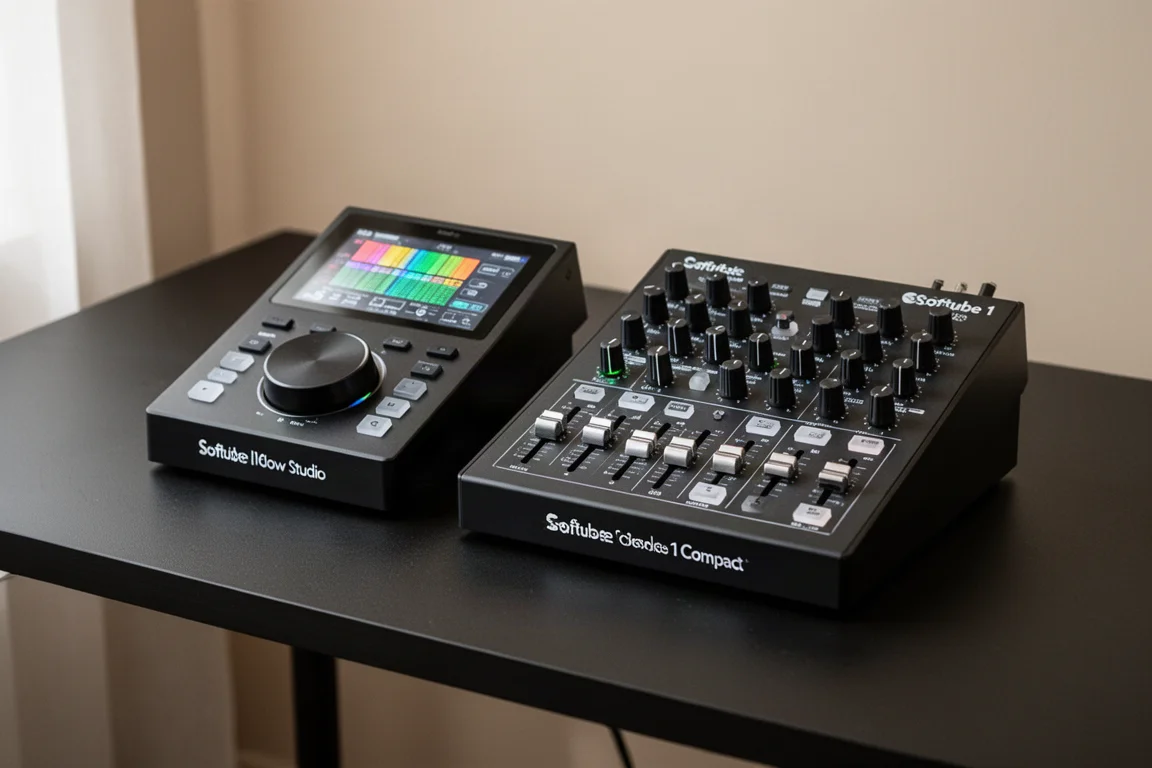
Softube has released two compact MIDI controllers designed for hands-on mixing: the Flow Studio and the Console 1 Compact. Both promise a more tactile way to work with your mix, and both include a collection of Softube plugins that sound great. They are also surprisingly close in price. If you are thinking about investing in one of them, the choice comes down to how you like to work and where you tend to get stuck in your music production.
These are not generic MIDI controllers. Everything is already mapped, so you can reach for a knob and know exactly what it controls. The goal is to keep you focused on listening to your mix instead of staring at your computer screen. Both units can control some DAW functions like track volume, pan, solo, and mute. The Console 1 Compact can do a bit more because it has more buttons and knobs. Neither unit has transport controls, so no play, stop, or record functions are built in.
Flow Studio: Speed and Creativity
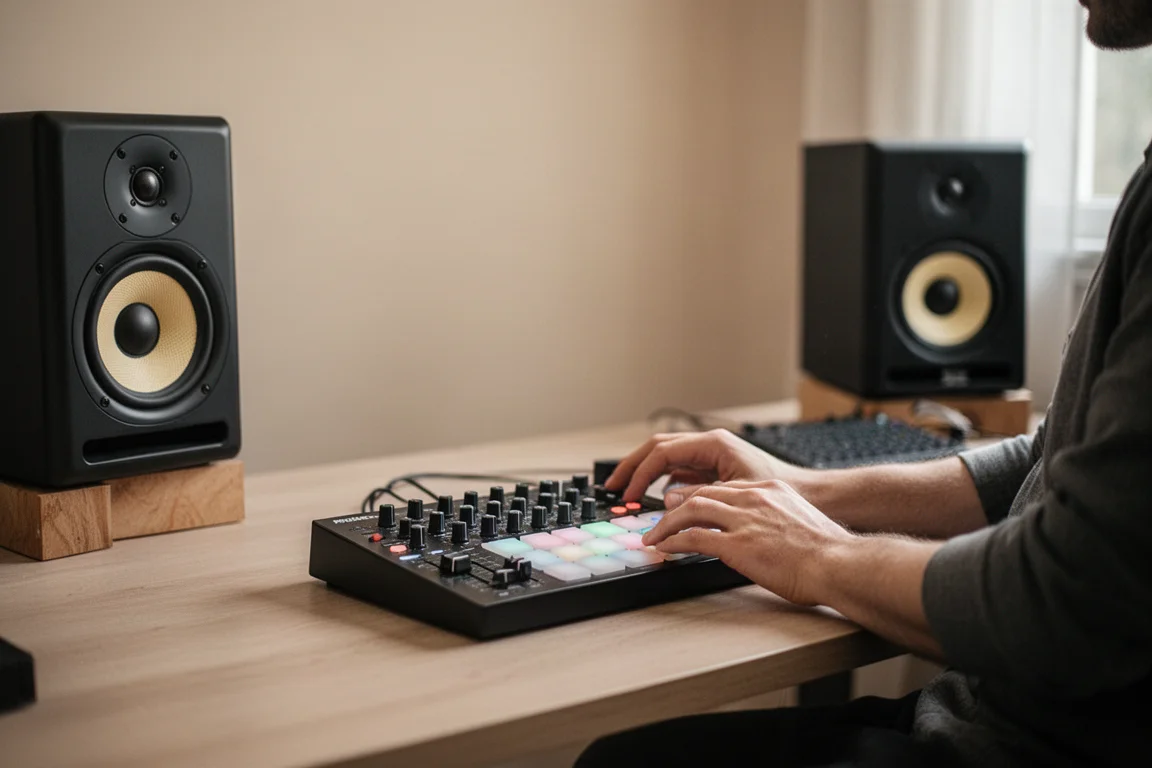
The Flow Studio is built for broad creative decisions. It comes with Softube plugins that cover drums, vocals, guitars, and synths, and it is designed to get your mix sounding good quickly. You choose a preset, and a single large knob controls the intensity of the entire preset, adjusting multiple processors at once. Four smaller knobs let you make small adjustments to individual plugins within that preset.
The included screen is a standout feature. It shows you how much of each plugin you are adjusting, and the visuals look excellent. The Flow Studio is also very easy to learn. You pick a preset, adjust the big knob, and you are basically mixing. It is the fastest way to improve a mix and it keeps you in songwriting mode.
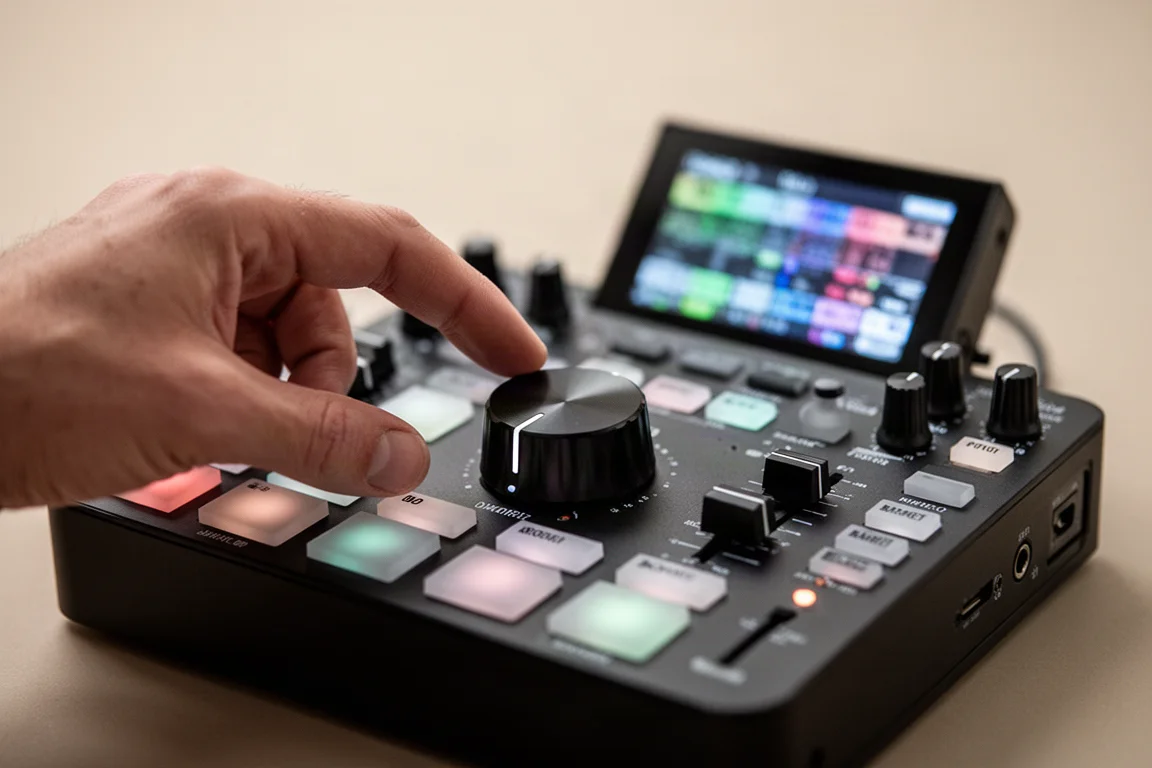
The main limitation is precision. This is not a controller for tweakers. If you want detailed control over compression or EQ, you are limited by the number of controls available. There is a detail screen where you can go deeper, but navigating it can become tedious, and at that point you might as well be looking at your computer screen.
What surprised me most about the Flow Studio is how well it kept me in a creative flow. I did not tweak much. I would put a synth part down, add the Flow Studio plugin, make it sound good enough, and keep going with the song.
Console 1 Compact: Precision and Control
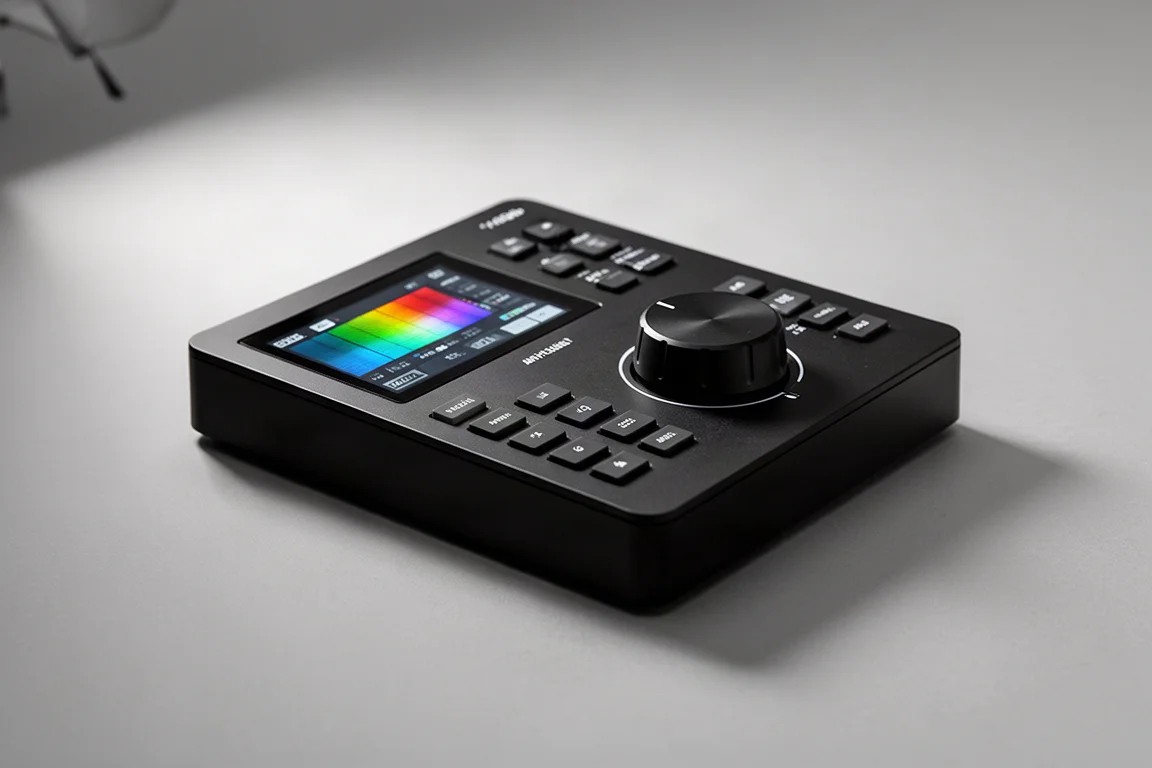
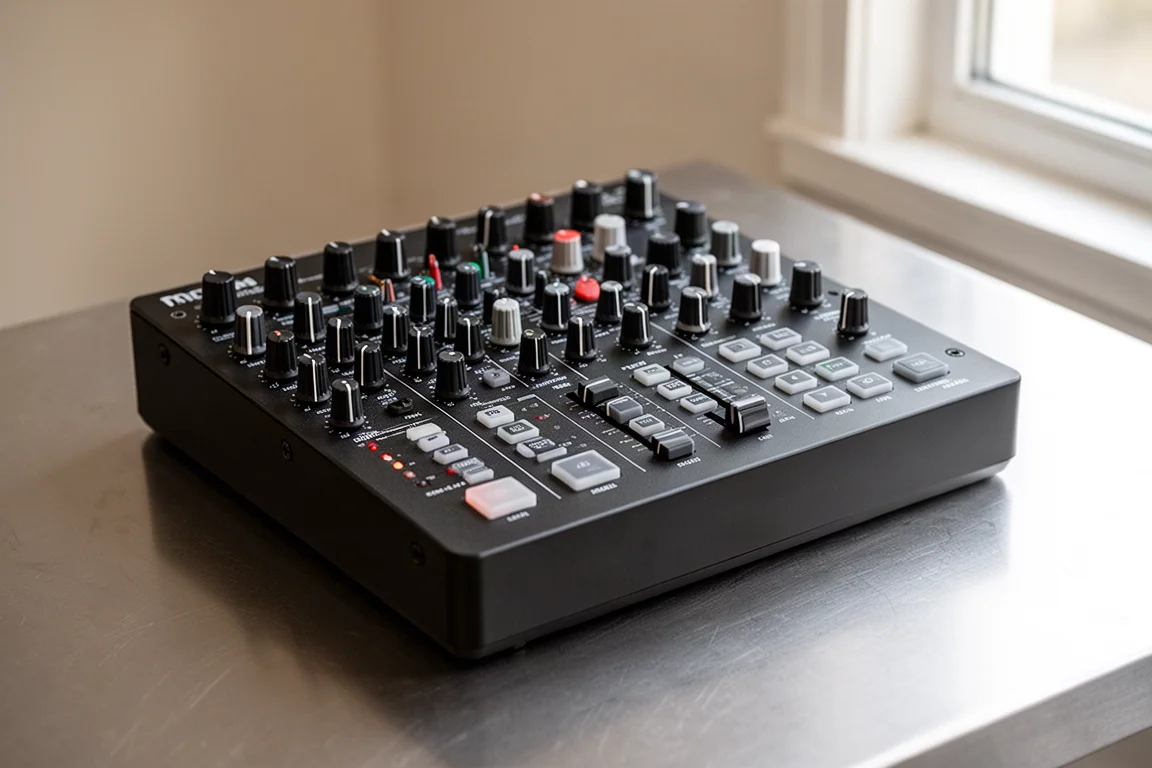
The Console 1 Compact feels like mixing on hardware. It has a dense array of dedicated controls, so you start relying on muscle memory to tweak knobs without looking at screens. You always know what you are adjusting. On the EQ side, you have low, mid-low, mids, and highs, with control over gain, frequency, and Q. Switching to dynamics gives you drive, compression, threshold, ratio, attack, and shape adjustments. There is also a filter and input gain for the preamp.
This level of control makes the Console 1 Compact much more precise and better suited for serious mixing. It also supports third-party plugins from Universal Audio, FabFilter, and Plugin Alliance, so you are not locked into Softube’s plugin world. That flexibility is a major advantage if you already have favorite plugins you want to keep using.
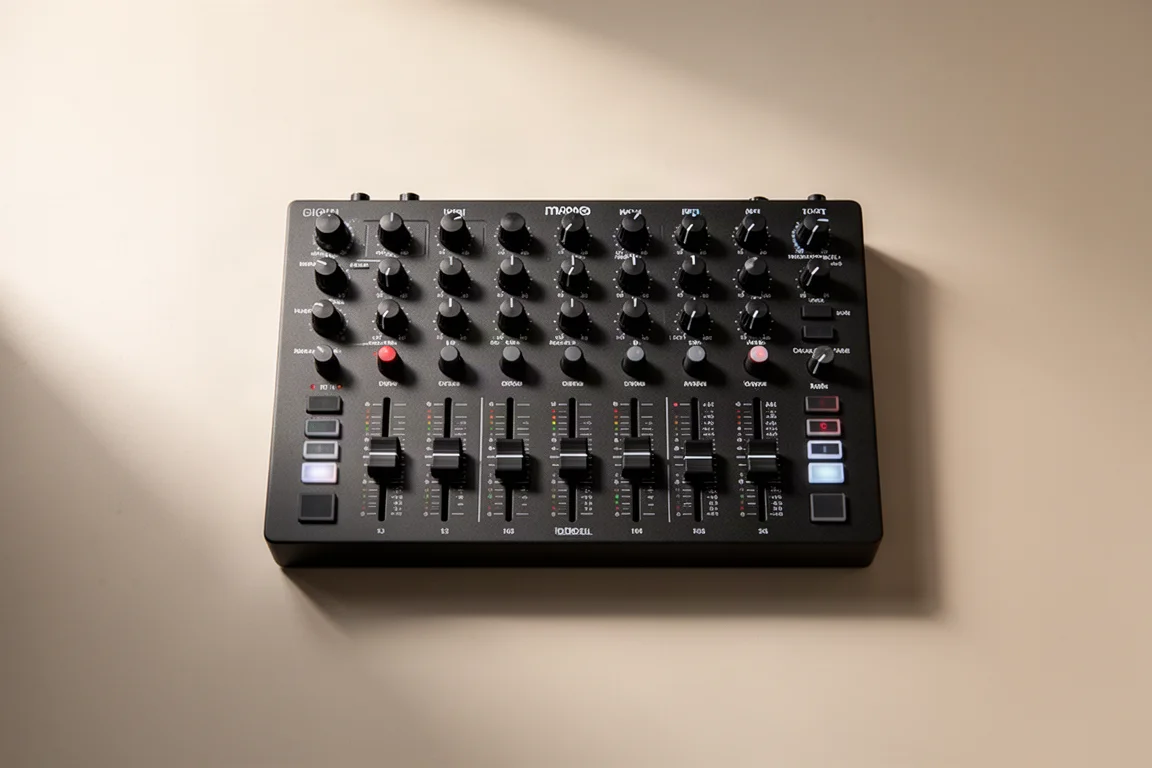
The trade-off is that you need to know some mixing basics to enjoy it. If you are unfamiliar with what Q means on an EQ or how compression really works, there will be a learning curve before you start getting quick results. It is not beginner-friendly if you are new to music production. Muscle memory also takes time to build, so you will need to spend a while with the unit before it becomes second nature.
What surprised me about the Console 1 Compact is how much I enjoyed the EQ side. I loved listening instead of looking at EQ curves on a screen. The knob layout quickly became familiar, and I found myself reaching for the right controls without thinking.
Which One Should You Buy?
The right choice depends on where you are in your music production journey and how much you enjoy mixing. The Flow Studio is ideal for songwriters, beginners, beat makers, producers who hate mixing, and demo creators. It keeps you creative and gets you to a good sound quickly without forcing you to focus on the mix.
The Console 1 Compact is better for people who enjoy mixing, engineers, experienced producers, and those who are learning proper mixing technique. If you enjoy fine-tuning and mixing is your craft, it is a better long-term investment.
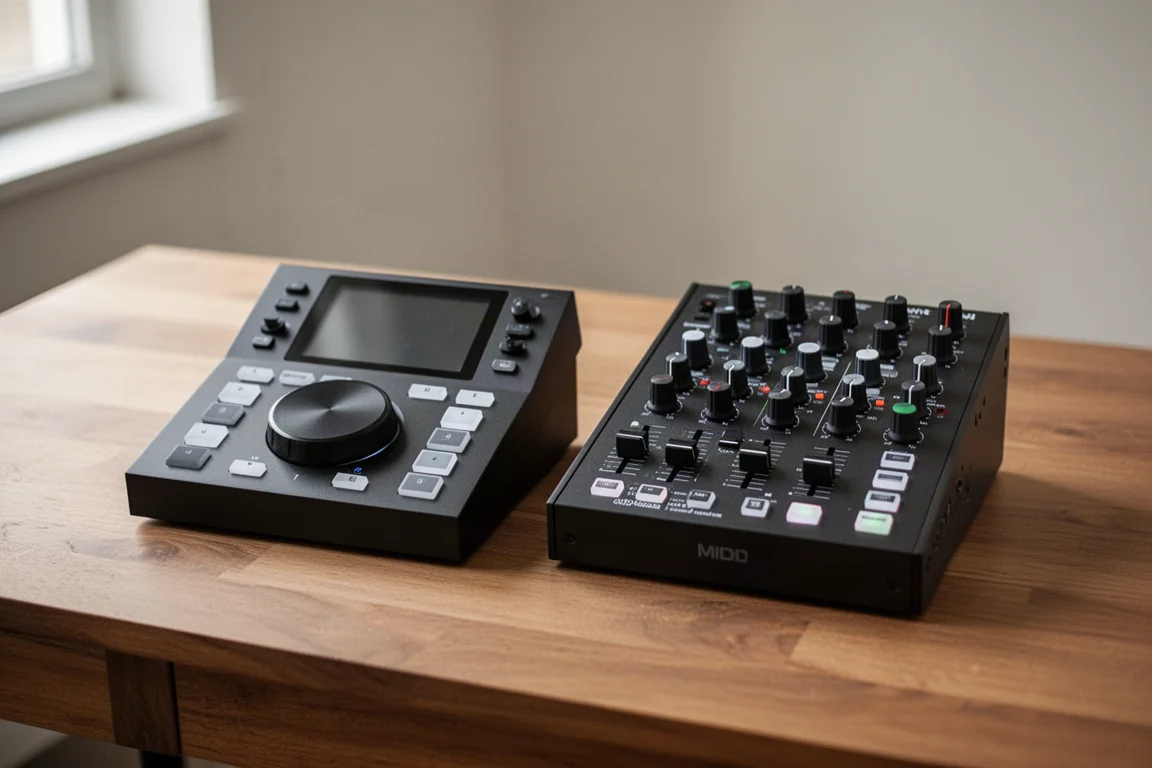
There are other MIDI controllers on the market, including the larger Softube Console 1 and the SSL UC1, but many of those lock you into their own plugin ecosystems. The Console 1 Compact stands out because it gives you access to interesting third-party plugins while keeping a consistent, predictable control layout.
My own recommendation is that the Flow Studio is super easy to recommend. It is small, easy to travel with, and excellent if you are a songwriter or want to stay in inspiration mode. If you are serious about being a mixer or want detailed control, the Console 1 Compact is a nice choice because it is a smaller version of the bigger Console 1. Buy what is good for your workflow, not for the feature list. The right one is the one that removes friction in your studio.
Conclusion
Both the Softube Flow Studio and the Console 1 Compact are well-built, hands-on mixing controllers that come with great-sounding plugins. The Flow Studio is about speed and creativity, getting your mix to sound good enough so you can keep writing. The Console 1 Compact is about precision and technique, giving you detailed control over EQ, compression, and drive. Choose the one that matches how you work, and you will find it becomes a natural part of your studio setup.
Further reading
Related Reviews
Music Production
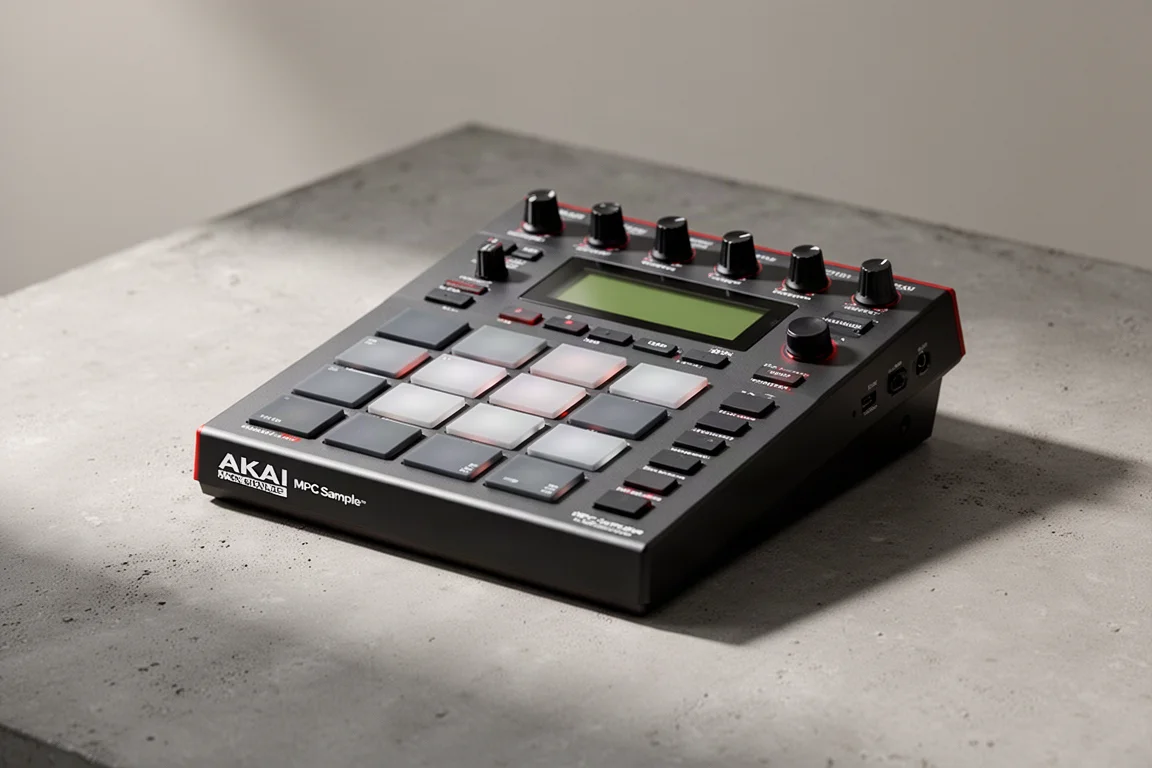
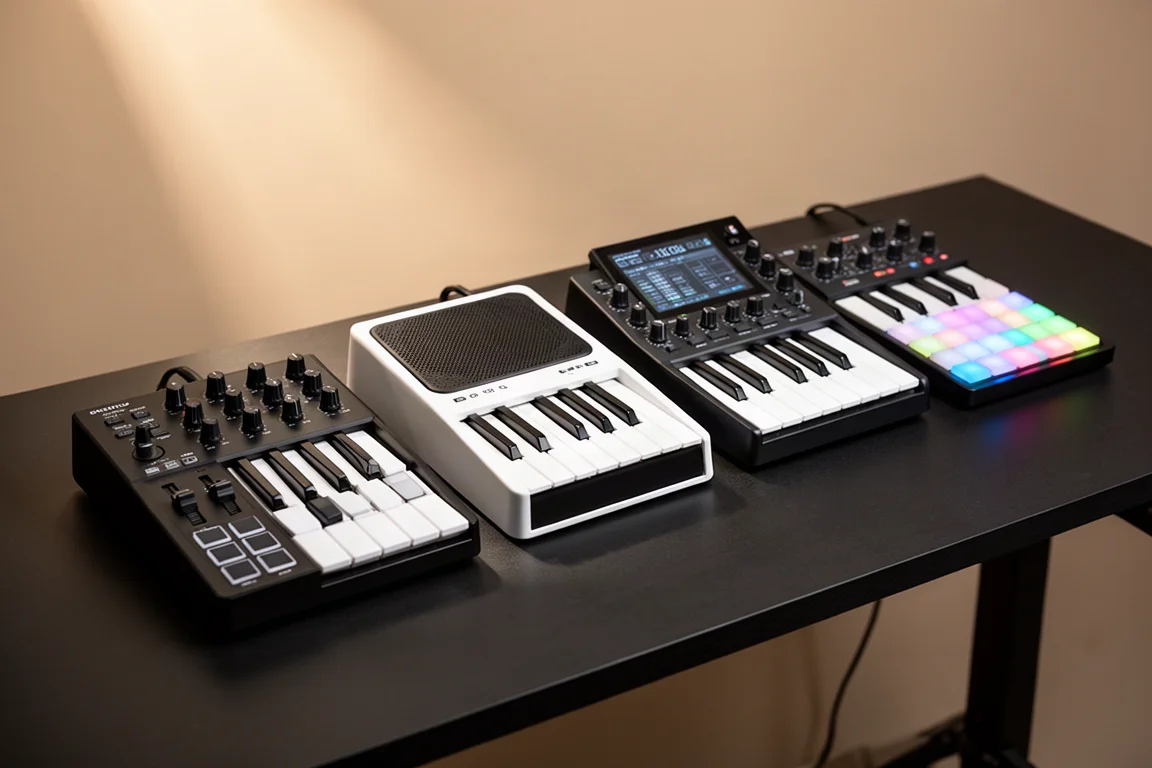
Akai MPC Sample Review: A Portable Beatmaking Powerhouse
The Akai MPC Sample brings the classic MPC workflow into a portable, standalone device with a built-in speaker, mic, and battery. Here is our full review.
Music Production
Best MIDI Keyboards for Komplete Kontrol: Full Hands-On Control Without a Native Instruments Keyboard
Native Instruments now lets you use Komplete Kontrol with third-party MIDI keyboards. These are the best controllers for full hands-on control, plus a workaround for unsupported models.
Music Production
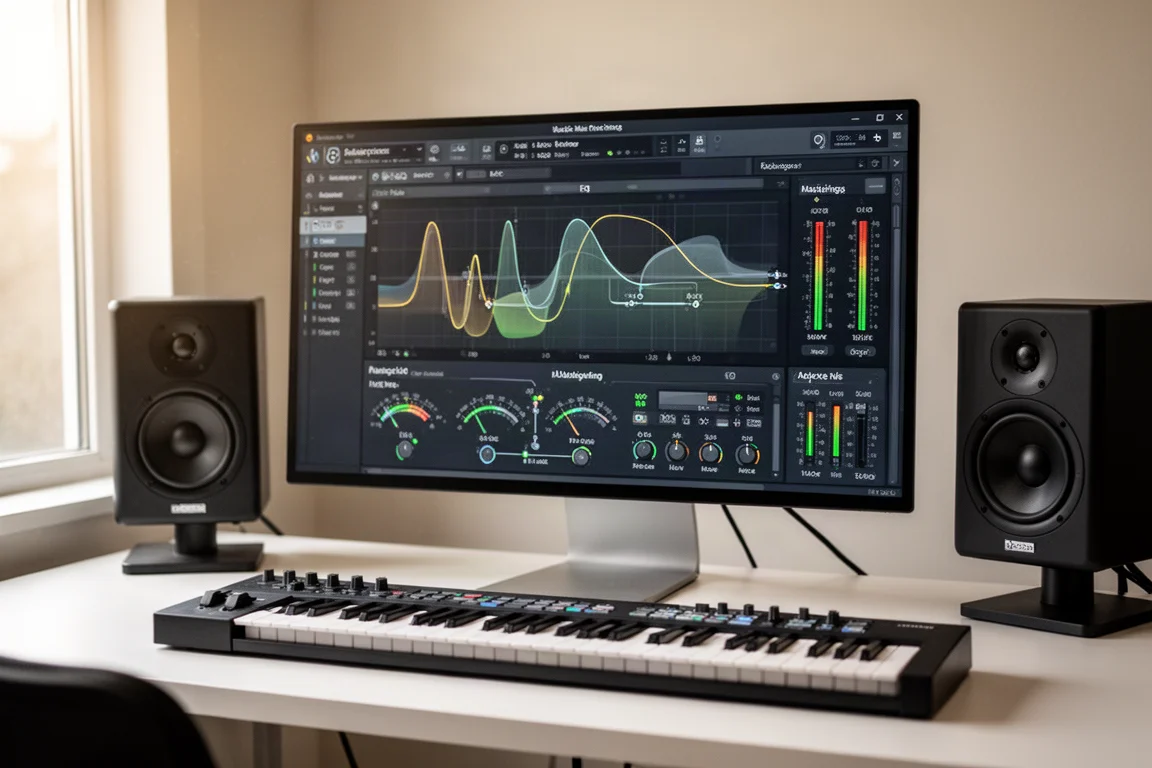
Faster Master Review: A Mastering Plugin That Listens to Your Mix
Faster Master from Mastering the Mix builds a custom mastering chain for each song, with level-matched processing and reference track matching.