Music Production
Akai MPC Sample Review: A Portable Beatmaking Powerhouse
The Akai MPC Sample brings the classic MPC workflow into a portable, standalone device with a built-in speaker, mic, and battery. Here is our full review.
Introduction
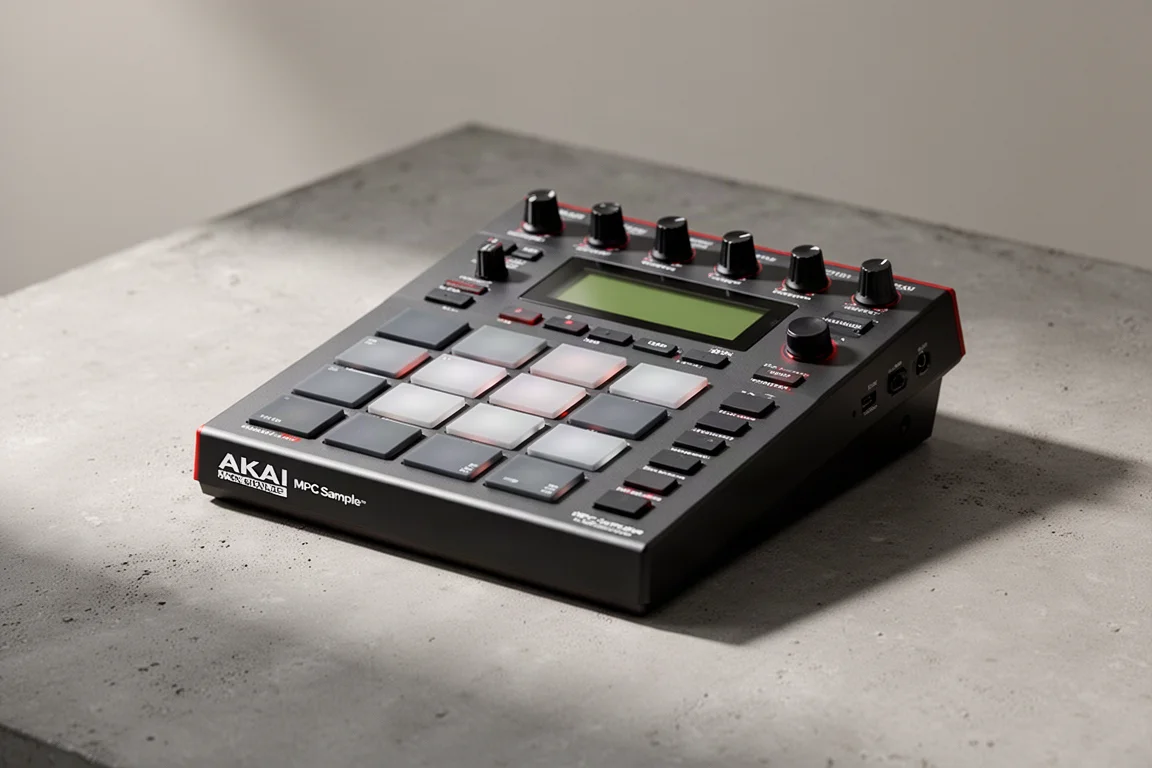
The Akai MPC has been the gold standard for beatmaking for decades. Now, Akai has shrunk that iconic workflow into a device you can literally use anywhere. The MPC Sample is a standalone sampler and beatmaking device with a built-in speaker, built-in mic, and a rechargeable battery that lasts up to five hours. It is portable, fast, and it feels like an MPC.
This might be the first MPC that fits the idea stage of music creation so well. You can get your ideas down using other portable gear, and there are plenty of choices these days. Even your phone will do it. But if you like the MPC workflow and want an awesome and useful screen and really nice pads, this is a really cool device that will give you hours of fun and useful music ideation.
What Is the MPC Sample?
The MPC Sample is a standalone sampler and beatmaking device that lets you create beats anywhere. No computer needed. It has built-in sounds that you trigger with the pads, a sequencer so you can construct full beats, built-in effects, a mic so you can record yourself, and a speaker.
It retails for $400 and is available to order right now. The device includes over 100 drum kits plus four effects engines with around 60 effects types. There is quite a bit here to get started with without needing anything else.
Getting Started Quickly
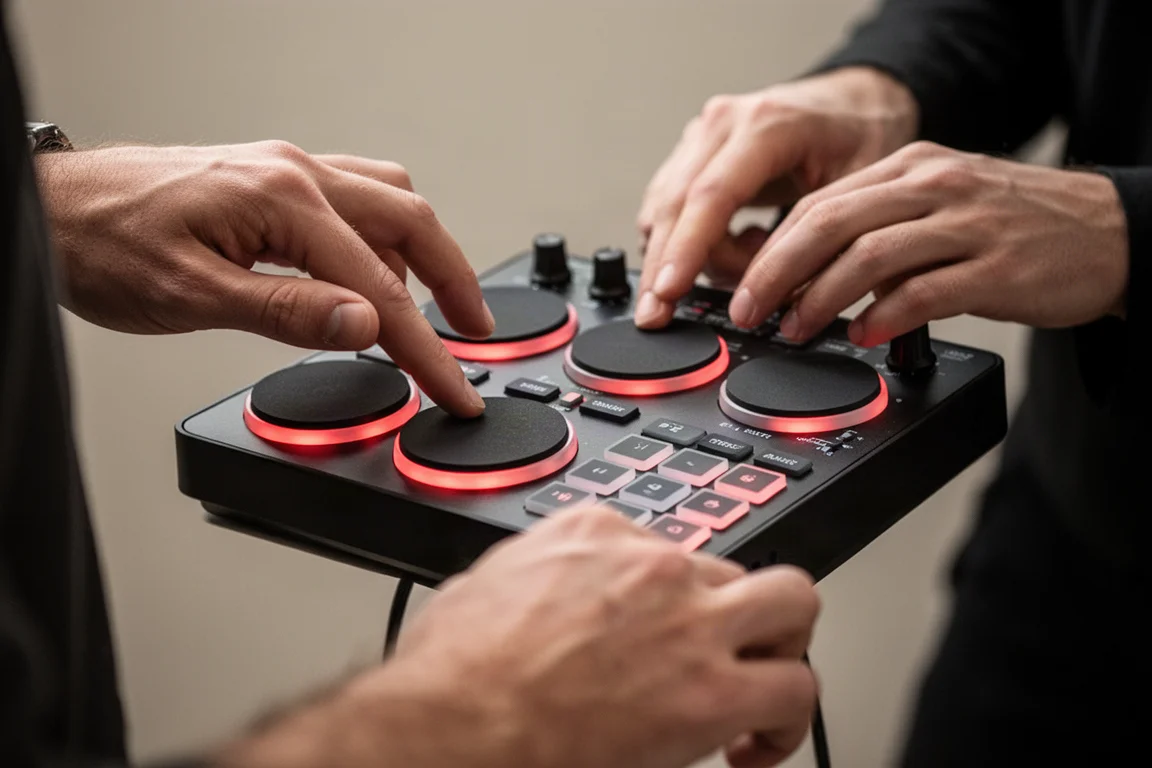
Getting started with the MPC Sample is straightforward. You can select sounds and load them onto pads. These pads have poly aftertouch and that nice Akai feel to them, but they are also a bit small, so keep that in mind.
You can load a kick, snare, and high hat, and even add some loops. You can play them directly on the pads in real time. It is really nice to perform with this device. You can also record them into a sequence.
You have options to change the tempo, quantize, adjust the number of bars, and even swing. You can record multiple sequences. Once you are done with that, you can trigger different sequences into a song. Even press shift and pad 12 to string sequences into a full song that you can then play or trigger automatically or even export.
You can of course save your projects and load them later as well. That is the basics and what you would expect from the MPC Sample.
Sampling and Effects
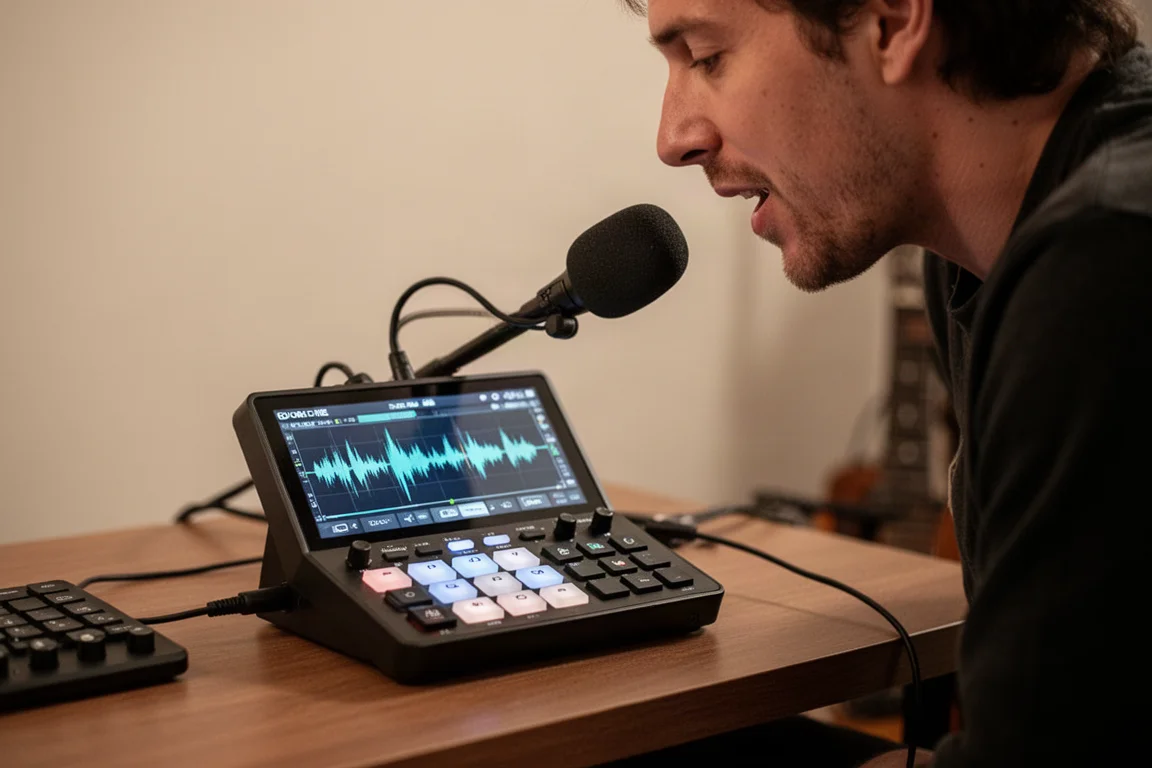
The MPC Sample has a built-in microphone so you can record yourself directly. You can record a vocal phrase, trim it, and now it is on a pad. You can tune it, add filters, and adjust the envelope. There is a lot of fun to be had here.
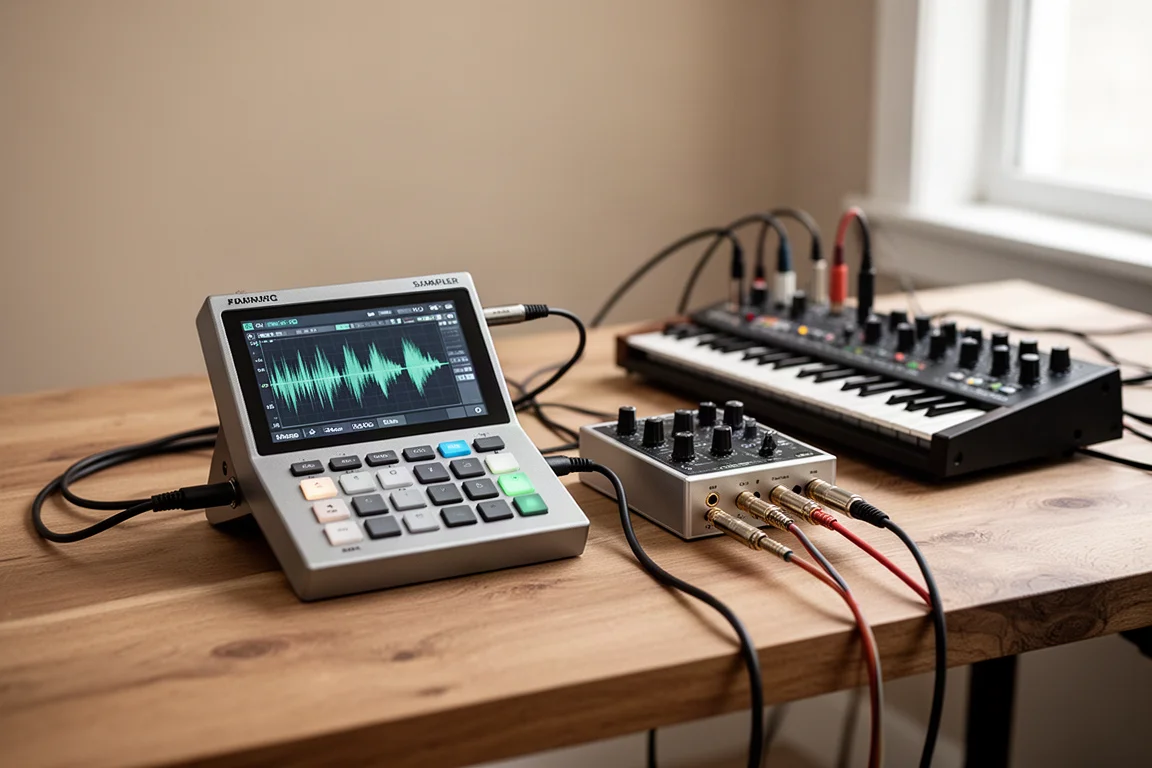
You also have connections in the back to input audio from pretty much anything. Got a synth, you can record it right in. The device is called the MPC Sample, and that is what it is meant to do: play samples, one-shots, and loops. It does not have built-in instruments that you can just play on the pads, but you can still do that.
Sample chopping is really nice on this device because of the screen. Load up any sample, and you have several ways to chop it, even creating your own chops manually on the fly. You can zoom in to adjust start and end times, trim it, and then save it on a new pad.
Pad effects are super fun because you can trigger them live. Start a sequence and press pad effects and you have a ton of different effects here. They are pad sensitive, so press harder or softer to adjust the level of the effect. You can trigger multiple effects at a time, too. Press flex beat, and you have gate and scratch effects as well. The knobs can control different effects you assign to different pads, too.
Connecting External Gear
Even though you cannot play instruments directly on the MPC Sample, you can connect a lot of stuff to get more sounds. You can record in a synth as shown earlier, and also connect a device by USB and play it and record it through USB.
There is another way to get more sounds. If you have samples you want to use, you can load them onto an SD card, and now you have them. You can even sample directly from a mobile app if you use a service like Splice. Hunting for the right sound can kill your flow. Imagine just pulling out your phone, finding the perfect sample, and then throwing that right into the MPC Sample.
Portability and Battery Life
This is really where the MPC Sample starts to make sense. You have a built-in rechargeable battery that lasts up to 5 hours, a speaker, SD card storage, and a really, really nice screen. This is something you can just pick up and use on the couch or while traveling or in those quick sessions where you do not want to open your DAW.
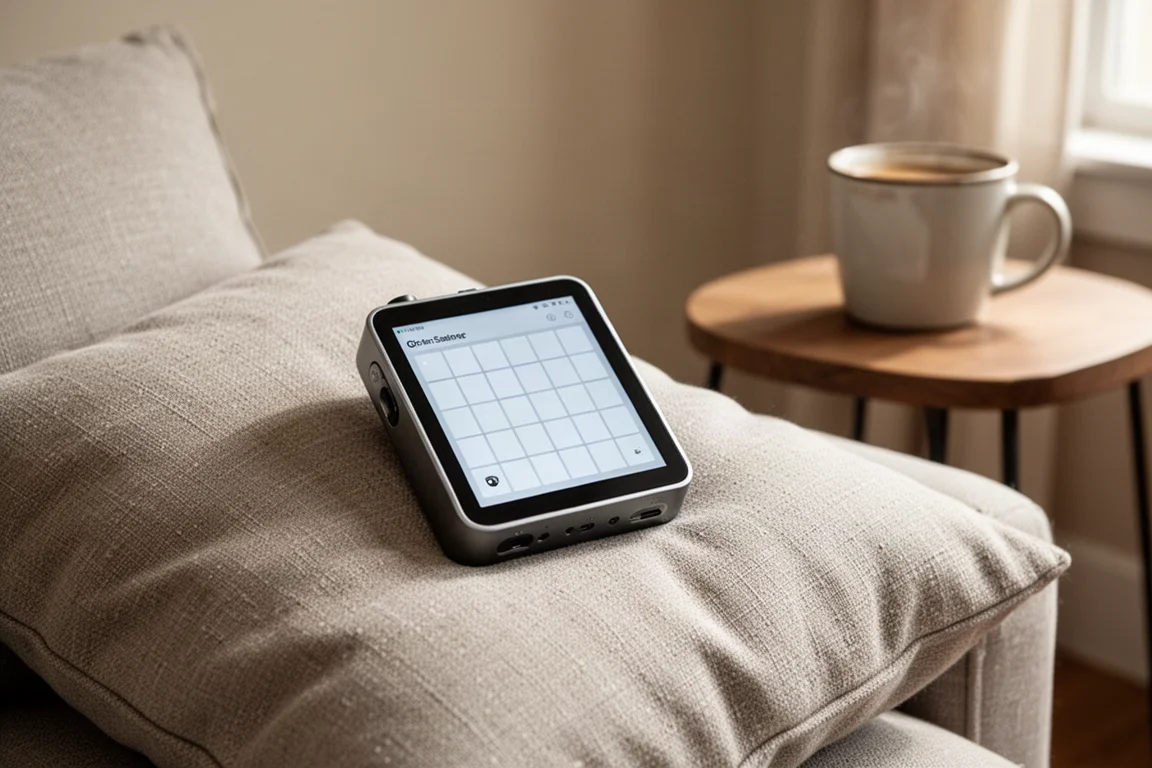
As for the specs, you have 2 GB of RAM, 8 GB of internal storage, and 32 stereo voices, which is pretty solid for building full ideas. On the back, you have connections for audio in and out, MIDI in and out, and USB-C. So this can kind of fit in a bigger setup if you really wanted to.
One thing to mention is the wrist pad on the front. This is clearly for nostalgia. It matches the look of the older MPCs, but otherwise, it is pretty useless. It is charming, but the extra space could have been used for larger pads instead.
How It Compares
The MPC Sample kind of sits right in the middle of the portable beatmaking market. Compared to something like the Roland SP 404, this feels a bit more structured. You have the classic MPC sequencing workflow which makes it easy to build full ideas, but at the same time, you do not get the same character of the effects that the SP is really known for.
Compared to something like the Teenage Engineering KO2, the MPC Sample offers more voices, deeper sampling, and more familiarity. Then there is something like the Ableton Move, which leans more into DAW integration and melodic creation with built-in instruments, whereas this is much more sample focused and standalone.
The big advantage that this has is balance in between everything else out there. It really is going to appeal to you if you already own a larger MPC. This could be a familiar and much more portable idea device. And for people who just want to get a taste of the MPC world, this is super easy to learn and have fun with.
Buying Advice
The MPC Sample is immediate and satisfying and something you will love carrying around to make music. It is priced right for something like that. Use it for inspiration, building some beats, and just having fun.
The keyboardist in you might wish it had instruments so you could just connect a MIDI keyboard and add some chords. But it is called the MPC Sample. It is clear what they were going for.
Conclusion
The Akai MPC Sample delivers on its promise: a portable, standalone sampler that brings the classic MPC workflow anywhere. With a built-in speaker, mic, and battery, plus a great screen and responsive pads, it is an excellent tool for capturing musical ideas on the go. If you want a familiar and portable way to make beats, this is a really cool device.
Product link
View more details for Akai MPC Sample
This product is mentioned in the review. Check the specifications, options, and compatibility before buying.
View more details for Akai MPC SampleFurther reading
Related Reviews
Music Production
Best MIDI Keyboards for Komplete Kontrol: Full Hands-On Control Without a Native Instruments Keyboard
Native Instruments now lets you use Komplete Kontrol with third-party MIDI keyboards. These are the best controllers for full hands-on control, plus a workaround for unsupported models.
Music Production
Faster Master Review: A Mastering Plugin That Listens to Your Mix
Faster Master from Mastering the Mix builds a custom mastering chain for each song, with level-matched processing and reference track matching.
Music Production
Softube Flow Studio vs Console 1 Compact: Which Mixing Controller Fits Your Workflow?
Two hands-on MIDI mixing controllers from Softube with different strengths. One is built for speed and creativity, the other for precision and control.