Music Production
Faster Master Review: A Mastering Plugin That Listens to Your Mix
Faster Master from Mastering the Mix builds a custom mastering chain for each song, with level-matched processing and reference track matching.
Introduction
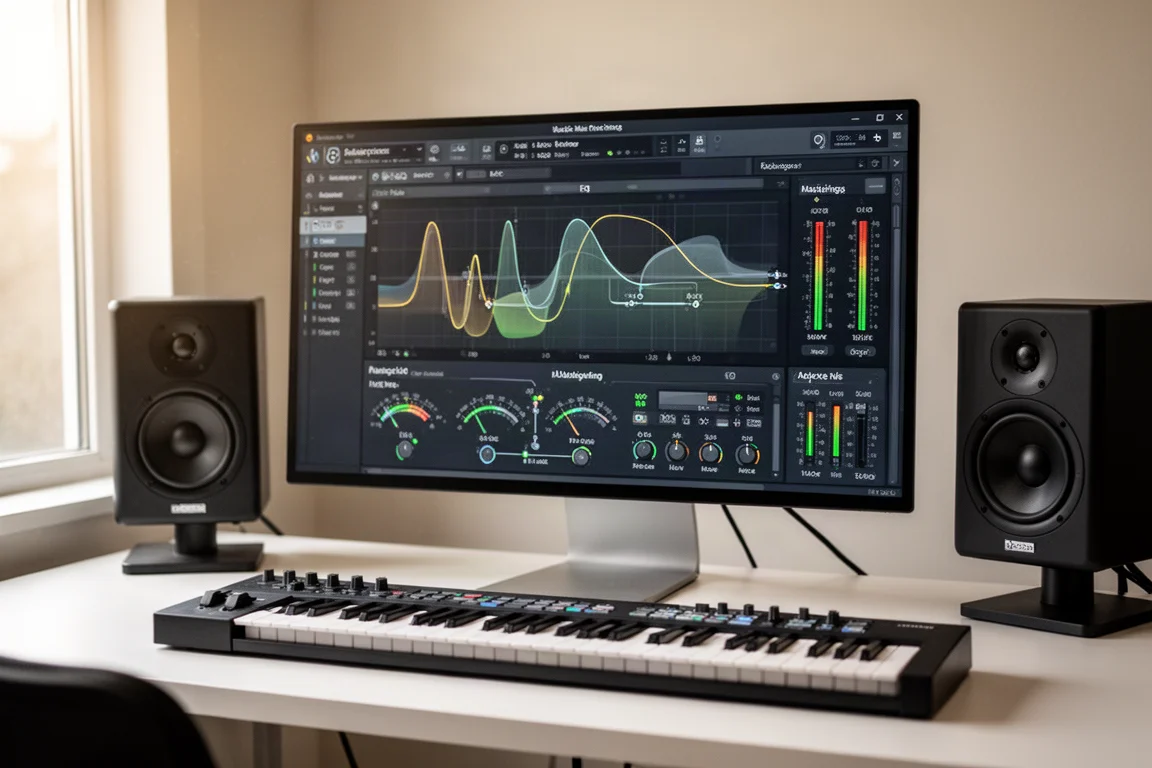
Mastering is often the last hurdle between a finished mix and a release-ready track. Faster Master from Mastering the Mix takes a different approach: instead of offering a fixed set of presets, it analyzes your song and builds a mastering chain tailored to what it hears. The result is a plugin that feels less like a generic processor and more like a suggestion from an engineer who actually listened to your music.
This review covers how Faster Master works, what makes it stand out, and where it fits into a practical mastering workflow.
What Makes Faster Master Different
The first time you open Faster Master, something unusual happens. The preset names are not what you might expect. Open a different track and the presets change completely. Same plugin, new mix, totally new options. This is because Faster Master listens to your song and then builds a mastering chain and unique presets specifically for that mix.
This is a significant departure from traditional mastering plugins. Most tools give you the same set of presets every time, regardless of the material. Faster Master instead analyzes your track and presents a list of smart options made just for that song. The settings change, the names change, and even the goals behind each preset are different depending on your music.
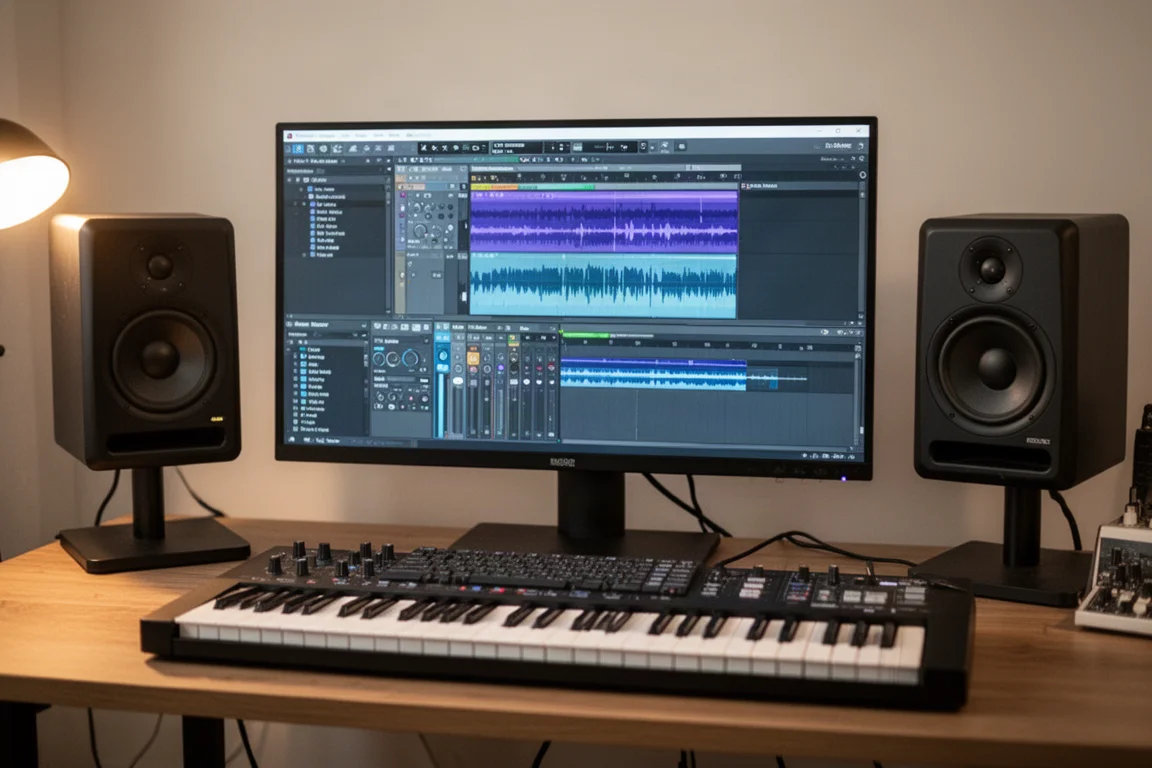
The plugin is designed to be used at the very end of your mix, helping your song sound finished fast. It was made in collaboration with David Genna and Nikki Romero, and it aims to deliver more than just loudness. The results include punch, clarity, and width.
The Preset System That Adapts to Your Song
To understand how the preset system works, consider loading two different songs. Play each one, run the analysis, and open the preset menu. The list changes completely: the names, the order, even the types of processing suggested.
These presets are not built around genres alone. They are built around what the plugin hears in your music. One track might bring up options like electronic and rich, Latin versatile and bright, or modern and light. Another song might suggest country refined and smooth, acoustic vocal guitar string quartet, Latin light and clean, or country light and female. It feels more like suggestions from an engineer who listened, not just a plugin guessing the genre.
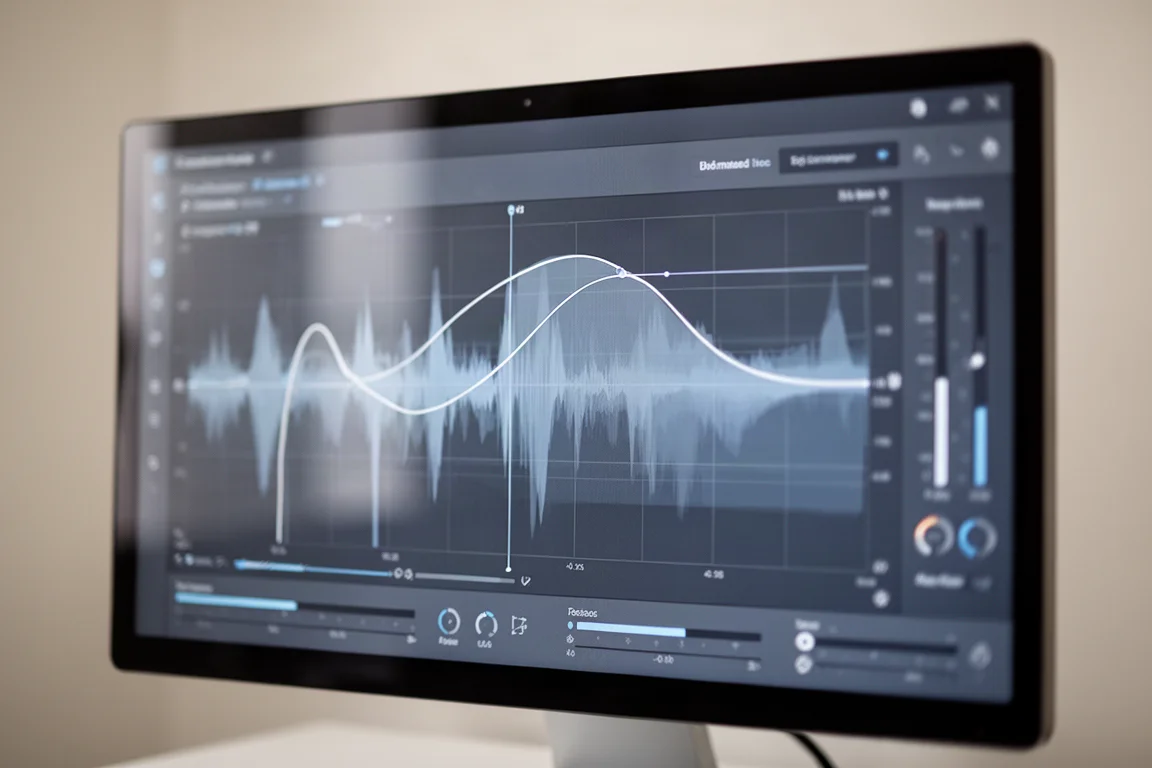
You are not stuck with the presets as they are. Each part of the chain, including EQ, compression, transients, and stereo, can be adjusted. You can click into the modules and fine-tune them or pull back how much processing is being applied. For example, the EQ section has a mix slider that lets you blend between your original sound and the EQed version. If the processing went a little too far, you can drag it down to 70% or 40%. You always have control, even though the plugin starts you off at the right spot.
Level-Matched Processing for Honest Comparisons
Another standout feature is that every time you make a change, the volume stays the same. Whether you are adding EQ, turning up compression, or adjusting stereo, the volume does not change. The plugin keeps the loudness level matched.
This matters because it prevents you from being tricked into thinking something sounds better just because it is louder. You are actually hearing what is changing. You can bypass each module and still hear it level matched, which makes A/B comparisons easy and honest.
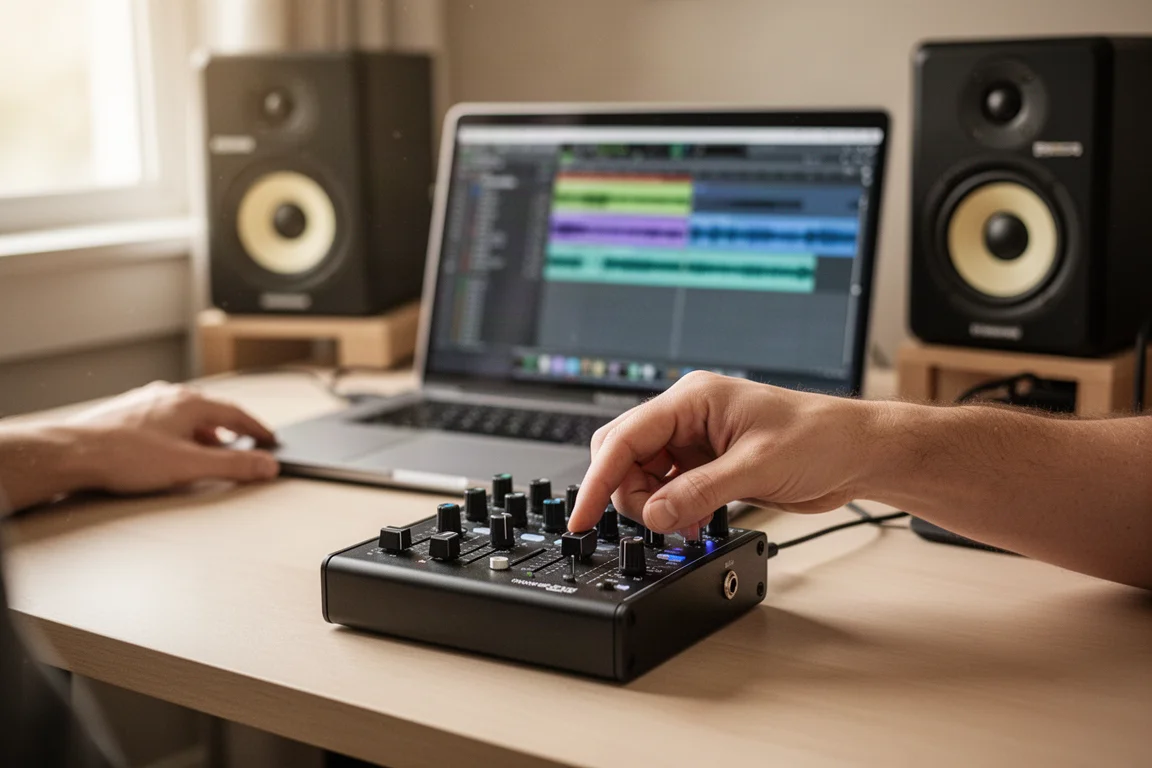
This level-matched approach extends to the reference track feature. You can drag in any mix you like into Faster Master, and the plugin will analyze it. It then creates a custom preset to match the tone, loudness, and stereo width of that track. It is not just copying; it is learning from that reference and building something that fits your mix. You also have a folder of your favorite references to use again and again later.
Tools Inside the Plugin
The EQ section uses clean phase-safe filters so your sound stays clear and punchy. You can use the preset curves it gives you or adjust them by hand. The mix control lets you dial in just how much of the EQ difference you want to blend in.
The transient shaper is simple. You drag it up to add more punch or down to soften it. It helps give your drums or other sharp sounds in your mix more impact without messing up the rest of the mix.
The compressor does not require you to set the threshold or attack. It does that for you. You just set how much compression you want, with options like off, light, dynamic, or tight. There is also a low cut side chain option so your kick or bass does not make the compressor pump too hard.
The stereo width section lets you widen or narrow different parts of the frequency spectrum. If you want the highs to feel more open, you can spread them out without affecting the low end. The plugin protects the low frequencies by default, so things like your kick and bass stay centered unless you decide to change it.
Last in the chain is the limiter. This brings your track up to the final loudness level. You can pick from different targets or go louder if you want. There is also a ceiling control, true peak limiting, and a drive control if you want to add a little harmonic distortion for extra punch.
There are also some smart workflow tools built into Faster Master. You can lock any module so that it does not change when you switch presets.
Testing in the Car
A practical test involved listening to the results in a car. Both the reference track version and the smart preset version held up well. The balance felt right, nothing jumped out, and the width translated really well. In this case, the smart preset version was actually preferred, likely because the type of song created was not exactly the same type as the reference track used.

The conclusion from this test was that Faster Master could actually replace a usual mastering workflow on quick projects. The plugin gets you to something that feels finished quickly, without sacrificing quality.
Buying Advice
Faster Master is a mastering plugin that stands out for its adaptive preset system and level-matched processing. It is particularly useful for producers who want to get to a finished sound quickly without deep-diving into every mastering parameter. The reference track feature adds another layer of flexibility, letting you match the tone and width of tracks you admire.
The plugin is best suited for quick projects where you want reliable results fast. It also works well for producers who are still developing their mastering ears, since the level-matched processing makes it easier to hear what each module is actually doing.
If you are considering Faster Master, there is currently a deal where buying it gets you any other Mastering the Mix plugin free. This adds value if you are already interested in their other tools.
Conclusion
Faster Master from Mastering the Mix offers a genuinely different approach to mastering. Instead of a static set of presets, it listens to your mix and builds a chain around what it hears. The level-matched processing makes comparisons honest, and the reference track feature adds real flexibility.
The plugin got to a finished sound quickly, and the results held up in real-world listening tests. For producers looking to speed up their mastering workflow without compromising on quality, Faster Master is worth serious consideration. As with any mastering tool, trust your ears and test your mixes everywhere you can. Faster Master may just make that journey faster.
Product link
View more details for Faster Master
This product is mentioned in the review. Check the specifications, options, and compatibility before buying.
View more details for Faster MasterFurther reading
Related Reviews
Music Production
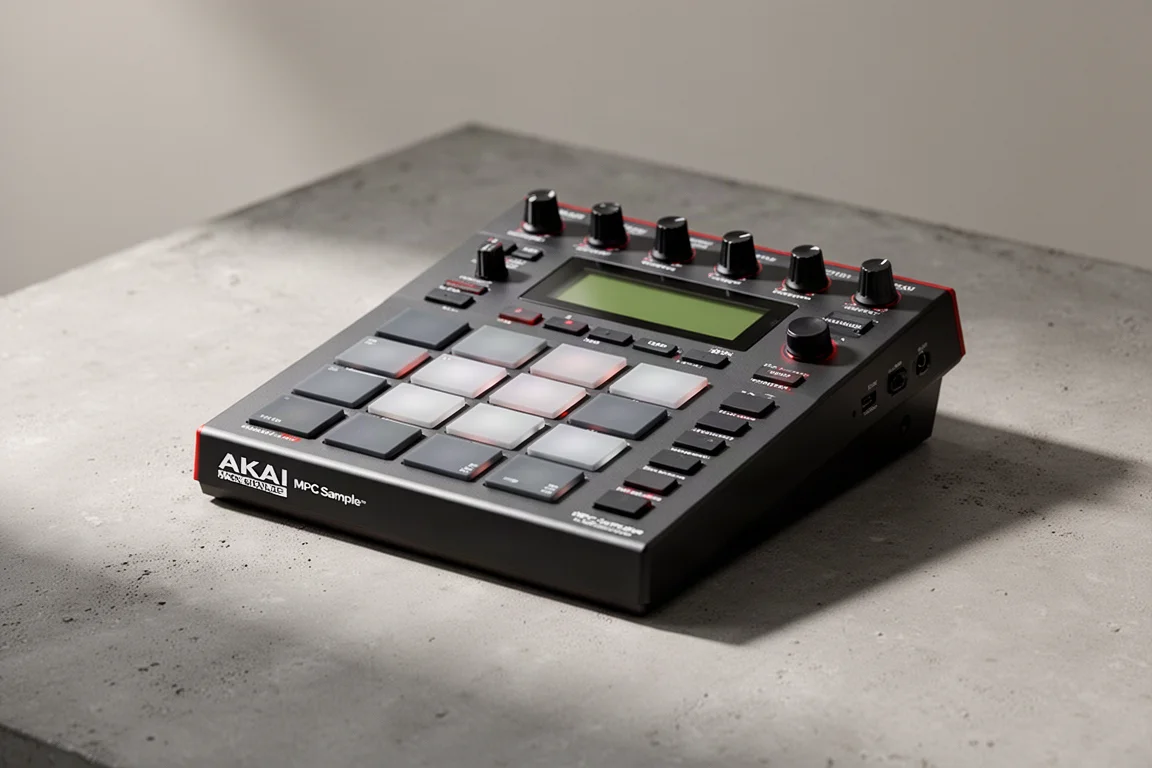
Akai MPC Sample Review: A Portable Beatmaking Powerhouse
The Akai MPC Sample brings the classic MPC workflow into a portable, standalone device with a built-in speaker, mic, and battery. Here is our full review.
Music Production
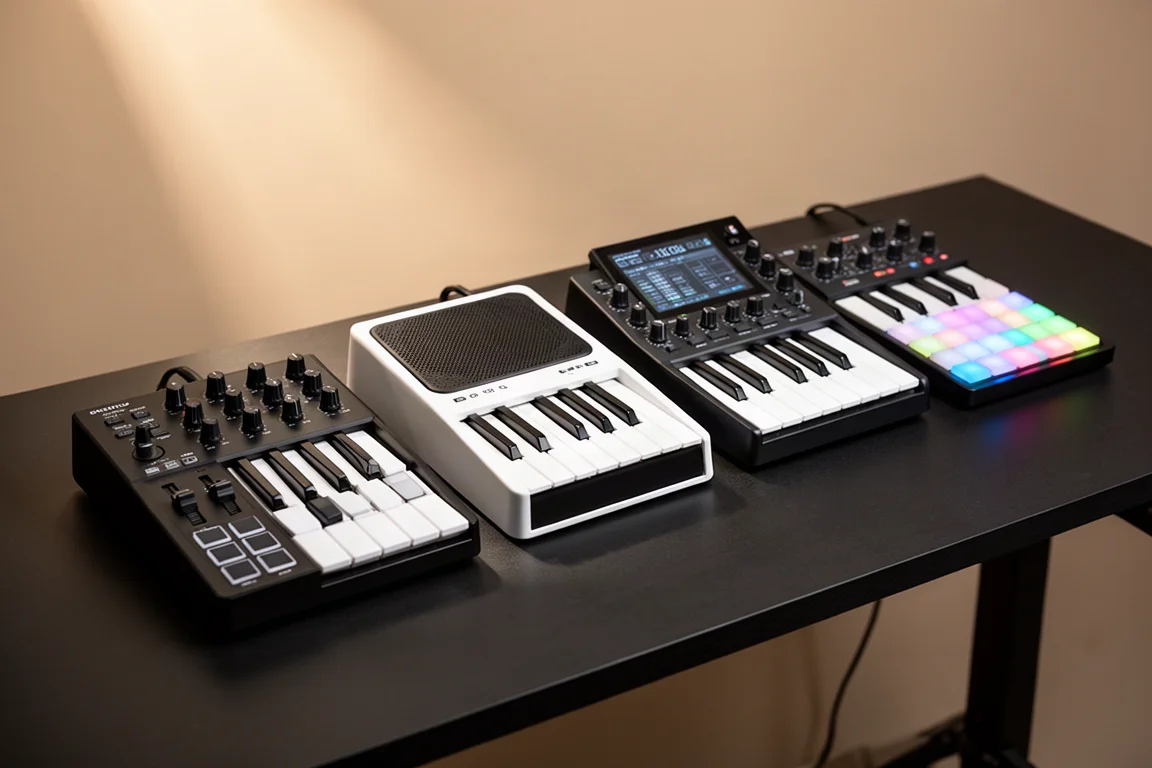
Best MIDI Keyboards for Komplete Kontrol: Full Hands-On Control Without a Native Instruments Keyboard
Native Instruments now lets you use Komplete Kontrol with third-party MIDI keyboards. These are the best controllers for full hands-on control, plus a workaround for unsupported models.
Music Production
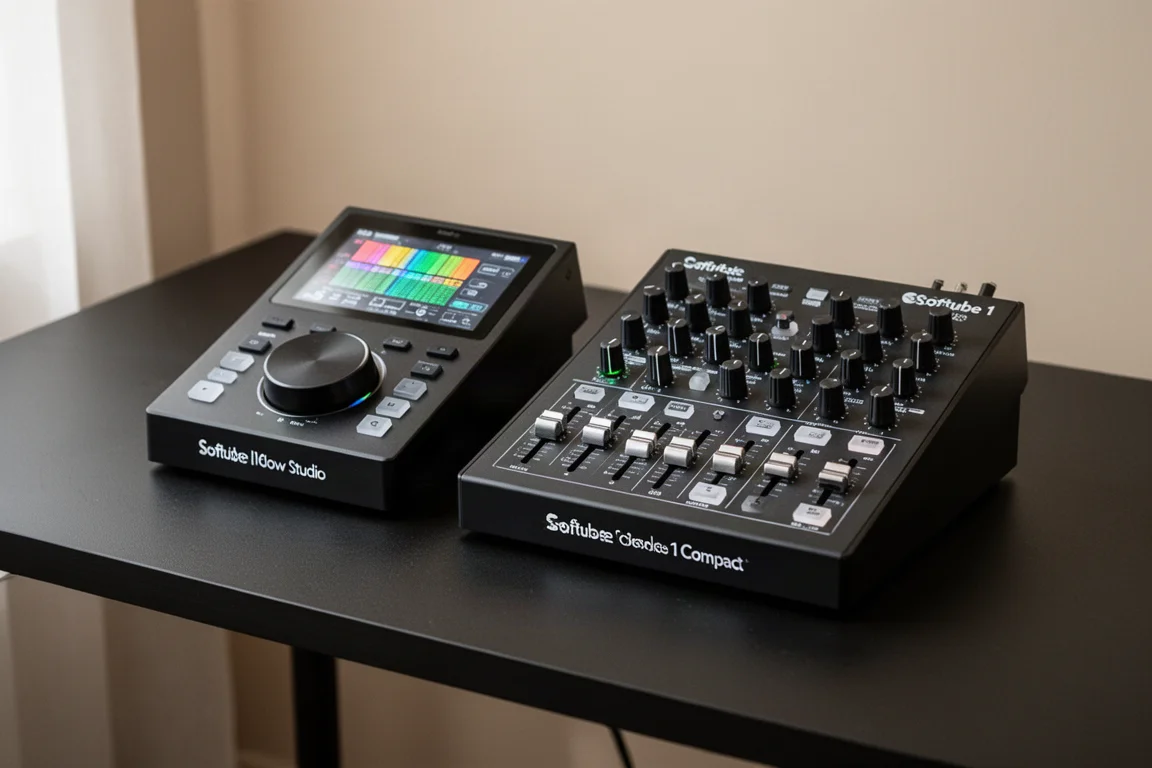
Softube Flow Studio vs Console 1 Compact: Which Mixing Controller Fits Your Workflow?
Two hands-on MIDI mixing controllers from Softube with different strengths. One is built for speed and creativity, the other for precision and control.