Smart Home
Sofabaton X2 Review: A Premium Universal Remote That Finally Gets It Right
The Sofabaton X2 upgrades the X1S with a touchscreen, IR blaster, wireless charging dock, and deeper smart home integration. Here is how it performs.
Introduction
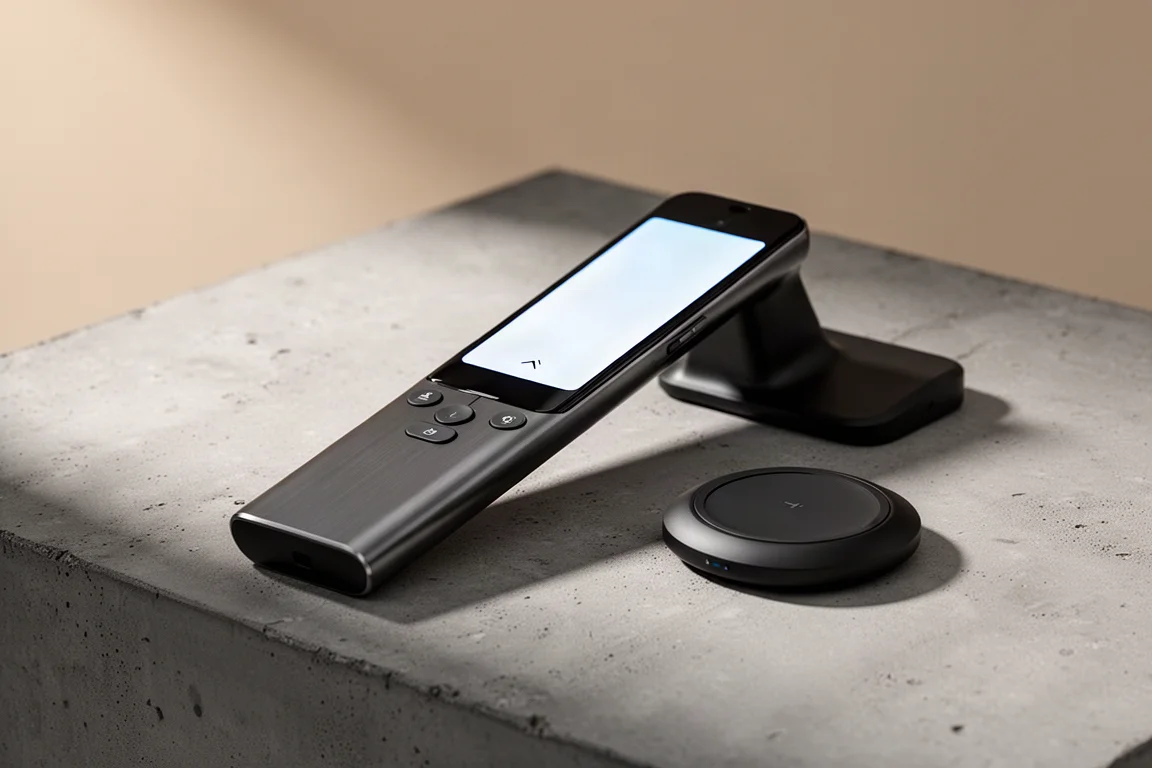
Finding a single remote that controls everything in a home theater setup is a challenge. Most universal remotes compromise on build quality, connectivity, or ease of use. The Sofabaton X2 aims to solve all of those problems at once. It is the successor to the X1S, a remote that was already well regarded but missing a few key features. The X2 adds a touchscreen, an IR blaster on the remote, a wireless charging dock, and much deeper smart home integration. After spending time with it, the X2 has made a dedicated smart home dashboard obsolete in one home theater room. It simply controls everything.
Who This Remote Is For
The Sofabaton X2 is designed for people with multiple entertainment devices that need to work together. If you have a projector, a receiver, a streaming box, a game console, and a TV, this remote can replace all of their individual remotes. It is also a strong fit for families. The activity-based system means anyone can pick up the remote, press one button, and have everything turn on and switch to the right input. It is far more approachable than handing someone a phone app or explaining which remote controls which device.
The X2 is also for smart home enthusiasts. It works with Amazon, Google, and Home Assistant, and it can trigger automations directly from physical buttons on the remote. That makes it a practical bridge between traditional home theater control and modern smart home setups.
Design and Build Quality
The biggest visible change from the X1S is the build quality. The X2 is made of metal, giving it a noticeable heft that feels like a premium phone rather than a plastic remote. It still feels familiar if you are coming from a previous Sofabaton remote, but the redesign is a clear step up.
The remote now has a touchscreen, and the back arrow sits at the bottom of the screen instead of the top. That small change makes navigation much more intuitive. The touchscreen replaces the old scroll wheel, which was one of the weaker parts of the X1S. Having a touchscreen also means you get access to a digital number pad when you need it, which is handy for direct channel entry.
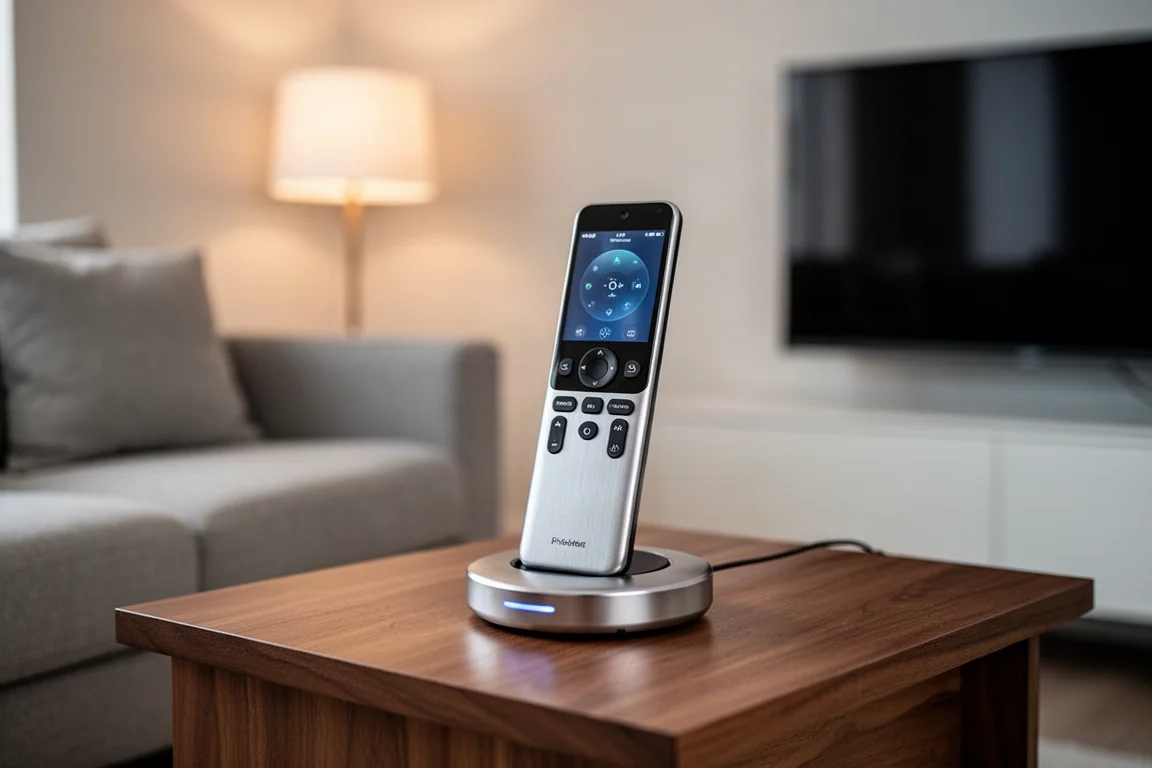
There are also extra physical buttons on the X2 that can be programmed to do whatever you want. That flexibility is useful for assigning frequently used commands or smart home actions. The overall feel is solid, refined, and clearly built to last.
Wireless Charging Dock
One of the most practical additions is the wireless charging dock. With the X1S, the remote could end up anywhere when it was not in use, and it was easy to lose track of where it was charging. The dock solves that problem. The remote is always topped up and ready to go, and it has a dedicated home when not in use.
The only complaint is that the charging indicator on the screen is very small and tucked into the corner. It is hard to see whether the remote is seated correctly on the dock unless you look closely. A larger on-screen confirmation would be a welcome improvement, and it seems like something that could be addressed with a firmware update.
IR Blaster and Connectivity
The X1S lacked an IR blaster on the remote itself, which was a common complaint. The X2 fixes that. The remote now has its own IR blaster, and it can also use the IR blaster on the hub that comes with the system. There are also IR extenders that plug into the hub, which can be placed in front of an amplifier or other equipment.
There is even a fourth option: an IR extender that can be placed on the other side of the room or in a different room entirely. When the hub is in use, it can send commands to devices in that remote location, such as a server rack. You can choose one or multiple of these options when setting up a device, so you are essentially covered no matter where your equipment lives.
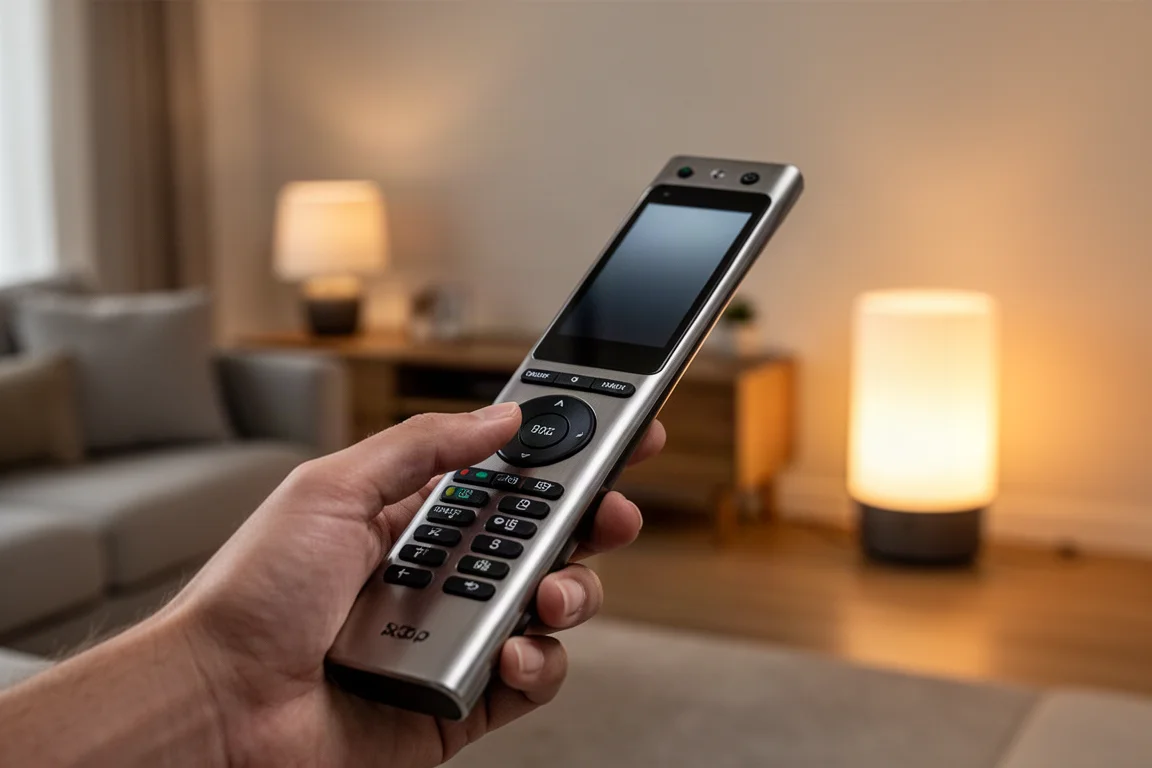
This flexibility means you should not run into issues turning IR devices on or off, regardless of where they are positioned in your home.
Smart Home Integration
The smart home capabilities are where the X2 really shines. Like the X1S, it can work with Amazon and Google to turn activities on or off using voice commands. But the X2 goes further. You can use the remote to control your smart home, and the smart home can control the remote much more effectively.
For Home Assistant users, Sofabaton provides instructions on how to set everything up. It takes a few minutes to go through the configuration, but once it is done, commands from the remote can flow directly into your smart home automations. The process involves creating a Wi-Fi device in the Sofabaton app for Home Assistant, then creating virtual buttons that trigger automations. Those virtual buttons can be assigned to physical buttons on the remote.
For example, you could create a button that turns off all the lights in the house. Press it on the remote, and it sends a command to Home Assistant, which runs the automation. This has replaced a dedicated smart home dashboard in one home theater room. Controlling lights, fans, and other devices from the remote is far more convenient than relying purely on automations, especially when guests are over and you do not want lights turning off automatically at the wrong moment.
The main limitation is that smart home buttons are only set up for a specific activity. If you want them to work on another activity, you have to program each button for that activity as well. It would be simpler if you could set them once for all activities, but the convenience of having physical buttons control your smart home is worth the extra setup.
Setup Experience
Setup is the roughest part of the X2 experience. An early pre-production unit had a firmware update that got stuck, and the remote became completely unresponsive. A replacement unit, which was the retail version, updated without any issues. So if you see negative reviews about firmware updates failing, they likely came from pre-production hardware.
There is also no direct way to import settings from an X1S. The app offers a backup option, but the two remotes are not compatible with each other. That means you have to set up all your devices from scratch on the X2. It is not difficult, but it takes time, especially if you do not remember how you configured everything a year ago.
One improvement is that the Sofabaton app now tells you how each device is connected, whether it uses Wi-Fi, Bluetooth, IR, or something else. That makes future setup much easier. Some devices, like an Xbox, connected right out of the box. Others, like a Denon receiver, imported all the button mappings but none of the commands worked, so the IR commands had to be reprogrammed manually. It is a minor annoyance, but the end result is a fully functional setup.
Daily Use and Activities
Activities are the core of how the X2 works. You set up power commands for each device, then create activities that group them together. Selecting an activity on the touchscreen turns on all the devices that need to be on. Switching from watching Apple TV to playing on the Xbox is as simple as selecting the Xbox activity, which shuts down the Apple TV and turns on the console.
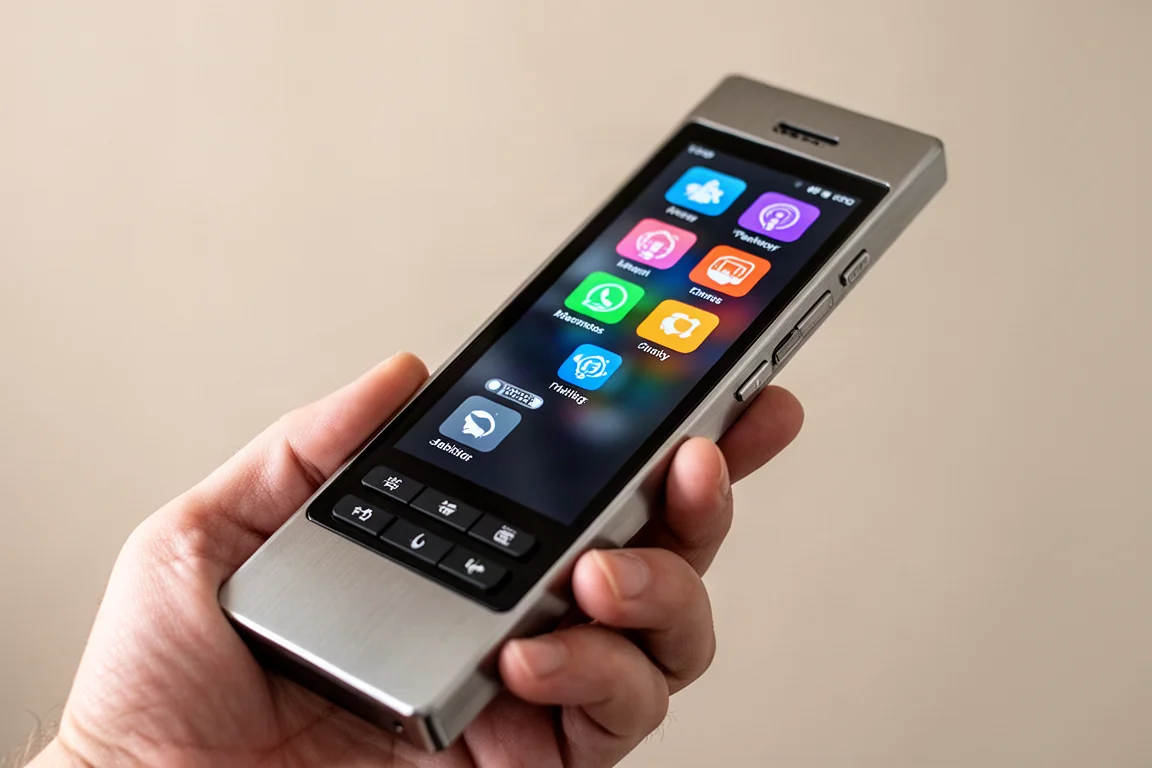
Turning everything off is just a matter of pressing the off button at the top of the remote. It is genuinely easy for family members to use, which is one of the biggest strengths of the X2. You do not need to understand how each device connects or which input it uses. You just pick an activity and press a button.
Buying Advice
The Sofabaton X2 is priced around $360, with occasional sales bringing it down to roughly $330. That puts it in the same range as the Harmony Elite Remote, which launched over a decade ago. The X2 can do just as much, if not more, than that older remote, which suggests the price is fair for what you are getting.
This is a premium home entertainment remote for people who have a home theater system or a collection of devices that need to be controlled from one place. If that describes your setup, the X2 is a strong candidate. If you only have a TV and a streaming stick, it is probably more than you need. But for anyone with a receiver, projector, game console, and smart home devices, the convenience is hard to beat.
Conclusion
The Sofabaton X2 improves on the X1S in every meaningful way. The touchscreen, the wireless charging dock, the IR blaster on the remote, and the deeper smart home integration all address the biggest complaints about the previous model. Setup can be a little rough, especially if you are migrating from an X1S, but once everything is configured, the X2 checks all the boxes for a smart home remote. It is not perfect, but it is very close, and it has genuinely changed how one home theater room is controlled.
Product link
View more details for Sofabaton X2
This product is mentioned in the review. Check the specifications, options, and compatibility before buying.
View more details for Sofabaton X2Further reading
Related Reviews
Smart Home
Amazon Echo Hub Review: A Smart Home Dashboard That Finally Gets It Right
The Amazon Echo Hub puts smart home controls front and center with a fast, simple interface. Here is how it performs as a family-friendly dashboard.
Smart Home
15 Amazon Smart Home Automations: Practical Ideas for Every Room
Fifteen practical Amazon Alexa routines and automations that solve real household problems, from pet care to security and entertainment.
Smart Home
Apple TV as HomeKit Hub: Why It's Your Best Choice for Home Automation
The Apple TV combines HomeKit hub functionality with a display, camera viewing, and local automation control. Here's what makes it stand out from iPad and HomePod Mini alternatives.