Smart Home
Amazon Echo Hub Review: A Smart Home Dashboard That Finally Gets It Right
The Amazon Echo Hub puts smart home controls front and center with a fast, simple interface. Here is how it performs as a family-friendly dashboard.
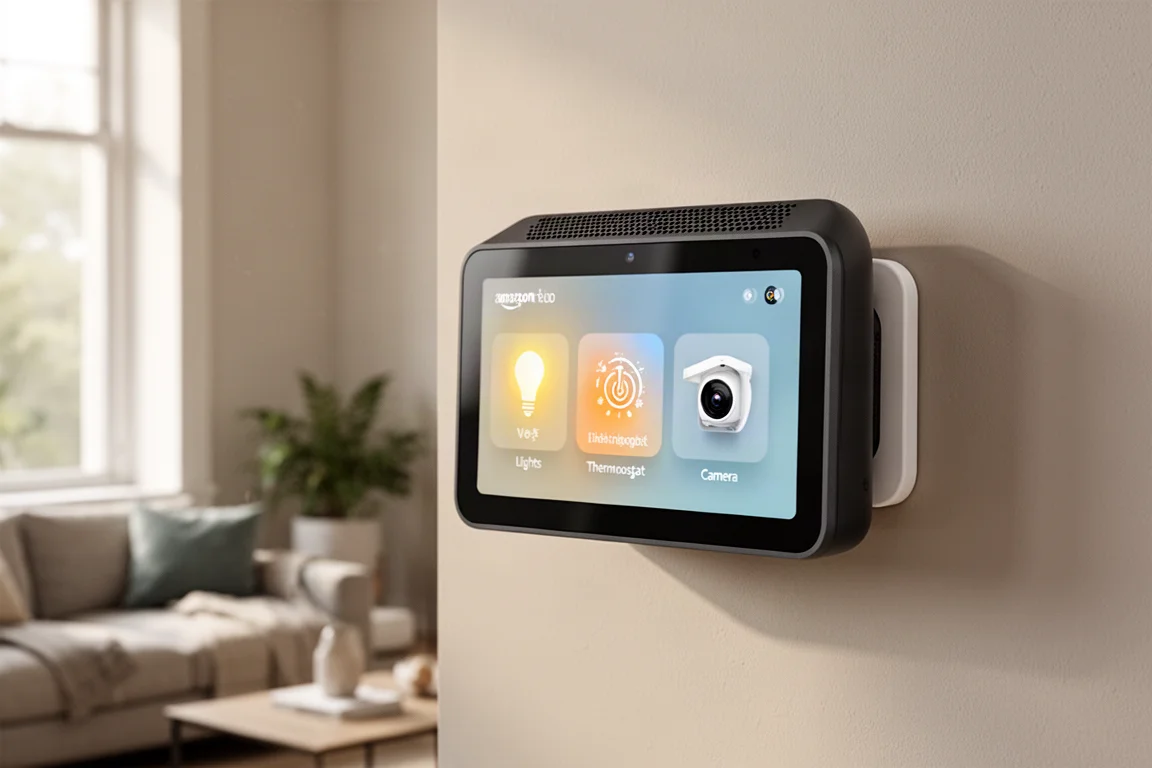
Introduction
The Amazon Echo Hub is the best smart home dashboard Amazon has made, but that praise comes with an asterisk. Amazon has set a fairly low bar with its previous dashboards. For some Amazon users, though, this is the dashboard you have been waiting for.
Since you might be using this as a family dashboard, it deserves a closer look at how it works in everyday use. The Echo Hub is quite different from previous Amazon devices when it comes to both usability and physical design.
Design and Hardware
The Echo Hub feels like an Echo Show mixed with a tablet, but it is a lot thicker than a tablet. That extra thickness comes from the speakers built into the top. The speakers sound pretty good for spoken audio like podcasts or news, but music with heavy bass will not sound great.
There are no cameras on this device. Instead, it uses a proximity sensor at the top. When you walk away from the Echo Hub, the display turns off. When you walk up to it, the display turns back on automatically. A light sensor sits next to the proximity sensor, so the screen brightness adjusts to the room lighting.
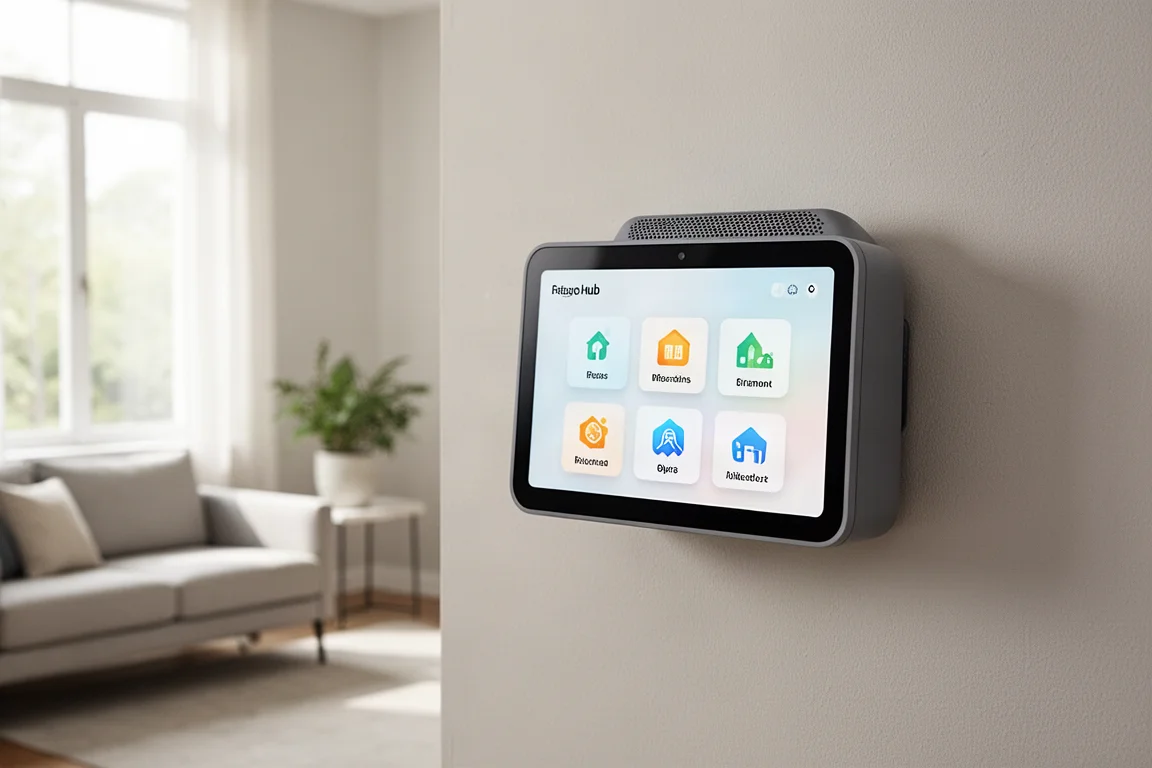
Three microphones at the bottom pick up voice commands well. There are also three physical buttons: a mute button and volume up and down controls.
You can mount the Echo Hub two ways. The included wall mount works well, and there is also a third-party desk or table mount option. Both mounting options have thoughtful cable management built in, which is a nice touch.
Smart Home Control Experience
Voice commands work just like a normal Echo device, but what really sets the Echo Hub apart is how you control your smart home. All the smart home controls are right on the display, front and center. The interface is fast and easy to use.
Previous Echo Shows and Amazon tablets buried smart home controls deep in menus. They were slow to reach and clunky to navigate. On the Echo Hub, everything is right there. You can tap on your lights, a slide-over panel appears, and you can turn a light on or off. Tap back to the side and you are on the home screen again in no time.
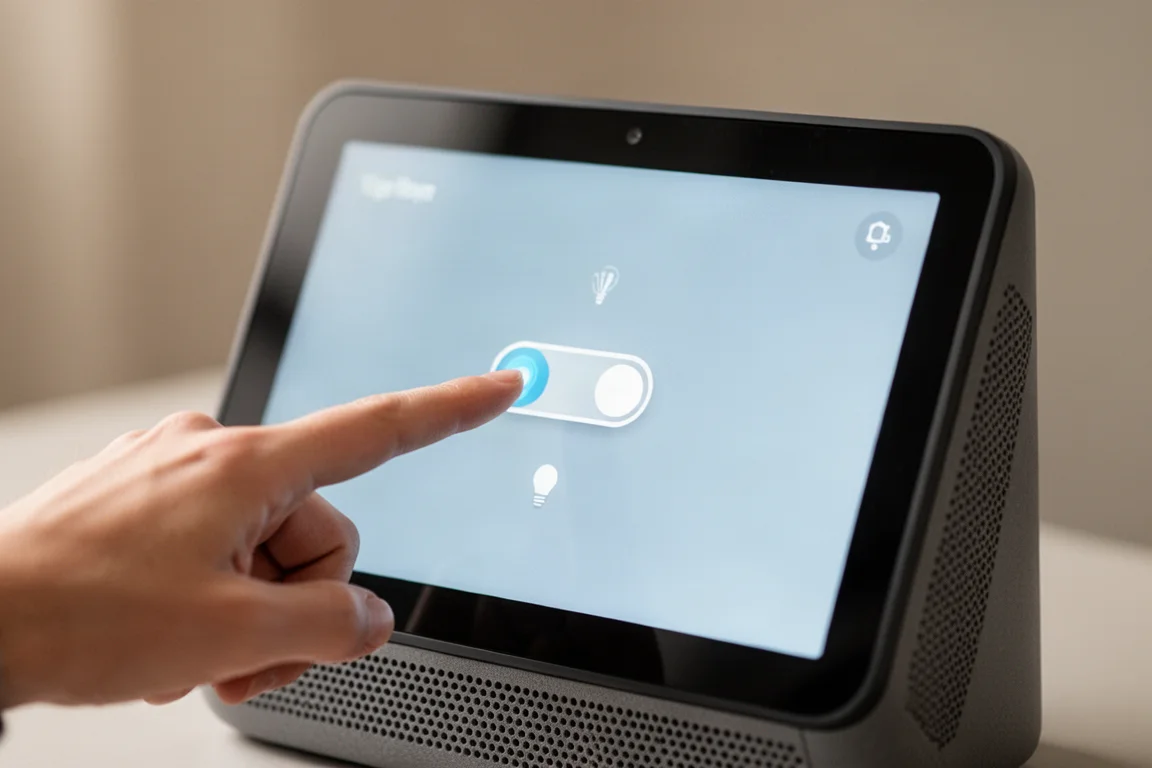
You can control lights, thermostats, switches, and cameras this way. Device groups are available off to the side, so you can access devices organized by room quickly. Even better, you can assign a widget on the home screen for a specific room group. If you put the Echo Hub in a room, you can assign that room’s group to a widget. Every time you look at the home screen, all your smart home controls for that group are right there without needing to scroll or click through menus.
Using the Echo Hub feels a lot faster than previous Echo Shows when controlling your smart home. It is not snappy by any means, but it feels more usable compared to past devices.
There is also a Zigbee hub built in, and you can connect Thread and Matter devices.
Security and Smart Home Integration
For security, you can view your camera’s live feed on the Echo Hub. To see snapshot previews of what a camera last saw, you will need a Ring camera subscription. With the Ring alarm, arming the system worked, but disarming did not. No keypad popped up during testing. Amazon has shown this feature in promo videos and said software updates will add it later, but it is worth knowing that you cannot arm or disarm your Ring alarm unless you pay for a Ring subscription or are grandfathered in. If you can control your Ring alarm from your phone, you should be able to do it from the Echo Hub.
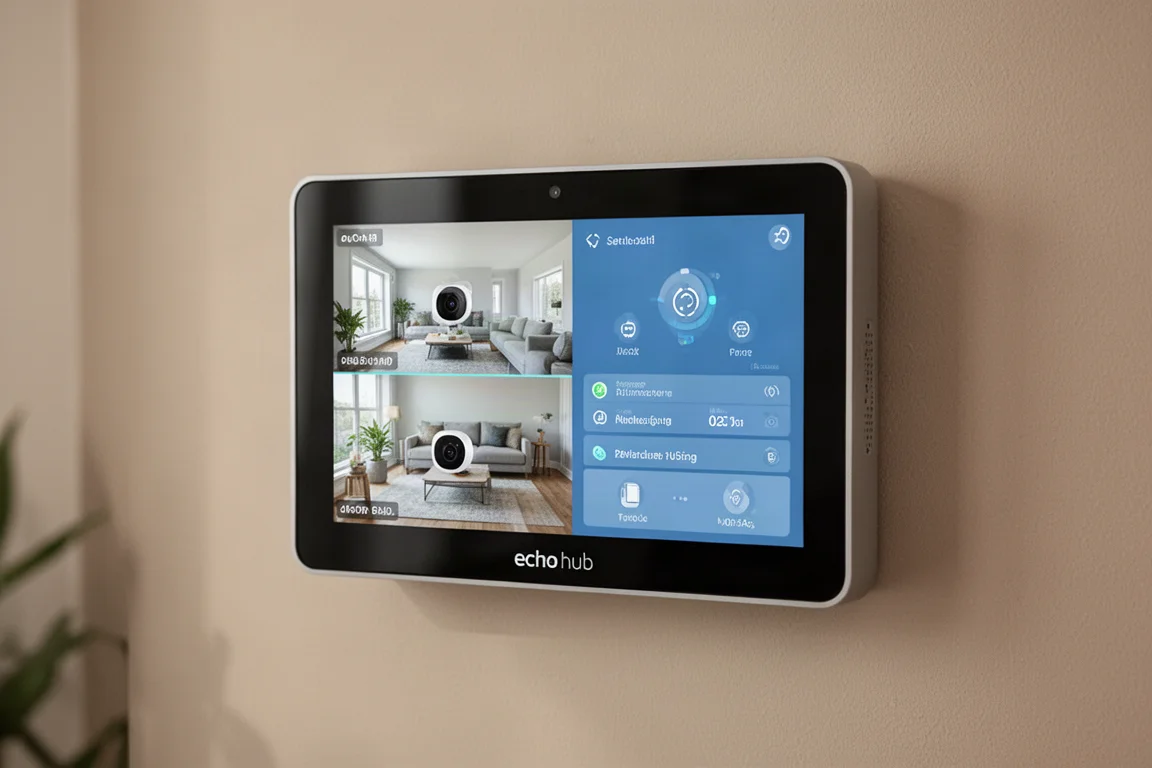
Routines are accessible off to the side, but you have to scroll a lot if you have many routines. You cannot pin routines right now, even if you pinned certain routines on an Amazon tablet in the past. That would be a welcome addition in the future.
The Echo Hub was made with simplicity in mind, which can be a good thing. Even a personal dashboard with Home Assistant can get convoluted at times. Unlike previous Echo Shows, there is no spot where Amazon sneaks in its own content and pushes things onto the home screen. The Echo Hub only shows the dashboard, which is a welcome change.
Things to Consider Before Buying
Scrolling on the Echo Hub can get a little annoying. You scroll side to side, and some widgets scroll horizontally too. As you try to scroll the home screen, you can accidentally scroll a widget instead. Rearranging widgets is also difficult, especially with the larger widgets, and can feel almost impossible at times.
There is an active media section that shows what music is playing around your house, which is a nice feature. However, you have to tap a button to see it, unlike the iPad app which always shows a banner at the bottom.
There are a couple of other issues worth noting. Too much space is wasted at the top of the screen, and the buttons are quite large. You can only fit a few buttons on the screen because they are so big. An option to shrink button size would let users fit more controls on screen.
Widget options are limited, and the ones available cannot be customized much. For example, there is a widget for contacts and drop-in features, but you cannot pick which contacts or devices you want to see. You have to scroll past ones you do not use.
Fire TV functionality is also limited compared to the Echo Show 15. The Echo Show 15 received an update giving full Fire TV functionality with channels and apps. The Echo Hub only offers some Fire TV channel video clips, which is not very useful.
Who Should Buy the Echo Hub
If you use SmartThings or Home Assistant, the Echo Hub probably is not for you. An Android tablet customized to your needs would serve you better. But if you use Amazon as your smart home system, the Echo Hub is a solid option for controlling your smart home devices.
If you are on the fence thinking the Echo Hub will get a lot of updates and improve over time, that might happen, but do not get your hopes up. Previous Echo Shows have not changed much over the years when it comes to the UI. Buy it for what it is right now, and treat any updates as a bonus.
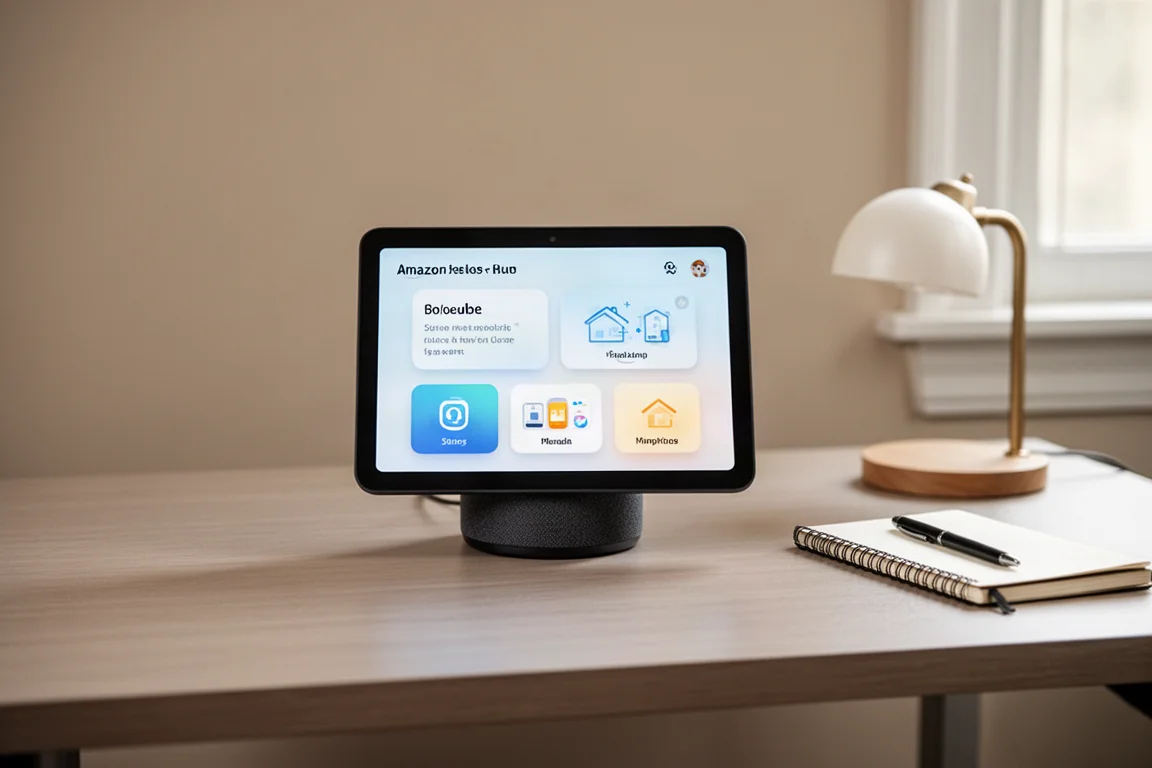
Amazon is about 80 percent of the way there with this device. If you could pin routines for specific Echo Hubs around your house, you could place them in every room and tap an automation that is always right there. If you could customize the look and feel with more buttons and less scrolling, it would be even better.
Buying Advice
For Amazon users, the Echo Hub makes it much easier for your family to control your smart home than anything previously available. The fast access to smart home controls, the clean dashboard, and the simple interface are genuine improvements over past Amazon dashboards.
The main limitations are the lack of routine pinning, limited widget customization, and the large button sizes that waste screen space. If those do not bother you, and you are already invested in the Amazon ecosystem, the Echo Hub is a practical addition to your home.
Conclusion
The Amazon Echo Hub is the best Amazon dashboard to date. It puts smart home controls front and center, feels faster than previous Echo Shows, and keeps the interface simple enough for the whole family to use. It is not perfect, but for Amazon smart home users, it is a meaningful upgrade over what came before.
Product link
View more details for Amazon Echo Hub
This product is mentioned in the review. Check the specifications, options, and compatibility before buying.
View more details for Amazon Echo HubFurther reading
Related Reviews
Smart Home
15 Amazon Smart Home Automations: Practical Ideas for Every Room
Fifteen practical Amazon Alexa routines and automations that solve real household problems, from pet care to security and entertainment.
Smart Home
Apple TV as HomeKit Hub: Why It's Your Best Choice for Home Automation
The Apple TV combines HomeKit hub functionality with a display, camera viewing, and local automation control. Here's what makes it stand out from iPad and HomePod Mini alternatives.

Smart Home
Best E-Paper Picture Frames 2026: Three Color E-Ink Displays Compared
Color e-paper picture frames offer a calmer alternative to bright LED screens. We compare three models with different approaches to connectivity, image quality, and price.