Smart Home
15 Amazon Smart Home Automations: Practical Ideas for Every Room
Fifteen practical Amazon Alexa routines and automations that solve real household problems, from pet care to security and entertainment.
Introduction
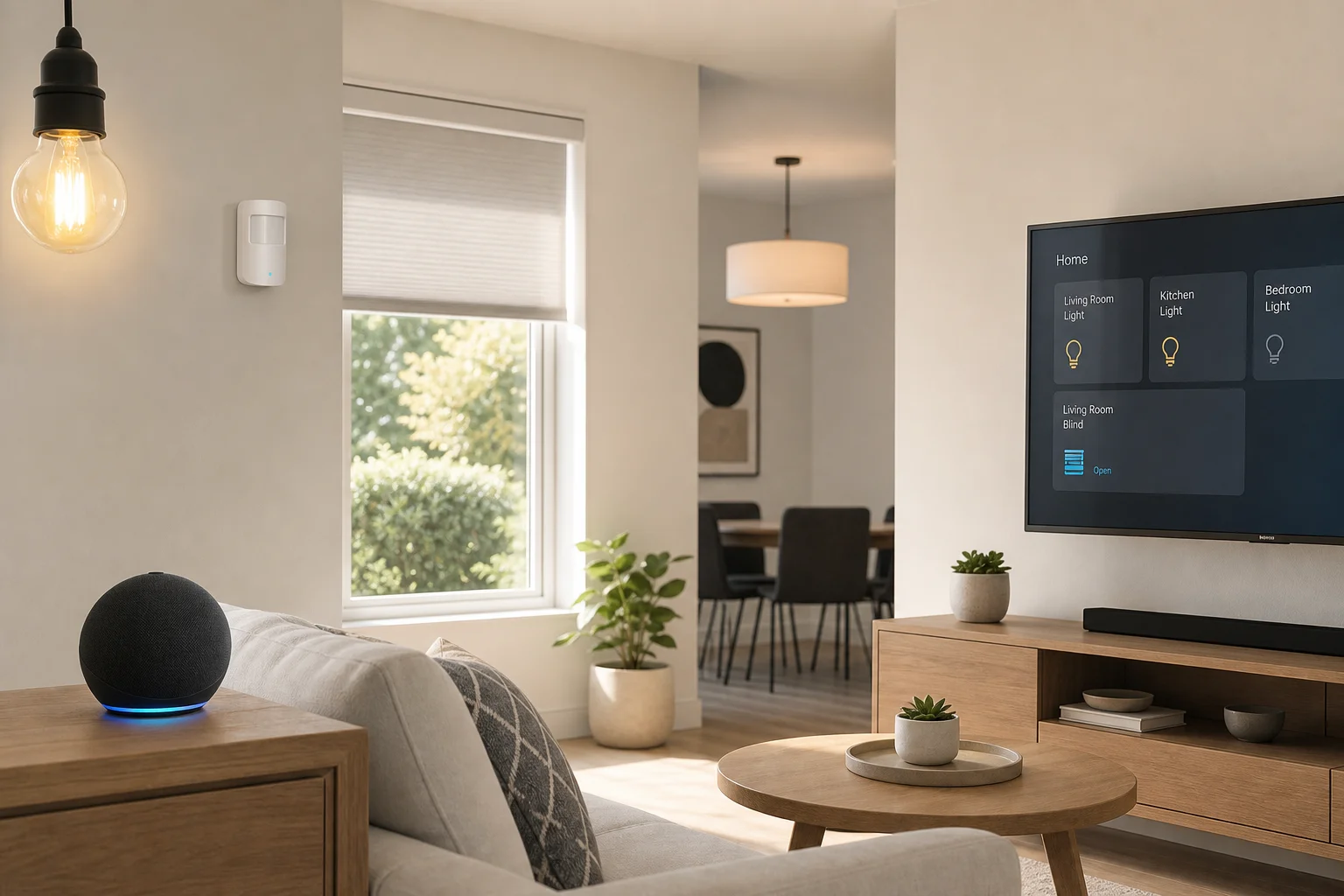
Building an automated smart home has never been easier. Amazon Alexa routines make it simple to automate most things around your house, and these fifteen automations solve real household problems without requiring complex setup. From pet care to security and entertainment, each automation demonstrates a practical use case that can be adapted to any home.
Automation 1: Pet Care and Safety
If your pet is anxious about going outside at night, a motion sensor paired with a smart light switch creates an instant solution. A Sonoff motion sensor mounted on a doggy door can trigger a light to turn on automatically when motion is detected, then turn off after a delay once the pet comes back inside.
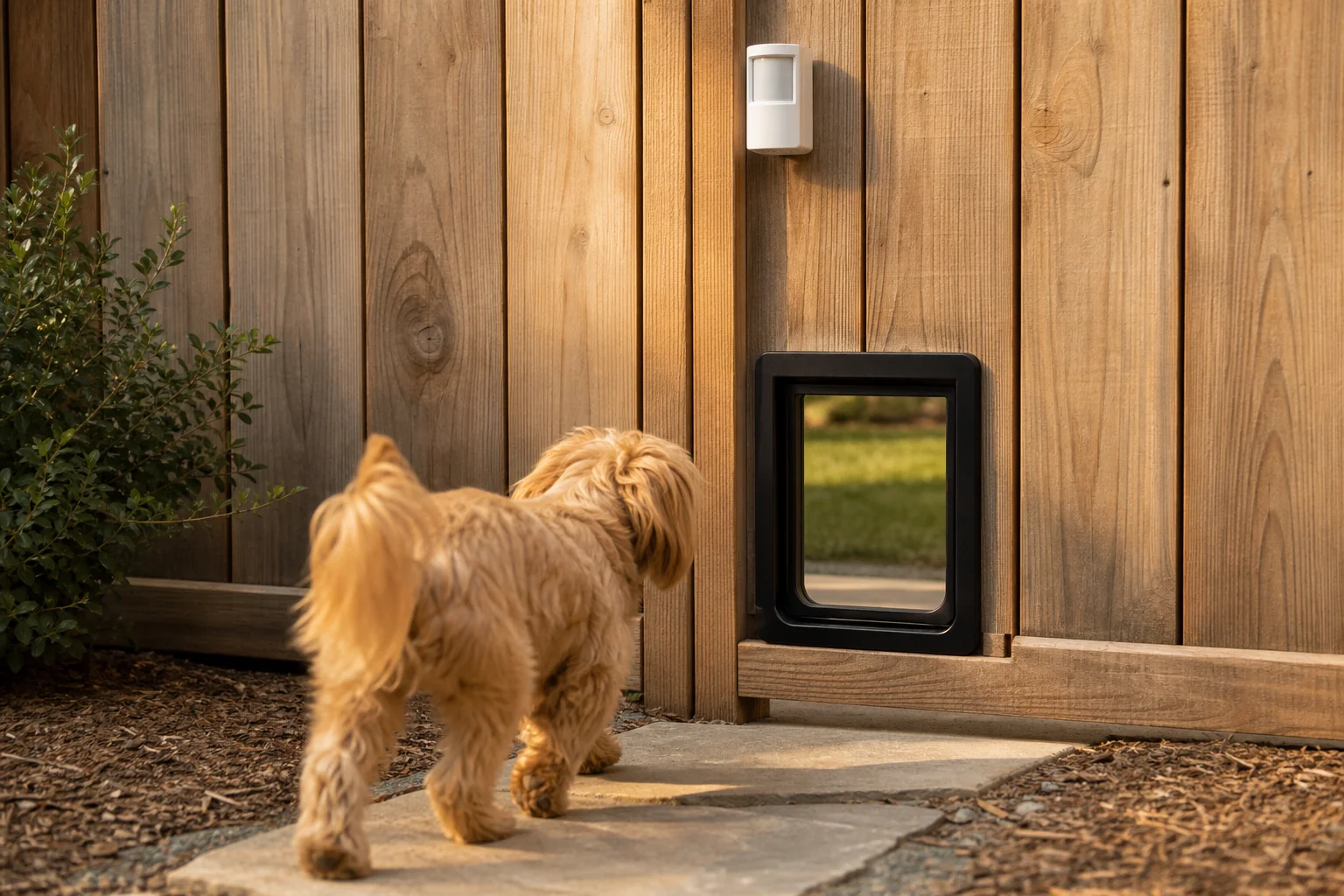
The sensor attaches easily using a magnet and 3M tape, making battery swaps simple. The Sonoff motion sensor connects directly to the Echo 4th Gen, which has a built-in Zigbee hub.
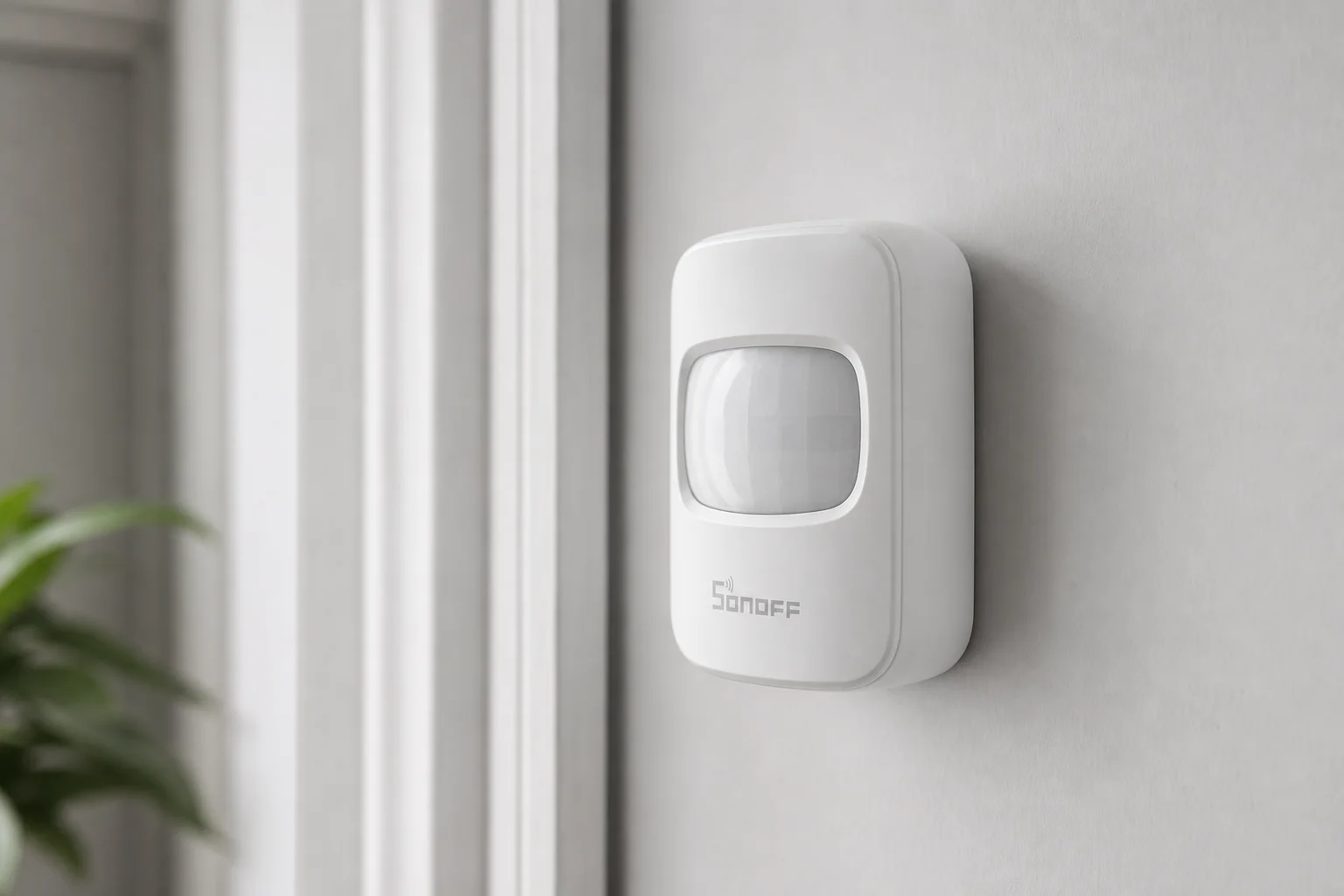
You can also repurpose the same motion sensor to send reminders if your pet hasn’t been outside in several hours. A routine can announce a reminder to take your pet out, helping prevent accidents from extended indoor time.
Automation 2: Custom Voice Commands for Weather
The Tempest weather station provides detailed backyard weather data, but the native voice command is long and difficult to remember. Creating a custom action routine simplifies this: instead of saying “Ask WeatherFlow, what is the temperature?”, you can simply say “outdoor temperature” and get an instant response.
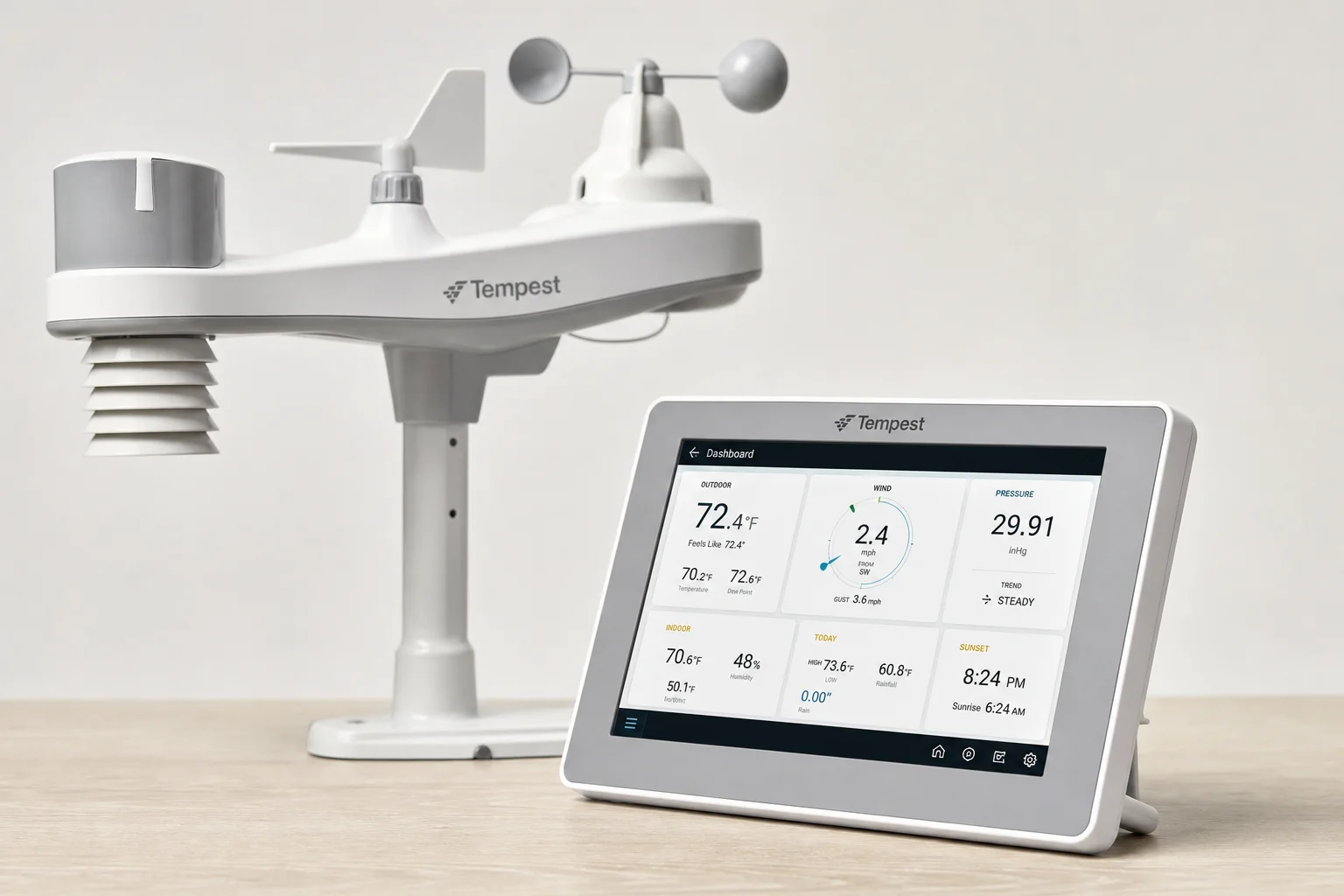
Custom actions are one of the most useful routine features because you can automate any long voice command and make it more user-friendly for your entire family.
Automation 3: Automatic Security Arming
The Ring alarm system can now be automatically armed at night using an Amazon routine scheduled to run at the same time each evening. This removes the need to remember to manually arm the system and ensures your home is protected even if you forget.
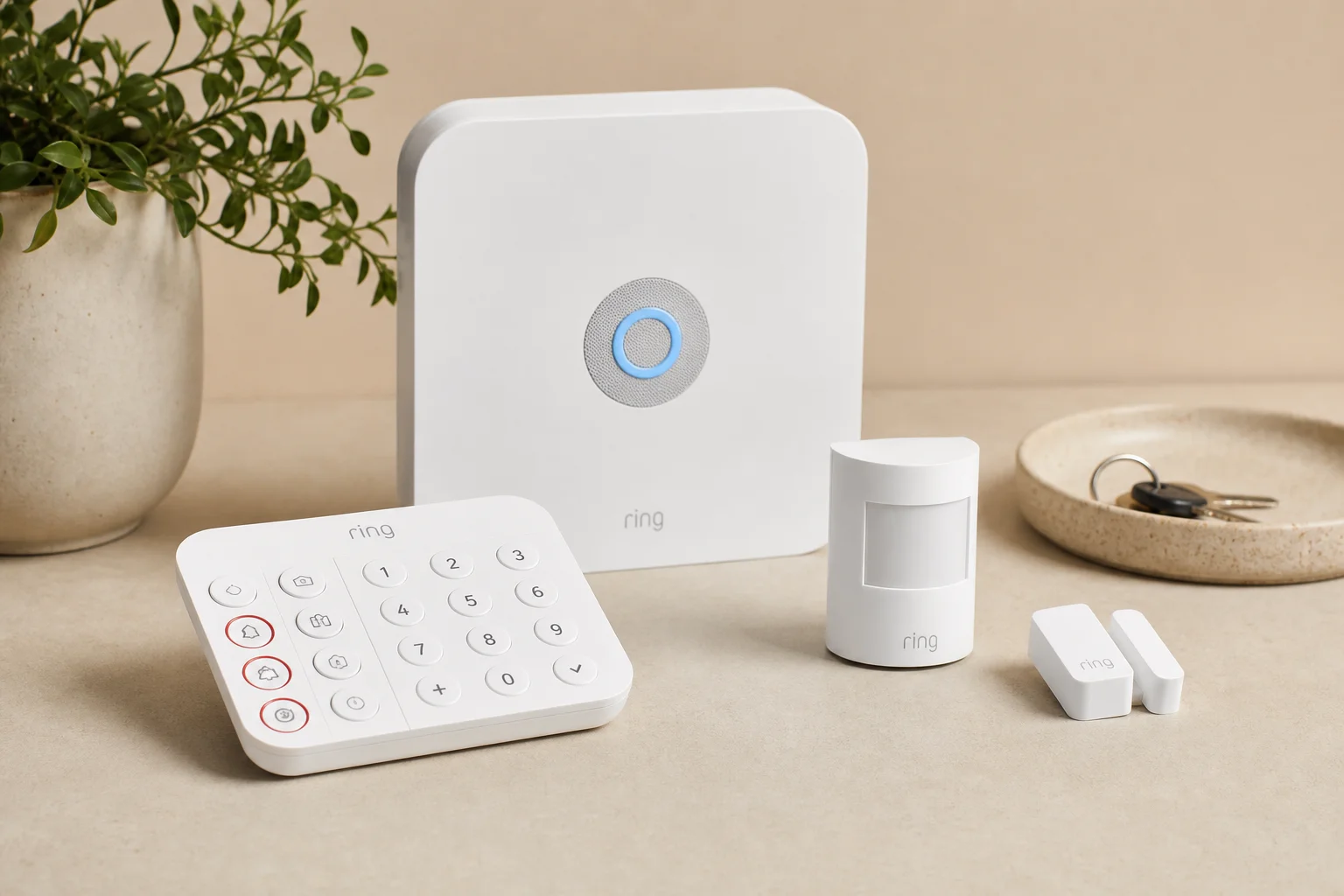
Unfortunately, automatic disarming is not available for security reasons, but the scheduled arming alone makes the system far more reliable in daily use.
Automation 4: Scheduled Blinds and Lighting
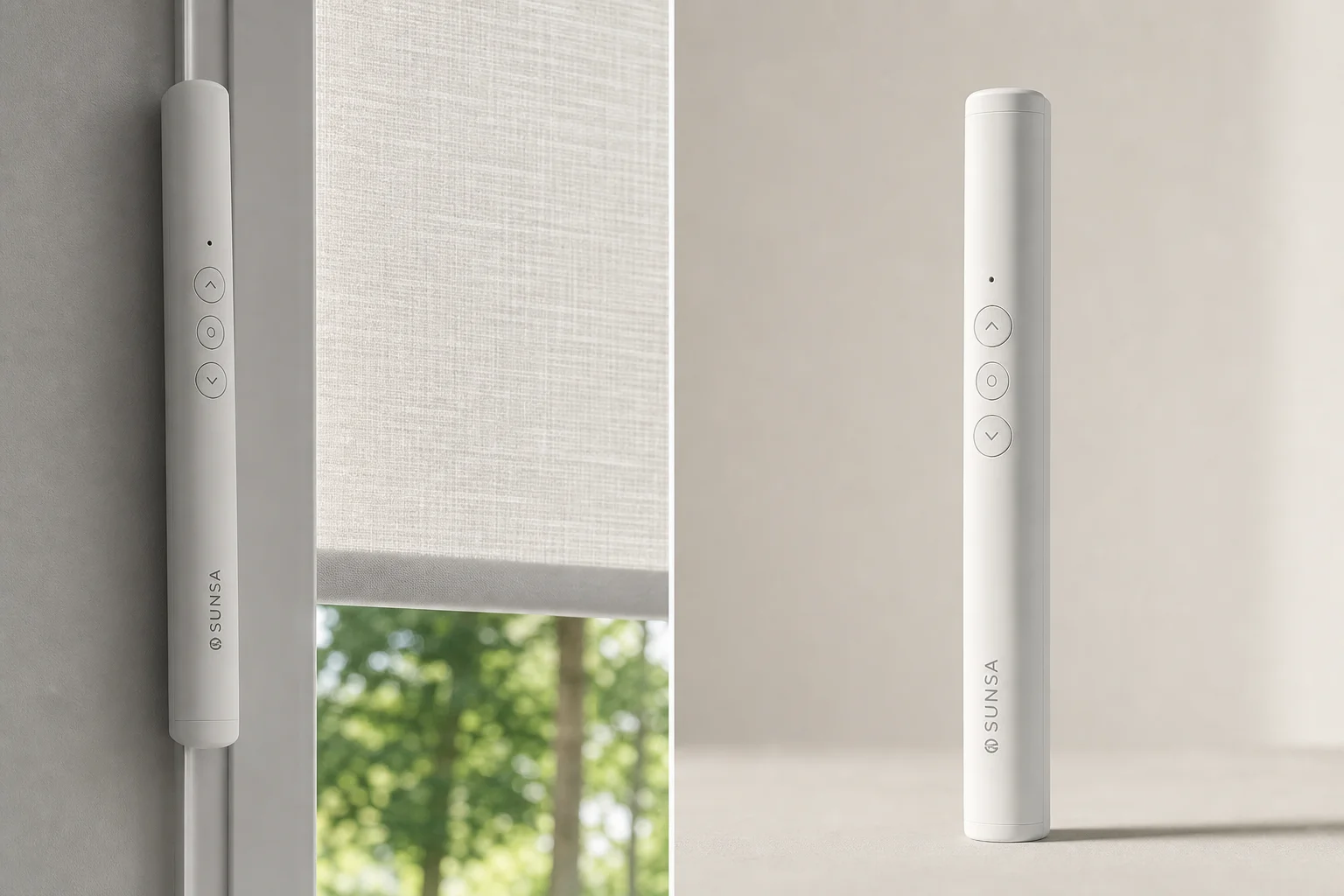
Smart blinds can be automated to open at sunrise and close before sunset, maintaining privacy while maximizing natural light. Using the Sunsa blind wand, you can set blinds to open in the morning so rooms stay bright, then close 45 minutes before sunset to prevent people from seeing inside as it gets dark.

This “set and forget” automation works perfectly because it adjusts automatically with the changing sunrise and sunset times throughout the year.
Automation 5: Contact Sensors for Convenience
Inexpensive contact sensors placed on cabinet doors can trigger light strips to turn on when the door opens, then turn off when it closes. This is especially useful for dark media cabinets or storage areas where you need instant visibility.
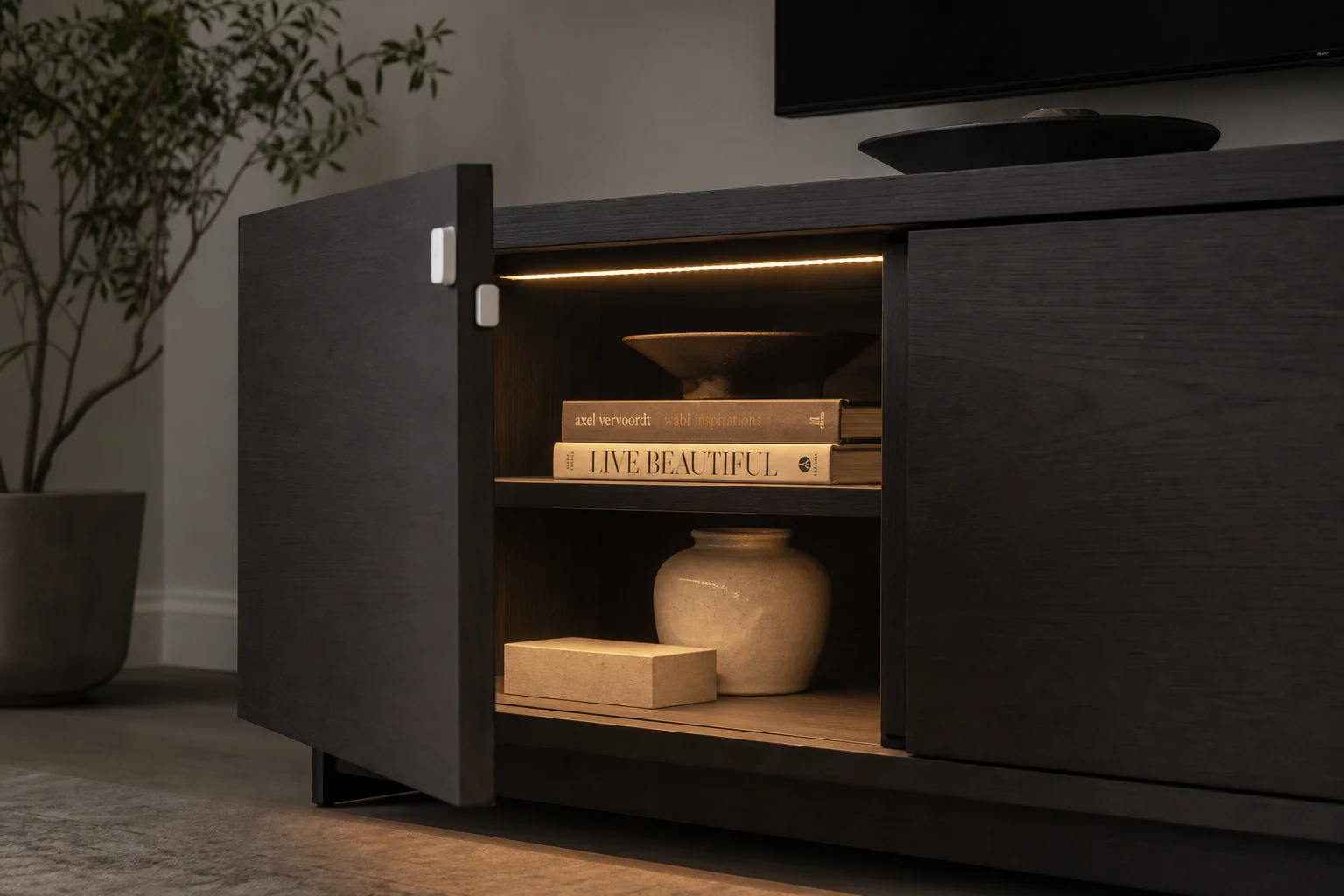
Two separate routines are required: one for the open trigger and another for the close trigger. Ring alarm sensors can also be repurposed for automations beyond security, such as turning on patio lights when doors open.
Automation 6: Sound-Triggered Routines
A new beta feature allows routines to trigger based on detected sounds. An Echo Dot in a nursery can listen for a crying baby and send a notification, then automatically play lullabies. Similarly, a Fire TV can turn off automatically when it detects snoring, or a routine can play calming music when a dog barks while you are away.
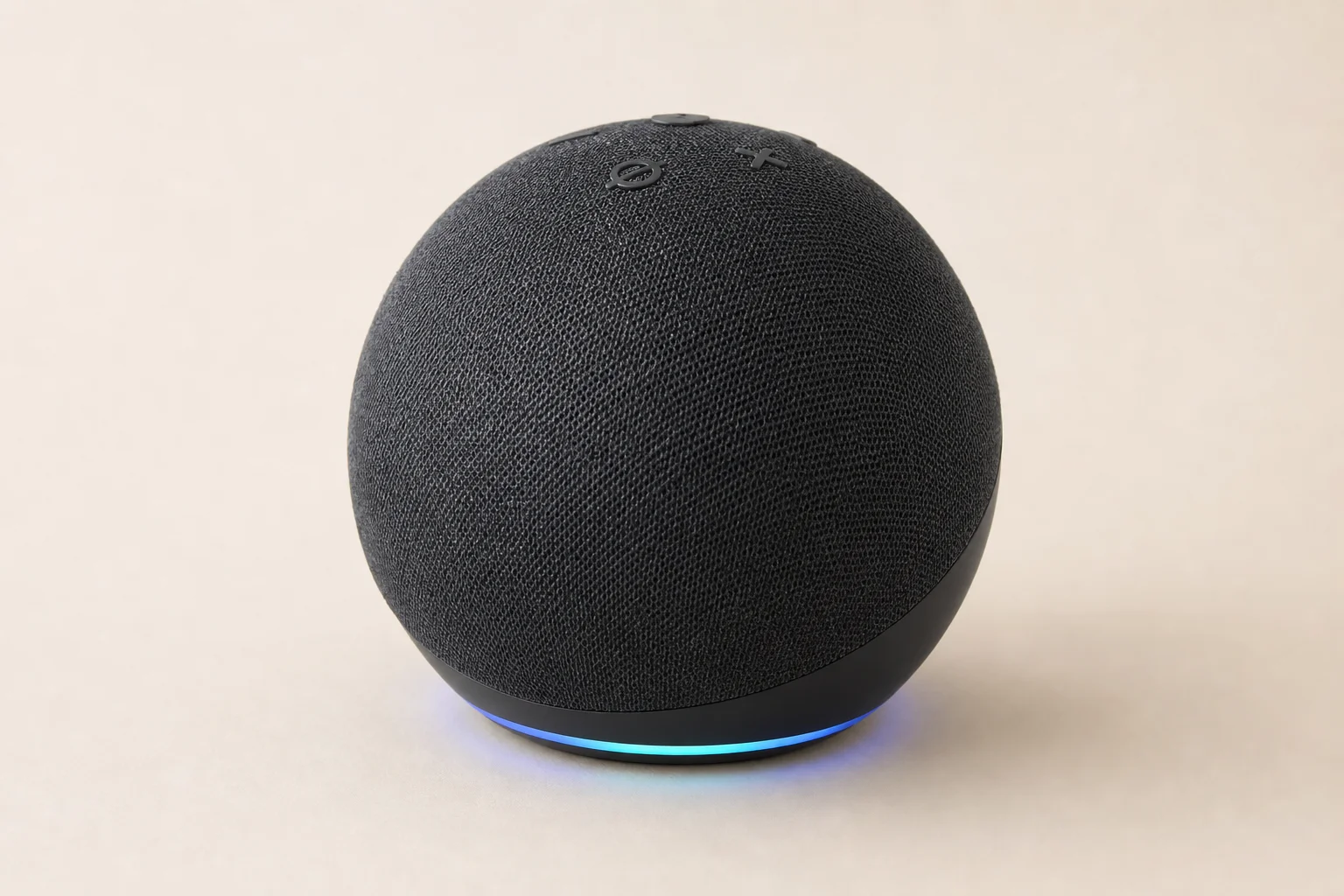
This feature opens possibilities for wellness routines, such as automatically starting a 7-minute workout skill as part of your morning routine.
Automation 7: Multi-Command Voice Triggers
A recent update allows multiple voice commands to trigger the same routine. This makes it easier to get the command right and works similarly to Google Assistant. For example, you could say “movie time” or “theater mode” and both would trigger the same automation.
Automation 8: Camera-Based Triggers
The Echo Show 2nd generation has a built-in camera that can trigger routines when motion is detected. Walking into a room can automatically turn on lights set to the perfect color temperature for that time of day.
Automation 9: Time-Based Light Color Adjustments
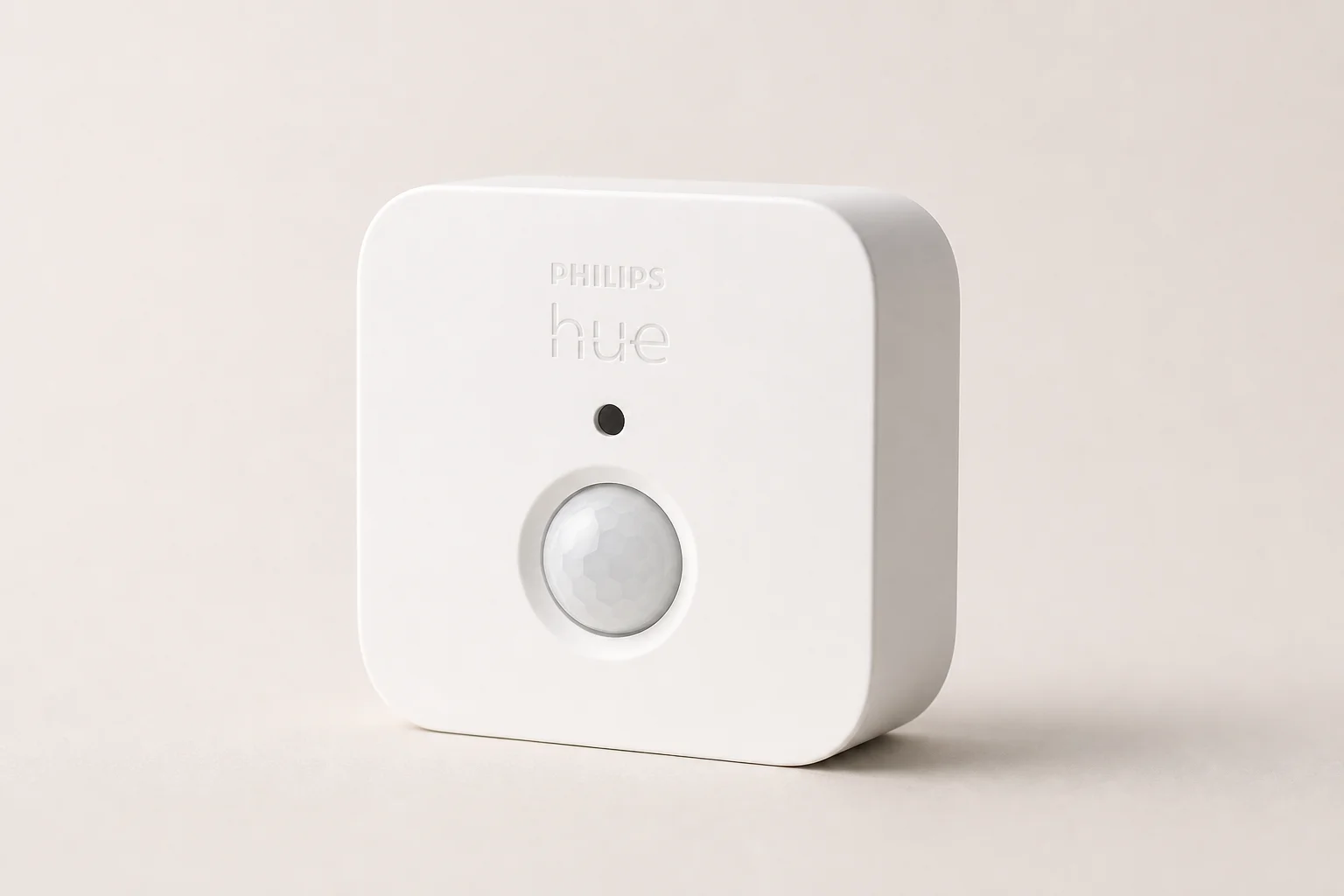
Routines can change light color and brightness based on the time of day. Combined with Philips Hue motion sensors, lights can turn on automatically and adjust to the ideal color temperature for morning, afternoon, or evening, creating a more natural lighting experience throughout the day.
Automation 10: Doorbell Camera on TV Display
When someone rings a compatible doorbell, a routine can display the camera feed on a Fire TV or Fire Stick 4K. Using a custom command, the doorbell press triggers the TV to show who is at the door, allowing you to see visitors from anywhere in your home.
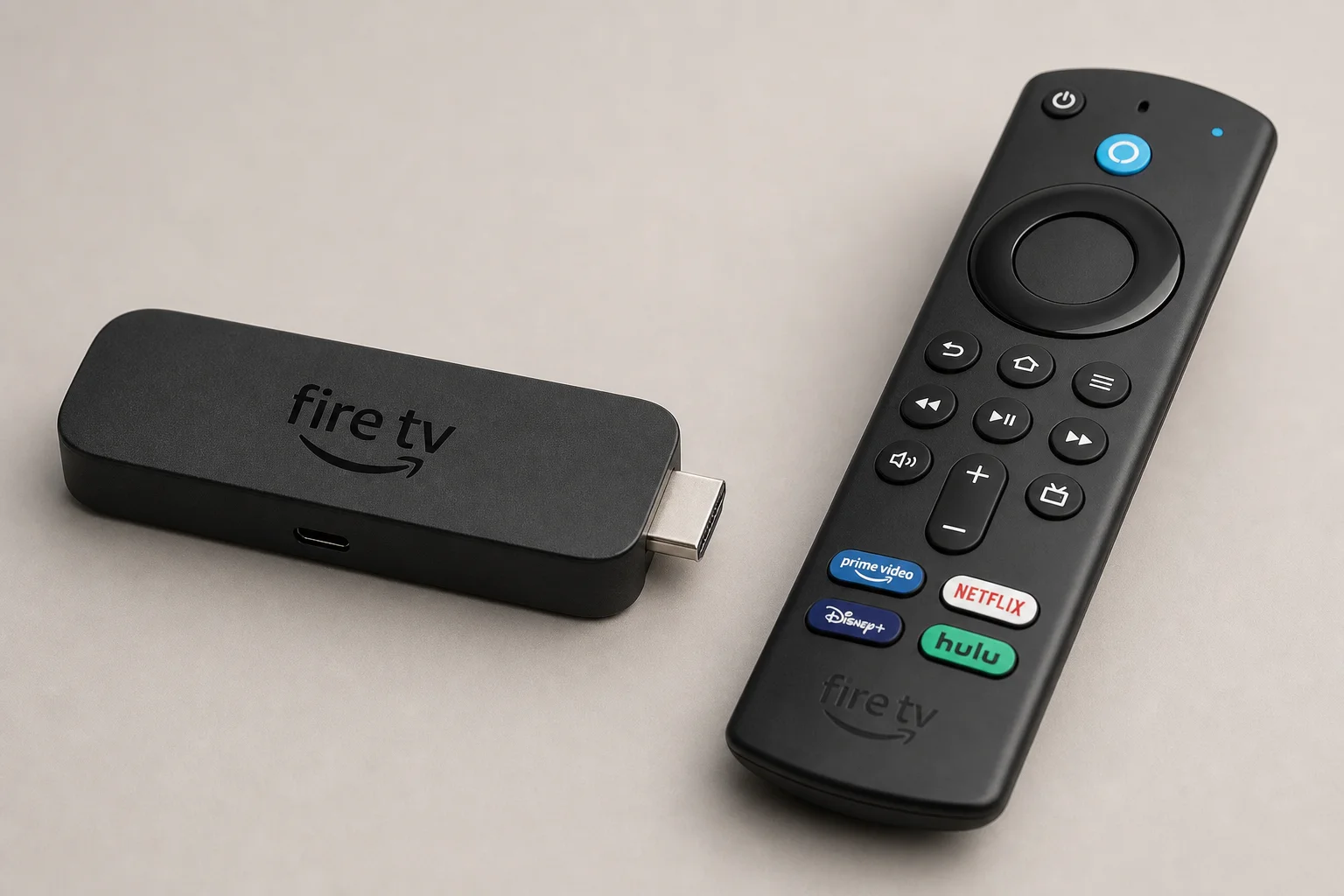
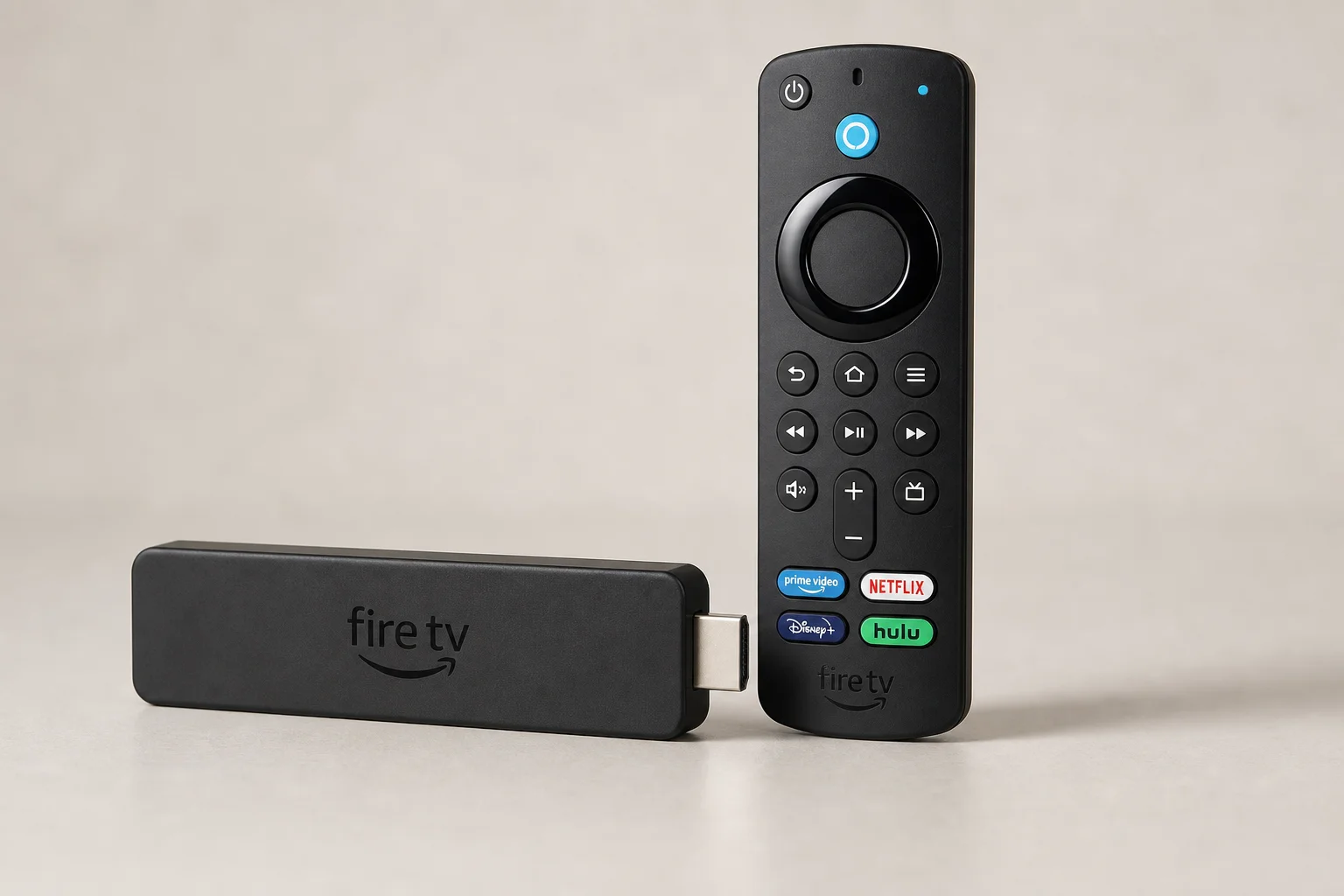
Multiple routines can be created to display the doorbell feed on different screens simultaneously.
Automation 11: Multi-Device Theater Routines
In a room with multiple smart devices such as shades, curtains, lights, a projector, amplifier, and gaming console, a single routine can control everything at once. Instead of turning on each device individually, one voice command or button press activates the entire entertainment setup.
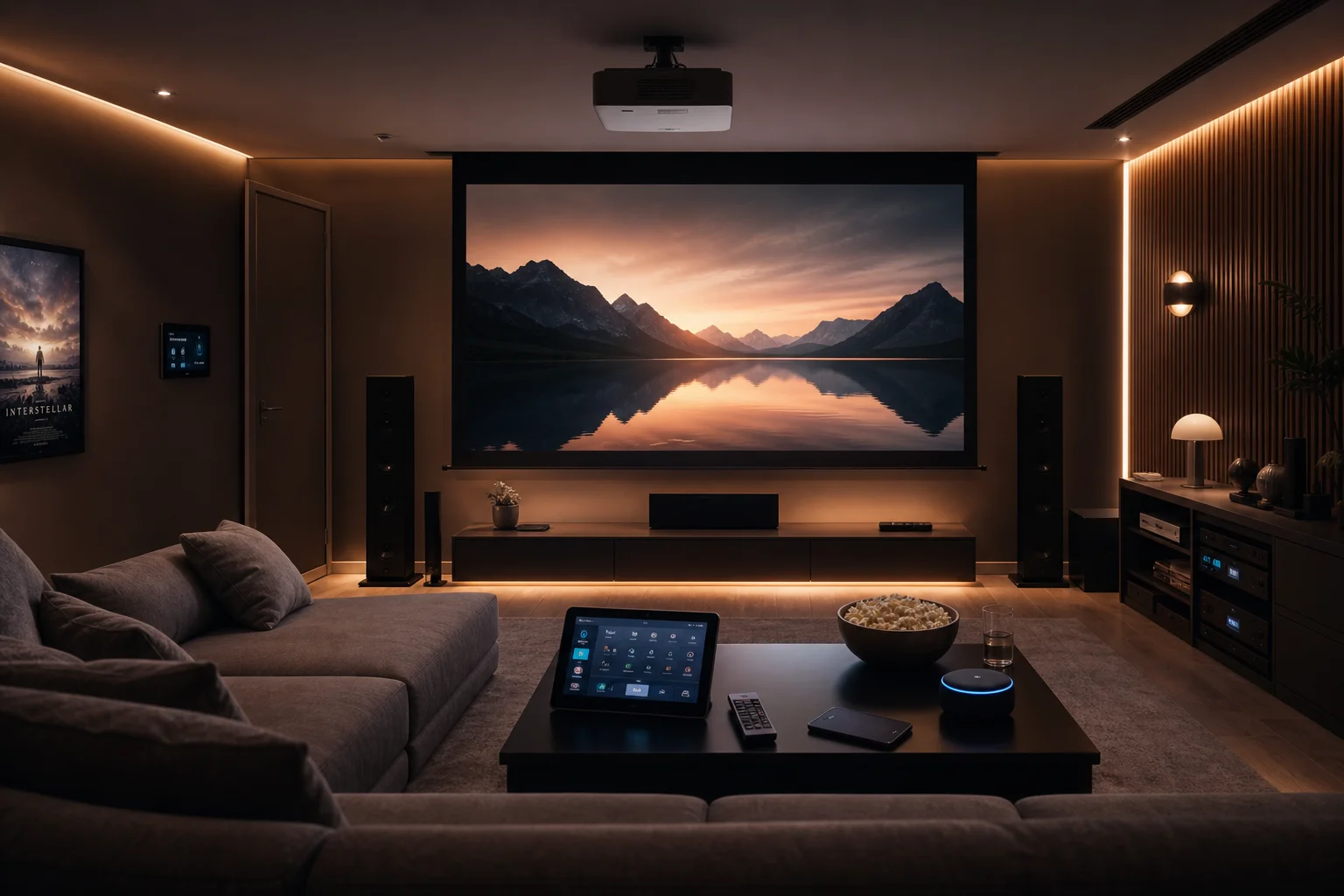
This is especially useful when you have many devices that need to be coordinated for a specific activity like watching a movie or playing games.
Automation 12: Do Not Disturb Scheduling
A routine can automatically put all Alexa devices into do not disturb mode during specific times, such as nap time. This mutes announcements while still allowing phone notifications, so you do not miss important alerts.
Automation 13: Button-Triggered Routines
A small, inexpensive Broadlink hub enables physical buttons to trigger routines. Each button can start a different automation, such as playing a children’s show on Netflix or starting a Spotify playlist on all Echo devices.
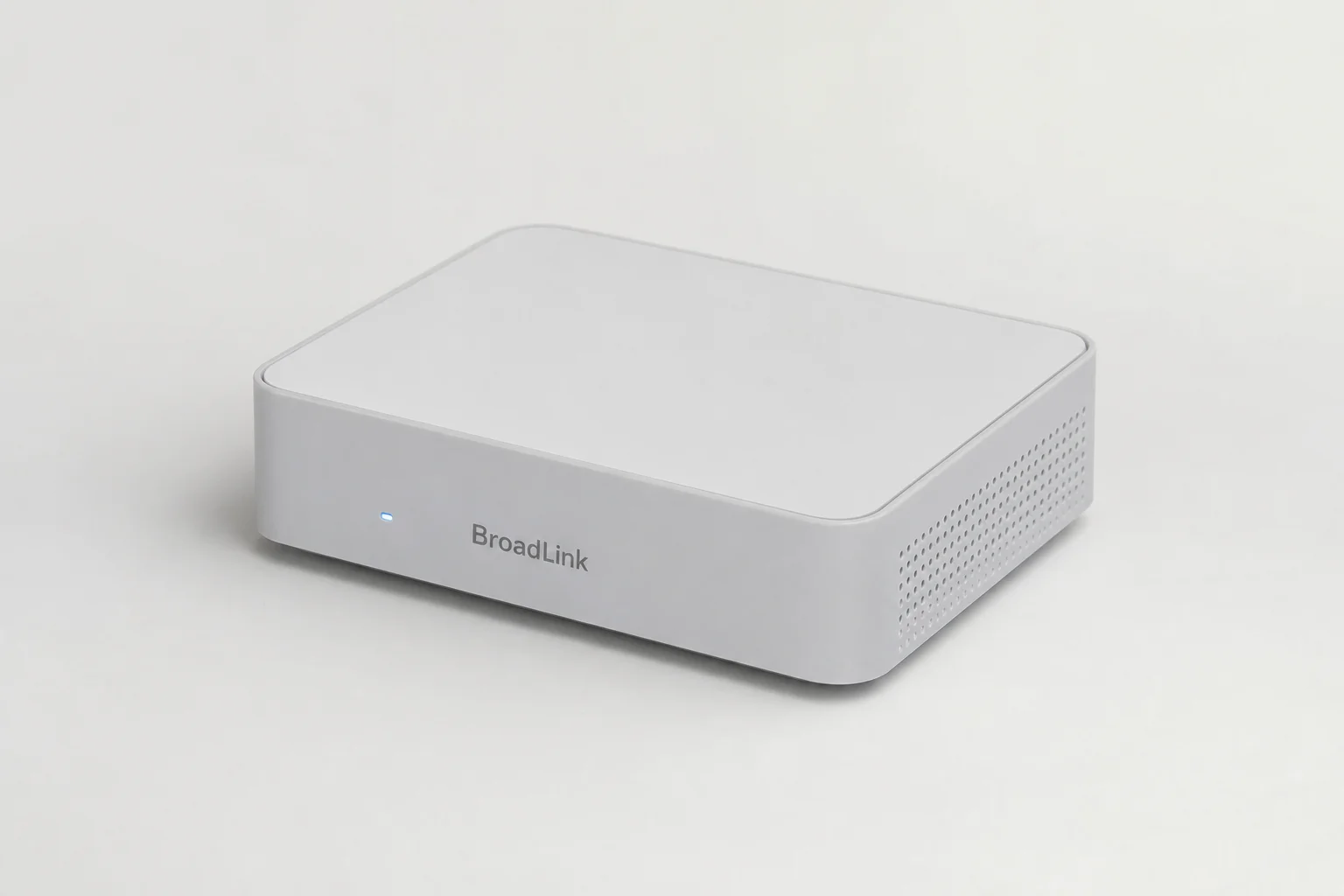
This is far more convenient than remembering voice commands, especially for frequently used routines.
Automation 14: Fire Tablet Dashboard Controls
A Fire Tablet in dashboard mode can display buttons for quick routine access. Instead of using voice commands, you can tap a button to start a routine, such as playing a shuffled Spotify playlist on all Echo devices.
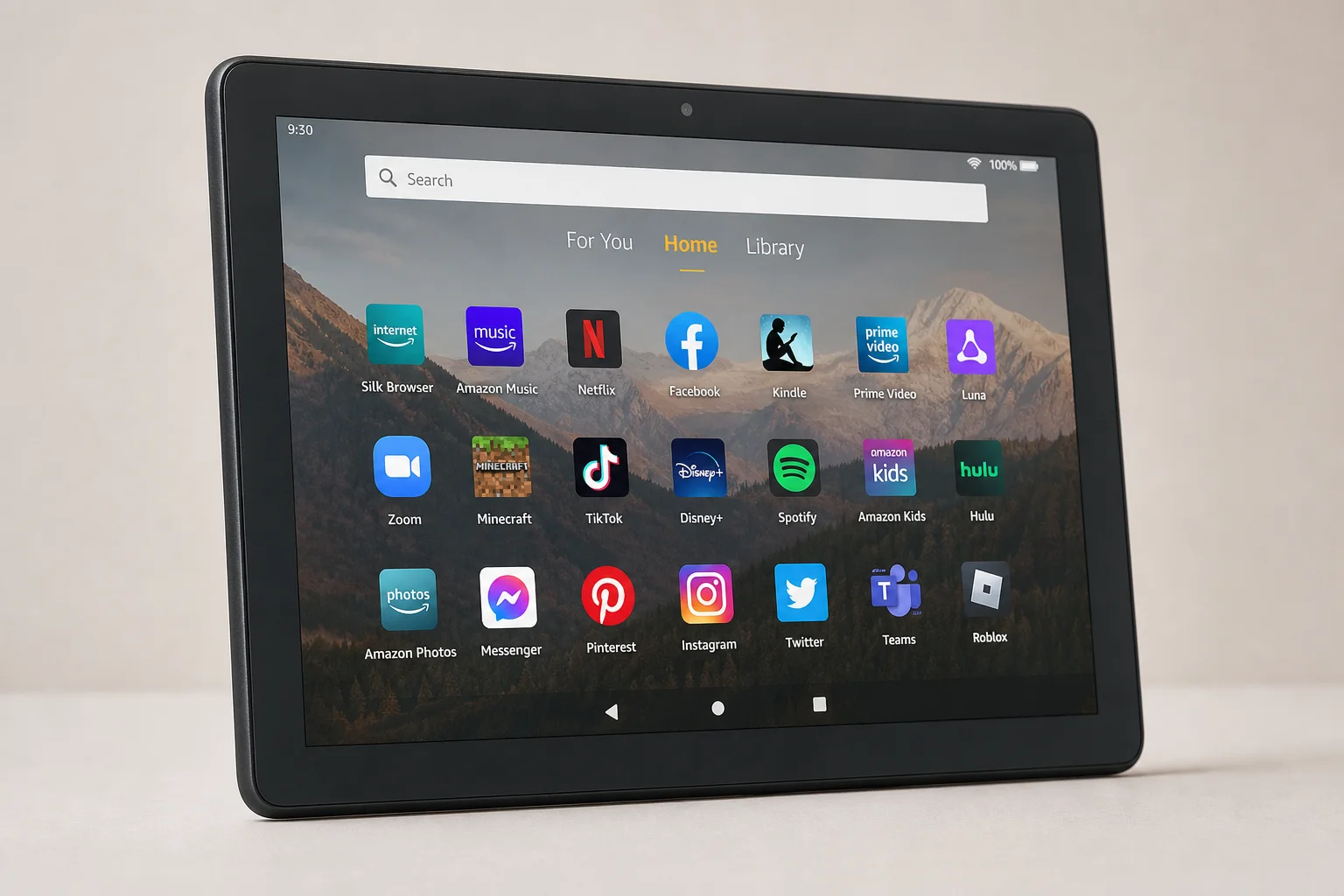
The dashboard is simple to set up: press the button on the bottom left and pin your favorite routines for instant access.
Automation 15: Sharing Routines with Others
Amazon now allows you to share routines by creating a link that others can import. This makes it easy to share automation ideas with family members or friends. When someone imports a shared routine, they select which of their own devices to use, giving them a head start without requiring them to build the automation from scratch.
Conclusion
These fifteen automations demonstrate how Amazon Alexa routines can solve real household problems across pet care, security, entertainment, and daily convenience. Start with one or two automations that match your specific needs, then expand as you become more comfortable with the routine creation process. The shared routine feature makes it easy to try ideas from others and customize them for your home.
Further reading
Related Reviews
Smart Home
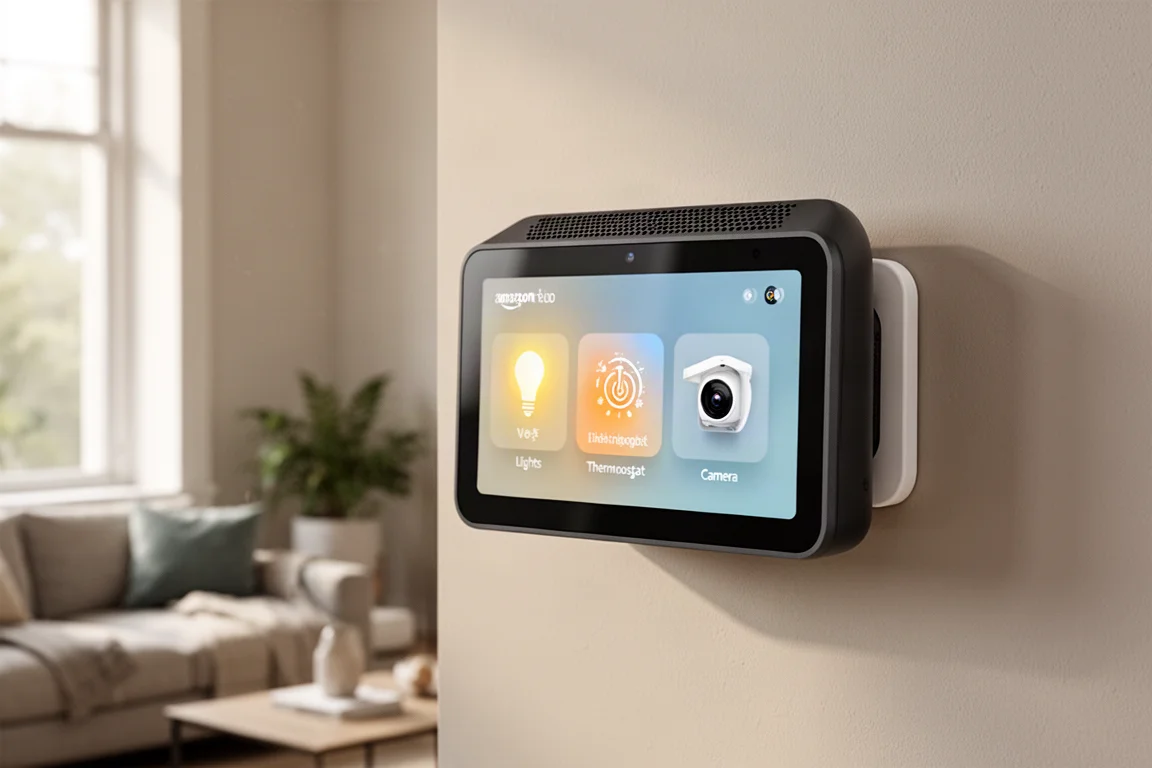
Amazon Echo Hub Review: A Smart Home Dashboard That Finally Gets It Right
The Amazon Echo Hub puts smart home controls front and center with a fast, simple interface. Here is how it performs as a family-friendly dashboard.
Smart Home
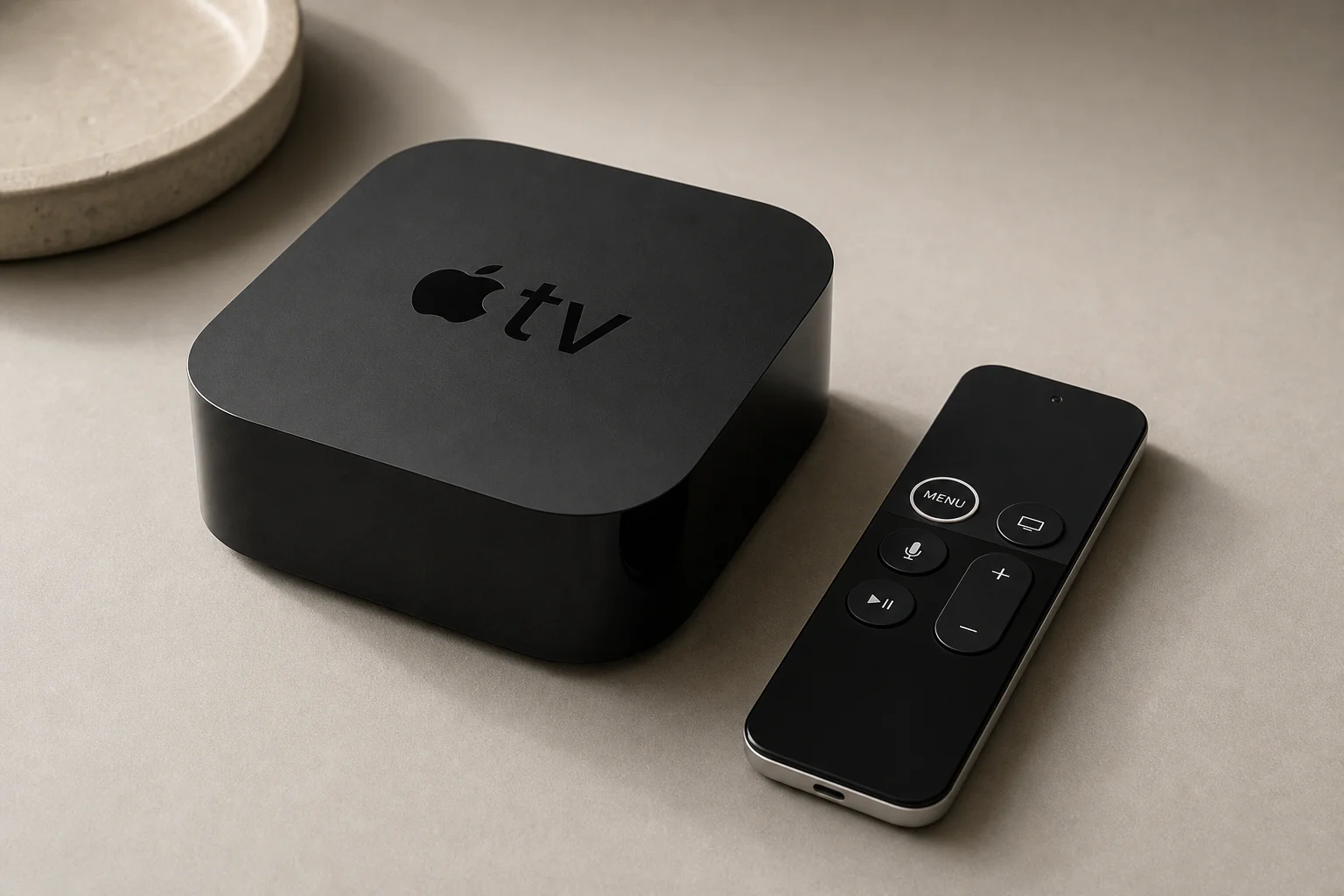
Apple TV as HomeKit Hub: Why It's Your Best Choice for Home Automation
The Apple TV combines HomeKit hub functionality with a display, camera viewing, and local automation control. Here's what makes it stand out from iPad and HomePod Mini alternatives.

Smart Home
Best E-Paper Picture Frames 2026: Three Color E-Ink Displays Compared
Color e-paper picture frames offer a calmer alternative to bright LED screens. We compare three models with different approaches to connectivity, image quality, and price.