Desktop Audio
SMSL SU-6, SH-6 and M500 Mark II: Two Desktop Audio Paths Compared
A compact SMSL DAC and headphone amp stack meets the M500 Mark II, with notes on features, power, sound and which setup fits your desk.
Introduction
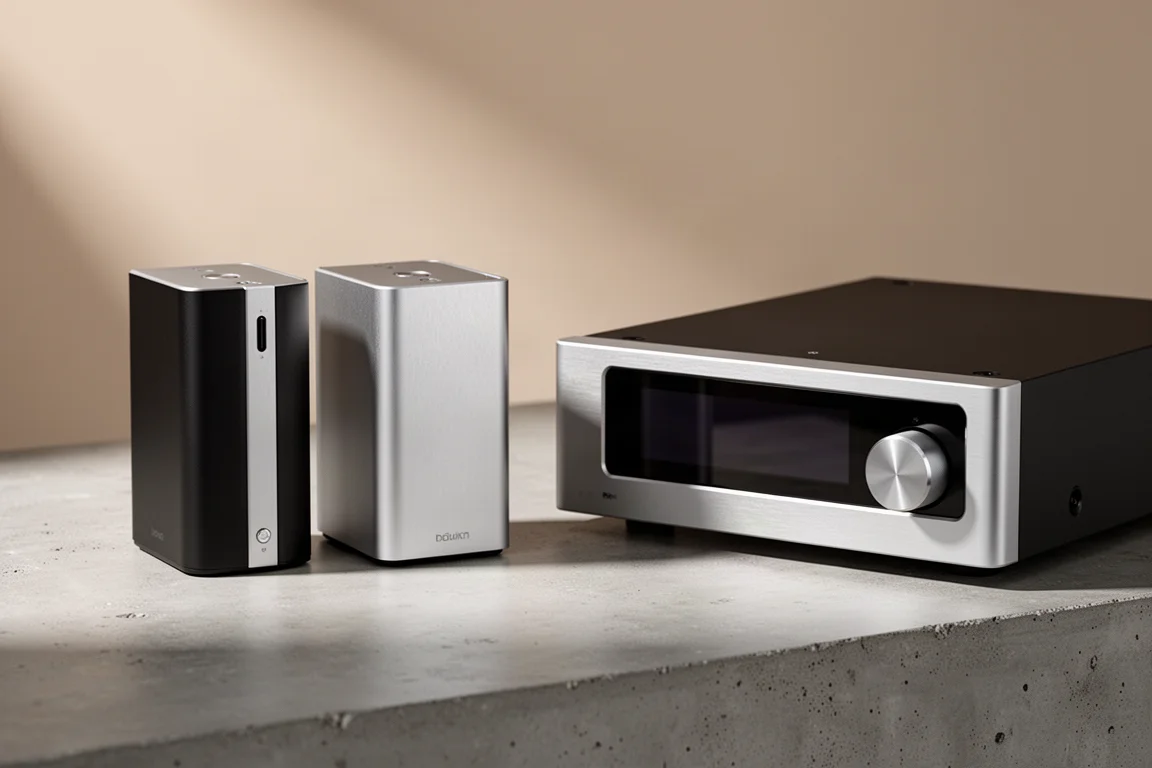
SMSL has spent years putting current-generation converter hardware into small, affordable desktop enclosures, and the result is a lineup where two very different buying paths lead to a similar place. One path is a pair of separates: the SU-6 DAC and the SH-6 headphone amplifier, sold individually but designed to sit together as a stack. The other is the M500 Mark II, a single, larger unit that handles DAC and headphone amp duties in one chassis.
On paper the two paths share plenty of DNA. Both cover the modern Bluetooth codec set, both include a remote control, and both use internal power supplies instead of an external brick. Where they separate is in connectivity, output power, footprint, and the character of the sound each one puts forward.
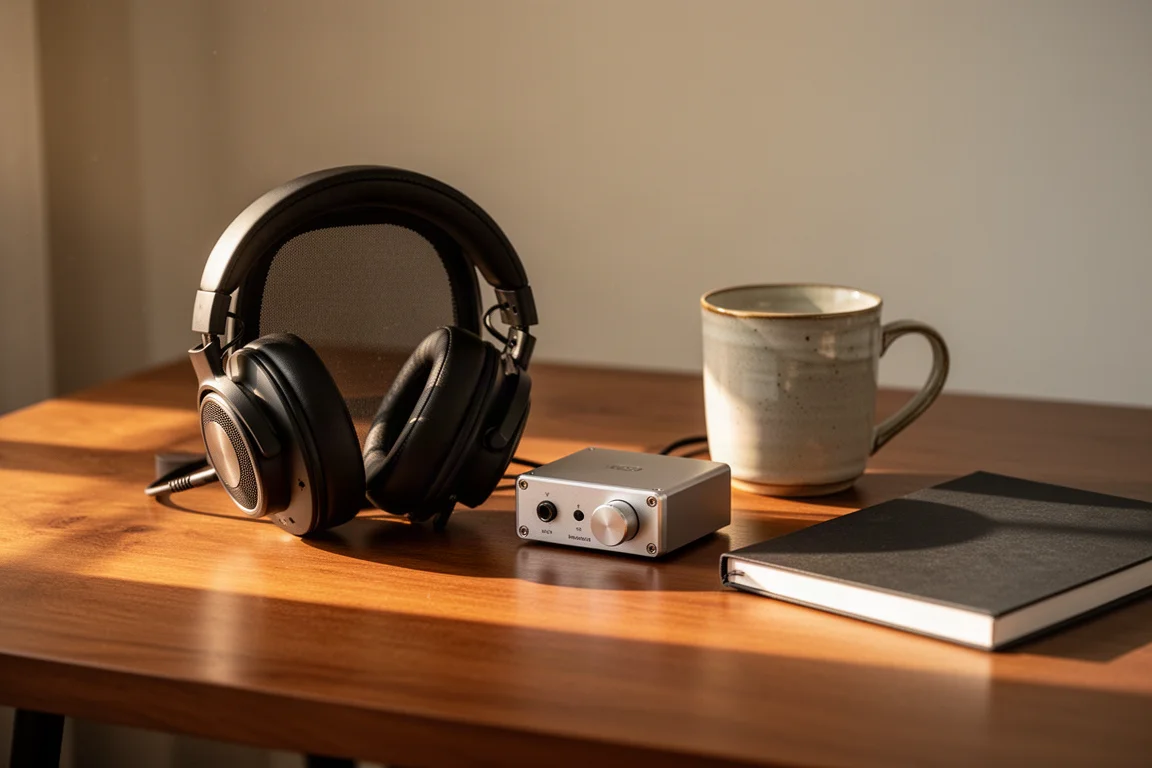
This guide covers what each option actually does, how they behave when driving real headphones, and which setup makes more sense depending on your desk and the system it feeds.
What Each Setup Is Built For
The stack is the more flexible arrangement. The SU-6 handles conversion and can be used purely as a DAC feeding an amplifier, a soundbar, an AV receiver, or a vintage integrated amp. The SH-6 handles headphone amplification and can also run in preamp mode. That split means one half can be repurposed or upgraded without replacing the other.
The M500 Mark II takes the opposite approach. Everything lives in one box, and that box brings features the stack does not offer, most notably balanced outputs. It is a natural centerpiece for a desk or a streamer-based system where a single unit and a single remote are preferable to two.
SMSL SU-6: The DAC Half of the Stack
The SU-6 uses the ES9038Q2M converter chip and, like several popular compact desktop DACs, pairs it with four op-amp chips. It supports DSD playback along with a broad range of PCM material, and it offers seven different PCM filter settings so the roll-off can be tuned to taste. Clock circuitry is included to keep jitter in check.
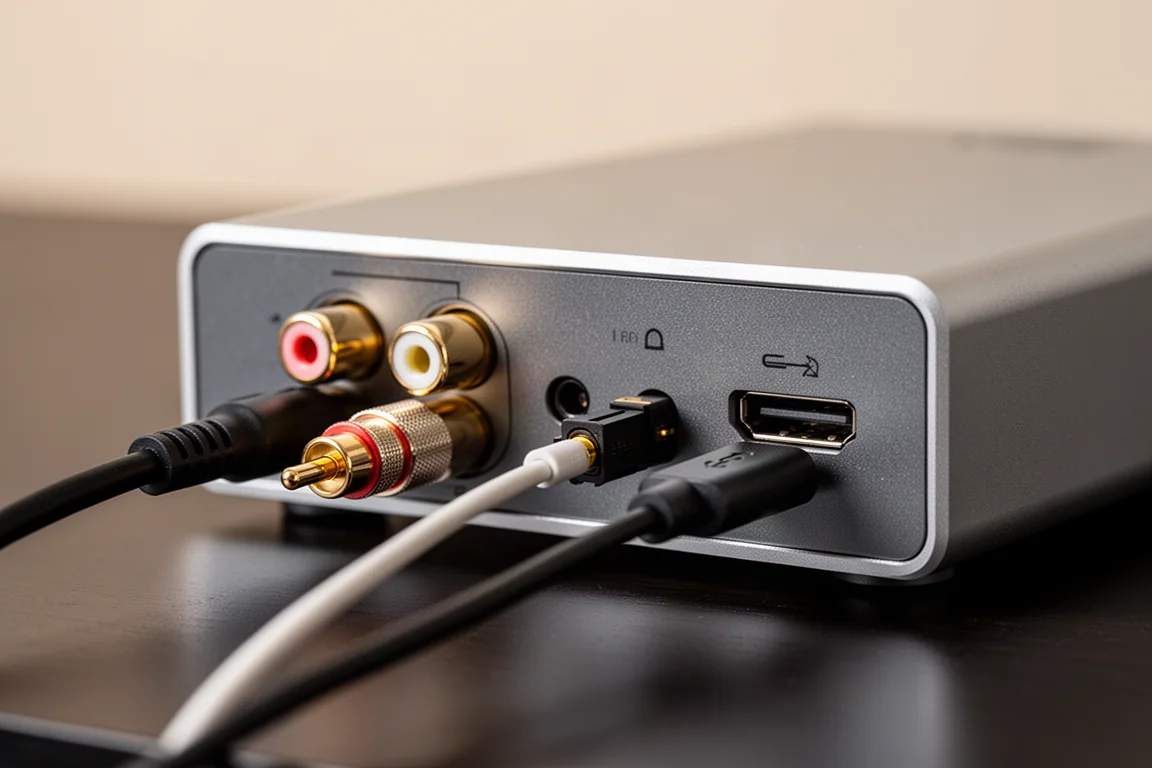
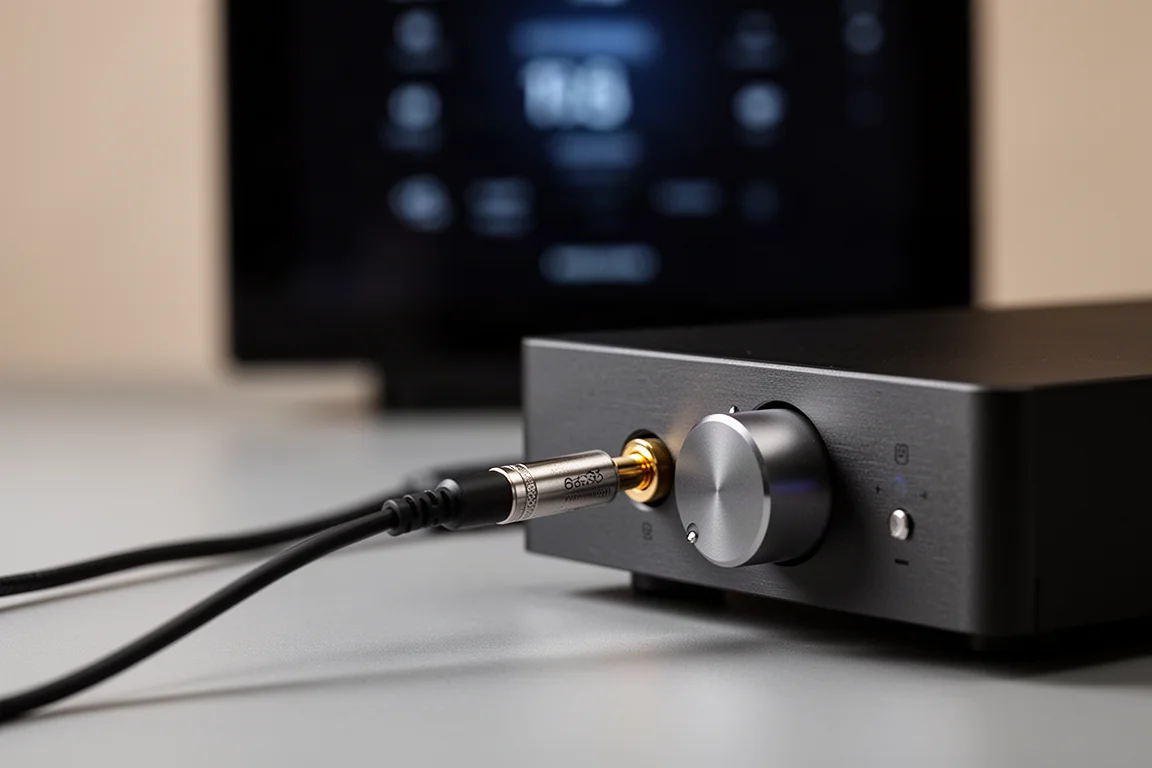
Around the back you get RCA outputs, a coaxial input, a full-size optical input, a USB-C input, and a Bluetooth antenna. Bluetooth coverage includes LDAC, aptx HD, aptx, AAC, and SBC, which takes care of the codecs most listeners will actually use. Power comes from an internal supply with a figure-eight cord, so there is no external brick to hide. SMSL also includes a remote control.
At $169 the SU-6 is the least expensive way into this group, and its size is part of the appeal. It is small and light, only marginally larger than a compact desktop DAC such as the Topping D50s, yet it undercuts that unit by roughly $70 while adding newer hardware and a remote. Its flexibility is the real story: it works as a soundbar replacement, as a first step-up DAC for an AV receiver or an older amplifier, or standing vertically next to a television paired with a compact integrated amplifier, where the included remote handles volume.
SMSL SH-6: The Headphone Amp
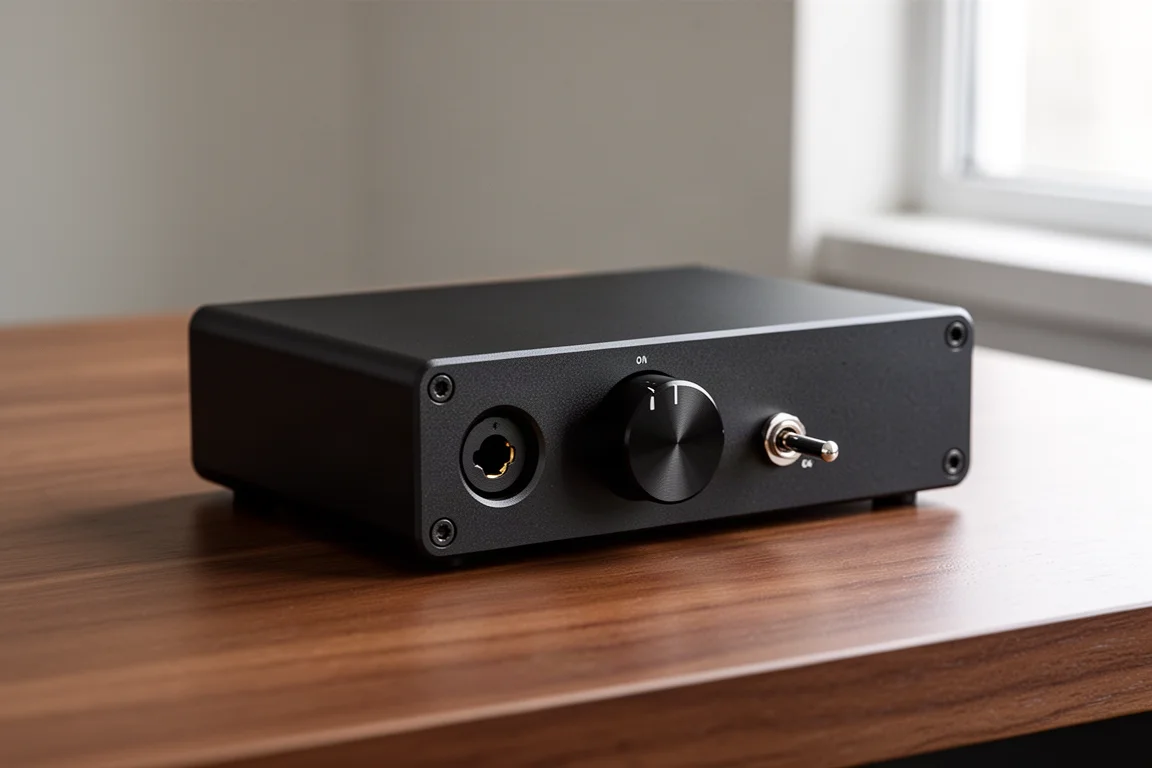
The SH-6 is deliberately simple. The front panel carries a single volume control, a 6.35 mm single-ended headphone jack, a high and low gain toggle, and a three-position switch for preamp mode, headphone amp mode, or off. The rear has RCA inputs and RCA outputs, which makes it easy to slot between a DAC and a pair of powered speakers.
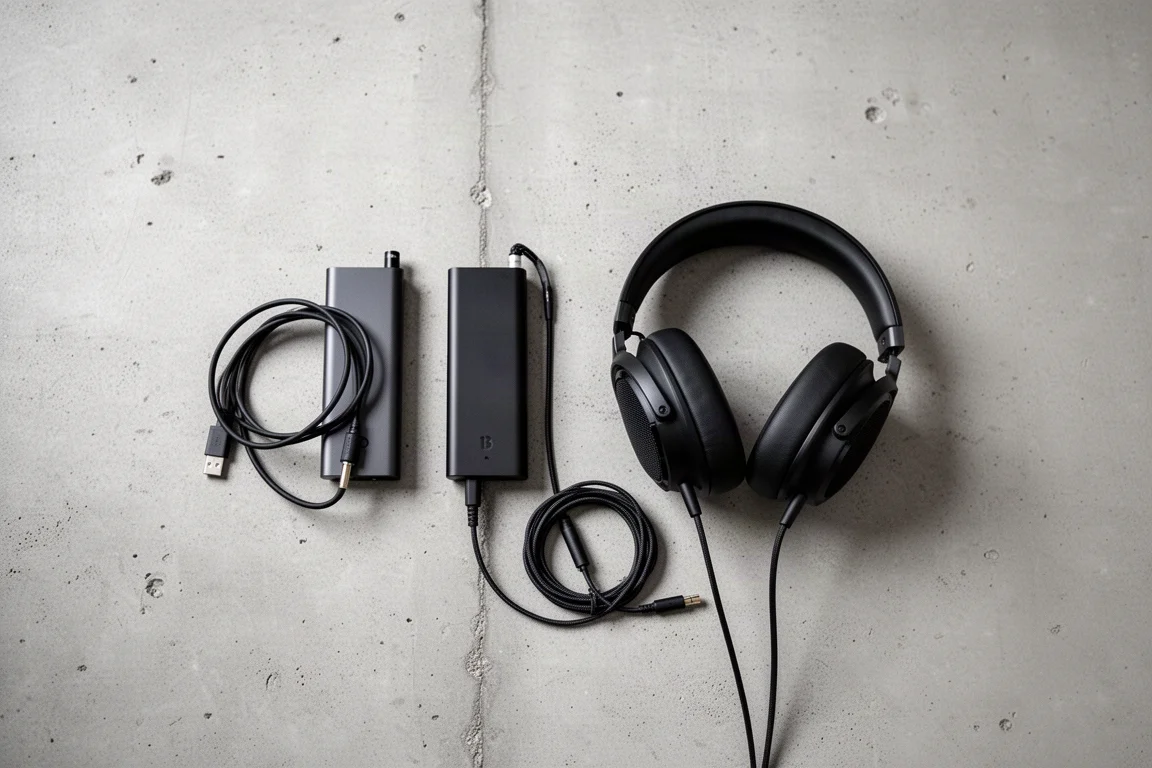
Power output is rated at 2.6 W into 16 ohms and 1.3 W into 32 ohms. In practice that was enough to drive a wide range of headphones, including the Drop and Sennheiser 6XX, the HiFiMan Edition XS, and the Tin HiFi P1 Plus. There was no discernible noise floor with sensitive in-ear monitors either, which matters if you switch between full-size headphones and IEMs during the day.
The SH-6 also carries one genuinely unusual detail: its three-prong power cord includes a small chassis ground with a spade connector, a neat alternative to a full-size IEC inlet. At $120 it is the least expensive piece here, and bought together with the SU-6 the pair comes in at roughly $279.
SMSL M500 Mark II: The Do-It-All Option
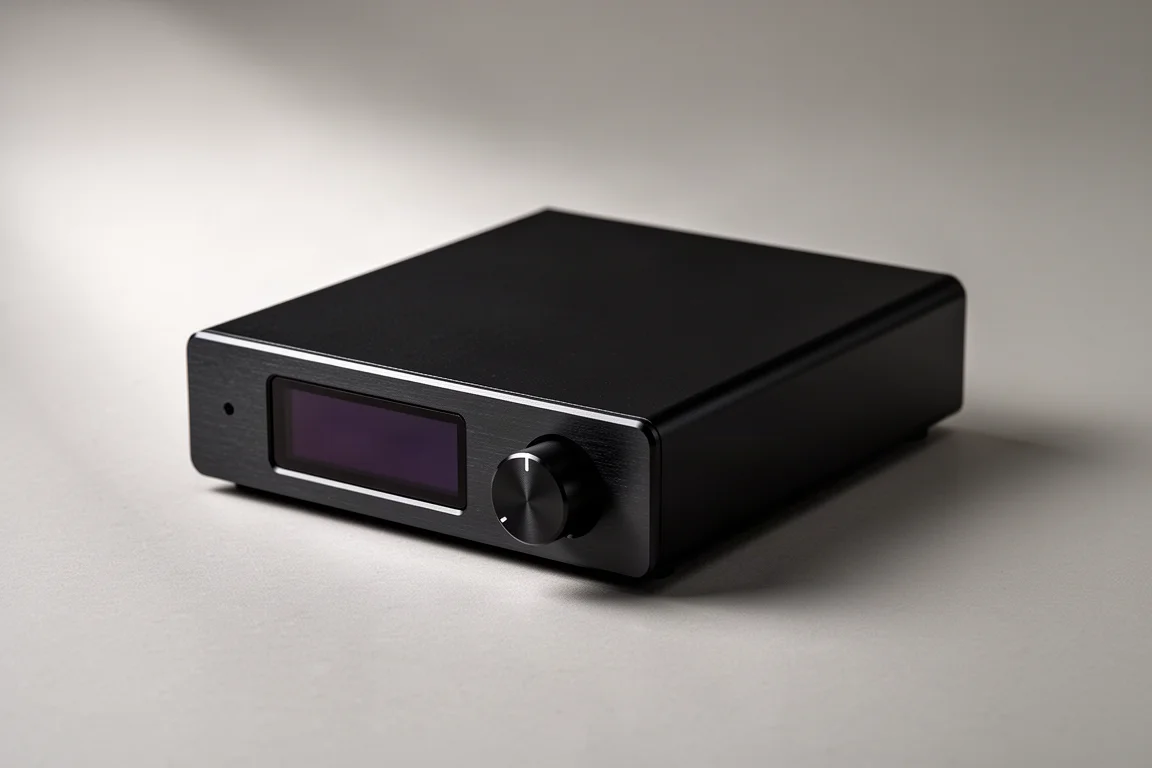
The M500 Mark II is the larger, more capable unit. It runs the ES9038PRO chipset, adds clock circuitry intended to reduce jitter, and supports MQA, including MQA CDs. Bluetooth coverage matches the stack, with LDAC, aptx HD, aptx, AAC, and SBC among the available codecs.
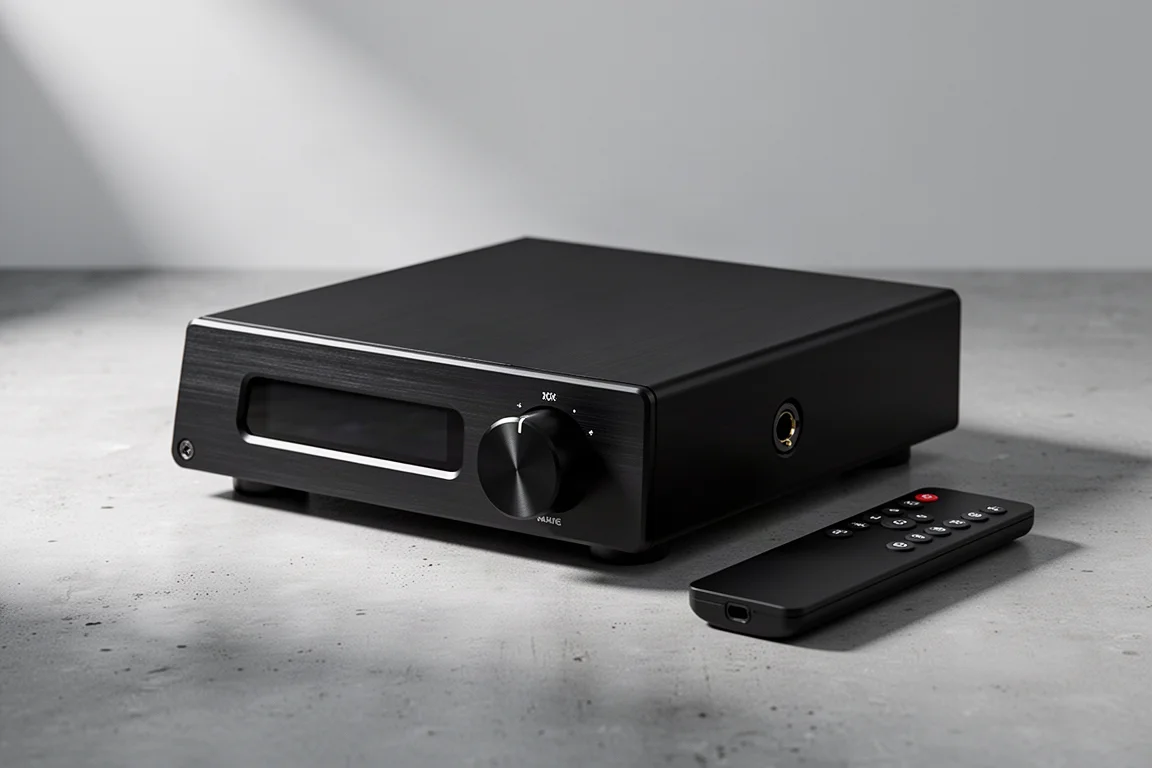
Its front panel has a volume control, a 6.35 mm headphone output, and a large display. The rear panel is where it pulls ahead, with balanced outputs alongside RCA outputs, plus full-size USB, coaxial, and optical inputs, a vertical Bluetooth antenna, and a standard IEC power inlet. Headphone power is rated at 2 W into 16 ohms and 1 W into 32 ohms, slightly less than the SH-6 on paper but still ample for the headphones listed above.
Inside, SMSL describes a built-in low-noise switching power supply working alongside a discrete linear supply and multiple low-noise rails for the analog circuits. The M500 Mark II also provides several roll-off filter options and, unusually, ships with a printed guide explaining what each setting changes and what kind of music suits it.
At $250 the M500 Mark II lands just under the price of the two-box stack, which makes the feature gap worth weighing carefully. For anyone who needs balanced outputs, MQA decoding, or a single chassis with a display and a remote, that combination is hard to argue with.
Sound Notes: Stack Versus All-In-One
Both setups drove the headphones listed here without strain, and neither introduced audible noise with sensitive in-ear monitors. The differences show up in presentation rather than raw capability.
The M500 Mark II leans fuller and more organic. On densely layered material it separated instruments more clearly, and its low end carried a little more weight without sounding exaggerated. The stack, by contrast, comes across as more detailed and slightly thinner, with a cooler, edgier character on some tracks. Sibilance on a vocal-forward recording was more noticeable through the stack than through the M500 Mark II.
That does not make the stack the lesser option. Its leaner balance can suit warmer headphones particularly well, and it holds its own against far more expensive gear. Set against a $1,000 battery-powered travel DAC and amp such as the iFi Diablo, the stack was not embarrassed, while the M500 Mark II came across as at least as good. Those are different product categories, so the comparison is a measure of value rather than a like-for-like verdict.
Buying Advice: Which Setup Fits Your Desk
Budget decides less here than you might expect. The stack costs roughly $279 together and the M500 Mark II costs $250, so the two sit close enough that price alone should not be the deciding factor.
Choose the M500 Mark II if you need balanced outputs, want MQA support, prefer a single chassis with a large display, or plan to build the unit into a streamer-based system. Its headphone amp is capable enough that a separate amplifier is not necessary, and the multiple filter options plus the printed guide make experimenting straightforward.
Choose the SU-6 and SH-6 if you want separates, a smaller footprint, or a DAC that can double as a front end for a soundbar, an AV receiver, or a vintage amplifier. The SH-6’s preamp mode also makes it simple to add a volume-controlled output for powered speakers. Pairing the leaner stack with warmer headphones is a sensible match.
If neither need is obvious yet, start with the SU-6. It is the least expensive entry point, it works perfectly well as a standalone DAC, and the SH-6 can be added later without duplicating anything you already own.
Conclusion
SMSL offers two convincing answers to the same question. The SU-6 and SH-6 stack delivers detail and flexibility at a modest total outlay, while the M500 Mark II trades a little of that edginess for a fuller, more organic presentation and a feature set that includes balanced outputs and MQA. Both drive a wide range of headphones cleanly, both include a remote, and neither asks you to compromise on the essentials. Match the choice to the outputs you need and the headphones you own, and either path will serve a desktop system well.
Further reading
Related Reviews
Desktop Audio
ADAM Audio D3V vs Kali Audio LP-UNF: Two $299 Desktop Monitors Compared
Two compact powered desktop monitors at the same price, compared on bass extension, linearity, placement settings, directivity, and realistic output limits.
Desktop Audio
Aiyima T9 Review: A Compact Tube Desktop Amplifier With a Built-In DAC
A budget desktop amplifier that pairs class D power with two tubes, a full DAC section, Bluetooth, tone controls, and a working VU meter.
Desktop Audio
Aune S9c Pro Review: A Weighty Desktop DAC and Headphone Amplifier With Real Power
A desktop DAC and headphone amplifier with a linear power supply, dual Sabre converters and five watts of balanced headphone output. Here is what to weigh before buying.