Smart Home
10 Things to Know Before Buying Smart Plugs
Essential considerations for choosing the right smart plug, from device compatibility and power ratings to setup complexity and security best practices.
Introduction
Smart plugs offer a straightforward way to add remote control and automation to everyday devices, but the market is crowded with options that vary significantly in capability, compatibility, and reliability. Before investing in smart plugs for your home, understanding these ten key considerations will help you avoid costly mistakes and choose products that actually work with your devices and lifestyle.
Device Compatibility Matters
Not every device will work properly with a smart plug, and this is the first critical check before buying anything else. The key is whether your device will return to its previous state when power is restored.
Mechanically switched devices like traditional toggle-switch lamps will turn back on automatically when power returns, making them ideal for smart plugs. However, devices with capacitive touch controls or electronic switches often will not resume their previous state after a power cycle. If you unplug a capacitive touch lamp at full brightness and plug it back in, it may not turn on at all, rendering smart plug control useless.
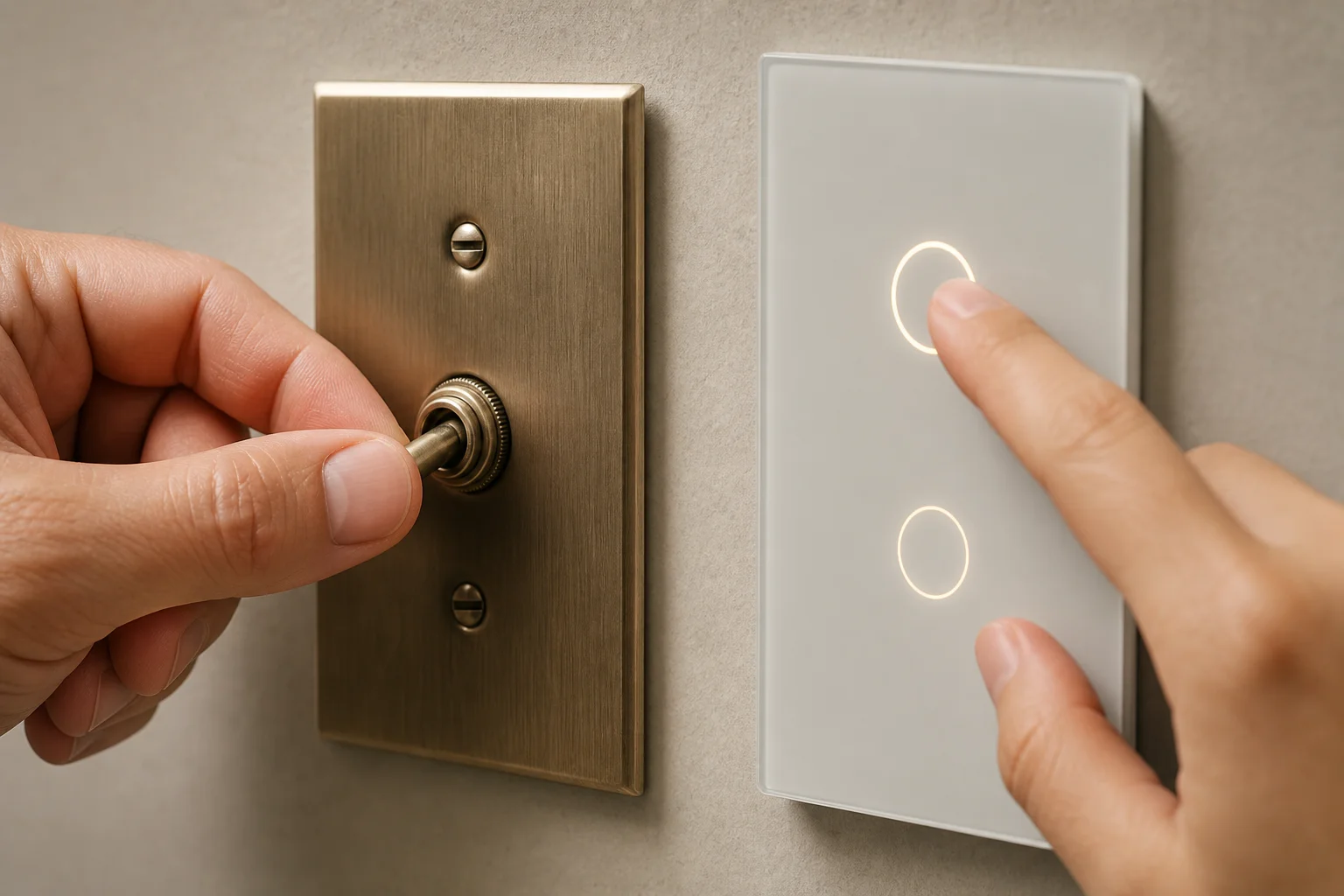
Test any device before purchasing a smart plug for it: turn it on, cut the power completely, restore power, and observe whether it returns to its previous state. If it does, the device is compatible. If not, a smart plug will not solve your control problem.
Power Ratings and Amperage
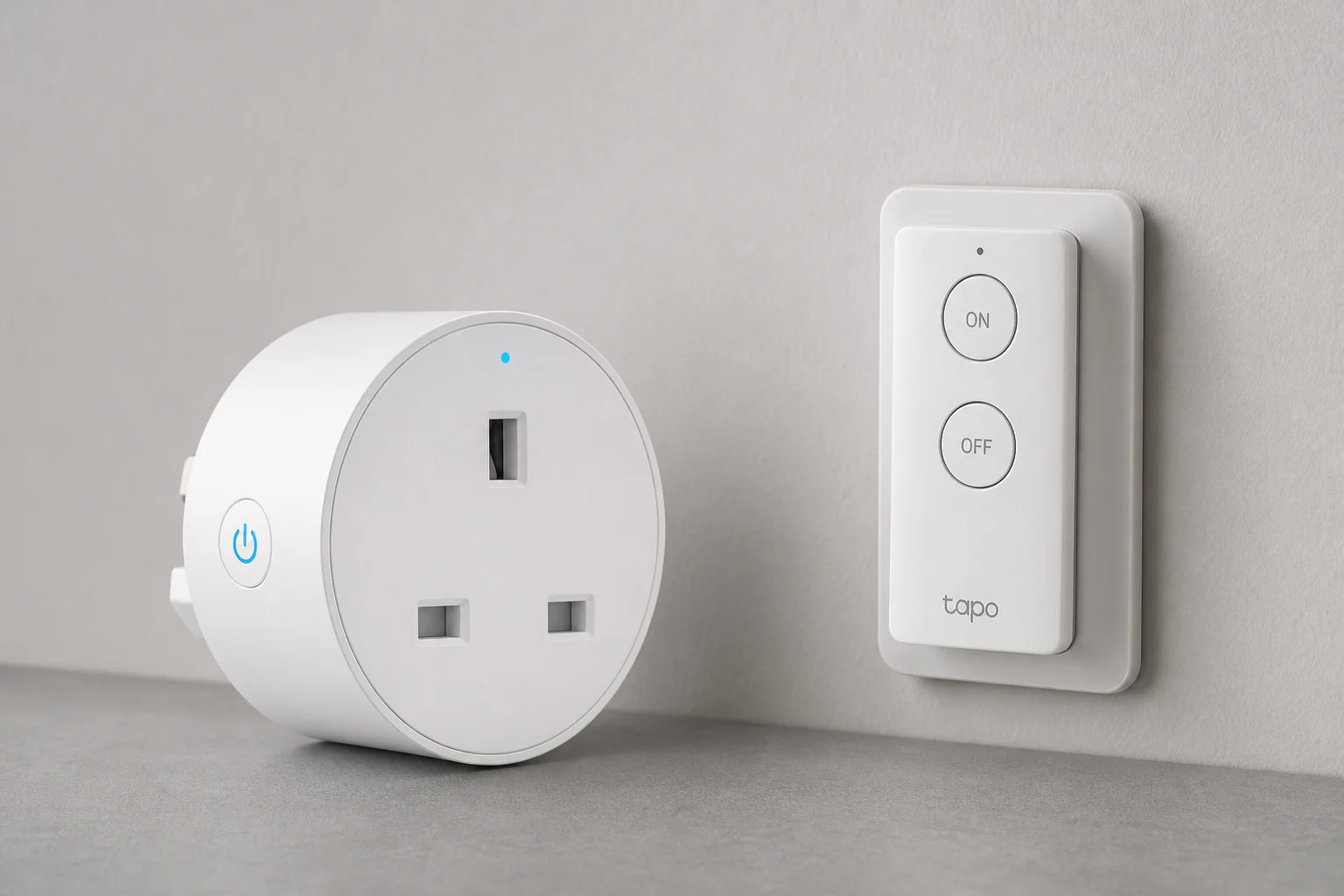
Smart plugs are not all created equal when it comes to electrical capacity. Most household circuits are 15-amp circuits, and many smart plugs are rated for 15 amps, which means they can handle anything a standard outlet can handle. However, some popular models are rated for only 10 amps, which creates a serious safety risk if you attempt to run a 12-amp device through them.
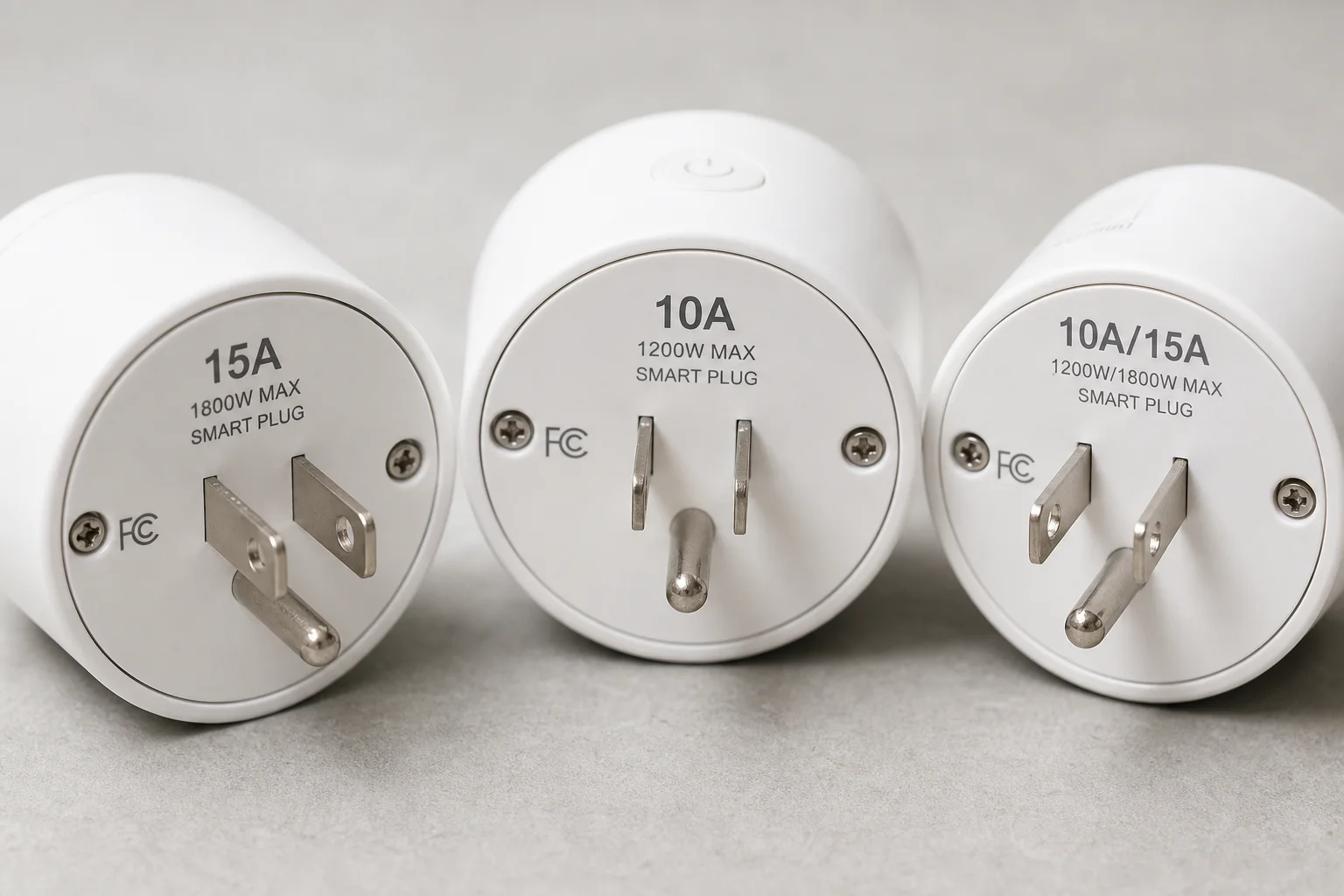
The amperage rating is typically printed on the back or bottom of the plug. For light loads like lamps and small appliances, the difference is irrelevant. But if you plan to use a smart plug for high-draw devices like shop vacuums, dust collectors, or space heaters, you must verify the amperage rating. Some plugs specify different ratings for resistive loads versus tungsten loads, so read carefully. Exceeding the rated amperage can cause the plug to overheat, fail, or create a fire hazard.
Form Factor and Outlet Compatibility
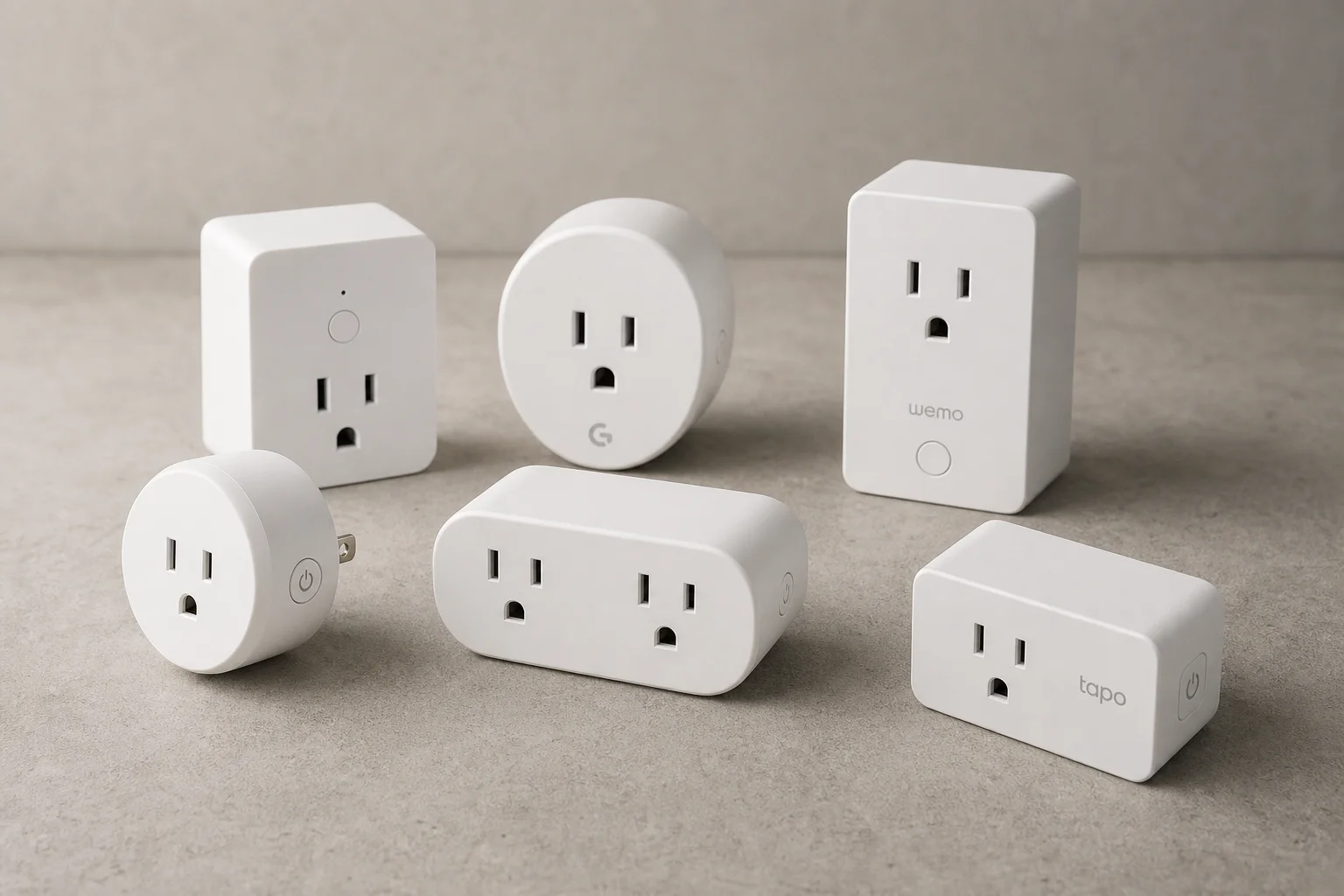
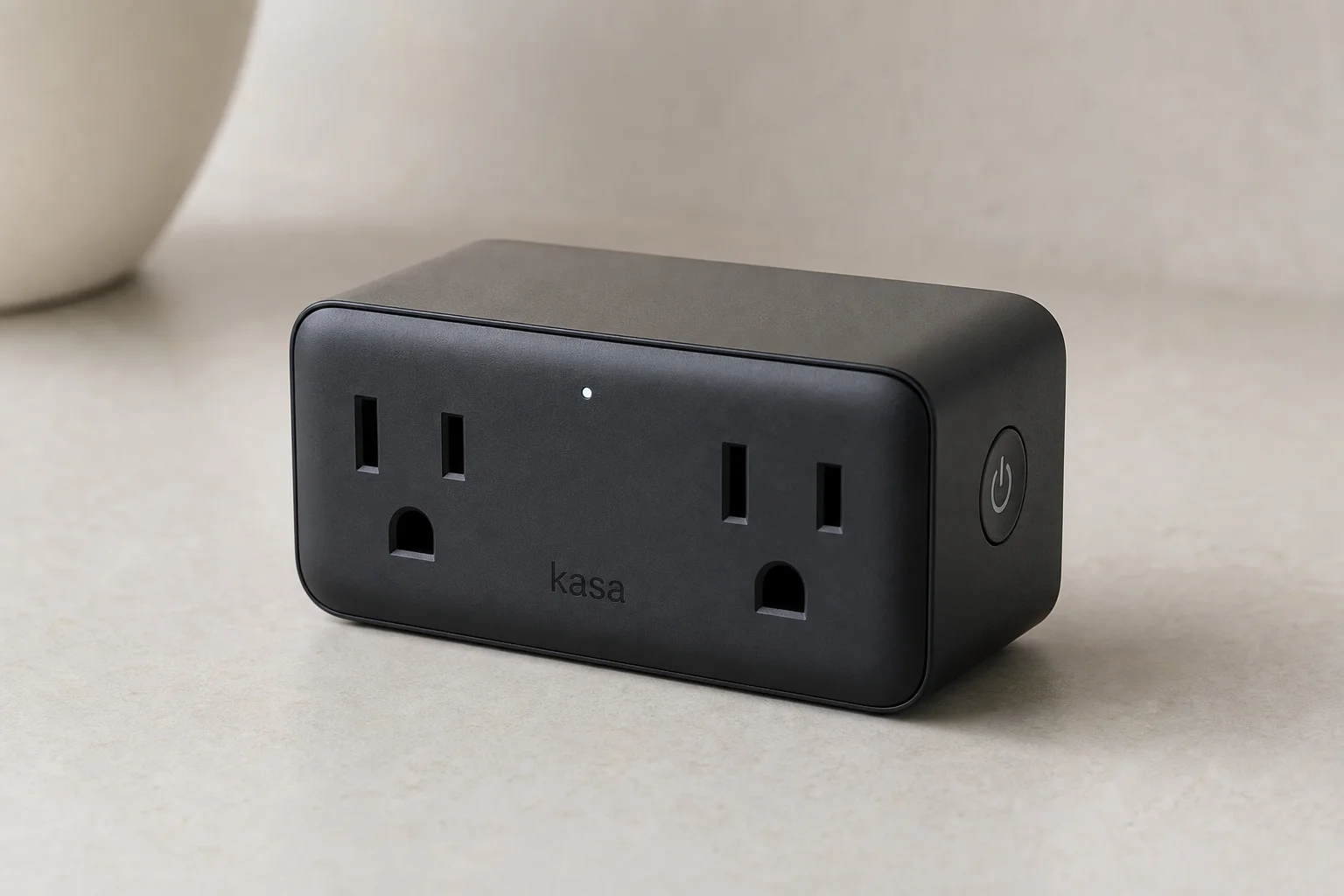
Smart plugs come in various shapes and sizes, and this directly affects how many devices you can plug into a dual outlet. Compact round plugs are popular but often block the adjacent outlet when two are used together, leaving you unable to use a grounded three-prong plug in the second slot. Rectangular brick-shaped plugs generally fit better side by side and allow access to both outlets for larger plugs.
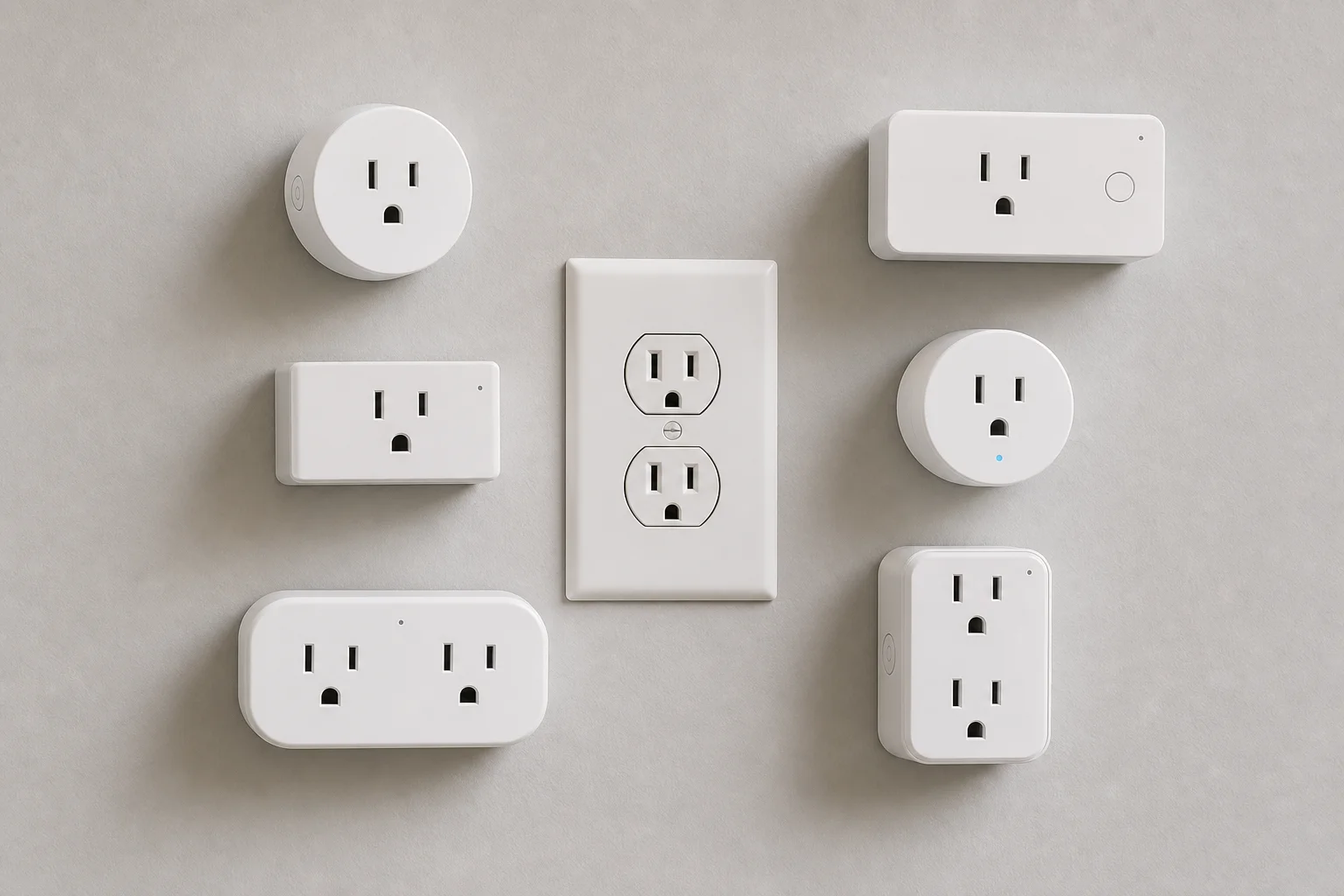
Some manufacturers offer dual-outlet smart plugs that convert one outlet into two, which is useful for maximizing space. If you have limited outlets or plan to use multiple smart plugs in the same area, test the form factor before committing. Alternatively, in-wall smart outlets that replace your existing receptacle offer a seamless installation with no protrusion, though they are more expensive and require electrical work.
Setup Complexity and App Experience
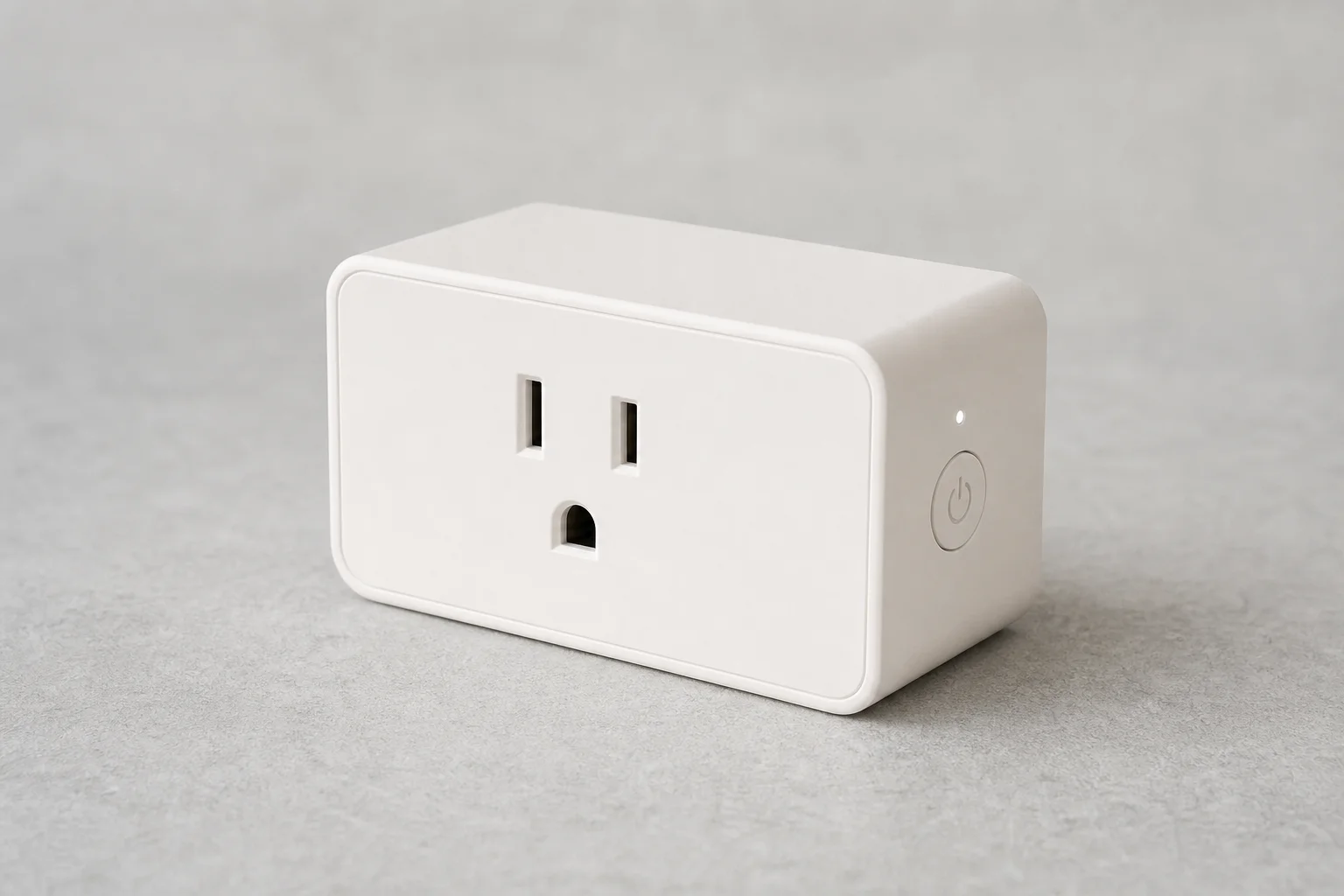
Setup difficulty varies dramatically between brands. Remote-controlled plugs and mechanical timer plugs are plug-and-play with minimal configuration. Network-connected smart plugs require app setup, and this is where experiences diverge significantly.
Amazon Basics plugs offer the easiest setup if you use Amazon Alexa, with QR code scanning that automates most of the process. Other popular brands like TP-Link Kasa and Govee require you to connect to their proprietary apps first, then link them to your home assistant. Some require switching your phone to the 2.4GHz network band during setup, which adds friction. The BN-Link plug allows setup while remaining on 5GHz, simplifying the process slightly.
If you are not committed to a specific ecosystem, research the setup process for your chosen brand before purchasing. Watching a setup video can reveal how many app screens you will need to navigate.
Home Assistant Compatibility
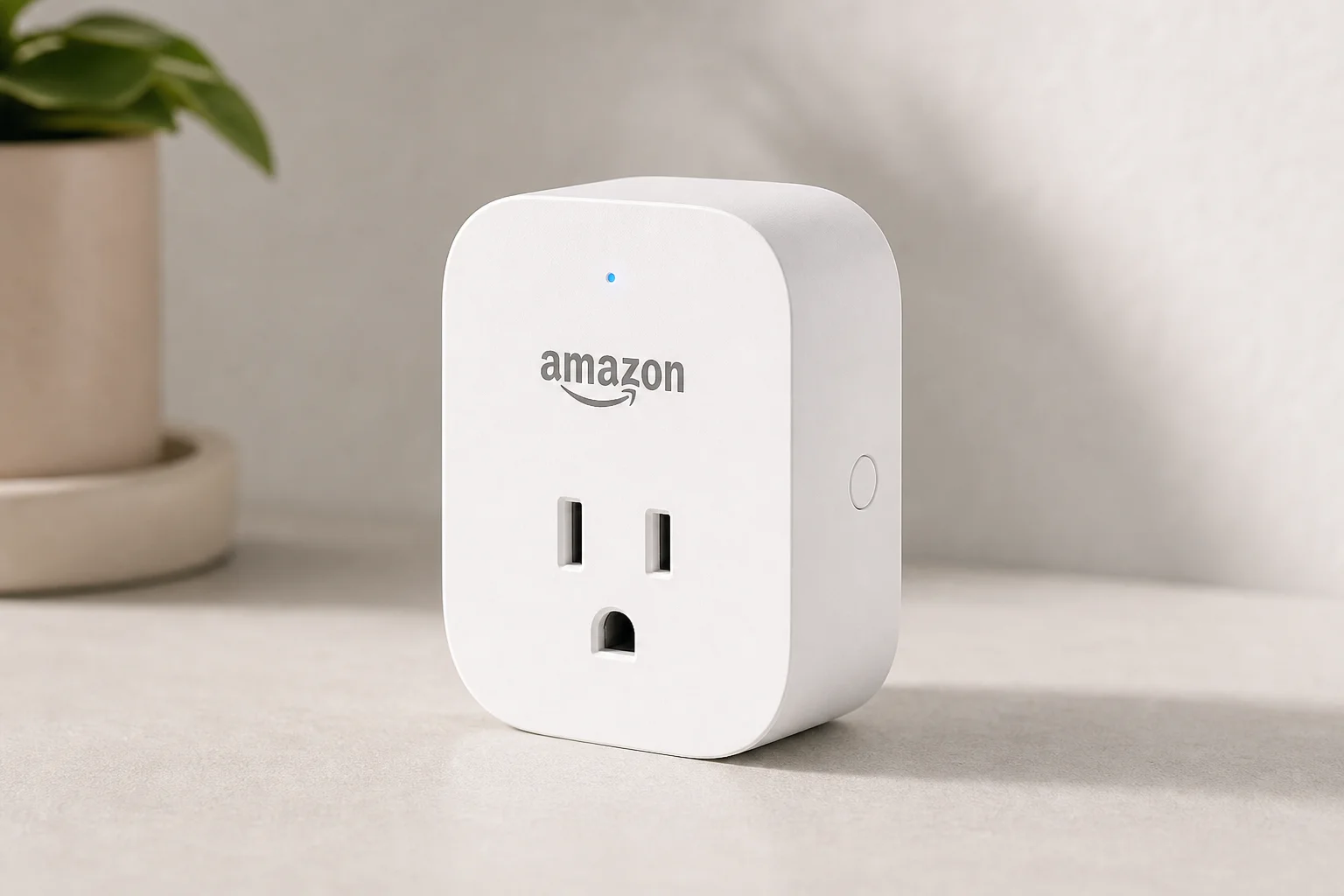
Smart plugs connect to Google Home, Amazon Alexa, Apple HomeKit, or operate independently. The critical issue is that these ecosystems do not always talk to each other. Amazon Basics plugs work only with Alexa, not Google Home. Most other brands support both Google and Amazon but not Apple HomeKit, which requires special certification.
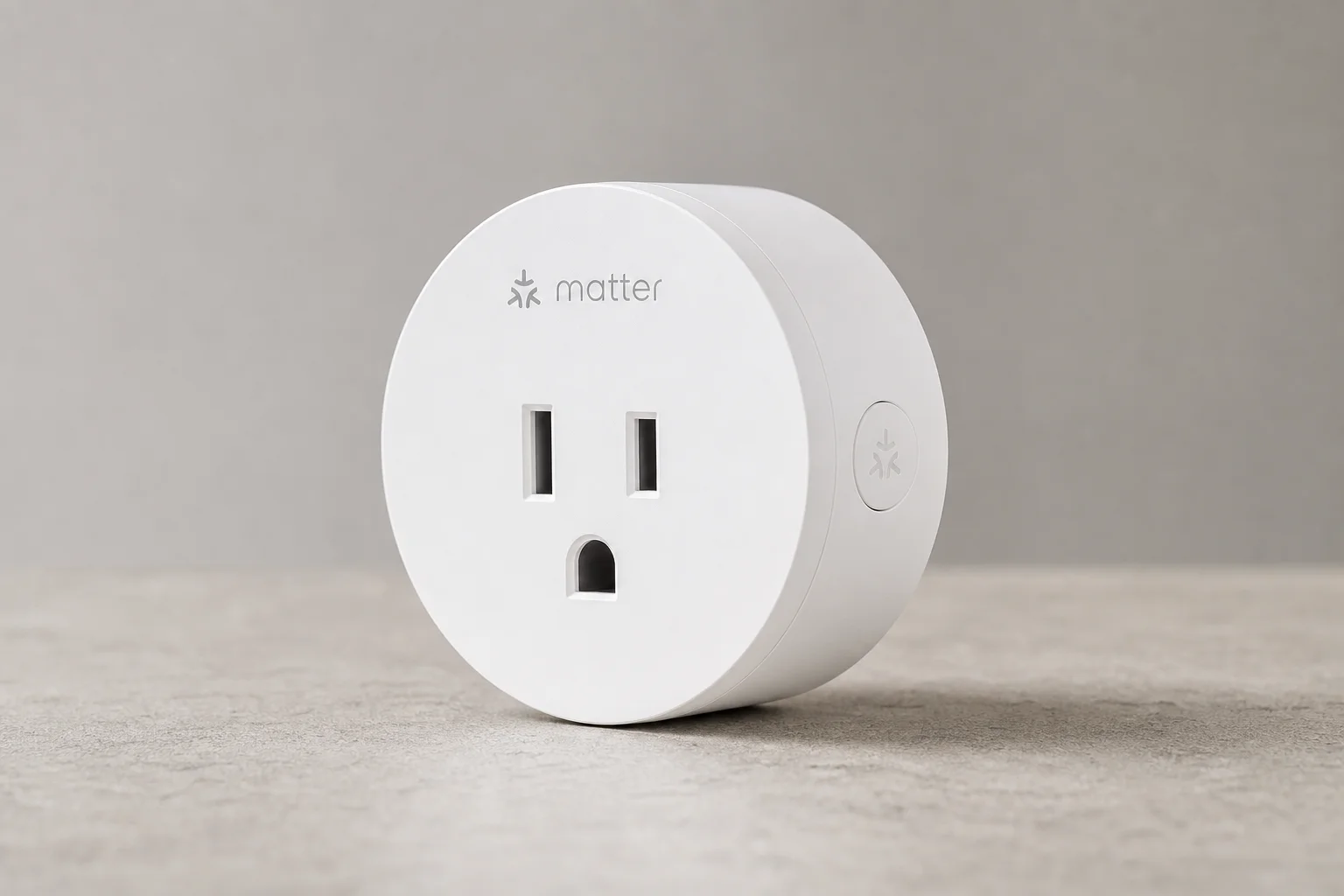
Check the product packaging or listing for compatibility labels before buying. If you use multiple home assistants in your home, prioritize plugs that support all of them, or commit to a single ecosystem. Matter is an emerging standard designed to improve interoperability across brands and platforms, so plugs with Matter support offer better future-proofing.
Security and Network Isolation
Security concerns around smart plugs are legitimate. Manufacturers collect data when you sign up, and compromised smart plugs can be hijacked to participate in DDoS attacks that target other networks. While the risk of someone remotely controlling your lights is low, the risk of your device being used in a botnet attack is real.
Best practices include buying from established brands with a track record of support, changing any default passwords immediately, and creating a separate Wi-Fi network dedicated to smart home devices. This isolates them from computers, security systems, and other sensitive equipment on your main network. Avoid suspiciously cheap plugs with few reviews, and look for brands you recognize.
Energy Monitoring Capabilities
Most smart plugs do not include energy monitoring out of the box. If you want to track how much power a device is consuming, you must specifically purchase a plug with energy monitoring capability. The BN-Link plug includes this feature on all models, making it easy to see real-time power draw and cumulative kilowatt-hour usage over time.
For other brands like TP-Link Kasa and Govee, energy monitoring is available only on specific models labeled as such. Amazon Basics plugs do not offer energy monitoring at all. If tracking energy usage is important to you, verify that the specific model you are buying includes this feature.
Automations and Control Options
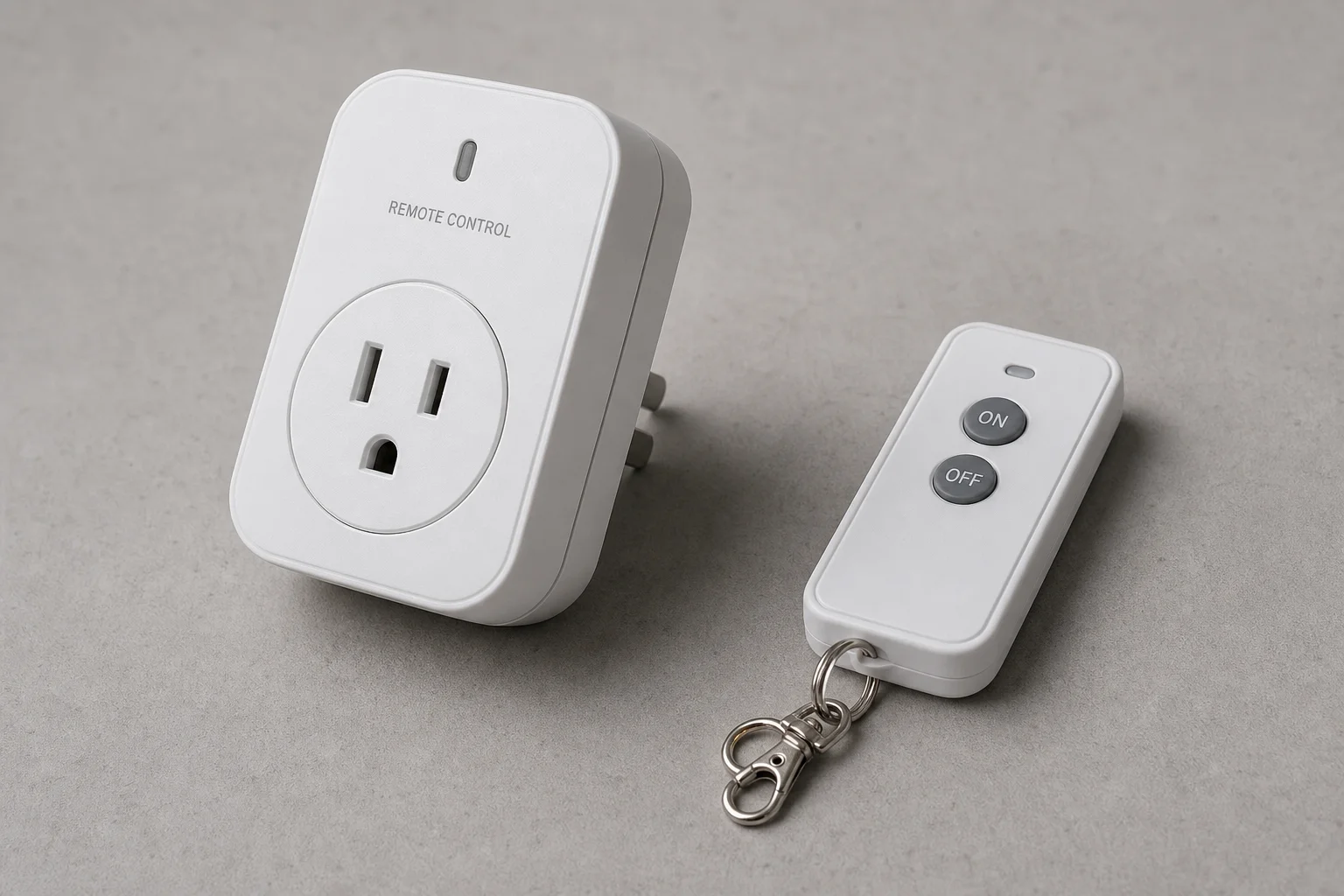
Control options range from simple on-off remotes to sophisticated app-based automations. Remote-controlled plugs like the Doing Wheels model offer basic switching without Wi-Fi, making them ideal for shop equipment or devices where you want simple wireless control without network setup.
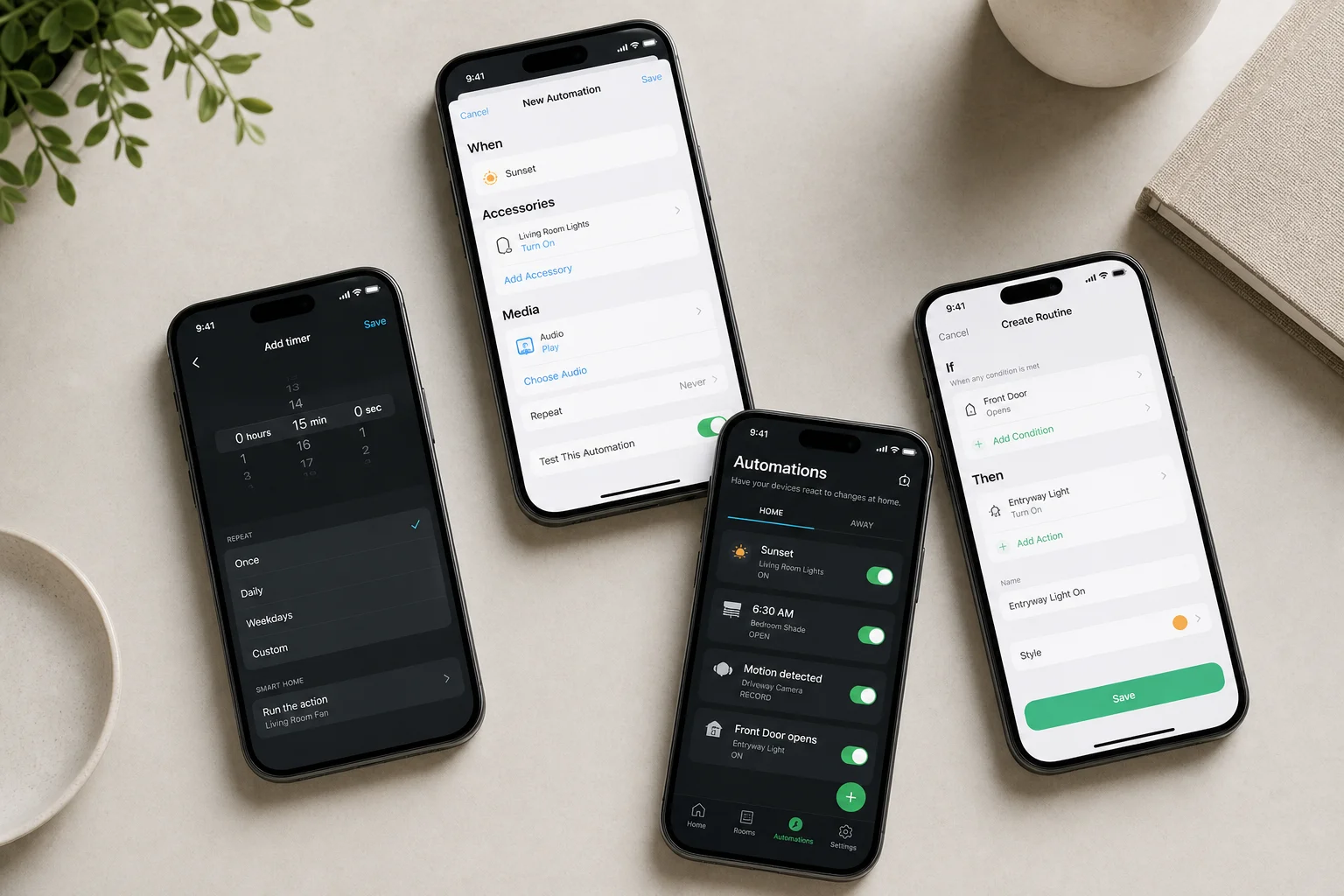
Timer plugs, both mechanical and digital, allow scheduling without Wi-Fi or apps. Network-connected smart plugs enable automations through manufacturer apps or, better yet, through your home assistant. Home assistants like Google Home and Amazon Alexa offer far more automation options than manufacturer apps, including triggers based on time, sunset, door sensors, and other smart home devices. If automation is your primary goal, set up automations through your home assistant rather than the plug’s native app for maximum flexibility and control.
Cost Considerations
Smart plug prices range from around $5 to $13 per unit, depending on features and brand. The Doing Wheels remote-controlled plug at $12 offers excellent value for shop equipment because it is rated for 15 amps and requires no network setup. Among Wi-Fi-enabled plugs, the Govee dual-outlet plug at $10 ($5 per outlet) is one of the cheapest options, though it lacks energy monitoring and Matter support.
The TP-Link Kasa mini plug starts at $7 for basic models and goes up to $12 for versions with battery backup and energy monitoring. The BN-Link plug is exceptionally affordable at around $5 per unit when purchased in four-packs, and it includes energy monitoring on all models. Amazon Basics plugs cost $12-13 per unit and do not offer multi-packs, making them more expensive per unit, but they offer the easiest setup for Alexa users.
Consider your needs carefully: if you need energy monitoring, the BN-Link offers the best value. If you want future Matter compatibility, invest in the higher-end TP-Link Kasa model. If you want the easiest setup and use Alexa exclusively, Amazon Basics is worth the premium.
Conclusion
Choosing the right smart plug depends on matching the product to your specific use case. Test device compatibility first, verify amperage ratings for high-draw equipment, and consider form factor if you have limited outlet space. Prioritize brands with good reputations, set up automations through your home assistant rather than manufacturer apps, and isolate smart devices on a separate network for security. With these considerations in mind, you can confidently select smart plugs that will reliably serve your home automation needs.
Further reading
Related Reviews
Smart Home
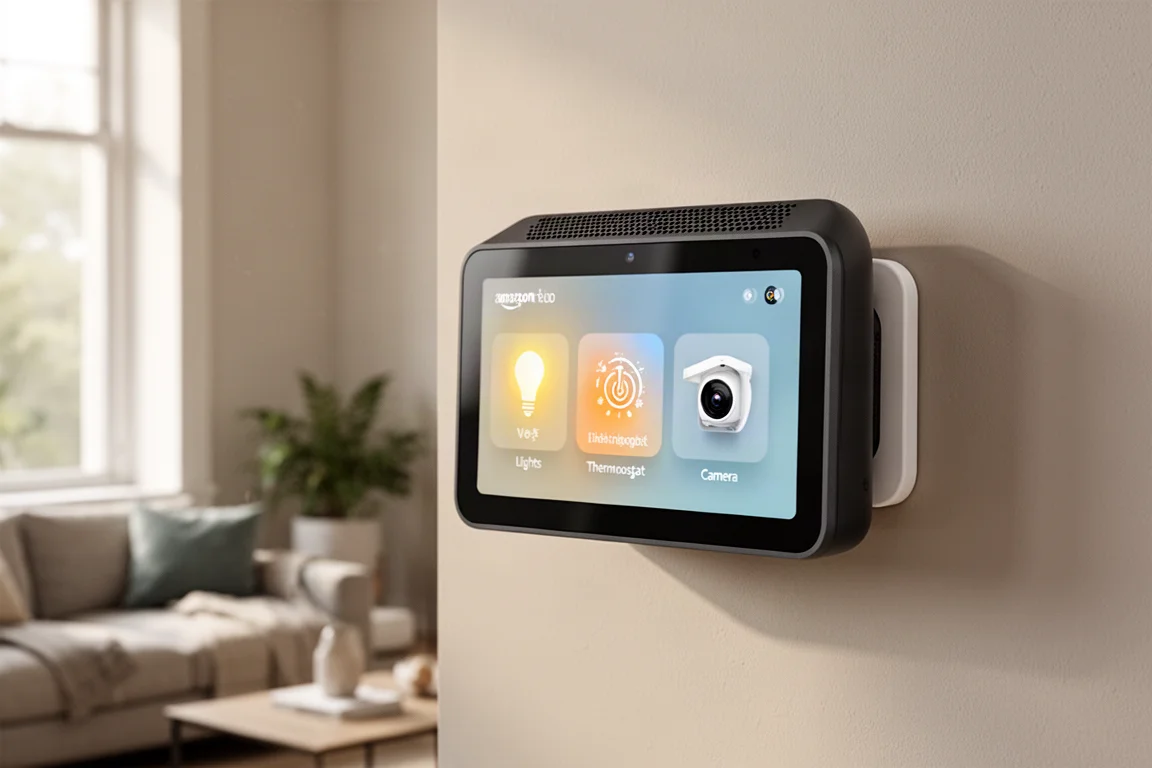
Amazon Echo Hub Review: A Smart Home Dashboard That Finally Gets It Right
The Amazon Echo Hub puts smart home controls front and center with a fast, simple interface. Here is how it performs as a family-friendly dashboard.
Smart Home
15 Amazon Smart Home Automations: Practical Ideas for Every Room
Fifteen practical Amazon Alexa routines and automations that solve real household problems, from pet care to security and entertainment.
Smart Home
Apple TV as HomeKit Hub: Why It's Your Best Choice for Home Automation
The Apple TV combines HomeKit hub functionality with a display, camera viewing, and local automation control. Here's what makes it stand out from iPad and HomePod Mini alternatives.