Smart Home
Smart Home Security Camera Integration: Which Cameras Work Best
A practical look at which security cameras integrate well with smart home systems, and which ones fall short.
Introduction
Security cameras are often installed to catch intruders, but in practice they are far more useful as sensors for home automation. The real value comes from using camera detections to trigger routines across the smart home. Some cameras make this easy, while others lock the most useful features behind subscriptions or simply lack the integration options that matter.
This guide covers which cameras work well with smart home systems and which ones are best avoided. It also highlights a new camera that offers an impressive balance of price, features, and ease of integration.
Cameras With Poor Smart Home Integration
Wisecam V4
The Wisecam V4 is a recent release that disappoints on the smart home front. Amazon routines cannot be triggered without a monthly subscription. There is no support for triggering Google routines, and RTSP support has been removed, which rules out Home Assistant integration as well.
For anyone looking to build a connected smart home, the Wisecam V4 is a camera to skip. The subscription requirement and lack of local streaming options make it a poor fit for automation-focused setups.
Eufy Cam 3
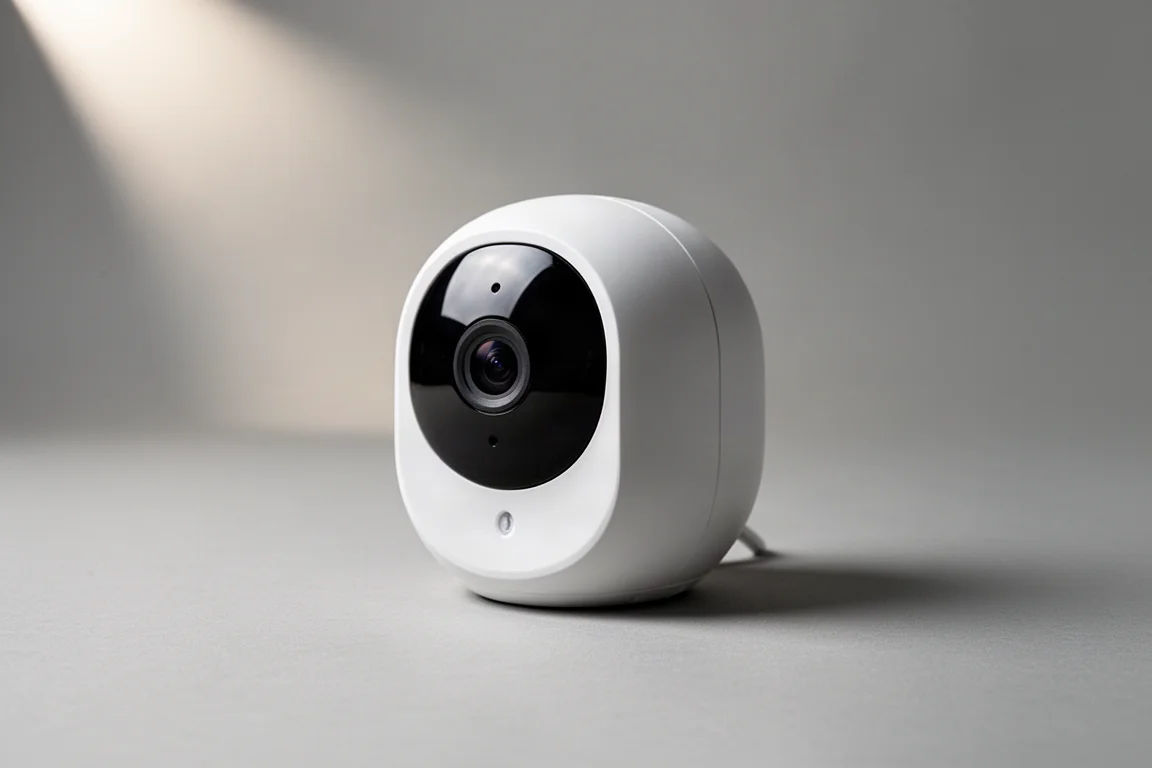
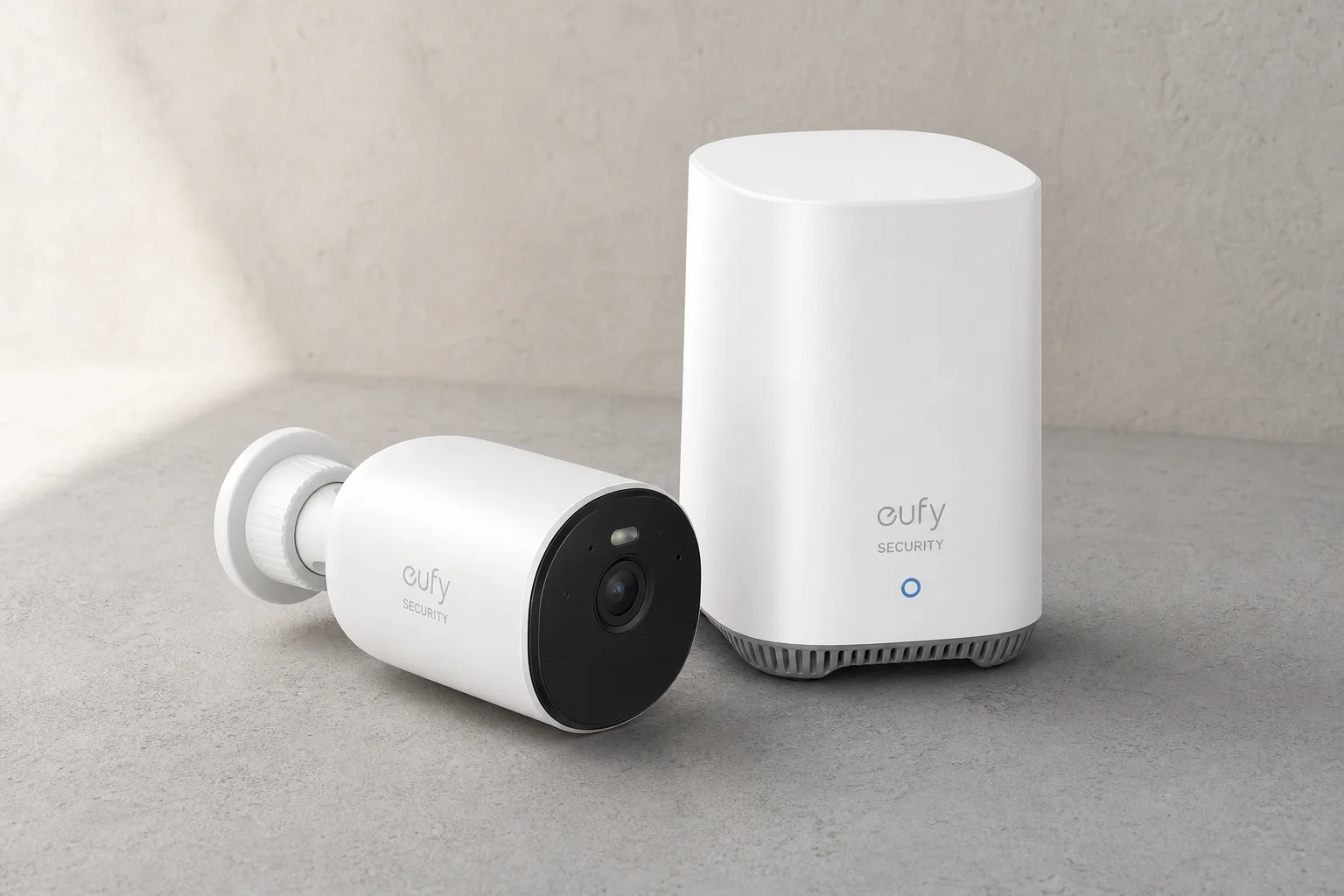
The Eufy Cam 3 works well as a standalone camera with plenty of features, but its smart home integration is limited. Amazon routines can only be triggered by motion, even though the camera supports person detection. Google routines can only be triggered when the camera turns on or off, which is not particularly useful in practice.
Home Assistant integration is also lacking. For users who want deep automation control, the Eufy Cam 3 falls short despite being a capable camera on its own.
Cameras With Good Smart Home Integration
Reolink Elite Flood Light Camera
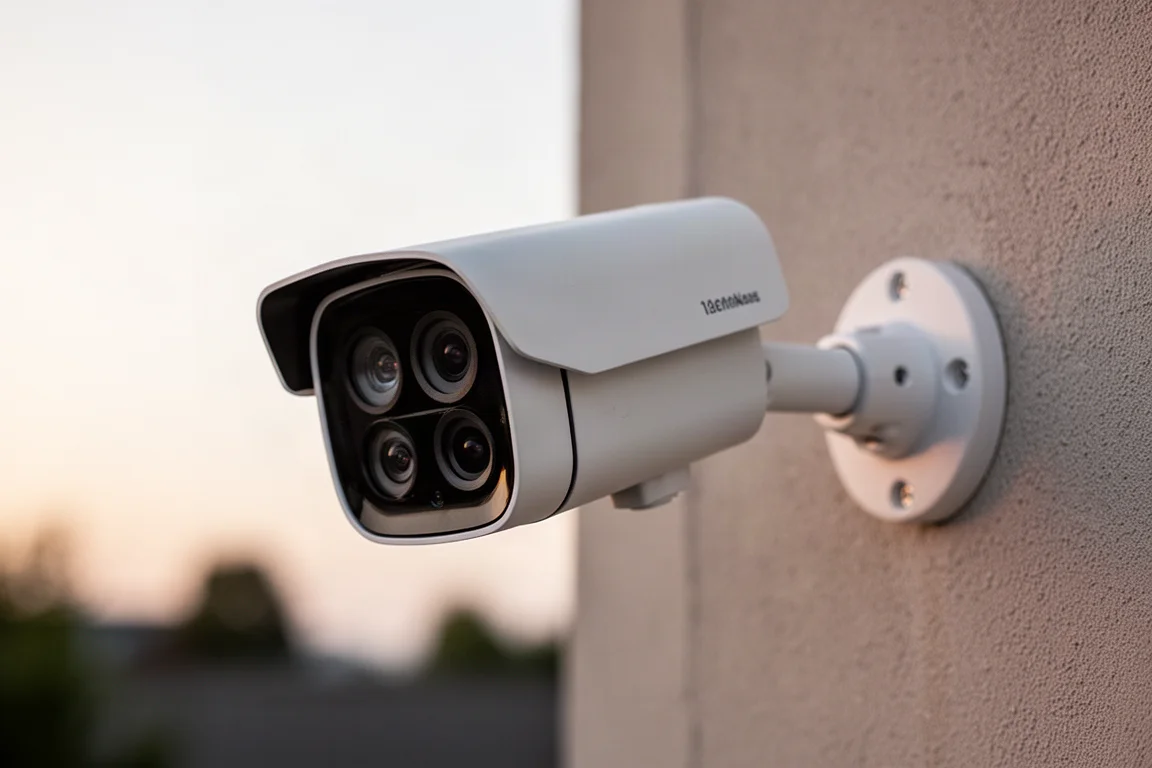
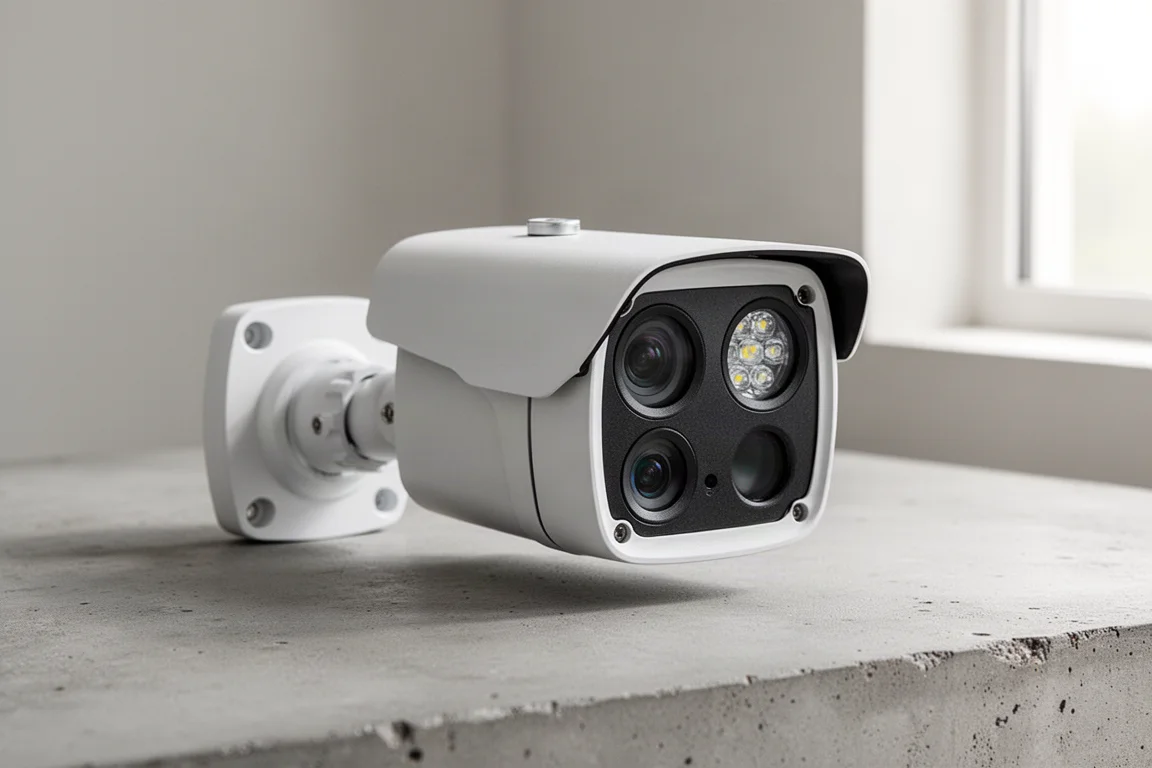
The Reolink Elite Flood Light Camera is a standout option for smart home integration. It combines two cameras in one unit with a field of view that reaches 180 degrees, making it ideal for covering an entire backyard. The image quality is clear during the day and at night, and the integrated flood light is extremely bright at 3,000 lumens.
What sets this camera apart is how its AI detection features are automatically pulled into Home Assistant. Line crossings, loitering areas, and custom zones for detecting people and animals all appear as separate sensor entities in Home Assistant without the need for web hooks or extra configuration. This makes it remarkably easy to build automations around specific detection events.
The camera can record 24/7 to a Reolink NVR even when connected over Wi-Fi. At around $200, it offers strong value for what is effectively two cameras and very bright lights in one unit.
UniFi G6 180
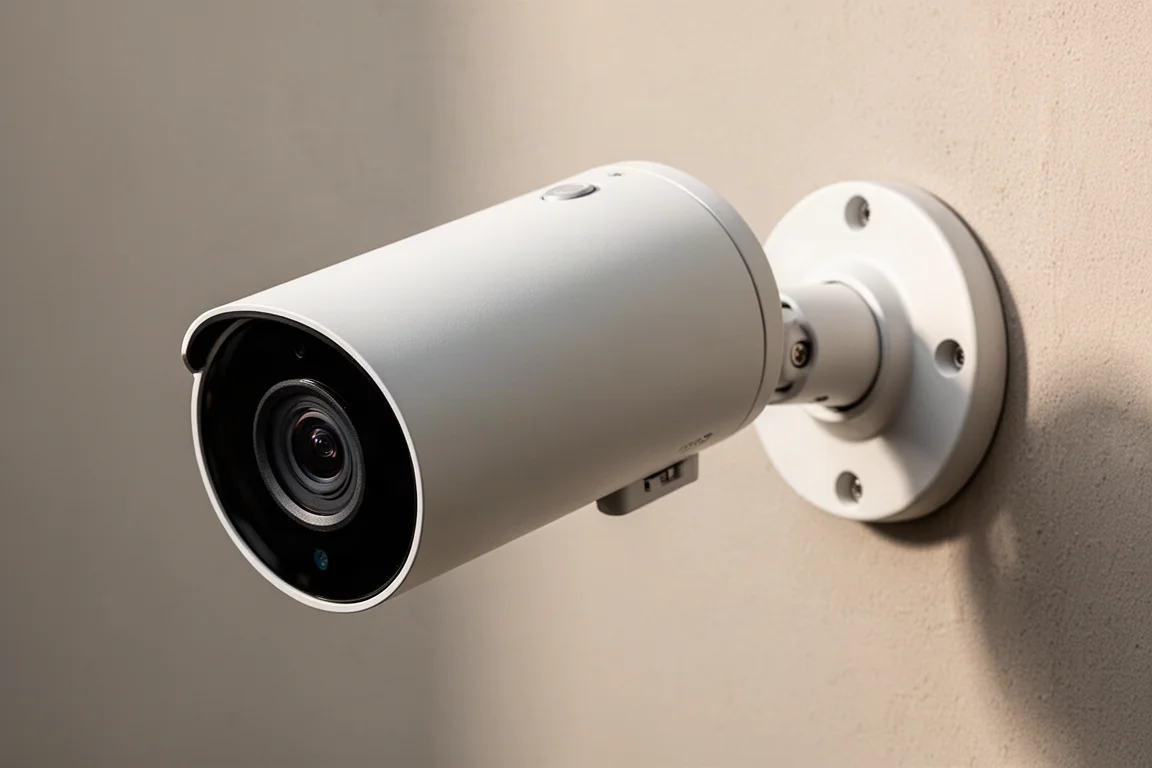
UniFi is preparing to release the G6 180 camera, which also offers a super wide field of view. UniFi cameras integrate well with Home Assistant, and person detection is available as a trigger for automations. Custom detection zones and line crossings can be used to set up a variety of alarms.
Linking UniFi cameras to a smart home requires creating a web hook. The process is straightforward: Home Assistant generates a unique URL when an automation is created, and that URL is pasted into the UniFi alert settings. Once connected, crossing a line or entering a zone can trigger the automation.
UniFi also offers the AI Key accessory, which adds advanced capabilities, but it comes at a significant cost. For most users, the balance of price, features, and ease of integration favors Reolink.
Why Camera Integration Matters
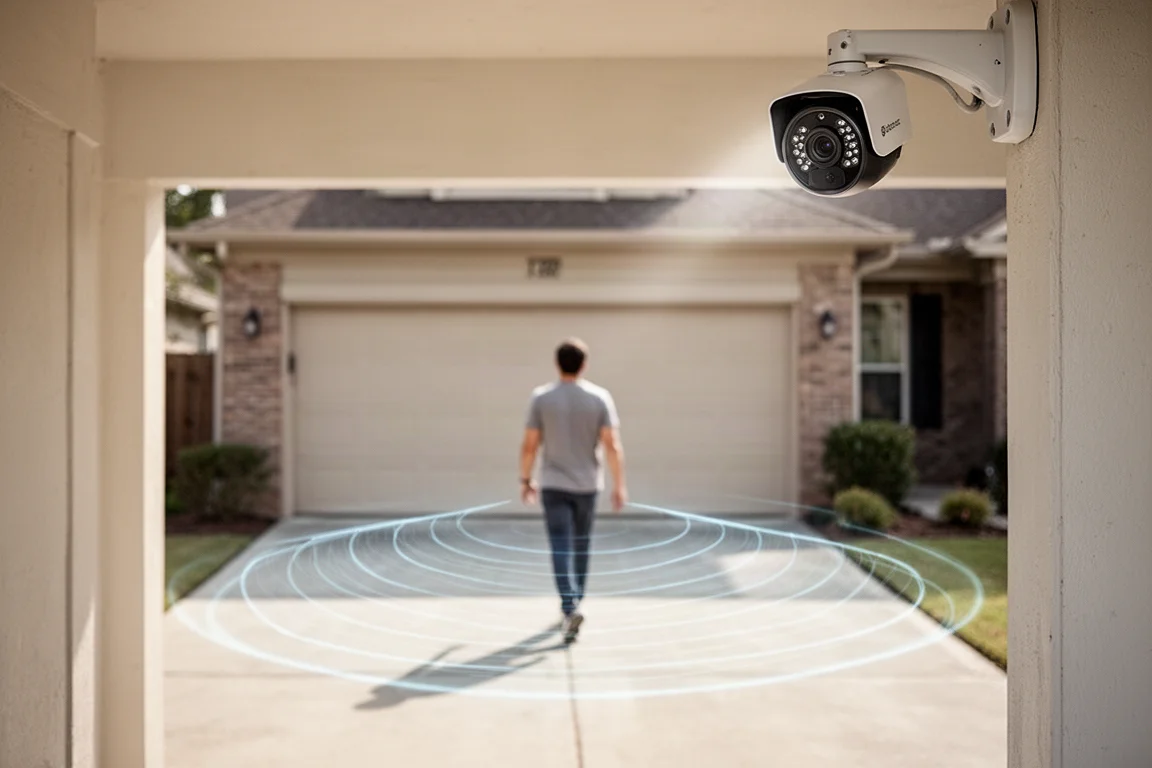
Using cameras as accurate motion sensors opens up a wide range of automations. For example, a line crossing detection on a driveway camera can be combined with a garage door sensor. If someone crosses the line while the garage door is open, an alert can be sent. This adds a layer of safety while working in the garage and helps prevent theft.
Another practical use is tracking whether the trash cans have been wheeled out. A side door sensor followed by a line crossing on the driveway camera can confirm the routine was completed. If the sequence does not happen, the smart home can send a reminder.
Other automations include turning on smart flood lights for a basketball court when a person is detected after sunset, or turning off backyard lights when no one has been spotted for 10 minutes. These examples show how cameras can act as highly accurate motion sensors for the entire smart home.
Automation Ideas With Camera Integration
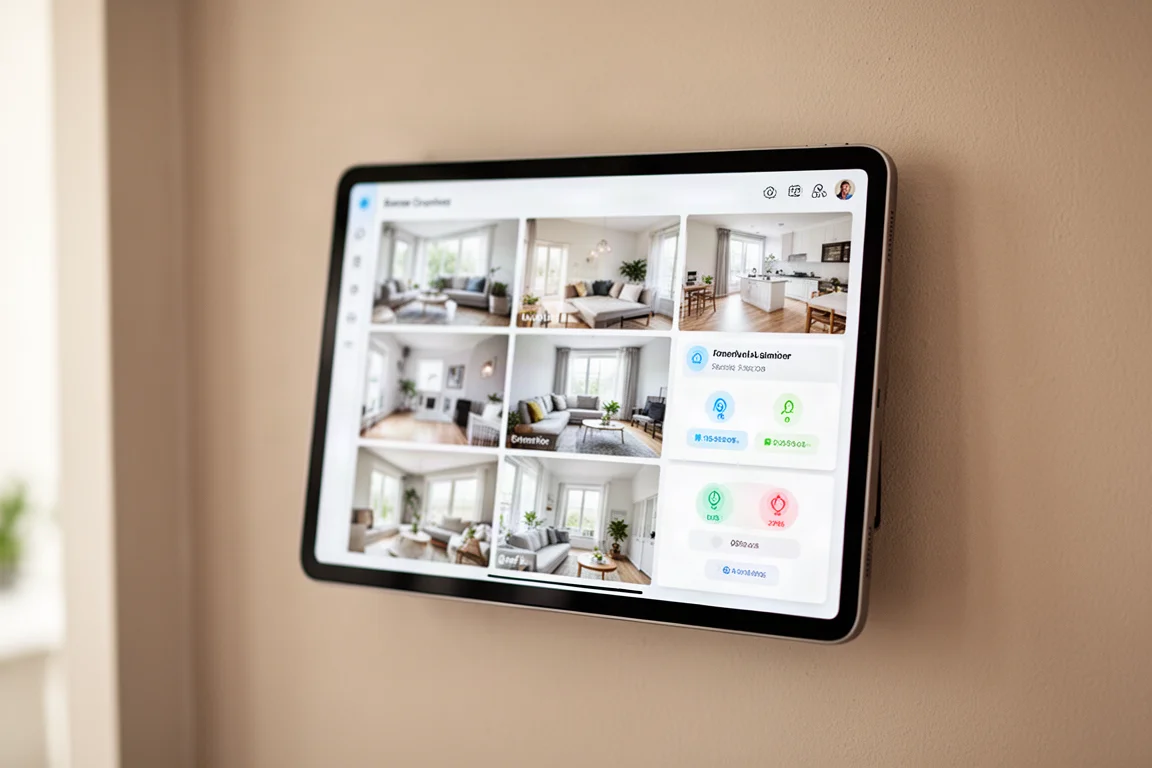
The possibilities extend further. Alerts can be triggered if cameras spot someone outside while the security alarm is armed. Custom zones can be created to ignore people walking on the sidewalk while still detecting activity in the yard. This level of control makes the smart home feel genuinely responsive.
Reolink cameras with AI detection make this especially easy because all the extra detection types are automatically available in Home Assistant. No web hooks are required, and the setup time is minimal. The Reolink Elite Flood Light Camera also allows the integrated lights to be controlled through Home Assistant, so they only turn on when the alarm is set, it is dark outside, and a person is detected.
Buying Advice
For smart home enthusiasts, the Reolink Elite Flood Light Camera is currently the best balance of price, features, and ease of integration. The 180-degree field of view, automatic AI detection sync with Home Assistant, and bright integrated flood light make it a compelling choice at around $200.
UniFi remains a strong option for those already invested in its ecosystem, especially with the upcoming G6 180 camera. The web hook setup is simple, and the custom detection options are powerful, but the overall cost can be higher.
Cameras like the Wisecam V4 and Eufy Cam 3 are better suited to users who do not prioritize smart home automation. Their limited integration options make them less flexible for building connected routines.
Conclusion
Security cameras are most valuable when they work as part of a larger smart home system. The Reolink Elite Flood Light Camera stands out for its ease of integration and strong feature set, while UniFi offers a solid alternative for those willing to work with web hooks. For anyone building an automated home, choosing a camera with good smart home support makes all the difference.
Further reading
Related Reviews
Smart Home
Amazon Echo Hub Review: A Smart Home Dashboard That Finally Gets It Right
The Amazon Echo Hub puts smart home controls front and center with a fast, simple interface. Here is how it performs as a family-friendly dashboard.
Smart Home
15 Amazon Smart Home Automations: Practical Ideas for Every Room
Fifteen practical Amazon Alexa routines and automations that solve real household problems, from pet care to security and entertainment.
Smart Home
Apple TV as HomeKit Hub: Why It's Your Best Choice for Home Automation
The Apple TV combines HomeKit hub functionality with a display, camera viewing, and local automation control. Here's what makes it stand out from iPad and HomePod Mini alternatives.