Smart Home
Building a Rock-Solid Smart Home: Network, Switches, and Automations
A practical look at the devices and setup choices that make a smart home reliable, from network hardware to smart switches and automations.
Introduction
Setting up a smart home from scratch is a chance to avoid the mistakes of the past. The goal is simple: a system that is reliable, easy for the whole family to use, and free from the annoyances that make smart homes frustrating. The approach starts with a solid network foundation, then moves to a capable smart home platform, and finally to devices and automations that solve real problems.
Start With a Solid Network
Before adding any smart devices, the network needs to be dependable. If devices cannot communicate because of a weak signal or a crashing router, the entire smart home suffers. One of the first steps is to put the internet service provider’s all-in-one modem, router, and Wi-Fi device into bridge mode. This allows a separate router and Wi-Fi system to handle the network without double NAT issues. Using the ISP’s all-in-one device as the router can lead to weekly crashes, which is a miserable experience.
For a more robust setup, a UniFi system with a 10 gig switch and a U7 Pro XG wireless access point plugged directly into it provides strong coverage. The access point can be mounted to the ceiling without much difficulty. A second mesh access point hidden inside a cabinet can also work surprisingly well, especially in areas where a visible device might not survive contact with kids. Two access points can cover an entire house with a good Wi-Fi signal.
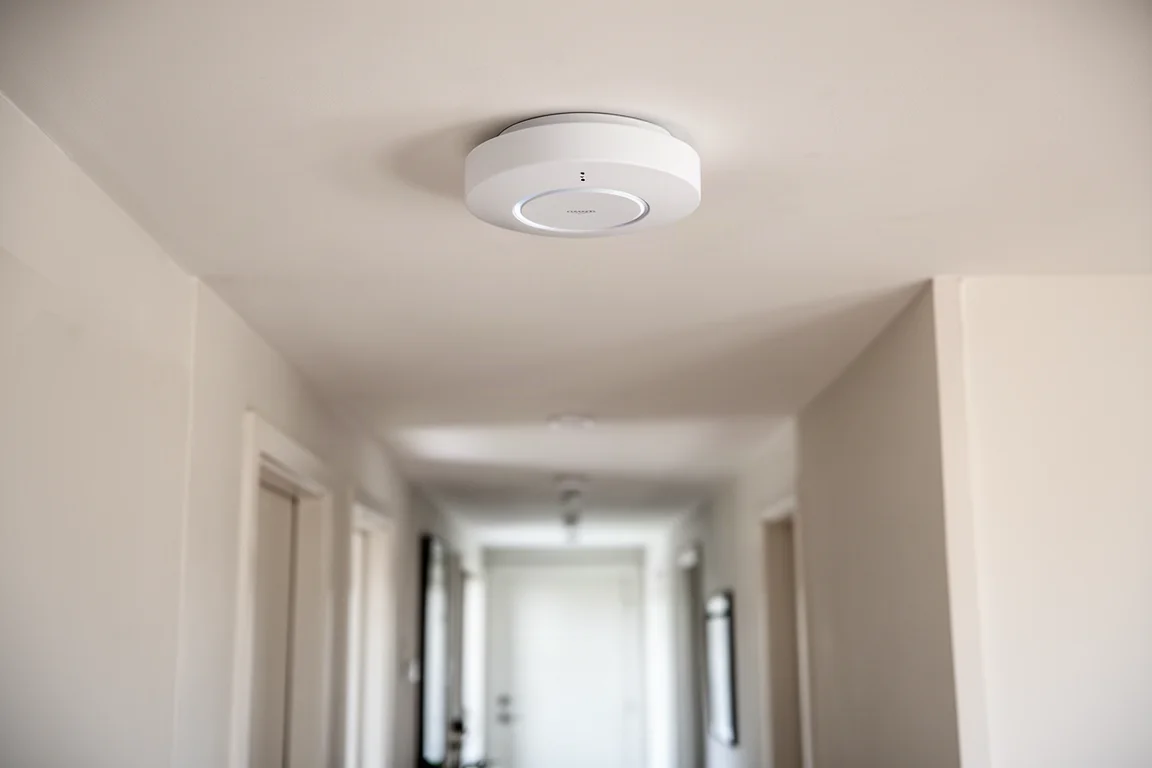
Wired connections are still preferred where possible. Computers and streaming devices like an Apple TV can be hardwired to Ethernet ports in each room. Those wires run to a low-voltage box with a 2.5 gig switch, which connects to the 10 gig switch along with smart home hubs and bridges. This keeps Wi-Fi less congested and makes smart home devices that do use Wi-Fi more reliable. The result is extremely fast speeds and a solid foundation for everything else.
The Smart Home Platform: Home Assistant
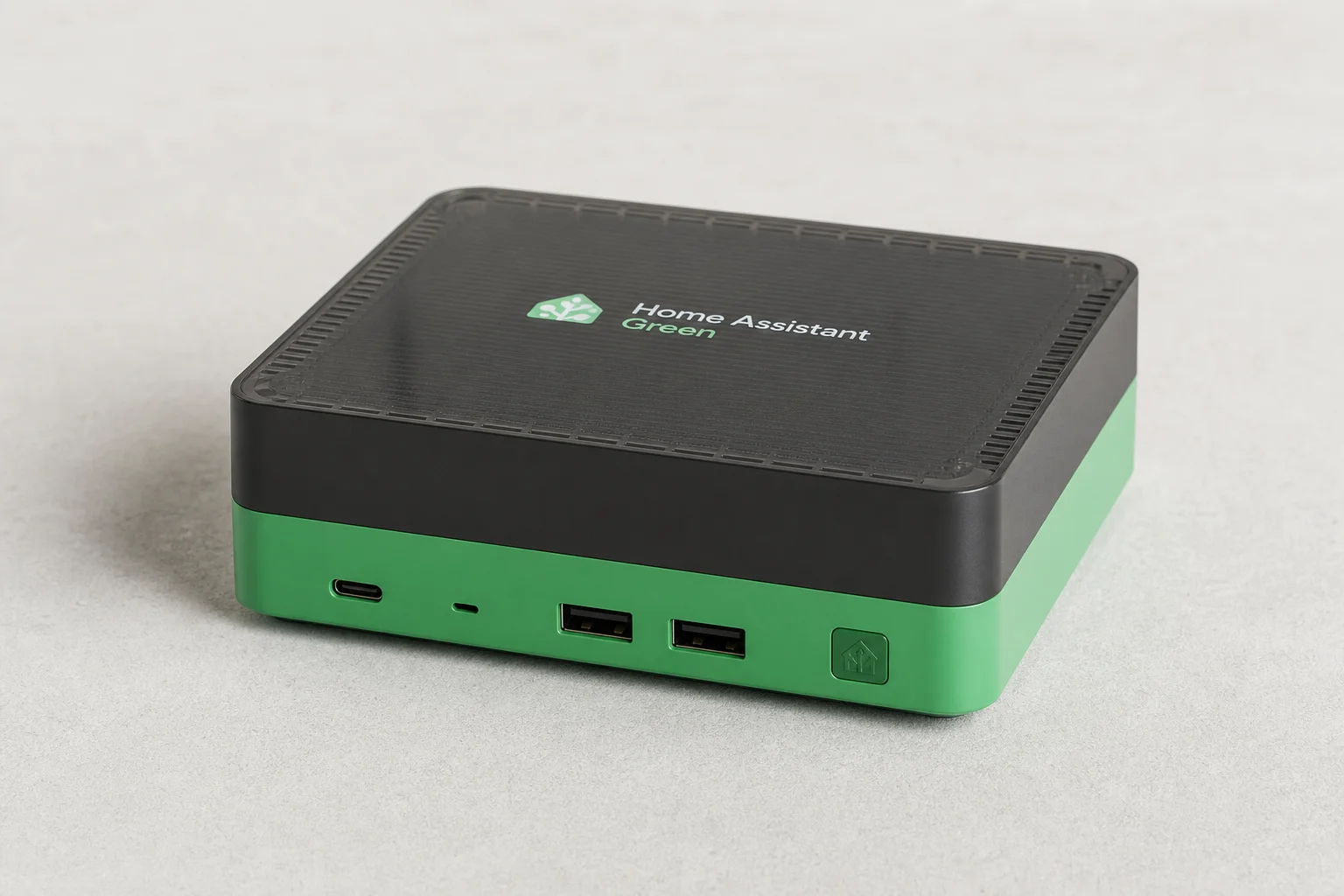
Once the network is solid, the next step is choosing a platform to control all the devices. Home Assistant stands out as a clear winner. It connects to nearly every smart home device available, is extremely powerful for customizing automations, and is free and open source. It used to be intimidating for non-technical users, but it has become much easier to use. A Home Assistant Green device comes with everything pre-installed, and the user experience for beginners has improved significantly.
Other smart home systems may seem simpler, but they often fall short when it comes to connecting devices from different brands or creating complex automations. Home Assistant provides the flexibility needed to build a truly customized smart home.
Smart Switch With Extra Buttons: Zooz Zen32
A common problem in a living room is ceiling fan shadows when both the fan and lights are on. This is a high-traffic area, so it is a good candidate for a smart upgrade. A standard smart fan switch would work, but a switch with extra buttons can control more than just the fan. The Zooz Zen32 fits this need perfectly.
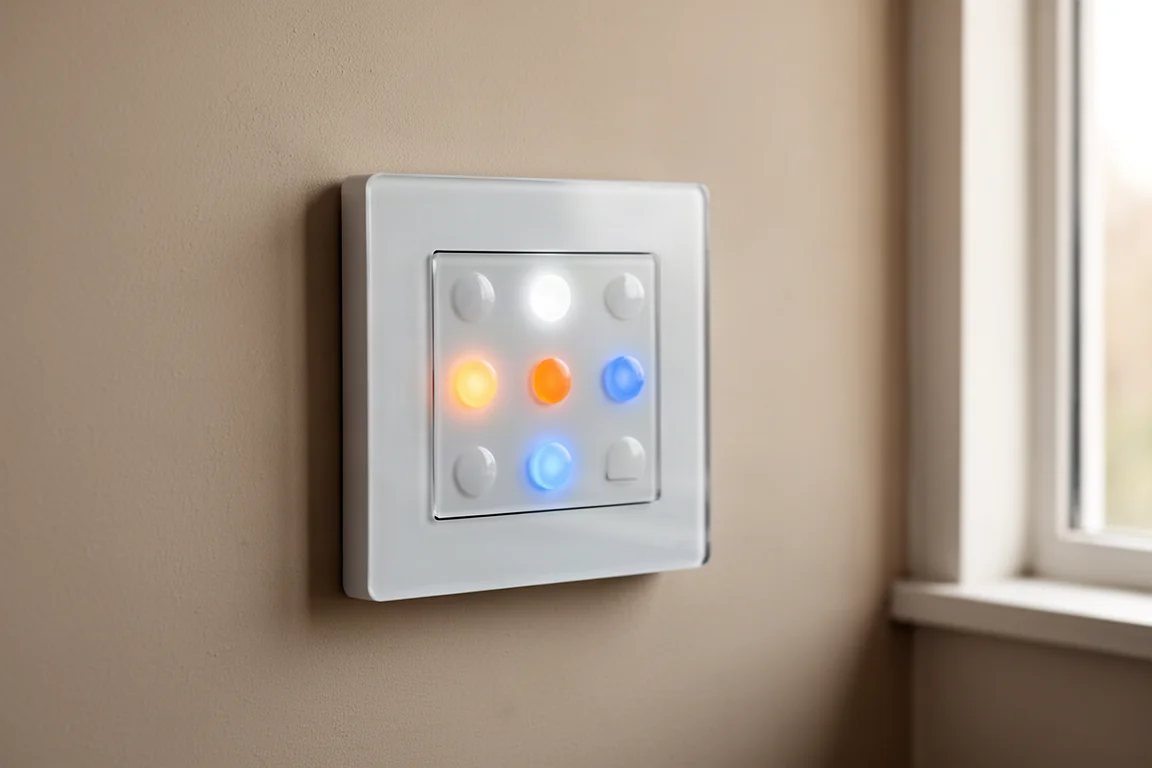
Each button on the Zooz Zen32 can be customized to control different smart home devices. The button colors and brightness can also be set, making it easy to remember what each button does. For example, a white button can make the room bright, orange can dim all the lights, blue can control the fan, and a button with no light can turn everything in the room off, including the TV.
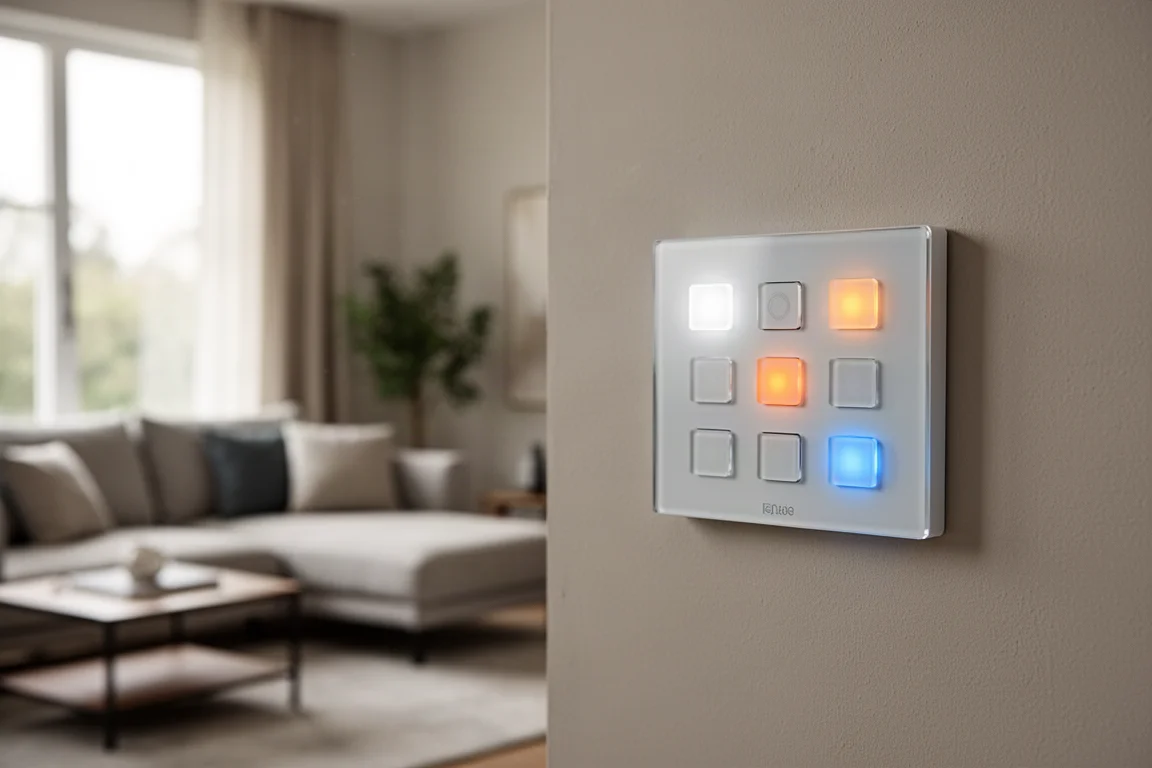
This switch is family-friendly and easy to use. It is a wired switch, so there are no batteries to worry about, and it is extremely reliable because it uses Z-Wave. This is a good example of why a simple smart home system falls short: Apple, Amazon, or Google smart home systems cannot connect to this switch. With Home Assistant, connecting a Z-Wave radio USB stick is all that is needed.
Smart Dimmer for Pendant Lights: Lutron Dimmers
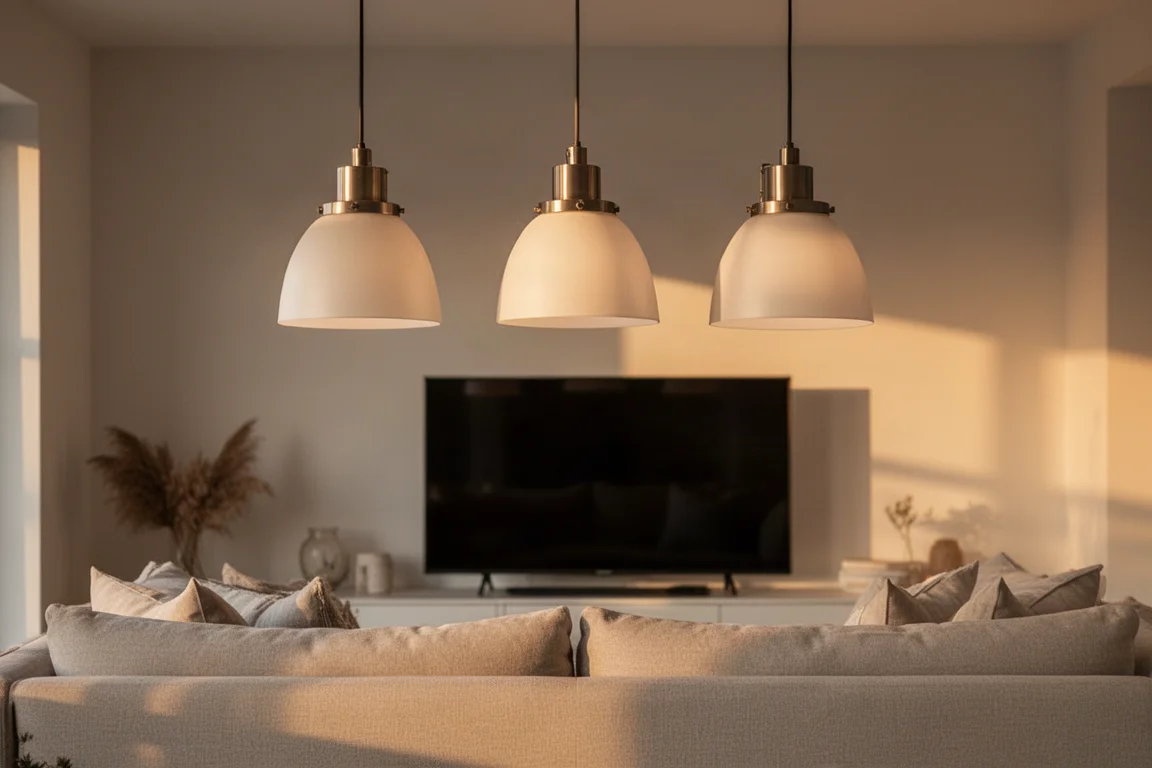
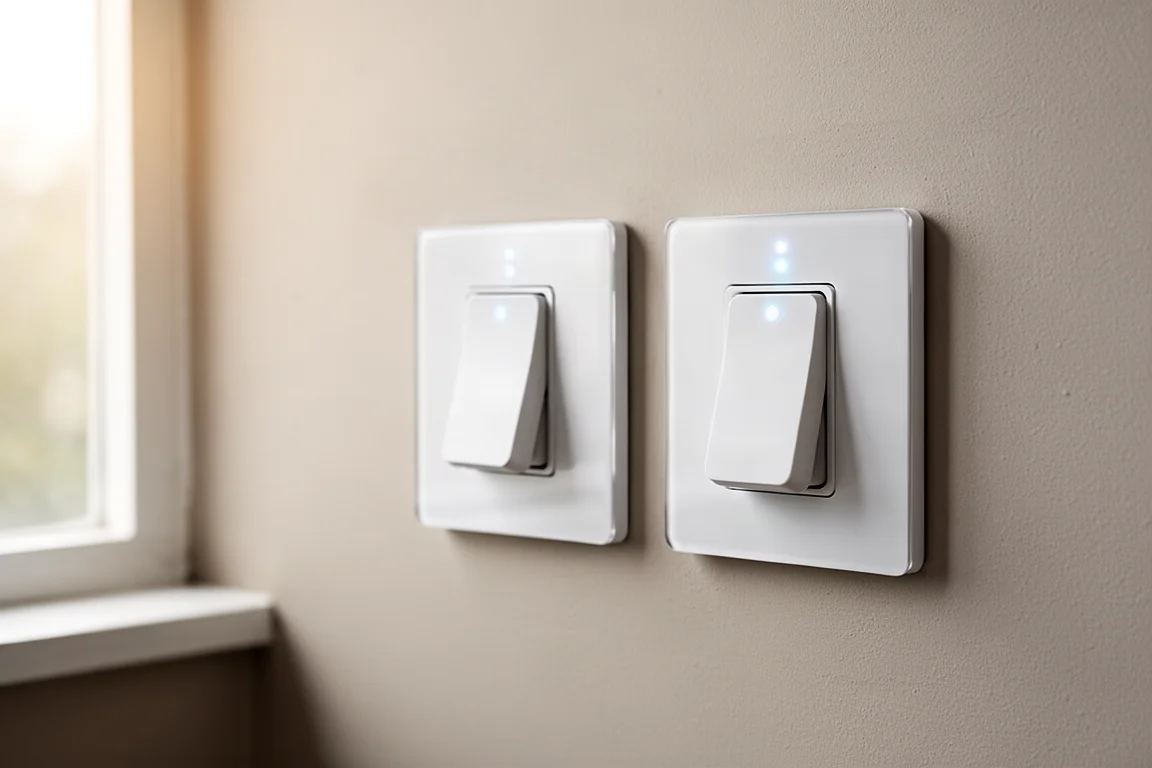
Pendant lights in a living room can be beautiful but also annoying when they reflect on the TV screen. Walking across the room to hit the switch is not ideal. Making them smart solves the problem. Instead of using smart bulbs, which can be less reliable, good quality dumb bulbs paired with a smart dimmer switch is a better approach. The lights work 100% of the time with the physical switch, and they can still be automated.
Lutron dimmer switches are a solid choice for this. Like Z-Wave, Lutron uses sub-1 GHz radio signals to communicate, so it does not interfere with Wi-Fi or other devices that use the 2.4 GHz band, like microwaves. This is why they work so well.
When choosing devices for a smart home, a priority order based on reliability is helpful. Z-Wave is the first choice, followed by Zigbee, then Thread, with Wi-Fi as the last option. This order is based on real-world experience with each protocol’s reliability.
Creating Scenes Before Automations
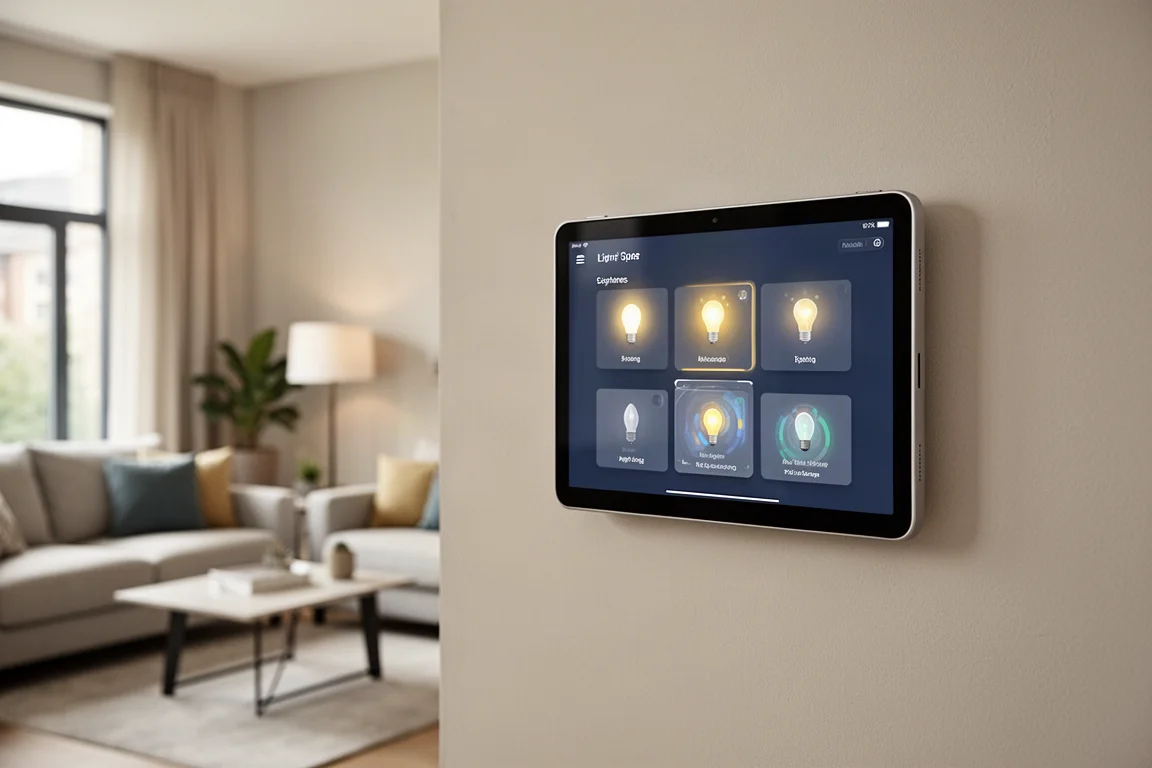
Before writing automations, it is helpful to create scenes. Scenes set the brightness levels of all the lights in a room and make long-term management much easier because everything is in one spot. For a living room, five scenes might be created: a bright one with all lights on, another with all lights on but less bright, a third with just the pendant lights on, a fourth that is super dim for watching TV, and a last one with everything off.
These scenes can be triggered in many ways: pressing a button on the wall switch, using a smart home dashboard, or through an automation. If brightness levels need to be updated or a light is added to the room, updating the one scene updates all the automations and button presses that use it.
Automations That Work With Your Life
Automations are where the smart home really comes together. A common problem is the ceiling fan and lights being on at the same time, creating annoying shadows. An automation can ensure this never happens. If the fan is on and the lights are turned on, the fan turns off. If the lights are on and the fan is turned on, the lights turn off. With Home Assistant, this can be done with a single automation using two triggers and a choose action with conditions.
The Zooz Zen32 buttons can be programmed the same way. The same automation gets triggered for each button press, and using the trigger ID, different actions can be performed based on a single press, double press, or holding down the button. For example, double pressing the fan button can make it go full speed, and holding it down can turn off the fan.
One crucial detail is the automation mode. By default, a new automation runs in single mode, which is fine for most automations. But for fast button presses, it needs to be changed to parallel mode. This allows the same automation to run with different actions simultaneously, so pressing buttons quickly works without fail.
Scheduled automations can also be refined. Lights can turn on at 4:30 p.m. before dinner, dim at sunset, and turn off around bedtime. But if pendant lights reflect on the TV, they should not turn on automatically while watching TV. With Home Assistant, a condition can be added to skip the lights changing in the evening if the TV is on and playing. The lights can even be dimmed automatically when the TV is playing something and turned back up when it is done.
Other automations can be based on devices already in the home. Desk light strips can turn on when the computer turns on and is connected to a second screen, ensuring they only turn on when actually at the desk. A smart lock can trigger a whole routine: unlock the door, turn on the lights, turn down the temperature, and start playing music. Locking the door turns everything off.
Buying Advice
Building a reliable smart home starts with a solid network. A UniFi system with a 10 gig switch and a U7 Pro XG access point provides strong coverage, but an inexpensive mesh system can also work well for those just starting out or on a tight budget. Wired connections are preferred where possible to keep Wi-Fi less congested.
Home Assistant Green is the easiest way to get started with the most powerful smart home platform. It comes pre-installed and has a much-improved user experience for beginners.
For switches, the Zooz Zen32 offers extra buttons that can be customized to control multiple devices, making it a great choice for high-traffic areas. Lutron dimmer switches are reliable for controlling lights, especially when paired with good quality dumb bulbs.
When choosing devices, prioritize Z-Wave, then Zigbee, then Thread, with Wi-Fi as the last choice, based on reliability. Creating scenes before automations makes long-term management easier, and using devices already in the home, like the TV, computer, or door lock, for automations is more predictable and less annoying than relying on motion sensors.
Conclusion
A smart home can be both powerful and reliable when built on the right foundation. A solid network, a flexible platform like Home Assistant, and well-chosen devices like the Zooz Zen32 and Lutron dimmers make it possible to create automations that solve real problems without the usual frustrations. The result is a smart home that works for the whole family, not just the person who set it up.
Further reading
Related Reviews
Smart Home
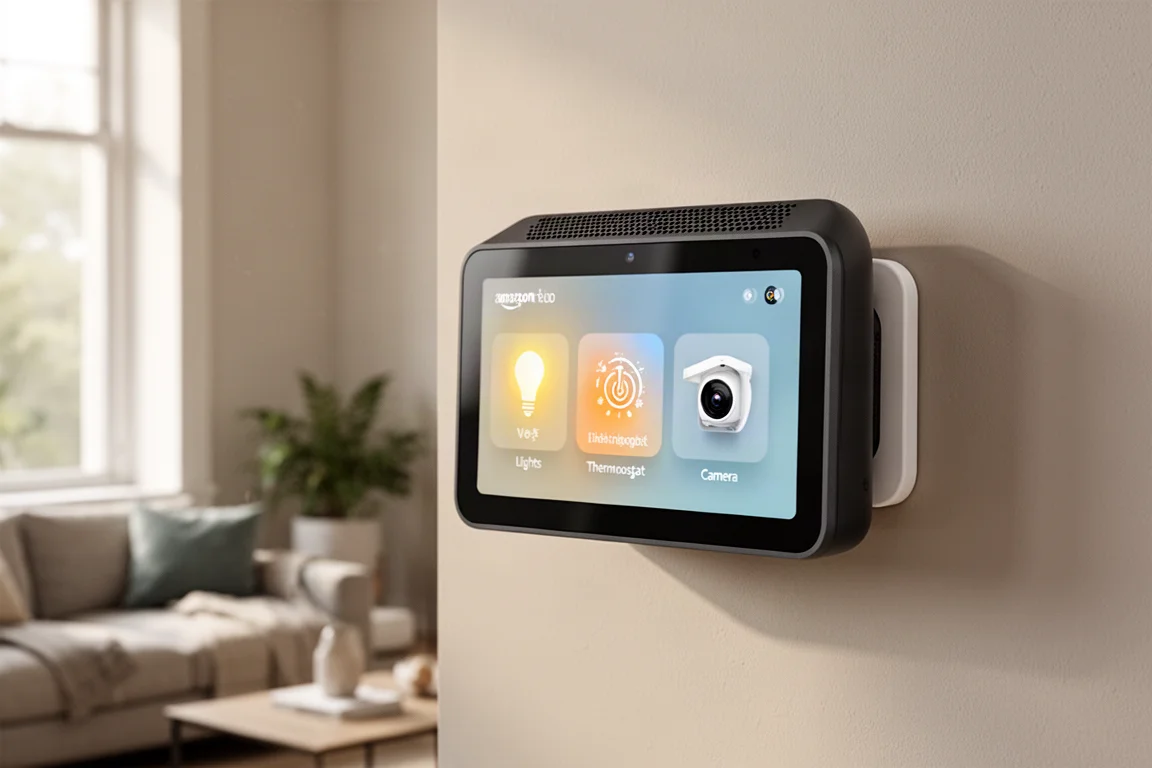
Amazon Echo Hub Review: A Smart Home Dashboard That Finally Gets It Right
The Amazon Echo Hub puts smart home controls front and center with a fast, simple interface. Here is how it performs as a family-friendly dashboard.
Smart Home
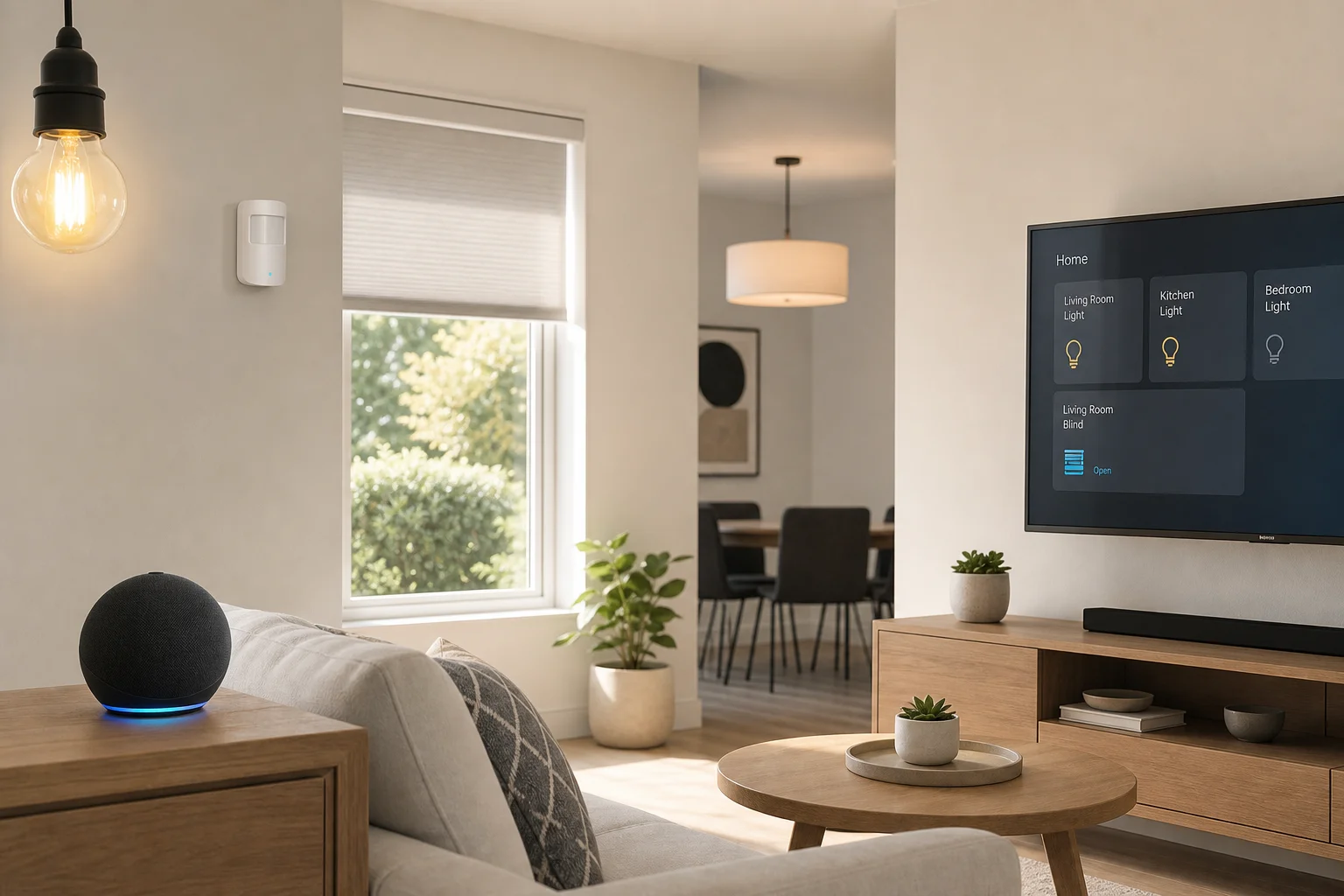
15 Amazon Smart Home Automations: Practical Ideas for Every Room
Fifteen practical Amazon Alexa routines and automations that solve real household problems, from pet care to security and entertainment.
Smart Home
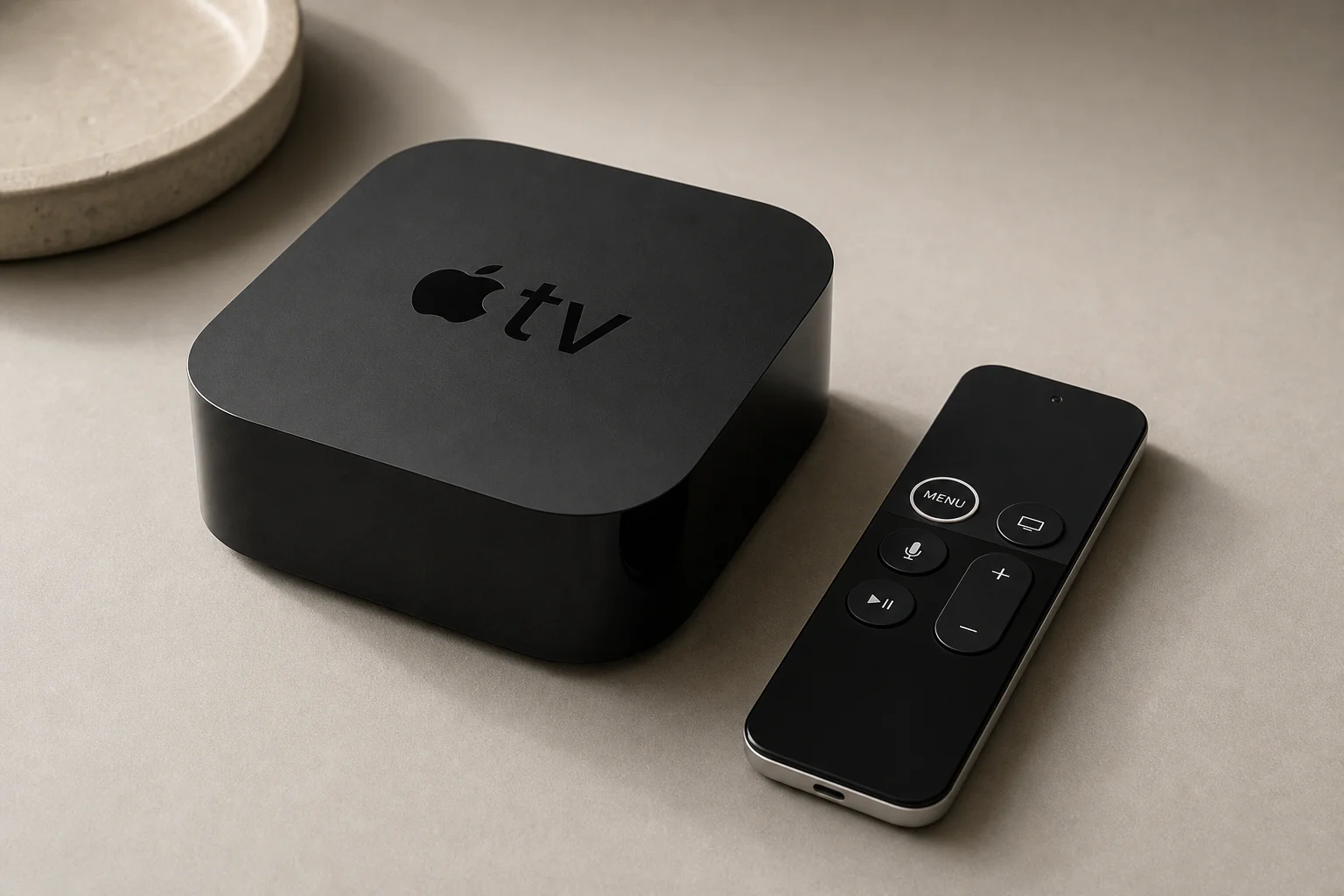
Apple TV as HomeKit Hub: Why It's Your Best Choice for Home Automation
The Apple TV combines HomeKit hub functionality with a display, camera viewing, and local automation control. Here's what makes it stand out from iPad and HomePod Mini alternatives.