Astronomy Apps
SkySafari 7 Review: A Practical Guide to Planning and Navigating the Night Sky
A hands-on look at how SkySafari 7 helps you plan observing sessions, star hop to galaxies, and protect your night vision at the eyepiece.
Introduction
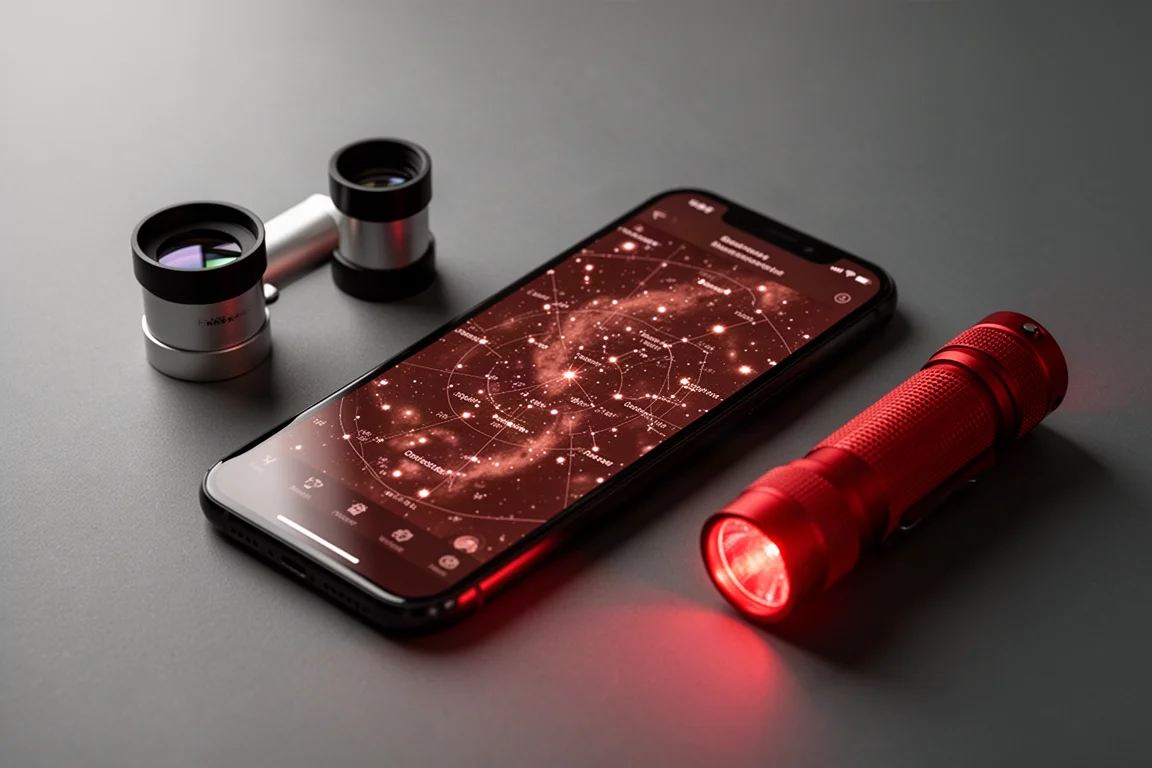
Navigating the night sky can feel overwhelming. Whether you are observing visually or shooting deep sky targets with a camera, there is simply a lot up there, and knowing where to point next is half the battle. SkySafari 7 is a star map and observing planner designed to make that process manageable, from planning an evening at your desk to star hopping at the eyepiece. Here is how it performs in real use.
Who This Product Is For
SkySafari 7 is aimed at anyone who wants structure in their time under the stars. Visual observers using telescopes without go-to features will get the most obvious benefit, since the app helps you locate targets manually. Astrophotographers planning imaging sessions will appreciate the calendar and list tools, and beginners can use the compass and augmented reality views simply to learn the brightest stars and constellations. If you have ever stood next to your telescope wondering what to look at tonight, this app is built for you.
Planning Your Night with SkySafari 7
The planning workflow starts with time control. Tap the time icon and you can move the sky forward or backward through days, weeks, months, or even years, so you can preview tonight’s sky, plan a session for next week, or look up what the sky looked like on any past date. One of the most pleasant upgrades in this version is the updated animation and graphics: the transition of a setting sun fading into early evening and then into a star-filled night is genuinely nice to watch.
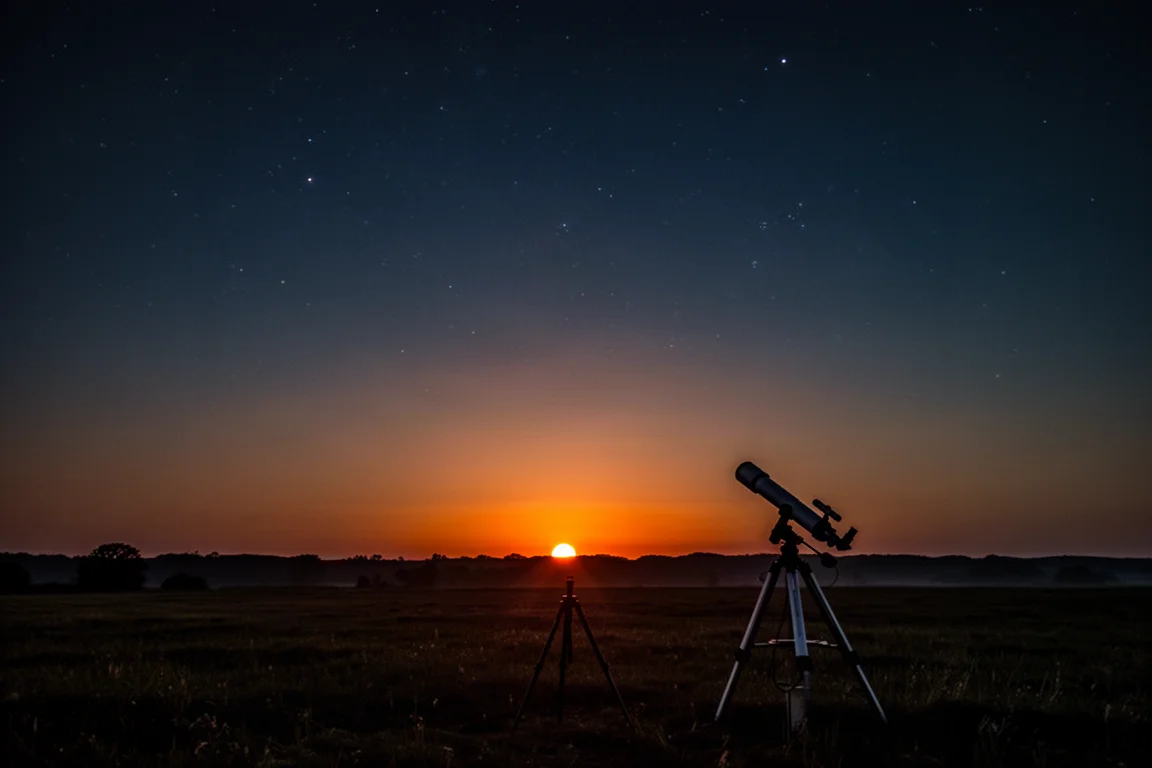
From there, tapping “Tonight” brings up a curated list of the best and brightest objects in the solar system and beyond. Selecting any target instantly opens its information panel and locks the sky chart onto its position in the sky. The Calendar view extends this by highlighting notable objects and events month by month, which makes it a natural starting point at the beginning of each month for both observing and astrophotography targets.
Observing Lists and Equipment Profiles
Two quieter features do a lot of heavy lifting for regular observers. The first is observing lists. You can build a personal catalog of favorite targets, and when you highlight a list on the sky chart, every object in it is marked so you can see exactly where everything sits. Adding something is simple: tap the object, open object info, tap More, and select Add to Observing List. It works equally well as a record of what you have seen or a wishlist of what you hope to catch in future sessions.
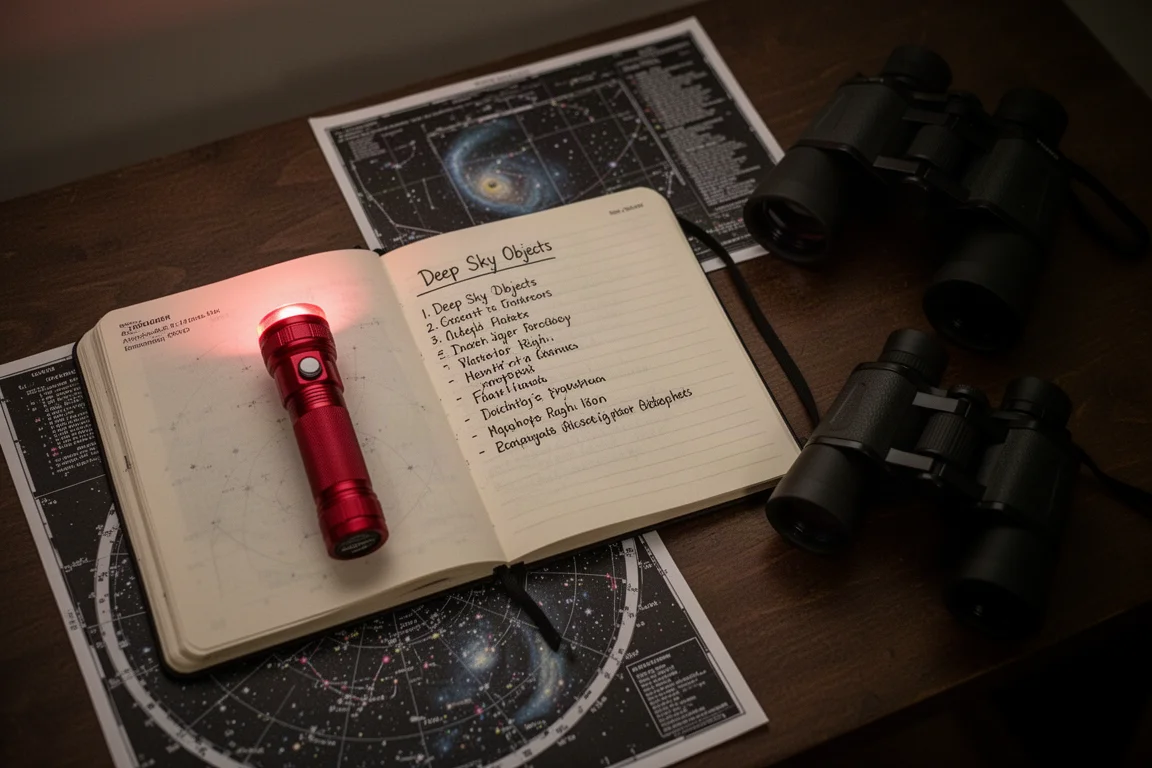
The second is equipment tracking. Under Observe, My Equipment, you can enter your telescope, eyepieces, and other gear, choosing from a long catalog of products from major manufacturers or entering custom parameters for equipment that is not listed. This ties directly into the field of view features used out in the field, so it is worth doing before your first session.
Star Hopping at the Eyepiece
This is where SkySafari 7 earns its place in a telescope bag. With a manual, non-go-to setup, finding targets means star hopping, and the app supports this with configurable field of view overlays. Under Observe, Scope Display, you can enable the field of view for your finder scope, and you can also select your exact camera and lens so the chart shows the framing you would get for deep sky imaging.
In practice, the workflow looks like this: pick a bright star you can identify, center it in your finder, then use the app’s displayed field of view to hop from star to star toward your target. On one session, starting from a bright star in the Big Dipper and hopping toward the galaxies M81 and M82, the objects were not visible through the finder at first, likely due to local light pollution. Switching the app to match a 25mm eyepiece for higher magnification helped narrow the search, and both galaxies turned up exactly where the chart said they would be. That is the strongest endorsement you can give a star map: it is a genuinely detailed and accurate map.
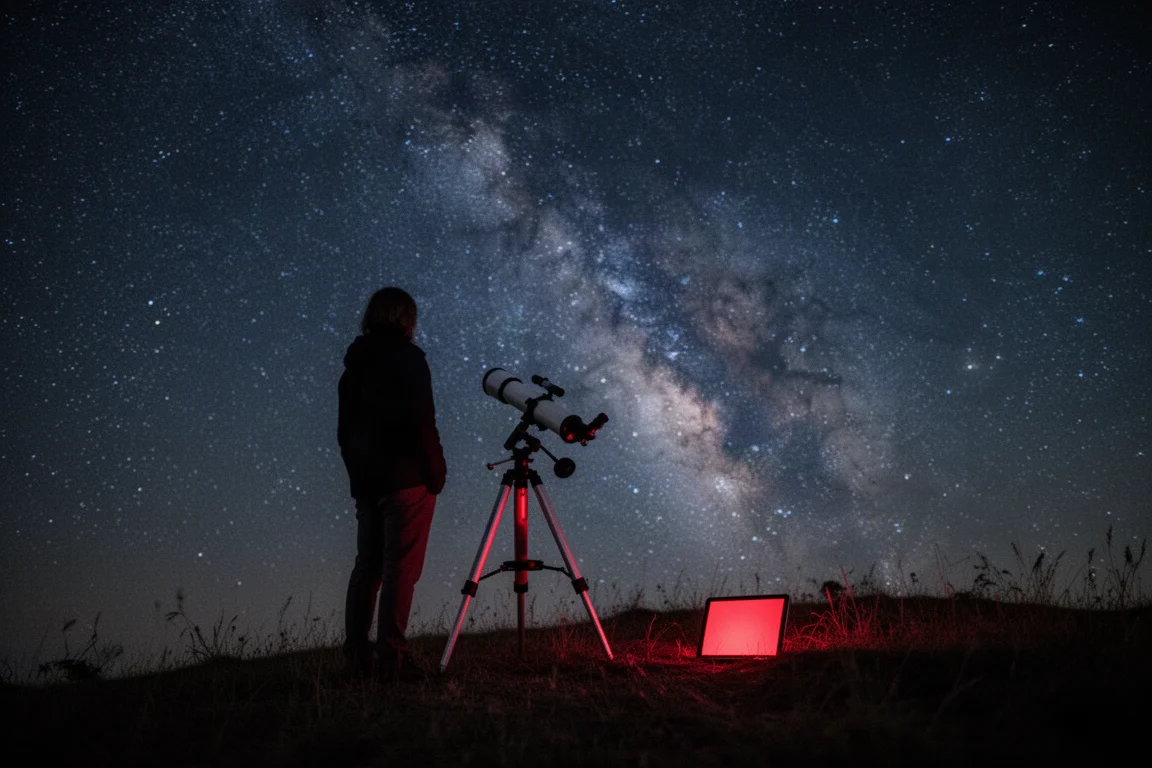
Once you are on target, tapping Object Info brings up background on what you are looking at, and many of the most popular objects include an audio overview you can play while you observe. At that point the app has done its job, and the rest of the session is yours to enjoy.
Compass, AR, and Night Mode Features
Three features round out the field experience. Night mode switches the entire interface to red tones, which helps preserve your dark-adapted eyes when you are hunting faint objects from a dark sky location. The compass feature, accessed from the upper right corner, shows the live sky you are facing on your phone, which is a simple way to learn bright stars, locate planets, and get oriented before diving into deep sky hunting. Tapping the AR icon adds an augmented reality view of your actual surroundings overlaid with the stars above, making it even easier to connect what is on the screen with what is overhead.
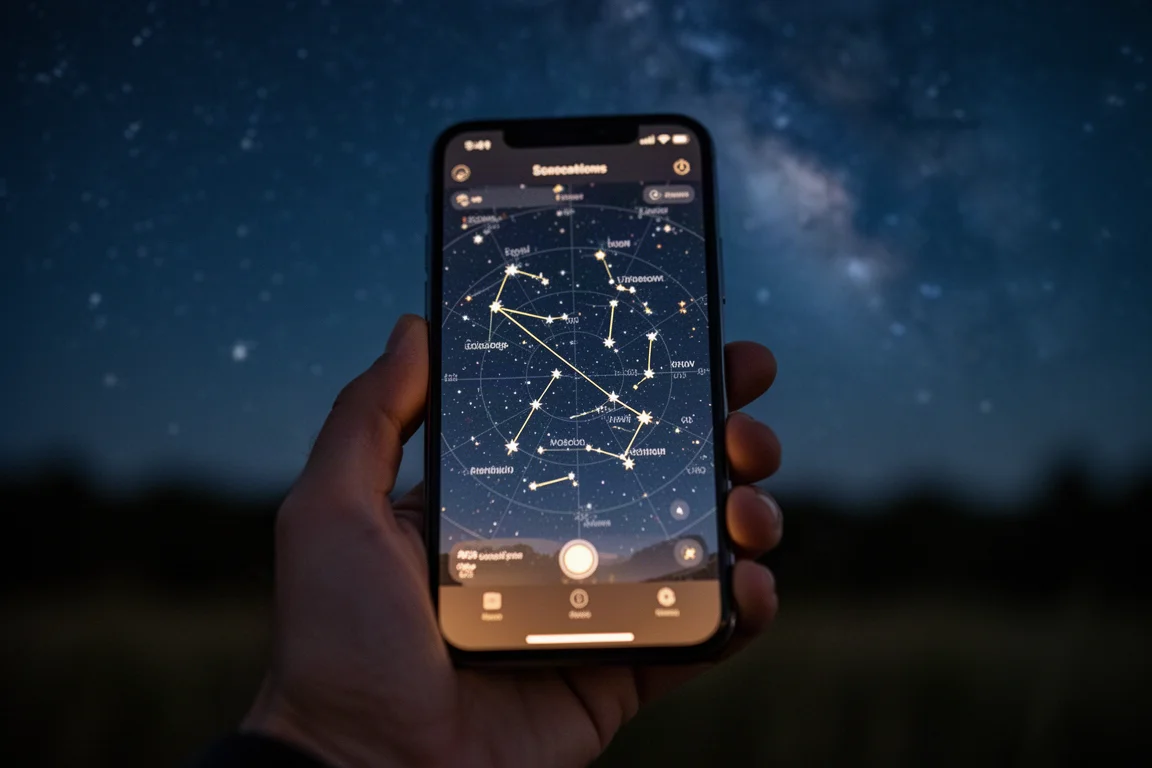
The app also leans into the social side of astronomy. The OneSky view shows what other people are currently observing, which is a handy way to discover worthwhile targets you might not have considered. If friends or family also use SkySafari, the SkyCast feature lets you guide them around the sky remotely.
Things to Consider Before Buying
A few practical points are worth weighing. SkySafari is most powerful when you take a few minutes to configure it, since the field of view overlays depend on entering your finder, eyepieces, camera, and lens details. If you observe from a light-polluted area, faint targets may not be visible through a finder even when the app places them correctly, so plan to switch to higher magnification eyepieces to bring in more light. The social features such as OneSky and SkyCast require other people to be using the app to get much out of them, and not every object includes an audio overview, though the most popular targets do.
Buying Advice
If you own a manual telescope and want a reliable, accurate companion for planning sessions and finding objects, SkySafari 7 is an easy recommendation. Visual observers get the most direct value from the field of view overlays and night mode, while astrophotographers benefit most from the calendar, equipment profiles, and camera framing tools. Beginners who mostly want to learn the sky will find the compass and AR modes approachable. In short: it rewards a little setup time with genuinely useful results at the eyepiece.
Conclusion
SkySafari 7 succeeds because it covers the full arc of a night under the stars: planning the session in advance, building lists and equipment profiles, star hopping to targets with accurate field of view overlays, and preserving your night vision once you are there. For observers and astrophotographers who want one app to carry from the desk to the eyepiece, it is a confident pick.
Product link
View more details for SkySafari 7
This product is mentioned in the review. Check the specifications, options, and compatibility before buying.
View more details for SkySafari 7Further reading
Related Reviews
Astrophotography
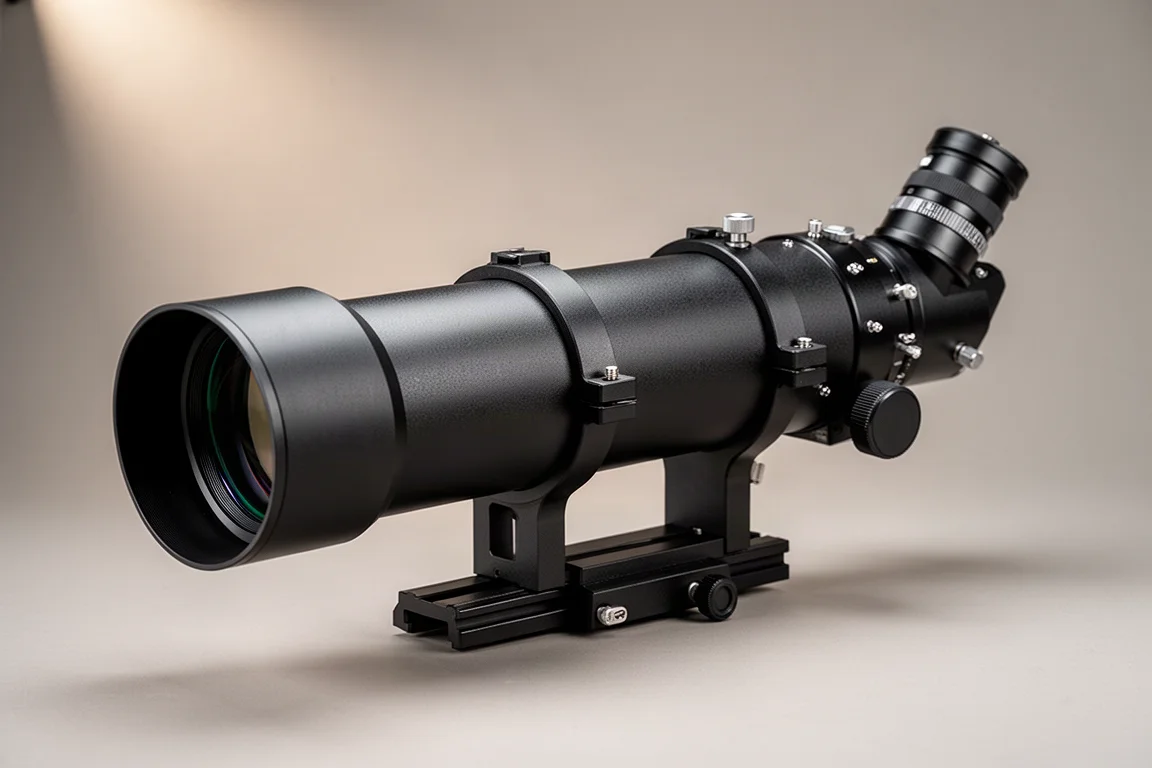
ASKAR FRA400C Review: A Versatile 400mm Refractor for Astrophotography and More
The ASKAR FRA400C is a compact 72mm refractor that balances reach, versatility, and portability for astrophotographers and visual observers.
Astrophotography
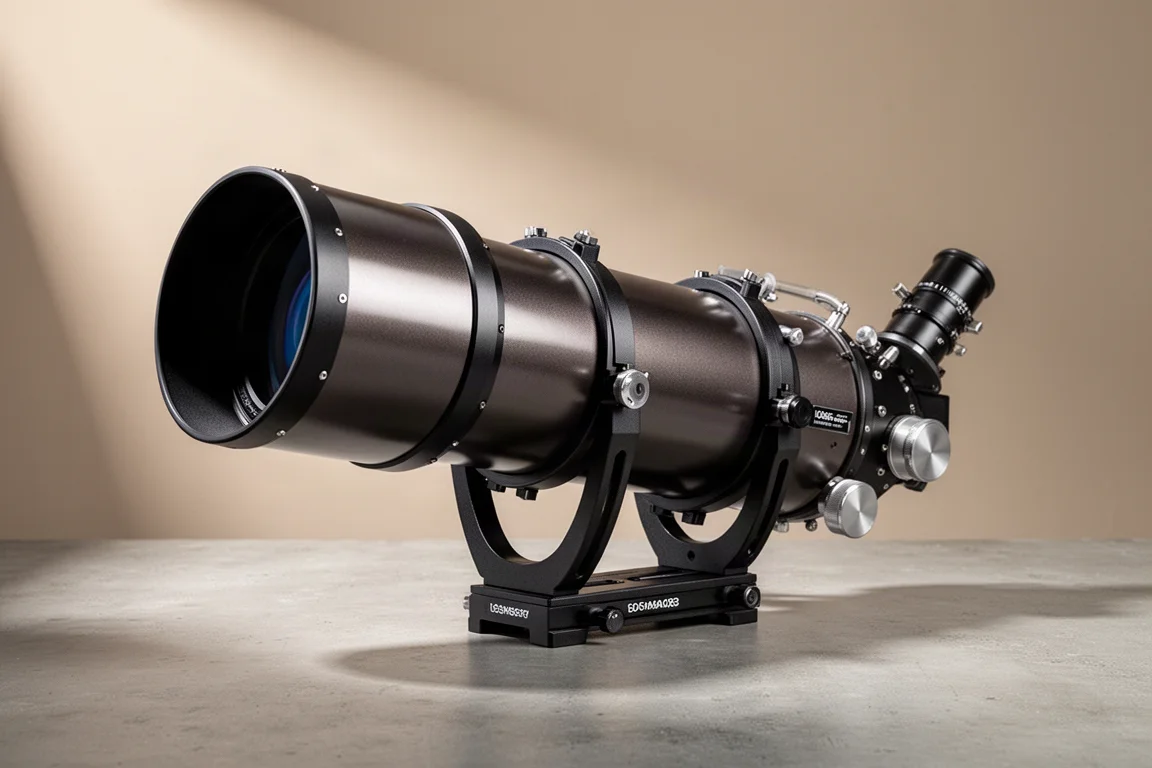
Askar SQA106 Review: A Premium 106mm Astrograph With Exceptional Optics
The Askar SQA106 is a premium 106mm quintuplet astrograph with impressive sharpness across full-frame sensors, though its price and weight demand careful consideration.
Astrophotography
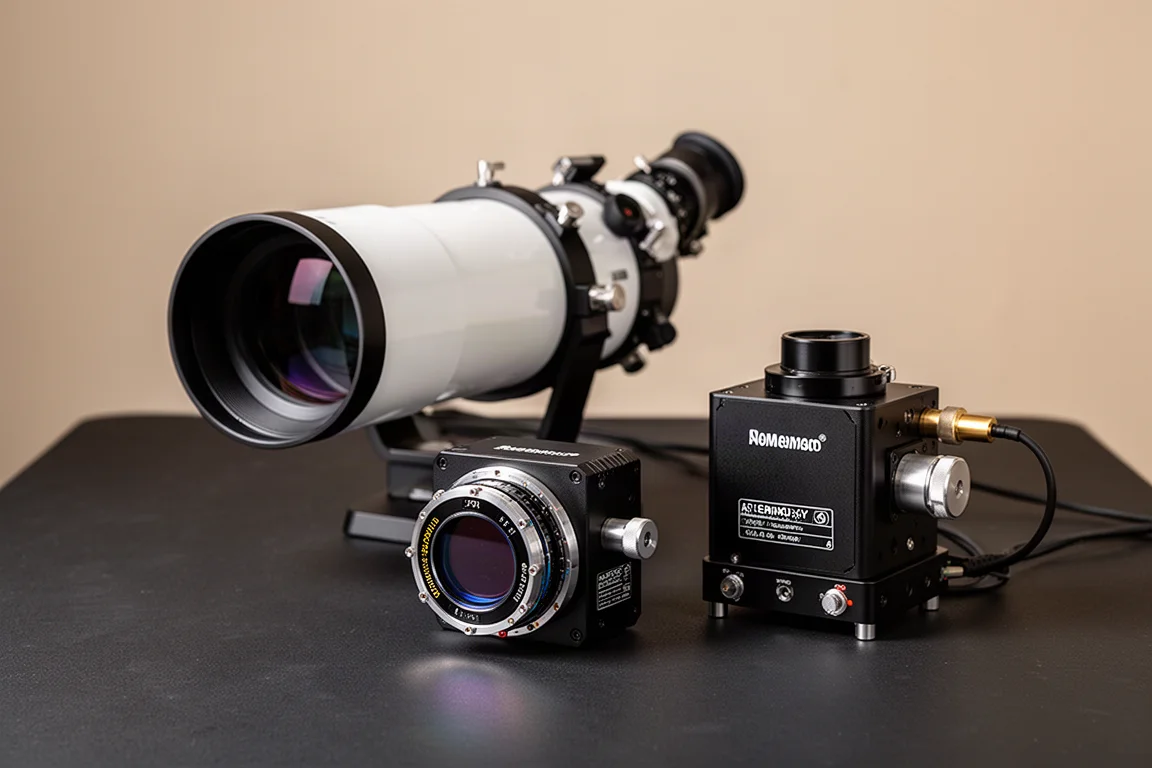
Astro Imaging Gear 2026: Eight New Products Worth Watching
A look at the most interesting new astrophotography and astronomy products announced this year, from fast telescopes to smart cameras and wireless accessories.