Astrophotography
Sky-Watcher SynLink Review: An All-in-One Control Hub for Astrophotography
A brand-agnostic control hub that connects cameras, mounts, focusers, and more, with a feature-rich app and a full simulation mode for cloudy nights.
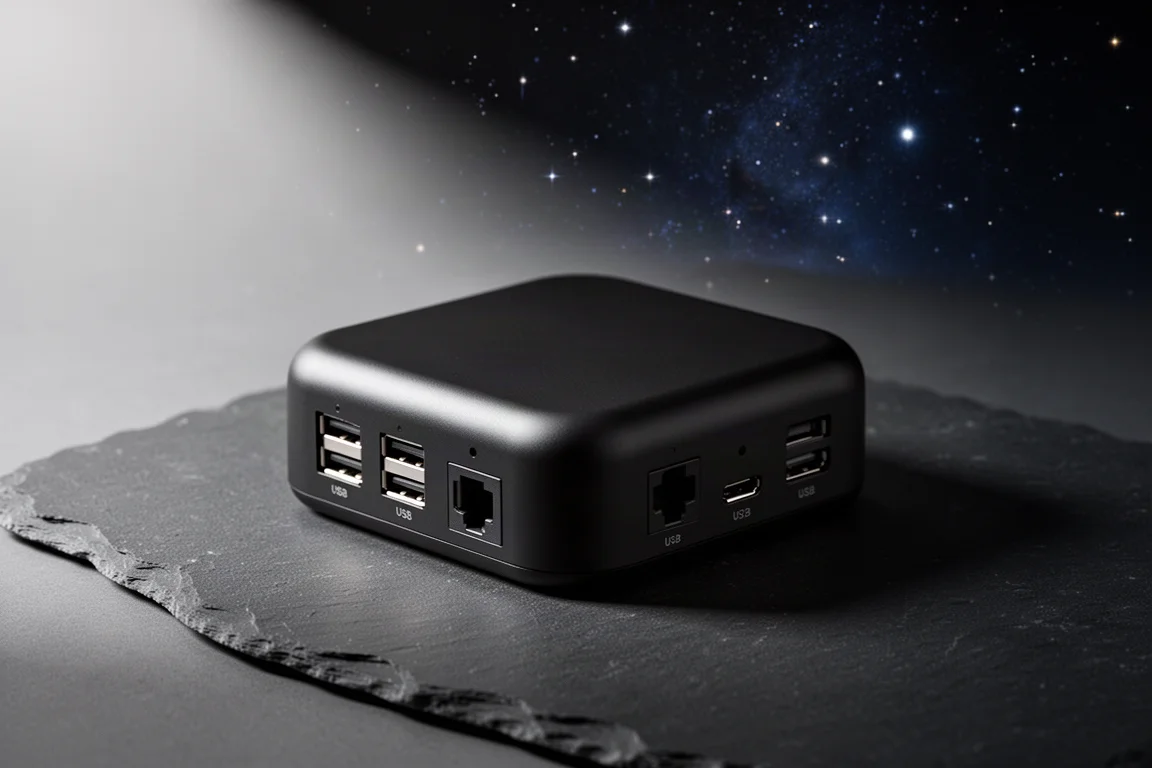
Introduction
Sky-Watcher has released a device aimed squarely at astrophotographers who are tired of juggling separate control software and cables: the SynLink. It is an all-in-one control hub designed to act as a centralized place to run your imaging equipment from a smartphone, tablet, or PC.
What makes it interesting in a market that already has several onboard computers is flexibility. The SynLink is not locked into a single brand or ecosystem. It is designed to work with compatible cameras, mounts, focusers, filter wheels, rotators, flat panels, and other accessories from a variety of manufacturers, which is a meaningful difference for anyone whose imaging rig is built from mixed-brand gear.
Hardware and Connectivity
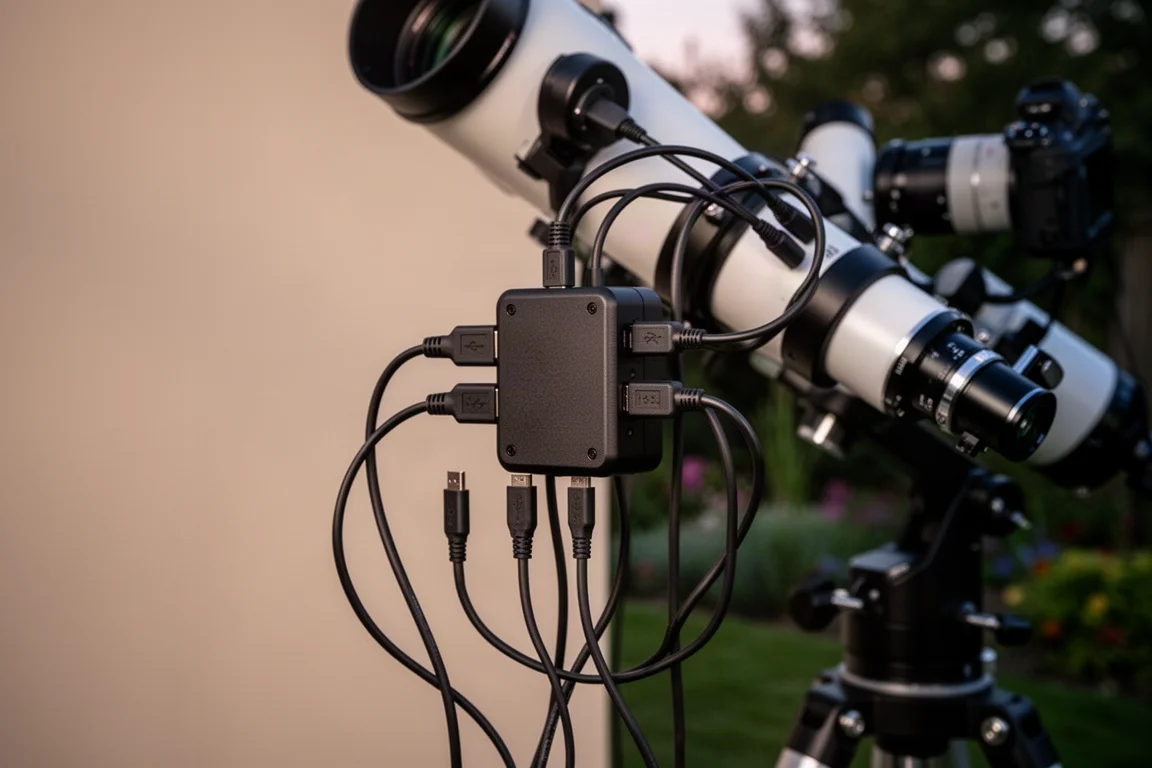
On the hardware side, the SynLink offers a generous port selection: four USB 3.0 ports, two USB 2.0 ports, USB-C connectivity, four DC power output ports, two dew heater ports, dual-band Wi-Fi, and 64 GB of onboard storage.
For astrophotographers, that port count matters. Imaging trains routinely grow to include cameras, guide cameras, focusers, filter wheels, and dew control, and having enough native connectivity without extra hubs keeps wiring simpler at the eyepiece end of a long night.
The App: Control From Anywhere
The dedicated app is where Sky-Watcher is really differentiating the SynLink from other onboard computers. You can run it on desktop, Android, iOS, or a tablet, though most users will likely control the rig from a smartphone.
The app covers the typical essentials of an imaging platform, including polar alignment, plate solving, goto, and autofocus. It also adds some thoughtful touches of its own. Sky-Watcher claims there is no need to refocus when changing filters: the SynLink measures the offset between filters and simply applies the correct step adjustment. The built-in planetarium looks bold and colorful, with popular objects displayed as bright, vibrant targets.

During a hands-on session, a demo unit controlled remotely from across the country connected immediately via IP address. The app auto-populated every attached device, including the imaging camera, guide camera, mount, focuser, and filter wheel, and everything was controllable from a phone. Configuration covers aperture, focal length, observing date and time, and other settings, while the focus screen lets you change exposure time and gain and adjust filter wheel positions such as LRGB or SHO manually.
Sequencer Plans and Imaging Control
Sequencer plans look like the heart of the app. Easy mode is built for simple nights: set up, capture a quick evening of data, done. Pro mode opens up far more control over the imaging rig, including what happens to your equipment when the session shuts down.
Target selection is organized into useful groups, from deep-sky objects to challenging objects low on the horizon to named stars, which makes planning a session more approachable. There is a lot to unpack here, and a full night under the stars is where the app will show its depth.
One more standout feature is the full simulation mode. If the skies are cloudy, you can plug the SynLink in and simulate the astrophotography experience you would have in the field. That means you can learn the interface and practice your workflow before ever stepping outside, which is genuinely valuable for a device with this many features.
Who This Product Is For
The SynLink makes sense for astrophotographers who run mixed-brand equipment and want one centralized interface instead of juggling multiple apps. It is also a good fit for anyone who wants to plan and control sessions remotely from a phone.
Things to Consider Before Buying
The hardware specs and app features look strong, but the full picture only becomes clear once an imaging rig is set up under real night skies. If you prefer a tightly integrated single-brand ecosystem, a brand-agnostic hub is a different approach, though one that suits most multi-manufacturer rigs well.
Buying Advice
The SynLink is available to order, and with Sky-Watcher’s US-based customer support and warranty behind it, it has the makings of a solid centralized control hub for serious imaging setups. Combined with the simulation mode and brand flexibility, it is an easy recommendation for astrophotographers looking to simplify their control workflow.
Conclusion
The Sky-Watcher SynLink brings together broad connectivity, brand-agnostic device support, a thoughtful app with sequencer plans, and a rare simulation mode for practicing on cloudy nights. For astrophotographers who want one place to control their entire rig, it is well worth a close look.
Product link
View more details for Sky-Watcher SynLink
This product is mentioned in the review. Check the specifications, options, and compatibility before buying.
View more details for Sky-Watcher SynLinkFurther reading
Related Reviews
Astrophotography
ASKAR FRA400C Review: A Versatile 400mm Refractor for Astrophotography and More
The ASKAR FRA400C is a compact 72mm refractor that balances reach, versatility, and portability for astrophotographers and visual observers.
Astrophotography
Askar SQA106 Review: A Premium 106mm Astrograph With Exceptional Optics
The Askar SQA106 is a premium 106mm quintuplet astrograph with impressive sharpness across full-frame sensors, though its price and weight demand careful consideration.
Astrophotography
Astro Imaging Gear 2026: Eight New Products Worth Watching
A look at the most interesting new astrophotography and astronomy products announced this year, from fast telescopes to smart cameras and wireless accessories.