Studio Furniture
SessionDesk Home vs SessionDesk Modular: Which Studio Desk Fits Your Studio
A practical look at what a purpose-built studio desk actually adds, and how the SessionDesk Home and SessionDesk Modular models differ in rack capacity and footprint.
Introduction
A desk is one of those purchases that feels optional right up until the studio outgrows whatever surface is available. A purpose-built studio desk is not a requirement for making music, and plenty of solid work has been done at a flimsy card table or a hand-me-down computer desk. Once there is budget for one, though, a desk designed for studio use changes how a room works in several concrete ways.
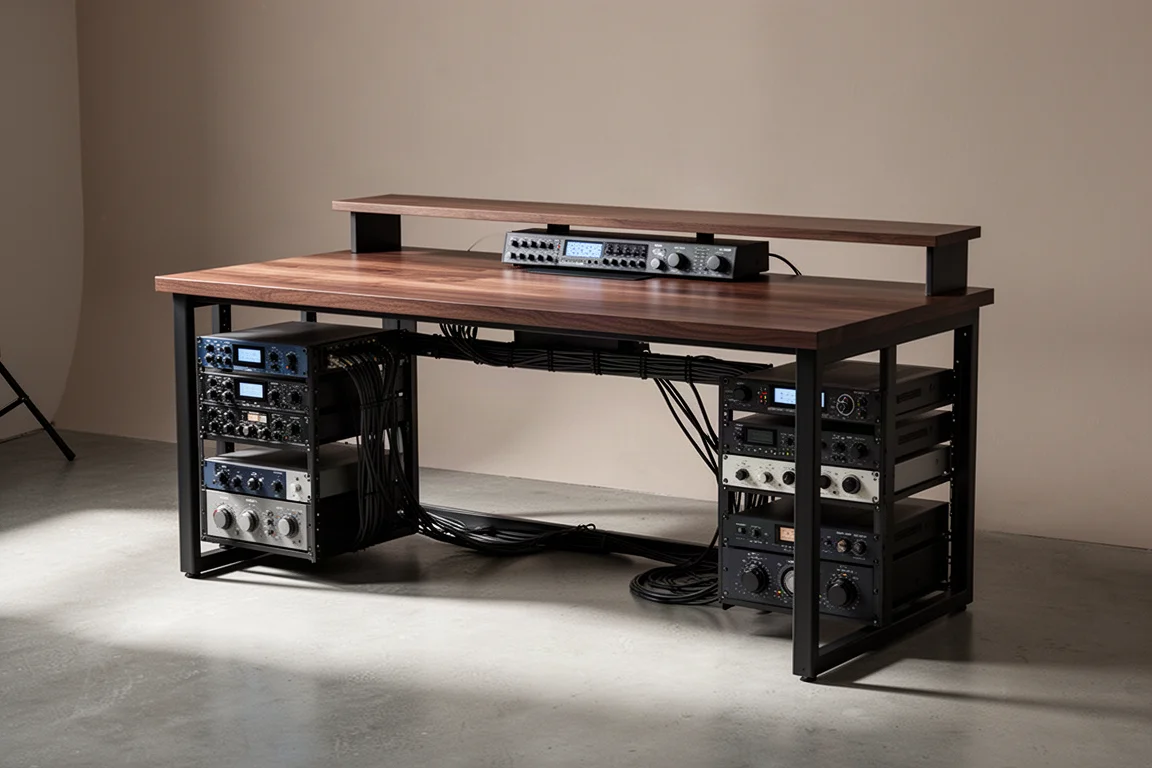
Two SessionDesk models are worth weighing against each other. The SessionDesk Home desk is the more affordable option and provides rack space on each side. The flagship SessionDesk Modular desks add rack capacity below the work surface as well. This guide covers what a studio desk does differently, and how to choose between the two.
Cable Management: The First Practical Upgrade
Ordinary desks do a fine job of holding an interface, a laptop, and a mouse. What they rarely offer is anywhere to route cables. Without trays, cables have to be run carefully across the desk and down to the floor, and in practice that care tends not to survive a busy week. The result is a desk that slides back into a tangle of cables no matter how many times it gets tidied up.
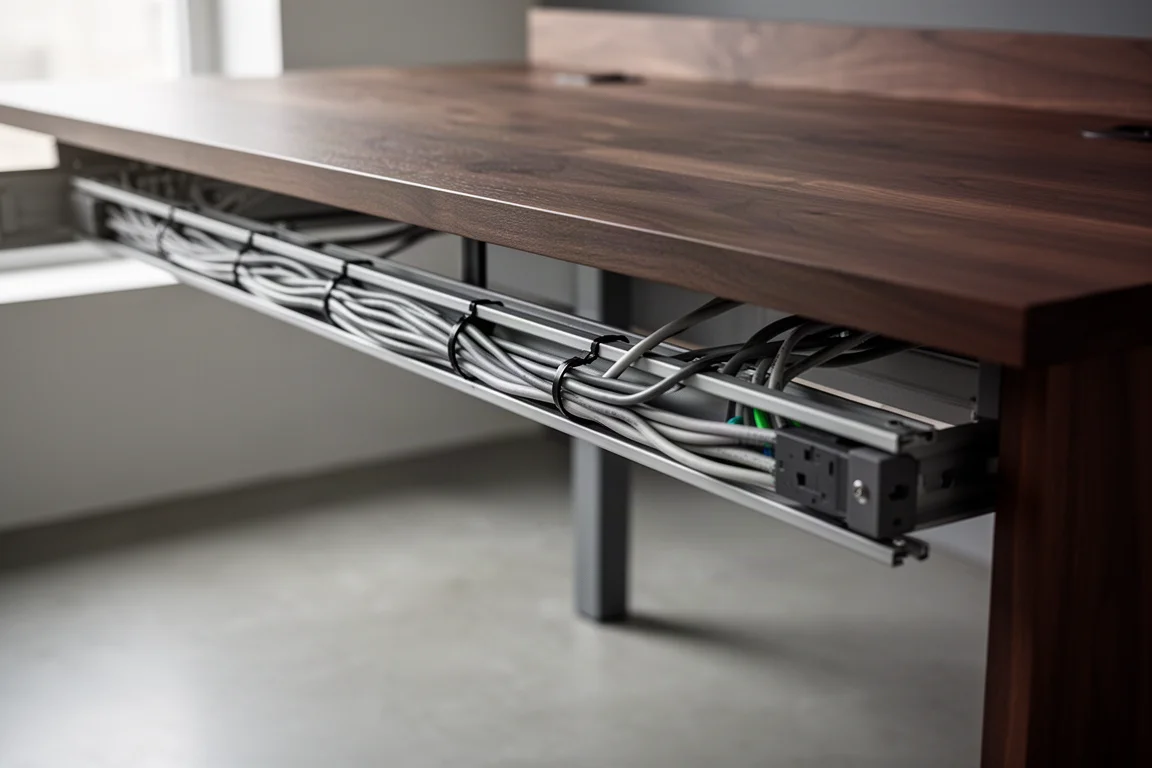
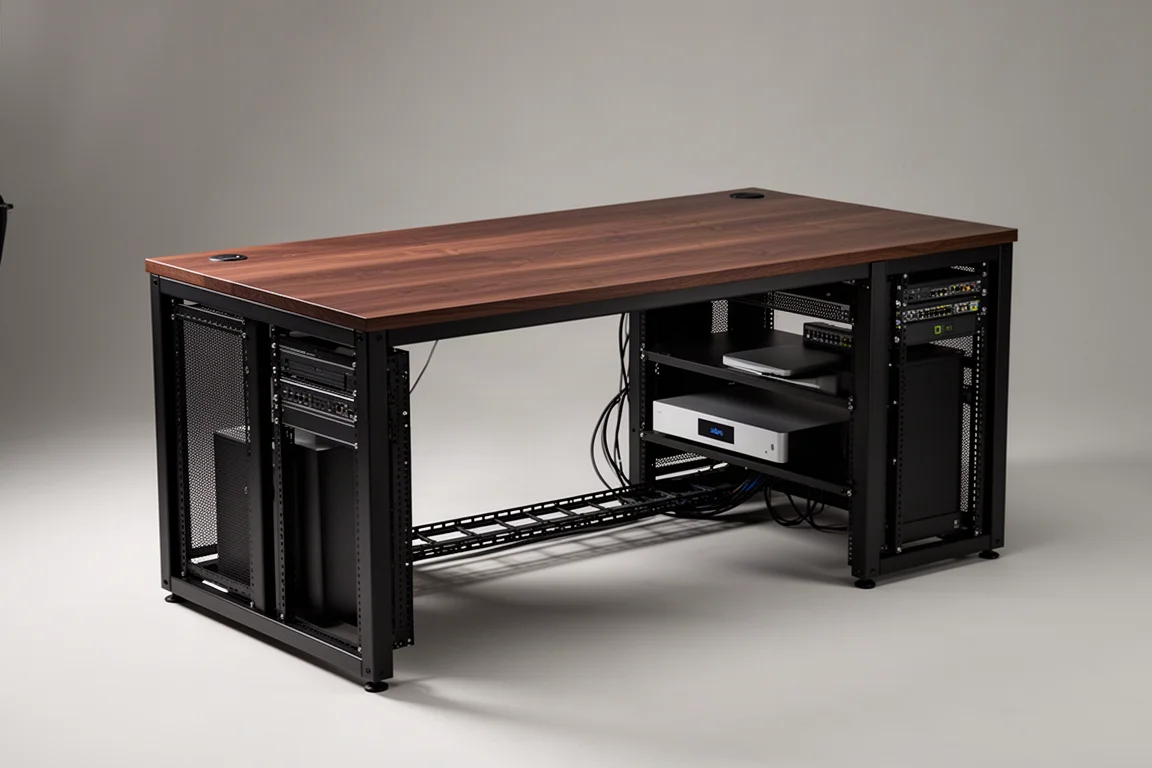
Desks built specifically for studio use usually include cable trays that run along the length of the desk. Messy cables are still possible, but the same amount of mess reads as far tidier when it is contained inside a tray instead of draped across the floor. More importantly, when cables are run with some thought, they stay that way for much longer.
SessionDesk Home: Rack Space in a More Affordable Package
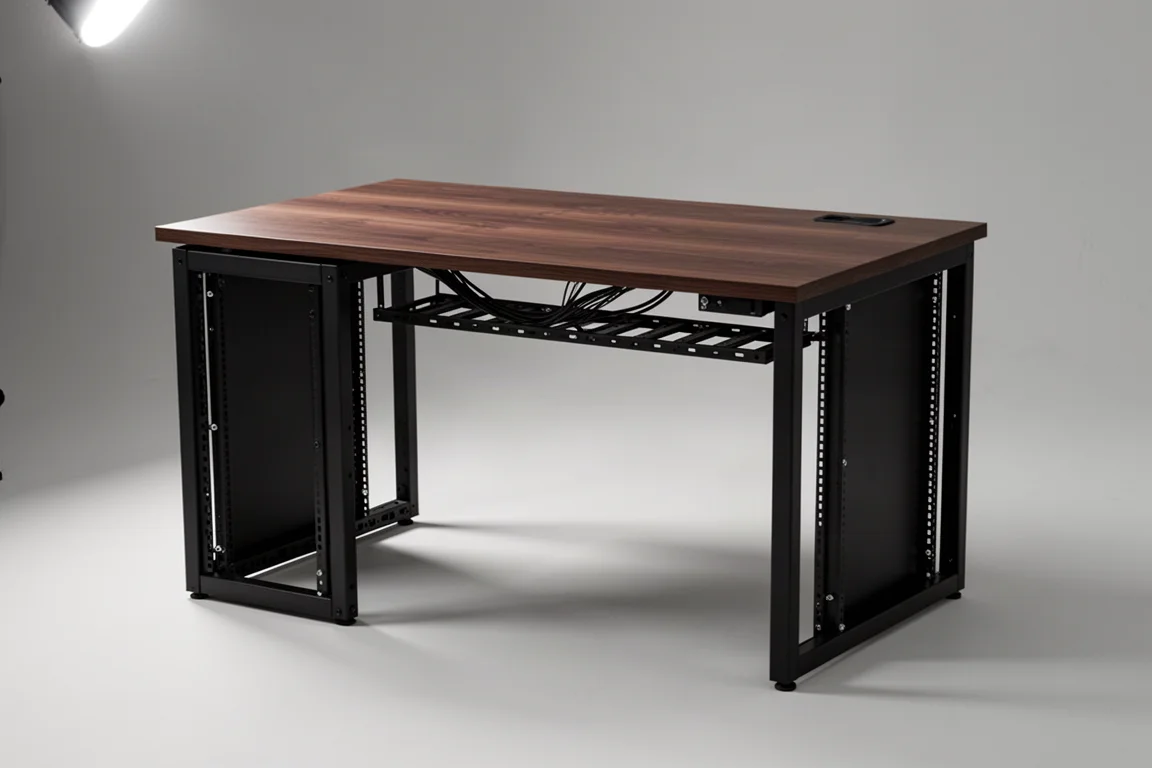
The SessionDesk Home desk is the more affordable model in the lineup, and its defining feature is rack space on each side of the desk. That side-mounted capacity covers the essentials for a smaller room without demanding the footprint of a larger desk, and it keeps outboard gear within arm’s reach instead of in a separate rack across the room.
For a studio that needs a tidy, purpose-built work surface and a modest amount of rack capacity, the Home desk is the sensible starting point.
SessionDesk Modular: The Flagship Desk with Extra Rack Capacity
The SessionDesk Modular desks sit at the top of the range and add rack space below the desk on top of the side-mounted capacity. That lower bay suits computer and network equipment and pieces that do not need frequent adjustment, which keeps the working surface and the side racks free for gear that is touched often.
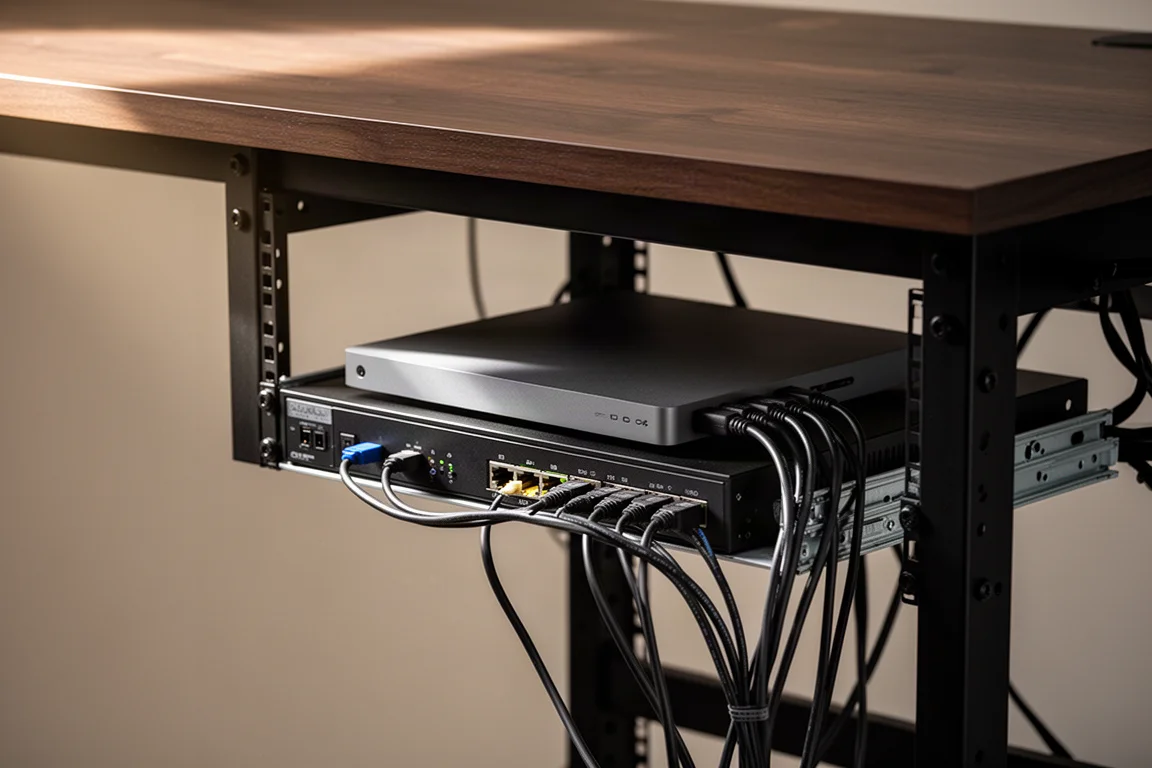
If the studio holds more gear than a side rack can absorb, or if the goal is to remove floor-standing racks from the room entirely, the additional below-desk capacity is the reason to move up to the Modular model.
Layout, Displays, and Monitor Placement
Rack space is only part of what a studio desk changes. Most studio desks provide a place to put displays low enough that they do not obstruct the studio monitors, which is difficult to achieve on a general-purpose desk where the screen sits at eye level and the monitors end up tucked behind it. Some desks also use angled surfaces to reduce the potential for a desk reflection reaching the listening position.
In a very tight room, studio monitors can be placed on the racks themselves to eliminate the need for monitor stands. That is a genuine space saving, but it is worth going in with clear eyes: monitors sitting on the desk or rack surface can produce a stronger desk reflection than monitors on dedicated stands.
Rack Placement and Mixing Workflow
Rack space in a studio desk is not only about storage. For anyone who mixes with outboard effects, having the rack built into the desk means staying in the listening position while adjusting settings. That single change removes a surprising amount of friction from a session.
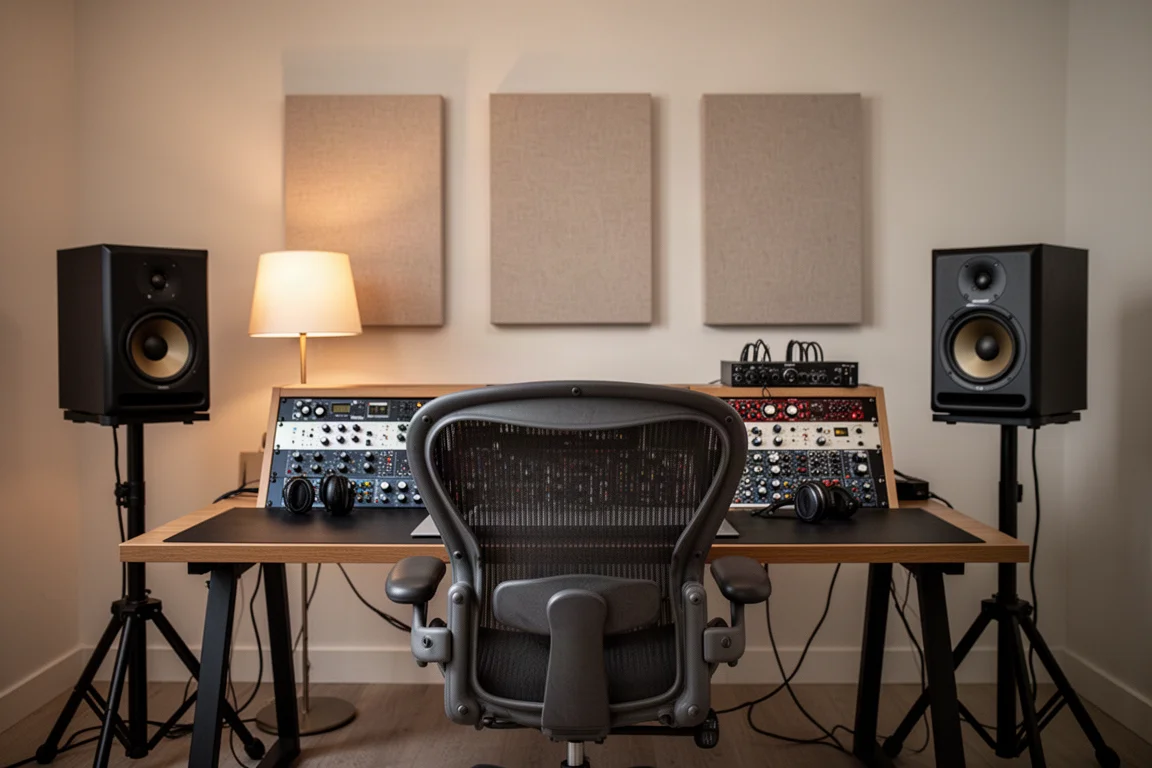
When a rack of equipment sits off to the side, the alternatives are less appealing. Adjustments happen in headphones, or the engineer walks back and forth between the rack and the listening position to hear what each change is doing to the mix. Judging a mix while standing off-axis to the monitors is risky, because the changes heard from that position are not the changes the mix actually has. Keeping the gear within reach of the listening position avoids the problem altogether.
Studio Presentation and Client Confidence
There is a less technical benefit that deserves a mention. A better-looking studio is partly an ego boost, but it also sets a better mood for creation, and a room that feels intentionally put together makes it easier to settle into work.
For a professional studio, the desk is part of the overall image the room presents. A space that has clearly been designed for the work instills confidence and trust in the people who walk into it. That may sound superficial, but it can go a long way toward winning more clients and toward drawing the best performance out of the clients already in the room.
Buying Advice: Matching a SessionDesk to Your Studio
The decision between the two models comes down to rack capacity and floor space. The SessionDesk Home desk covers side-mounted rack space at a lower cost, which suits a compact setup where the priority is a tidy, purpose-built surface. The SessionDesk Modular desks make sense when more equipment needs to live in the desk itself, when computer and network gear should be tucked out of the way below, or when the aim is to remove floor-standing racks from the room entirely.
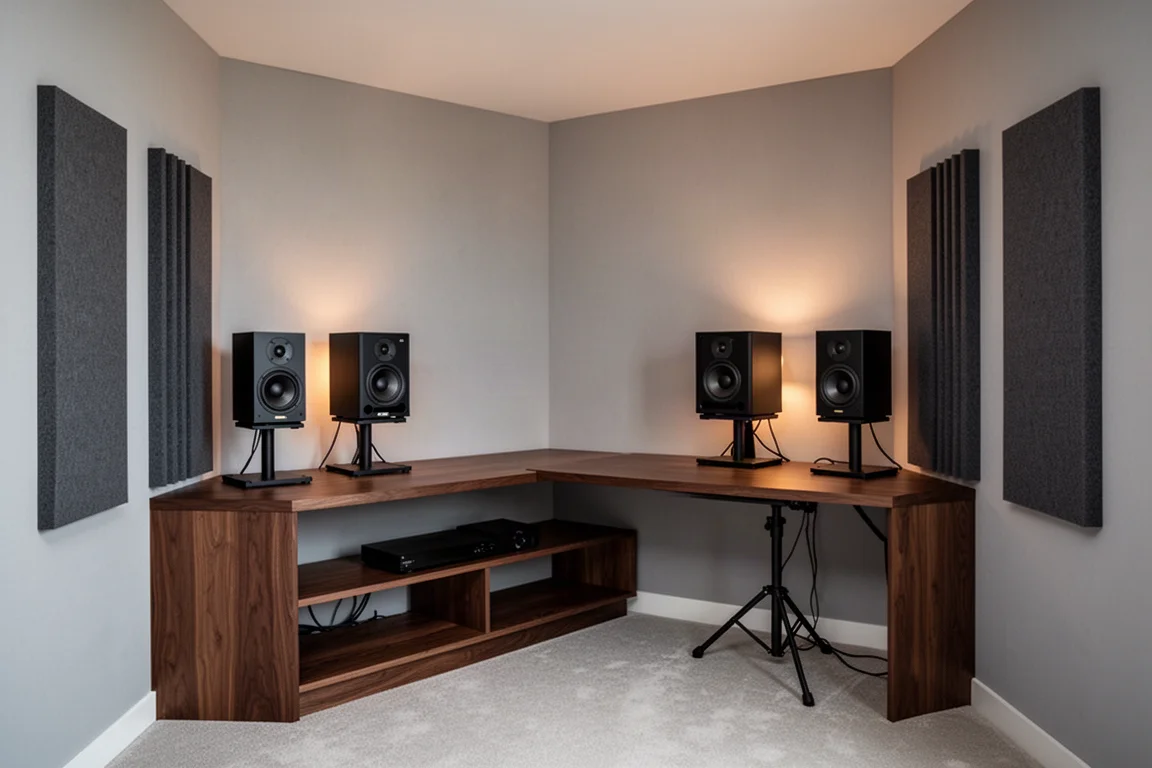
Two practical points are worth checking before ordering. First, a cable tray makes tidiness easier rather than automatic, so cables still need to be run with some thought the first time. Second, decide in advance whether monitors will sit on stands or on the racks, since rack placement can increase desk reflection.
Conclusion
A purpose-built studio desk is not what makes music possible, but it removes a set of small, recurring problems: cables that never stay tidy, rack gear stranded across the room, displays fighting the monitors for space, and a room that does not look like a place where serious work happens. Between the two SessionDesk options, the Home desk delivers side rack space at a lower cost, while the Modular desks add the below-desk capacity that lets a larger setup keep everything within reach of the listening position.
Further reading
Related Reviews

Backpacking Gear
Building a 10 lb Base Weight: An Ultralight Backpacking Gear List
A practical walkthrough of the ultralight pieces behind a 10 lb base weight, from a 765 g pack and a roomy one-person tent to a full camp chair and a dependable water filter.

Road Bikes
10 New Road Bikes Worth Watching: Aero, Titanium, Steel and Endurance Standouts
A practical roundup of 10 new road bikes, from aero flagships chasing single-watt gains to titanium, steel and endurance platforms built for real roads.

Bikepacking Gear
11 Bikepacking Essentials for Long-Distance Cycling
Eleven bikepacking essentials for long-distance cycling, from a steel gravel frame and a two-person tent to helmet lights, packable gloves, and a frame bag that puts weight in the right place.