Astrophotography
Seestar S30 Review: A Compact Smart Telescope for Easy Astrophotography
After six months of backyard use, a close look at the Seestar S30: a cable-free all-in-one smart telescope that stacks nebula and galaxy images on your phone.
Introduction
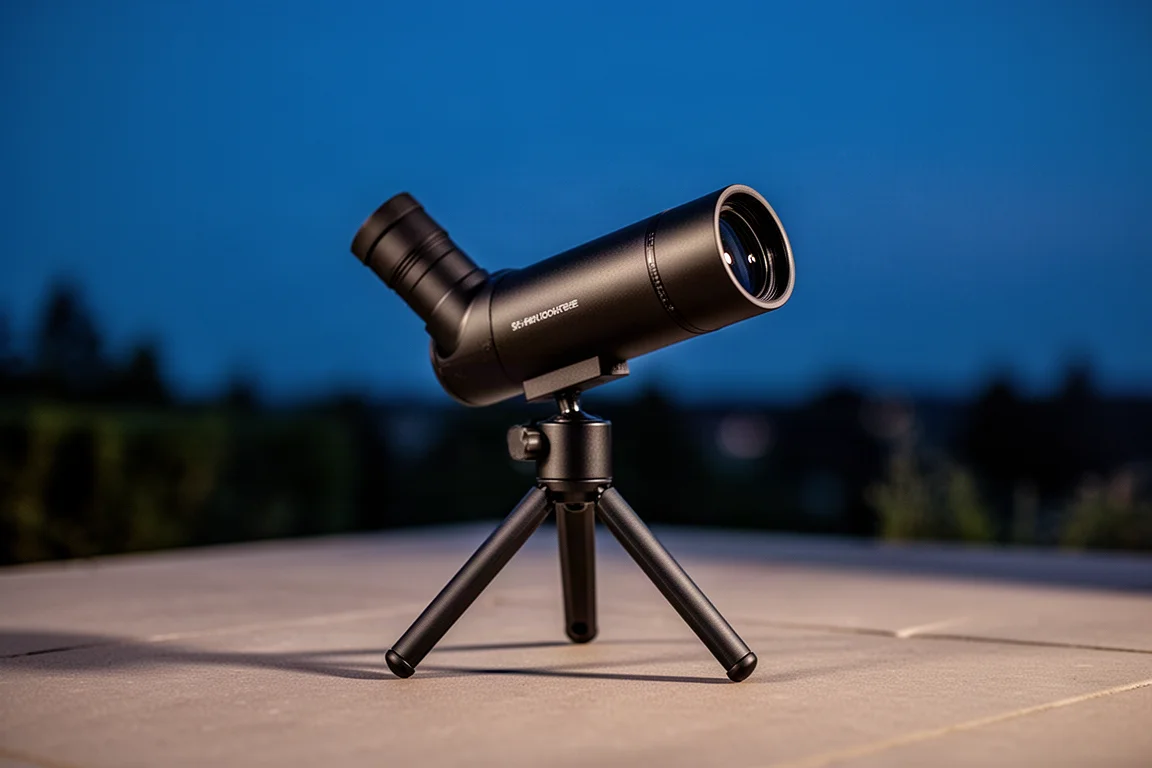
The Seestar S30 is a compact all-in-one smart telescope designed to make photographing nebulae and galaxies genuinely easy. After six months of backyard use, it has proven to be one of the most approachable ways into deep sky astrophotography: no cables, no polar alignment required, and no manual processing unless you want it.
Compact barely describes it. With its small tripod, the S30 can go almost anywhere, from the backyard to a campsite or cottage. Everything you need is built into a single box you set on the ground and control from your phone or tablet.
Who the Seestar S30 Is For
Because the S30 handles so many of the important astrophotography steps for you, it is a great fit for complete newcomers who just want to explore the night sky. A full deep sky rig is far more capable, but not everyone has the budget, patience, or mobility for one.
If you want memorable electronically assisted astronomy on a phone or tablet without the learning curve, the S30 is a very compelling ticket to space.
Main Strengths
At the heart of the S30 is a 30mm f/5 apochromatic triplet refractor, a design that helps reduce chromatic aberration and delivers sharp, color-accurate images. It shoots at a 150mm focal length, and paired with the small Sony IMX662 1920x1080 sensor, the field of view suits the moon and sun as well as many of the best deep sky objects.
The tracking mount automatically orients itself using the stars, finding and following targets as they drift across the sky. The built-in camera collects short exposures and stacks them together, so the image grows brighter and more detailed over time. It is the same fundamental approach experienced astrophotographers use, just simplified.
Unlike the larger Seestar S50, the S30 has a dual lens design: a telephoto lens for deep space objects and a wide-angle lens for previewing and framing, plus daytime photography. Note that the wide-angle lens is for previewing, framing, and daytime shots only, not Milky Way or nightscape photography.
Setup is refreshingly simple. Charge it over USB, download the Seestar app, place it on a stable surface outside, and press and hold the power button. The battery lasts up to six hours, and a USB power bank can extend that. The telescope scans the sky with its wide-angle lens, works out its position in under a minute, even from a light-polluted city backyard, and then slews, tracks, and autofocuses on whatever you pick from the built-in catalog or the “Tonight’s Best” suggestions.
Two filter choices are available: a broadband filter and a dualband filter. For emission nebulae specifically, the dualband filter is the one to use, and it works beautifully. Live stacking builds your image in real time, and if you want full control, the S30 saves every individual frame so you can stack and process the data yourself in any software.
Things to Consider Before Buying
The S30 is not a substitute for a larger telescope in every respect. Planets are simply too small for it; you could try Jupiter and its four largest moons, but do not expect the view an 8-inch Dobsonian delivers.
Andromeda (M31) proved sensitive to sky conditions: shot right into a light dome with the UV/IR cut filter, about two hours of exposure still felt like a letdown. Dark skies make a real difference for galaxies. Many images, unless you pour on exposure time on bright targets, will be fairly noisy, so total integration time matters a lot with a 30mm objective.
The wide-angle lens limitation is worth repeating if you were hoping for Milky Way landscapes: it is not designed for that.
EQ Mode: The Optional Level-Up
If you want more control, EQ mode extends exposures beyond the default 10 seconds to 30 seconds, letting the sensor soak in noticeably more light per frame. Because the S30 uses an alt-az mount, aligning it toward the celestial pole helps reduce field rotation.
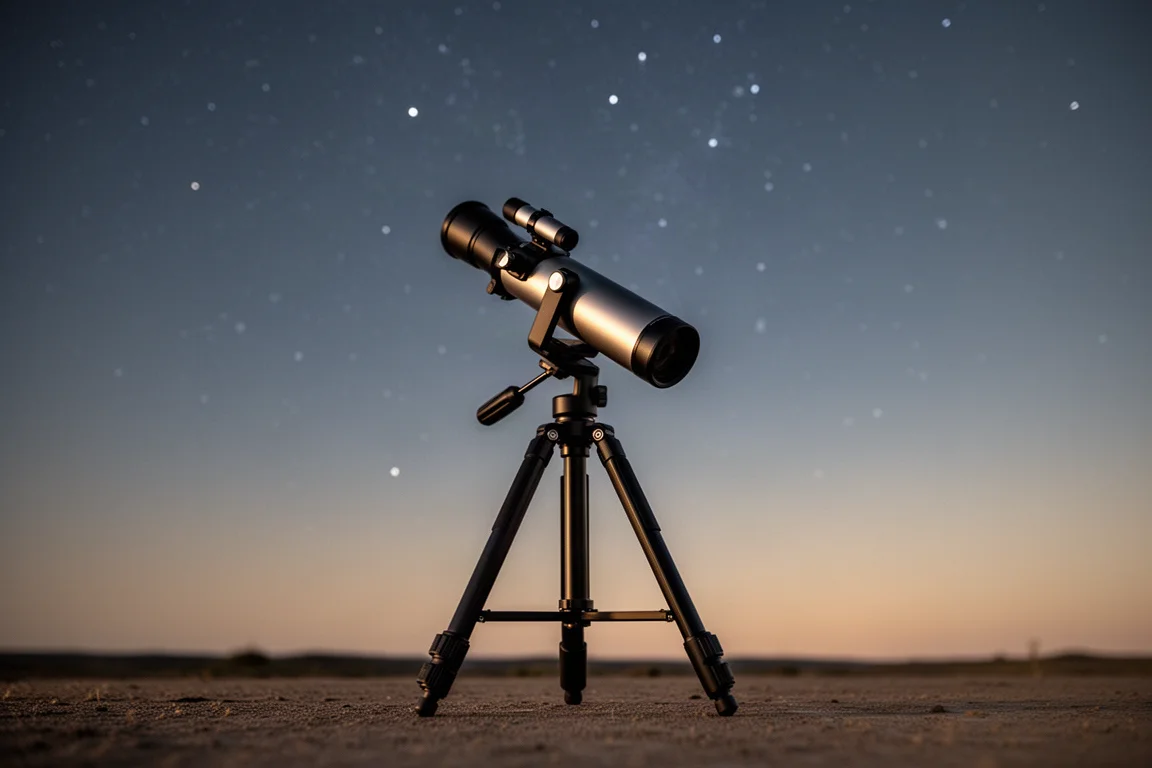
No star tracker is required. A regular photography tripod that can angle toward the north star or south celestial pole is enough, and the polar alignment wizard in the app guides you with subtle adjustments until both axes read close to zero. Treat it as a fun side quest: complete it, and 30-second exposures are yours.
Image Quality and Real-World Results
The standout capture was the Swan Nebula, a superb summer target. A stack of 108 frames at 30 seconds each came out remarkably clean straight from the telescope, with noise reduced drastically by the stacking. Additional processing with tools like blur and noise reduction and stretching pushed it further, but the base result was impressive for a 30mm smart telescope.
The Lagoon Nebula produced a nice image at around an hour of total exposure, and even the Whirlpool Galaxy (M51) was possible, though it appears very small in frame. M31 fits nicely in the field of view with near-ideal framing, but it really wants dark skies.
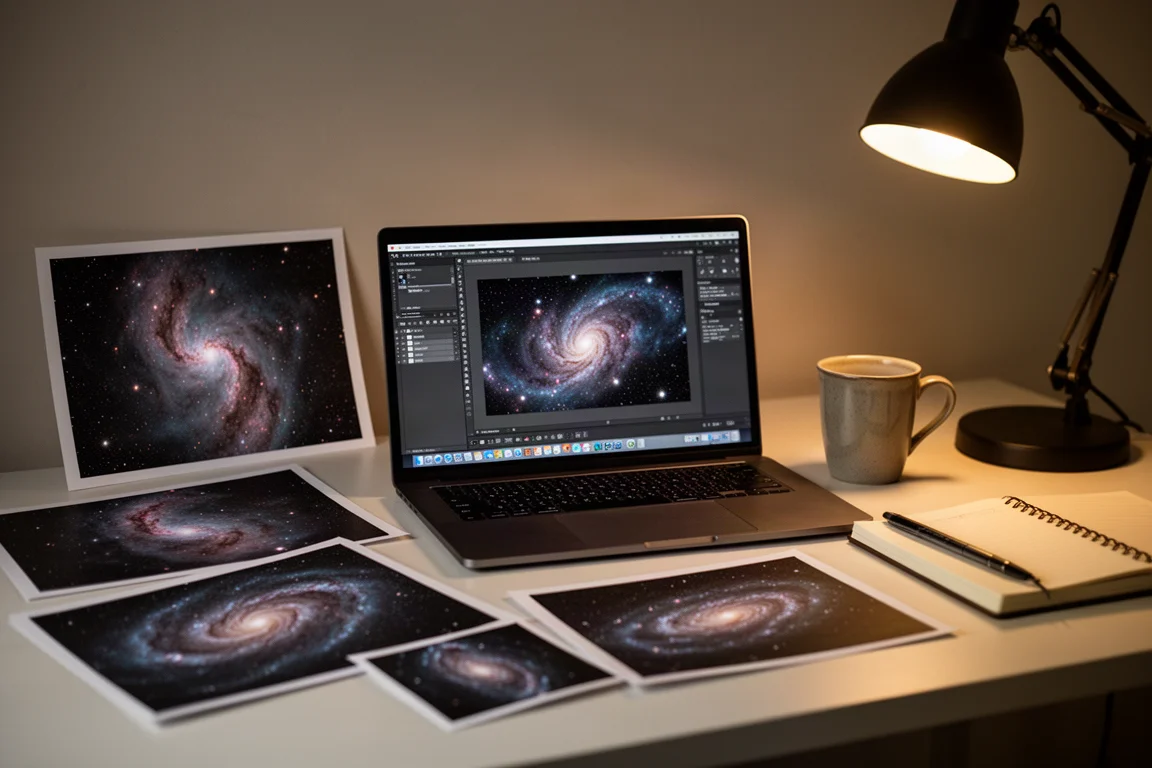
For those curious about manual processing, the S30 saves two folders: the individual subframes (FITS files) for stacking yourself, and its own auto-stacked result. In a direct comparison, a Deep Sky Stacker version using the best 80 percent of roughly 250 frames looked very similar to the S30’s auto stack. The built-in stacking does a great job, and stacking yourself only pays off in serious projects with hundreds of frames where you hand-pick the very best subs.
Buying Advice
For around $400, you get a camera, telescope, tracker, and filters capable of capturing almost anything you want in the night sky. For a long time, a decent picture of a galaxy or nebula seemed impossible for the average person. The S30 takes you to the finish line and keeps you coming back for more. If you are new to the hobby, value portability, and want results on night one, this is an easy recommendation.
Product link
View more details for Seestar S30
This product is mentioned in the review. Check the specifications, options, and compatibility before buying.
View more details for Seestar S30Further reading
Related Reviews
Astrophotography
ASKAR FRA400C Review: A Versatile 400mm Refractor for Astrophotography and More
The ASKAR FRA400C is a compact 72mm refractor that balances reach, versatility, and portability for astrophotographers and visual observers.
Astrophotography
Askar SQA106 Review: A Premium 106mm Astrograph With Exceptional Optics
The Askar SQA106 is a premium 106mm quintuplet astrograph with impressive sharpness across full-frame sensors, though its price and weight demand careful consideration.
Astrophotography
Astro Imaging Gear 2026: Eight New Products Worth Watching
A look at the most interesting new astrophotography and astronomy products announced this year, from fast telescopes to smart cameras and wireless accessories.