Televisions
Samsung QN900B Review: The 8K QLED Flagship, Tested
A native 8K QLED with mini LED backlighting, measured brightness upwards of 1,800 nits, and an automatic calibration routine that genuinely delivers reference-grade accuracy.
Introduction
Samsung’s flagship 8K QLED arrives with a point to prove. The previous generation was replaced after a run of roughly ten months, following backlighting problems serious enough that individual mini LEDs could be seen through the screen. The QN900B is the response, and it is a native 8K panel: four times the resolution of 4K, or the equivalent of sixteen HD displays in a single frame.
The more useful question is not whether 8K broadcasts have arrived. It is whether the processing, backlight control, and calibration behind this panel justify a flagship price. On the evidence here, they largely do.
Who This Product Is For
Three groups get the most from the QN900B.
The first is anyone shopping above 75 inches. At those sizes, an 8K panel is not only about future content. The extra pixel density makes for a better 4K image as well, and it gives HD and 4K material a smoother, more film-like texture.
The second is gamers. A 4K signal at 120Hz looks crisp and moves smoothly, and a 4K 144Hz input is supported too. PC players are the group most able to take full advantage, since neither the PlayStation 5 nor the Xbox Series X had 8K output enabled at the time of testing.
The third is the viewer who does not want to tinker. The set offers an automatic calibration routine that runs from a phone, and it is genuinely effective. If you would rather not hire a calibrator, this is a rare case where the built-in process does most of the work.
Design and the One Connect Box
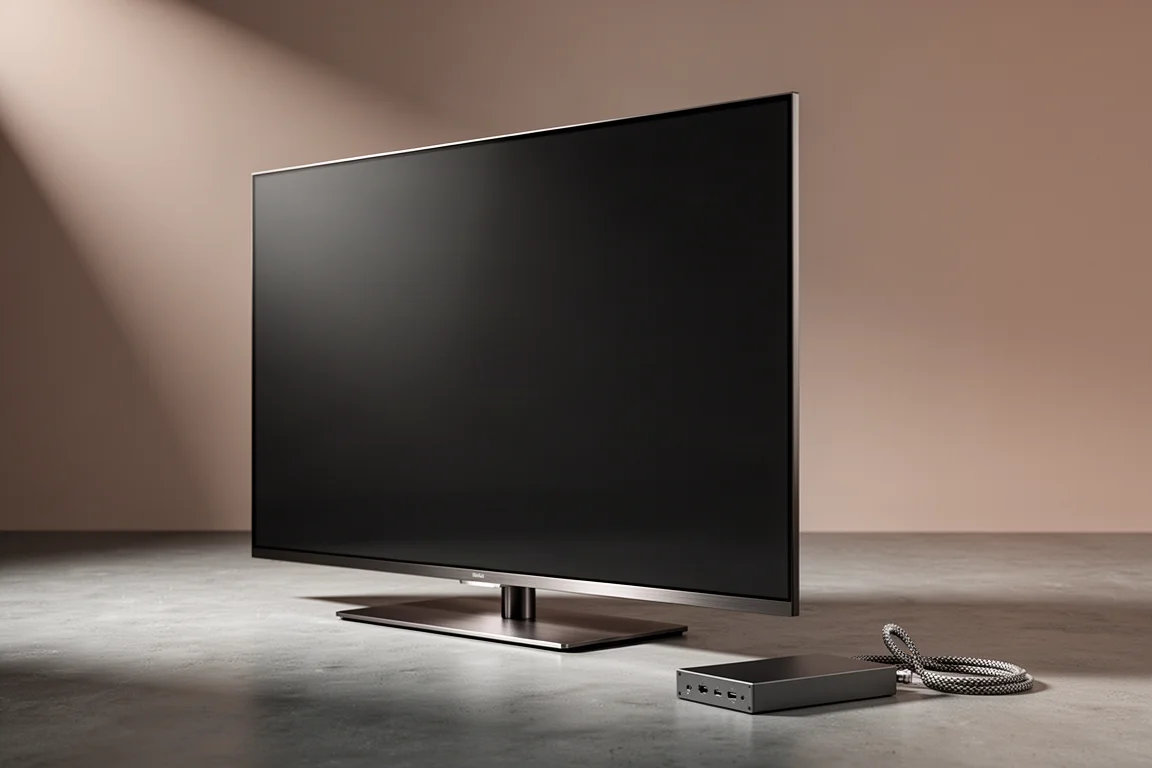
For a television with a full LED backlight, the QN900B is slim. It is not OLED thin, but the panel depth is modest, and Samsung achieves that by moving everything bulky out of the chassis. Inputs, outputs, processing, and the power supply live in a detachable One Connect box that links to the screen through a single cable.
That cable deserves a word of caution. It is fragile, and routing it through a wall is best handled carefully, possibly with professional help. All four HDMI inputs are HDMI 2.1, which covers 4K at 120Hz and 8K sources without juggling ports.
Picture Quality and Brightness
Out of the box, the QN900B is bright and colourful to an almost aggressive degree. Measurements reached upwards of 1,800 nits, and with the right settings it could comfortably clear 2,000 nits. The Vivid and Standard profiles are not calibrated from the factory, and it shows. The Movie and Filmmaker modes are far more accurate in grayscale and colour, and noticeably dimmer, which makes them easier to live with over long viewing sessions.
After a full manual calibration, the Delta E for both grayscale and colour measured under 1, which places this set among the most accurate displays available. The automatic calibration is the more surprising story. Run from a compatible phone, it reached an average error of roughly 0.5 and slightly bettered the manual result. Samsung still leaves brightness a touch high afterwards, though few viewers are likely to object.
Local dimming is the other headline. It trails only the LG C2 OLED among the sets compared here, with almost no blooming from the backlight. Black levels and contrast are OLED grade in practice, and dark scenes keep real, natural contrast instead of crushing to grey. Colour rendering is accurate, and standard dynamic range material such as older films and television pops with HDR-like vibrancy.
HDR needs a small caveat. The set can run hot, and in bright scenes with lightning or strong specular highlights, those highlights may clip or posterize until brightness or tone mapping is dialled back. It is a fixable quirk rather than a flaw in the panel.
Upscaling is excellent. Older HD transfers gain a crispness that is hard to attribute to anything other than the processor, and the pixel density helps compression artifacts read more like film grain. Dolby Vision is not supported, so HDR playback relies on HDR10, HDR10 Plus Adaptive, HDR10 Plus Gaming, and HLG.
Gaming Performance
Samsung positions this as a gaming television, and the claim holds up. A 4K 120Hz signal looks sharp and moves without smearing or tearing, and there is no perceptible input lag in fast, competitive titles. The brightness ceiling is a genuine advantage here: for once, the sensible move is to turn the picture down rather than up.
Support for FreeSync Premium and auto low latency mode rounds out the package, and the four HDMI 2.1 ports mean a console, a PC, and a streaming box can all be connected without compromise. For anyone who splits time between films and games, this is one of the most convincing displays for that mix.
Sound and Smart Features
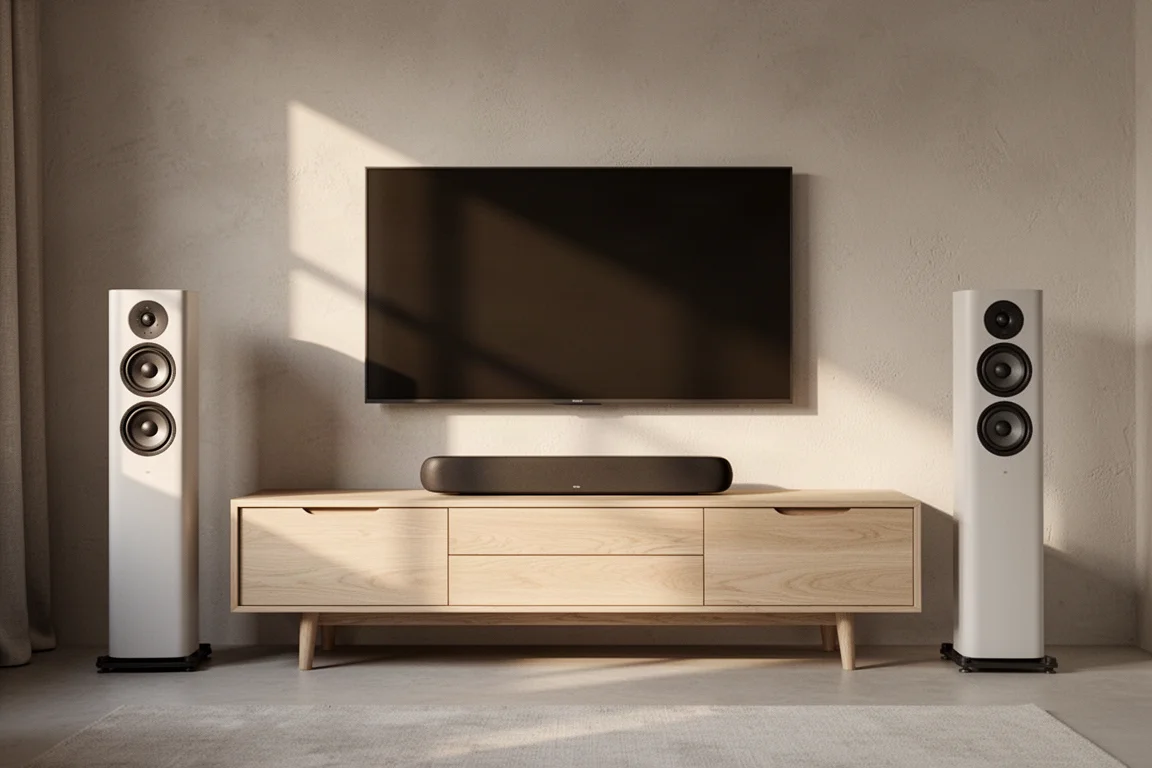
The built-in speakers are intelligible and useful. They will not replace a decent soundbar or a separate speaker system, but they are fine for everyday viewing. Dolby Atmos is supported, and an Atmos signal can be passed to a soundbar or receiver through the eARC-enabled HDMI port. Paired with a compatible Samsung soundbar, the Q-Symphony feature blends the television speakers with the bar for a wider, more cinematic result.
The software is the weak point. The menu structure is needlessly complicated for something clearly intended to feel simple, and ordinary tasks such as switching inputs or adjusting the picture take more steps than they should. There is also preinstalled bloatware, which is difficult to justify on a set in this price bracket.
For most buyers the sound and software are secondary concerns. The speakers are competent, the Atmos pass-through is genuinely useful, and the interface is a nuisance rather than a dealbreaker.
How It Compares to Other Flagships
The nearest alternative is LG’s C2 OLED, and the gap is narrower than it once was. The days when OLED held absolute superiority over LED in image fidelity, contrast, and black level rendering appear to be over, and the Samsung is the easier set to set up and live with if you would rather not tinker. Against the Sony X95J, the trade-off is different: Sony’s processing, particularly its motion handling and the way it renders human subjects, is arguably a shade better, and its colour presentation reads as slightly more natural for skin tones. For HDR viewing, though, the Sony cannot compete with the QN900B’s output, and the X95J shows more visible blooming. On balance, the Samsung is the stronger television of the two.
Things to Consider Before Buying
There are real trade-offs to weigh.
8K content remains limited, and console 8K output was not enabled at the time of testing, so most buyers will spend their time watching upscaled 4K and HD. The set also runs warm. Stand within about a foot of it and the heat is noticeable, which is worth planning for in a small room during summer.
The price sits upwards of $6,000, and for that money the software experience and the presence of bloatware are fair criticisms. The One Connect cable is another practical consideration if a wall mount is the plan.
Buying Advice
If your room allows a very large screen, 8K is a reasonable investment even without 8K content, because the pixel density improves the 4K and HD material you already watch. If you are shopping closer to 55 or 65 inches, the benefit is harder to justify.

Whichever size you choose, plan to spend a little time on setup. Run the automatic calibration, or step down to the Movie or Filmmaker picture mode, and reduce brightness for HDR. Those few adjustments move the picture from impressive to genuinely reference grade, and they cost nothing.
Conclusion
The QN900B answers the criticism of its predecessor. Backlight control is excellent, accuracy after calibration is outstanding, and the automatic calibration genuinely works. Brightness is a strength rather than a gimmick, and gaming performance is among the best available. The complaints, namely the convoluted menus, the bloatware, and the heat, are real but manageable. For buyers considering a very large flagship television, this is a set that rewards the purchase.
Product link
View more details for Samsung QN900B
This product is mentioned in the review. Check the specifications, options, and compatibility before buying.
View more details for Samsung QN900BFurther reading
Related Reviews
Televisions
LED vs OLED TVs: Choosing the Right Sony Model for Your Room
How LED and OLED televisions differ, the five factors that decide the right panel, and where the Sony X90K, X95K, Z9K, and A95K each fit.
Televisions
Sony Bravia 2026 Lineup: True RGB Explained Across Four Models
Sony's 2026 Bravia range brings true RGB backlighting to four models. Here is what the technology changes, and which television fits which room.
Televisions
Sony X95L Review: A Flagship Mini LED 4K TV That Earns Its Size
Sony's 85-inch flagship mini LED delivers strong brightness, near-calibrated color out of the box, and refined backlight control. Here is who should buy it and what to weigh first.