Monitor Reviews
Samsung Odyssey G80HS Review: A 6K Gaming Monitor That Finally Makes Sense
The Samsung Odyssey G80HS pairs a sharp 6K productivity panel with a 3K 330Hz dual mode for gaming. We break down the strengths, trade-offs, and who should consider it.
Introduction
The Samsung Odyssey G80HS is being described as the first 6K gaming monitor, and that alone raises a lot of questions. A 6K resolution is demanding on any GPU, so why would a gamer want it? The answer lies in the monitor’s dual-mode design. It offers a native 6K mode for high-DPI productivity work and a 3K mode with a 330Hz refresh rate for gaming. This combination aims to deliver the best of both worlds in a single 32-inch panel.
The G80HS uses an IPS LCD panel, which means there is no risk of burn-in, a common concern with OLED displays. The 6K mode runs at a smooth 165Hz, a significant step up from the 60Hz panels typically found on high-resolution productivity monitors. For gaming, the 3K dual mode bumps the refresh rate up to 330Hz, making it more compatible with current GPU hardware. Variable refresh rate support is also included.
This monitor is positioned at a premium price point, so it is important to understand exactly what you are getting for your money. This review will cover the monitor’s performance in productivity, gaming, response times, color accuracy, and HDR, helping you decide if it is the right fit for your setup.
The 6K Resolution: A Productivity Powerhouse
The biggest selling point of the G80HS is its native resolution of 6144 x 3456. On a 32-inch panel, this translates to a pixel density of 220 PPI, which is nearly 60% higher than a standard 4K screen. The difference is immediately noticeable when compared to a 32-inch 4K display. Text appears exceptionally sharp, with cleaner edges, and high-resolution photos show a greater level of detail. This makes the monitor a fantastic choice for desktop productivity.
The increased pixel density also provides a significant boost in screen real estate. For example, editing a 4K image in Photoshop on a 4K screen often requires scaling down to 66% to fit the entire image on screen. On a 6K display, you can view that same 4K image at 100% scale while still having about 60% of the screen available for the interface and tools. This is a major advantage for photo editors, video editors, and anyone who works with high-resolution assets.

The 165Hz refresh rate in this mode is a welcome improvement over the 60Hz panels found on many professional 6K monitors. It makes desktop navigation feel smooth and responsive, eliminating the sluggishness that has plagued high-DPI monitors for years. For anyone who values a large, sharp screen for work, the 6K mode is a genuine win.
Gaming at 6K: Impressive but Demanding
While the 6K resolution is excellent for productivity, its benefits for gaming are less clear-cut. Games running at the full 6K resolution look brilliant, with a level of detail and sharpness that is an improvement over 4K. However, the performance cost is extreme. The number of pixels a GPU has to render is 2.5 times higher than 4K, which drastically cuts frame rates.
In testing with a GeForce RTX 5080, achieving over 60 fps in Cyberpunk 2077 at 6K required dropping the game to the high preset with ray tracing off and using DLSS in performance mode. The same configuration at 4K delivered over 110 fps. This means that with current GPU hardware, you cannot use the highest resolution and highest graphics settings at the same time for demanding AAA titles.
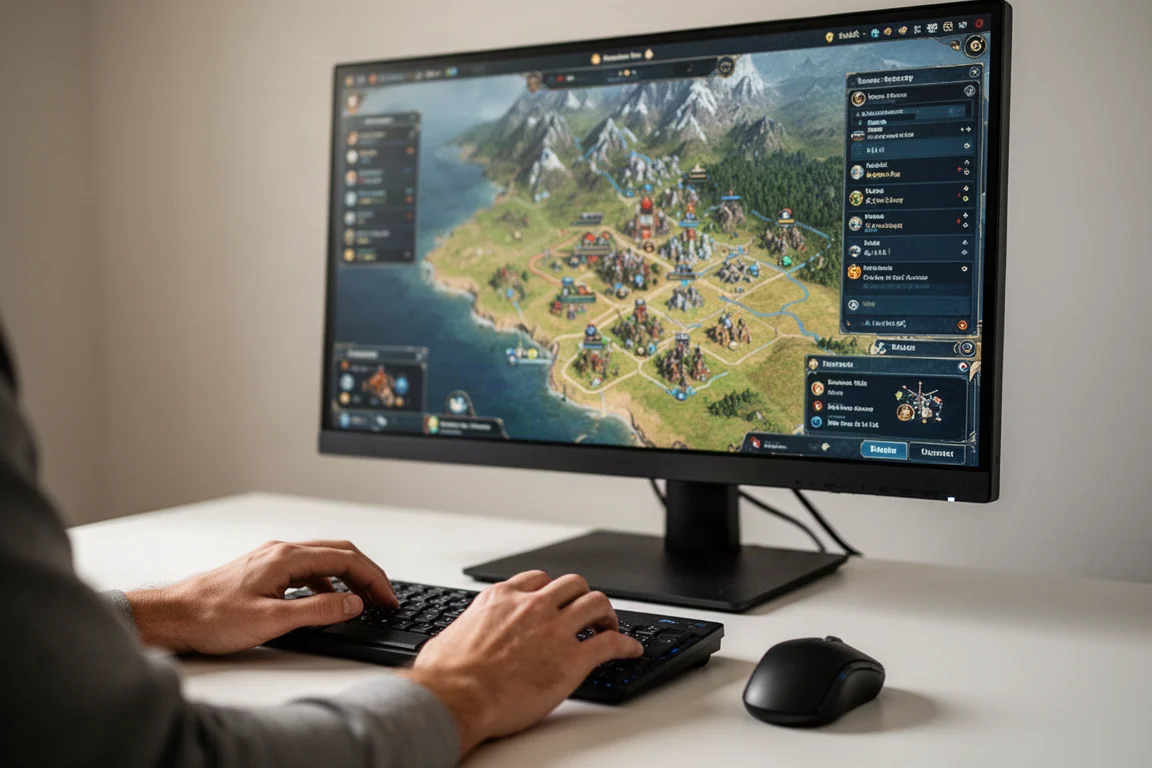
However, there are types of games where the higher resolution is a clear benefit and the performance cost is less of a factor. Games that are heavy on interfaces and menus, such as strategy games and city builders, look fantastic at 6K. Lightweight 2D games and indie titles also benefit greatly from the extra sharpness. For these use cases, the 6K mode is a great option.
The 3K Dual Mode: A Gaming Compromise That Works
The G80HS’s dual mode is its most interesting feature for gamers. This mode runs the panel at a lower resolution, in this case 3K, while increasing the refresh rate to 330Hz. Unlike 4K dual-mode monitors that drop to a blurry 1080p, the 3K mode on this 6K panel is much more usable. It offers a level of sharpness similar to a 27-inch 1440p panel, which is a very practical resolution for gaming.
The 3K mode is significantly less taxing on the GPU than 6K, allowing for much higher frame rates. After a short time playing, it is easy to forget you are not getting the full native resolution. The in-game UI still looks good, and the overall experience is smooth and responsive. This mode is suitable for a wide range of games and is the preferred way to play most titles.
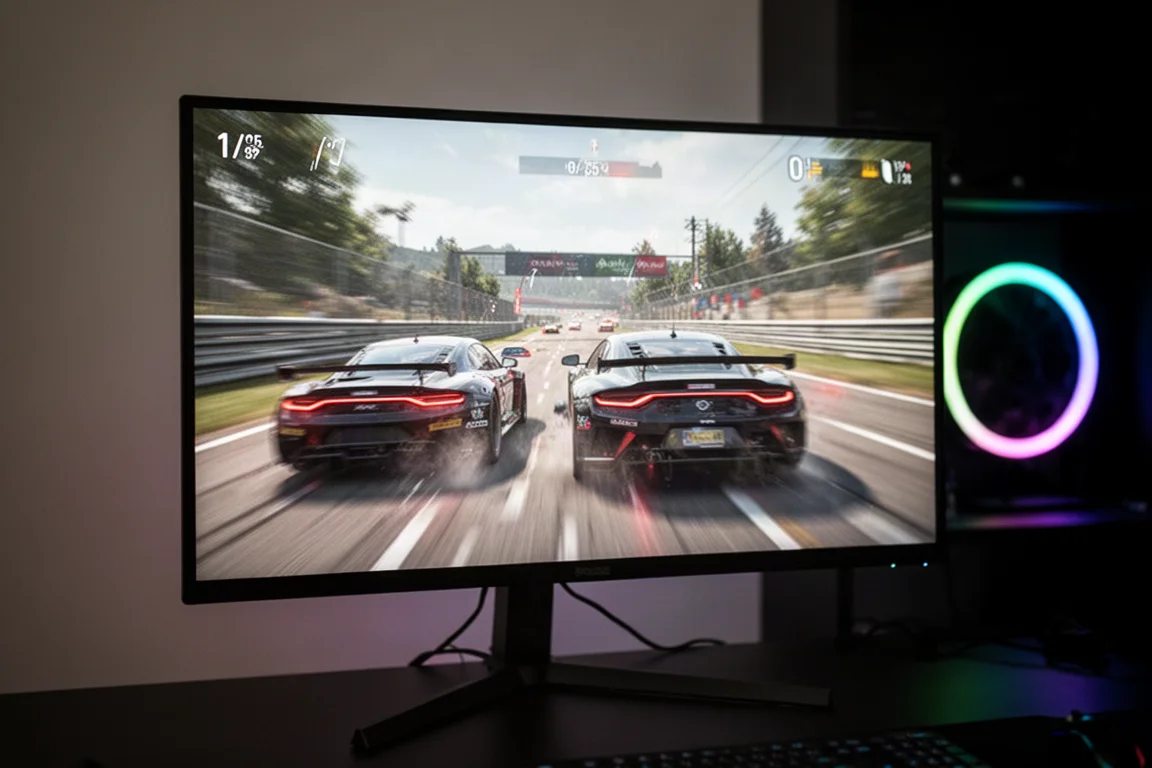
The dual mode is easy to activate through the OSD, though the toggle also cycles through a 24-inch emulation mode, which can be slightly annoying. The 3K mode does not use integer scaling, but it gets closer to a native-like presentation than most other dual-mode monitors. While it is not as sharp as the native 6K mode, it is a far better compromise than the 1080p modes found on other displays.
Response Time and Motion Clarity
The G80HS offers adjustable overdrive settings, but they are only available when adaptive sync is disabled. Since most users will enable VRR, the monitor relies on Samsung’s default tuning. In the 6K mode at 165Hz, the average response time is 7.4 milliseconds with no noticeable overshoot. This is a decent result for an IPS LCD, though not the fastest.
The 3K mode has different response time tuning, which makes the monitor slightly faster at the same refresh rate. At 165Hz, the average response time drops to 5.7 milliseconds. However, at the maximum 330Hz, the response time of 7.8 milliseconds is not fast enough for proper 330Hz gaming, leading to some compliance issues. The mode is best used between about 220Hz and 140Hz, where the screen is fast enough while displaying minimal artifacts.
Input lag is low in both modes, with a processing delay below 1 millisecond. This is standard for a modern gaming monitor and ensures a responsive experience. While the G80HS is not the fastest IPS panel on the market, it offers a solid performance that is free of major issues like blur trails or excessive overshoot.
Color Accuracy and Calibration
The G80HS is a wide-gamut monitor, covering 94% of DCI-P3 and 74% of Rec. 2020. This is a normal range for an IPS LCD, though not as wide as the latest QD-OLED screens. Factory calibration is acceptable, with good gamma performance, but the unit tested had a slight blue tint out of the box, resulting in a color temperature of 7000K.
There is also some oversaturation by default, which is common with wide-gamut displays. Using Windows 11’s auto color management can reduce this oversaturation and properly emulate sRGB colors. Alternatively, the monitor has an sRGB mode that allows for further adjustments. While the out-of-the-box calibration is not perfect, the monitor offers a wide range of color settings that allow for significant improvement. With manual calibration, the grayscale delta E can be reduced to 3.0 and the color checker delta E to 4.2, which are excellent numbers.
HDR Performance: A Significant Weakness
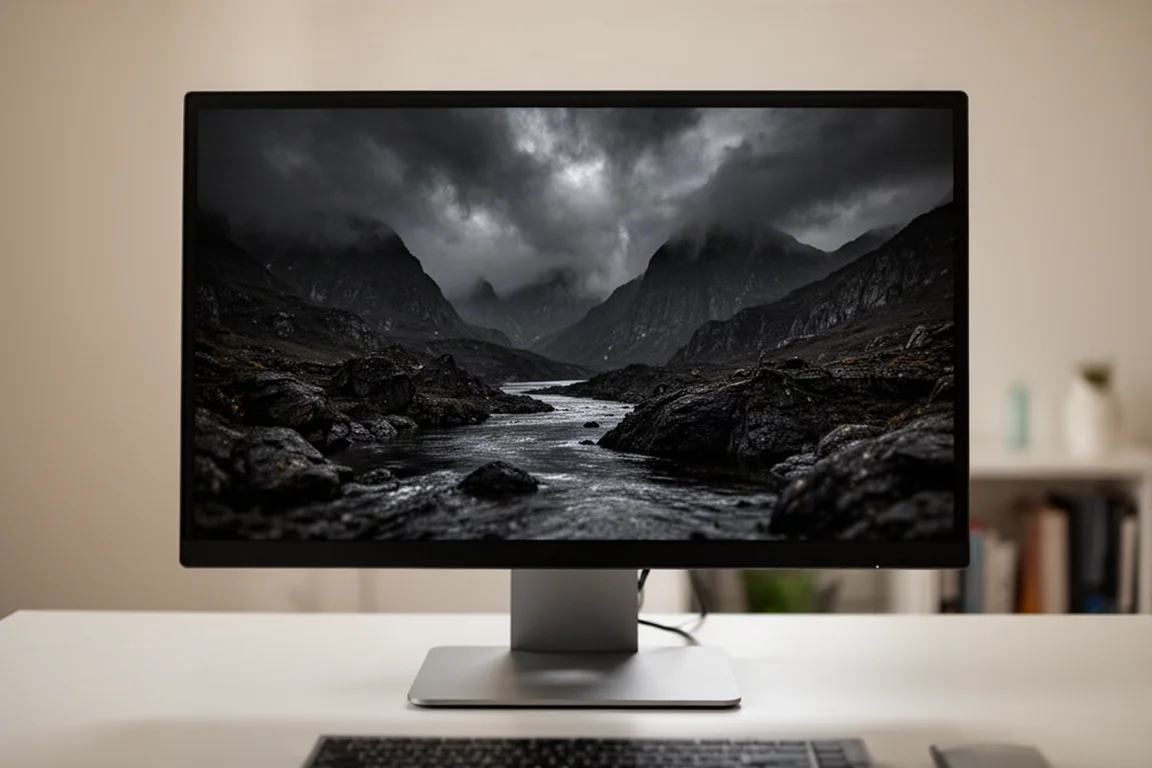
The most significant weakness of the G80HS is its HDR performance. The monitor uses edge-lit local dimming with only eight zones, which is not capable of producing the contrast required for proper HDR. Peak brightness tops out at around 440 nits, which is well short of what is needed for a compelling HDR experience.
In HDR content, black levels are almost always raised, and brightness is low. This results in a washed-out image that looks bad, especially when compared to cheaper monitors that offer proper HDR, such as 32-inch OLEDs or 4K mini-LED LCDs. For a monitor in this price class, the HDR performance is a major disappointment.
Design, Build Quality, and Connectivity
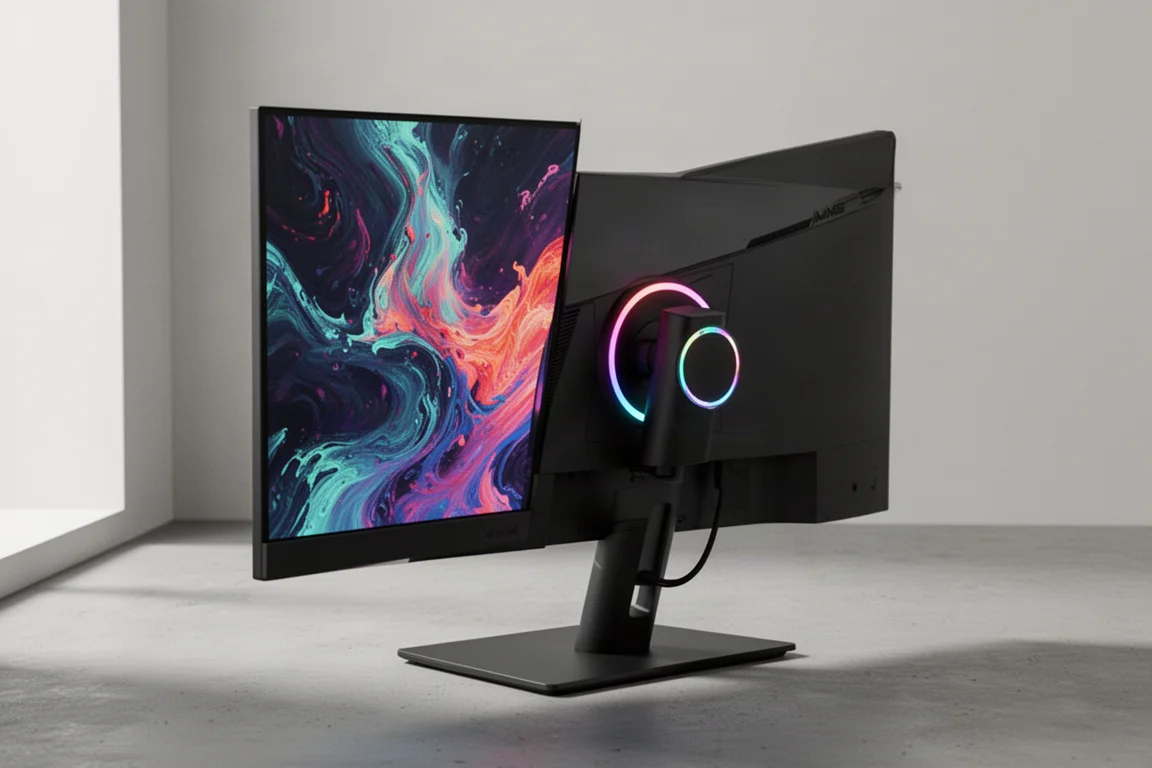
The design of the G80HS is not particularly impressive for its price point. The stand base is covered in basic black plastic, which feels more in line with budget monitors. The rear of the display is also mostly made of basic plastic, though the monitor itself is thin. There is an RGB LED ring around the stand connection, which looks fine.
The stand supports height, tilt, and swivel adjustment with a good range of height. The base is flat, which is a nice bonus for placing items. For connectivity, the monitor offers one DisplayPort 2.1 UHBR13.5, two HDMI 2.1 ports, and a two-port USB 5Gbps hub. There is no USB-C input, and both DisplayPort and HDMI require DSC to run at 6K 165Hz.
The OSD is controlled by a directional toggle on the back of the unit, which feels cheap and awkward to use. The feature set is fine, with plenty of color controls and gaming features like a black equalizer and crosshairs. However, there is no picture-in-picture mode, KVM switch, or black frame insertion.
Buying Advice
The Samsung Odyssey G80HS is a unique and versatile monitor that succeeds in its primary goal of being a high-DPI productivity display that can also handle gaming. The 6K resolution is brilliant for work, and the 3K dual mode is a genuinely useful gaming feature. However, it is not a good value gaming monitor. At $1,600, it is extremely expensive, especially when compared to 32-inch 4K 240Hz OLEDs that can be found for around $800.
These OLEDs offer faster response times, proper HDR support, better contrast, and better uniformity. The G80HS only makes sense if you absolutely prioritize the 6K resolution for productivity work and are willing to accept its limitations in HDR and gaming value. If you can find it on sale for around $1,000 or less, it becomes a much more competitive option.
Conclusion
The Samsung Odyssey G80HS is a well-executed concept. It delivers on the promise of a high-refresh-rate 6K display for productivity, and its 3K dual mode is a smart solution for gaming. The monitor’s main drawbacks are its poor HDR performance, mediocre factory calibration, and high price. For the right user, one who values a sharp, large screen for work and plays games on the side, it is a compelling, albeit niche, option. For most gamers, a cheaper 4K OLED will offer a better overall experience.
Product link
View more details for Samsung Odyssey G80HS
This product is mentioned in the review. Check the specifications, options, and compatibility before buying.
View more details for Samsung Odyssey G80HSFurther reading
Related Reviews
Monitor Reviews
ASUS ROG Swift PG27UCWM Review: A 27-Inch 4K WOLED With a Serious Price Problem
The ASUS ROG Swift PG27UCWM brings a new RGB stripe WOLED panel to 27 inches, but its $1,200 launch price is hard to justify against cheaper QD-OLED rivals.
Monitor Reviews
Dell Alienware AW3926QW Review: A 39-Inch 5K2K OLED That Redefines Value
Dell's first 39-inch OLED gaming monitor brings an RGB stripe panel, glossy finish, and a price that undercuts its main rival by a wide margin.
Monitor Reviews
LG 27GM950B Review: A 5K Gaming Monitor That Tries to Do It All
The LG 27GM950B brings native 5K resolution, a 165Hz refresh rate, and a 1440p dual mode at 330Hz to a single 27-inch IPS panel. Here is how it performs.