Monitor Reviews
Dell Alienware AW3926QW Review: A 39-Inch 5K2K OLED That Redefines Value
Dell's first 39-inch OLED gaming monitor brings an RGB stripe panel, glossy finish, and a price that undercuts its main rival by a wide margin.
Introduction
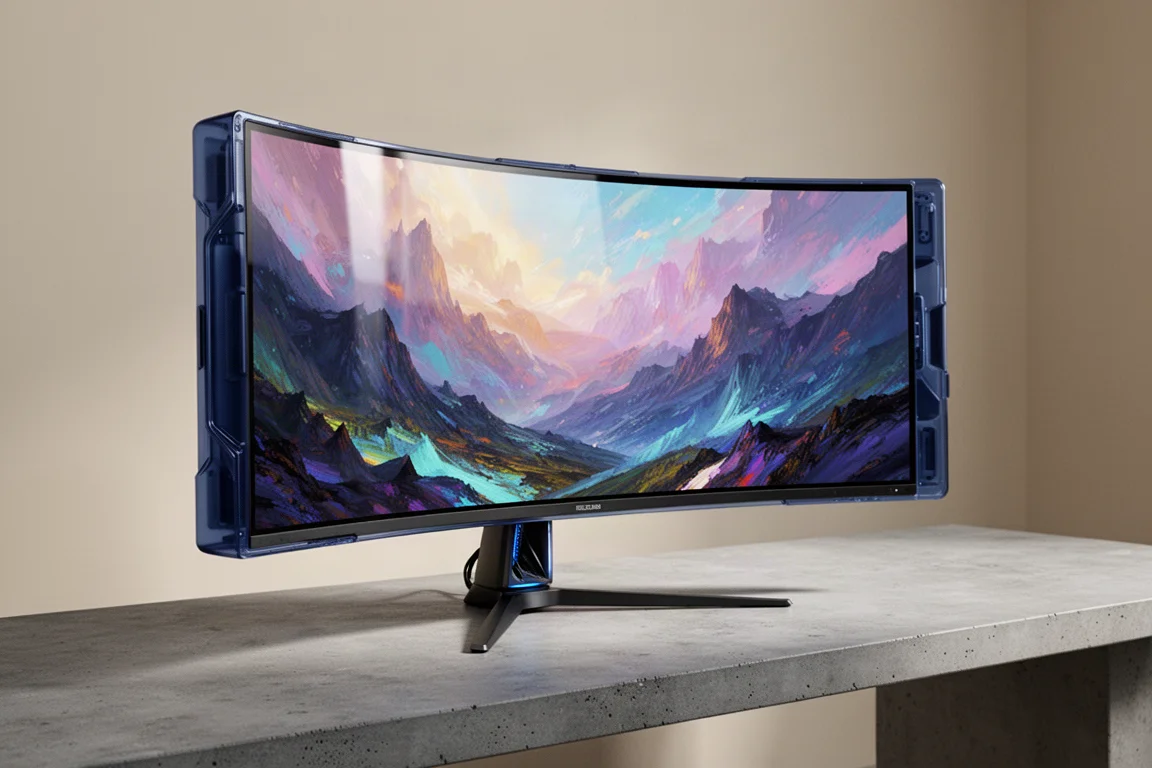
Dell’s Alienware AW3926QW is the company’s first 39-inch OLED gaming monitor, and it arrives with a compelling combination of size, resolution, and price. This 39-inch 5K2K ultrawide uses a 5120 x 2160 resolution at 165 Hz, with a dual mode that drops to 2560 x 1080 at 330 Hz for fast-paced gaming. It also features a 1500R curvature and the latest generation of tandem W OLED technology.
What makes this monitor particularly interesting is its sub-pixel layout. Unlike the LG 39GX950B, which uses an RGWB layout with a white sub-pixel, the Alienware uses a traditional RGB stripe layout with no white sub-pixel. This fundamental difference changes how the panel performs in several key areas, from text rendering to brightness output.
The price is another major talking point. The AW3926QW is set to launch at $1,099 in North America, which is $700 less than the LG 39GX950B’s $1,800 MSRP. That is a near 40% discount, and it raises an obvious question: is this a fantastic deal for similar hardware, or do the performance differences explain the price gap?
Text Clarity and the RGB Stripe Advantage
The most significant change compared to the LG model is the sub-pixel layout. The Alienware uses an RGB stripe arrangement with only red, green, and blue sub-pixels, and the white sub-pixel is not physically present on this panel. The RGB sub-pixels are also larger relative to those on the RGWB panel.
This layout is better for text rendering. Modern font rendering systems use sub-pixel level techniques that were designed around the RGB stripe layout found in most LCDs. Because the Alienware provides exactly that layout, text quality is essentially identical to an LCD. The RGWB panel on the LG model gets close, but it can introduce subtle artifacts when rendering grayscale text because the display may primarily use the white sub-pixel instead of the RGB sub-pixels.
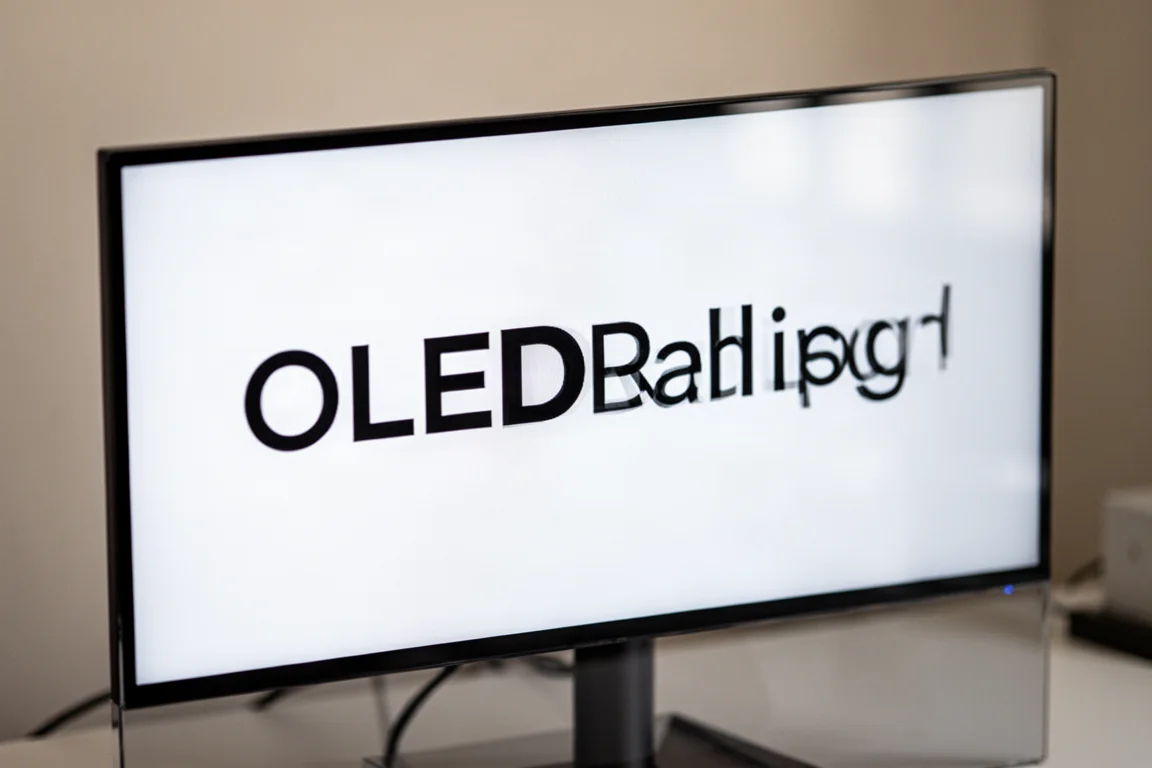
The glossy screen coating on the Alienware also improves text clarity. Unlike the matte coating on the LG model, which introduces a slight haze that softens text, the glossy finish has no coating grain. For desktop app use with lots of font rendering, the AW3926QW is the clear choice between the two panels.
Glossy vs Matte: Screen Coating Trade-Offs
Dell has opted for LG Display’s standard 0% haze glossy finish, while LG Electronics uses a matte option on the 39GX950B. The best choice depends on your environment and preferences.
The glossy finish does not diffuse light that hits the front of the panel, so instead of environmental light spreading out and hurting clarity, you get an isolated reflection with minimal impact elsewhere. This helps preserve black levels and perceived depth. The trade-off is a mirror finish that is prone to direct reflections, especially when viewing darker content. The curved nature of the screen reduces the reflection field of view, but any reflected object will be distorted and stretched horizontally.
Matte coatings diffuse light and significantly reduce the visibility of reflections, making them a better choice in brighter rooms or when you have less control over lighting. If you have a particularly bright room or find reflections extremely distracting, matte is the way to go. But if you can control your lighting, the glossy finish looks better and delivers deeper blacks even in moderately lit rooms.
Immersive 39-Inch Ultrawide Format
One of the best aspects of the AW3926QW is its size. A 39-inch 21:9 ultrawide provides the same height as a 32-inch 16:9 monitor with 22 cm of additional width. Compared to standard 34-inch ultrawides, the 39-inch panel is 32% larger in area, which makes a significant difference in immersion and desktop screen real estate.
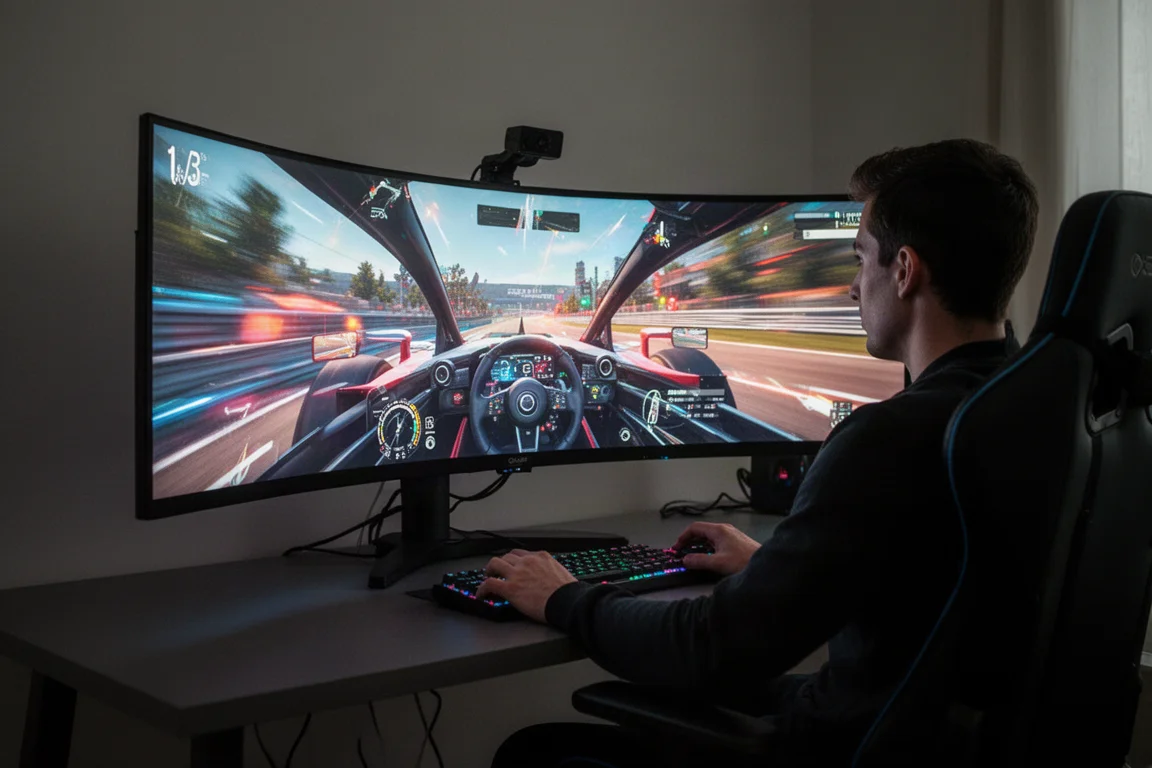
The monitor is 92 cm wide, which feels manageable on a desk. It is smaller in width than most dual monitor setups, making it a potentially suitable single screen alternative. The height is a massive upgrade over 34-inch models, allowing the screen to occupy much more of your vertical field of view.
HDR Performance: A QD-OLED-Like Experience
HDR performance is perhaps the most interesting aspect of the AW3926QW. The switch from RGWB to RGB stripe leads to significant performance differences in HDR content. The best way to describe it is that this monitor performs like a QD-OLED, or at least it is the most QD-OLED-like experience seen from a W OLED panel.
Dell offers several HDR modes, including Display HDR True Black, HDR Peak 1300, and HDR Peak 1300 Bright. The True Black mode limits brightness to around 500 nits but is otherwise reasonably accurate. The Peak 1300 mode uncaps brightness, achieving up to around 1,200 nits in dark scenes, but introduces panel dimming in bright scenes. The Peak 1300 Bright mode corrects some of that dimming at the cost of over-brightening dark content.
This is a very different set of configurations compared to the LG model, which over-brightens in all modes. Dell gives you the choice to remove over-brightening at the expense of panel dimming, which means the AW3926QW is significantly more accurate in darker scenes than the LG model. The panel dimming is a regression compared to previous W OLED panels, and there is no single optimal HDR configuration. The best choice varies depending on whether you are mostly viewing dark or bright content.
Brightness and Color Volume
Synthetic brightness testing reveals interesting results. The AW3926QW has an average full screen brightness of 282 nits, which is 20% lower than the LG 39GX950B. At a 10% window, brightness reaches 512 nits, again well behind the LG model, which is 58% brighter. However, at a 2% window, the Alienware achieves up to 1,235 nits, falling only 11% short of the LG model.
The removal of the white sub-pixel hurts white brightness, but the Alienware has a massive advantage in color brightness. In the best cases, the RGB stripe panel is over twice as bright when displaying individual colors compared to the RGWB panel. This leads to a color volume advantage of 14% for the AW3926QW, putting it roughly in line with QD-OLEDs.
The color gamut is slightly smaller than the LG model, with 77% Rec. 2020 coverage versus 83%, but both achieve 99% DCI-P3. The Alienware’s color brightness figures are very close to QD-OLED, closing the gap between the two panel technologies in that area.
Dolby Vision Support
The AW3926QW supports Dolby Vision, a feature not offered on the LG 39GX950B. As of mid-2026, Windows automatically switches to the HDR10 mode when it detects HDR10 content being played, even with Dolby Vision enabled. This ensures the correct monitor mode is used.
For PC users, Dolby Vision is not especially useful as most content does not support it. However, it is more relevant if you plan on hooking up a media player, as dedicated media players often have better Dolby Vision support. The Dolby Vision mode is limited to around 500 nits of brightness, but it provides an advantage on PC with the new mode switching capabilities of Windows. The desktop benefits from True Black-type performance while HDR10 content gets the full Peak 1300 experience.
Motion Performance and Refresh Rate
The AW3926QW tops out at 165 Hz in the 5K2K mode, which is low for a modern flagship monitor. 32-inch 4K equivalents hit 240 Hz, and the latest 34-inch QD-OLEDs hit 360 Hz. Since all OLEDs have extremely fast response times, the refresh rate essentially dictates motion clarity.
At 5120 x 2160 resolution, which is 33% more pixels than regular 4K, achieving above 165 FPS will be a challenge. If you primarily target 80 to 120 FPS in single-player titles, the 165 Hz refresh rate poses no limitation. However, with frame generation, the maximum native render rate you can achieve is 82 FPS using the minimum 2x frame gen mode without exceeding the monitor’s refresh. A 240 Hz refresh rate would have allowed a render rate of up to 120 fps with frame gen.
The dual mode runs the screen at 2560 x 1080 at 330 Hz, which is a potentially useful option for fast-paced multiplayer games. On a large 39-inch monitor, 2560 x 1080 does not look the best, but the mode is designed purely for gaming where better motion clarity is more important than resolution. Switching between modes is seamless, and 330 Hz is genuinely clearer than 165 Hz on an OLED.
SDR Accuracy and Uniformity
The AW3926QW has good SDR accuracy out of the box. Color temperature is great, gamma is decent around 2.2, and grayscale delta E values are in the good range. There are the usual concerns with oversaturation for SDR content, but the built-in sRGB mode is well calibrated, with color checker results below 5.0.
Full screen SDR brightness is 293 nits, which is 9% lower than the LG model but still brighter than most QD-OLEDs with True Black 400 tier brightness. Minimum brightness is good at 37 nits, and viewing angles are excellent.
Gray banding, a known issue with tandem W OLEDs, is not a problem on this monitor. The vertical bands seen in dark gray content on 1440p tandem OLEDs are not present on this RGB stripe 5K2K panel. This is a notably better result than the RGWB panel on the LG 39GX950B, and the Alienware gets the closest to a QD-OLED in gray uniformity that has been seen from a W OLED.
Design, Build, and Port Selection
The AW3926QW uses a variation of Dell’s latest Alienware monitor design, enlarged to accommodate the 39-inch panel. It features a deep blue plastic finish across the outer surfaces, though it appears darker than previous models. Build quality is very good, with a more extensive ventilation cutout on the rear to help cool the panel. Active cooling is essentially silent even under bright and warm conditions.
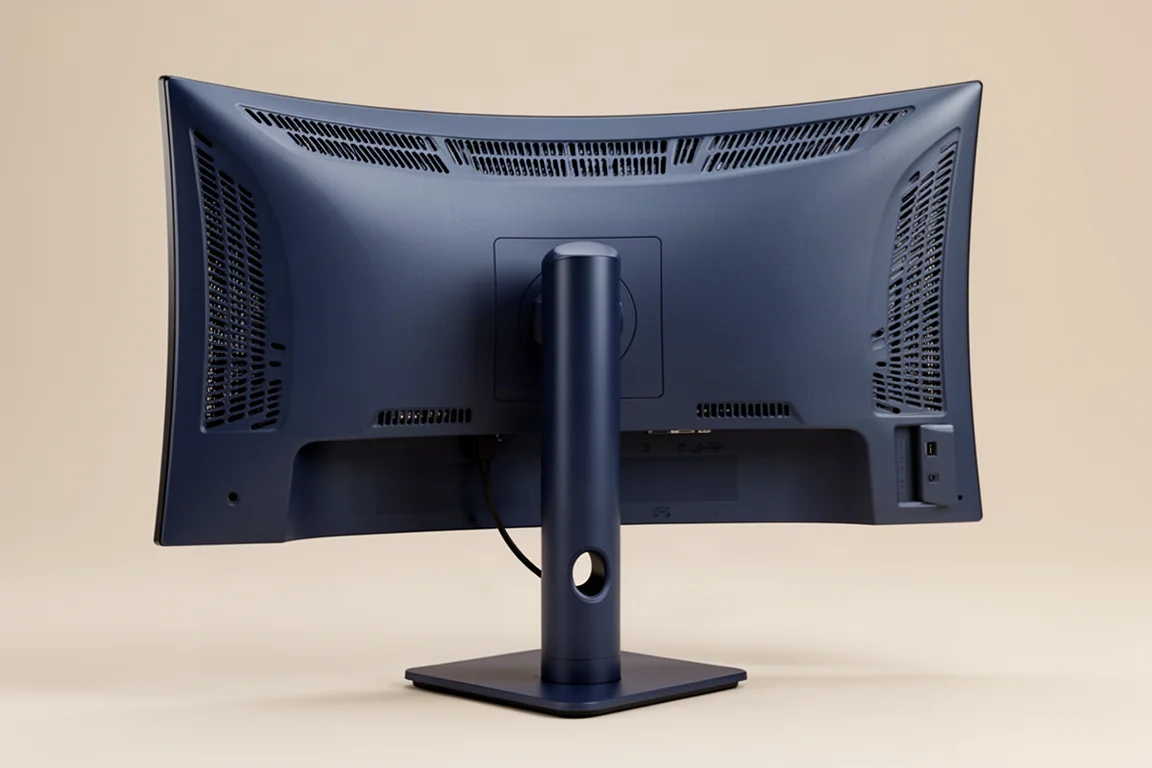
The stand has a rounded pillar with a cable management hole and a compact square base that does not take up too much desk space. It supports height, tilt, and swivel adjustment, though it does not get as tall as the LG model.
Port selection includes one DisplayPort 2.1 UHBR20 port, two HDMI 2.1 ports, a USB-C with DP-Alt mode and 90W power delivery, and a multiport USB 5 Gbps hub. Two USB-A ports and a USB-C are available for downstream devices, with two conveniently located on the bottom edge of the display. All ports are capable of 5120 x 2160 at 10-bit 165 Hz. There is also KVM switch functionality.
Dell’s OLED care settings are non-existent in terms of user control. The features that shift the screen and dim it in certain scenarios are always enabled. However, Dell offers a 3-year burn-in warranty, which is a significant benefit.
Alienware AW3926QW vs LG 39GX950B
The big battle in the 39-inch category is between the AW3926QW and the LG 39GX950B. Both use a 39-inch 5K2K tandem W OLED panel at 165 Hz, but there are more differences than similarities.
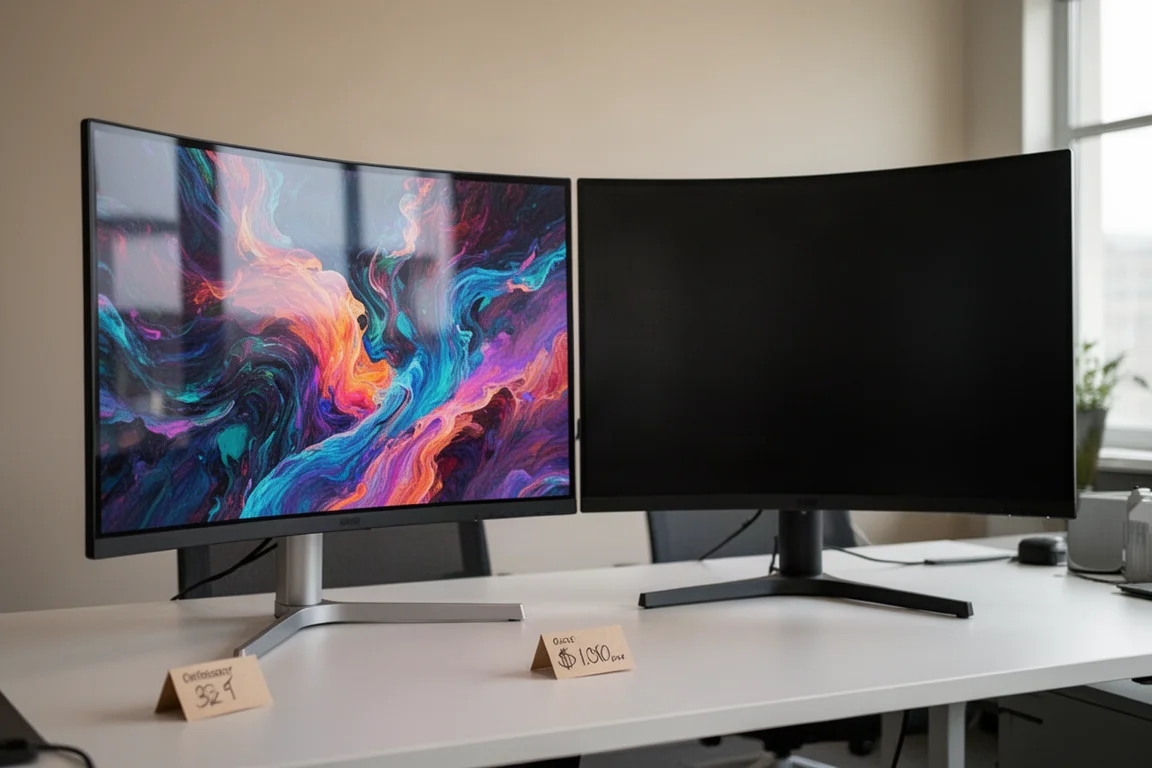
The RGB stripe layout on the Alienware improves text quality, and when combined with the glossy coating, overall sharpness is noticeably better. The new layout also brings big improvements to dark gray uniformity, almost eliminating banding and the dirty screen effect. The Alienware is more power hungry, but the LG model pulls ahead in white brightness in HDR content, achieving almost 50% higher brightness averages in real scene testing.
However, color brightness is twice as high on the RGB stripe panel, leading to higher overall color volume. The Dell model also offers more control over HDR modes, allowing you to avoid the over-brightened look that LG forces. Dell adds Dolby Vision support, a KVM switch, an anti-flicker mode, and a proper 3-year burn-in warranty.
The real killer is the price. The AW3926QW launches at $1,099, which is $700 cheaper than the LG 39GX950B’s MSRP. That is a near 40% discount, and it makes the Dell model a complete no-brainer for most buyers.
Buying Advice
The Dell Alienware AW3926QW is one of the most interesting monitors released in a long time. It is the first panel to use W OLED technology without the white sub-pixel, and this leads to substantial performance differences. In some areas, it is stronger than previous tandem W OLEDs. In others, it does not perform as well.
The strengths and weaknesses make it difficult to definitively call one panel better than the other. The RGB stripe variant has better text rendering, better uniformity, and better color volume. The RGWB variant is generally brighter and more efficient. Your preference will depend on which set of characteristics matters more to you.
For most buyers, the AW3926QW is the better choice. The glossy screen coating, sharper visuals, better dark gray uniformity, and greater control over HDR modes are compelling advantages. At $1,099, it is a much more suitable price point for this display, and it earns a full recommendation.
Conclusion
The Dell Alienware AW3926QW delivers a compelling combination of size, performance, and value. The 39-inch 5K2K OLED format is fantastic for immersive gaming, and the RGB stripe panel brings meaningful improvements to text clarity, uniformity, and color volume. While the 165 Hz refresh rate is on the low side for a flagship in 2026, and the panel dimming in HDR is a regression, the overall package is excellent.
At $1,099, the AW3926QW undercuts the LG 39GX950B by $700 while offering a better experience in several key areas. If you are in the market for a high-end ultrawide gaming monitor, this is the one to get.
Further reading
Related Reviews
Monitor Reviews
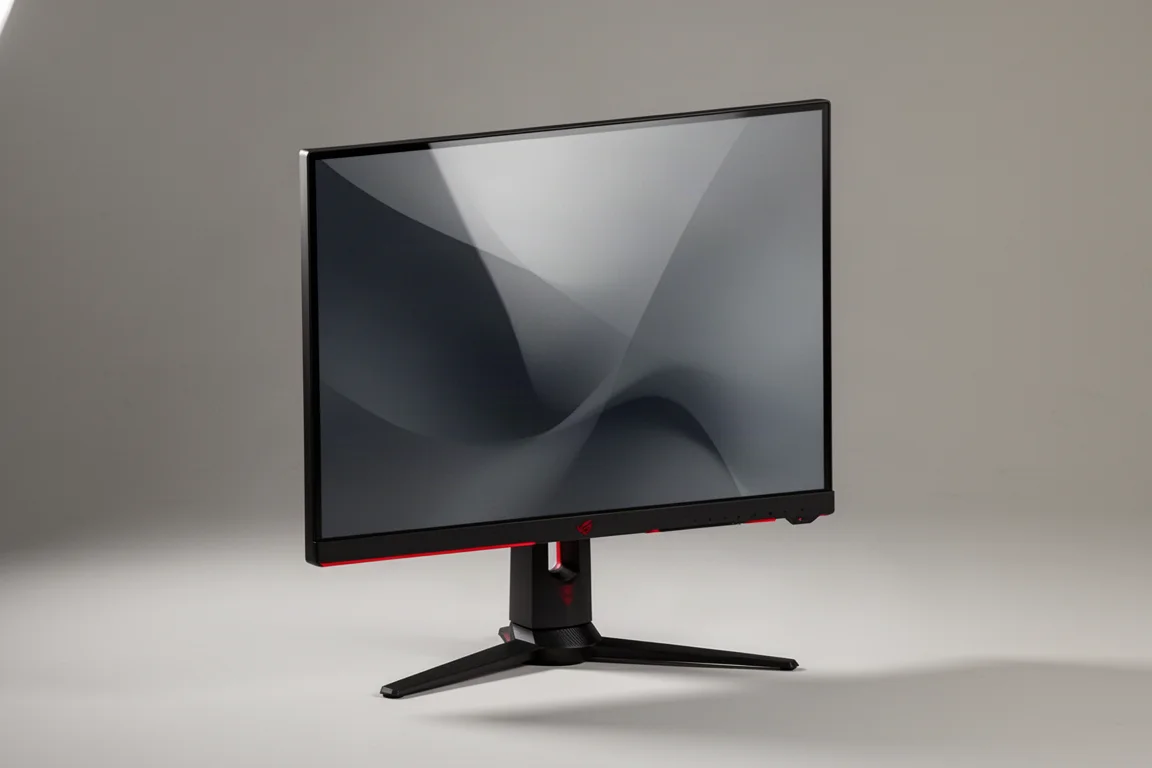
ASUS ROG Swift PG27UCWM Review: A 27-Inch 4K WOLED With a Serious Price Problem
The ASUS ROG Swift PG27UCWM brings a new RGB stripe WOLED panel to 27 inches, but its $1,200 launch price is hard to justify against cheaper QD-OLED rivals.
Monitor Reviews
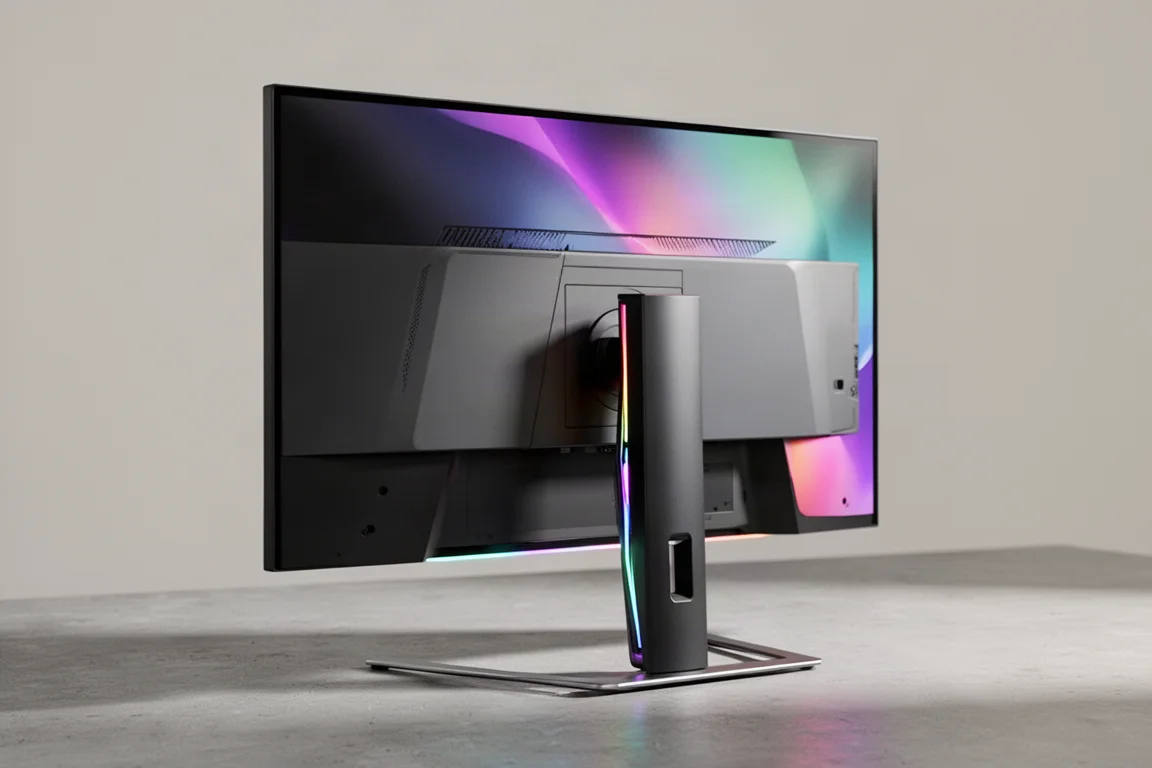
LG 27GM950B Review: A 5K Gaming Monitor That Tries to Do It All
The LG 27GM950B brings native 5K resolution, a 165Hz refresh rate, and a 1440p dual mode at 330Hz to a single 27-inch IPS panel. Here is how it performs.
Monitor Reviews
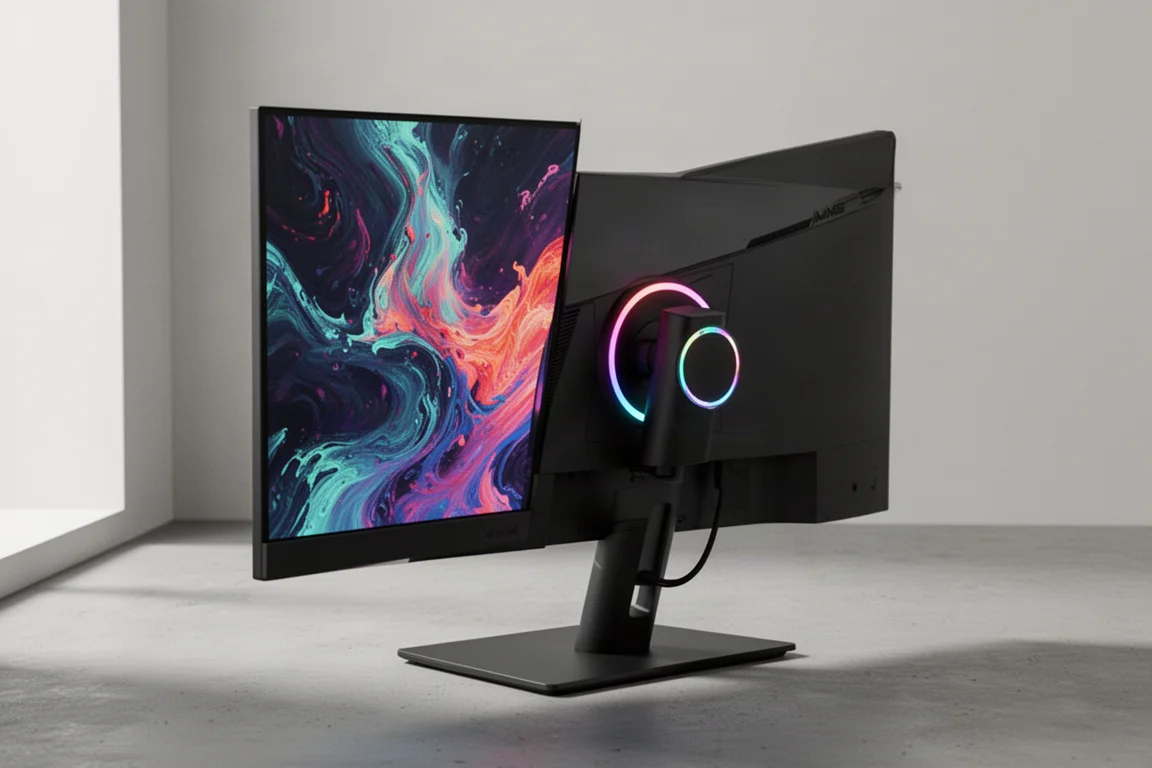
Samsung Odyssey G80HS Review: A 6K Gaming Monitor That Finally Makes Sense
The Samsung Odyssey G80HS pairs a sharp 6K productivity panel with a 3K 330Hz dual mode for gaming. We break down the strengths, trade-offs, and who should consider it.