Smartphones
Samsung Galaxy S26 Ultra Review: Privacy Display Innovation Comes With Real Trade-offs
The S26 Ultra introduces a genuinely novel privacy display feature, but achieving it requires accepting compromises in resolution, brightness, and viewing angles. A detailed look at what's new, what's been refined, and what Samsung left on the table.
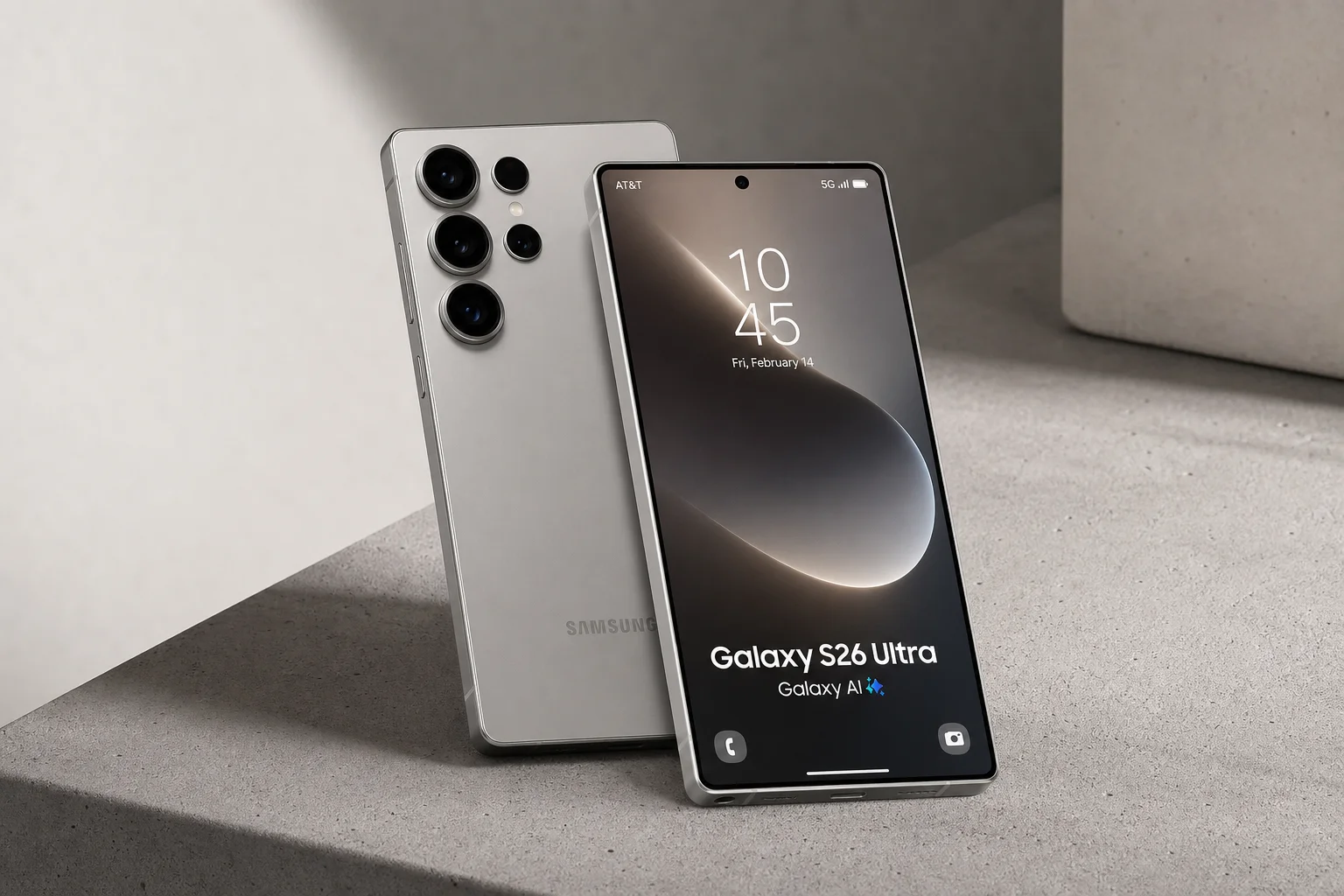
Introduction
The Samsung Galaxy S26 Ultra arrives with one genuinely novel feature that stands apart from the incremental updates that typically define flagship phone releases. The privacy display is a real hardware innovation, built into the panel itself rather than bolted on as an accessory. Yet like every meaningful feature, it comes with trade-offs that deserve careful consideration before committing to this $1,300 device.
The Privacy Display Trade-off
The privacy display is the headline feature, and for good reason. When enabled, it instantly restricts viewing angles, preventing anyone from seeing your screen content from the side or over your shoulder. Unlike a cheap polarizing screen protector, this feature works both horizontally and vertically, and you can toggle it on or off at will, even limiting it to specific apps like banking or messaging.
The mechanism is clever: Samsung has engineered two types of pixels into the display. Wide-angle pixels visible from anywhere, and narrow-angle pixels with built-in focusing lenses that only display content when viewed straight-on. When you activate privacy mode, the phone simply turns off the wide-angle pixels, leaving only the narrow-angle ones active.
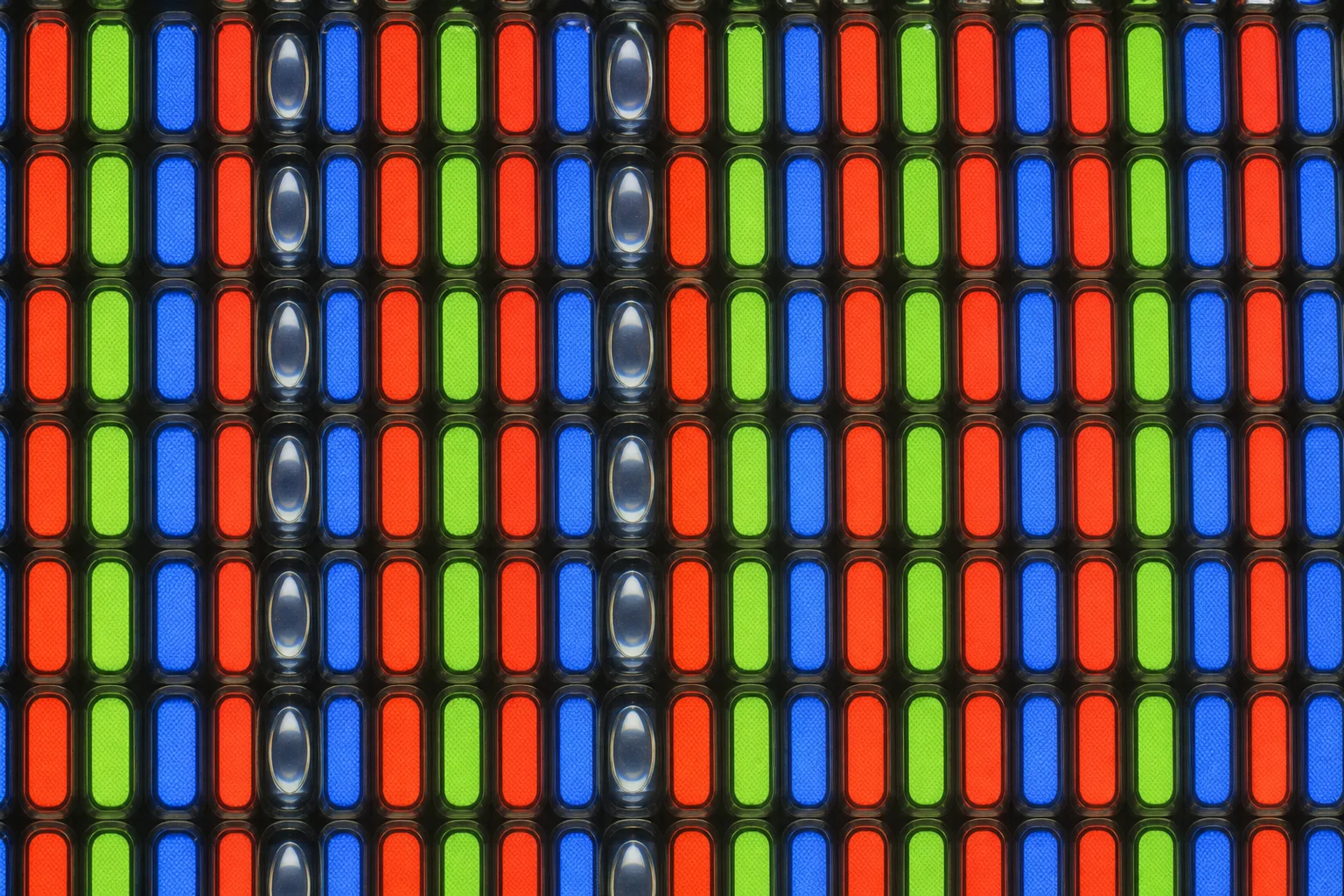
The problem is immediate and unavoidable: turning off half the pixels cuts your resolution in half. Text edges become blockier, fine details soften, and contrast suffers. Under magnification, the pixel dropout is plainly visible. The peak brightness also dips slightly when privacy mode is active, though Samsung’s software compensates by boosting the remaining pixels to maintain perceived brightness in most conditions.
Even in normal use, the display is subtly compromised. Those narrow-angle pixels have permanently poor viewing angles because of their focusing lenses, meaning the overall panel has worse off-axis performance than a conventional OLED display. The anti-reflective coating also appears less effective than the previous generation, and the display remains an 8-bit panel simulating 10-bit color rather than a native 10-bit implementation.
Resolution and Brightness Penalties
Out of the box, the 1440p display is set to 1080p by default, a choice Samsung makes assuming most users prefer battery life over pixel-perfect clarity. That’s a reasonable trade-off for the general audience, but it also means the privacy display’s resolution penalty hits harder for those who switch to the full 1440p mode.
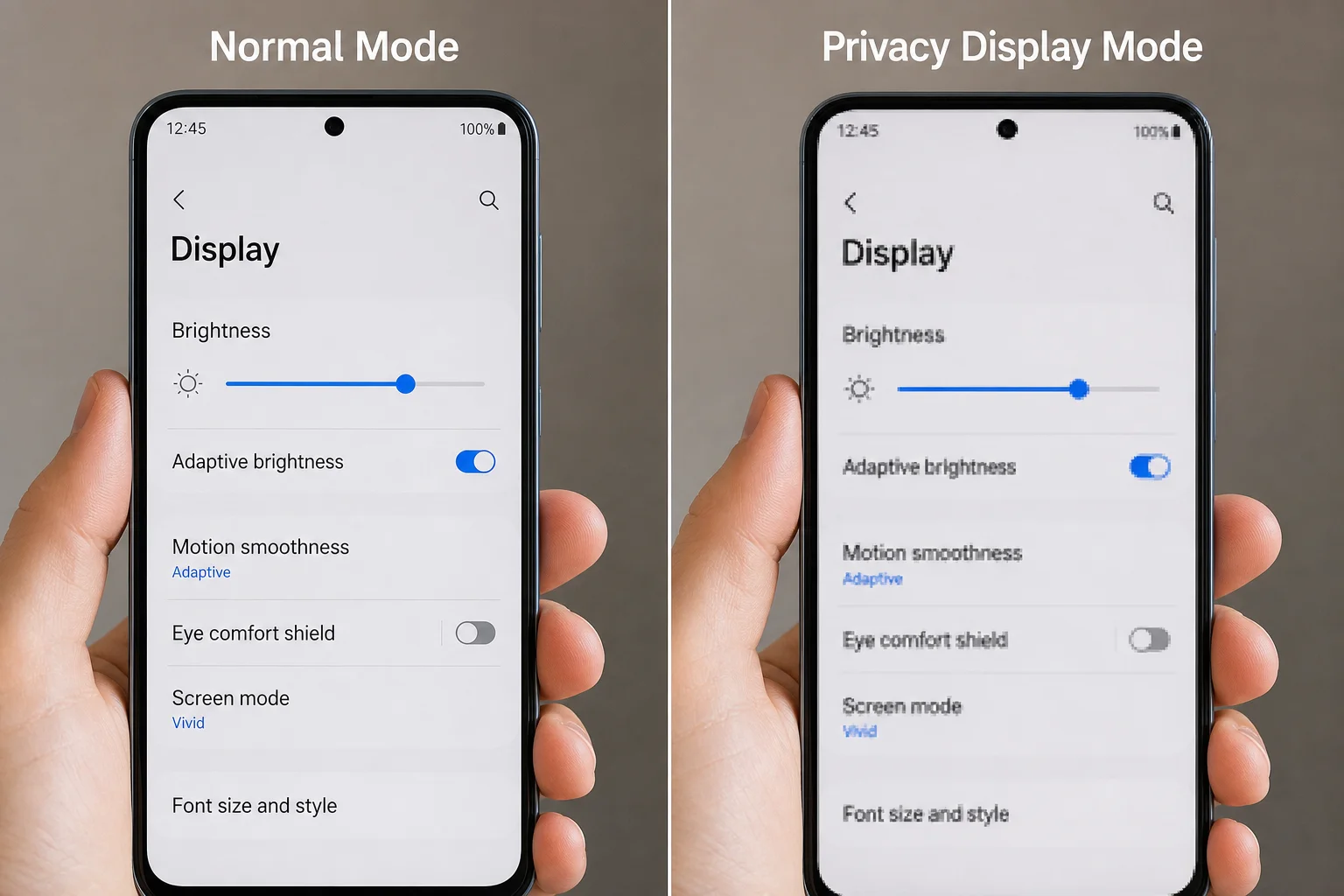
Peak brightness is nominally the same as the previous generation, but the privacy display feature introduces a real-world brightness ceiling. At maximum brightness settings, you will notice the screen dim when activating privacy mode. For everyday use, this is rarely noticeable, but it’s a tangible compromise for a feature that Samsung clearly believes will drive sales.
The display is still genuinely good. It’s vibrant, responsive, and suitable for media consumption and daily tasks. But if display quality is your primary concern, there are better-looking panels available at this price point, many of them ironically manufactured by Samsung for other brands.
Design Refinements and Compromises
The S26 Ultra is slightly thinner, lighter, and rounder than its predecessor. The rounded corners give it visual consistency with Samsung’s broader flagship lineup, but they introduce a practical annoyance: the S Pen slot is now capped with a curve instead of a flat edge, meaning the stylus only fits one way. Last year’s flat design required no thought; this year’s demands attention.
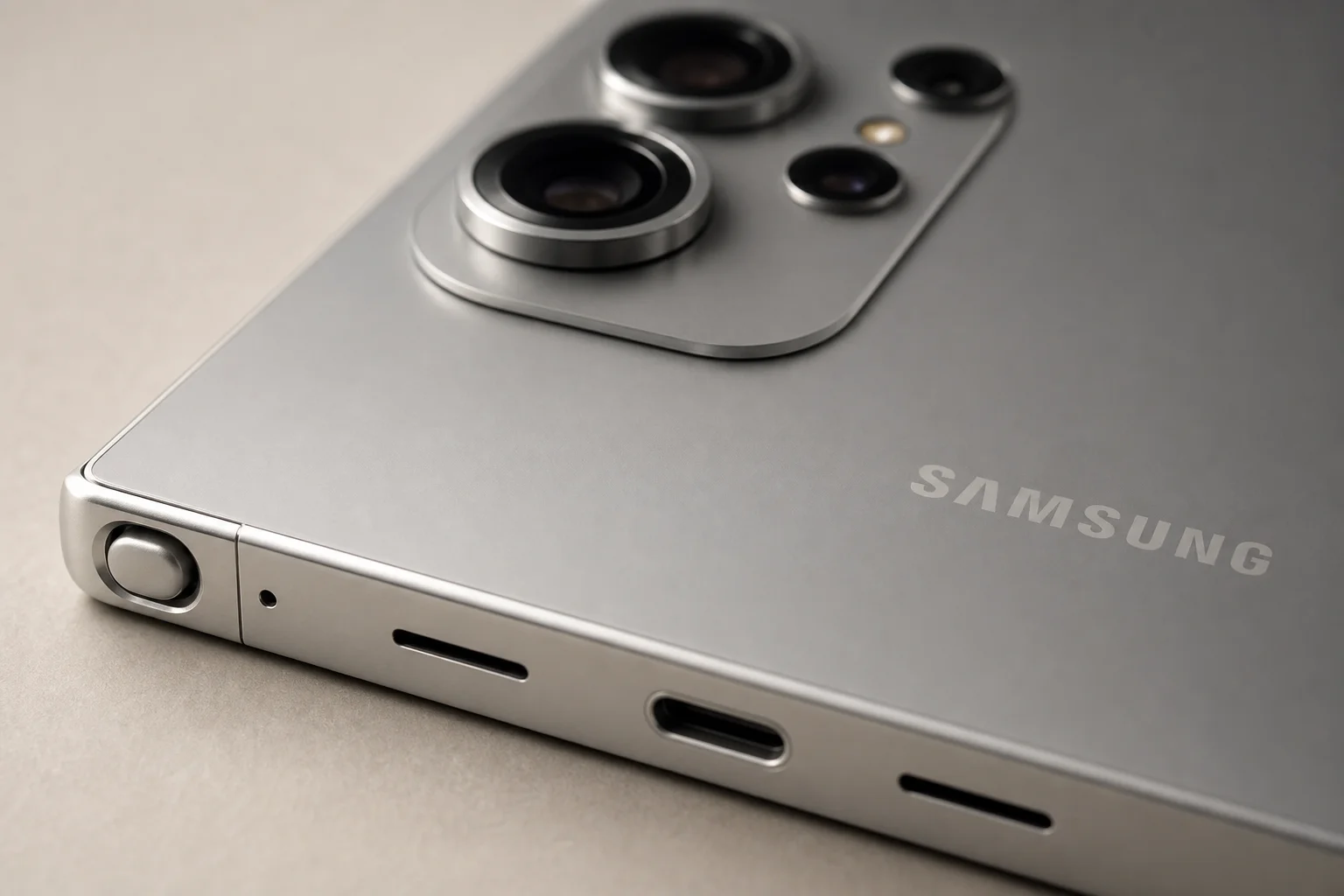
The camera bump has evolved into a camera plateau with prominent lens rings, making it larger overall. Combined with the thinner body, the phone rocks noticeably on a table when typing without a case. Most users will add a case anyway, but it’s a real usability quirk.
The frame material has switched from titanium to aluminum, a cost-saving measure that makes no practical difference to how the phone feels but does invite the obvious criticism: Samsung copied Apple’s titanium design language and then abandoned it for no clear reason.
Performance and Battery Life
The Snapdragon 8 Elite Gen 5 for Galaxy delivers the expected yearly performance bump, roughly 20 to 30 percent faster than the previous generation. Benchmarks show slightly higher scores than the OnePlus 15 running the same chip, but the difference is negligible. Animations are smooth, multitasking is seamless, and gaming performance is strong.
Battery life is marginally better despite the same 5,000 mAh capacity, thanks to improved chip and software efficiency. Standby time remains solid but not exceptional compared to some competitors. The phone charges at a peak 60 watts, a modest improvement over the previous generation.
Notably absent: MagSafe-style magnets and silicon-carbon battery technology. Samsung has had battery safety concerns in the past, which may explain the conservative approach, but the lack of magnets is harder to justify. A phone that prioritized battery capacity and magnetic attachment over thinness might have been more universally appreciated.
Camera and Video Improvements
The camera system is largely unchanged from the S25 Ultra, but the refinements matter. The main camera has a larger aperture, letting in more light and producing softer bokeh with close subjects. The 3x telephoto remains similar, while the 5x telephoto also gained a larger aperture.
The minimum focus distance on the main camera has worsened, a direct trade-off for the larger aperture. Macro mode still exists, but the downgrade is noticeable for close-up work.
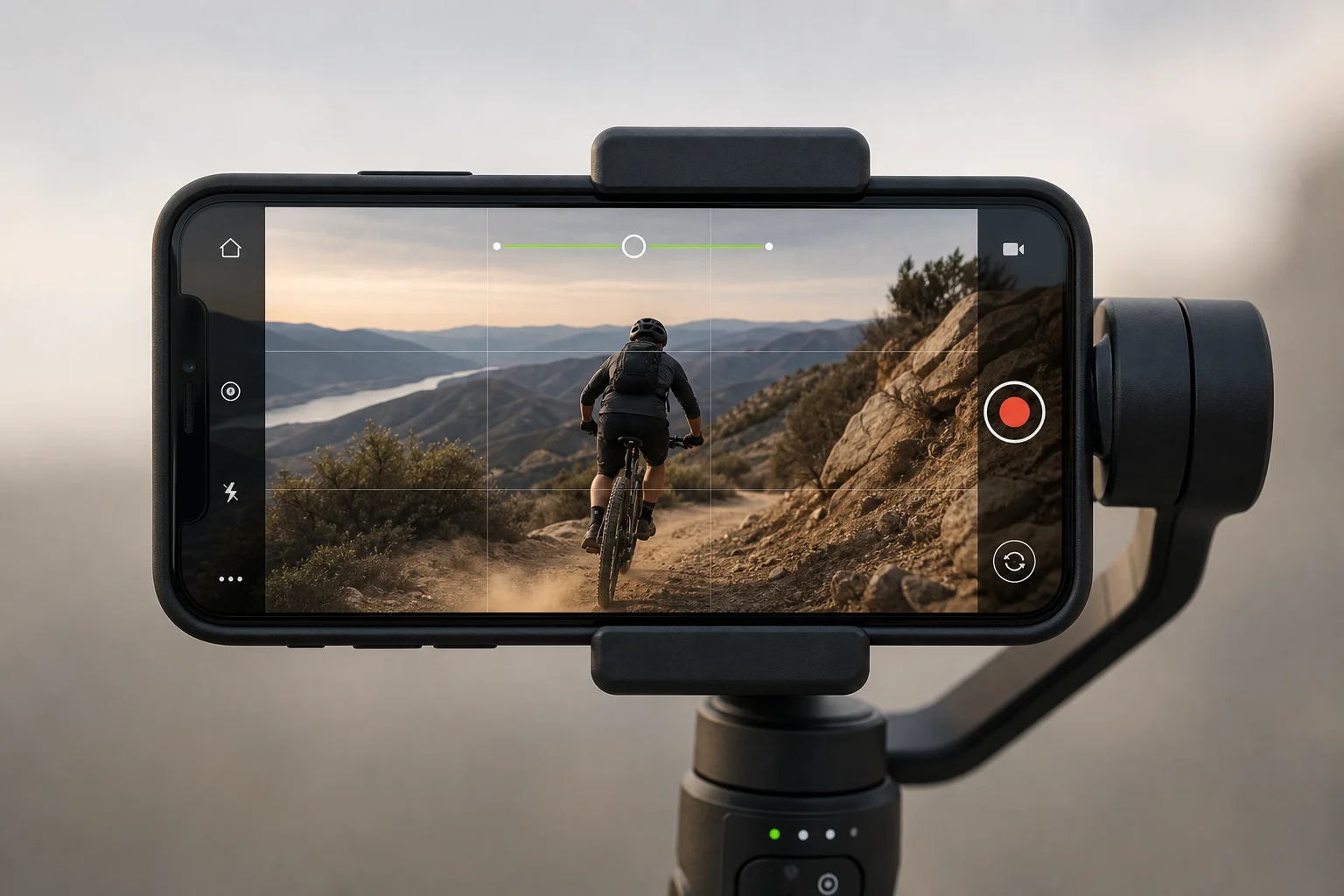
Software-enabled improvements are more significant. The APV log codec was added for better color grading flexibility in video. Horizon lock is a new stabilization feature that crops into the 200-megapixel sensor to deliver remarkably stable quad HD video at up to 60 frames per second. It’s one of the best implementations of this technology available.
AI Features and Software
Samsung has loaded the S26 Ultra with AI-powered features: call screening for unknown numbers, audio eraser for background noise removal in videos, and photo assist for scene generation and editing. The Galaxy AI tab offers a comprehensive view of the new capabilities.
These features are optional. You can use all of them or none of them, and most could reasonably be distributed to older Samsung devices through software updates. Call screening is genuinely useful; audio eraser works well for video cleanup. Photo assist’s scene generation is less convincing, and some safeguards prevented certain editing attempts during testing.
None of these features feel like a compelling reason to upgrade, especially at $1,300.
The Bigger Picture
The base S26 and S26 Plus have become poor value propositions. Their designs are unchanged, cameras haven’t evolved since the S23, and they’ve lost millimeter-wave connectivity and the 128GB storage option. The baseline price is now $900, which buys more phone elsewhere.
The S26 Ultra is a genuinely good phone with one clever, one-of-a-kind feature. But at $1,300, it feels like a S25 Plus Pro Max rather than a true flagship leap. The missing silicon-carbon battery, absent magnets, and lack of Bluetooth in the S Pen underscore that Samsung played it safe everywhere except the privacy display.
Conclusion
The privacy display is a real innovation that solves a genuine problem: shoulder surfing and accidental screen exposure. It’s the kind of hardware feature that rarely appears in smartphones anymore. But Samsung’s execution requires accepting real compromises in resolution, brightness, and viewing angles. Whether that trade-off is worth $1,300 depends entirely on how much you value privacy-on-demand versus overall display quality and battery capacity. For most users, the answer is probably no. For those who frequently work with sensitive information in public spaces, it might be yes.
Product link
View more details for Samsung Galaxy S26 Ultra
This product is mentioned in the review. Check the specifications, options, and compatibility before buying.
View more details for Samsung Galaxy S26 UltraFurther reading
Related Reviews
Smartphones
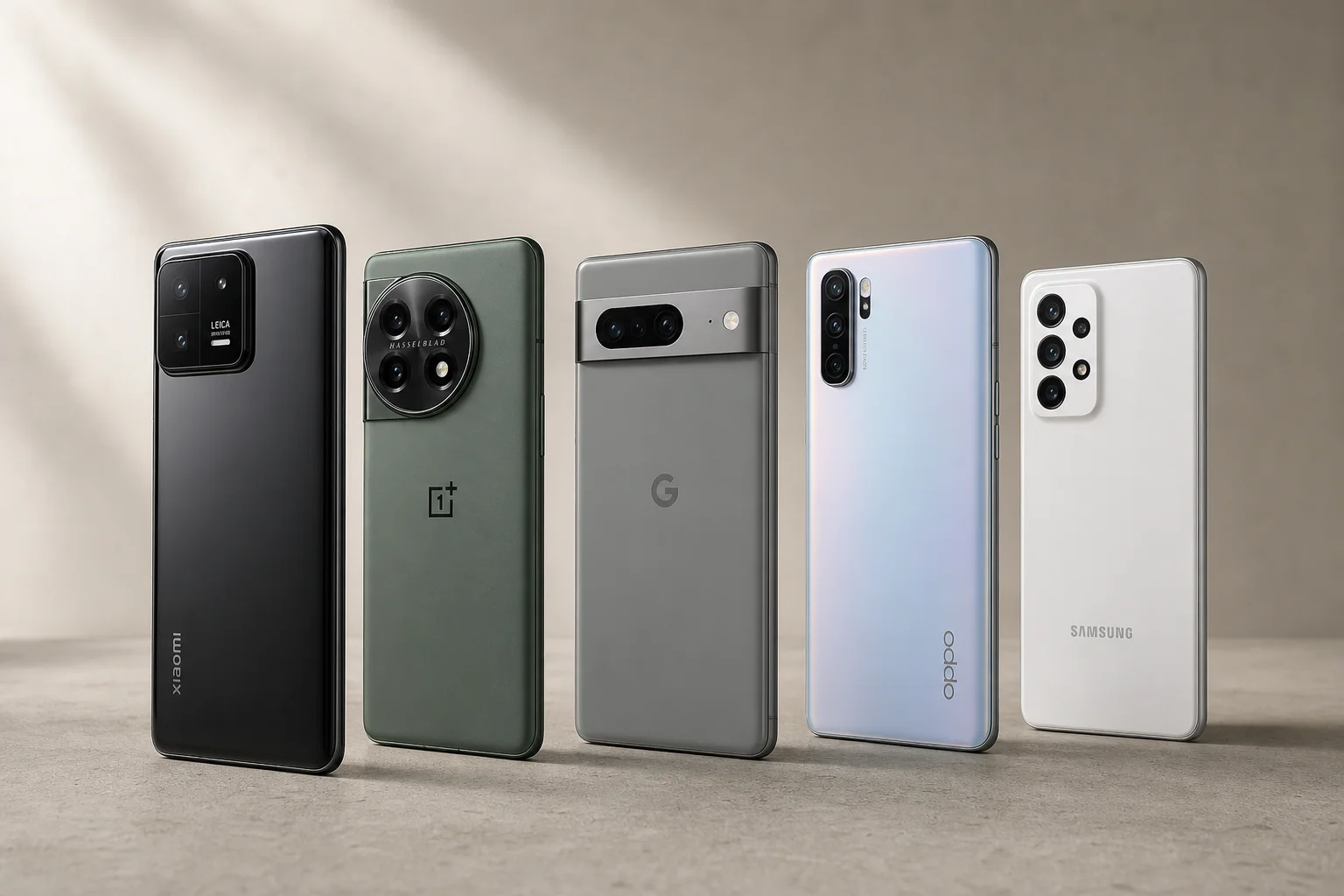
Best Smartphones for Vlogging 2025: Five Budget-Friendly Options for Content Creators
Five affordable smartphones with strong cameras, long battery life, and powerful processors designed for smooth 4K video recording and content creation, ranging from $290 to $700.
Smartphones
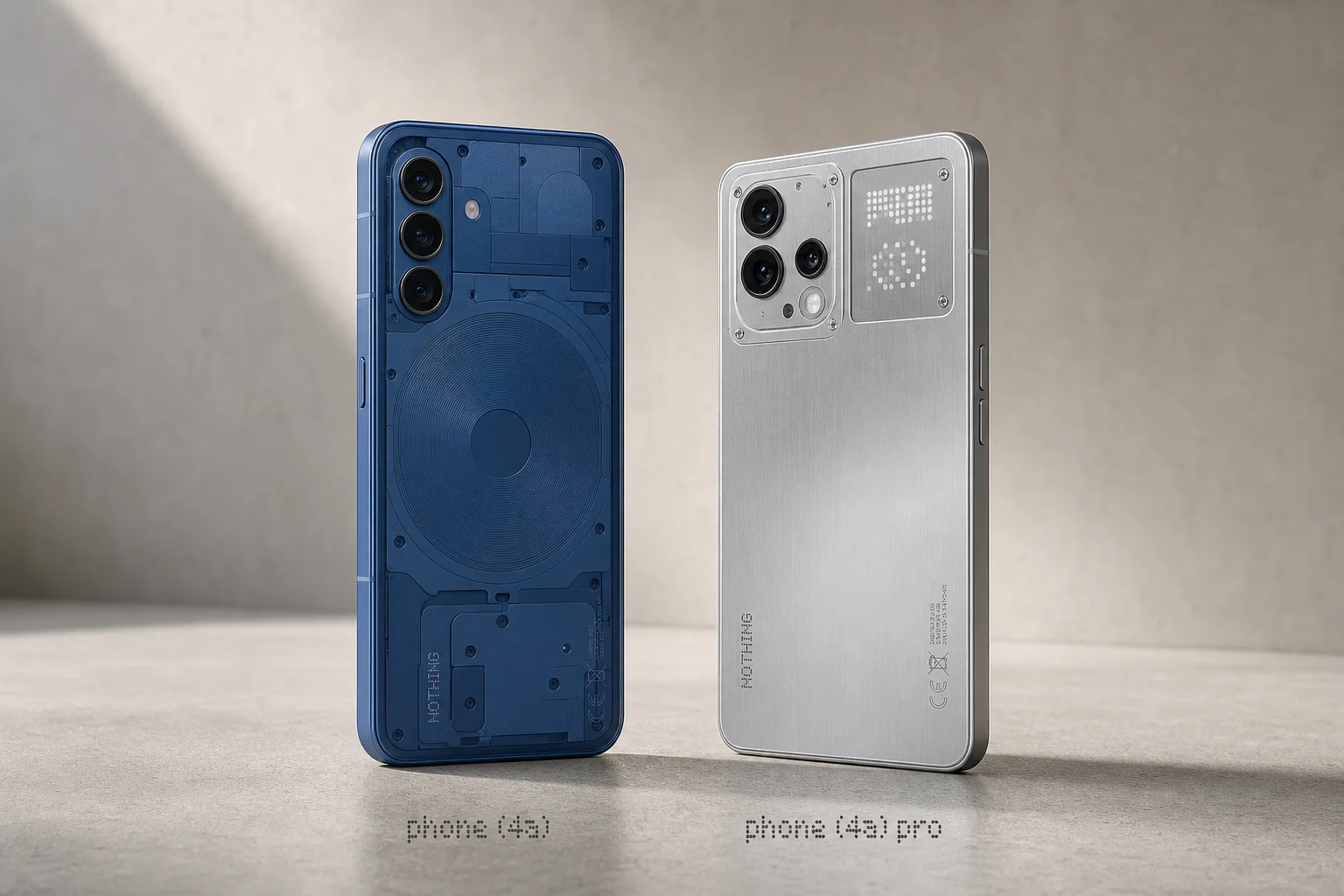
Nothing Phone 4A and 4A Pro Review: Smart Mid-Range Design Over Flagship Specs
Two thoughtfully designed mid-range phones that prioritize distinctive software and build quality over raw performance. The 4A at €349 offers excellent value; the 4A Pro adds premium materials and a customizable glyph matrix for $499.
Smartphones
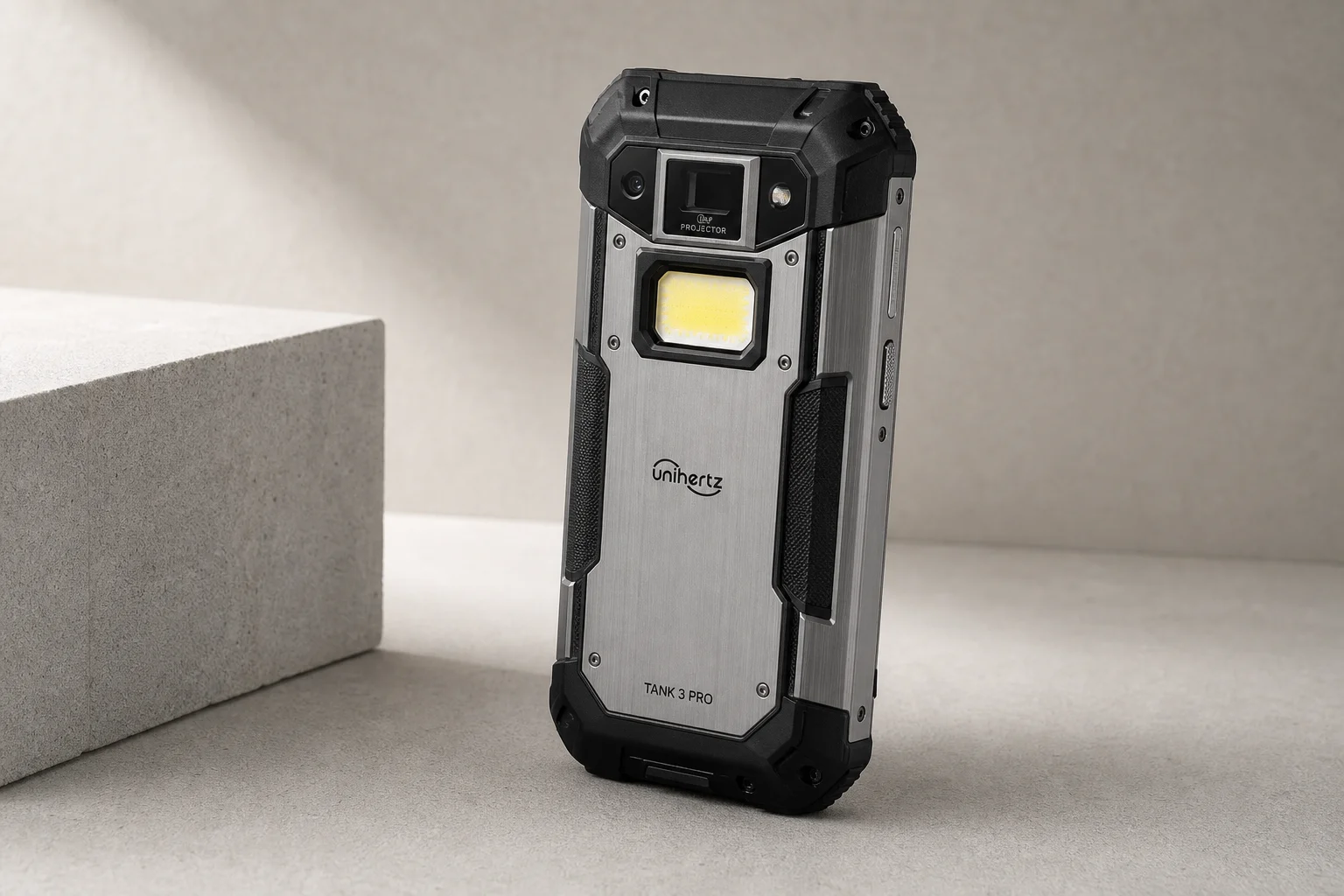
UniHertz Tank 3 Pro Review: A Rugged Phone With a Built-In Projector
The Tank 3 Pro combines extreme durability with a 40-inch DLP projector, 23,000 mAh battery, and a suite of survival-focused features. A detailed look at what makes this $700 ultra-rugged phone different.