Music Streaming
Rune Arc Review: Your Music Library, Wherever You Are
Rune Arc brings a Rune Core library to iOS and Android, with streaming from Tidal and Qobuz, four quality settings, and offline downloads for the albums you already own.
Introduction
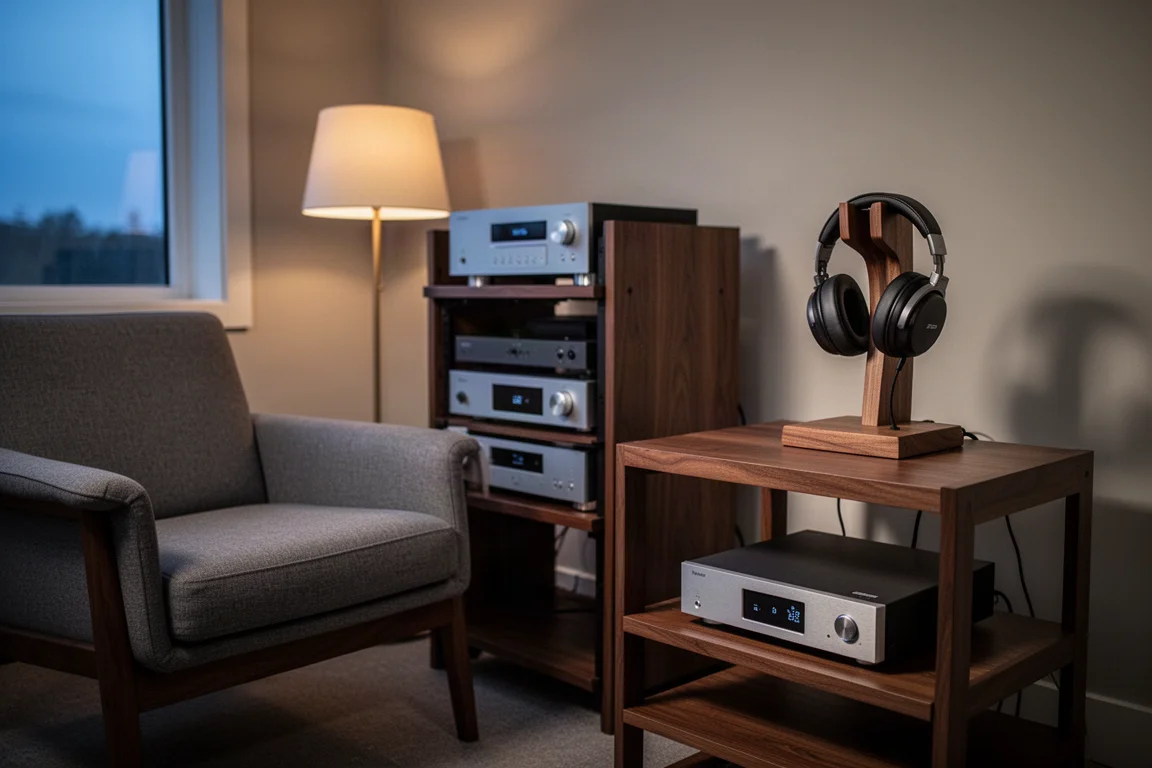
Rune 2.0 introduced a second mobile app to the platform, and it changes what a Rune system is capable of. Until now, Rune has been rooted in the home: a Rune Core server feeding endpoints around the house, whether those endpoints pass the signal to an amplifier or to a pair of streaming active loudspeakers.
Rune Arc takes that library out of the building. The app streams from Tidal, from Qobuz, and from the hard drive attached to a Rune server, and it is available for iOS and Android. It also carries Rune’s playlist selection and Rune Radio, which uses an AI algorithm to keep playing similar sounding music once the current playlist has run its course.
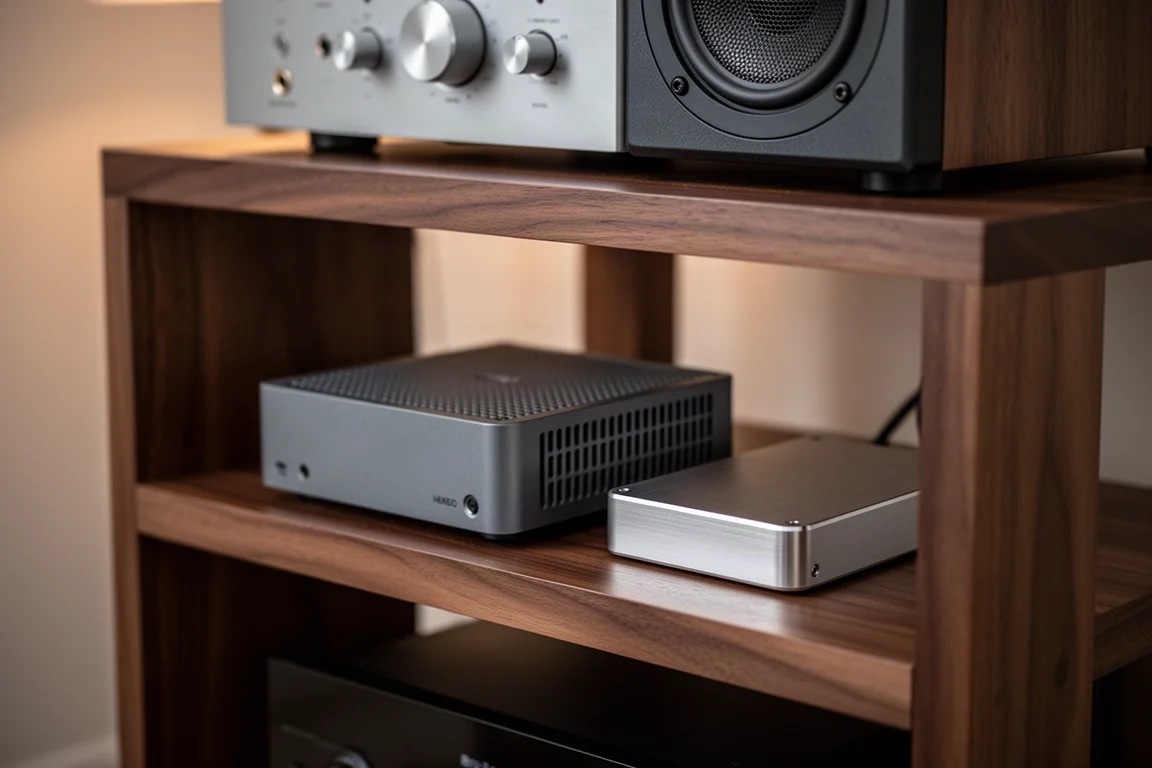
The hardware side is flexible. Rune Core is the server software at the centre of the system, and while it ships on Rune’s own Nucleus server, it can also run on an Intel NUC, an older Mac, or an older PC. That means Arc can be reached without buying new hardware.
For listeners whose library includes albums that streaming services do not carry, Arc is the most significant addition Rune has made since Rune Radio. It is also new, and a few details still need attention. Here is what it does well, and what to weigh before subscribing.
Who Rune Arc Is For
The clearest case for Arc is a listener with a hard drive full of CD rips, downloads, and vinyl rips, many of which are not available on streaming services. Arc turns that drive into a private streaming service. Albums can be streamed to the phone while out in the street, or downloaded to the phone before leaving the house.
It also suits listeners who would rather use one app than two. Tidal and Qobuz sit alongside the local library in the same interface, so the music you subscribe to and the music you own are reachable from the same place.
Data-conscious listeners get something useful as well. Arc offers four streaming quality settings, from a maximum setting that uses a great deal of bandwidth down to a heavily compressed lossy setting that uses very little. Streams pulled from the local hard drive use the Opus codec, while for Tidal and Qobuz the chosen setting tells those services which stream to send.

There is a social angle too. Arc can act as the source for a Bluetooth stream to a friend’s system, or use AirPlay when you are on their Wi-Fi network. In practice, the phone becomes the music source wherever you happen to be.
Main Strengths
The appeal of Arc is not any single feature but the combination: remote access, control over how much data a stream consumes, and offline listening for the content you actually own.
Your Library Becomes a Private Streaming Service
With Arc, the hard drive attached to the server becomes a personal streaming source. Albums that never made it to streaming services, including vinyl rips and older masters, can be streamed to the phone from anywhere, or stored on the phone before you head out. Rune Radio works inside Arc as well, using an AI algorithm to continue with similar sounding music when a playlist ends, which makes it a practical way to find new records rather than a novelty.
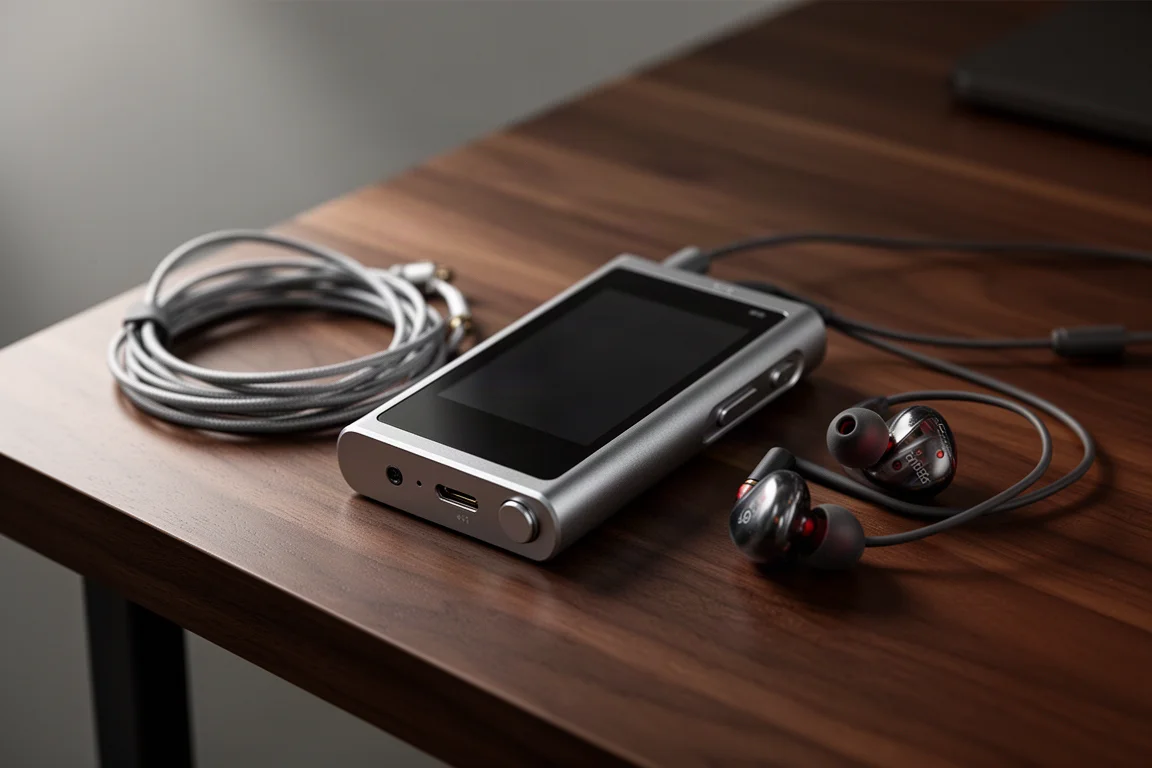
Arc can also be installed on a portable music player and used as the source from there, which is a neat option for listeners who prefer to keep their phone out of the chain.
Streaming Quality Settings That Fit Your Data Plan
Four quality settings cover a wide range of situations. At the top end, maximum quality consumes a lot of bandwidth and is best saved for Wi-Fi. At the other end, the most compressed lossy setting uses very little, which matters for anyone on a metered mobile plan where streaming CD quality for hours is simply not realistic.
Because the local library streams over Opus, those settings genuinely change how much data a listening session costs. When the source is Tidal or Qobuz, the setting instead instructs those services which stream to deliver, since neither uses Opus. That distinction is worth understanding before you start adjusting sliders.
Offline Downloads for Music Streaming Services Do Not Carry
Arc includes a downloads folder, so albums can be pulled from the server and stored on the phone temporarily, much like the Tidal or Qobuz apps handle offline listening. One limitation is worth stating clearly: content from Tidal and Qobuz cannot be downloaded for offline use inside Arc, because the music labels do not permit it. For those services, the respective apps remain the right tool.
The value of Arc’s downloads folder is everything else. Libraries of this kind are usually FLAC, most of it CD quality with a little high-resolution material mixed in, and offline downloads currently arrive at that native quality.
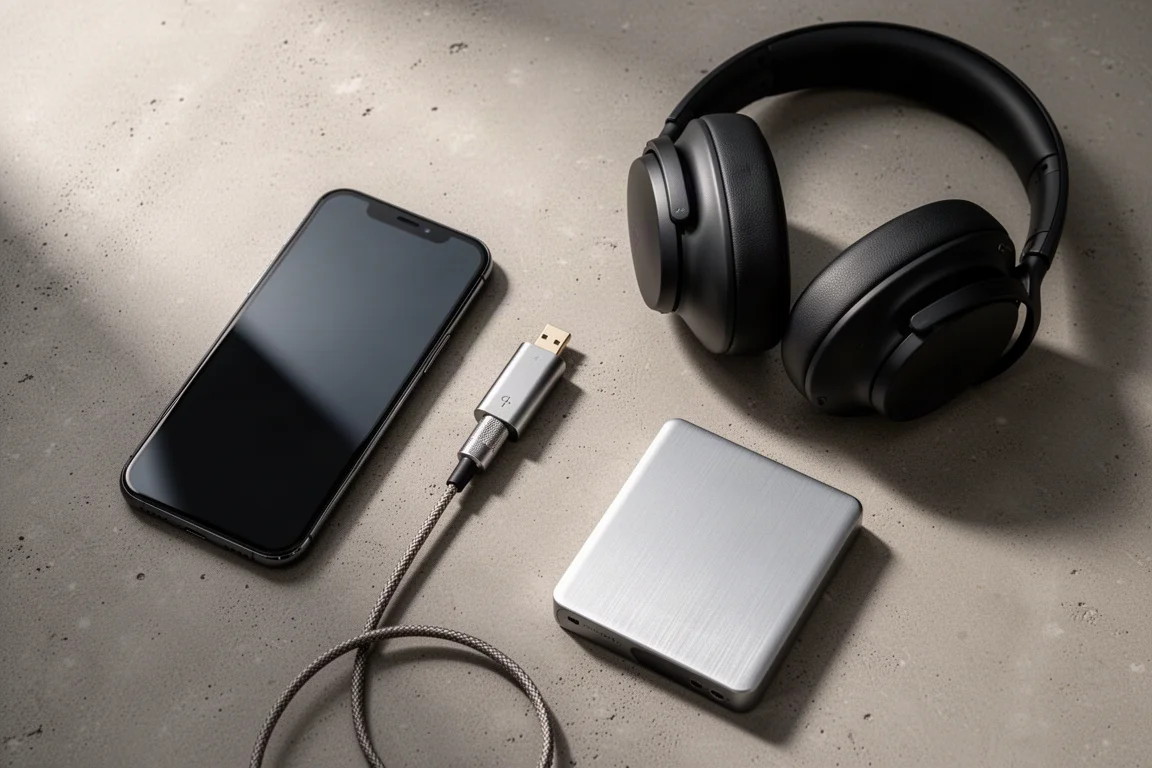
Bluetooth headphones work well with Arc, and a dongle DAC paired with wired headphones can be connected to a phone for a better listening chain on the move. Offline albums stay available in either setup, which is the point of downloading them in the first place.
Things to Consider Before Buying
Arc is very new, and a few interface details are likely to be refined over time. The download button is small and sits in an awkward position; a larger, clearer control placed next to the play button would be a sensible improvement.
The four quality settings do not yet apply to offline downloads. When an album is downloaded, it lands on the phone at its native quality, which is fine for fidelity but less helpful for anyone managing limited storage.
The restriction on Tidal and Qobuz downloads is a licensing matter rather than a design choice, so it should be treated as a permanent limitation rather than something a future update will fix.
Finally, Rune itself is not an inexpensive platform, particularly if you choose the lifetime plan. That cost is worth weighing against what the app replaces for you.
Buying Advice
Rune Arc arrives as a free upgrade with Rune 2.0. Rune’s price has not changed from last year, so existing subscribers receive the app without paying anything extra, and the platform is adding value over time rather than charging for each new capability.
A monthly Rune subscription costs roughly the same as a monthly Spotify subscription, which reframes the decision. If your hard drive holds thousands of songs, Arc can plausibly take the place of a streaming subscription altogether, with higher quality streams and higher quality download content available. If your local library is small, the value is much less obvious. A free trial is available through the Rune website, which is the sensible way to test whether the setup suits how you listen.
Conclusion
Rune Arc does something specific very well: it makes a personal music library reachable from anywhere, and it puts that library alongside Tidal and Qobuz in a single app. The quality settings make it practical on a metered mobile plan, and the downloads folder means the albums you own are available even without a signal.
The rough edges are real but modest. The download control needs a better home, quality settings should eventually extend to offline files, and Tidal and Qobuz downloads will remain off limits. For listeners with a substantial local collection, those are easy trade-offs to accept.
Product link
View more details for Rune Arc
This product is mentioned in the review. Check the specifications, options, and compatibility before buying.
View more details for Rune ArcFurther reading
Related Reviews
Music Streaming
Apple Music vs Amazon Music Unlimited vs Tidal: Which Music Streaming Service Fits Your Setup
A practical comparison of Apple Music, Amazon Music Unlimited, and Tidal covering plan structures, discovery quality, spatial audio support, and hardware compatibility.
Music Streaming
Best Music Streaming Services 2026: Five Platforms Compared
A practical comparison of Qobuz, Tidal, Spotify, Amazon Music, and Apple Music, covering audio quality, discovery, apps, and value.
Music Streaming
Best Music Streaming Services Compared: Apple Music, Tidal, Qobuz, Spotify and SoundCloud
A practical comparison of five music streaming services across sound quality, network integration, interface and catalogue, so you can pick the one that fits the system you already own.