Music Streaming Hardware
Roon Nucleus One Review: The Most Affordable Way Into Roon
A practical look at the Roon Nucleus One, the most affordable Roon Core, covering setup, strengths, trade-offs, and who should buy it.
Introduction
Roon is software first. It gathers the digital music you already own, including files ripped from CDs or stored on a hard drive, and folds them together with streaming services such as Tidal and Qobuz into a single library. From there it handles the familiar jobs like playlist creation, then goes considerably further with music discovery and deep metadata browsing. Open a track, look at who produced it, click that name, and you can follow the thread into other albums and collaborations you did not know existed.
The catch has always been the Core, the component that does the heavy computing work behind Roon. The Nucleus One is the most affordable Roon Core to date at $499, and it arrives ready to use, so there is no operating system to install and no mini computer to configure. It was offered for pre-order at launch.

That positioning is the whole story. For anyone who has priced out a small computer plus the evenings needed to get Roon running on it, the Nucleus One removes the technical guesswork and leaves a box that simply needs to be plugged in and selected.
Who This Product Is For
The Nucleus One is aimed at listeners who already have a music library worth organising and who want it living alongside their streaming subscriptions rather than in a separate app. It suits people who care about discovery, because Roon’s recommendation engine and metadata browsing are the reason the platform exists in the first place.
It also makes sense for multi-room homes. The Nucleus One can play to as many as six audio zones at the same time, which effectively means sending the same music to different endpoints in different rooms. Anyone running a desk setup, a den system and a pair of speakers elsewhere can keep all of them on one Core.
Finally, it suits listeners who want control over how each system sounds. Roon provides DSP for its endpoints, and EQ settings can be designed per device. A small bookshelf system in an office that needs a little more bass can be tuned in software rather than by adding a subwoofer.
Main Strengths
The headline strength is how little effort the Nucleus One asks of its owner. You create a Roon account, open the unit, scan a QR code, and follow the instructions it gives you. In practice the only manual steps are connecting it to your network and the mains, powering it on, and selecting it as your Roon Core inside the app.
Storage is flexible too. There is room inside for a 2.5 inch SATA hard drive, and the back panel accepts up to two external drives. Keeping a music library on a solid state drive and connecting it to the rear is a straightforward way to give Roon access to everything at once.
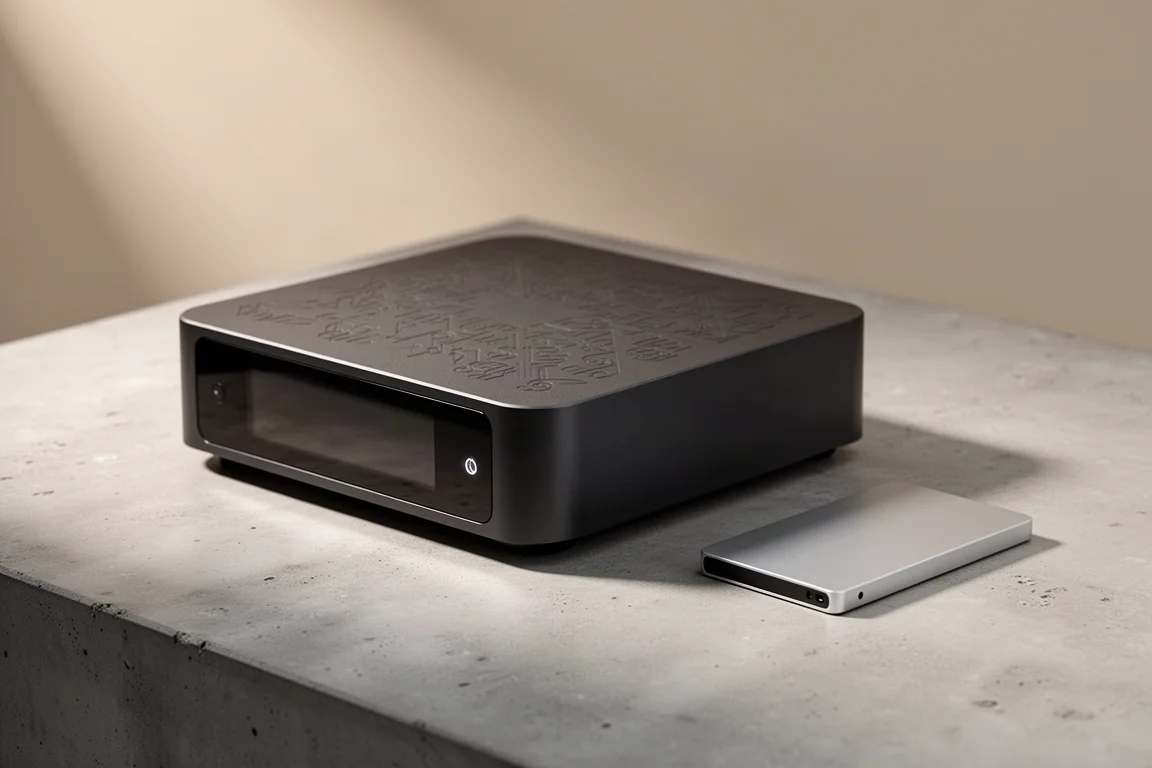
The hardware itself is tidy rather than ostentatious. It is mostly plastic with a patterned design across the top and front, a ghosted wordmark on the face, and a straightforward rear panel carrying two USB Type A ports and an HDMI output for stereo or multi-channel audio. It weighs around 4 lb and measures roughly 9.5 inches by 9.5 inches, so it slots onto a shelf without demanding a rack.
Ownership context matters here as well. Roon is now available on a monthly subscription rather than an annual one only, which lowers the cost of trying the platform, and the company behind Roon was acquired by Harman. Roon can also be installed on a laptop or desktop, so the software itself is never locked to this box.
Setup and Everyday Use
Day to day, the Nucleus One is meant to disappear. Once it is running, you open Roon on a computer, phone or tablet and the Core is simply there, holding your library, your playlists and your zone settings.
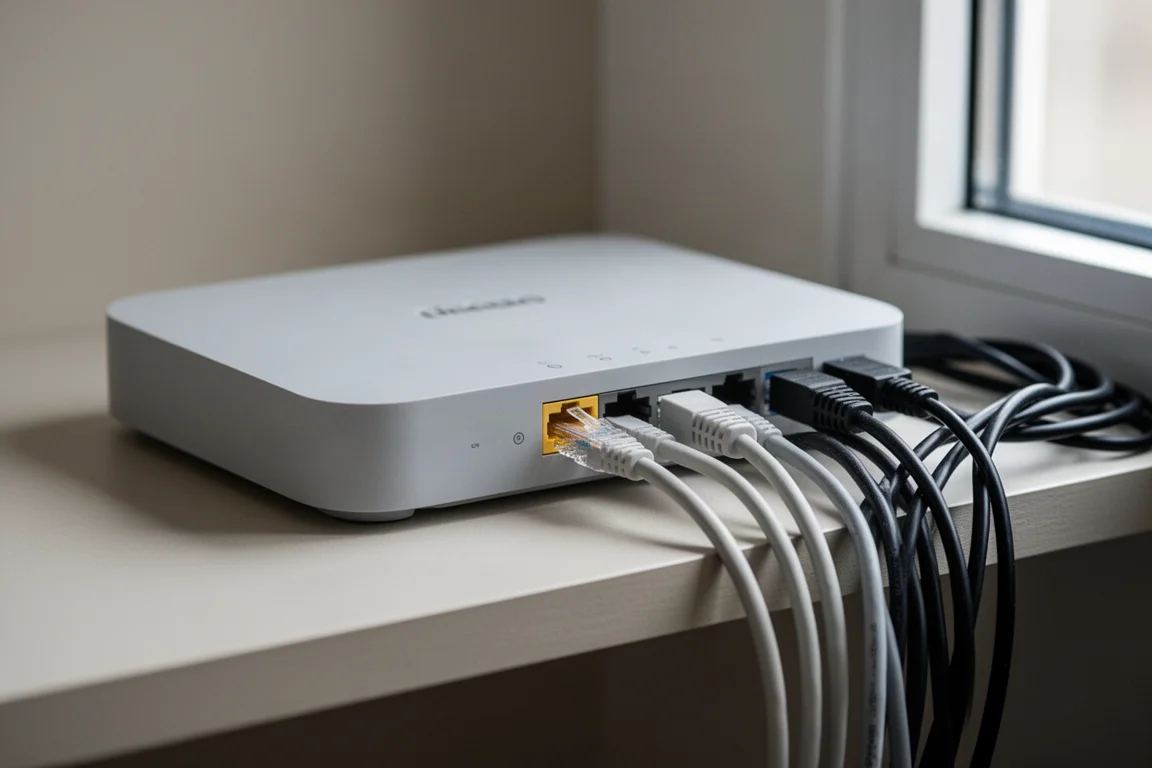
The one requirement worth planning for is the network. The Nucleus One needs to sit on the same network as your other devices, which is the step that catches people out if their audio gear lives on a separate segment or a guest network. Connecting it to a Wi-Fi extension network is fine as long as everything else can see it.
After that, the experience is the Roon experience: one interface for owned files and streaming services, per-device EQ, and multiple zones running at once without juggling apps.
Things to Consider Before Buying
The price deserves a clear-eyed look. At $499 the Nucleus One is the most affordable Roon Core, but it is still a meaningful outlay, and it does not include the Roon subscription, which is billed separately.
It is also not strictly necessary. Roon can be installed on an ordinary computer, and more technical users can run a Core on a small mini computer. A mini computer can be cheaper on paper, but the cost of an operating system install and the time spent troubleshooting it are part of the real price. The Nucleus One exists precisely to skip that work.
Build expectations should stay realistic. The chassis is mostly plastic, and while the design is neat, this is a functional box rather than a luxury component.
Finally, think about your library. The internal bay takes a 2.5 inch SATA drive, and external drives connect over USB, so the size of your collection determines how much storage you need to add. None of that is difficult, but it is worth deciding before you buy.
Value and Where It Fits
The Nucleus One is best understood as a convenience product. Assembling a Core yourself can cost less, but it involves sourcing a mini computer, installing an operating system, and getting it right the first time, which is not something most people are comfortable doing.
Seen that way, $499 buys a working Core with no assembly, no install and no guesswork, plus the flexibility to add storage later. For listeners who are serious about music streaming and music discovery, that trade is easy to justify. For anyone still curious about Roon, the monthly subscription is the cheaper first step.
Buying Advice
Buy the Nucleus One if you want Roon running properly without becoming your own IT department. It fits homes with a library worth organising, multiple listening zones, and at least one system where software EQ would be genuinely useful.
Hold off if you are not yet sure about Roon itself, since the software runs on a computer you already own, or if you enjoy the tinkering and would rather build a Core from a mini computer.
If you do buy, plan two things in advance: confirm the unit can join the same network as your other devices, and decide whether your music will live on an internal 2.5 inch SATA drive or an external one. Sort those out and the setup is genuinely a few minutes of work.
Conclusion
The Nucleus One does one job well: it makes Roon easy to own. It is the most affordable Roon Core, it is compact and quiet in the room, it handles up to six zones at once, and it accepts your existing library through an internal drive or two external ones. The plastic build and the $499 price are the honest caveats, and Roon’s subscription sits on top of that.
For listeners who want the deepest discovery and library tools in streaming music without a weekend of configuration, this is the simplest route in.
Product link
View more details for Roon Nucleus One
This product is mentioned in the review. Check the specifications, options, and compatibility before buying.
View more details for Roon Nucleus OneFurther reading
Related Reviews
Hi-Fi Audio
Accuphase C-57 vs Allnic H-7000V: Two High-End Phono Stages Compared
A fully balanced solid-state phono stage with a pitch-black noise floor meets a tube design built for well-loved records. Here is how to choose between them.
Hi-Fi Amplifiers
Accuphase E-280 Review: Entry-Level Accuphase With Flagship Attention to Detail
A close look at the Accuphase E-280 integrated amplifier, covering its champagne build, AAVA volume control, sound quality, and the speakers and sources that suit it best.
High-End Audio
Accuphase E-3000 Review: A Class AB Integrated Amplifier Built to Last
The Accuphase E-3000 is the entry point into a legendary Japanese high-end line. Here is how it sounds, how it is built, and who should consider it.