Audio Interfaces
RME Audio Interfaces Compared: Babyface Pro FS, Fireface UCX2, and UFX
Three RME audio interfaces compared on the details that decide long term value: connectivity, drivers, latency, TotalMix routing, and onboard DSP.
Introduction
Audio interfaces start well under $200, and plenty of them measure respectably. So it is reasonable to ask why a working studio would spend $1,000, or even $3,000, on a single box. The answer rarely comes down to one headline specification. It comes down to how much the interface can connect, how reliably its drivers behave under pressure, how much processing it can handle before the signal ever reaches the computer, and how long the manufacturer intends to keep supporting it.
The three RME interfaces in this guide sit at different points on that scale. The Babyface Pro FS is the compact, bus powered option. The Fireface UCX2 adds digital connections, wall power and extra DSP resources. The UFX carries the same approach into larger systems.
All three ship with RME’s TotalMix software, which is where much of the real value sits. What separates them is how much hardware, routing and headroom each one brings to the desk, and that is what this guide compares.
Inputs, Outputs, and Expandability
Physical connectivity is the first thing most buyers look at, and it is also the easiest thing to misread. The connector type matters less than the signal it actually accepts.
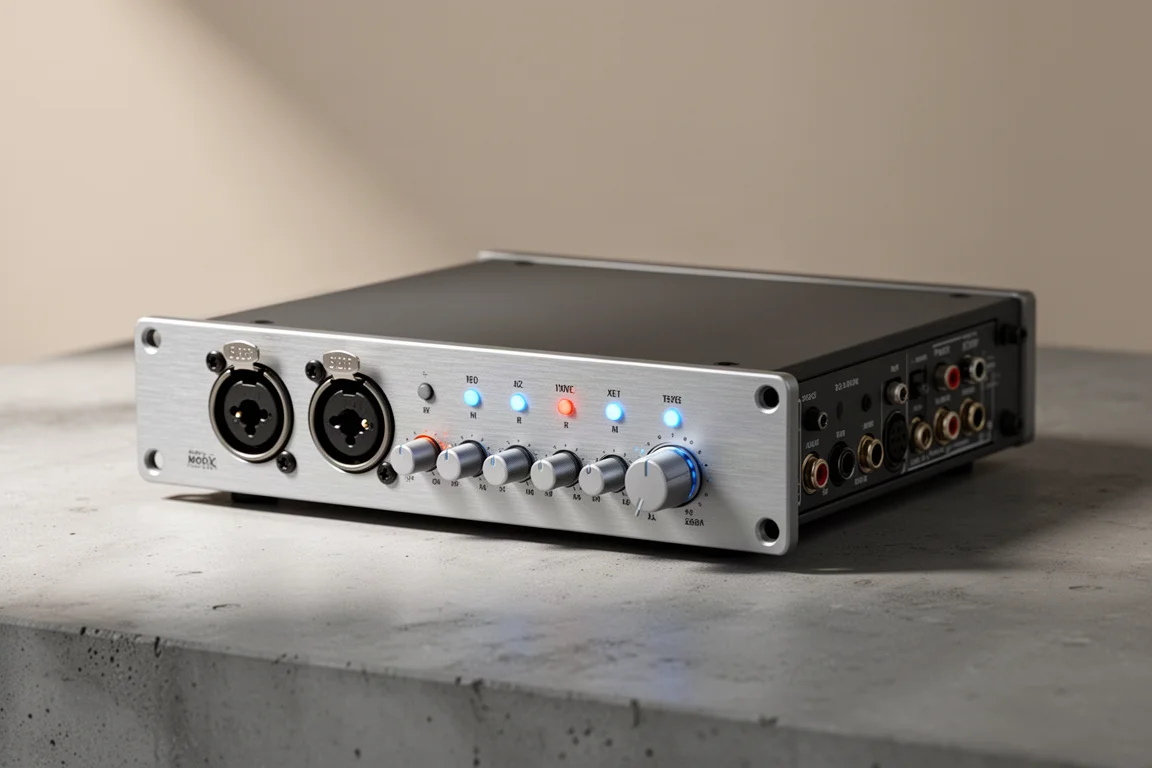
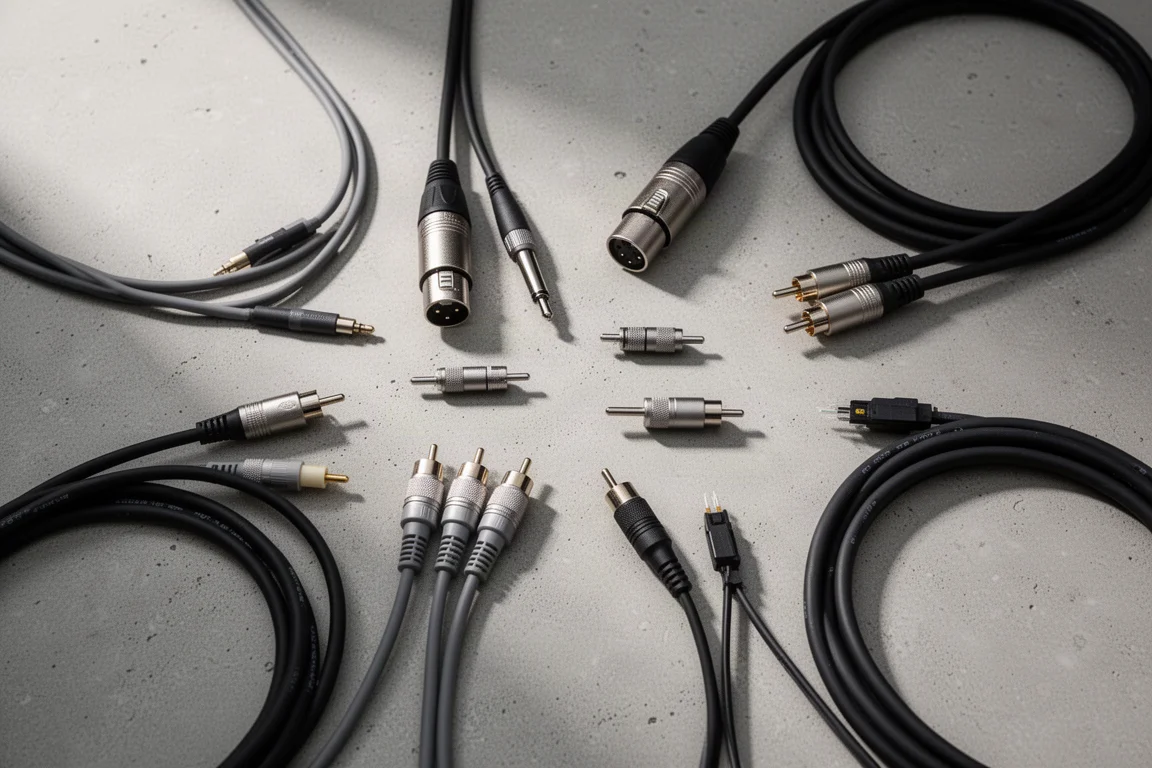
On the Babyface Pro FS, the analog connections are two XLR microphone or line level inputs, two TRS line or instrument level inputs, two XLR line outputs, a quarter inch headphone jack and an eighth inch headphone jack. On the Fireface UCX2, two additional XLR connections look like analog inputs but are really AES3 digital connections, and a pair of RCA sockets carries S/PDIF. Both digital formats move two channels in and two channels out.
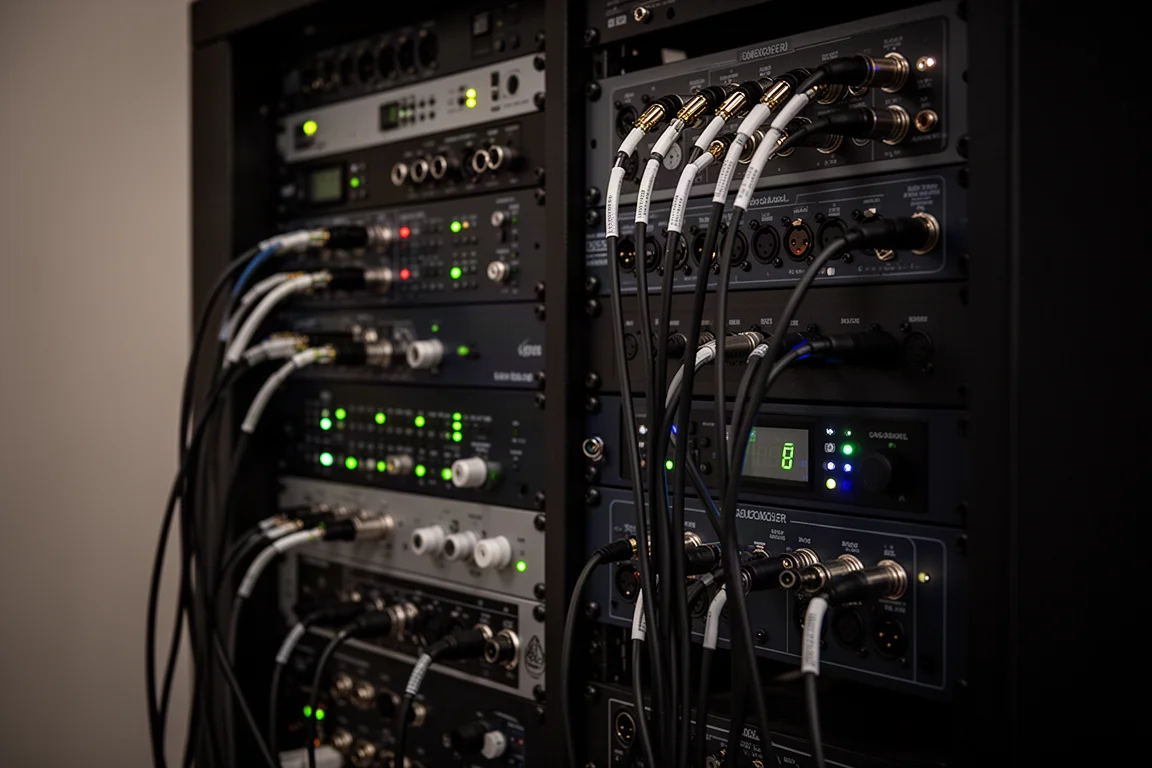
Digital connections are where expansion happens. The Babyface Pro FS has two optical connections for ADAT, each offering eight channels in and eight channels out. That means a two input interface does not have to stay a two input interface. Adding an ADAT equipped microphone preamp to the Babyface Pro FS opens up eight more microphone inputs, without replacing the interface itself.
Larger facilities go further, using protocols such as AVB, MADI and Dante to move anywhere from 32 channels up to hundreds. The trade-off is straightforward: a simple two channel interface with no expandability costs less than a unit that manages 16 channels, which in turn costs less than one built for hundreds.
Drivers, Latency, and Signal Quality
The specification sheet rarely tells you the most important part of an interface. Driver quality decides round trip latency and reliability, and both shape how the studio actually feels to work in.
The Babyface Pro FS is a USB 2.0 interface, and it has been measured at a round trip latency of just 3.8 milliseconds. Higher channel counts may call for USB 3.0 or Thunderbolt, but below roughly 60 channels USB 2.0 provides plenty of bandwidth. If the computer has the processing headroom, lowering the session buffer size allows recordings to be monitored in real time with very little delay.
Basic direct monitoring solves latency but leaves the performer with a dry signal, with no EQ, reverb or compression in the headphones. Interfaces that use a dedicated DSP chip or an FPGA based DSP can build a monitor mix with those effects without routing through the DAW session. RME’s TotalMix takes that idea further: any physical input or any software input can be sent to any physical output, which turns the interface into a virtual mixing console and patch bay. On the Fireface UCX2, that means 20 mono or 10 stereo outputs available for submixes, live stream mixes, demonstrations and screen recordings.
Loopback is one of the most useful pieces of that routing. A mix created on an output can be sent back into an input, so it appears as a selectable source inside streaming software, screen recording software or a DAW. A custom mix for a live stream, a mix minus feed for a remote guest, a separate headphone mix and individual tracks in the DAW can all be produced from the same interface. TotalMix can also be controlled remotely from an iPad over a Wi-Fi network, which is handy when recording alone or when a performer wants to shape their own headphone mix.
Reliability deserves equal weight. Crashes cost time, and in professional work they can interrupt a live stream or a performance. Driver longevity matters for the same reason. Some interfaces from a decade or two ago no longer work on current operating systems because support was discontinued, leaving owners to freeze their operating system or buy new hardware. RME keeps older models current, and the HDSP9652, released in 2001, still receives up-to-date drivers.
Signal quality sits underneath all of it. Microphone preamps are not equal: the Babyface Pro FS offers a 76 dB gain range, up to 65 dB of gain, and a mic input signal-to-noise ratio of 117 dB A-weighted, which helps with low sensitivity microphones such as the Shure SM7B and with quiet sources. Converter dynamic range and jitter specifications vary too, and the FS in Babyface Pro FS stands for femtosecond, indicating very low jitter and high jitter immunity. None of this rescues a weak performance or a poor room, but it does help a good recording reach its potential.
RME Babyface Pro FS: The Compact Bus-Powered Option
The Babyface Pro FS is the smallest of the three and the easiest to move. It takes its power from the USB connection to the computer, so there is no wall adapter to carry, and it still covers a serious amount of ground: two XLR microphone or line inputs, two TRS line or instrument inputs, two XLR line outputs, and both quarter inch and eighth inch headphone outputs.
Its two optical ADAT connections are what keep it from being a dead end. Eight extra channels in and out per connection means a small rig can grow into a larger one by adding a preamp rather than replacing the interface. TotalMix comes with it at no extra cost, so the routing, Loopback and remote control features described above are available from the entry point of the range.
The limits are worth knowing before buying. There are two analog microphone inputs on board, so anyone who regularly records a full drum kit or a five piece band will want an ADAT equipped preamp to add inputs. Because the unit is bus powered, it also does not add the extra DSP resources that the wall powered models bring for per channel dynamics and output room EQ.
RME Fireface UCX2: The Studio Hub With Extra Routing and DSP
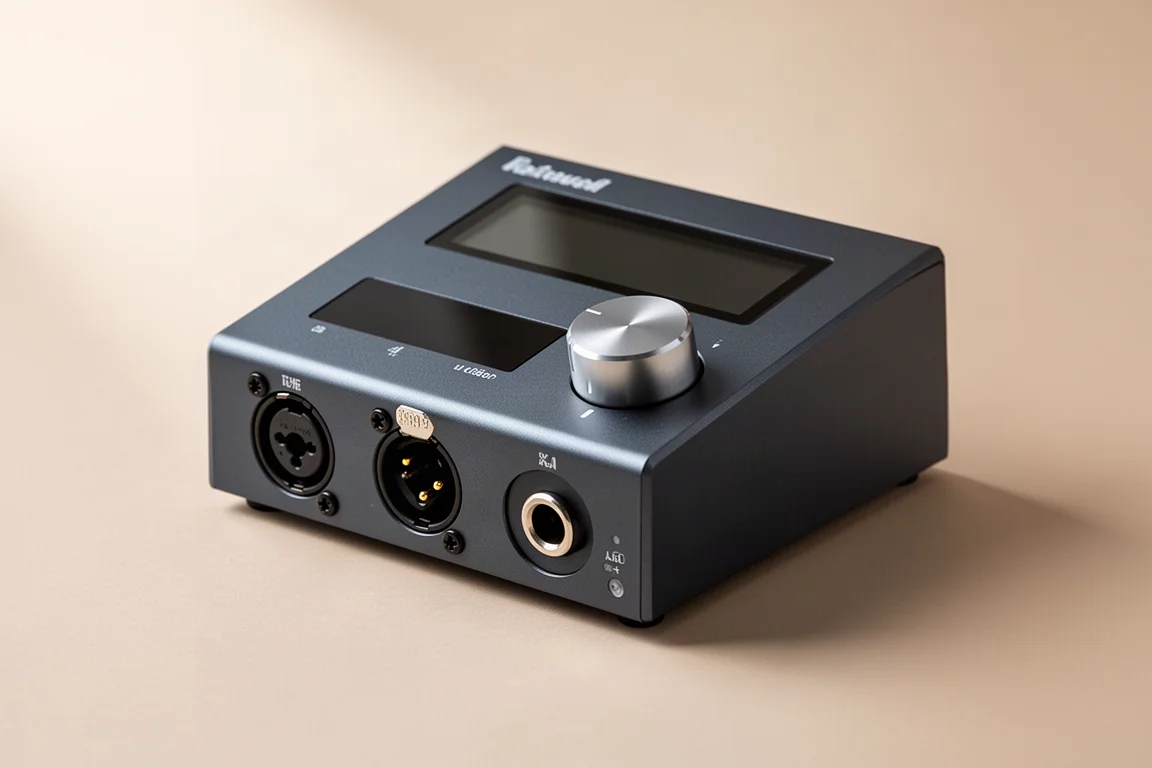
The Fireface UCX2 keeps everything the Babyface Pro FS does and adds digital connectivity: AES3 over XLR and S/PDIF over RCA, each carrying two channels in and out. It runs from wall power, which frees up additional DSP resources. Instead of EQ alone on each channel, dynamics processing becomes available, and a room EQ can be applied on the outputs to correct acoustical build ups in the room. That is enough to set up and tune an immersive monitoring system from inside TotalMix.
The feature that is easiest to overlook is standalone recording. TotalMix can record every input and output to separate tracks on a two terabyte SSD connected directly to the interface. If the computer or the session crashes, the recording is still there, and if a performer delivers a take while nothing is rolling in the DAW, the moment can be recovered afterwards. For anyone running a live stream, a filming setup or a paid session, that safety net alone can justify the step up.
RME UFX: Wall-Powered Headroom for Larger Systems
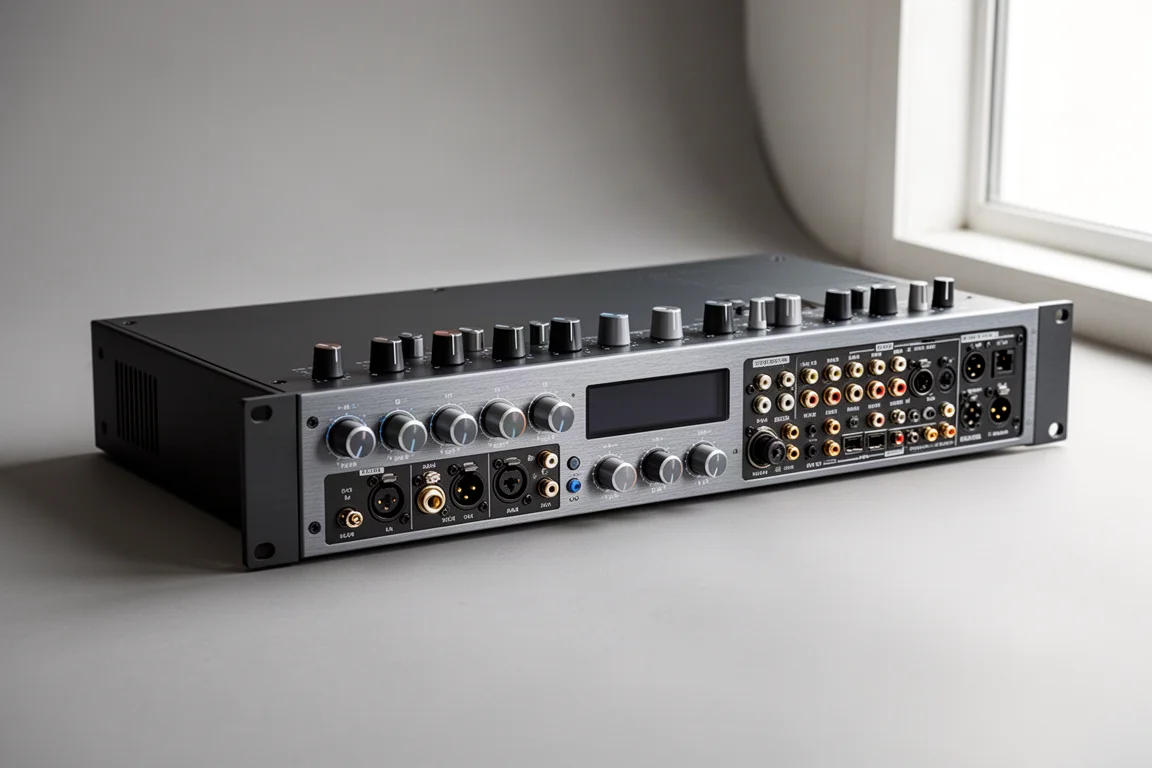
The UFX is the largest of the three and follows the same logic as the Fireface UCX2. It runs from wall power, which supports the additional DSP resources used for per channel dynamics, output room EQ, and TotalMix based monitor mixing.
In practice that makes it the choice for studios and facilities that need more inputs, more outputs and more processing in one box, rather than a compact rig that travels between rooms. TotalMix, Loopback and remote control work the same way across the range, so the workflow does not change when you move up.
Buying Advice
The right interface is the one that matches the workflow you actually have, not the one with the longest feature list. Start with channel count: how many inputs you need today, and how many you expect to need in two or three years. If the answer is likely to grow, digital expansion through ADAT, AES3 or S/PDIF will usually cost less than replacing the interface.
Next, decide whether you need onboard DSP. Per channel dynamics, reverb and EQ in the monitor path are genuinely useful for performers, and output room EQ can clean up monitoring without touching the DAW. Wall powered models provide those resources; the bus powered Babyface Pro FS trades them for portability and a lower entry point.
Then weigh the parts of the interface you cannot see. Driver quality, latency, stability and long term support determine how long the purchase stays useful. A cheaper interface whose drivers are abandoned after an operating system update can end up costing more than a well supported one that stays in service for years.
Conclusion
The Babyface Pro FS, the Fireface UCX2 and the UFX are not direct competitors so much as three answers to the same question. The Babyface Pro FS suits compact, mobile setups that can expand later through ADAT. The Fireface UCX2 suits studios and streaming setups that want digital I/O, onboard DSP and a standalone recording safety net. The UFX suits larger rooms that need more inputs, outputs and processing in a single box.
What they share matters just as much: TotalMix routing, Loopback, low latency drivers and a manufacturer that keeps older models current. That combination is the reason a more expensive interface can turn out to be the cheaper decision over a decade of work.
Further reading
Related Reviews
Audio Interfaces
Audient EVO and iD Range Guide: Eight Audio Interfaces Explained
A practical walkthrough of eight Audient interfaces, from the compact EVO 4 to the expandable iD44, and how to match one to the way you record.
Audio Interfaces
How Many Mic Inputs Do You Need? An Audio Interface Buying Guide
Microphone input count is the decision that shapes every audio interface purchase. A practical guide to choosing an interface you will not outgrow.
Audio Interfaces
Best Audio Interfaces Under $200: Nine Practical Picks for Home Recording
Nine audio interfaces under $200 grouped by microphone input count, from single-input models for solo work to eight-input setups for tracking a full band.