Music Streamers
Raspberry Pi 4 Volumio Streamer Review: A DIY Music Player With Album Art
A DIY music streamer built on a Raspberry Pi 4, a HiFiBerry digital HAT, and a 7-inch display, with gapless playback and album art for around $200 in parts.
Introduction
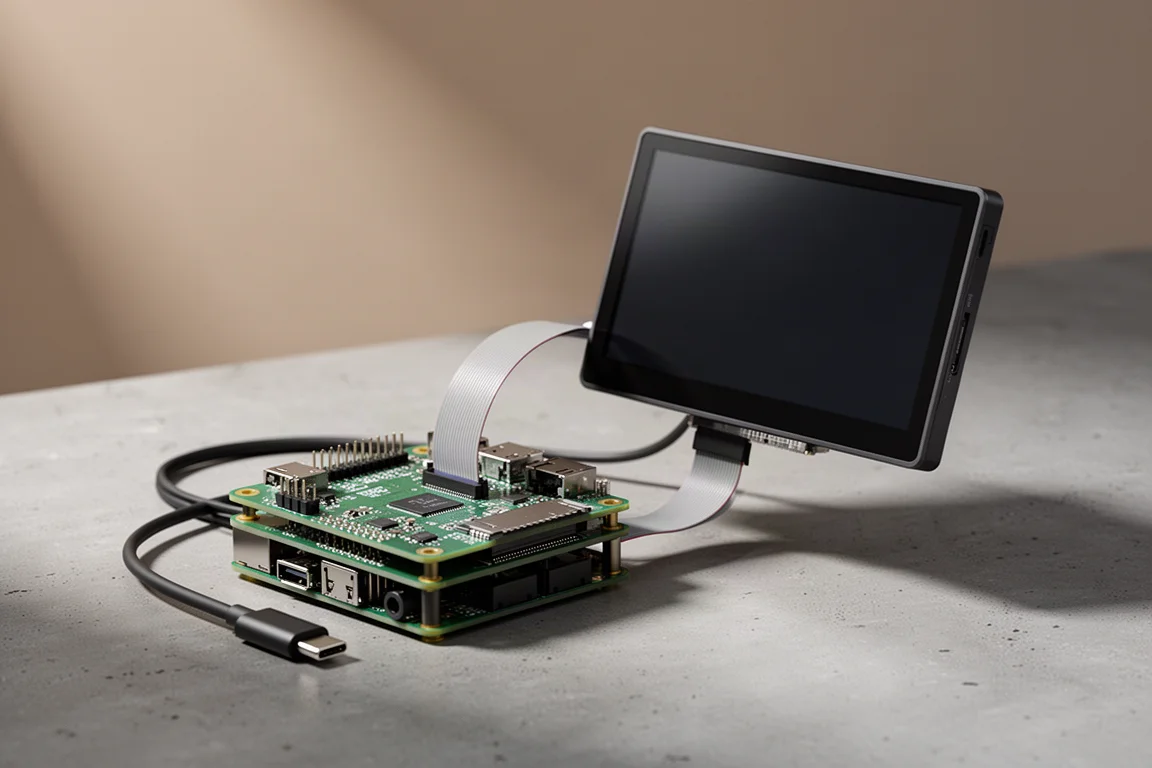
There is a particular appeal to a music streamer you assemble yourself. A Raspberry Pi 4 with a digital audio HAT and a 7-inch touchscreen, running Volumio, covers the essentials that usually cost considerably more: gapless playback, album art on a dedicated screen, access to a networked music library, and support for the major streaming services.
The Raspberry Pi arrived in 2012, originally created for computer science training and education. It is a small board-level computer, and it was inexpensive from the start. Buyers quickly worked out how versatile it was and began putting it inside robots, arcade cabinets, and eventually hi-fi systems. By 2021, 40 million Raspberry Pi computers had been sold, making it the most popular computer to come out of the UK.
This build uses a Raspberry Pi 4 rather than the older Raspberry Pi 3, a HiFiBerry Digi+ Pro digital HAT, and the official 7-inch Raspberry Pi display. The complete parts list comes to roughly $200.
Who This Build Is For
This setup suits listeners who already keep their music on a NAS or an external drive and want it playable on the main system without a full computer sitting in the room. Volumio reads music attached directly to the Pi from a thumb drive, a hard drive, or a network share, so an existing library carries straight over.
It also suits anyone who cares about album art. A small screen showing cover art changes how a streamer feels to use, and it is the part of this build that makes it feel like a finished product rather than a project. Tracks can be changed directly from the display, which is a small thing that turns out to be a pleasant one.
The third audience is the tinkerer. If you enjoy configuring a device, choosing a plugin set, and knowing exactly what is inside the box, this is a satisfying way to spend an afternoon. If you would rather never think about a settings menu, a conventional streamer will be less work.
Main Strengths
Volumio is the software at the centre of the build. It is freeware, with a premium tier available, and it handles more than most streamers do. It does not match everything a Bluesound Node offers, but the gap is narrower than the price difference suggests.
Gapless Playback That Most Streamers Skip
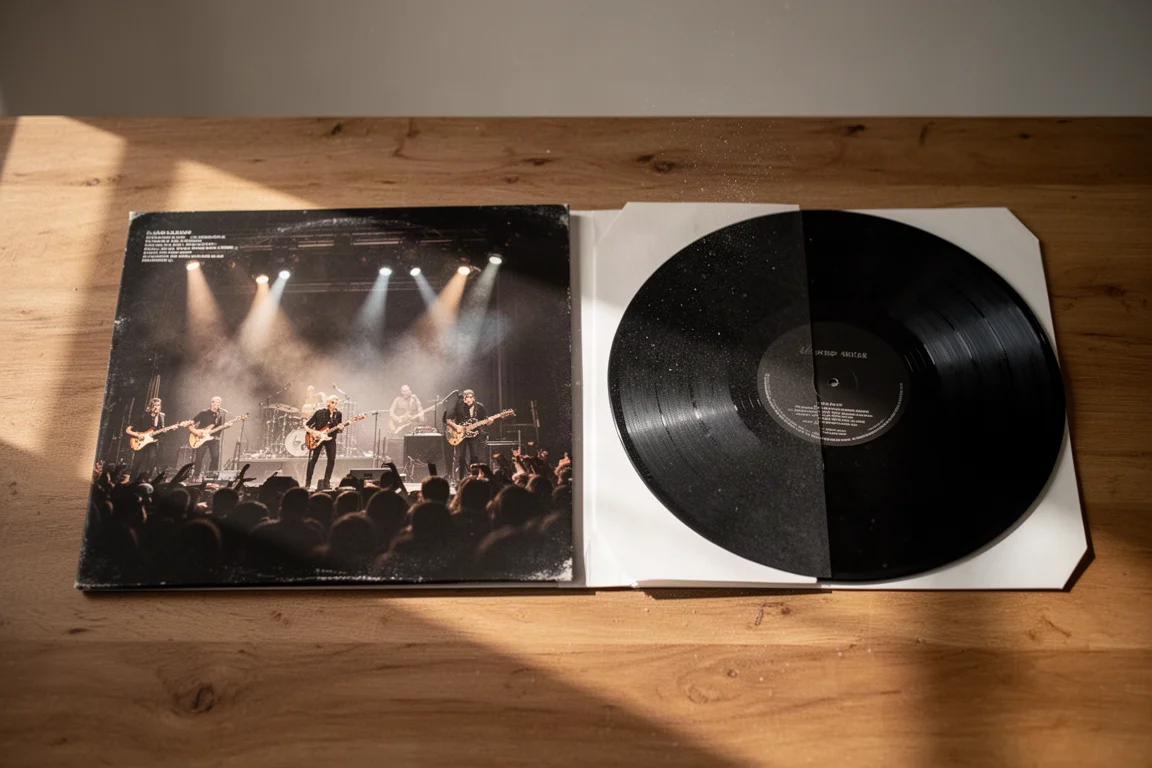
Gapless playback means that a live record, or any album where one song runs straight into the next, plays without a pause between tracks. It sounds like a minor detail until you hear a crowd noise cut off mid-cheer, and then it becomes difficult to unhear.
Most streamers handle this poorly. Volumio handles it properly, which puts it in a small group of options that get this right. For anyone who listens to live recordings, DJ mixes, or classical works that run continuously across track boundaries, this single behaviour justifies the build on its own.
Through AirPlay, gapless streaming is also possible, which makes the Pi a flexible endpoint for listeners who move between apps.
Album Art on a Dedicated Display
The 7-inch Raspberry Pi display, at around $100, is the most enjoyable part of the whole arrangement. It shows album art while music plays, and it allows basic control from the screen itself, including skipping tracks.
Installation is straightforward: a ribbon cable connects one end to the Raspberry Pi and the other to the display, and that is essentially the whole job. Once the software is configured, the screen behaves like the front panel of a purpose-built streamer.
Flexible Sources and Plugins
The premium Volumio tier adds native Tidal support, Tidal Connect, and a range of additional functionality. Listeners who have become heavy Tidal users tend to find that the integration is what keeps them coming back to the Pi rather than another device.
Even at the free tier, the list of sources is long. Spotify Connect and AirPlay are supported, music can be read from an attached drive, and a CD drive can be connected to play and rip discs. Bandcamp, Roon bridge, Jellyfin, miniDLNA, Mixcloud, Radio Paradise, internet radio, and YouTube casting are all part of the package as well.
The practical result is that a single small box covers local files, network storage, and streaming services without asking you to choose between them.
Things to Consider Before Buying
This is not a plug-and-play appliance. It is closer to a small computer that happens to play music very well, and it rewards a little patience.
Setup Takes Patience
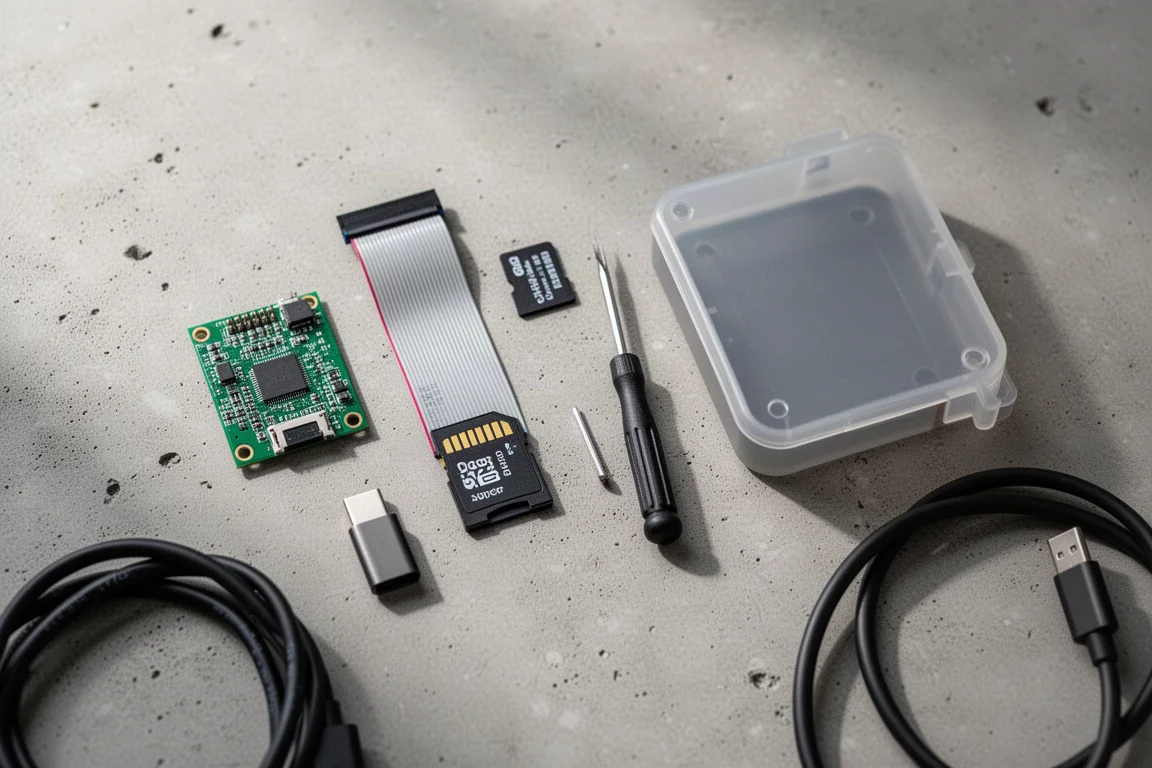
Volumio is downloaded and flashed to a microSD card, which is then inserted into the Pi before powering it on. On first boot, a Wi-Fi enabled Raspberry Pi broadcasts its own hotspot. You connect to that hotspot, open the Volumio interface in a browser, and work through the initial configuration.
Plugins are installed separately. Spotify Connect and the display both need their plugins enabled, and the device is restarted afterwards. If you are using a digital HAT, the audio path is set in the playback options: select the I2S output, choose your board from the list, save, and restart. That part is genuinely simple.
Control is handled by a free third-party application available for iOS, Android, and desktop. From there you can reach streaming services, networked libraries, and directly attached drives, and the on-screen display adds basic control at the device itself.
When something misbehaves, restarting the app or the device resolves most of it. The latest version of Volumio is noticeably smoother than earlier releases, particularly when both the Pi and the controlling device have a stable internet connection.
Power and Case Practicalities
With a digital HAT fitted, the display and the Raspberry Pi need to be powered separately. Without a HAT, it is possible to run wires from the positive and ground pins on the Pi to the display and power both from one supply, but that involves soldering, and the supply needs to be up to the job.
Cases are the other sticking point. Most enclosures designed for the display and the Pi will not accommodate a digital HAT, so expect to improvise a stand or leave the stack open on a shelf.
One habit worth adopting: leave the streamer running rather than switching it off between sessions. Early sessions can feel slightly unsettled, and the device tends to settle into steady behaviour once it has been left on for a while. Availability is also worth checking before you commit, since Raspberry Pi boards have been in short supply, with some models listed as available and others on pre-order through the official Raspberry Pi site.
Buying Advice
The full build, meaning the Raspberry Pi 4, the digital HAT, and the 7-inch display, lands at about $200. That figure is the honest starting point, and it is worth remembering that the HAT and the display are both optional. Drop the HAT and you save money but lose the cleaner digital output path. Drop the display and you save about $100 but lose the album art and the on-screen control that make the build feel special.
Wireless performance on the Pi 4 is better than its reputation suggests, and a Wi-Fi connection is entirely usable. If the streamer sits at the edge of your coverage, a small travel router connected to the Pi by ethernet cable is a cheap way to gain stability without running cable through the house.
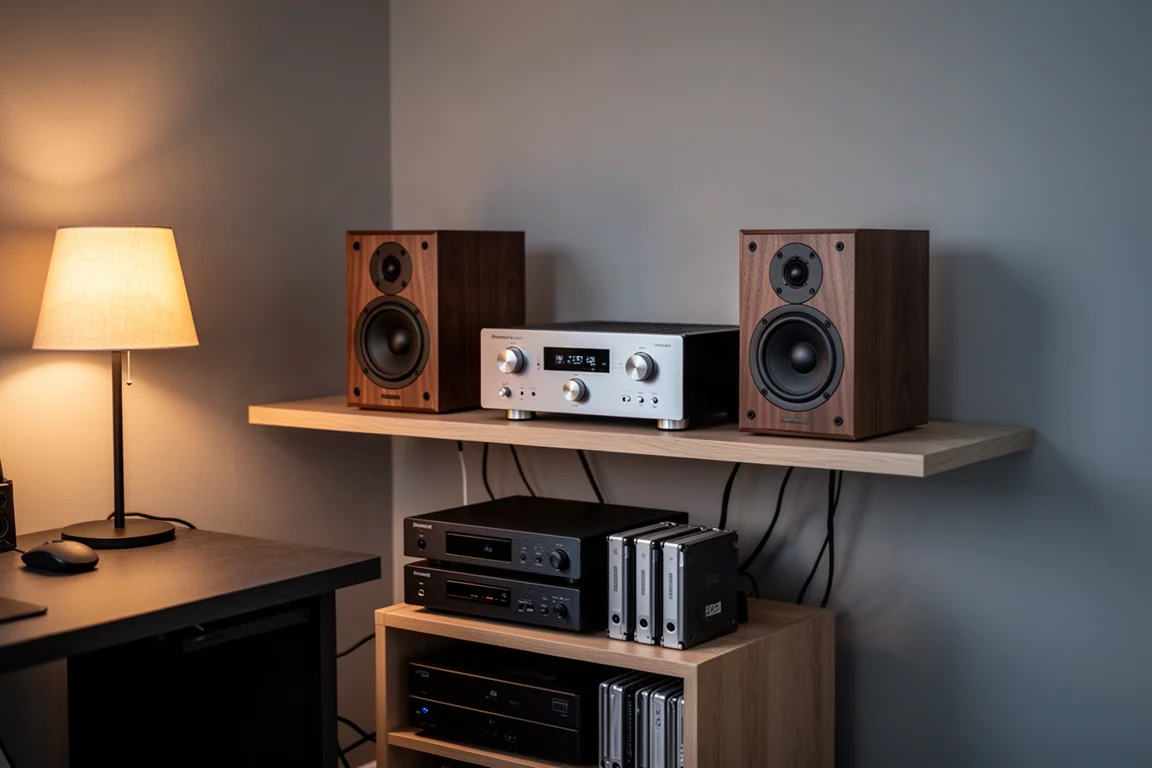
The output goes into whatever DAC you already own, which is the point of the design. If you are happy with your current converter, the Pi is simply the transport in front of it, and the money you would have spent on a dedicated streamer stays in your pocket.
Conclusion
A Raspberry Pi 4 running Volumio, fitted with a digital HAT and paired with a 7-inch display, is an inexpensive route to a genuinely capable network streamer. It plays gaplessly, it displays album art, it reads local files and network storage, and it supports the streaming services most listeners actually use.
It is not the simplest project, and anyone buying in should expect to spend some time in settings menus and to restart the device more than once. What you get in return is a flexible, good-sounding streamer that costs a fraction of a comparable off-the-shelf unit, and the quiet satisfaction of having put it together yourself.
Product link
View more details for Raspberry Pi 4
This product is mentioned in the review. Check the specifications, options, and compatibility before buying.
View more details for Raspberry Pi 4Further reading
Related Reviews
Music Streamers
Arylic S10 Plus vs WiiM Mini: Two Affordable Music Streamers Compared
A practical comparison of the Arylic S10 Plus and the WiiM Mini, covering connections, apps, tone controls, and how each internal DAC actually sounds.
Music Streamers
Auralic Aries G1.1 Review: A Streaming Transport That Lifts a Resolving System
A close look at the Auralic Aries G1.1 streaming transport, covering its twin-transformer power supply, Tesla G2 processing, Lightning DS app and the systems where it genuinely pays off.
Music Streamers
Bluesound Nano Review: A Compact Streamer That Keeps Things Simple
The Bluesound Nano is a stripped-down network streamer at $299, with a solid chassis, quick setup, and a clean, punchy sound. Here is what to know before buying.