Network-Attached Storage
QNAP TS-410e Review: A Quiet NAS for Music Production Workflows
A four-bay NAS built to sit quietly in a studio, with RAID redundancy, automatic backups, and access to project files from any device on the network.
Introduction
Project files have a habit of piling up. Sessions, stems, mixes, and sample libraries accumulate across laptops, external drives, and cloud accounts until simply keeping track of them becomes its own task. A network-attached storage device, or NAS, offers a different arrangement: one central location that every computer on the network can reach, with backups that run on their own schedule.
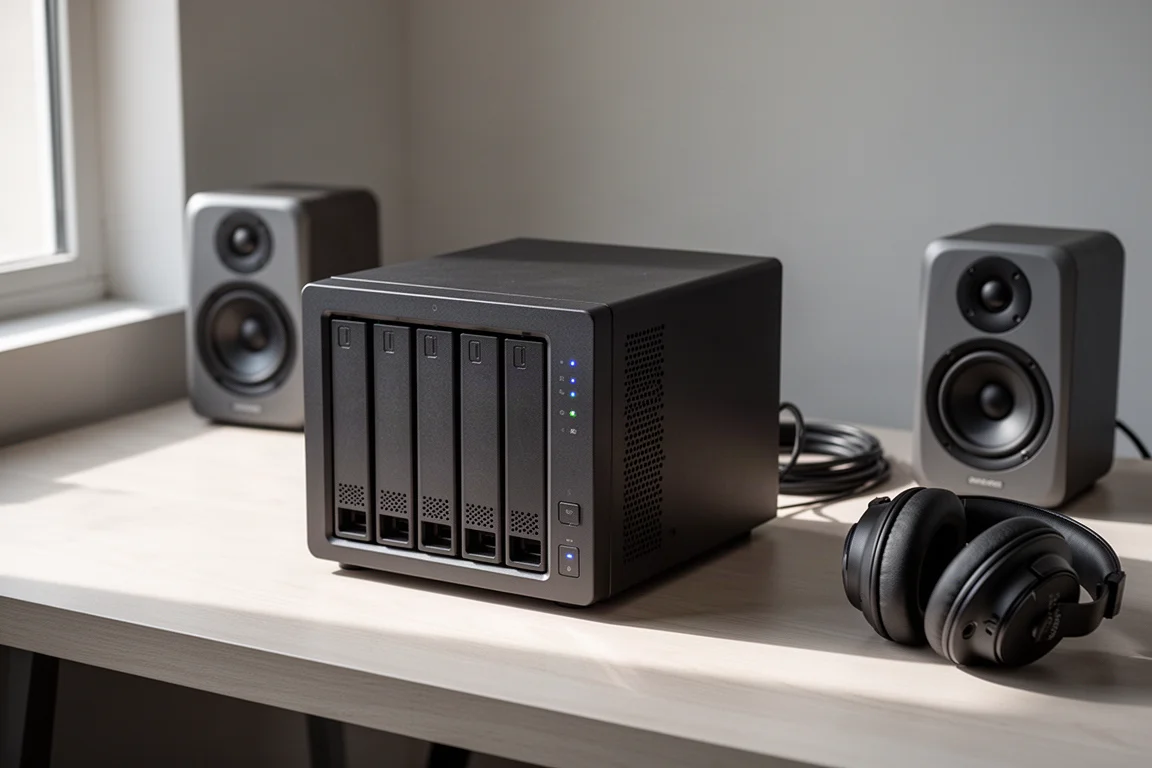
The QNAP TS-410e is a four-bay NAS built around that idea, and its quiet operation makes it unusually easy to live with in a music production space. It can sit on a studio desk without the fan noise or spinning-drive hum that usually keeps storage hardware out of the room. Three practical benefits stand out: safer files, easier access from any device, and a workflow that no longer waits on manual transfers.
Who the QNAP TS-410e Is For
The TS-410e suits musicians, producers, and audio professionals who work across more than one computer and want their project library in one place. It is also a sensible option for anyone who has postponed backing up years of work because the process felt slow, fiddly, or easy to forget.
The four drive bays are the core of its appeal. With solid-state drives installed, the unit stays quiet enough for a desk in a control room or writing room, which matters when the same space is used for recording and listening.
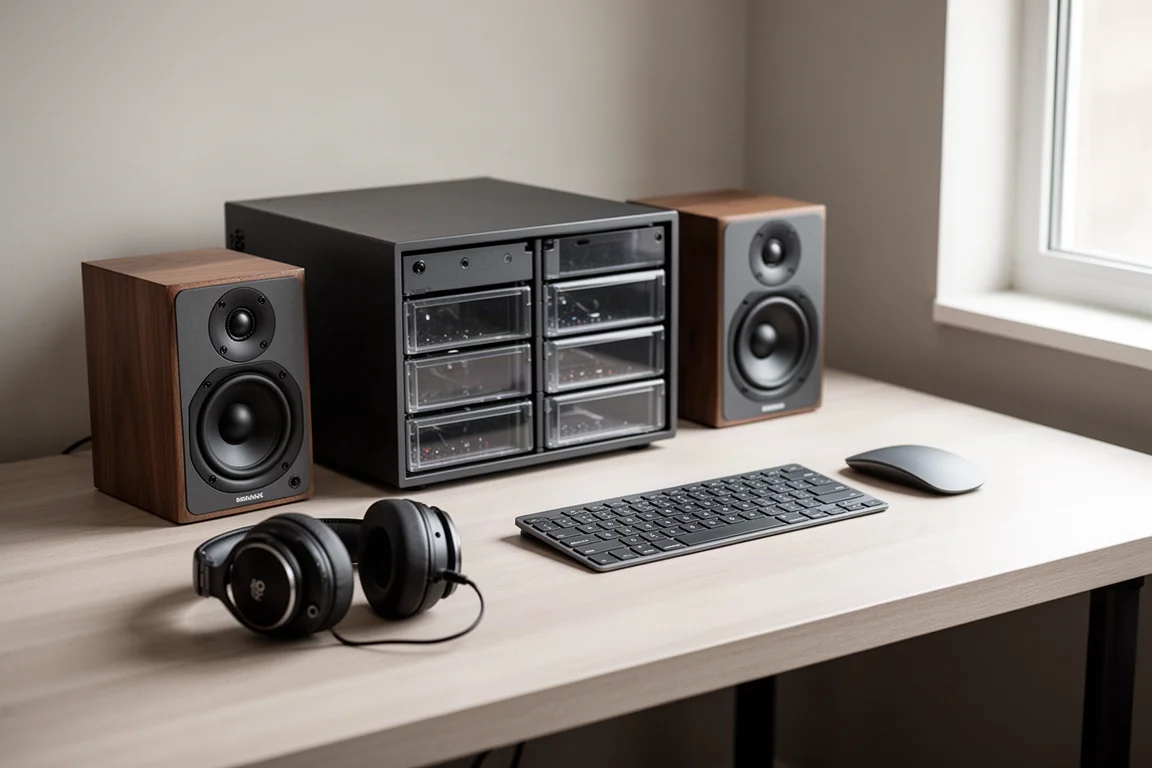
Because the NAS sits on the network rather than attaching to a single machine, it works as shared infrastructure. A collaborator visiting the studio can reach the files with a username and password, and no additional software is required on their machine.
Main Strengths of the TS-410e
Quiet Operation at the Studio Desk
Noise is usually the detail that decides whether storage hardware can stay in the room. The TS-410e is designed to be ultra-quiet, and with solid-state drives there are no spinning platters or drive motors adding to the noise floor. That makes it practical to keep the unit on the studio desk rather than in another room or a cupboard.
RAID 5 Redundancy and Expansion Headroom
With four 2 TB solid-state drives installed, the TS-410e can run in a RAID 5 configuration. Data is written across the drives in a way that tolerates the failure of any single drive: that drive can be pulled and replaced with another 2 TB unit, and the remaining three drives restore the data to the new drive automatically.
The trade-off is capacity. RAID 5 across four 2 TB drives leaves 6 TB of usable space instead of the full 8 TB, and that reduction buys redundancy rather than more room. Capacity is not fixed, however. Larger drives can be swapped in later when the library outgrows the current setup.
Backup Strategy With the 3-2-1 Rule
A useful starting point for protecting project files is the 3-2-1 rule: keep three copies of the data, store them on two different types of media, and keep one copy offsite. The TS-410e fits that structure neatly.
A folder on the working computer can synchronize to a matching folder on the NAS. Those files live on the NAS by default, which frees space on the computer, but they still count as only one copy. The second copy can come from a USB drive connected directly to the NAS, which saves an automatic backup each day and satisfies the second medium in the rule. For the offsite copy, a second NAS in another location or a cloud service both work, and a cloud account can be set to back up the NAS data daily.
The result is layered. If the NAS fails, the USB drive still holds a recent backup. If both fail, the offsite copy remains.
It is worth being clear about what RAID does and does not do. RAID protects against a drive failure inside the NAS. It does not protect against accidental deletion, theft, fire, or flood, which is why the offsite copy matters as much as the internal redundancy.
Access From Any Device, Anywhere
Because the TS-410e is attached to the network, its contents are reachable from any device on the same network. That changes how a multi-computer workflow feels. A project can be started on a studio desktop and picked up later on a laptop in another room, with both machines synchronizing to the same NAS folder, so the experience is closer to working out of a single folder than juggling copies.
Remote access extends the same idea beyond the house. With an internet connection, the NAS can be reached through a web browser, so a quick change or a file sent to a collaborator no longer depends on having predicted which files to carry along. That removes the stress of travelling with a portable drive and hoping nothing important was left behind.
A Faster, More Consistent Workflow
Manual backups carry a hidden cost: they take time, and the time they take is exactly why they get postponed. Backups that run automatically in the background remove that friction. Nothing has to be scheduled around, and there is no sitting and waiting while files copy from one drive to another.
The gap between backups matters too. When backups depend on a manual transfer, only files that have not changed since the last one are covered, so a hardware failure can wipe out days or weeks of recent work. Automatic daily backups narrow that window considerably.
Sharing benefits as well. The included QNAP software makes it straightforward to send a link to a collaborator so they can reach the folder on the NAS directly, which avoids the archiving and file-structure problems that can come with passing folders through a cloud drive.

Things to Consider Before Buying
Capacity planning deserves attention before purchase. Four 2 TB drives in RAID 5 deliver 6 TB of usable space, which is comfortable for audio projects but finite once sample libraries and archived sessions are included. Choosing larger drives from the start, or planning an upgrade path, avoids a rebuild sooner than expected.
Storage media choice also affects the budget. Solid-state drives keep the unit quiet and responsive, while hard drives generally cost less per terabyte. A mixed approach is possible, but the noise advantage is tied to the drives themselves.
Finally, a NAS is one part of a backup strategy rather than the whole of it. An offsite copy, whether on a second NAS or in the cloud, is still required for the setup to hold up against a serious incident.
Buying Advice
The TS-410e makes the most sense for producers and audio professionals who already work across multiple computers and want their project library centralized, protected, and reachable without manual effort. The quiet design is the deciding factor for anyone who wants storage on the studio desk rather than tucked away in another room.
Before ordering, decide on drives and total capacity together, since the RAID configuration determines usable space, and confirm that an offsite backup plan is in place. Buyers who want the simplest possible route to automatic, redundant storage will find the setup fits naturally into an existing workflow.
Conclusion
The QNAP TS-410e addresses a familiar problem for anyone who works with audio: files spread across machines, and backups that never quite happen. Its quiet, drive-bay design lets it live in the studio, RAID 5 protects against a single drive failure, and network access keeps the same library available from every device, at home or away. Paired with an offsite copy, it turns a fragile pile of project folders into a workflow that largely looks after itself.
Product link
View more details for QNAP TS-410e
This product is mentioned in the review. Check the specifications, options, and compatibility before buying.
View more details for QNAP TS-410eFurther reading
Related Reviews
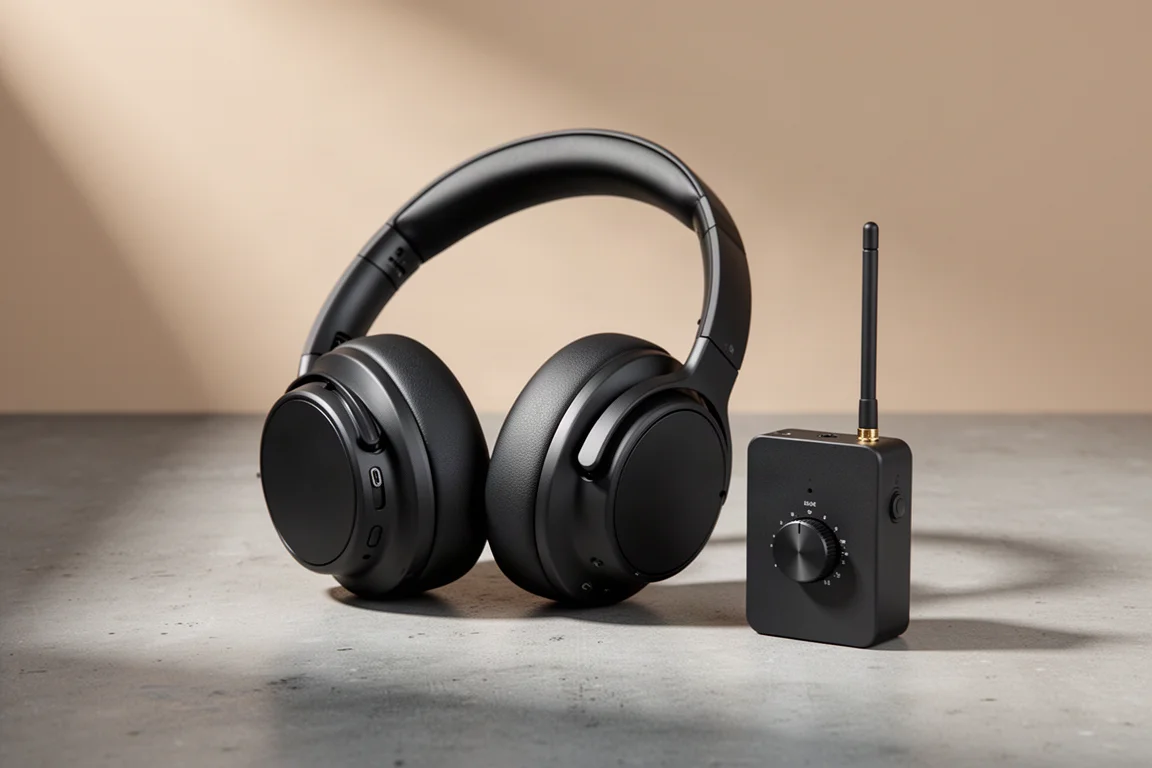
Studio Headphones
AIAIAI TMA-2 Studio Wireless Plus Review: Low-Latency Wireless That Works in the Studio
A studio-focused wireless headphone set with a low-latency lossless transmitter, Bluetooth and wired modes, plus the trade-offs worth knowing before buying.
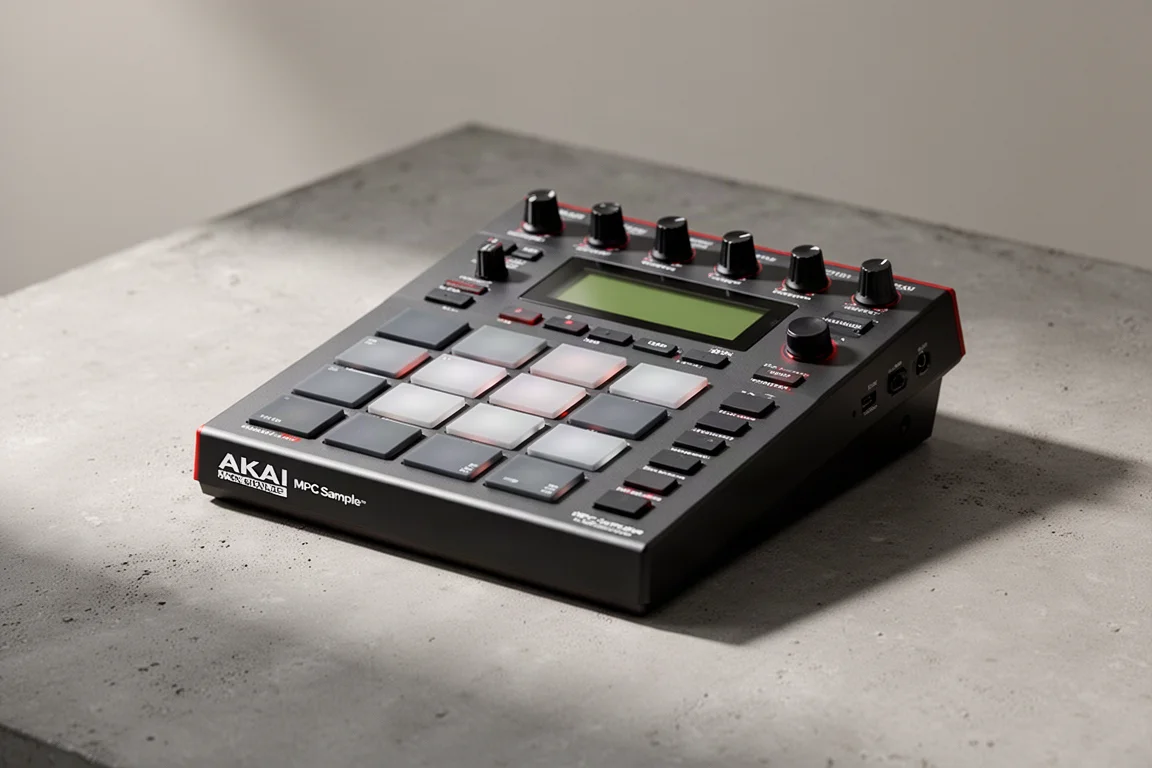
Music Production
Akai MPC Sample Review: A Portable Beatmaking Powerhouse
The Akai MPC Sample brings the classic MPC workflow into a portable, standalone device with a built-in speaker, mic, and battery. Here is our full review.
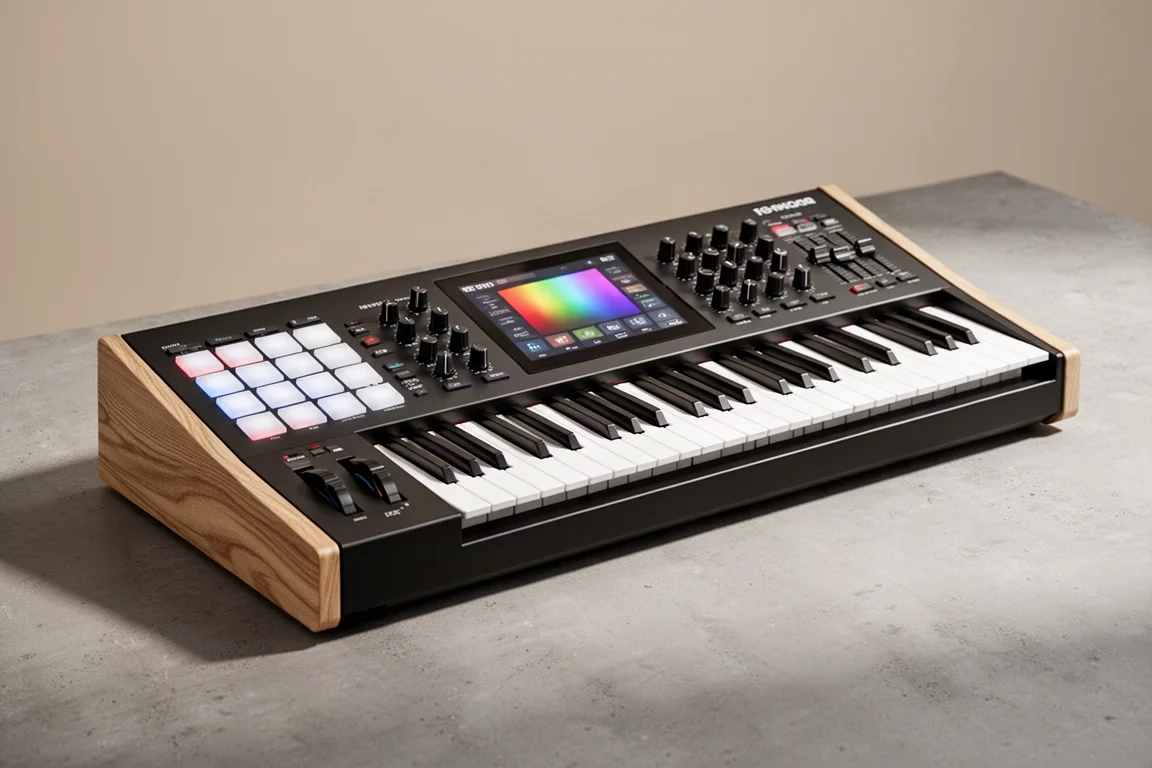
MIDI Controllers
Arturia KeyLab 88 MK3 Review: A Weighted Hammer Action Controller for Serious Virtual Instrument Work
The Arturia KeyLab 88 MK3 brings a fully weighted hammer action keybed, deep software integration, and hands-on controls to a flagship MIDI controller.